What is an AI presentation maker?
Quick answer
An AI presentation maker turns rough notes or a short prompt into a designed slide deck. You paste in text, choose a style, and the tool builds the slides, which you then edit by hand or by chatting with its AI.
Last updated
Updated · By Robert Breen
Why it matters for a small business
Building slides by hand eats an evening, and most of that time goes to layout rather than thinking. An AI presentation maker such as Gamma does the layout for you. The lesson's operations manager pastes a page of messy notes and gets a seven-card deck she can edit.
Gamma writes its own version each time, so your cards will differ a little from someone else's from the same notes. After generating, you can ask its Agent to change a slide, such as turning a plan into a timeline. You can also reword a line by hand, then export to PowerPoint or PDF.
The risk is that condensing can blur numbers. Read every figure before a deck goes out.
In a real lesson: A Presentation from Your Notes in 5 Minutes (Gamma)
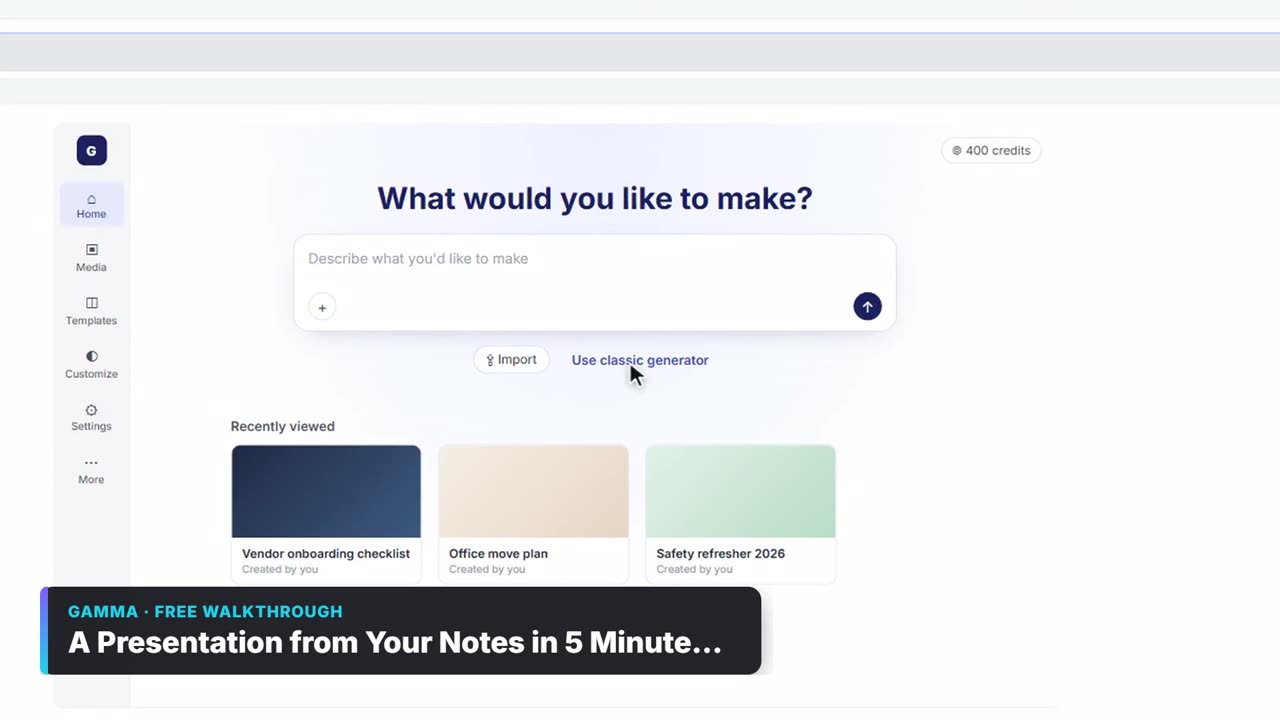
In the Gamma lesson, you're the operations manager at Brightwater Facilities Group, a made-up company with a quarterly review for leadership on Thursday. On the Gamma home page you click Use classic generator, choose Paste in text and paste your notes.
You pick Summarize long text or document, click Continue to prompt editor, set the title, theme and text amount, and click Generate. Then you ask Agent to turn the Q4 card into a timeline and export the deck to PowerPoint and PDF.
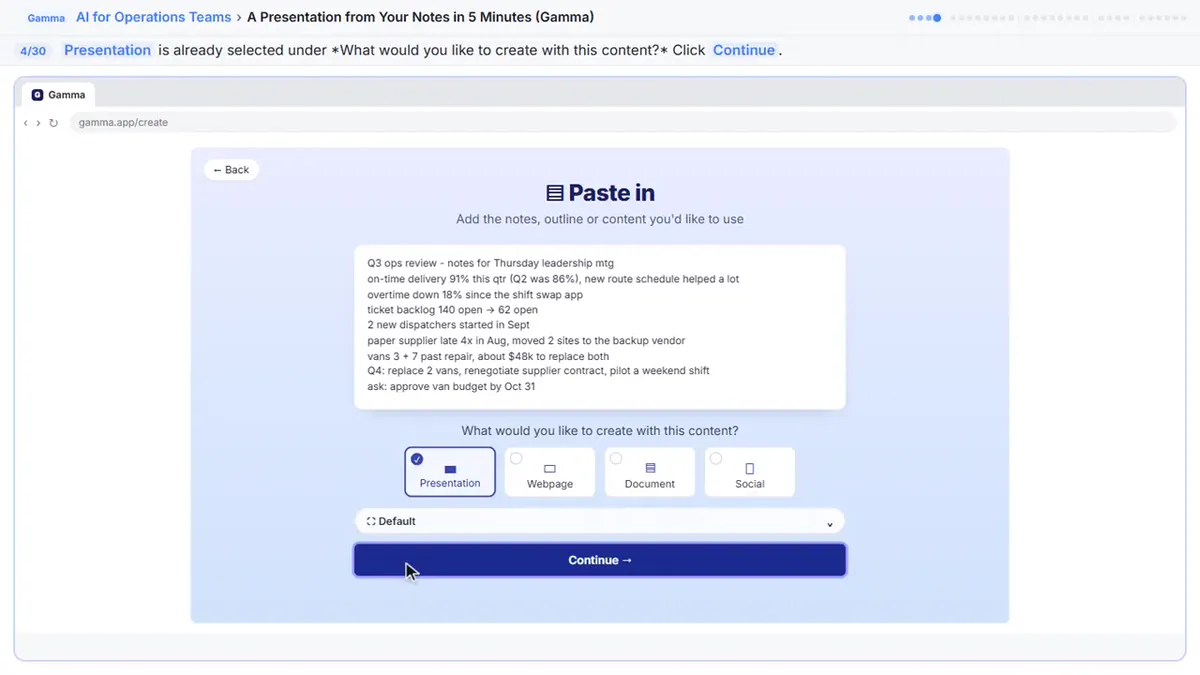
Try this lesson free or read the step-by-step guide.
Common confusions
AI deck vs finished deck
The AI makes a strong first draft. You still decide what leadership should see and check the facts.
Gamma vs PowerPoint
Gamma is a separate product with its own account. You can export to PowerPoint, but the layout may need a check once you open it.
Tips
- Put real numbers in the notes so they survive the condensing.
- Open the exported PowerPoint file and check the layout once.
- Email the PDF, because it keeps the design exactly.
Related terms
More AI assistants terms
Where you use it: free lessons
- A Presentation from Your Notes in 5 Minutes (Gamma) (Gamma, 9 min)
- Meeting to Action: Recap, Tracker Rows and a Kickoff Deck (ChatGPT, n8n, Gamma) (n8n, 14 min)
Watch it in a free lesson: A Presentation from Your Notes in 5 Minutes (Gamma)
 3:03
3:03A Presentation from Your Notes in 5 Minutes (Gamma): video walkthrough
Paste rough meeting notes into Gamma, pick a theme, fix one slide by chatting with its AI, and export the deck to PowerPoint and PDF. The whole lesson narrated step by step, recorded in Stepthrough’s simulated practice environment.
Prompt templates that use it
Frequently asked questions
- Does Gamma cost anything?
- The lesson says the Free plan starts with 400 one-time credits and its PDF and PowerPoint exports carry a small Made by Gamma badge. Check Gamma for current plans.
- Can I change one slide without regenerating?
- Yes. Open Agent, name the slide and say what you want. Compare Original and Modified, or press Ctrl+Z to undo.
- Which export keeps the design exactly?
- The lesson says a PDF keeps the design exactly, so it is the safest copy to email.