What is the difference between Condense and Preserve in Gamma?
Quick answer
In Gamma's prompt editor, Text content has three settings. Generate adds detail, Condense tightens what you pasted, and Preserve keeps your exact words. Condense suits rough notes, while Preserve suits text that has already been approved.
Last updated
Updated · By Robert Breen
Why it matters for a small business
The setting decides how much the AI may change your words. With Generate, Gamma writes extra content, which is handy when you have a topic but little text. With Condense, it shortens long or rough text into slide-sized points. With Preserve, it keeps your wording and just lays it out.
For rough meeting notes, Condense does the work you would otherwise do yourself. For text that legal or a manager has already approved, Preserve is safer because nothing is reworded. Whichever you choose, read the numbers afterward. Condensing can blur them.
A simple rule of thumb: the more finished your text is, the less you should let the tool change it. Rough notes with abbreviations and fragments need Condense. A written paragraph that someone already approved needs Preserve. A single topic line with nothing under it is where Generate earns its place. Choosing the right setting up front saves you from fixing a deck that no longer says what you meant.
In a real lesson: A Presentation from Your Notes in 5 Minutes (Gamma)
In the lesson, you reach the prompt editor and look at Settings under Text content. The lesson makes sure Condense is picked, because the notes are rough.
Afterward, the lesson has you check the final card. Condense kept the numbers, but you reword the Backlog line by hand to say ticket backlog is down from 140 to 62, the way leadership will quote it.
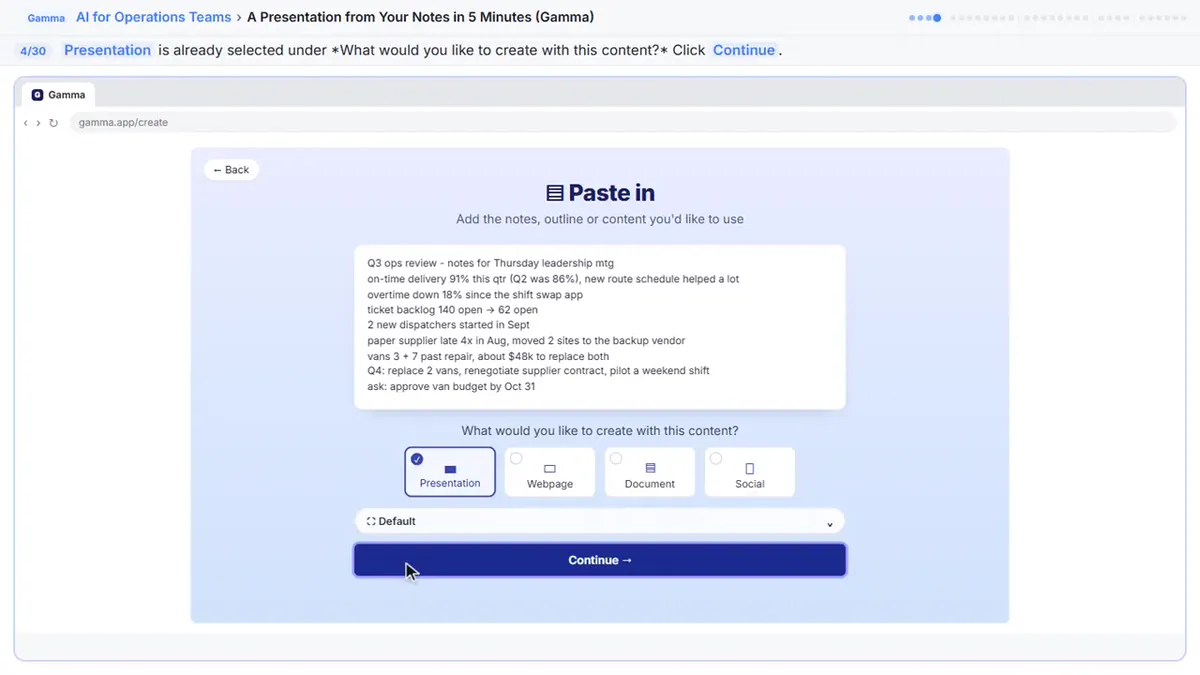
Try this lesson free or read the step-by-step guide.
Common confusions
Condense vs Concise
Condense is about how your text is treated. Concise, under Amount of text, is about how much text sits on each card.
Preserve vs Generate
Preserve keeps your words. Generate adds new detail, so it needs the most checking.
Condense vs a plain summary
Condense still produces cards laid out as slides. A separate summary would be one block of text with no design, so Condense is the better fit when the end goal is a deck.
Tips
- Use Condense for notes and Preserve for approved text.
- Edit the first line into a real title before you generate.
- Check every figure on the finished cards.
- If a deck will be quoted by leadership, read it once against your original notes, line by line, and fix any number or name that drifted.
Related terms
More AI assistants terms
Where you use it: free lessons
- A Presentation from Your Notes in 5 Minutes (Gamma) (Gamma, 9 min)
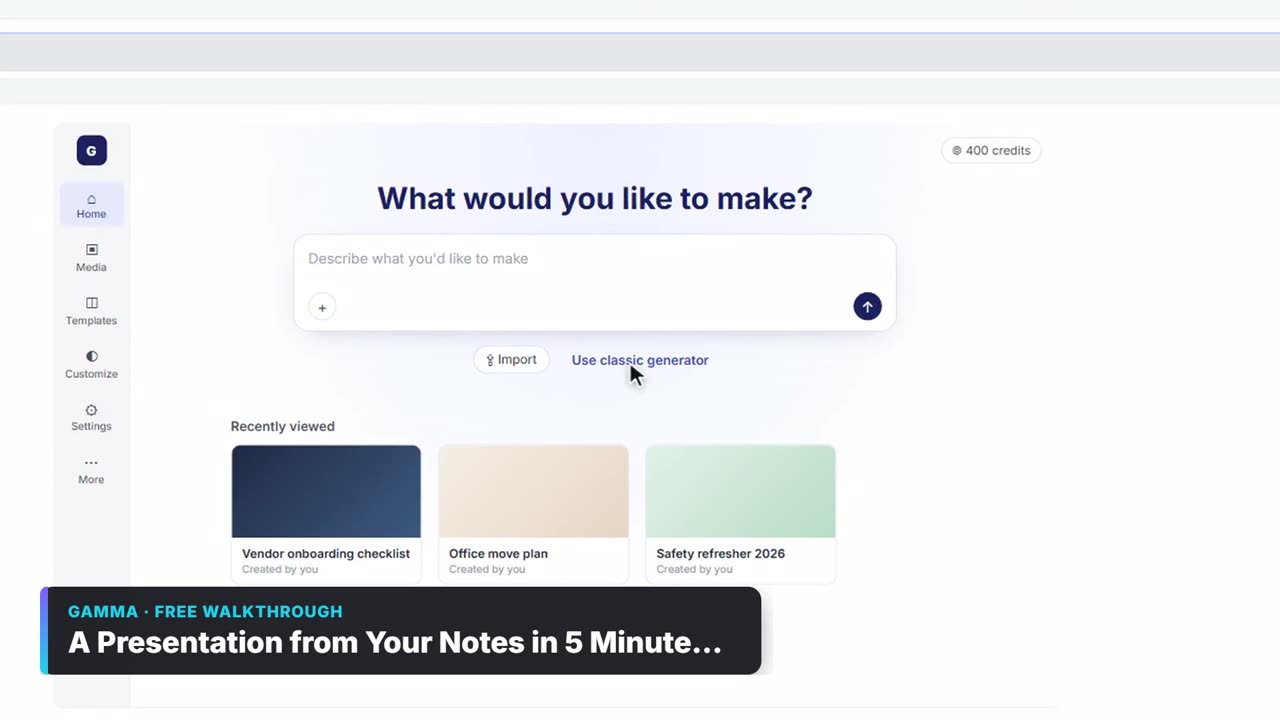
Watch it in a free lesson: A Presentation from Your Notes in 5 Minutes (Gamma)
 3:03
3:03A Presentation from Your Notes in 5 Minutes (Gamma): video walkthrough
Paste rough meeting notes into Gamma, pick a theme, fix one slide by chatting with its AI, and export the deck to PowerPoint and PDF. The whole lesson narrated step by step, recorded in Stepthrough’s simulated practice environment.
Prompt templates that use it
Frequently asked questions
- Which setting did the lesson choose?
- Condense, because the notes were rough and needed tightening.
- Will Preserve change my wording?
- The lesson describes it as keeping your words.
- Where is this setting?
- In the prompt editor, under Settings, then Text content.