What are conversation starters in a Custom GPT?
Updated · By Robert Breen
Conversation starters are the suggested prompts shown as clickable buttons when someone opens a Custom GPT. You write them in the GPT builder to show people what the GPT is for and to hand them a well-phrased first request.
Why it matters for a small business
A Custom GPT only pays off if people know how to ask it for things. New users often open one, type something vague, get a vague answer and decide it doesn't work. A few good starters prevent that: they show the jobs the GPT is built for and model the details a strong request includes.
Starters are also quiet training. If your SOP writer works best when given a manager's rough notes, a starter like "Turn these notes into an SOP: [paste notes]" teaches that habit every time someone clicks it, without a memo or a meeting.
In a real lesson: Build an AI SOP Writer with a Custom GPT
The Stepthrough Custom GPT lessons don't set conversation starters; they focus on the name, the instructions and one knowledge file. The SOP writer lesson shows where starters would earn their place. You build SOP Writer for Ridgeline Supply Co., a made-up warehouse and distribution business, with rules like the SOP code and title first, one action per step starting with a verb, the role in brackets, and [CONFIRM] wherever a detail is missing.
The lesson tests it with Write an SOP for receiving an inbound shipment at our warehouse. For a shift lead who has never opened the GPT, that exact request makes a natural first starter. Others could come straight from features the instructions already support: "Turn these notes into a checklist" (the rules switch to check boxes for checklists) or "Rewrite this SOP at a 6th-grade reading level".
In ChatGPT's builder, starters are entered on the Configure side next to the instructions and knowledge, and they show up in the preview so you can click each one to test it.
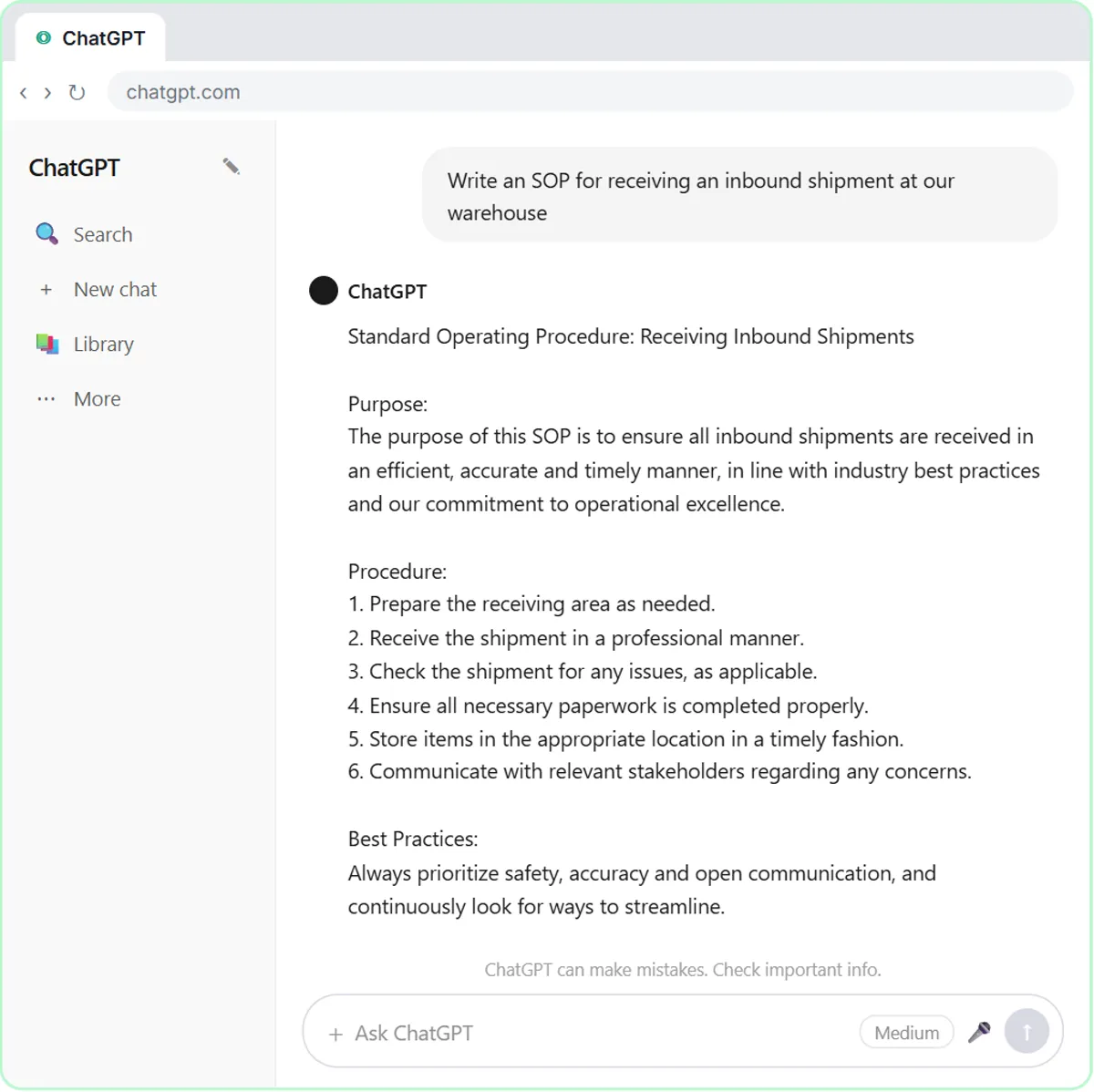
Try this lesson free or read the step-by-step guide.
Common confusions
Conversation starters vs instructions
Starters are only suggestions a user can click. They don't change how the GPT behaves. The rules belong in the GPT instructions.
Conversation starters vs prompt templates
A prompt template is a reusable request with blanks that you keep in a doc. A starter is a short template built into the GPT and visible to everyone who opens it.
Tips
- Write starters as real requests your staff would make, with a placeholder like [paste notes] for the details they add.
- Make each starter a different job rather than four versions of the same one.
- Click every starter in the preview to confirm the answer follows your format.
- Update the starters when the GPT gains a new job or a rule changes.
Related terms
Where to learn more
Frequently asked questions
- Do conversation starters change the GPT's answers?
- Only in that clicking one sends its text as the first message. The GPT still follows its instructions and files; starters add no rules.
- How many conversation starters should I add?
- A few clear ones beat many. Each should show a different job the GPT does well, phrased the way your team would actually ask.