Updated . Built against the tool’s current screens and checked step by step. How we check this lesson
A 12-person accounting firm needs a Staff Accountant. Paste the job into Pin, learn that the pay range sits under the market average before you post anything, and set up the AI candidate search with the right titles, years, location and one qualifying question.
At a glance
| Question | Answer |
|---|---|
| What you build | A 12-person accounting firm needs a Staff Accountant. Paste the job into Pin, learn that the pay range sits under the market average before you post anything, and set up the AI candidate search with the right titles, years, location and one qualifying question. |
| Tools | Pin |
| Time | About 6 minutes, 13 steps in 3 parts |
| Level | Beginner, no coding needed |
| Cost | Free |
| Ways to learn it | Practice it step by step |
The 3 parts, in short
- Check the market: Paste the job description, Read the salary bands, Additional options, Send.
- Set up the search: Add Company, Pick your company, Continue.
- Tell Pin what a fit looks like: Position titles, Experience level, Years of experience, Location, and 2 more steps.
Start here first: DeepL: Translate a Client Document and Keep Its Formatting (module 1 of AI Automation for Recruiting & HR)
Part of: AI for Recruiting & HR (step 20 of 24). Next up: Pin: Turn 20 AI-Sourced Candidates into a 3-Person Shortlist for Recruiting & HR
Part of: AI Apps Worth Knowing (step 86 of 123). Next up: Pin: Turn 20 AI-Sourced Candidates into a 3-Person Shortlist for Recruiting & HR
What you'll build
A made-up 12-person accounting firm in Harrisburg, PA needs a Staff Accountant before tax season. The usual way: post the job, pay for the listing, and wait. If the pay range is under the market, the silence is the first sign, a month later. In this lesson you paste the job description into Pin, an AI recruiting tool that searches 850M+ profiles. Before you commit to anything, its Talent Preview tells you how many people match and what they earn. Then you set up the search: the titles people really use, the years, the commute radius, and the one question that decides the fit. Every screen is a real Pin screen; the firm and the job are made up.
You pasted the job into Pin, saw 1,413 matching people and an average salary of $75,000 (above the $72,000 top of your range), and set up the search with four titles, 2 to 4 years, a 50-mile radius around Harrisburg and one qualifying question. What it saves: a paid job post that goes quiet because the pay is under the market, and hours of searching LinkedIn by hand. Next time you hire, paste the job into Pin first and read the Talent Preview before you set the range. Pin's plans and trials change; check pin.com for what yours includes.
- Tools: Pin
- Time: about 6 minutes, 13 steps in 3 chapters
- Level: beginner, no coding needed
- Price: free
Practice first, then build it for real
Practice copy built from real Pin screens (app.pin.com), captured 27 October 2026. Nothing here touches a Pin account. The firm and the job are made up; the Talent Preview numbers are what Pin showed for this description that day and will change. To build it for real you need your own Pin account, and some services charge once you use them for real work, so check each tool's current pricing.
Try it yourself, free
Reading the steps is a start. Doing them is how it sticks. The interactive module walks you through every click in a practice copy of Pin, checks each step, and never touches your real accounts.
Start “Pin: Check the Market and Set Up an AI Candidate Search for Recruiting & HR”Step by step: Pin: Check the Market and Set Up an AI Candidate Search for Recruiting & HR
All 13 steps of the interactive module, in order. In the module you watch each one, then do it yourself in a practice copy that checks your work.
1. Check the market
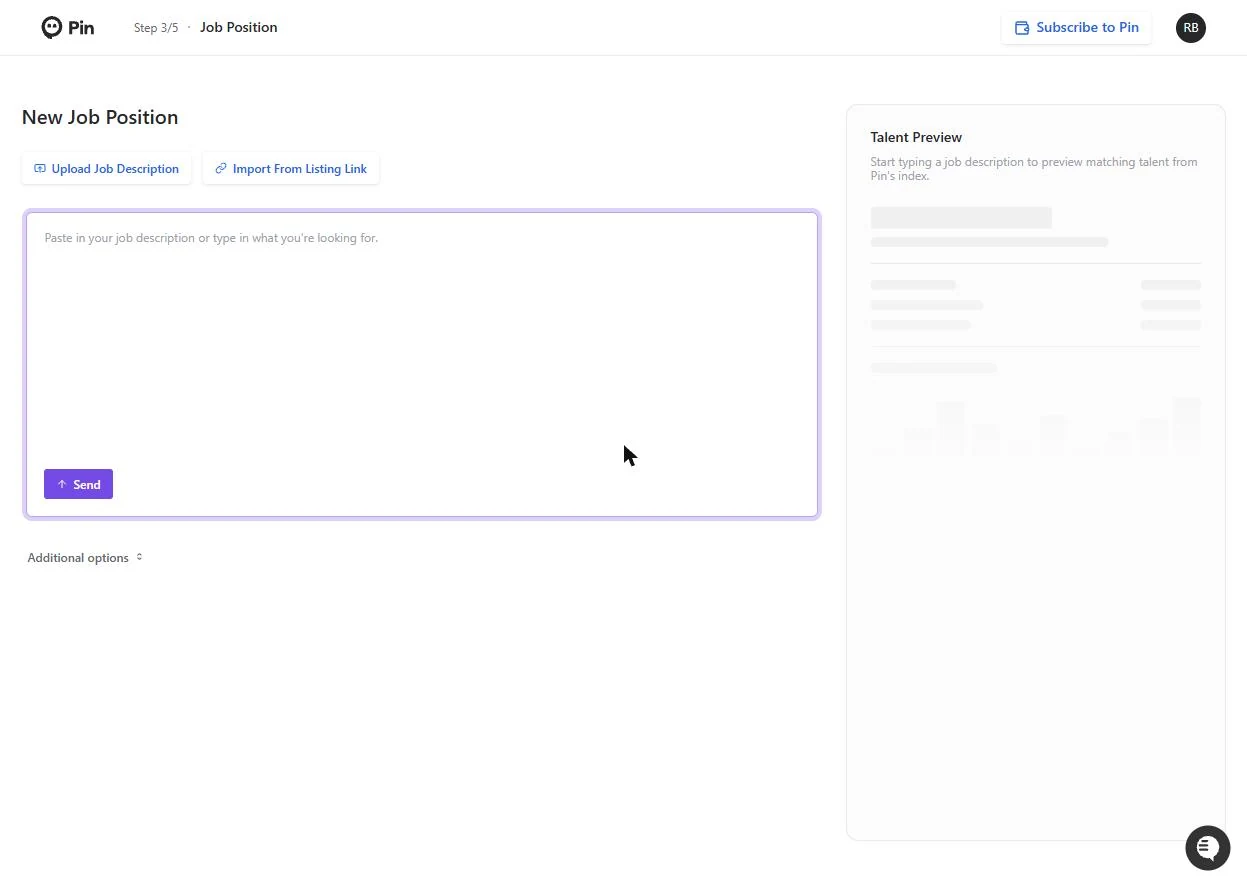
- Paste the job description. In Pin, a new search starts on New Job Position. Paste the job description into the big box (or use Upload Job Description or Import From Listing Link). Pin ticks off what it found: Location, Skills & Tools, Years of Experience and Industry.
A new search starts with the job description. Pin ticks off the location, skills, years and industry it found.
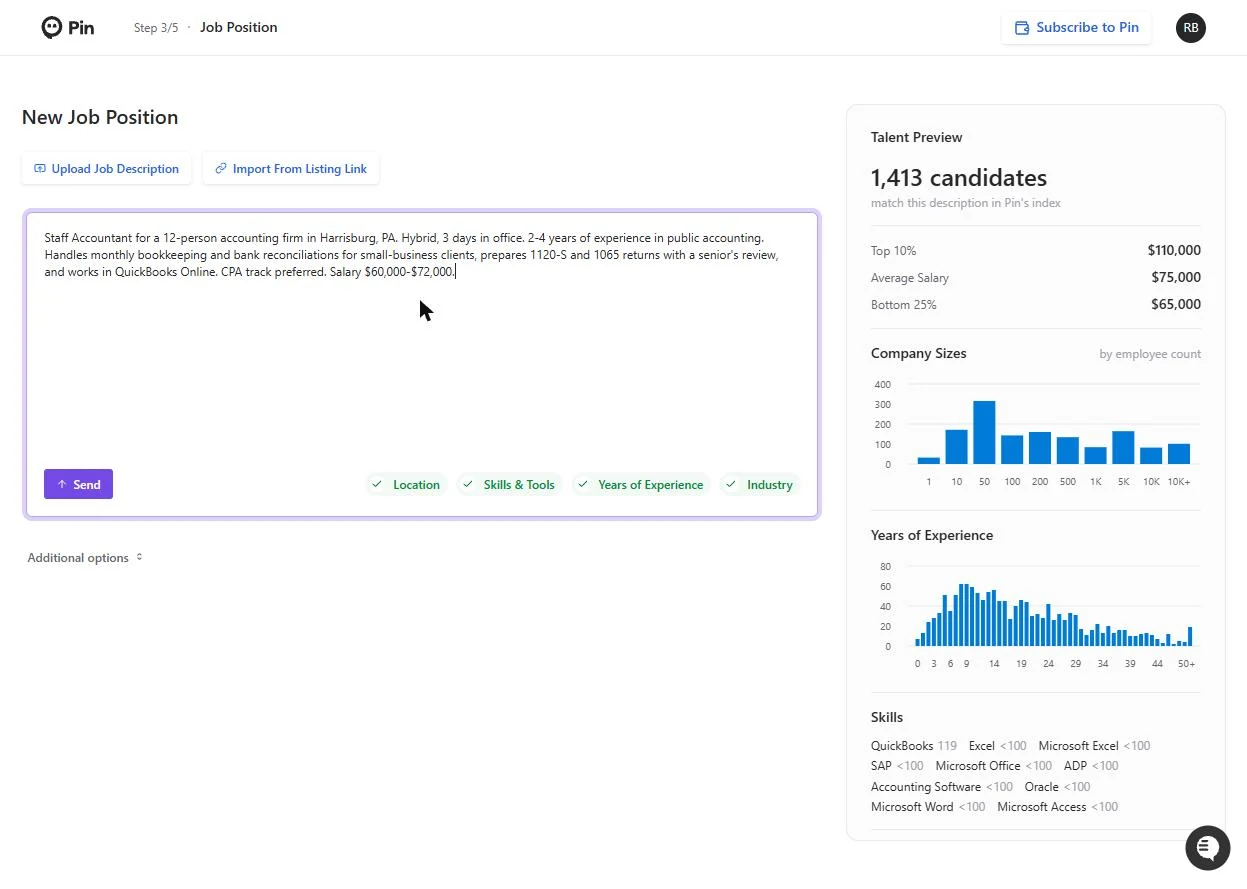
Staff Accountant for a 12-person accounting firm in Harrisburg, PA. Hybrid, 3 days in office. 2-4 years of experience in public accounting. Handles monthly bookkeeping and bank reconciliations for small-business clients, prepares 1120-S and 1065 returns with a senior's review, and works in QuickBooks Online. CPA track preferred. Salary $60,000-$72,000.
- Read the salary bands. Before you click anything else, read the Talent Preview on the right. Pin found 1,413 candidates in its index for this description. The Average Salary is $75,000, the bottom 25% is $65,000, and the top 10% is $110,000. Our range tops out at $72,000, which is below the average. Click the salary numbers.
Read the Talent Preview first. About fourteen hundred matching people. The average salary is seventy-five thousand. Our range tops out at seventy-two. That is below the market.
- Additional options. Below the salaries: Company Sizes (the biggest group works at firms of about 50 people, close to ours), Years of Experience, and the top Skills (QuickBooks leads with 119). Now click Additional options under the box.
The biggest group works at firms of about fifty people, and QuickBooks is the top skill.
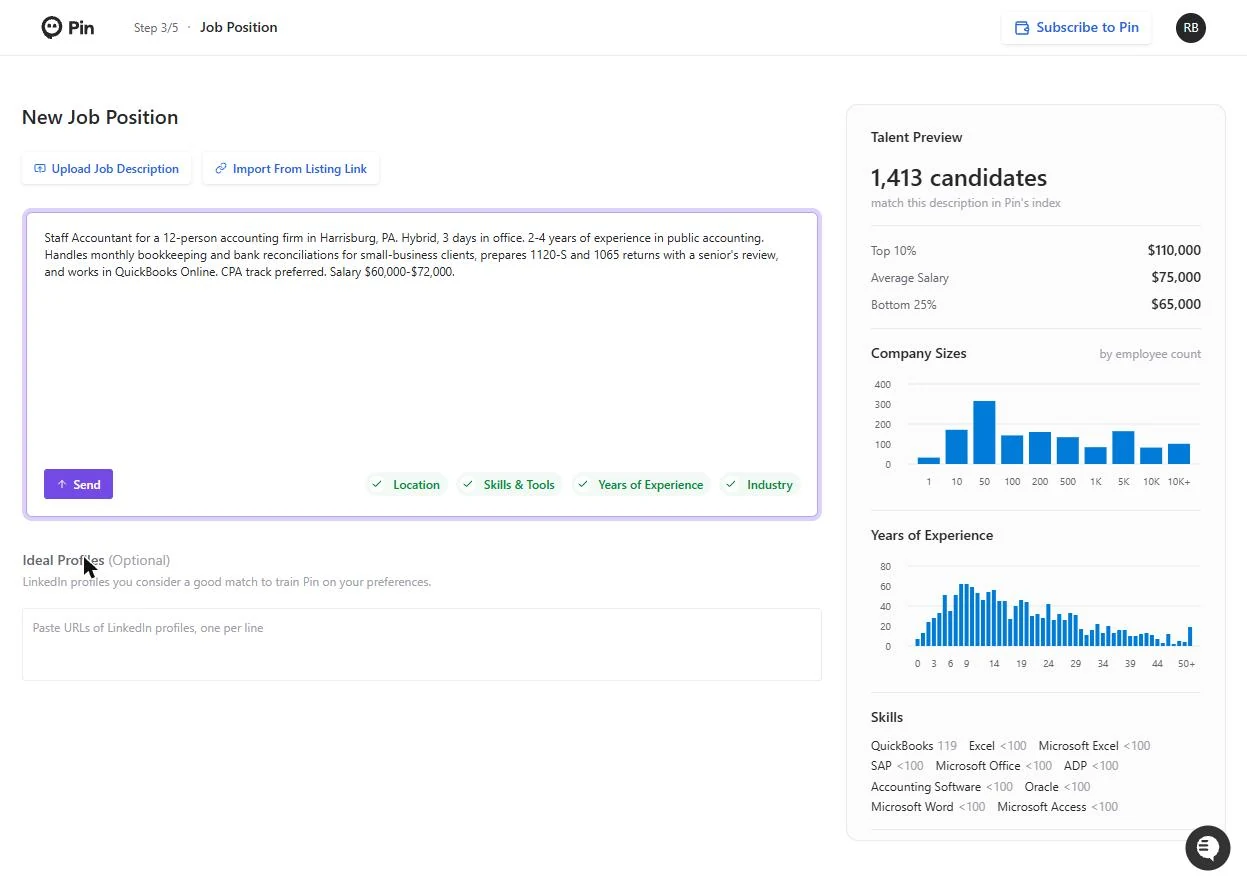
- Send. Ideal Profiles is optional: paste LinkedIn links of people you would hire, one per line, and Pin learns your taste. Leave it empty for now and click Send.
Ideal Profiles is optional. You can paste people you would hire. Leave it empty, and click Send.
2. Set up the search
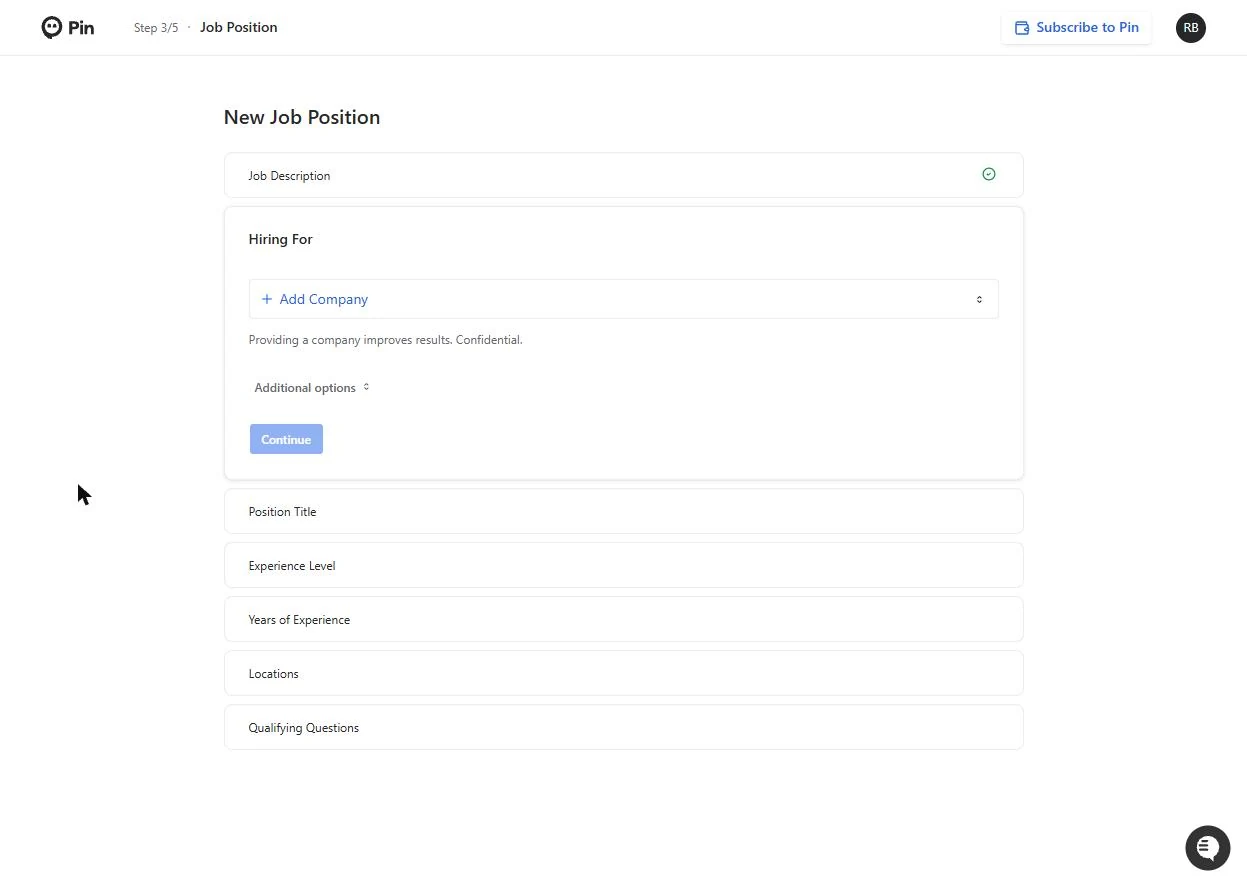
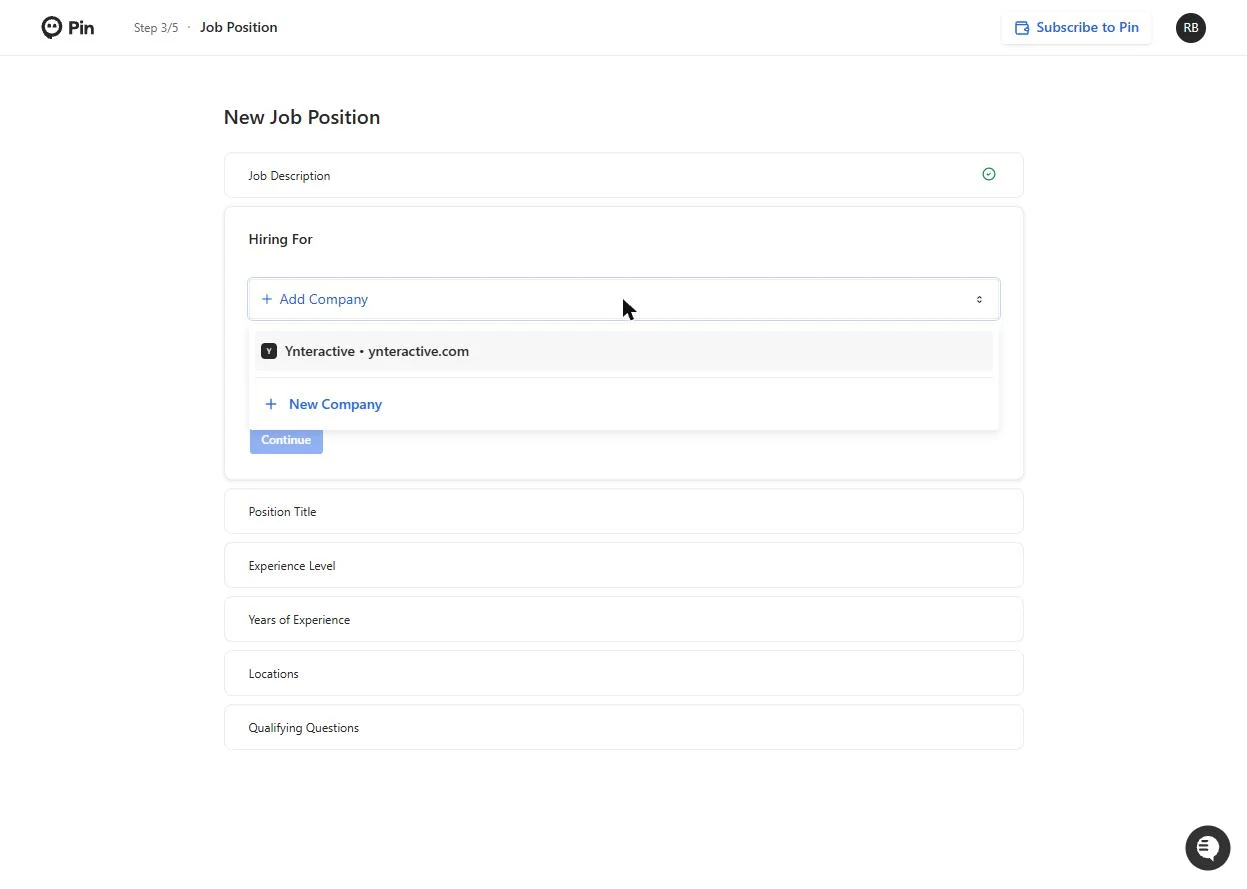
- Add Company. Pin now walks through the details one card at a time. Hiring For: click Add Company. Pin says providing a company improves results, and it stays confidential.
Now Pin walks through the details, one card at a time.
- Pick your company. Pin offers the company tied to your account (ours shows Ynteractive) or New Company. Pick yours.
Pick your company from the list.
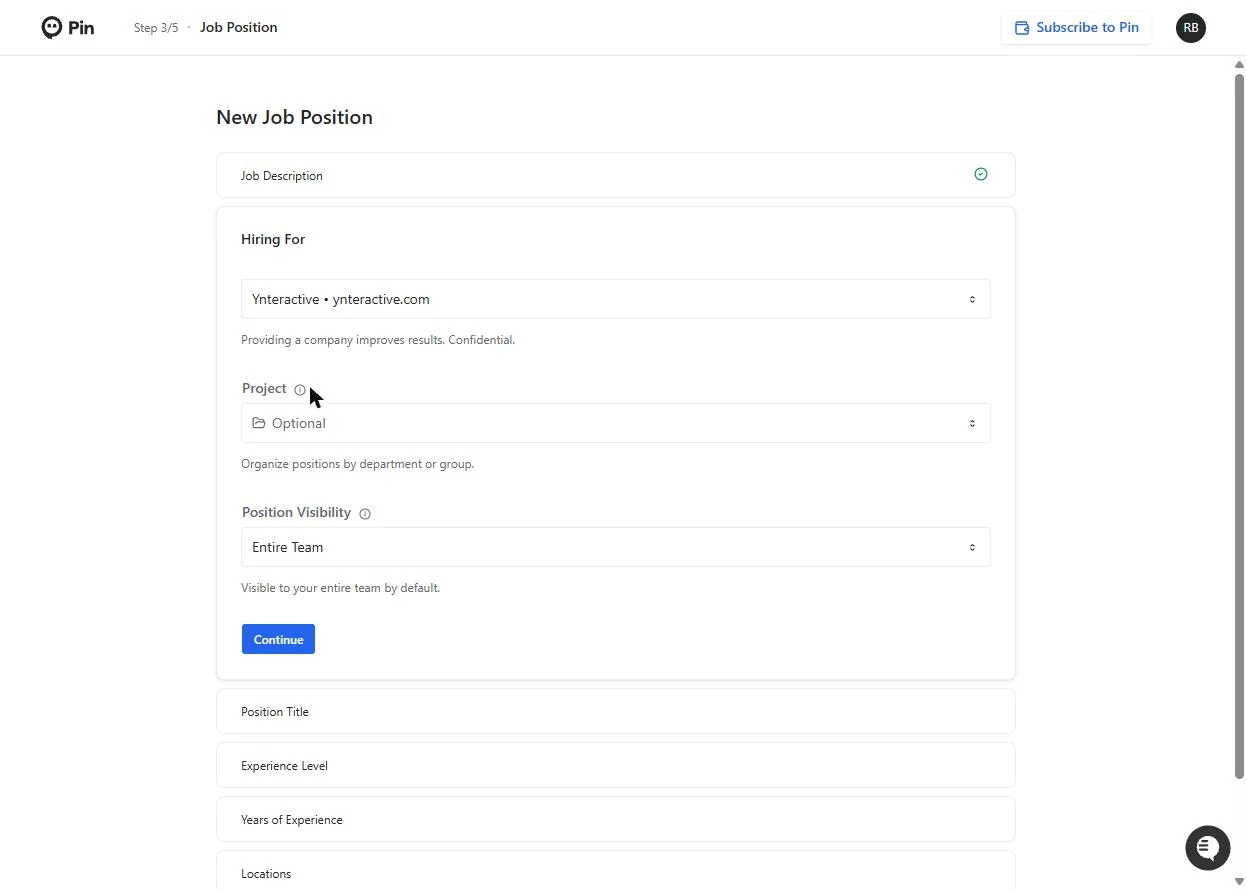
- Continue. Project (to group positions by department) and Position Visibility (Entire Team) are optional. Click Continue.
Project and visibility are optional.
3. Tell Pin what a fit looks like
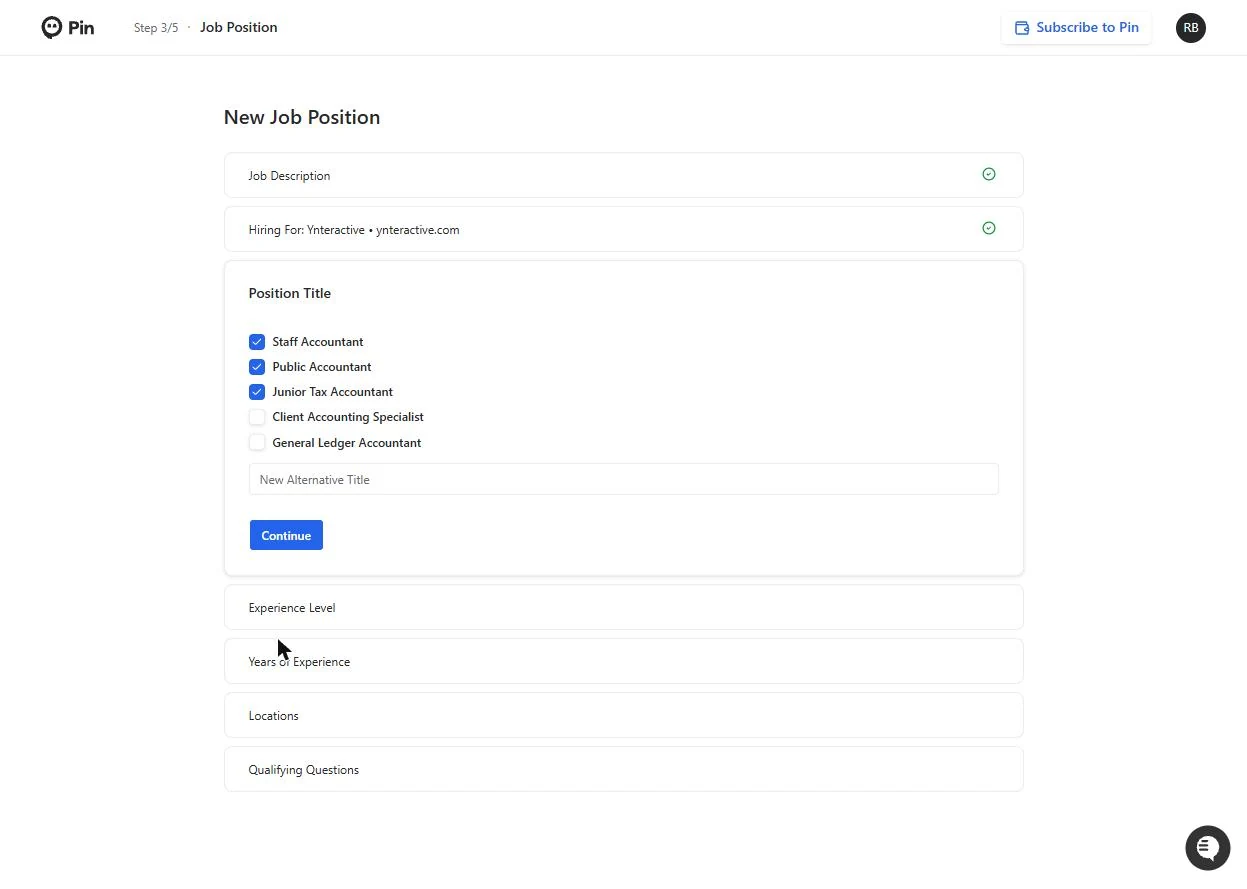
- Position titles. Pin suggests the titles people with this job actually use: Staff Accountant, Public Accountant and Junior Tax Accountant are ticked, and Client Accounting Specialist and General Ledger Accountant are offered. Tick General Ledger Accountant too (more titles, more of the right people), then click Continue.
Pin suggests the titles people really use. Tick General Ledger Accountant too, and click Continue.
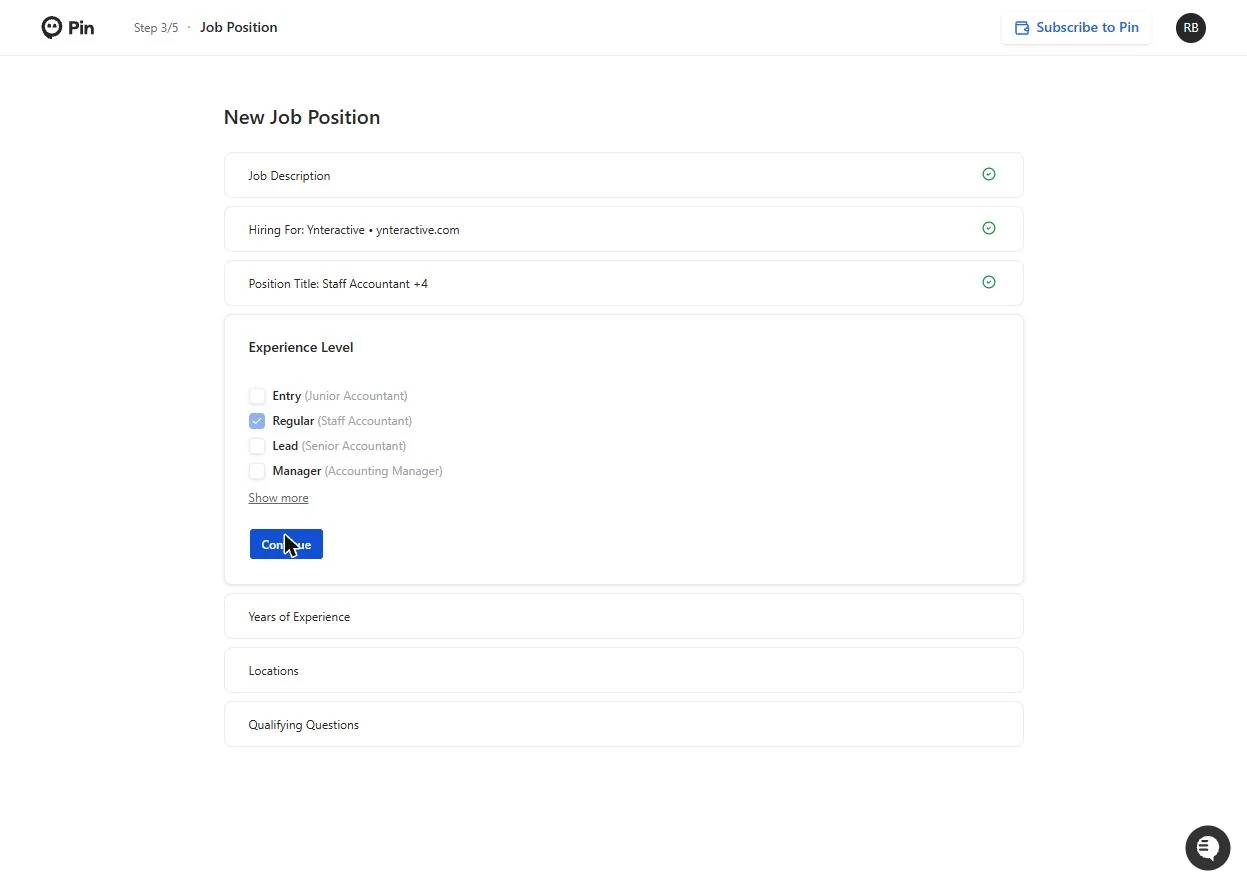
- Experience level. Regular (Staff Accountant) is already picked from the description. Click Continue.
Regular level is already picked.
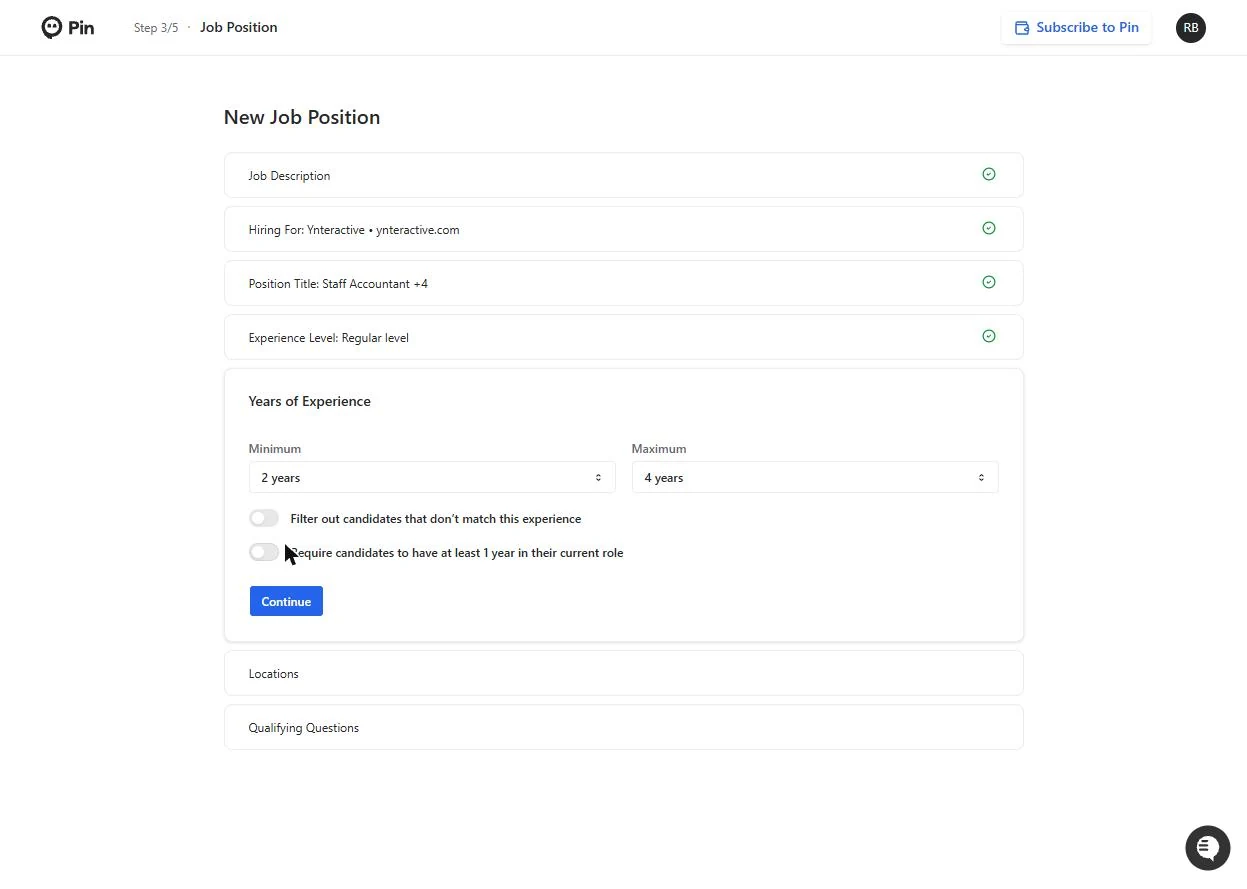
- Years of experience. Minimum 2 years, maximum 4 years, straight from the description. The two switches (filter out anyone outside the range; at least 1 year in their current role) are stricter: leave them off for now. Click Continue.
Two to four years, from the description. Leave the strict filters off.
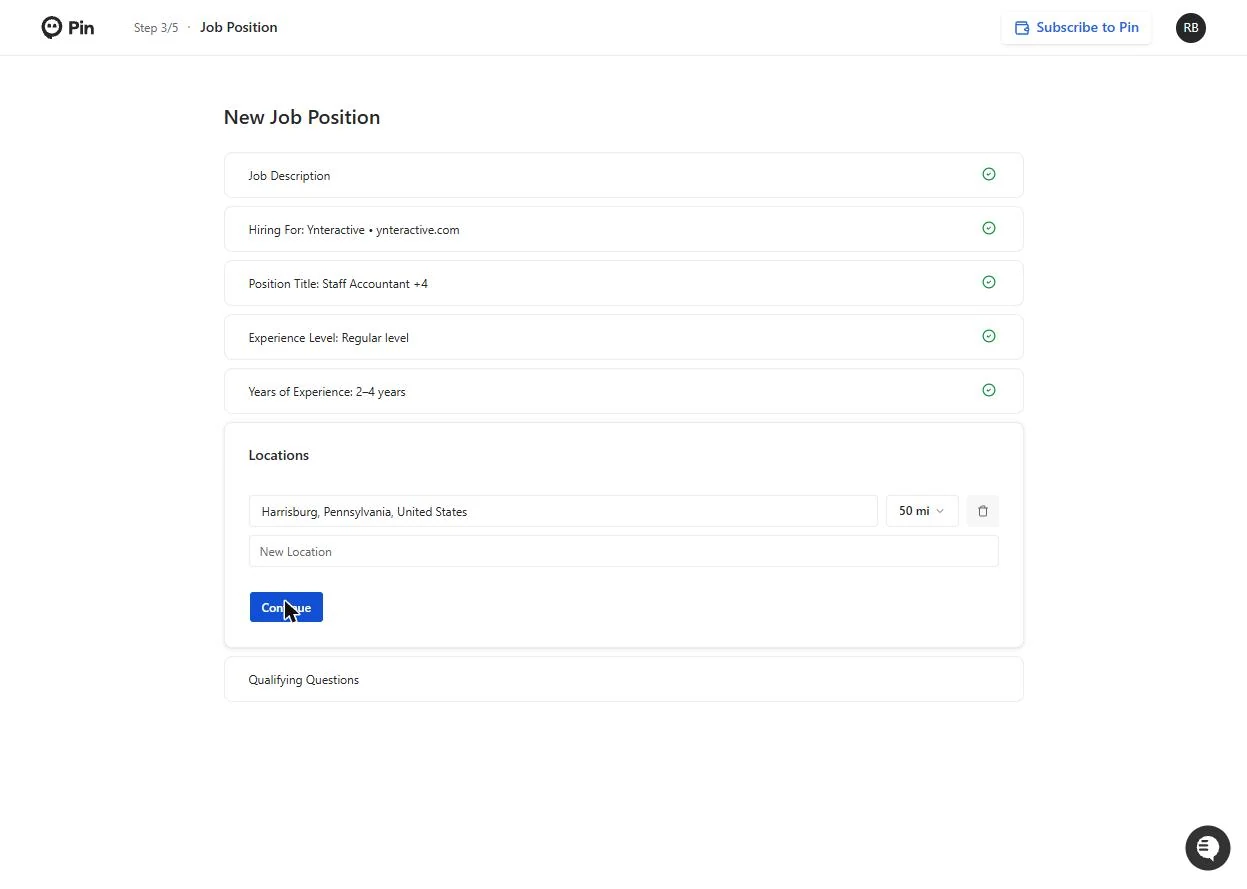
- Location. Harrisburg, Pennsylvania within 50 mi fits a hybrid job that is in the office 3 days a week. Click Continue.
Harrisburg, within fifty miles. That fits a hybrid job.
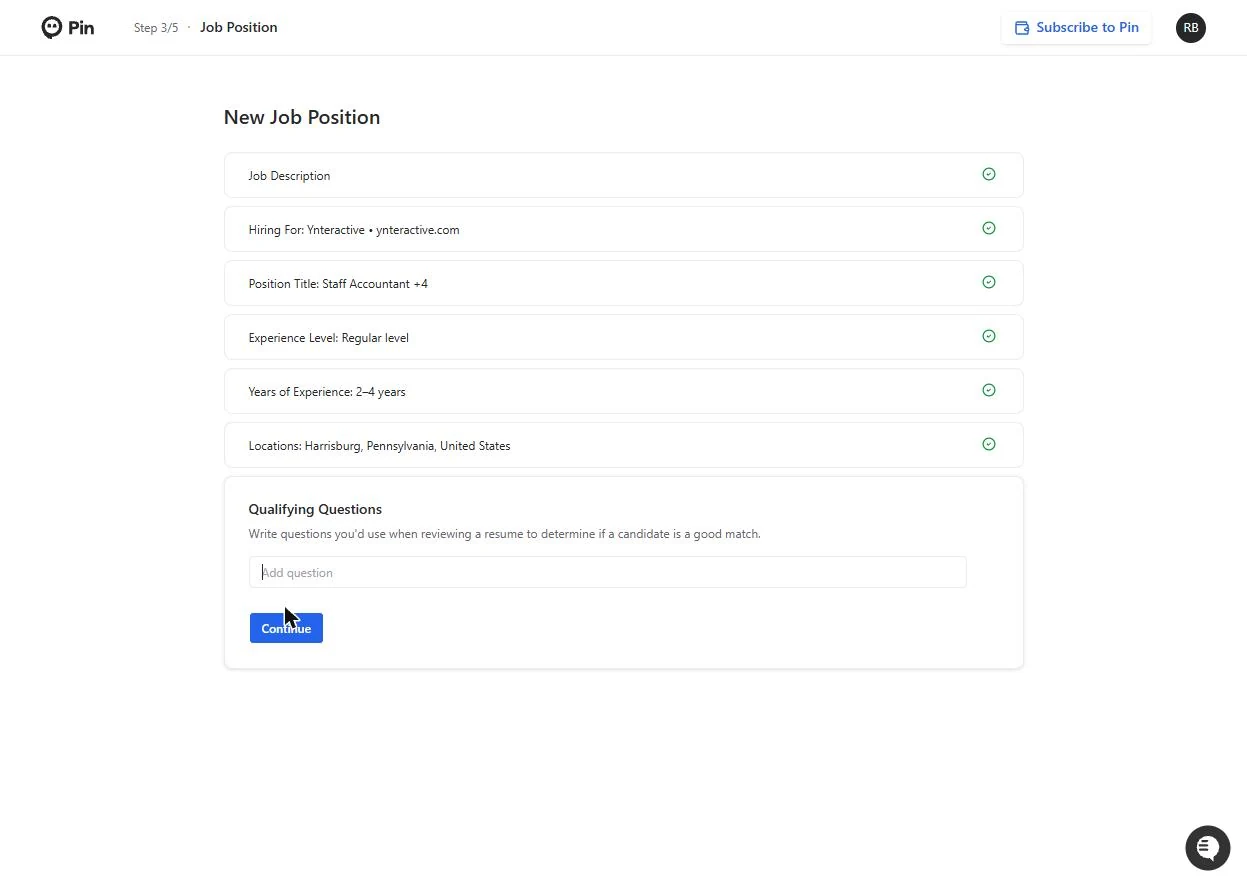
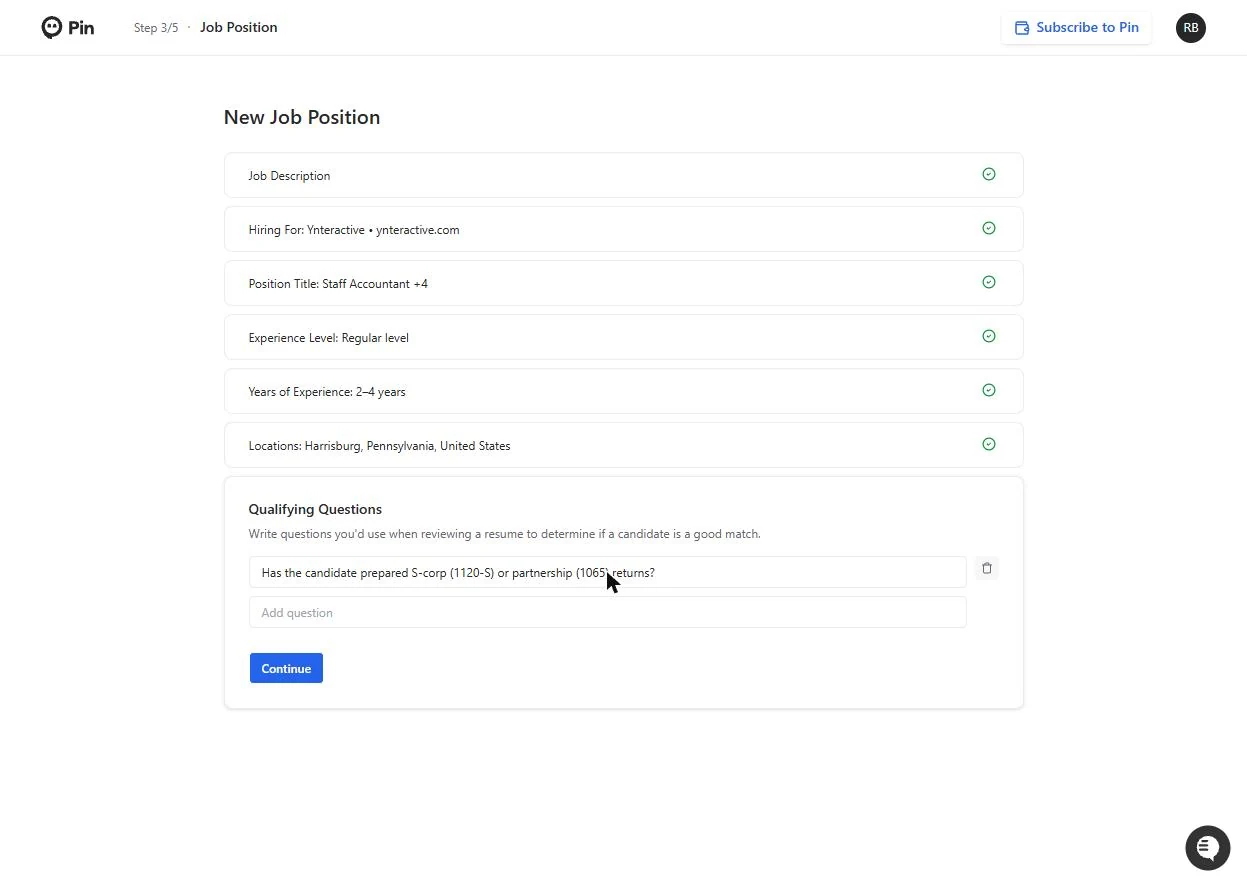
- Add a qualifying question. Qualifying Questions are what you would check on a resume. Ask the one that matters most for this job: tax returns for S-corps and partnerships. Press Enter to add it.
Add the question you would check on every resume. Has this person prepared S-corp or partnership returns?
- Save the position. Every card has a green tick. Click Continue: Pin saves the position and moves on to the next setup step, where the search runs on its index.
Every card has a green tick.
Screenshots
More in AI Automation for Recruiting & HR
Translate a client's Word policy into Spanish with DeepL file translation, keep its headings and table, set a formal tone, then polish the English cover email with…
Free · Live ~5 min Beginner
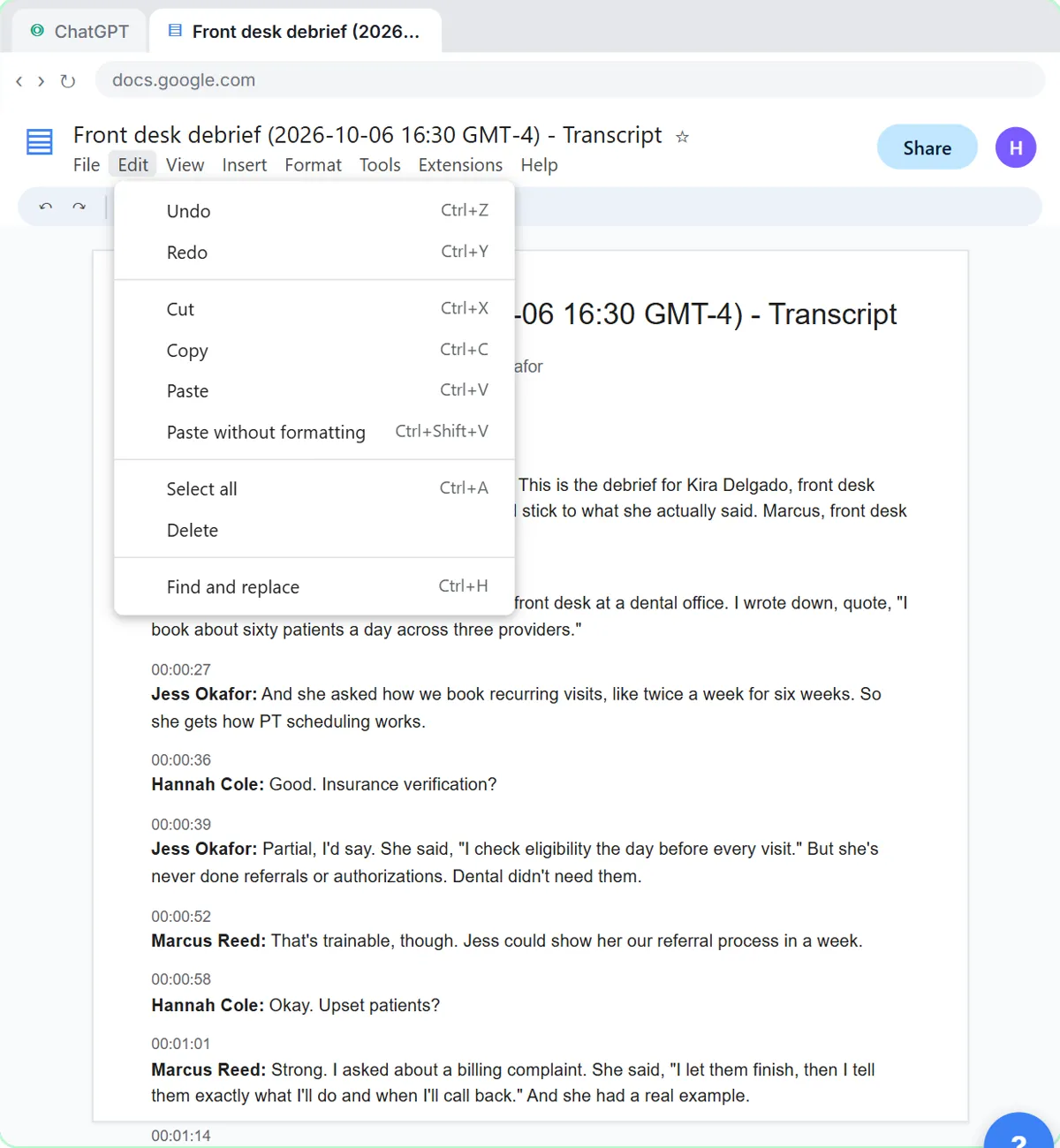 Score Every Candidate Fairly After the Interview using ChatGPT
Turn the transcript of an interview panel's debrief into a scorecard against the role's must-haves, the decisions, action items with owners and dates, and a follow-up…
Free · Live ~7 min Beginner
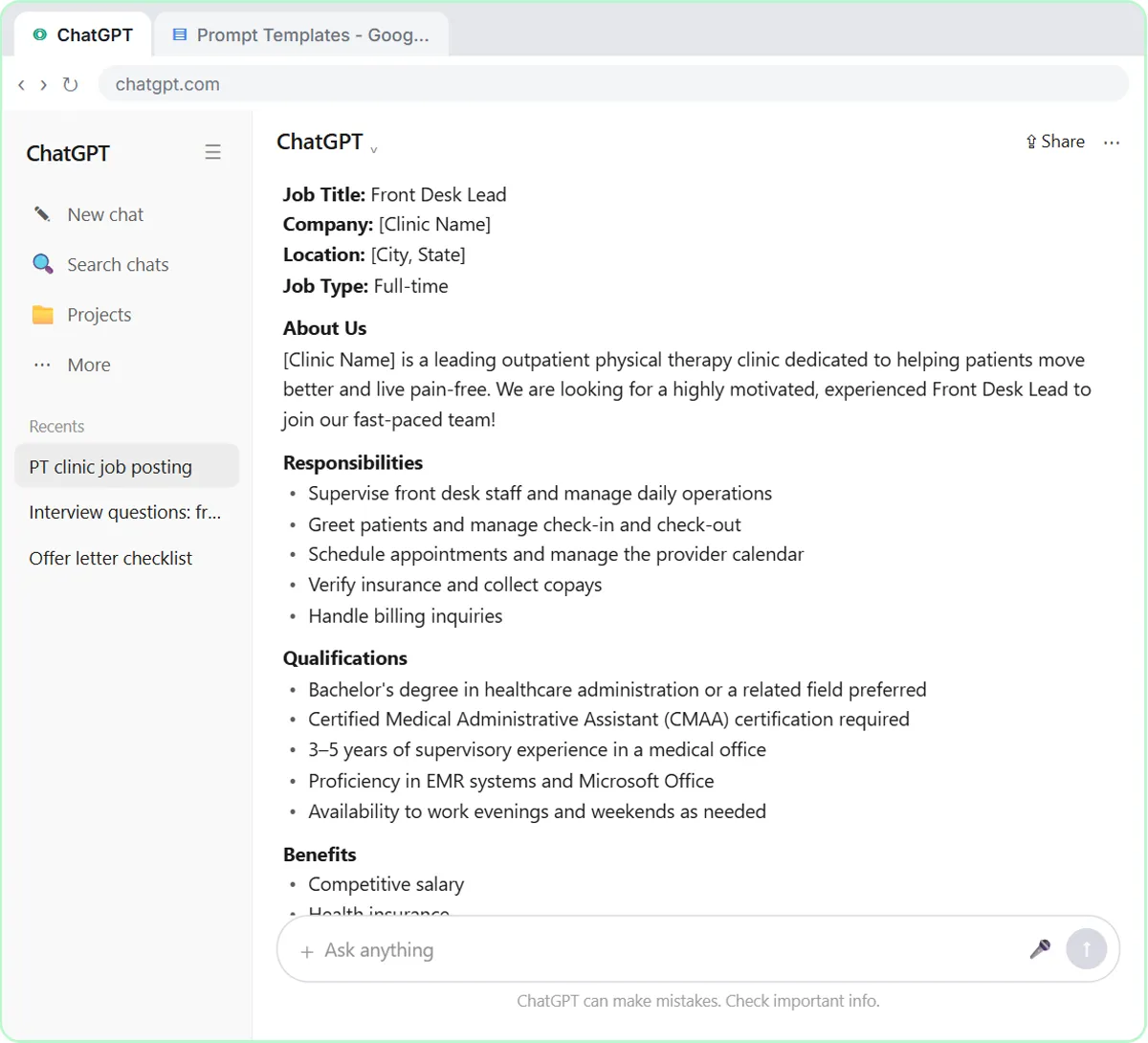 Write a Fair, Job-Related Job Posting with ChatGPT's Interview Prompt
Ask ChatGPT for a front desk lead posting the quick way, then let it interview you: true must-haves only, a real pay range, the work described instead of a personality…
Free · Live ~7 min Beginner
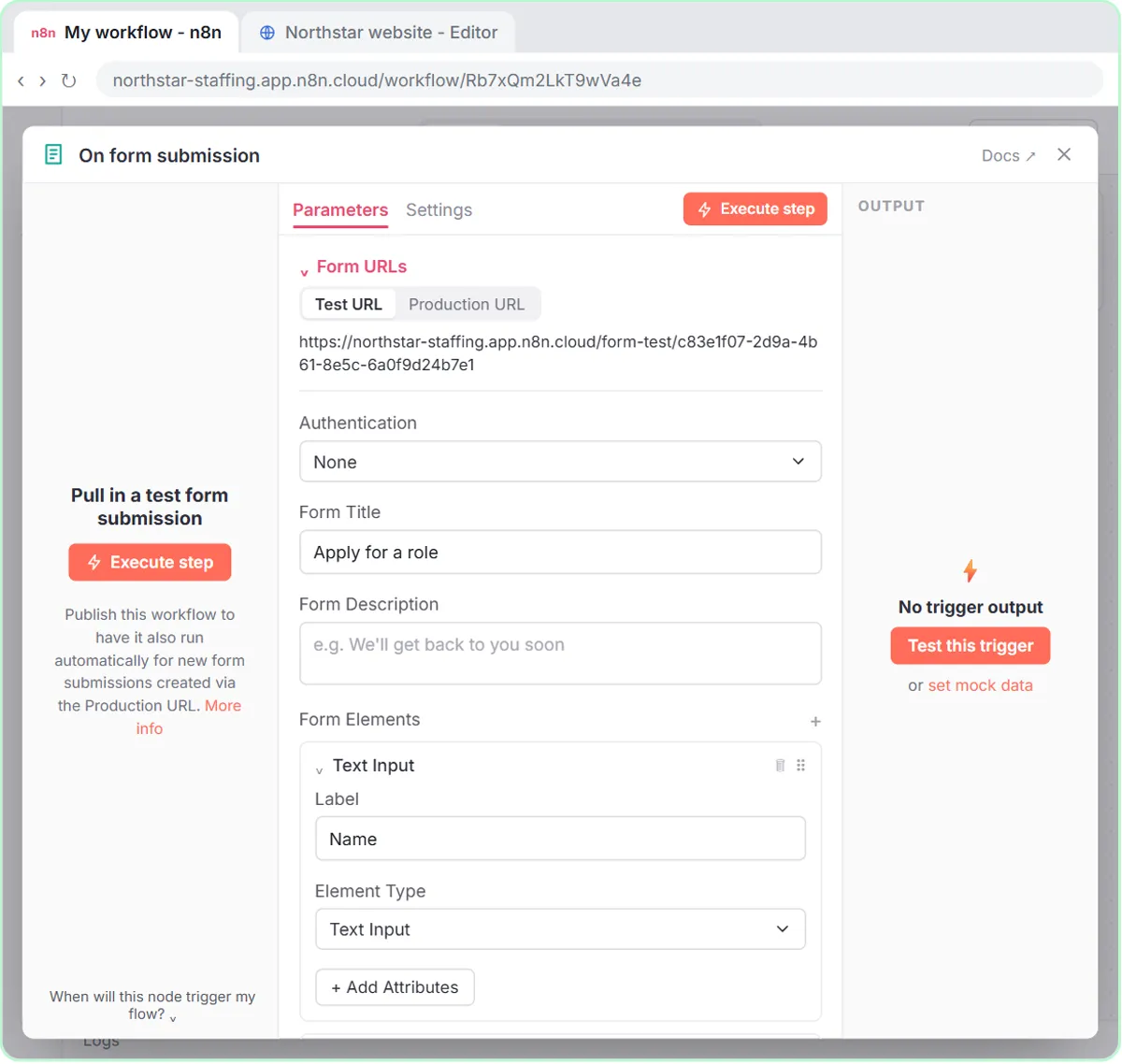 Collect Job Applications in Google Sheets with an n8n Form and a Careers-Page Webhook
Stop losing applicants between job boards and your careers page. An n8n form plus a careers-page webhook put every application in one Google Sheet.
Free · Live ~12 min Advanced
◷Keep Top Candidates Warm with Honest Status Replies using ChatGPTYour best candidate has another offer and wants to know if she got the job, if you'll match her pay and when she can start. Give ChatGPT the thread and the hiring…
Free · Live ~9 min Beginner
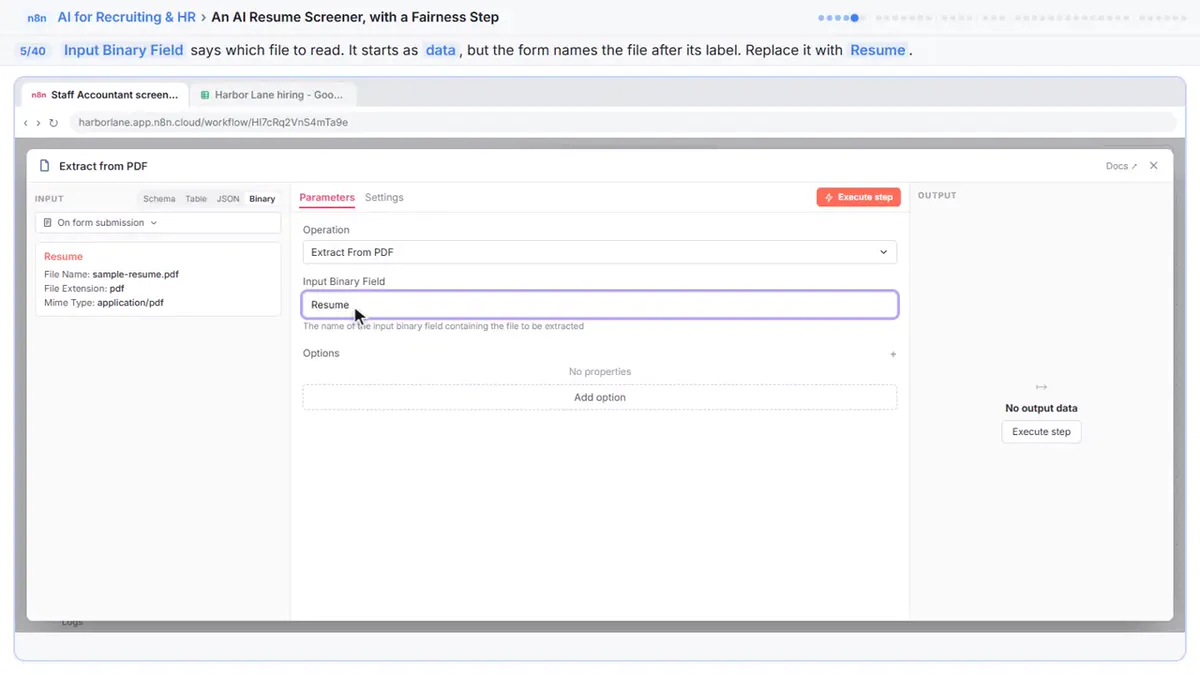 An AI Resume Screener, with a Fairness Step (Recruiting & HR)
Have n8n read each applicant’s PDF resume, score it against the job’s must-haves with the evidence quoted, and rank it in Google Sheets, while a person makes every…
Free · Live ~14 min Advanced
All 15 modules in AI Automation for Recruiting & HR
More Pin tutorials
Terms in this lesson
Plain-English definitions, each with an example from a free lesson.