AI helps recruiting and HR teams with the writing around hiring and people work: debrief scorecards, candidate and employee emails, intake meeting notes and routine inbox replies. People make every hiring and employment decision. Start with the free Interview Debrief to Scorecard lesson, which takes about 9 minutes.
For learning paths in order, see AI for recruiters and AI for HR generalists.
What can AI do for a recruiting or HR team?
AI is useful where the team turns notes and policies into clear, consistent writing. The free lessons cover:
| Job | What AI does | Lesson |
|---|---|---|
| Interview debriefs | Scores each must-have with a quote as evidence and leaves out anything not about the job | Interview Debrief to Scorecard |
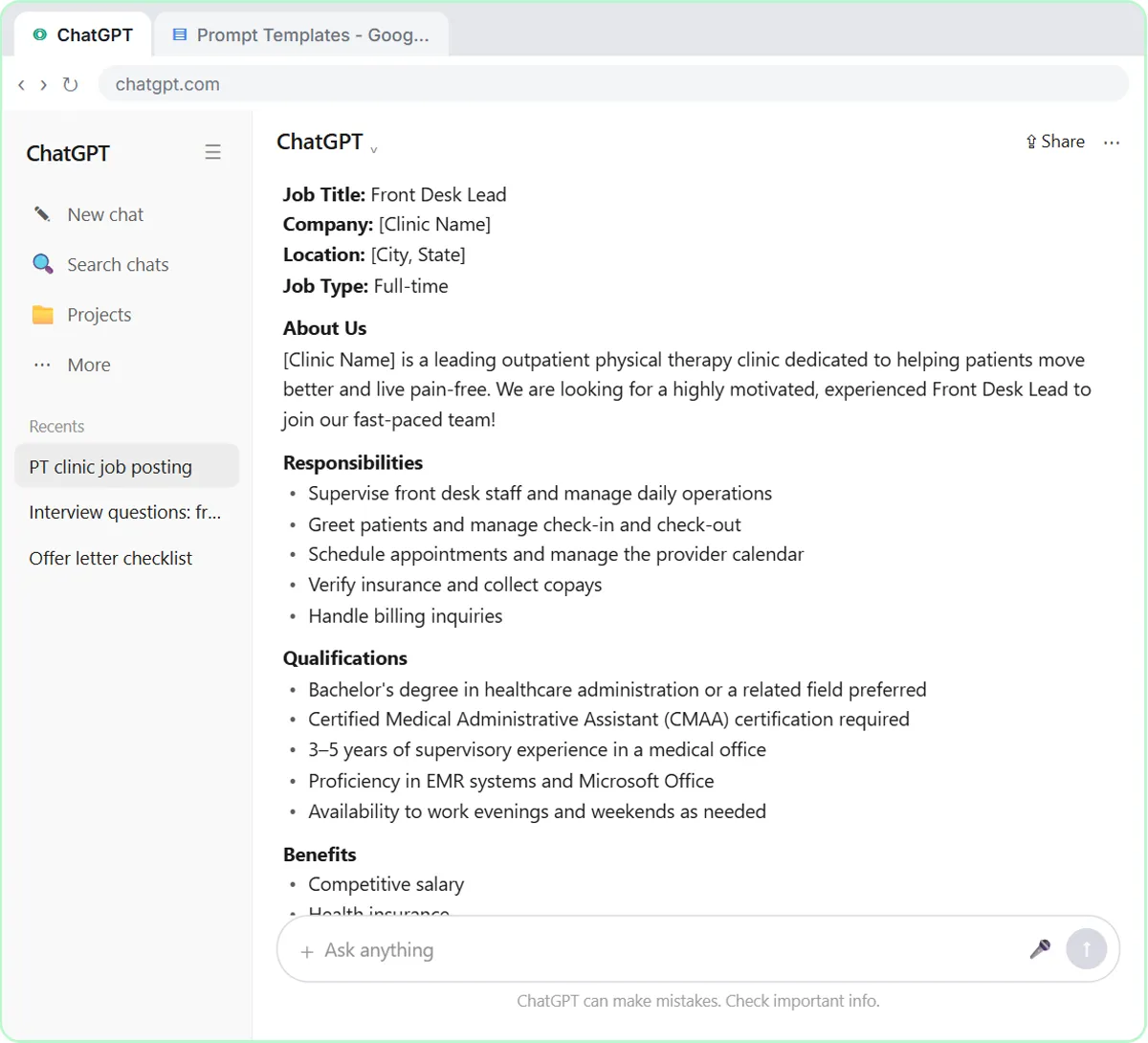
| Request templates | Turns job posts, outreach and policy answers into saved four-part prompts | Prompt Writing 101 |
| Candidate and employee replies | Drafts from your facts, then lists every promise against its fact | Reply Faster: Customer Emails |
| Intake and team meetings | Pulls decisions, an action items table and open questions from a transcript | Summarize a Meeting Transcript |
| Routine inbox questions | Saves a reply draft under each new email | AI Email Responder |
How do you score a debrief fairly with AI?
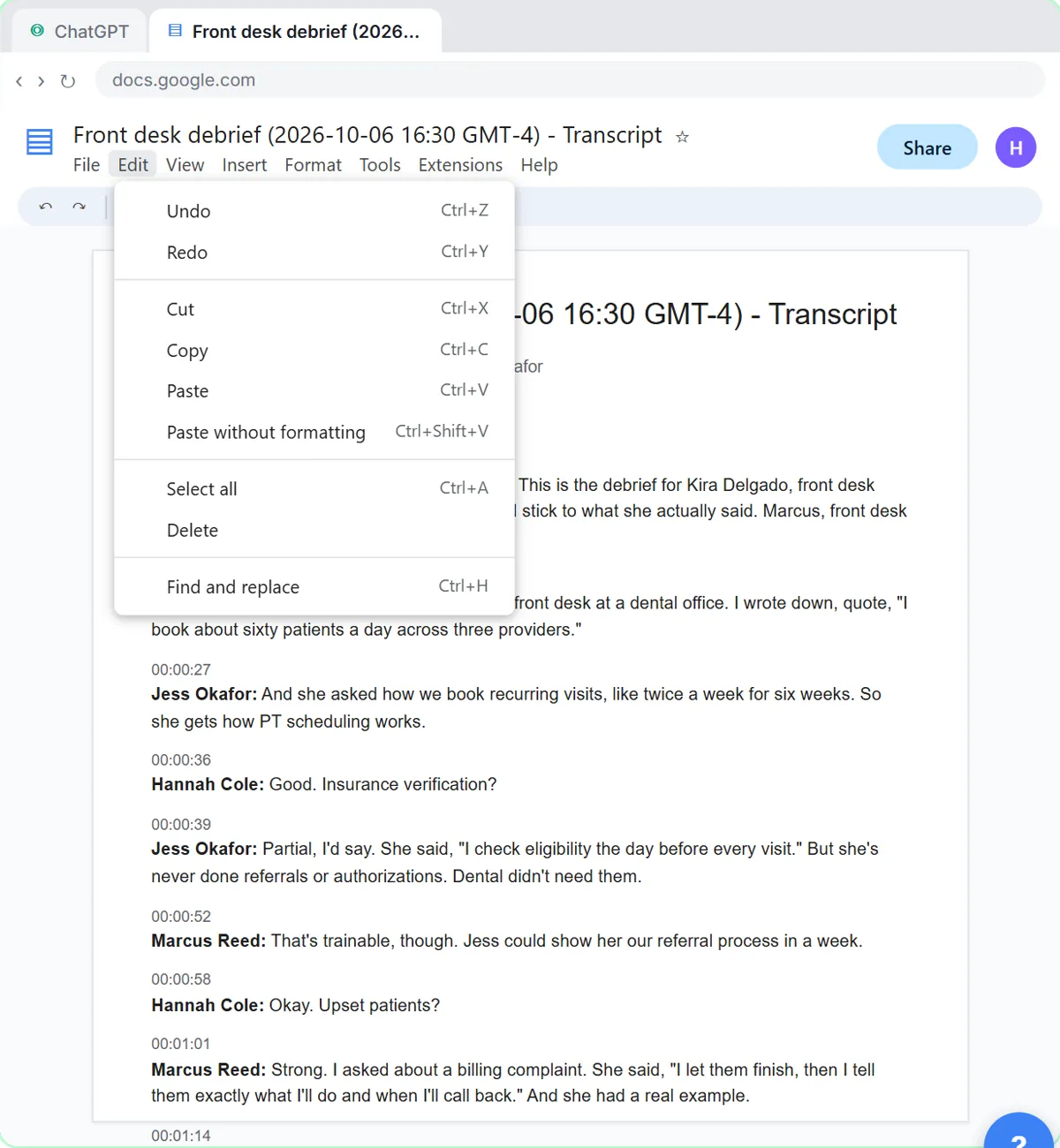
Score against written must-haves, with evidence, and keep everything else out. In the scorecard lesson, the HR manager at Willow Bend Physical Therapy, a made-up practice, pastes the panel's debrief transcript into ChatGPT under a request that names the role's four must-haves.
ChatGPT scores each one Strong, Partial or Not discussed, with a short quote as evidence, and lists the decisions, action items and open questions. The request says to use only what is about the must-haves and not to guess at age, family, health or religion. When a panelist mentions the candidate's young kids, the scorecard leaves it out.
Which other lessons help recruiting and HR?
- Prompt Writing 101: save templates for job posts, outreach and policy answers. 8 minutes.
- Reply Faster: Customer Emails: the promise check stops a candidate or employee email from hinting at pay, dates or options nobody approved. 9 minutes.
- Summarize a Meeting Transcript: hiring manager intake meetings and weekly syncs into owners and due dates. 9 minutes.
- AI Email Responder: reply drafts in Gmail for logistics questions only, never an application's status. 12 minutes.
Try it free, step by step
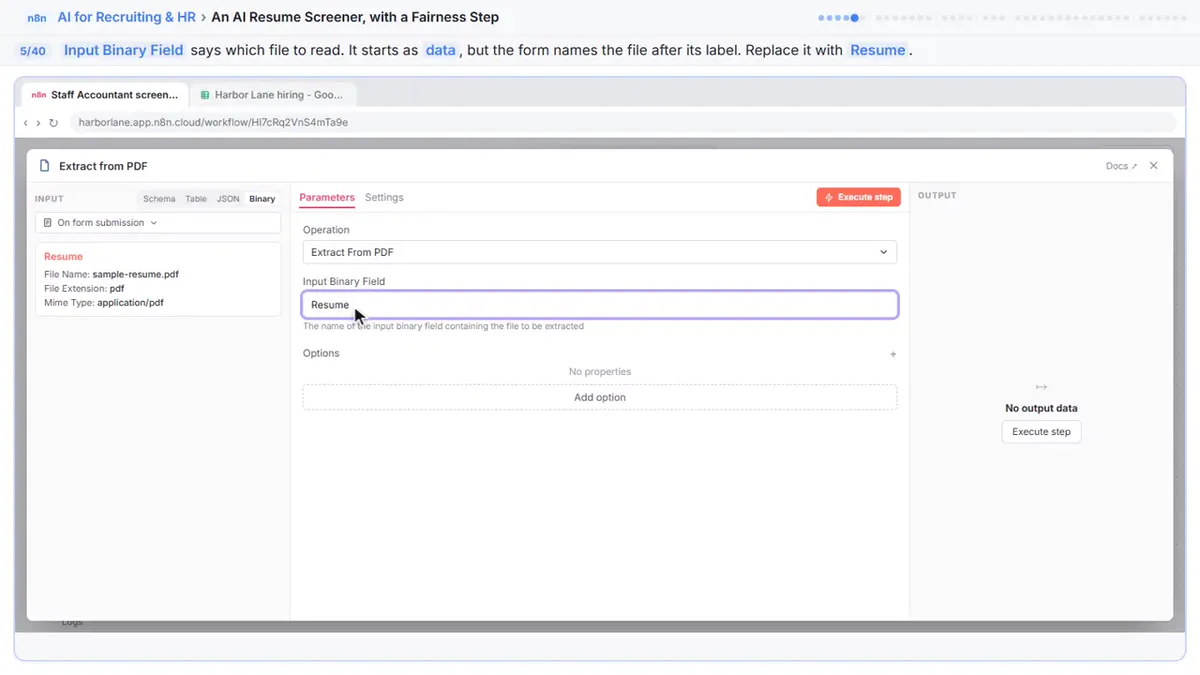
Turn an Interview Debrief into a Scorecard and a Candidate Follow-Up (Recruiting & HR). Turn the transcript of an interview panel's debrief into a scorecard against the role's must-haves, the decisions, action items with owners and dates, and a follow-up email to the candidate. You do every step yourself in a practice copy of ChatGPT, it checks your work as you go, and “Do it for me” finishes any step you get stuck on. Free, and nothing touches your real accounts.
Start the free lessonWhich three prompts can a recruiting or HR team copy today?
Three prompts to paste into a ChatGPT, Claude, Gemini or Copilot workspace your company has approved. Fill in the parts in brackets. The first two follow the scorecard lesson.
You're my recruiting assistant. Below is the transcript of a panel debrief for [CANDIDATE], who interviewed for [ROLE]. The must-haves for the role are: [MUST-HAVES]. Score the candidate on each must-have as Strong, Partial or Not discussed, with a short quote from the interview as evidence. Then list the decisions, the action items as a table (task, owner, due date) and open questions. Only use what's in the transcript, and only what's about the must-haves. Don't guess at age, family, health, religion or anything else that isn't job-related. If an owner or date isn't said, write "Not stated".
Now write a short follow-up email from me to [CANDIDATE] inviting them to [NEXT STEP]. Friendly and plain, under 120 words. Only the next steps: leave out the scores, our discussion and anything about pay.
You are an HR generalist at [COMPANY]. An employee asked: [QUESTION]. Here is the relevant policy, word for word: [PASTE POLICY]. Draft a short, friendly reply that answers only from the policy, names the section it relies on, and says who to contact for anything the policy doesn't cover. Don't interpret the law or promise exceptions.
The person making the decision reads the transcript or policy, not just the AI's version of it.
Where should a recruiting or HR team start this week?
Start where the notes already exist: the debrief after an interview.
- Day 1: take the scorecard lesson (9 minutes) and agree on the written must-haves for one open role.
- Day 2: take Prompt Writing 101 and save templates for outreach, interview invites and policy answers.
- Day 3: take Reply Faster and run its promise check on a candidate or employee email before it goes out.
- Later: use the meeting summary routine for hiring manager intake meetings, and consider the email responder for logistics questions only.
Decide up front which candidate and employee details never go into any AI tool, and keep the same criteria for every candidate.
Which hiring and HR prompts are in the prompt library?
The prompt library has hiring and HR prompts with filled-in examples:
- Interview scorecard
- Hiring manager intake
- Candidate outreach message
- Reference check questions
- Candidate follow-up after an interview
- Employee policy question reply
- Benefits FAQ for employees
- Open enrollment reminder email
Terms to know: interview scorecard, interview debrief, reference check, candidate experience, applicant tracking system, job requisition and AI bias.
What should recruiting and HR never hand to AI?
Never hand AI a hiring or employment decision.
- People decide. Don't ask AI to rank, reject or pick candidates, or to decide discipline or pay. The person deciding should be able to explain it in job-related terms.
- No protected characteristics. Age, family status, health, religion, race, sex, national origin and similar details stay out of prompts and notes.
- Watch for bias. AI can repeat bias from its training data or your notes. Use the same written criteria for everyone.
- Get the rules right. This is not legal advice. Follow your company's policies and the law where you hire, and have an HR professional or employment attorney review how AI fits your process.
Key takeaways
- AI helps recruiting and HR with scorecards, candidate and employee emails, meeting notes and routine replies.
- Start with the scorecard lesson: must-haves, quoted evidence and nothing that isn't about the job.
- The promise check stops emails from committing to pay, dates or options nobody approved.
- People make hiring and employment decisions, and candidate and employee data stays in approved tools.
Frequently asked questions
- Can AI screen résumés?
These lessons don't, and it's a risky place to start. Screening is a hiring decision, so keep it with people and get HR or legal review before using AI near it.
- Is it safe to paste interview transcripts into AI?
Use a business plan that doesn't train on your data, remove details the task doesn't need and follow your company's rules on candidate information.
- What's the difference between the recruiter and HR generalist paths?
The recruiter path follows one hiring cycle. The HR generalist path covers policy answers, onboarding and benefits messages too.