AI helps real estate agents and brokerages with client email, listing copy, lead intake and follow-ups. It drafts from facts you give it; you check every fact and every word of listing copy before it goes out. Start with the free Reply Faster: Customer Emails lesson, which takes about 9 minutes.
There isn't a real-estate-specific Stepthrough lesson yet. The lessons below are general ones that fit an agent's day, and the prompt library has real estate prompts you can copy now. For a learning path in order, see AI for real estate agents: where to start.
What can AI do for a real estate agent?
AI is most useful on the messages and records that repeat with every listing and every lead. The free lessons cover:
| Job | What AI does | Lesson |
|---|---|---|
| Buyer and seller email | Drafts from your facts, then lists every promise against its fact | Reply Faster: Customer Emails |
| Listing and follow-up templates | Saved four-part prompts for each message type | Prompt Writing 101 |
| Showing or valuation requests | A form whose agent rates each lead and emails one next step | AI Demo Request Form That Qualifies Leads |
| Routine inbox questions | Saves a reply draft under each new email | AI Email Responder |
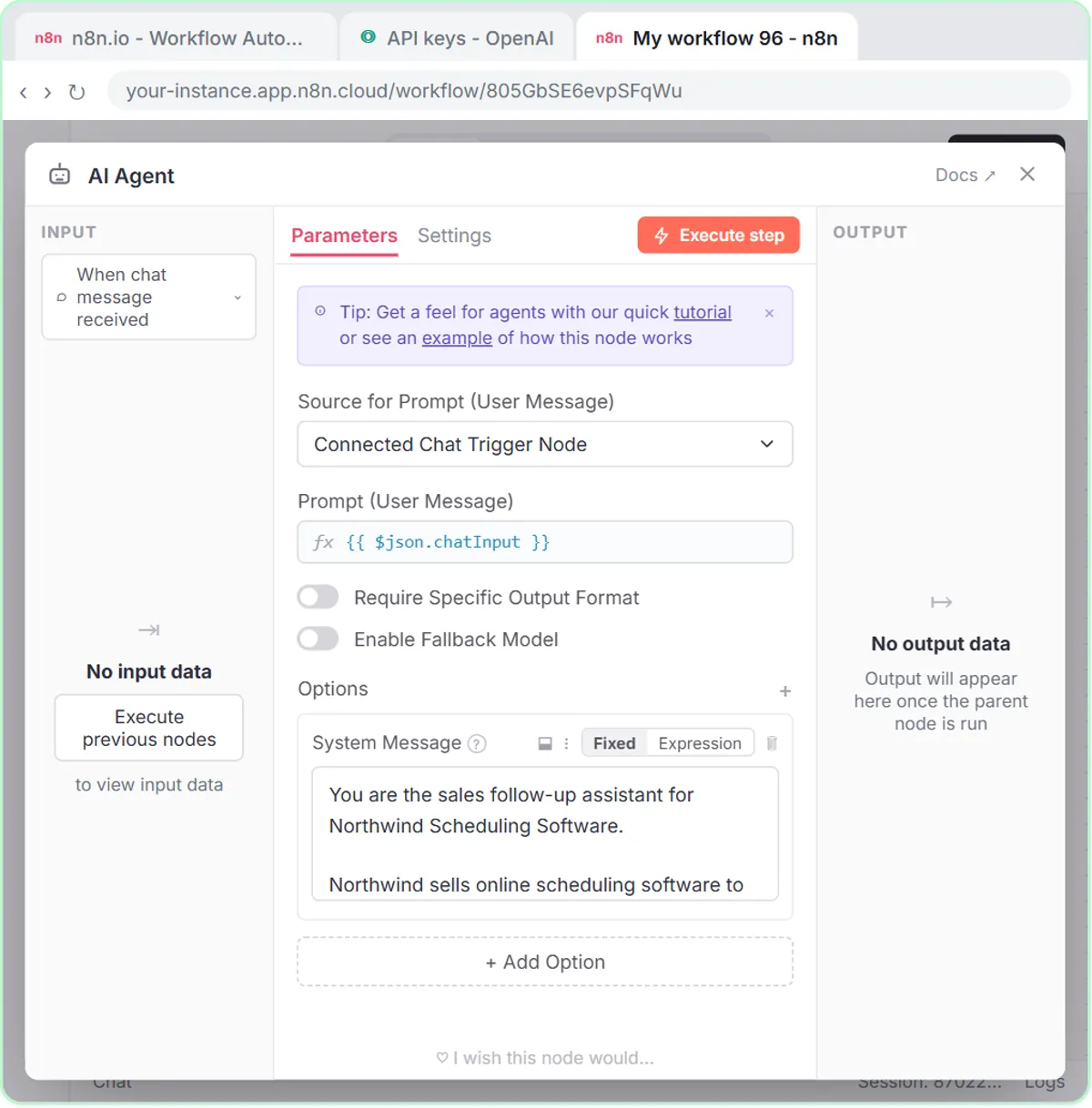
| Follow-ups | Writes a follow-up for each open lead and logs it in a sheet for review | Build an n8n AI Agent That Writes Deal Follow-Ups |
| Team meetings | Decisions, owners and due dates from a transcript | Summarize a Meeting Transcript |
How do you answer a buyer's questions without overpromising?
Give AI only the facts you can confirm and make it prove each promise. In the reply lesson, you paste a thread, list your facts, get a draft and then ask for a table that matches every promise to a fact. For a buyer's email, the facts are the price, the showing times you can offer, HOA details and anything the seller has agreed to. A line that promises a seller concession nobody approved gets caught before you send.
How do you get leads answered while you're at a showing?
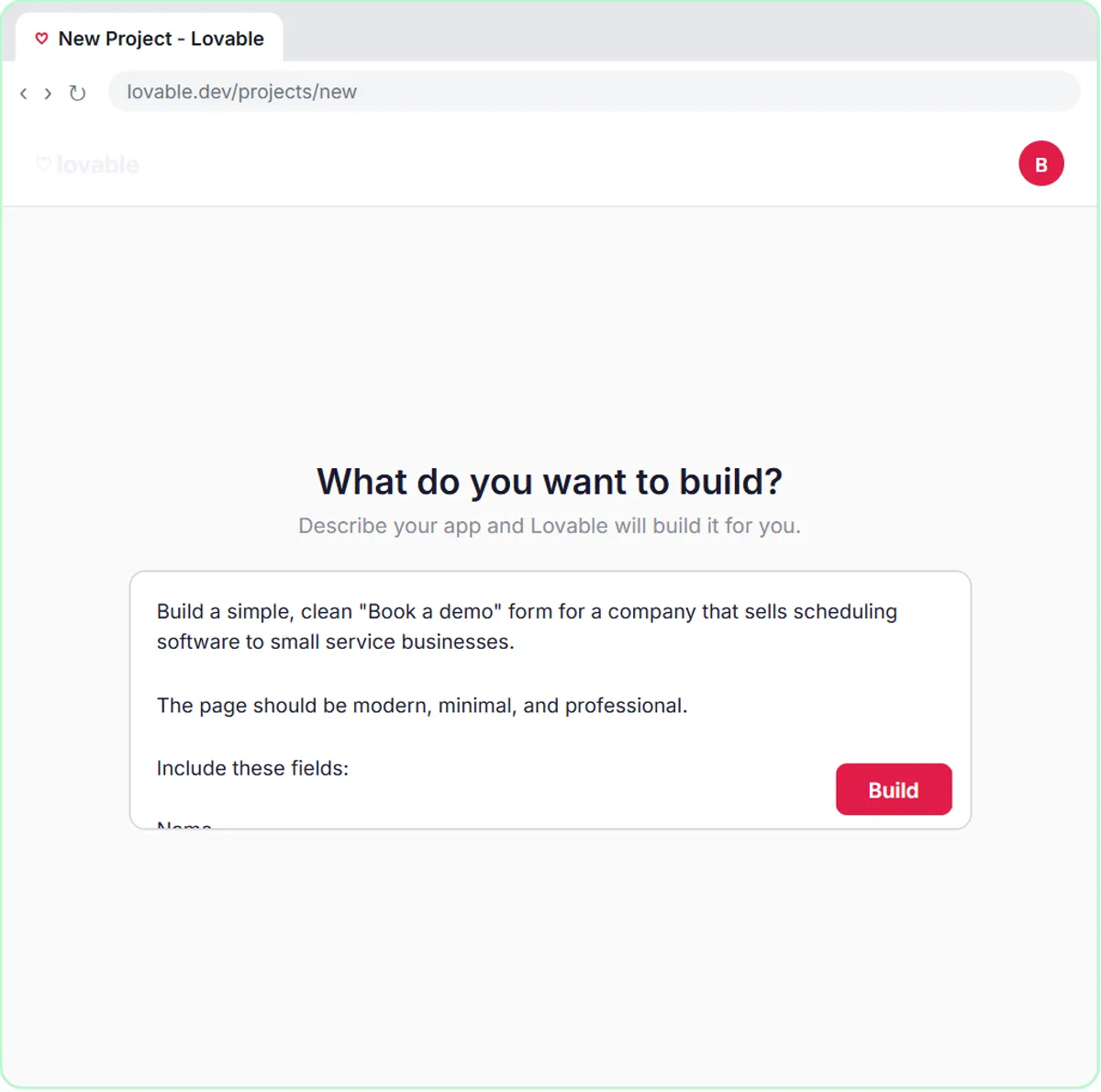
Build the form once. In AI Demo Request Form That Qualifies Leads, a Lovable form sends each request to an n8n agent that rates it hot, warm or nurture, saves it to Google Sheets and emails the person one next step. The example is a software company's demo form; for an agent it is a showing or home valuation form. It takes 15 minutes.
Which other lessons help agents and brokerages?
- Prompt Writing 101: templates for listing descriptions and open house follow-ups. 8 minutes.
- AI Email Responder: reply drafts in Gmail; nothing is sent automatically. 12 minutes.
- Build an n8n AI Agent That Writes Deal Follow-Ups: stage-matched follow-ups saved to a sheet for review. 12 minutes.
- Summarize a Meeting Transcript: brokerage team meetings into owners and due dates. 9 minutes.
Try it free, step by step
Reply Faster: Turn a Messy Customer Email Thread into a Clear, Friendly Reply. Turn a messy customer email thread into a clear, friendly reply: give ChatGPT the thread and your facts, check every promise, fix the tone, and send it from Gmail. You do every step yourself in a practice copy of ChatGPT, it checks your work as you go, and “Do it for me” finishes any step you get stuck on. Free, and nothing touches your real accounts.
Start the free lessonWhich three prompts can an agent copy today?
Three prompts to paste into ChatGPT, Claude, Gemini or Copilot. Fill in the parts in brackets, and keep client details to what the message needs.
You are a real estate agent. Here is a buyer's email: [PASTE EMAIL]. Here are the only facts the reply may use: [FACTS: price, showing times, HOA details, what the seller has agreed to]. Draft a warm reply under 150 words that answers each question from the facts and offers these showing times: [TIMES]. Don't promise concessions, financing or anything that isn't in the facts.
Check that reply against my facts. Make a table of every promise or claim in it and the fact that backs it up. Flag anything the facts don't support.
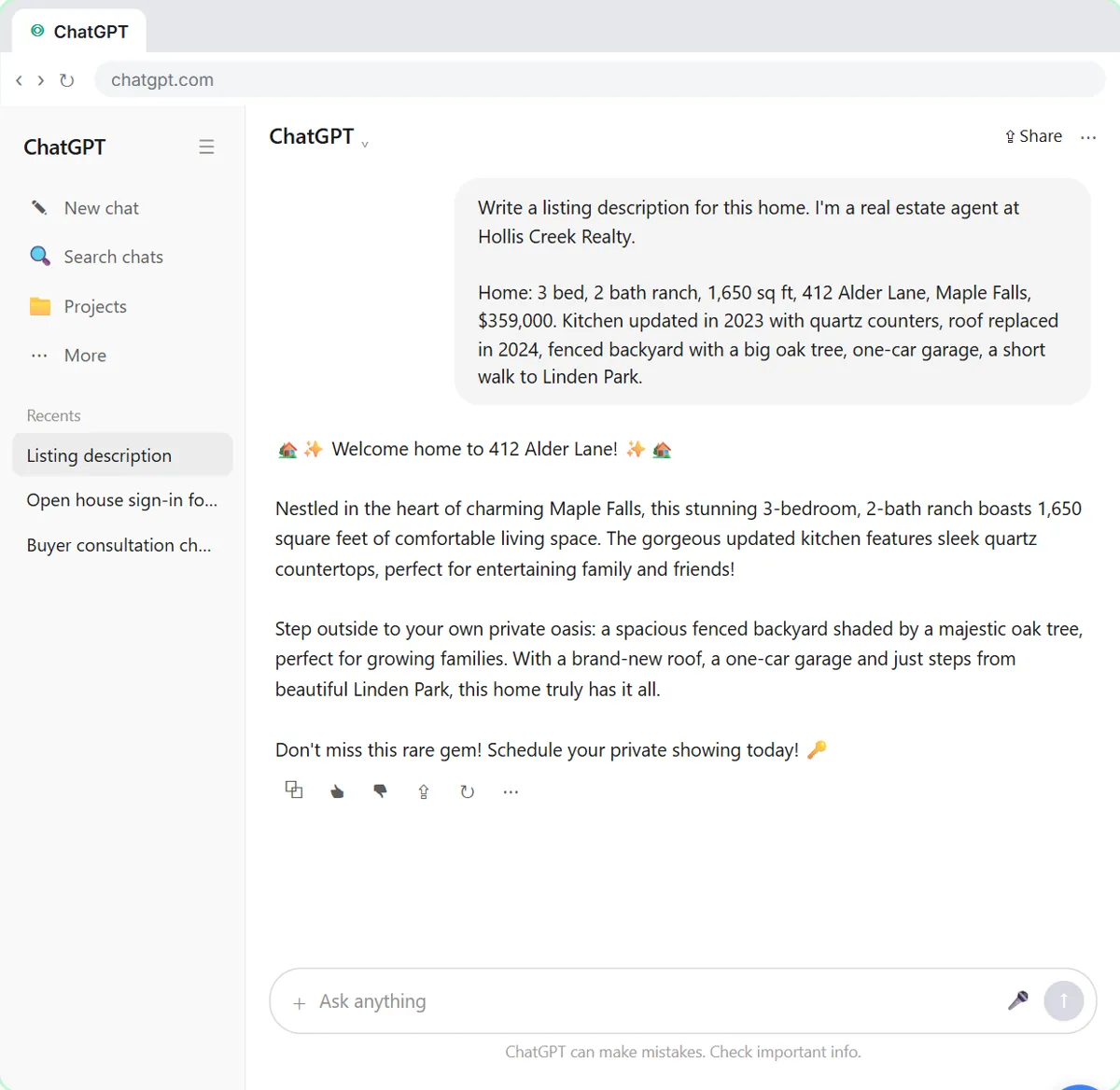
Write a listing description of under 150 words for [PROPERTY TYPE] using only these facts: [FACTS]. Describe the property and its features, not the people who should live there. Don't add features, schools, distances or numbers that aren't in the facts. Then list every fact you used so I can check it against the listing data.
Read every listing description for accuracy and fair housing before it is published.
Where should an agent start this week?
Start with the email you write most, then automate the first reply to a new lead.
- Day 1: take Reply Faster (9 minutes) and run its promise check on a real buyer or seller email.
- Day 2: take Prompt Writing 101 and save templates for showing confirmations and open house follow-ups.
- Day 3: build the lead form from the demo request lesson, with your own showing or valuation questions.
- Later: add the follow-up agent so drafts for open leads wait in a sheet for you to review.
Check your brokerage's rules on which tools may hold client information before you start.
Which real estate prompts are in the prompt library?
- Buyer inquiry reply
- Listing description
- Open house follow-up
- Showing feedback request
- Price reduction announcement
- Neighborhood guide
- Consultation booking confirmation
Terms to know: speed to lead, lead qualification, lead nurturing, CRM, follow-up email and web form.
What should an agent check before AI copy goes out?
Check facts, fair housing and anything that sounds like advice.
- Fair housing. Describe the property, not who should live there. Review listing descriptions and neighborhood guides against fair housing rules and your brokerage's guidance.
- Every fact. AI can add a feature, a school or a square footage that isn't true. Check each detail against the listing data.
- No legal, tax or financing advice. Send those questions to the right professional. This playbook is not legal advice.
- Brokerage rules. Follow your brokerage's policies on which tools may hold client information.
Key takeaways
- AI helps agents with buyer and seller email, listing copy, lead intake and follow-ups.
- Start with Reply Faster, which checks every promise in a draft against your facts.
- A Lovable form and an n8n agent can sort showing and valuation requests while you're out.
- Review every listing description for accuracy and fair housing before it is published.
Frequently asked questions
- Can ChatGPT write listing descriptions?
It can draft them from facts you give it. Read each one for accuracy and fair housing compliance before it goes on the MLS or your site.
- Is there a real estate lesson on Stepthrough?
Not yet. These general lessons fit an agent's work today, and the real estate prompts in the library come with filled-in examples.
- Do I need to code to build the lead form?
No. Lovable builds the form from a plain-English description, and n8n is visual. The lesson shows every click.