AI helps consulting firms and agencies with the work around client calls: preparing context, catching wrong numbers live, writing minutes and follow-ups, answering scope questions and handling new leads. The recommendation stays yours. Start with the free OLVA: a private AI assistant on your client calls lesson, which takes about 9 minutes.
For a learning path in order, see AI for consultants: where to start.
What can AI do for a consulting firm or agency?
AI is most useful before, during and after client conversations. The free lessons cover:
| Job | What AI does | Lesson |
|---|---|---|
| Client calls | Private answers from saved client notes, a live fact check, then minutes, a follow-up email and a deck | OLVA: a private AI assistant on your client calls |
| Meeting recaps | Decisions, an action items table with owners and due dates, and open questions | Summarize a Meeting Transcript |
| Repeat deliverables | Saved four-part prompts for agendas, reports and proposals | Prompt Writing 101 |
| Scope questions | A reply drafted from your facts, with every promise matched to one | Reply Faster: Customer Emails |
| AI search visibility | Find out why ChatGPT doesn't name a firm and fix the gaps | Get Your Business Recommended by ChatGPT |
| New leads | A request form whose agent rates each lead and emails one next step | AI Demo Request Form That Qualifies Leads |
What happens on a client call with a private AI assistant?
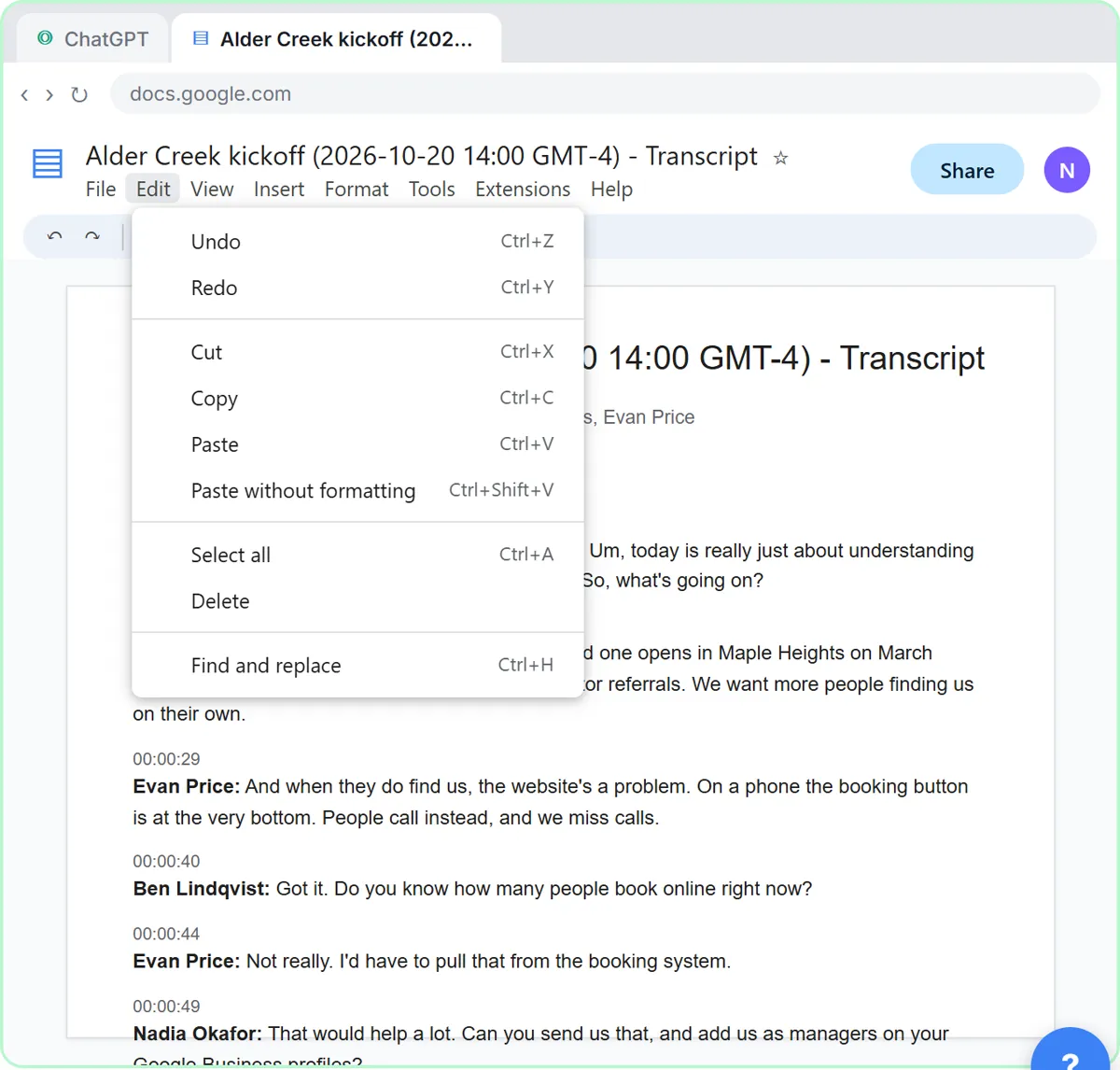
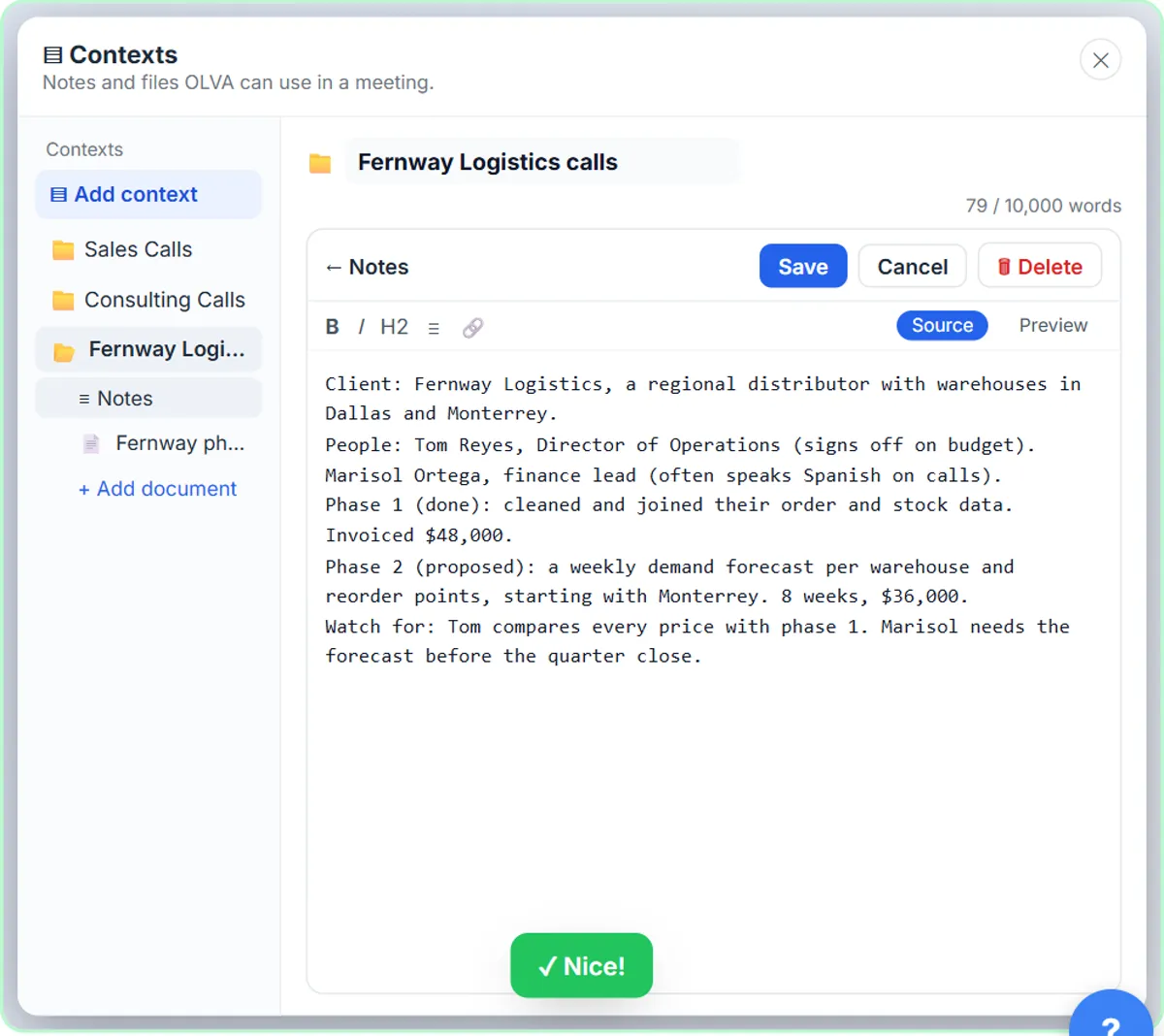
In the OLVA lesson you use a practice copy of OLVA, a third-party assistant that runs on your computer instead of joining the call as a bot, on a call for Northgate Advisory, a made-up firm. You save your client notes as a reusable context, get a private answer when the client asks a hard question, catch a wrong number with a fact check and translate the Spanish parts. Afterward, the meeting becomes minutes, a follow-up email and an editable PowerPoint deck.
Tell clients when you use an assistant on a call, and get consent before recording or transcribing.
Which other lessons help consultants and agencies?
- Summarize a Meeting Transcript: any recorded meeting into owners and due dates, with "Not stated" marking the gaps. 9 minutes.
- Prompt Writing 101: templates for kickoff agendas, status reports and proposal sections. 8 minutes.
- Reply Faster: Customer Emails: use the statement of work as your facts, so a friendly reply never gives away unbilled work. 9 minutes.
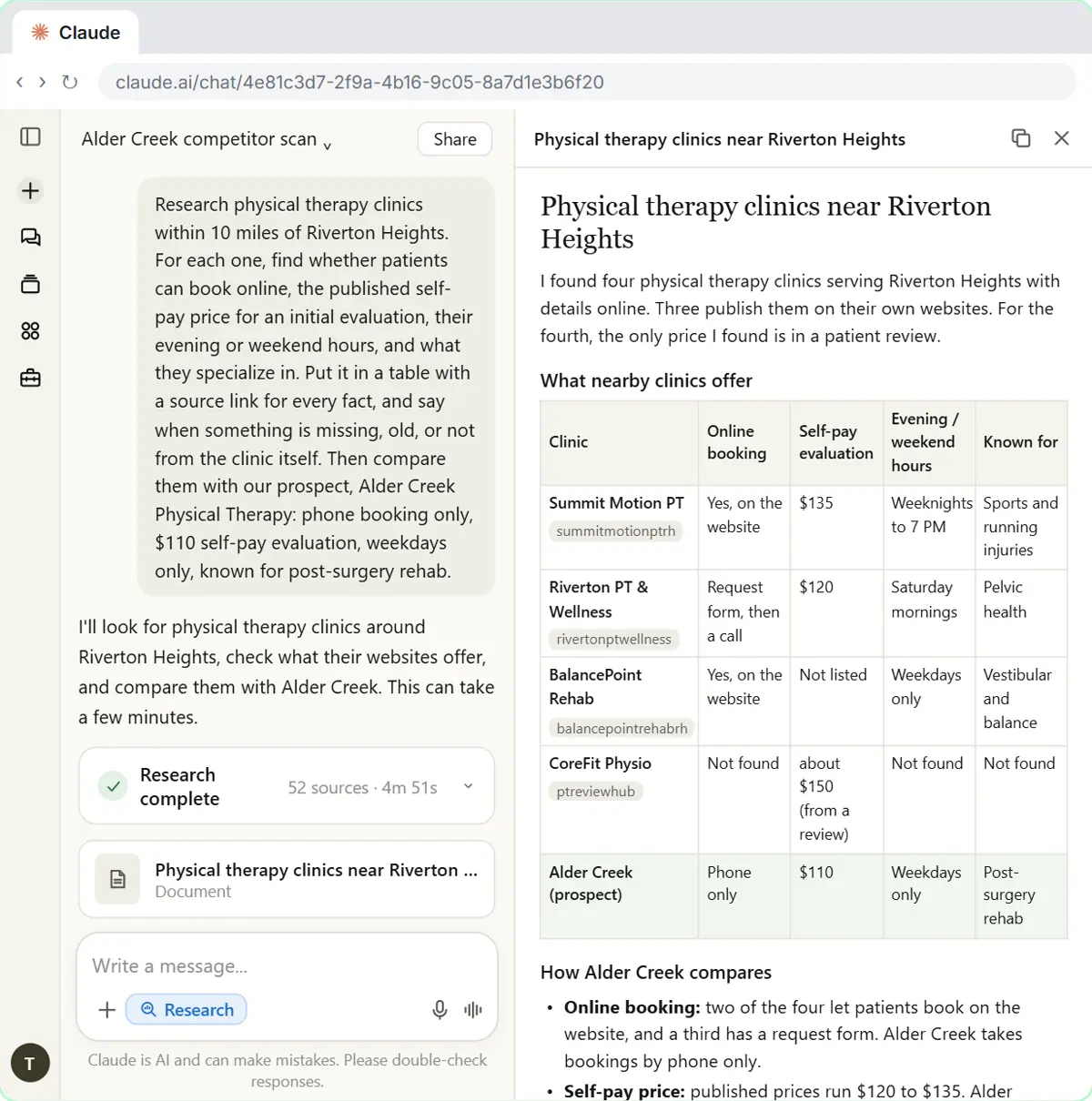
- Get Your Business Recommended by ChatGPT: a small CPA firm finds out why ChatGPT doesn't name it and fixes the gaps; agencies can run the same steps for clients. 10 minutes.
- AI Demo Request Form That Qualifies Leads: a Lovable form plus an n8n agent that rates leads hot, warm or nurture. 15 minutes.
Try it free, step by step
OLVA: A Private AI Assistant on Your Client Calls. Give OLVA your client notes, get private answers and fact checks during a Zoom call, then turn the meeting into minutes, a follow-up email and a PowerPoint deck. You do every step yourself in a practice copy of OLVA, it checks your work as you go, and “Do it for me” finishes any step you get stuck on. Free, and nothing touches your real accounts.
Start the free lessonWhich three prompts can consultants and agencies copy today?
Three prompts to paste into a ChatGPT, Claude, Gemini or Copilot workspace your firm has approved, before, after and between client calls. Fill in the parts in brackets, and check your client agreement before pasting their material.
You are helping me prepare for a call with [CLIENT]. Here are my notes: [PASTE NOTES]. Here is the proposal summary: [PASTE]. List the client's goals, every number I'll quote (scope, timeline, price) and where it comes from, the questions they are most likely to ask, and the facts I should have ready for each. Use only what's in my notes and the proposal.
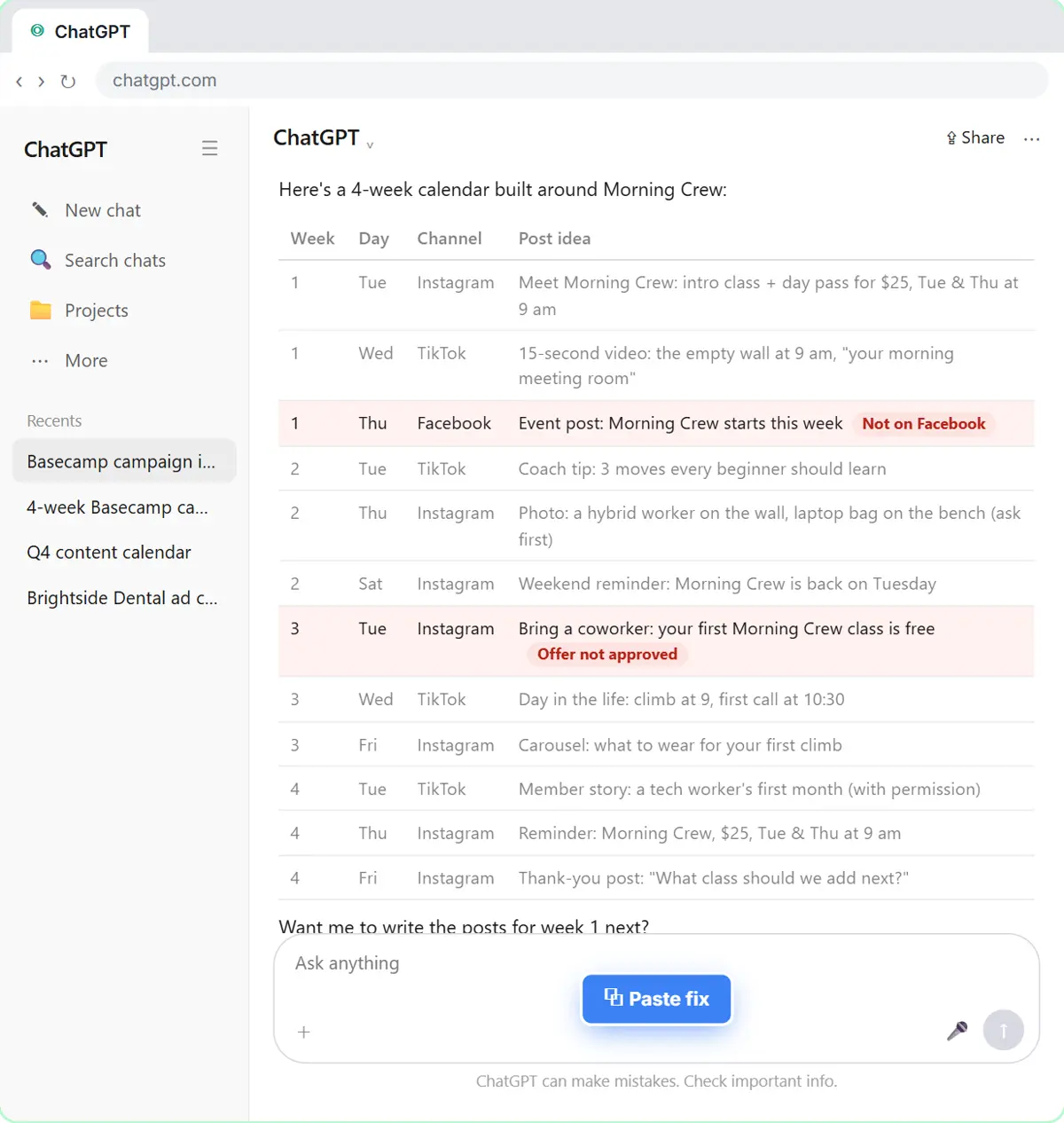
Here is the transcript of today's client call: [PASTE TRANSCRIPT]. Give me minutes: a three-sentence summary, the decisions, the action items as a table (task, owner, due date), open questions and risks. Then draft a follow-up email to [CONTACT] under 150 words that confirms only the decisions and next steps. Write "Not stated" for any missing owner or date.
Here is my client's email: [PASTE EMAIL]. Here is what our statement of work covers, word for word: [PASTE SOW SECTION]. Draft a friendly reply that answers what's in scope and names anything outside it as a change we would scope and price separately. Then make a table of every promise in the reply and the line of the statement of work that backs it.
You decide what goes to the client; the prompts only organize what you already know.
Where should a firm start this week?
Start with the calls, because that is where the client relationship happens.
- Day 1: take the OLVA lesson (9 minutes), or the meeting summary lesson if you'd rather not use a live assistant.
- Day 2: take Prompt Writing 101 and save templates for kickoff agendas and status reports.
- Day 3: take Reply Faster and use your statement of work as the facts for the next scope question.
- Later: run the AI search lesson for the firm, and build the lead form if new inquiries wait too long for a reply.
Agree on how you tell clients about AI on calls before the first one.
Which consulting and agency prompts are in the prompt library?
- Client kickoff agenda
- Discovery call prep
- Statement of work draft
- Scope change reply
- Proposal summary
- Executive summary from a report
- Client monthly report
- Creative brief
Terms to know: statement of work, scope creep, kickoff meeting, master services agreement, quarterly business review, utilization rate and AI note taker.
What should a firm keep a human on?
Keep the advice, the pricing and the client's confidential material in your hands.
- The recommendation is the product. AI organizes; you judge.
- Confidentiality comes from the contract. Check your agreement and the client's policies before pasting their material into any AI tool.
- Trace every number. AI can misquote a figure. Check each one in a deliverable against its source.
Key takeaways
- AI helps consultants and agencies prepare for calls, catch errors live, and leave with minutes and follow-ups drafted.
- Start with the OLVA lesson, or the meeting summary lesson if you'd rather not use a live assistant.
- The promise check against the statement of work catches scope creep in friendly replies.
- The AI search lesson shows how a firm gets named when prospects ask ChatGPT who to hire.
Frequently asked questions
- Do clients mind AI on their calls?
Some will. Tell them what tool you use and what happens to the recording, get consent, and respect a no.
- Can AI write proposals and reports?
It can draft from your notes and past work. Pricing, scope and recommendations need your review before anything goes to a client.
- Is OLVA free?
Check OLVA's site for current plans. The Stepthrough lesson uses a free practice copy, so you can learn it before deciding.