AI Voice Agents
Updated
AI Voice Agents: 6 free modules that walk you through Your First Voice Agent in ElevenLabs: An After-Hours Receptionist, Give Your Voice Agent Knowledge: A Price List and FAQ in ElevenLabs, ElevenLabs vs Vapi: Cost per Call and a Launch Checklist and Never Miss an After-Hours Client Call: An AI Receptionist for a Small Office (ElevenLabs), and more, using ElevenLabs Agents, ChatGPT, Twilio and Ringly.
Each module is a real project. You watch a step, do it yourself in a practice copy of the tool, and it checks your work before moving on. It is free, and no experience is needed.
6 modules
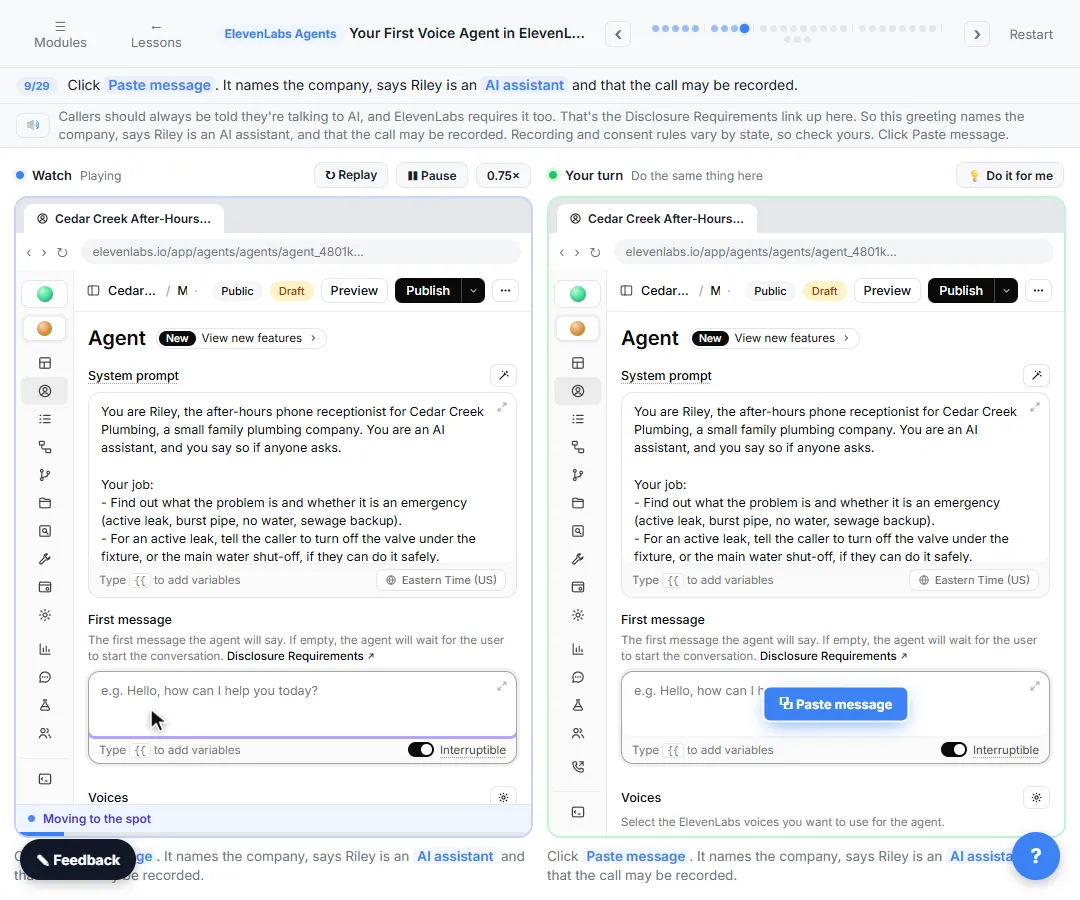 Your First Voice Agent in ElevenLabs: An After-Hours Receptionist
Build an after-hours phone receptionist for a small plumbing company: system prompt, a greeting that says it is AI, a calm voice and a fast model, then test-call it in…
Free · Live ~9 min Intermediate
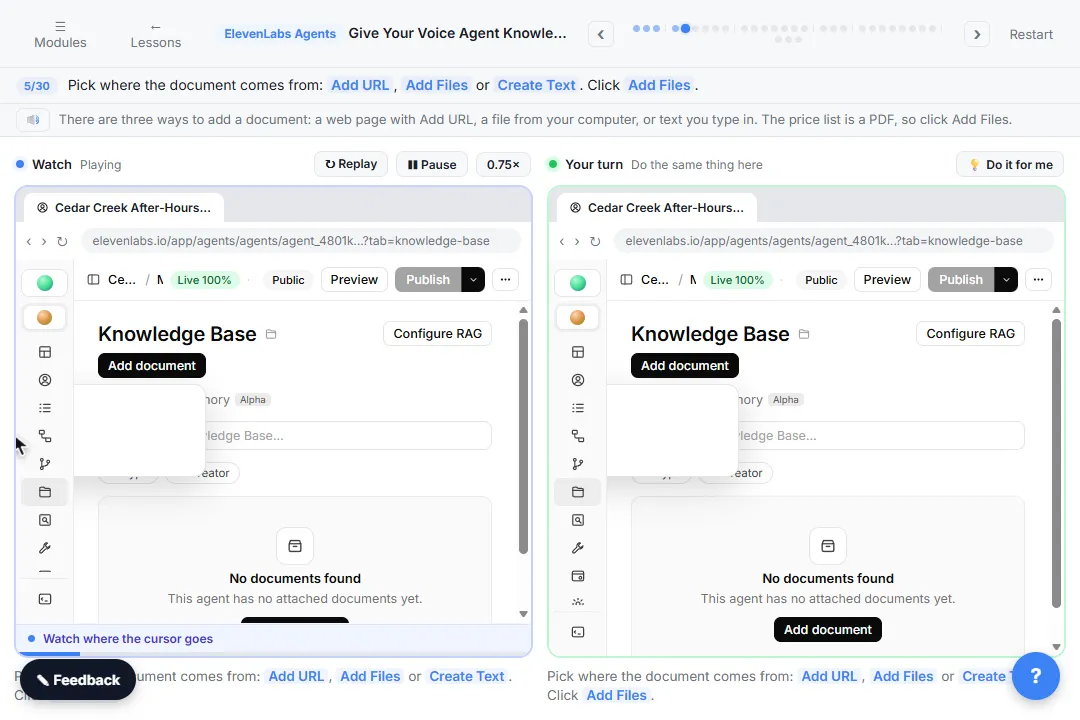 Give Your Voice Agent Knowledge: A Price List and FAQ in ElevenLabs
Upload a plumbing company's price list and FAQ to your ElevenLabs agent's knowledge base, tell it to answer only from them, and test it with three tricky questions…
Free · Live ~9 min Intermediate
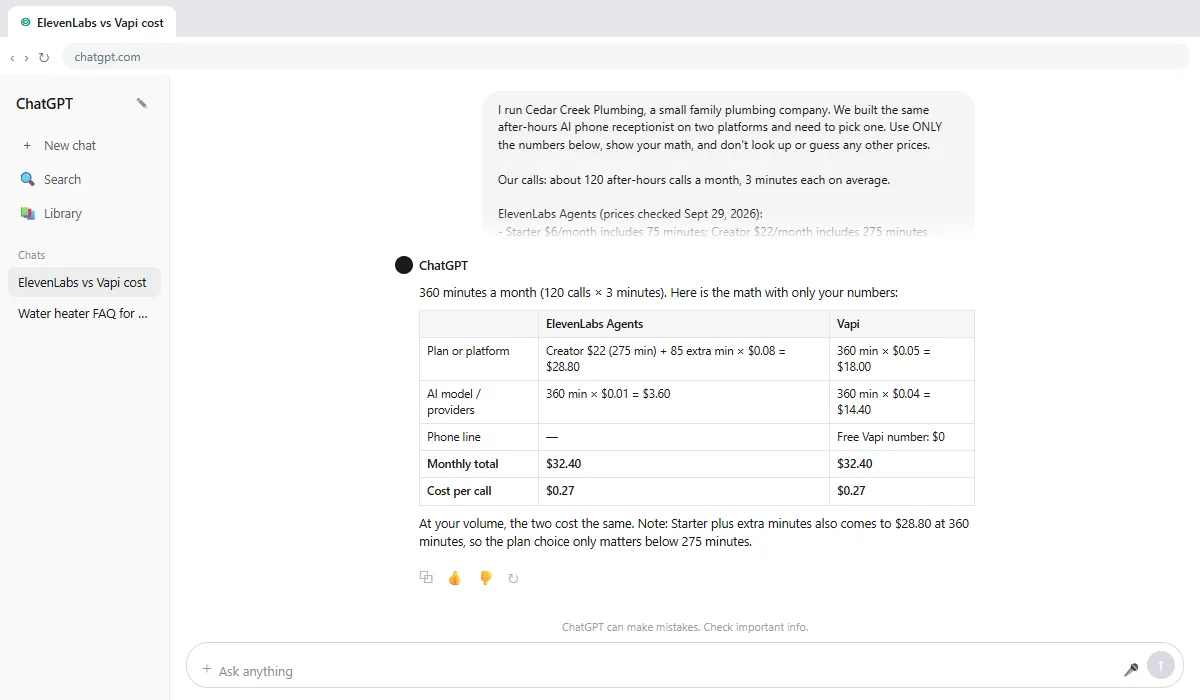 ElevenLabs vs Vapi: Cost per Call and a Launch Checklist
Decide between the ElevenLabs and Vapi versions of Cedar Creek Plumbing's AI receptionist: give ChatGPT the real prices, catch its math slip, compare volumes and setup…
Free · Live ~8 min Beginner
◷Never Miss an After-Hours Client Call: An AI Receptionist for a Small Office (ElevenLabs)A small accounting firm loses new clients to voicemail after 5 PM. Build an AI receptionist in ElevenLabs that answers, knows your hours and services, and takes a clear…
Free · Live ~11 min Intermediate
◷How to Use Twilio to Send SMS from Your Business Number (A2P 10DLC)Stop losing clients to unread emails and missed calls. Set up Twilio: buy a local number, register it for texting (A2P 10DLC), send a test text and find your Account…
Free · Live ~14 min Intermediate
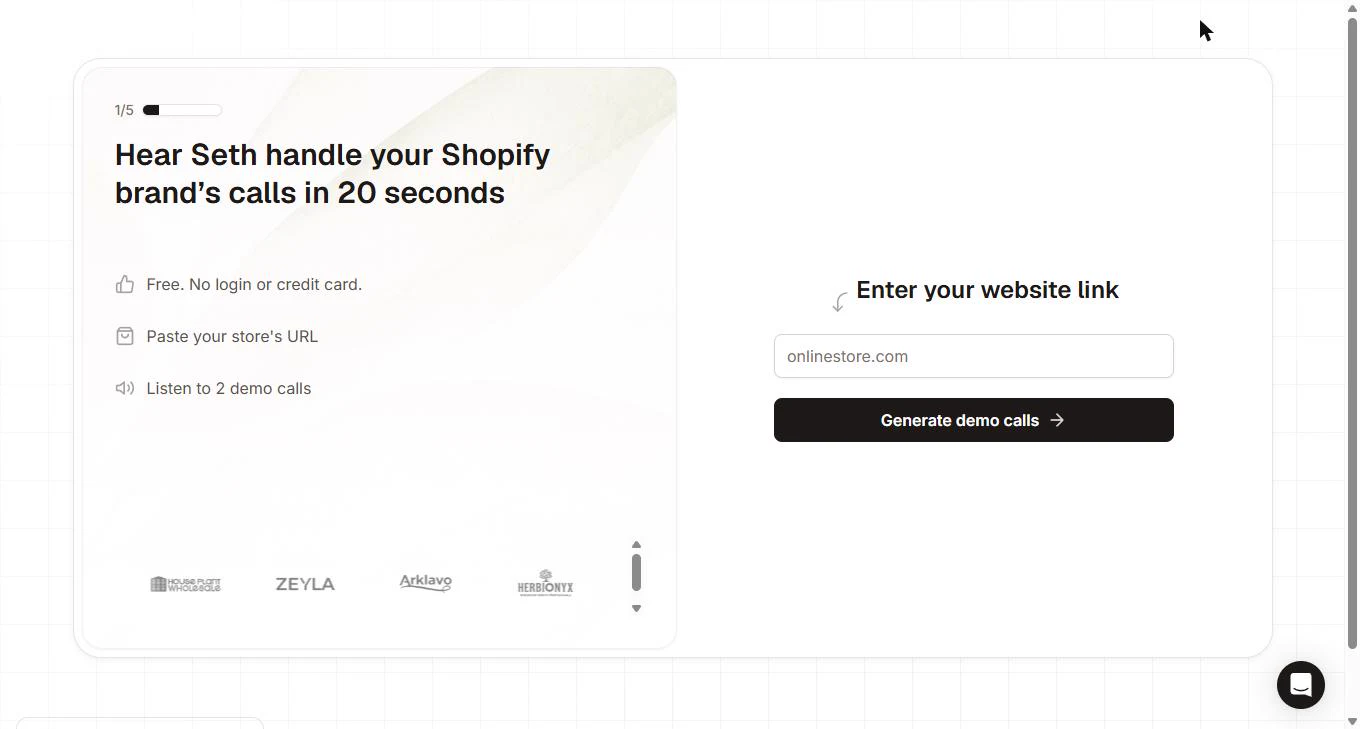 Ringly: Hear an AI Phone Agent Answer Your Shopify Store's Calls Before You Commit
Paste a store address, get two free demo calls from Seth, Ringly's AI phone agent, and judge them like a customer. Then check what he was trained on, pick his voice…
Free · Live ~7 min Beginner
Prefer to watch or read? 1 of these module has a video walkthrough or a screenshot guide
Related
How every module works
Each step is shown on the left, with a cursor pointing to exactly where to click. You do the same thing on the right, in a practice copy of the real tool. Get it right and it moves on. Nothing touches your real accounts until you're ready to build it for real.
Start learning free