Vibe Coding for Business
Updated
Vibe Coding for Business: 3 free modules that walk you through Lovable: Build or Buy? Vibe Code an Office App in One Prompt, Lovable: Cut "Where's My Return?" Calls with a Status Page and Lovable: Check Logins, Data and Cost Before You Share an App, using Lovable.
Each module is a real project. You watch a step, do it yourself in a practice copy of the tool, and it checks your work before moving on. It is free, and no experience is needed.
3 modules
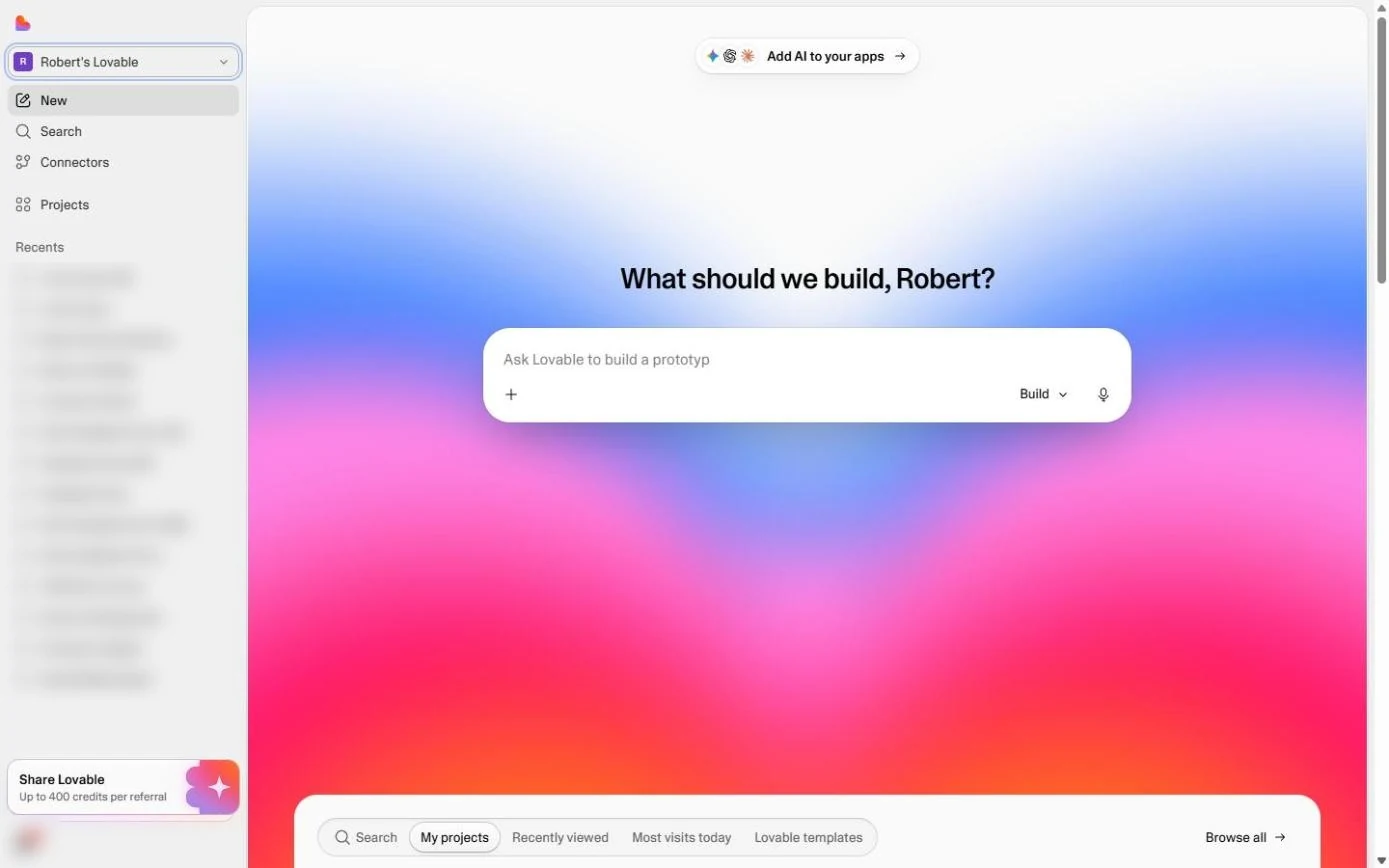 Lovable: Build or Buy? Vibe Code an Office App in One Prompt
What vibe coding is, and when building beats buying: describe an equipment sign-out board to Lovable in one prompt, use it in the preview, open the real code it wrote…
Free · Live ~10 min Beginner
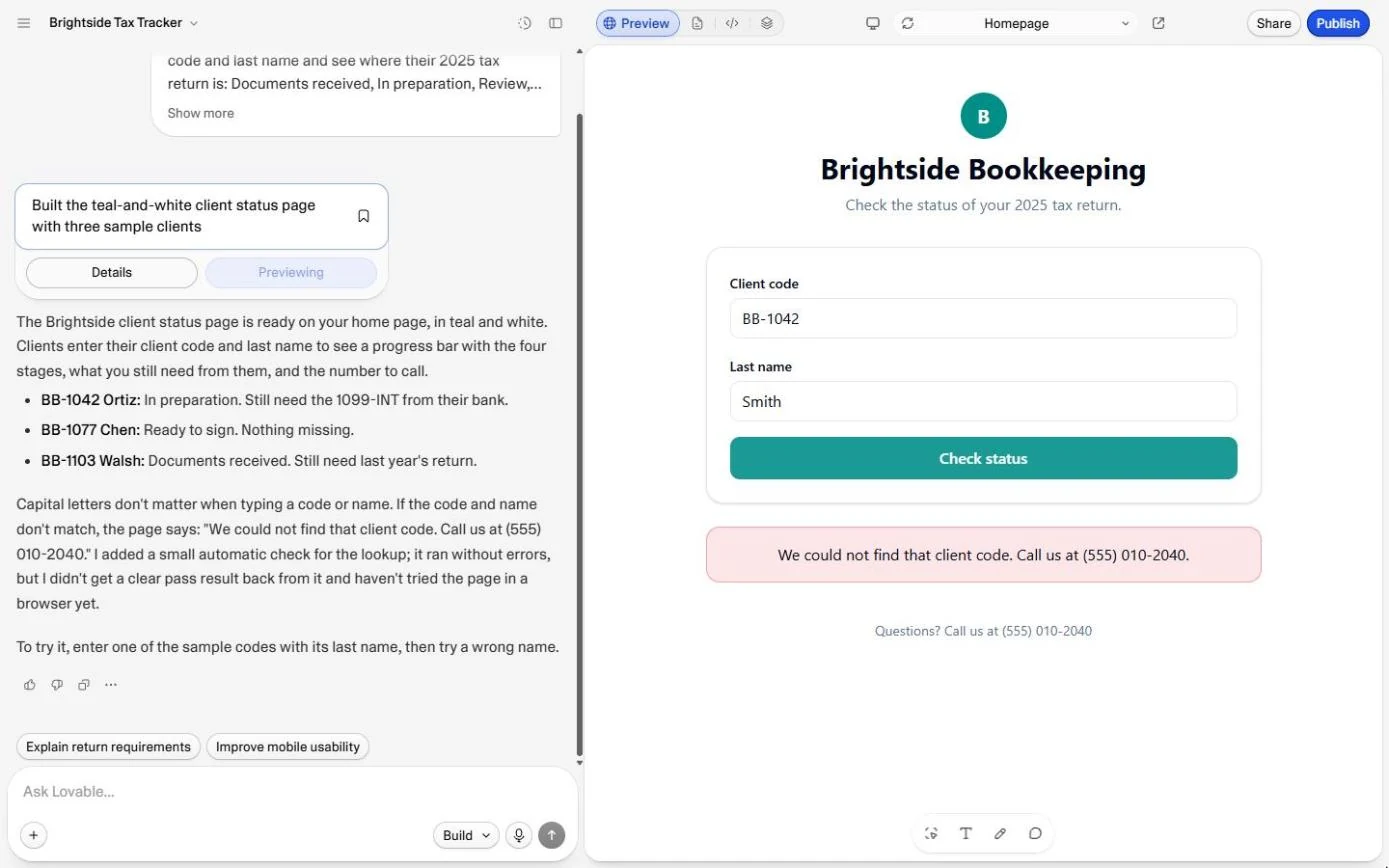
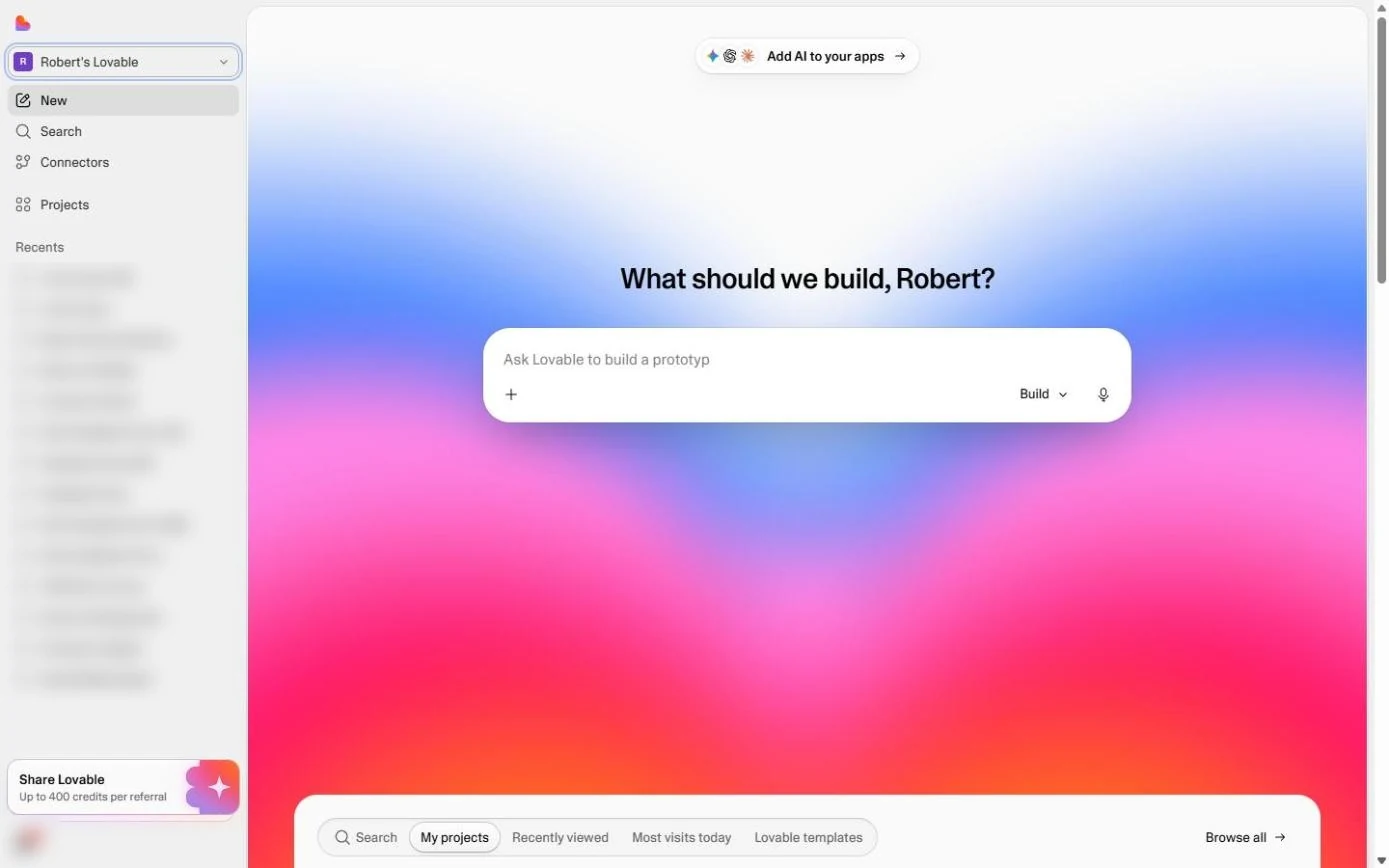 Lovable: Cut "Where's My Return?" Calls with a Status Page
A simple customer portal for a small firm: describe a client status page to Lovable (code + last name, a progress bar, what is still missing), then test a right and a…
Free · Live ~9 min Beginner
 Lovable: Check Logins, Data and Cost Before You Share an App
Three checks before you share anything you build with an AI app builder: who can open it, where the data lives, and what it will cost. Open the Publish panel without…
Free · Live ~10 min Beginner
What you do in each module
- Lovable: Build or Buy? Vibe Code an Office App in One Prompt (about 10 minutes, 17 steps, beginner). You work through: Build or buy?, Describe the app, Use it like Priya will, Look under the hood and What it cost, and the rule.
- Lovable: Cut "Where's My Return?" Calls with a Status Page (about 9 minutes, 13 steps, beginner). You work through: The same call, every day, Describe the status page, Look yourself up, Try it the wrong way and What you have, and what is missing.
- Lovable: Check Logins, Data and Cost Before You Share an App (about 10 minutes, 17 steps, beginner). You work through: Can we send it on Monday?, Check 1: who can open it, Check 2: where the data lives, Check 3: ask what safe costs and Ship it, or not yet.
Common questions
How long will this take?
The 3 modules take about 29 minutes in total, and you can do them in separate sittings.
Do I need experience first?
No. These modules are beginner level, and each step tells you exactly where to click.
Do I need a Lovable account to start?
No. The practice runs in a copy of Lovable inside your browser, and nothing touches your real accounts. When you are ready, you repeat the steps in your own account.
Is it free?
Yes. All 3 modules are free.
Where should I start?
Start with Lovable: Build or Buy? Vibe Code an Office App in One Prompt, then continue with Lovable: Cut "Where's My Return?" Calls with a Status Page.
Related
How every module works
Each step is shown on the left, with a cursor pointing to exactly where to click. You do the same thing on the right, in a practice copy of the real tool. Get it right and it moves on. Nothing touches your real accounts until you're ready to build it for real.
Start learning free