SQL
Updated
SQL: 3 free modules that walk you through SQL: Build a Monthly Revenue Report from an Orders Table, SQL: Top Customers and Key Accounts with GROUP BY and HAVING and SQL: Find Customers Who Have Gone Quiet with a LEFT JOIN, using DB Fiddle.
Each module is a real project. You watch a step, do it yourself in a practice copy of the tool, and it checks your work before moving on. It is free, and no experience is needed.
3 modules
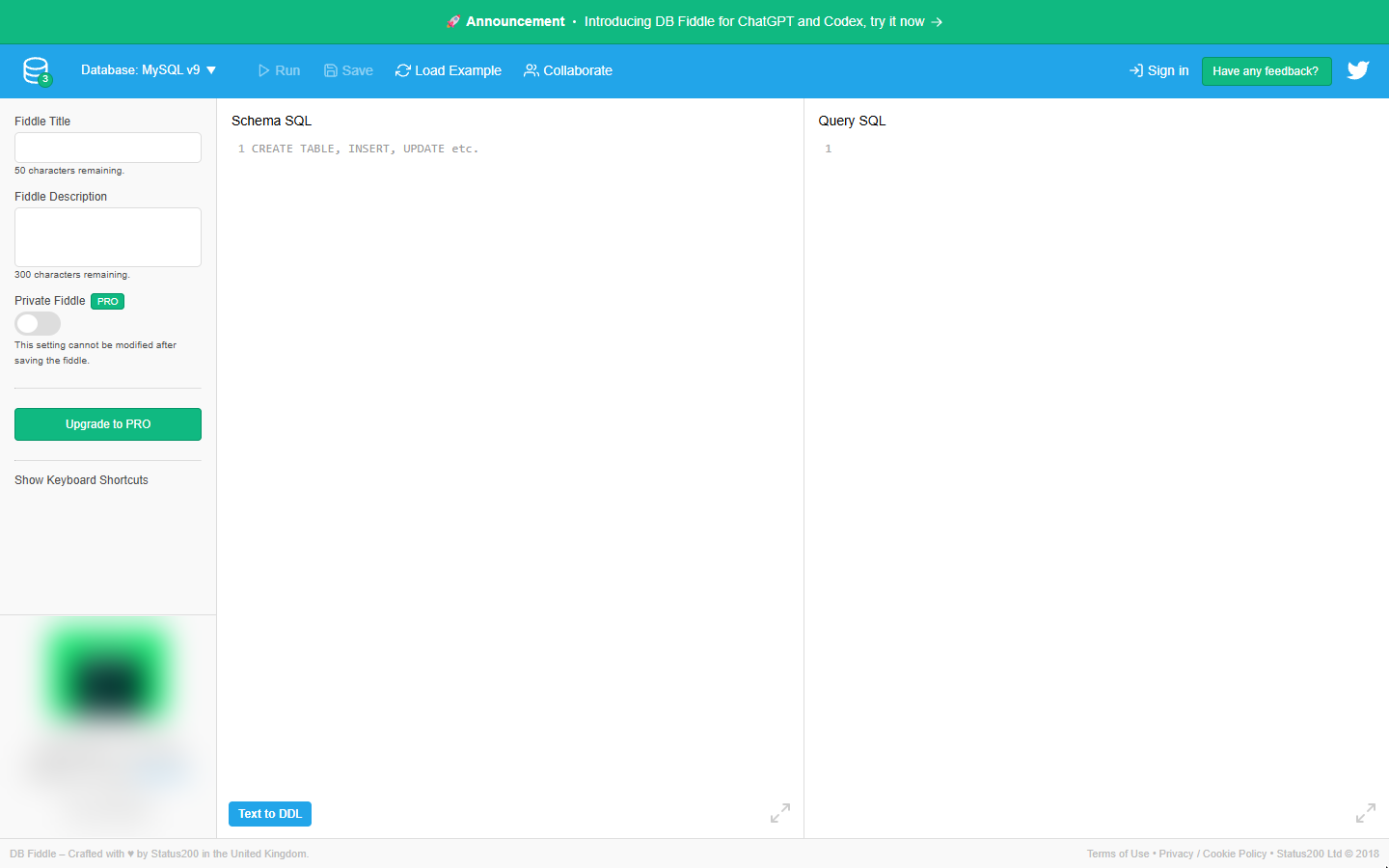 SQL: Build a Monthly Revenue Report from an Orders Table
A beginner SQL walkthrough in the free DB Fiddle: type a small orders table, then filter it, total it and turn it into revenue by month with GROUP BY, typing every line…
Free · Live ~12 min Beginner
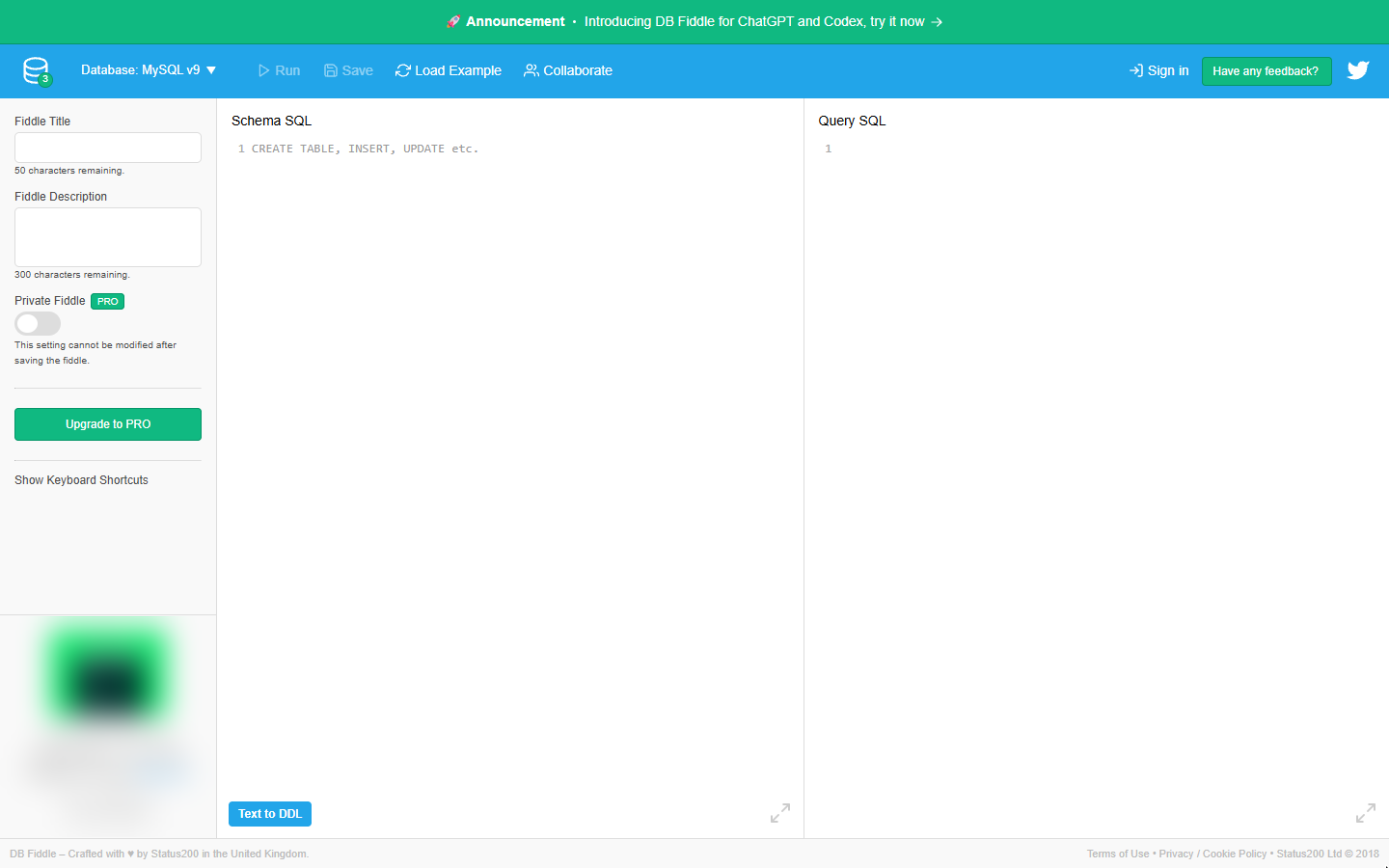 SQL: Top Customers and Key Accounts with GROUP BY and HAVING
A beginner SQL walkthrough in the free DB Fiddle: total revenue per customer with GROUP BY, sort the biggest to the top, keep the top three with LIMIT and list key…
Free · Live ~12 min Beginner
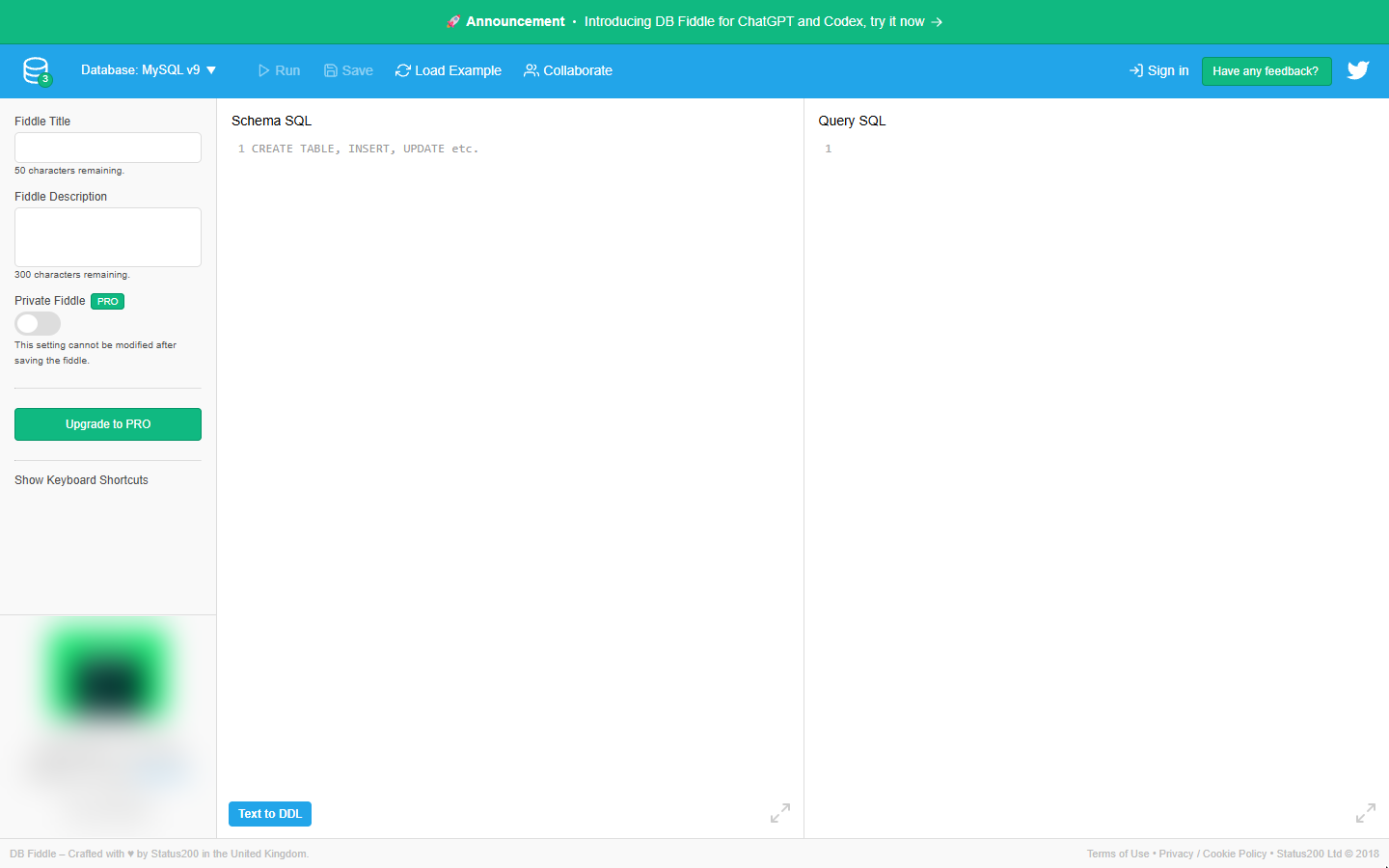 SQL: Find Customers Who Have Gone Quiet with a LEFT JOIN
A beginner SQL walkthrough in the free DB Fiddle: join a customers table to orders, see why a plain JOIN hides customers who never ordered, and list every quiet account…
Free · Live ~15 min Beginner
What you do in each module
- SQL: Build a Monthly Revenue Report from an Orders Table (about 12 minutes, 14 steps, beginner). You work through: Make the orders table, Ask your first questions and Revenue by month.
- SQL: Top Customers and Key Accounts with GROUP BY and HAVING (about 12 minutes, 14 steps, beginner). You work through: Make the orders table, Total each customer and Key accounts with HAVING.
- SQL: Find Customers Who Have Gone Quiet with a LEFT JOIN (about 15 minutes, 17 steps, beginner). You work through: Make two tables, Join them and Find the quiet accounts.
Common questions
How long will this take?
The 3 modules take about 39 minutes in total, and you can do them in separate sittings.
Do I need experience first?
No. These modules are beginner level, and each step tells you exactly where to click.
Do I need a DB Fiddle account to start?
No. The practice runs in a copy of DB Fiddle inside your browser, and nothing touches your real accounts. When you are ready, you repeat the steps in your own account.
Is it free?
Yes. All 3 modules are free.
Where should I start?
Start with SQL: Build a Monthly Revenue Report from an Orders Table, then continue with SQL: Top Customers and Key Accounts with GROUP BY and HAVING.
Related
How every module works
Each step is shown on the left, with a cursor pointing to exactly where to click. You do the same thing on the right, in a practice copy of the real tool. Get it right and it moves on. Nothing touches your real accounts until you're ready to build it for real.
Start learning free