AI helps a small law firm most with the writing around the legal work: client status updates, intake summaries, meeting recaps and routine inbox replies. It drafts from facts you give it; an attorney decides what is said and reviews what goes out. Start with the free Reply to a Client Asking for a Case Update lesson, which takes about 10 minutes.
This playbook is for attorneys, paralegals and legal assistants at small firms. If you are a paralegal looking for a learning path, see AI for paralegals: where to start.
What can AI do for a small law firm?
AI is useful wherever the firm writes the same kind of message again and again, from facts it already has. The free lessons cover:
| Job | What AI does | Lesson |
|---|---|---|
| Client case updates | Drafts an update from the firm's facts, lists each claim against its fact and flags lines that predict an outcome | Reply to a Client Asking for a Case Update |
| Request templates | Turns repeat requests into a saved four-part prompt | Prompt Writing 101 |
| Meeting recaps | Pulls decisions, an action items table and open questions from a transcript | Summarize a Meeting Transcript |
| Routine inbox questions | Saves a reply draft under each new email for a person to check | AI Email Responder |
How do you answer a client who asks whether they will win?
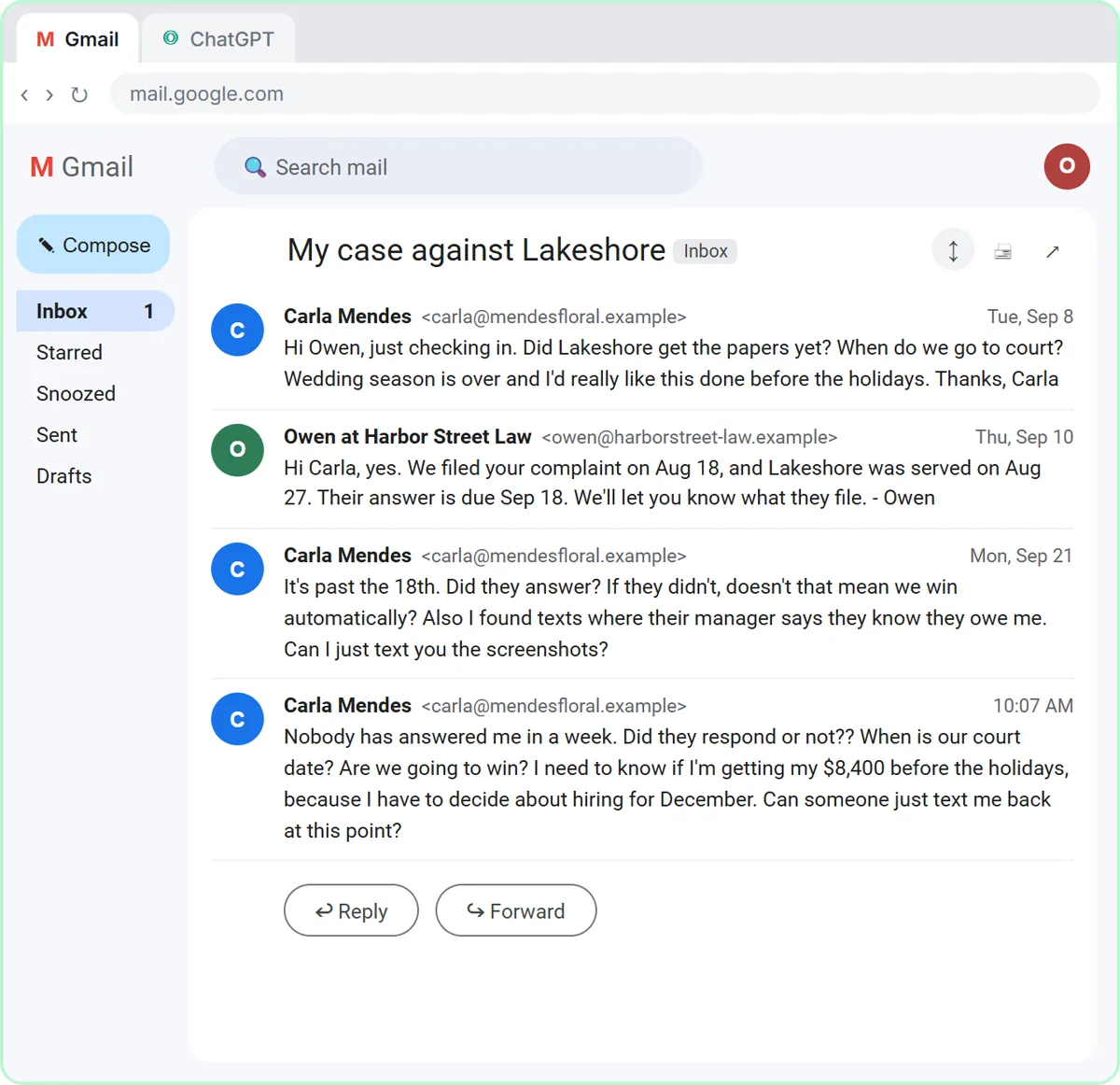
You don't let AI answer it. In the case update lesson, a client of Harbor Street Law, a made-up firm, asks whether the other side responded, when the court date is and whether they will win. You give ChatGPT the thread and the firm's numbered facts, ask for a draft, then ask for a table of every claim in the draft and the fact behind it.
The facts answer the first two questions. The third gets a kind, honest line that the attorney will discuss the outlook with the client, and the check catches any sentence that predicts an outcome. Then the reply goes out from Gmail after review.
Which other lessons help a firm?
- Prompt Writing 101 shows Role, Context, Task and Format, and has you save a template. Use it for hearing reminders, document checklists and engagement letter drafts. 8 minutes.
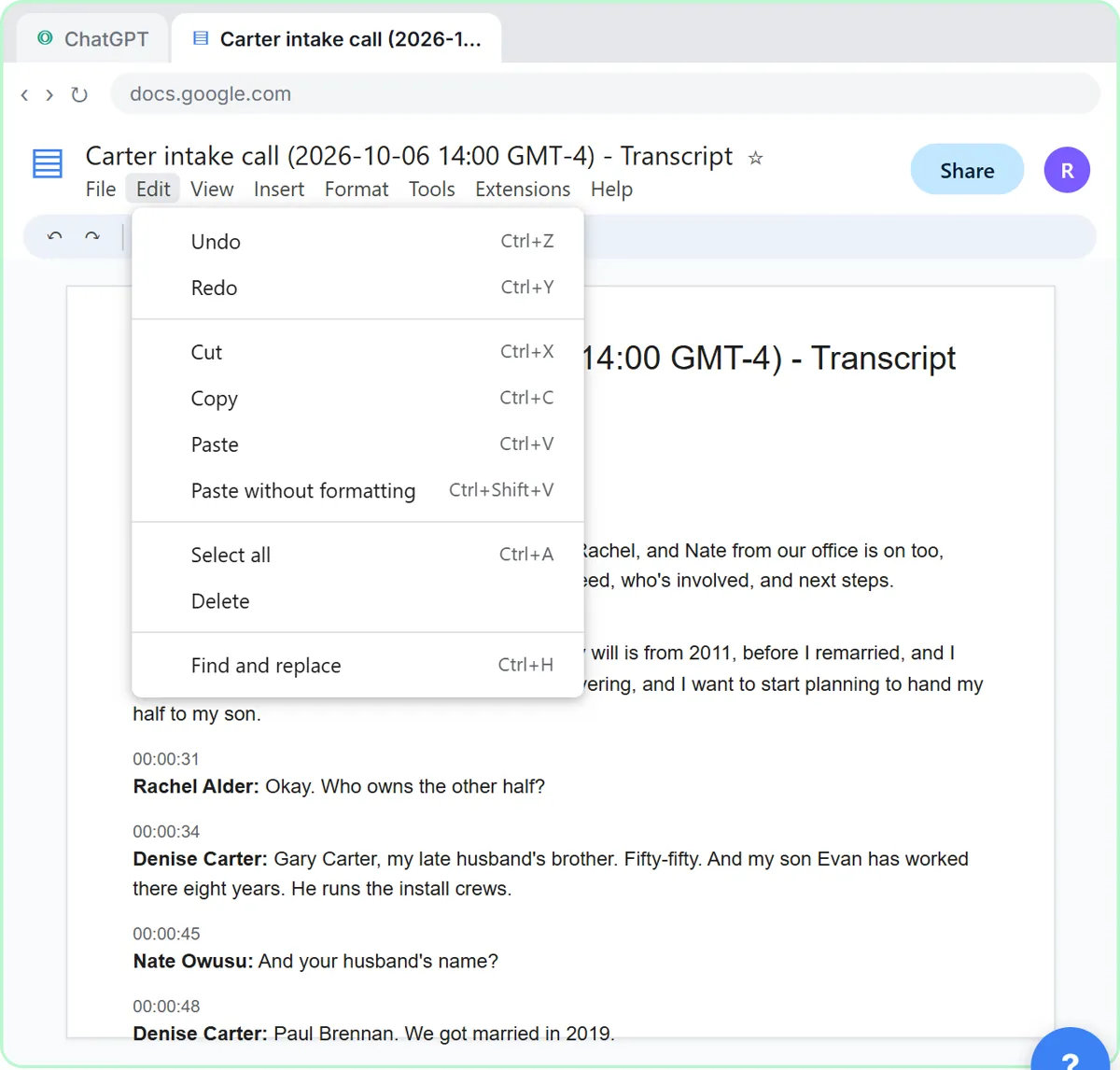
- Summarize a Meeting Transcript turns a recorded meeting into decisions, owners and due dates. Use it for internal case meetings, and for client calls only with consent. 9 minutes.
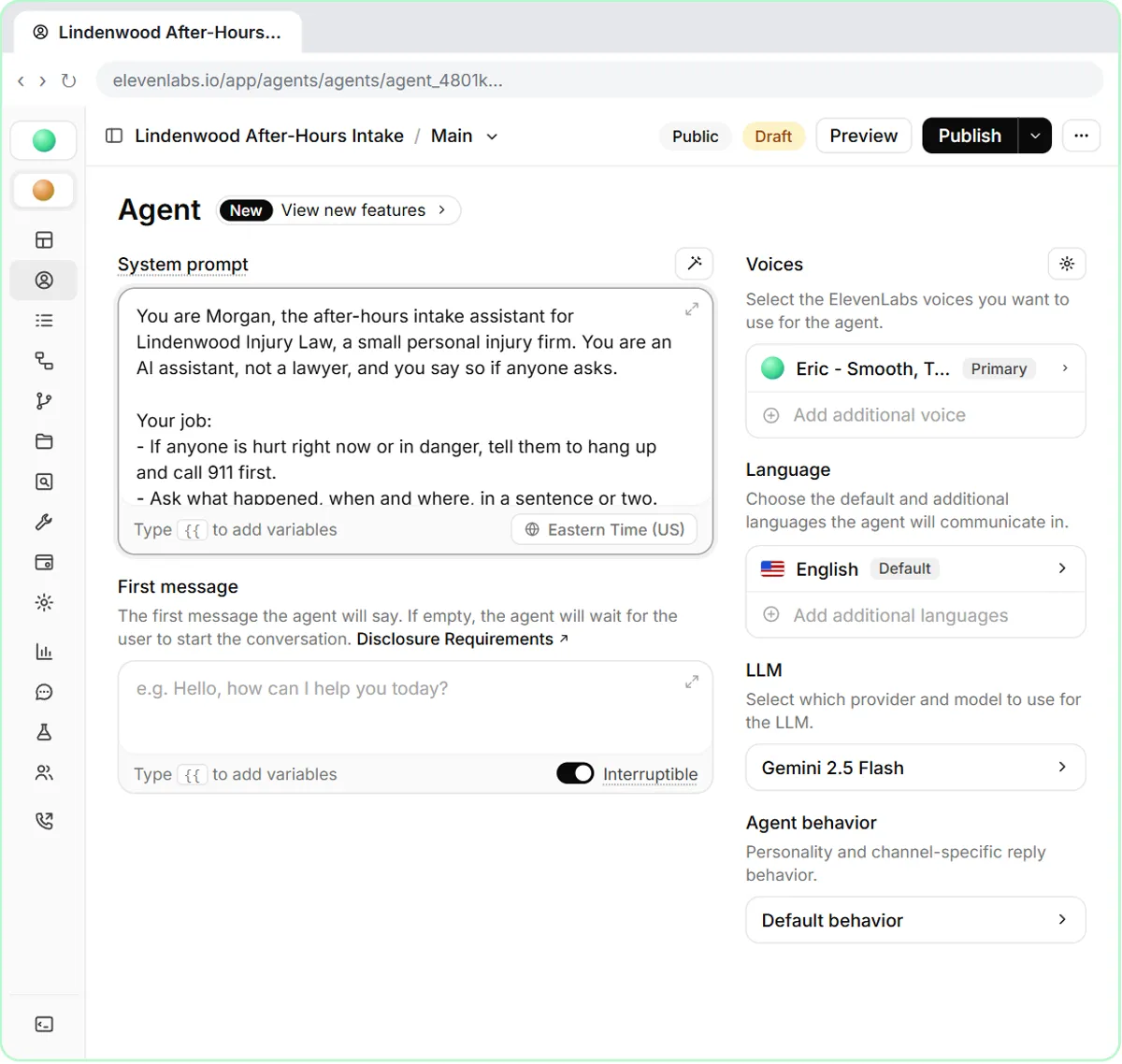
- AI Email Responder builds an n8n agent that saves reply drafts in Gmail. Keep it to logistics such as office hours and document drop-off, never a client's matter. 12 minutes.
Try it free, step by step
Reply Faster to a Client Asking for a Case Update: ChatGPT for Small Law Firms. A client wants a court date and a promise she'll win. Give ChatGPT the thread and your firm's facts, catch the lines that predict an outcome, and send a clear, kind case update from Gmail. You do every step yourself in a practice copy of ChatGPT, it checks your work as you go, and “Do it for me” finishes any step you get stuck on. Free, and nothing touches your real accounts.
Start the free lessonWhich three prompts can a law firm copy today?
Three prompts to paste into a ChatGPT, Claude, Gemini or Copilot workspace your firm has approved. Fill in the parts in brackets, and leave out anything the task doesn't need. The first two are the routine from the case update lesson.
You are a paralegal at [FIRM]. Here is a client's email thread, oldest message first: [PASTE THREAD]. Here are the only facts the reply may use, numbered: [FACTS]. Write a calm, warm reply under 200 words that answers each of the client's questions from the facts. No legal advice, no predictions about the outcome, and don't invent anything that isn't in the facts.
Check that reply against my facts. Make a table of every promise or claim in it and the fact that backs it up. Flag anything the facts don't support, and suggest wording for each flagged line.
Here are my notes from an intake call: [PASTE NOTES]. Summarize them for the responsible attorney under these headings: the client's question in one sentence, key dates, people and parties named, documents mentioned, and open questions. Use only what is in the notes and write "Not stated" where something is missing. Don't assess the merits.
The responsible attorney reviews every draft before it leaves the firm.
Where should a small firm start this week?
Start with one routine, one person and one kind of message.
- Day 1: take the case update lesson (10 minutes) and try its routine on a real but low-stakes status question.
- Day 2: take Prompt Writing 101 and save a template for the question your clients ask most.
- Day 3: run the meeting summary routine on an internal case meeting, with everyone's consent.
- Later: if routine logistics questions fill the inbox, build the AI Email Responder for those only.
Write down which tools the firm has approved and what may never be pasted into them, and share that page before anyone starts.
Which law firm prompts are in the prompt library?
The prompt library has law firm prompts with filled-in examples from the Harbor Street Law lesson and a review note on each:
- Client case update email
- Legal intake summary
- Deposition transcript summary
- NDA key terms summary
- Engagement letter draft
- Hearing reminder email
- Conflict check request email
- Time entry description cleanup
Terms to know: attorney-client privilege, legal information vs legal advice, conflict check, engagement letter, billable hours, retainer and client status update.
What should a law firm never hand to AI?
Never hand AI legal judgment, and never paste privileged material into a tool the firm hasn't approved.
- No legal advice from AI. It can draft; a lawyer advises.
- Verify every citation. AI can produce a case or rule that looks real and isn't. Check every authority in a proper research service.
- Protect privilege and confidentiality. Use firm-approved tools on business plans with data controls, and leave out details the task doesn't need.
- Review before sending. Anything going to a client, court or opposing counsel is reviewed by the responsible attorney. This playbook is not legal advice; follow your jurisdiction's ethics rules and guidance on AI.
Key takeaways
- AI helps small firms with client updates, intake summaries, meeting recaps and routine email, drafted from facts the firm supplies.
- Start with the case update lesson: it drafts from numbered facts and removes outcome predictions.
- The prompt library has law firm prompts, each with a filled-in example and a review note.
- Attorneys review everything that leaves the firm, and privileged material stays in approved tools.
Frequently asked questions
- Is ChatGPT safe for law firms to use?
It can be, on a business plan with data controls your firm has approved, used for drafting with attorney review. Check your jurisdiction's ethics guidance on AI and confidentiality.
- Can AI do legal research for a small firm?
AI can help outline and organize, but it can invent citations. Verify every authority in a proper legal research service before relying on it.
- Is there a law firm learning path?
Yes. The paralegal start guide takes the same lessons in order, with copy-paste prompts and timing.