Gemini for Google Workspace
Updated
Gemini for Google Workspace: 5 free modules that walk you through Gemini in Gmail: Summarize a Thread and Draft the Reply, Gmail Filters, Labels and AI Draft Replies With a Human Check, NotebookLM (Now Gemini Notebook): Cited Answers and a Briefing from Your Docs and NotebookLM: Turn Your Documents into a Podcast (Audio Overview), and more, using Gmail, Gemini, Gemini Notebook and ChatGPT.
Each module is a real project. You watch a step, do it yourself in a practice copy of the tool, and it checks your work before moving on. It is free, and no experience is needed.
In the course: Gemini for Google Workspace is Part 5 · Gemini for Google Workspace of the free Stepthrough course.
5 modules
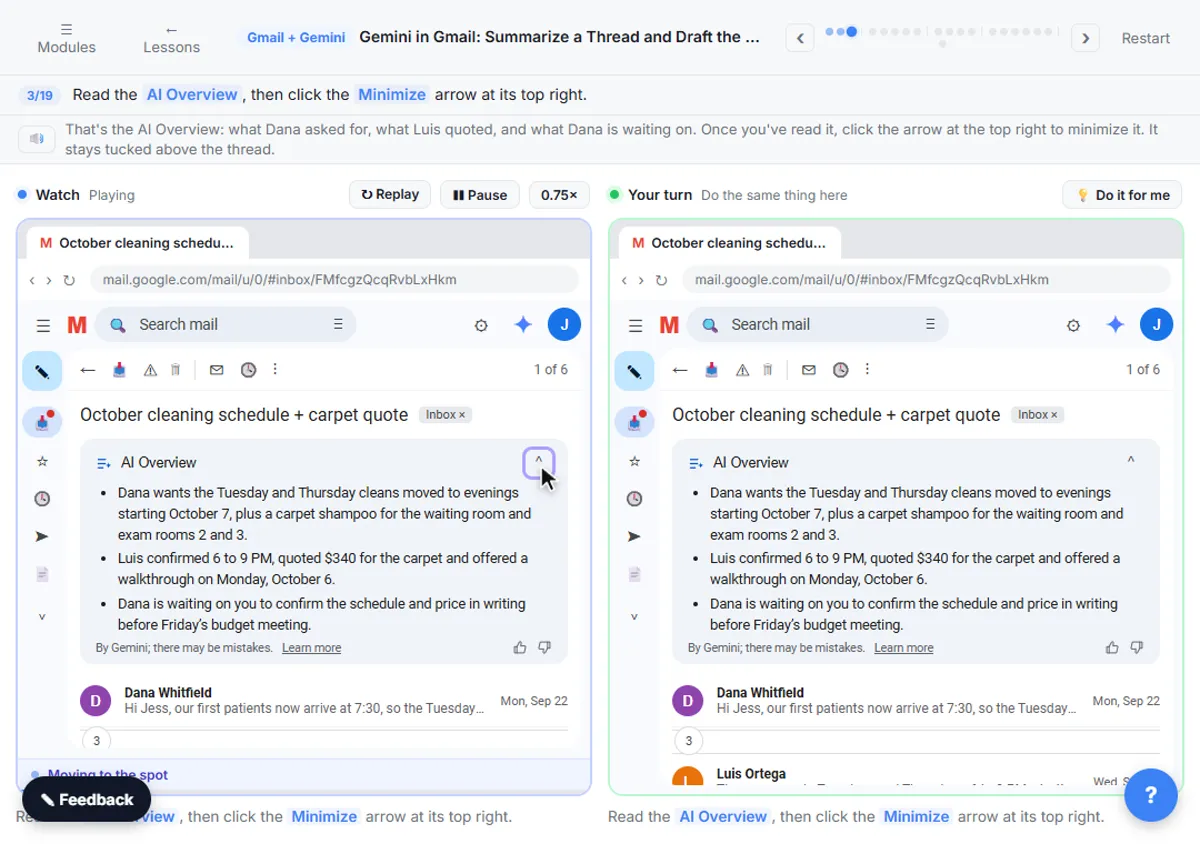 Gemini in Gmail: Summarize a Thread and Draft the Reply
Catch up on a long email thread in seconds with Summarize this email, ask Gemini what you owe, then write, refine and polish the reply with Help me write.
Free · Live ~7 min
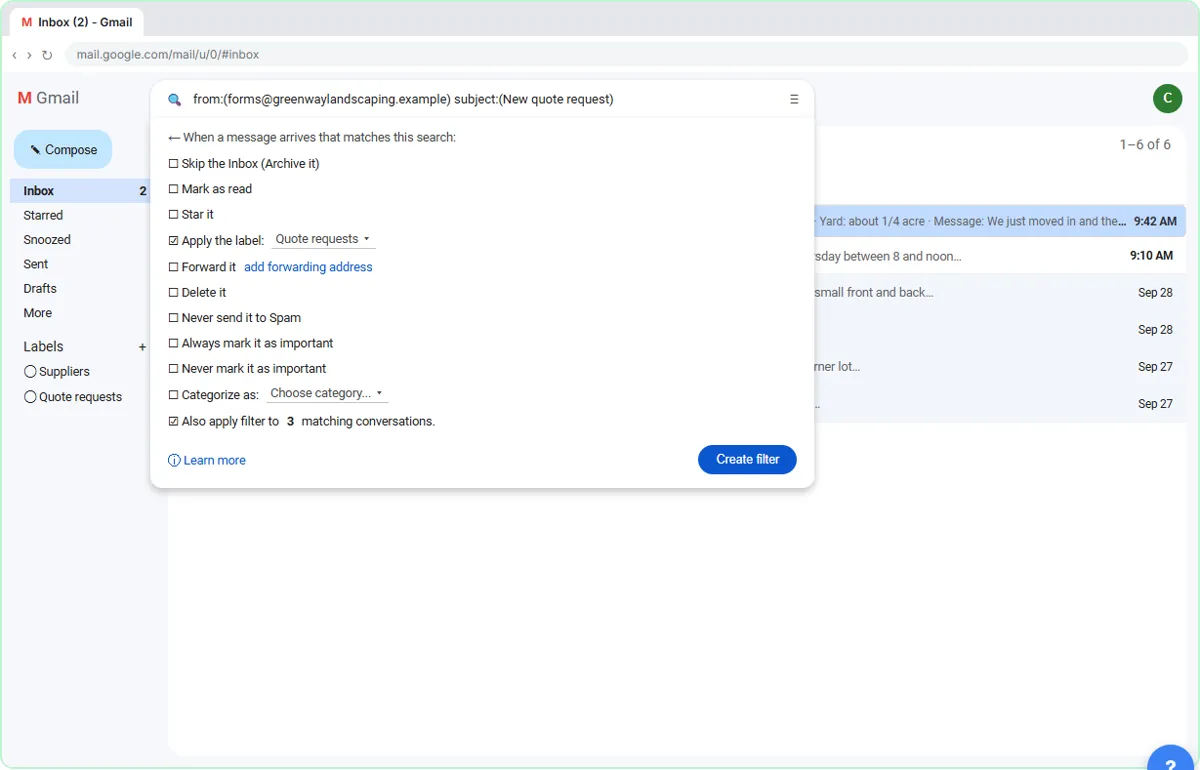 Gmail Filters, Labels and AI Draft Replies With a Human Check
Make Gmail label every website quote request automatically, draft the reply with Help me write, and catch the made-up price before it's sent.
Free · Live ~8 min
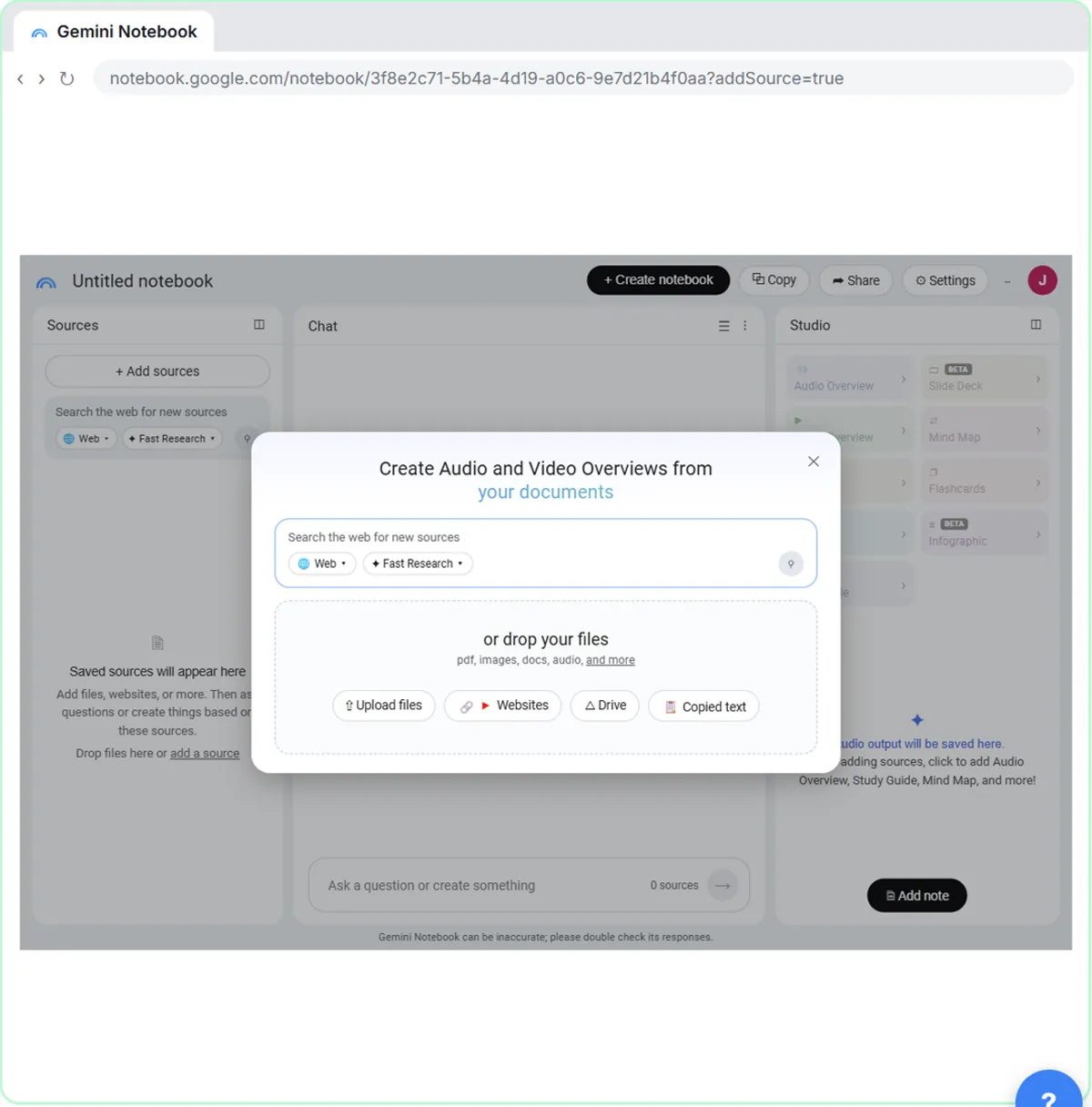 NotebookLM (Now Gemini Notebook): Cited Answers and a Briefing from Your Docs
Create a notebook, add a PDF, a Google Doc from Drive and a web page as sources, ask a question and check its citations, save the answer to a note, and turn it all into…
Free · Live ~7 min
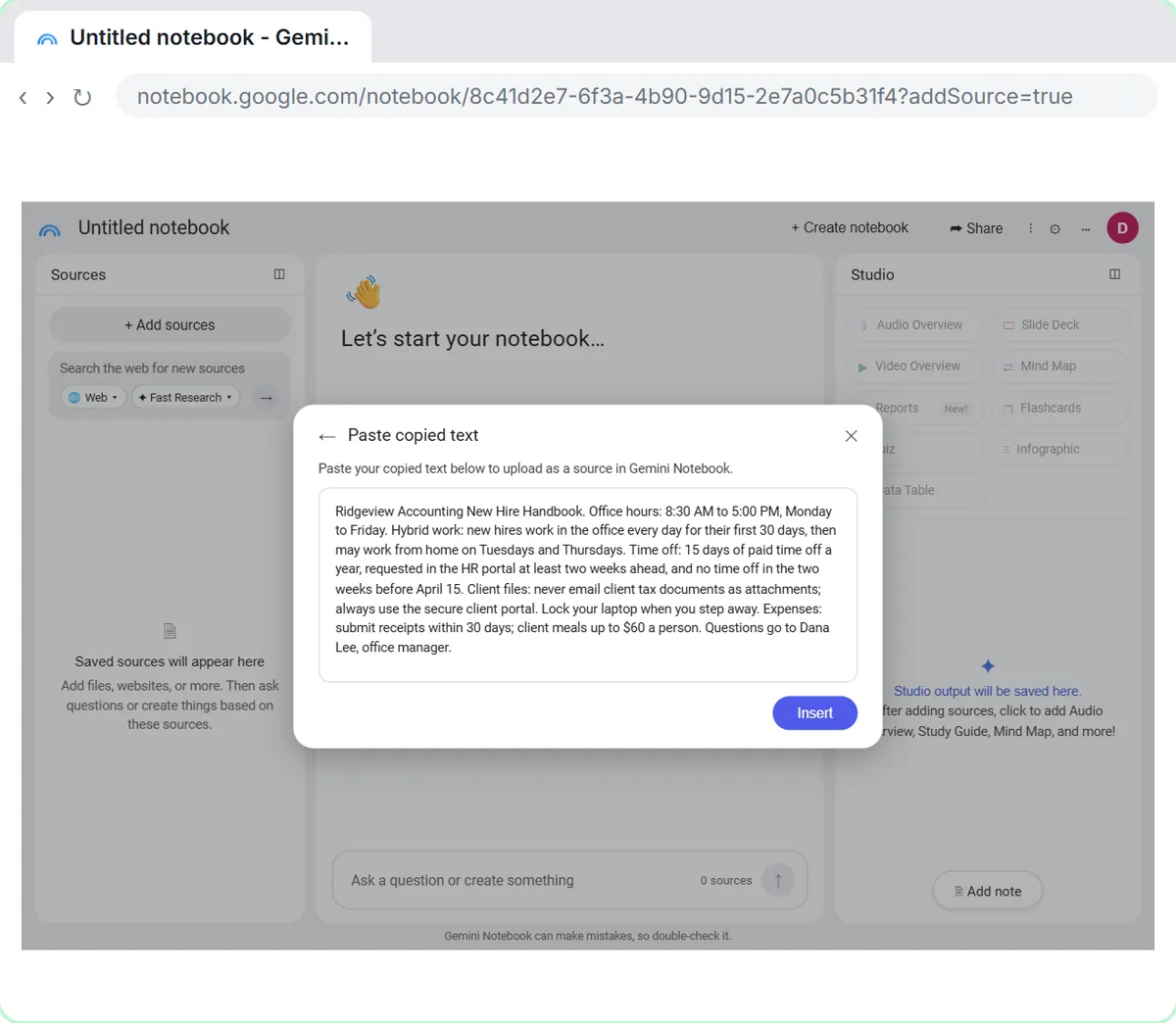 NotebookLM: Turn Your Documents into a Podcast (Audio Overview)
Paste a new hire handbook and meeting notes into a notebook, customize an Audio Overview for two new accountants, listen, join the conversation with Interactive mode…
Free · Live ~6 min
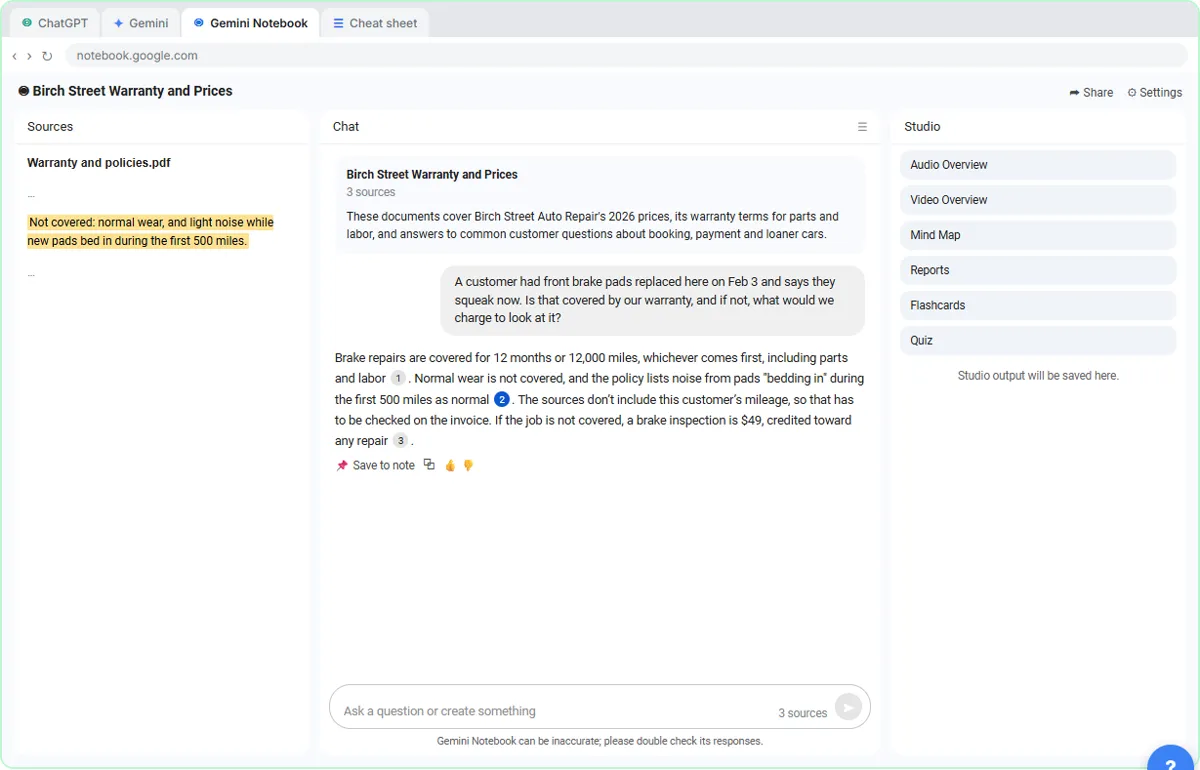 ChatGPT Projects vs Gemini Gems vs Gemini Notebook: Which to Use
Load an auto shop's price list, warranty and FAQ into a ChatGPT Project, a Gemini Gem and Gemini Notebook, ask each the same question, and see which fits which job.
Free · Live ~9 min
Related
How every module works
Each step is shown on the left, with a cursor pointing to exactly where to click. You do the same thing on the right, in a practice copy of the real tool. Get it right and it moves on. Nothing touches your real accounts until you're ready to build it for real.
Start learning free