Jump Start: Runable
Updated
Jump Start: Runable: 2 free modules that walk you through Brief a One-Page Website and Approve the Plan using Runable (and Budget Your Credits) and Turn Customer Questions into a Help Page and DM Replies using Runable (and Check What It Changed), using Runable.
Each module is a real project. You watch a step, do it yourself in a practice copy of the tool, and it checks your work before moving on. It is free, and no experience is needed.
2 modules
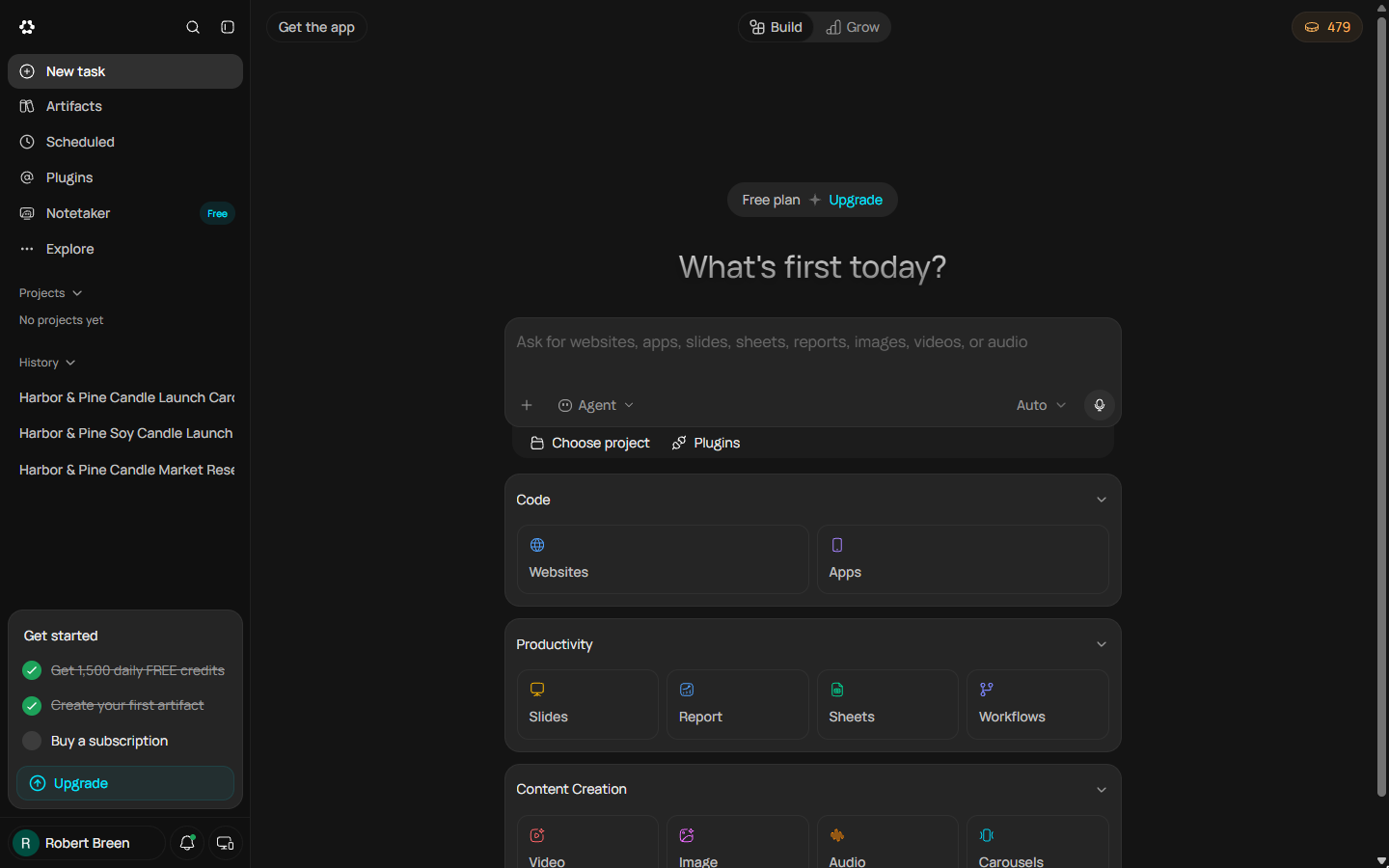 Brief a One-Page Website and Approve the Plan using Runable (and Budget Your Credits)
A business case for new founders: brief Runable's Websites tool for a one-page site, answer its two clarifying questions, approve the plan, run out of free credits…
Free · Live ~16 min Beginner
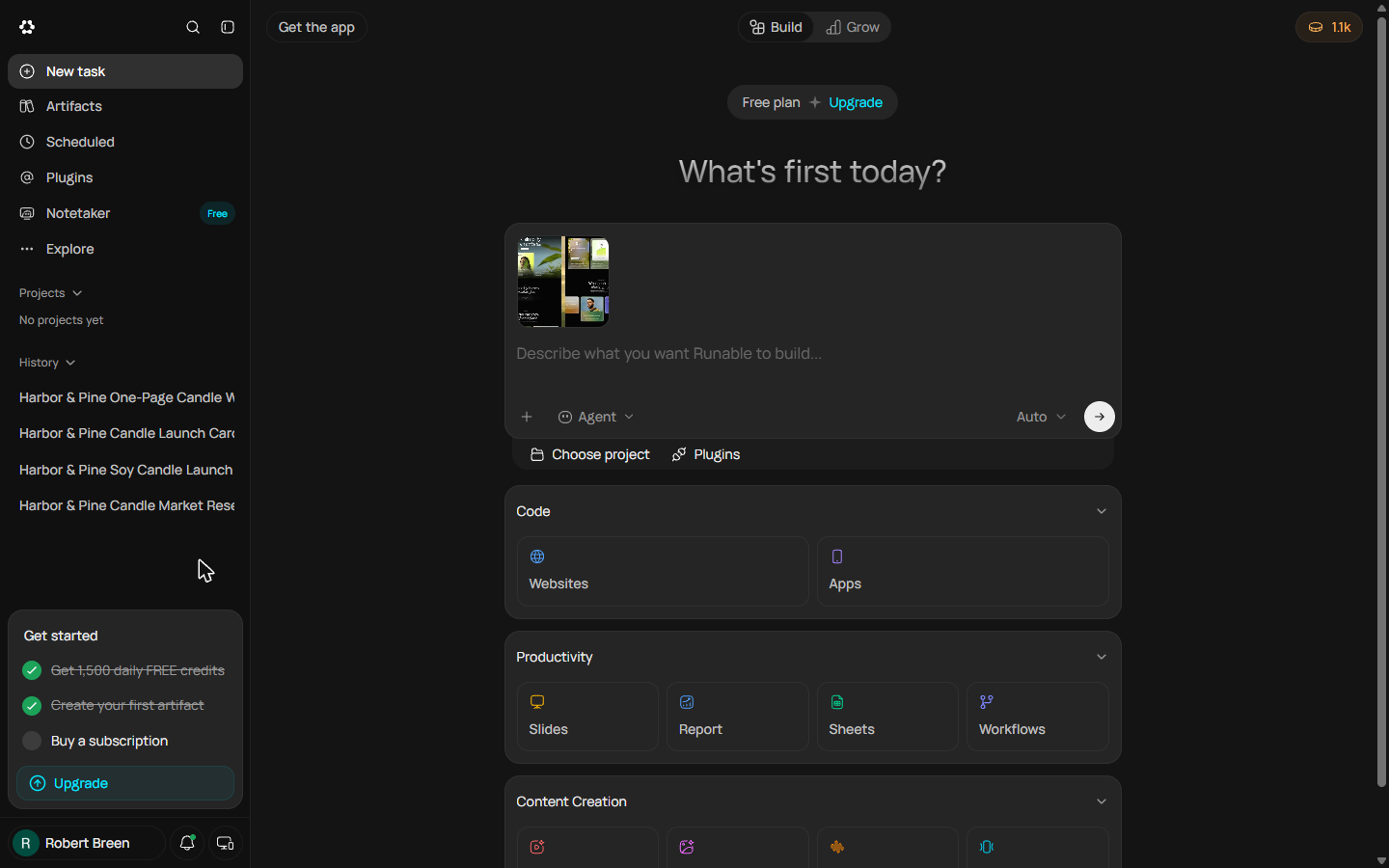 Turn Customer Questions into a Help Page and DM Replies using Runable (and Check What It Changed)
A business case for small shops: turn the questions customers keep asking into a help page and paste-ready DM replies with Runable, make it list what your facts don't…
Free · Live ~10 min Beginner
What you do in each module
- Brief a One-Page Website and Approve the Plan using Runable (and Budget Your Credits) (about 16 minutes, 30 steps, beginner). You work through: A website before the first market, Brief the Websites tool, Answer its two questions, Read the plan before it builds, Watch the credits and Next day: finish the build.
- Turn Customer Questions into a Help Page and DM Replies using Runable (and Check What It Changed) (about 10 minutes, 19 steps, beginner). You work through: The same five questions, every day, Brief it with your facts only, Read it like a customer, Fix it, then check the file and What it saved, and what is next.
Common questions
How long will this take?
The 2 modules take about 26 minutes in total, and you can do them in separate sittings.
Do I need experience first?
No. These modules are beginner level, and each step tells you exactly where to click.
Do I need a Runable account to start?
No. The practice runs in a copy of Runable inside your browser, and nothing touches your real accounts. When you are ready, you repeat the steps in your own account.
Is it free?
Yes. All 2 modules are free.
Where should I start?
Start with Brief a One-Page Website and Approve the Plan using Runable (and Budget Your Credits), then continue with Turn Customer Questions into a Help Page and DM Replies using Runable (and Check What It Changed).
Related
How every module works
Each step is shown on the left, with a cursor pointing to exactly where to click. You do the same thing on the right, in a practice copy of the real tool. Get it right and it moves on. Nothing touches your real accounts until you're ready to build it for real.
Start learning free