Updated . Built step by step in a real Runable Free-plan account on 20 and 23 October 2026. Every screen in the practice is a real Runable screen, and the questions, the plan, the credit notice, the finished page and the fix are what Runable produced in those runs. How we check this lesson
Before the first market, a new brand needs one page: the products, the price, who makes them and a way to join the waitlist. A freelancer charges $500 to $2,000 and takes two weeks. In this free lesson you follow Maya Chen (made up) as she briefs Runable's Websites tool for Harbor & Pine, her small-batch candle brand: pick Landing Page and a template, paste a four-part brief, answer Runable's two clarifying questions, read its plan and approve it. Then you watch the build and the credit counter, and see the Free plan's daily limit arrive: the build used the 490 credits left that day and stopped. On a fresh day you reopen the same chat, say "continue", and get the finished page two minutes later. You check it like a customer, catch a stock-photo watermark on the hero, fix it with one sentence, and stop before Publish to swap in a real email. 841 credits over two days, all free.
At a glance
| Question | Answer |
|---|---|
| What you build | A business case for new founders: brief Runable's Websites tool for a one-page site, answer its two clarifying questions, approve the plan, run out of free credits, finish the page the next day, and fix a problem by chat before you publish. Real Runable screens, Free plan, October 2026. |
| Tools | Runable |
| Time | About 16 minutes, 30 steps in 8 parts |
| Level | Beginner, no coding needed |
| Cost | Free |
| Ways to learn it | Practice it step by step |
The 8 parts, in short
- A website before the first market: Put a price on a one-page site, Use the Websites tool, Read the brief first.
- Brief the Websites tool: Check your credits, then open Websites, Pick a starting prompt, Use a template, Swap in your brief, and 1 more step.
- Answer its two questions: Answer question 1, Next, Answer question 2, Send your answers.
- Read the plan before it builds: Read the plan, then approve it, Send the approval.
- Watch the credits: Watch it work, and watch the credits, The build stops: out of credits, Nothing is lost.
- Next day: finish the build: A full day of credits, Tell it to continue, Send it, It picks up where it stopped, and 1 more step.
- Check the page, fix it by chat: Read the hand-over note, Check the page like a customer, Fix it with one sentence, Send the fix, and 2 more steps.
- What it saved, and what is next: See what you have now, Up next.
Part of: AI Apps Worth Knowing (step 12 of 80). Next up: Turn Customer Questions into a Help Page and DM Replies using Runable (and Check What It Changed)
The business case: one page before the first market
Maya has her research, her plan and a launch carousel. Now people need somewhere to go: the three candles, $30 each, a line about who makes them, a waitlist and the three questions every buyer asks about shipping, burn time and candle care. A freelancer quotes $500 to $2,000 and about two weeks, with each round of changes on top. These are example numbers; use your own.
Runable's Websites tool writes and runs the code for a real page from a plain brief. The trade is credits: a website is the most expensive job on the Free plan, which is why this lesson is as much about the credit pill as it is about the page.
What you do in the lesson
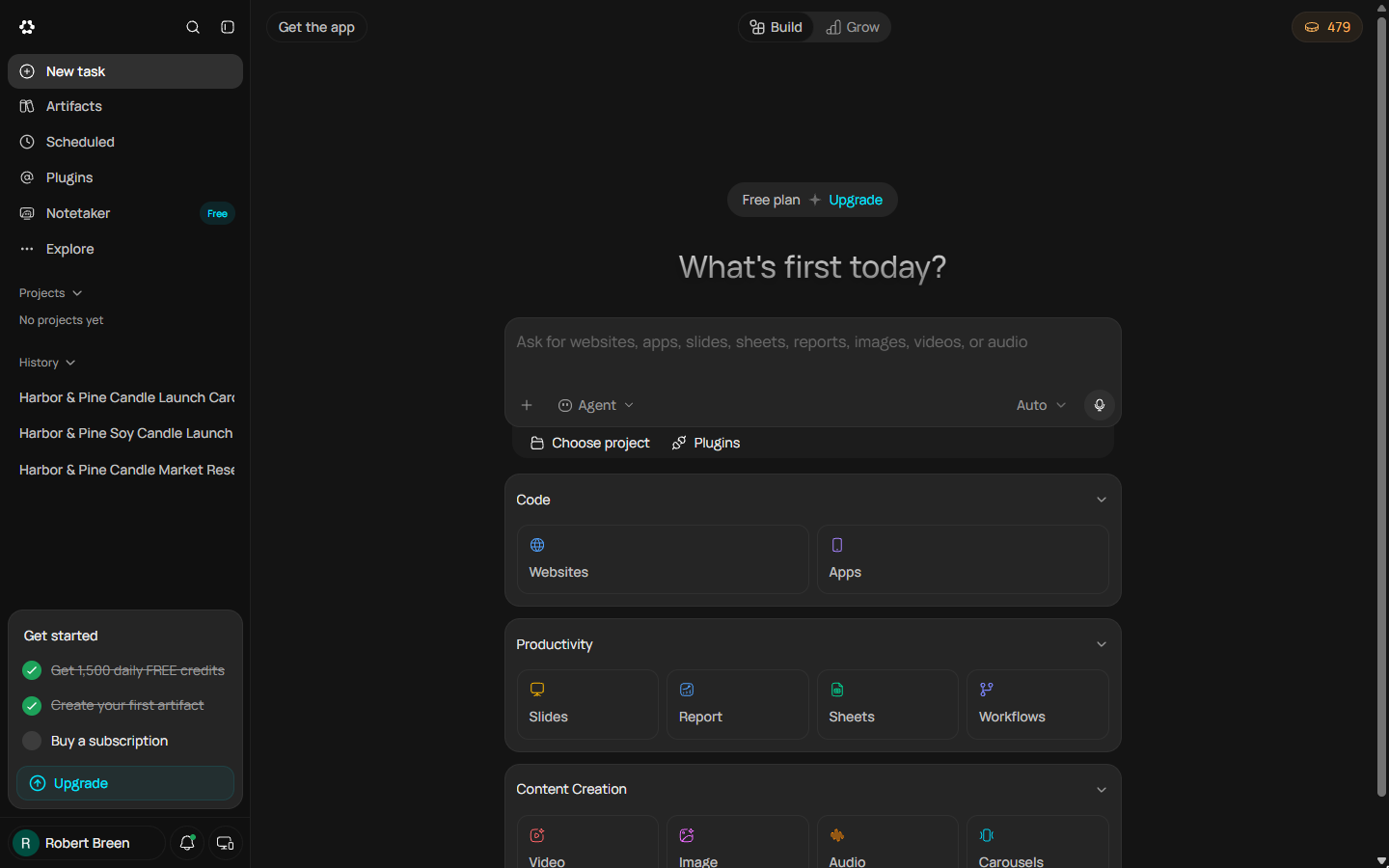
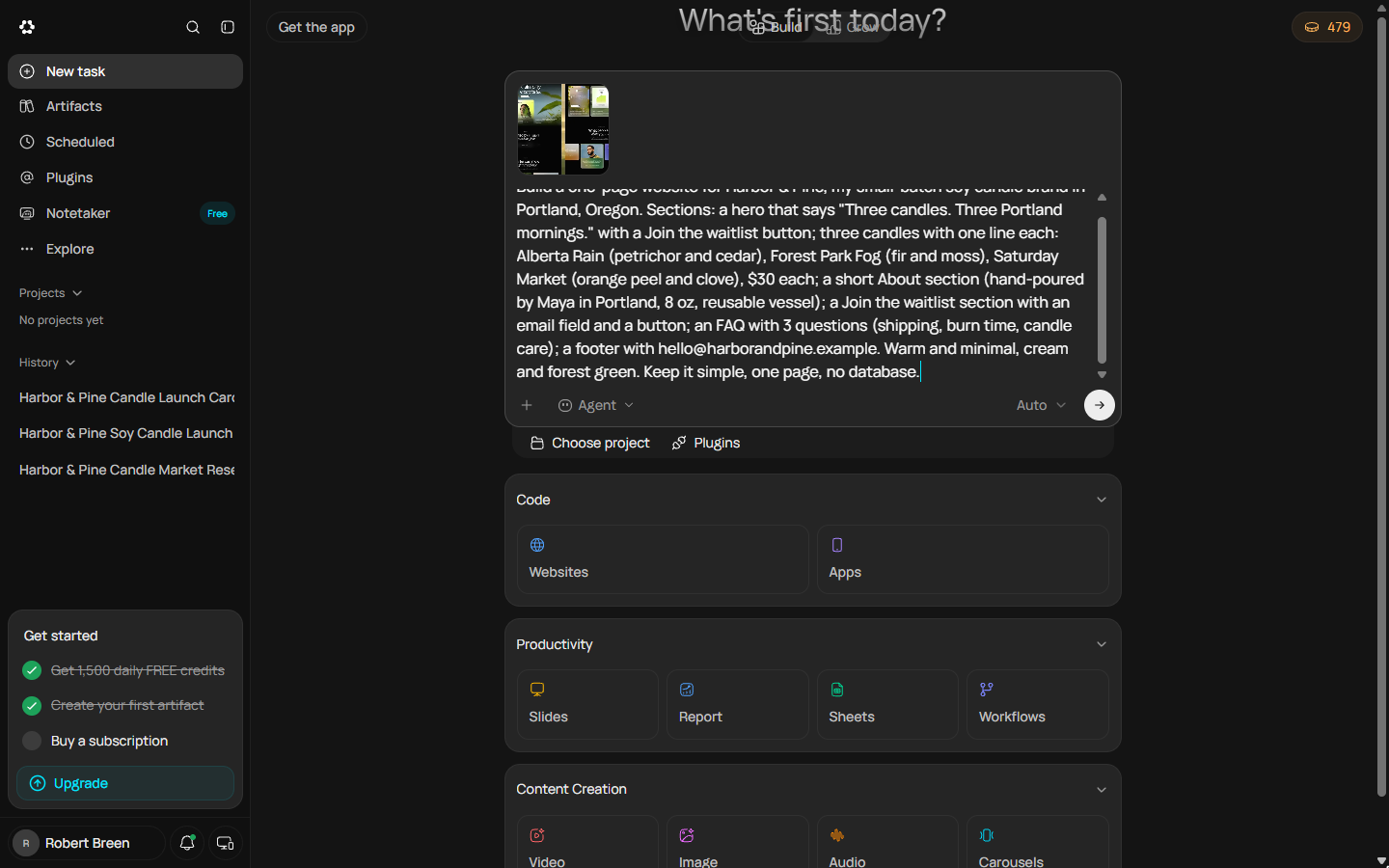
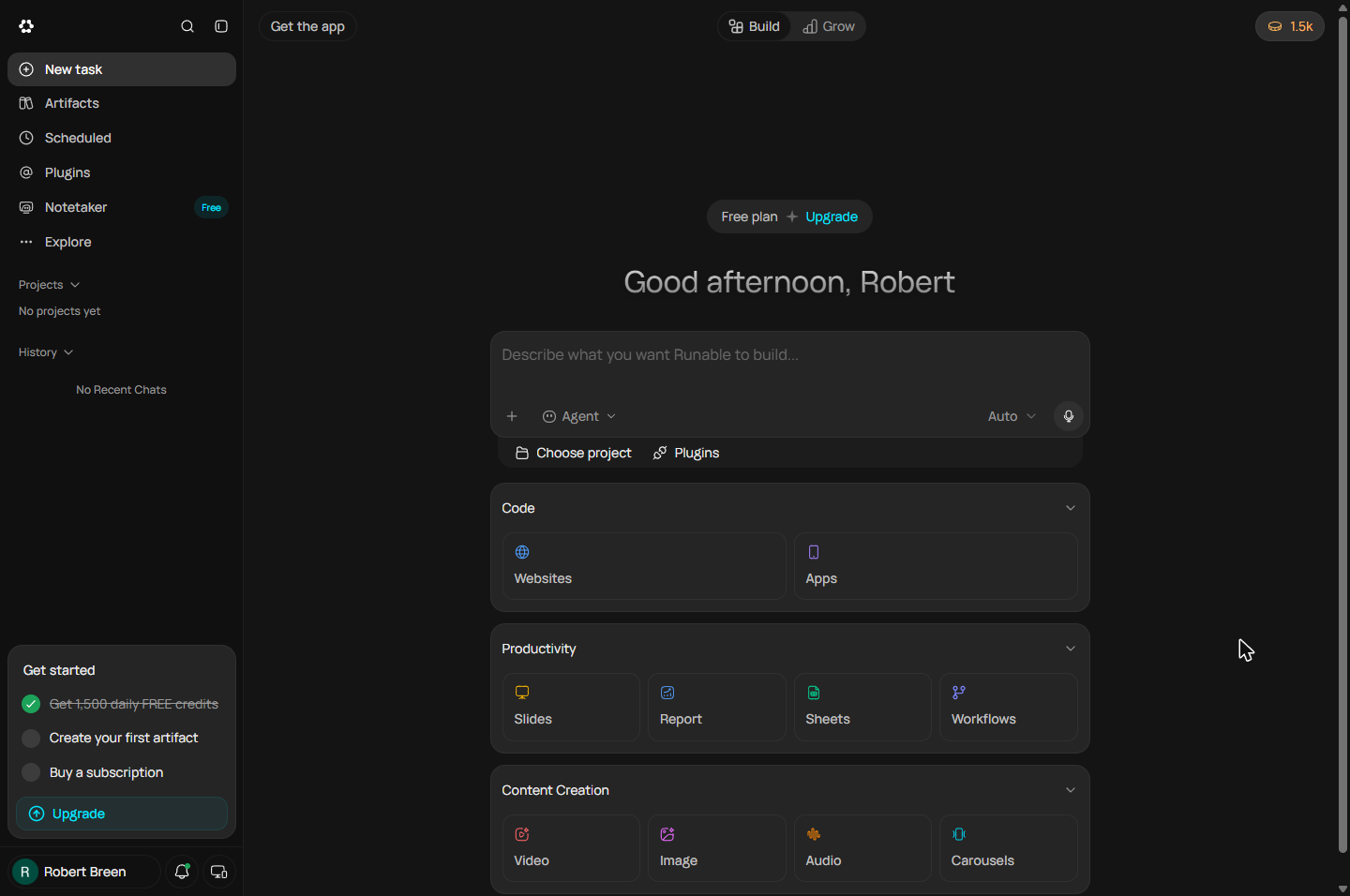
You check the credits pill (479 left that day), open Websites under Code, pick Landing Page and a template, and paste a four-part brief over the template's fintech sample prompt: the goal, who it is for, the sections in order, and the limits (one page, cream and forest green, no database).
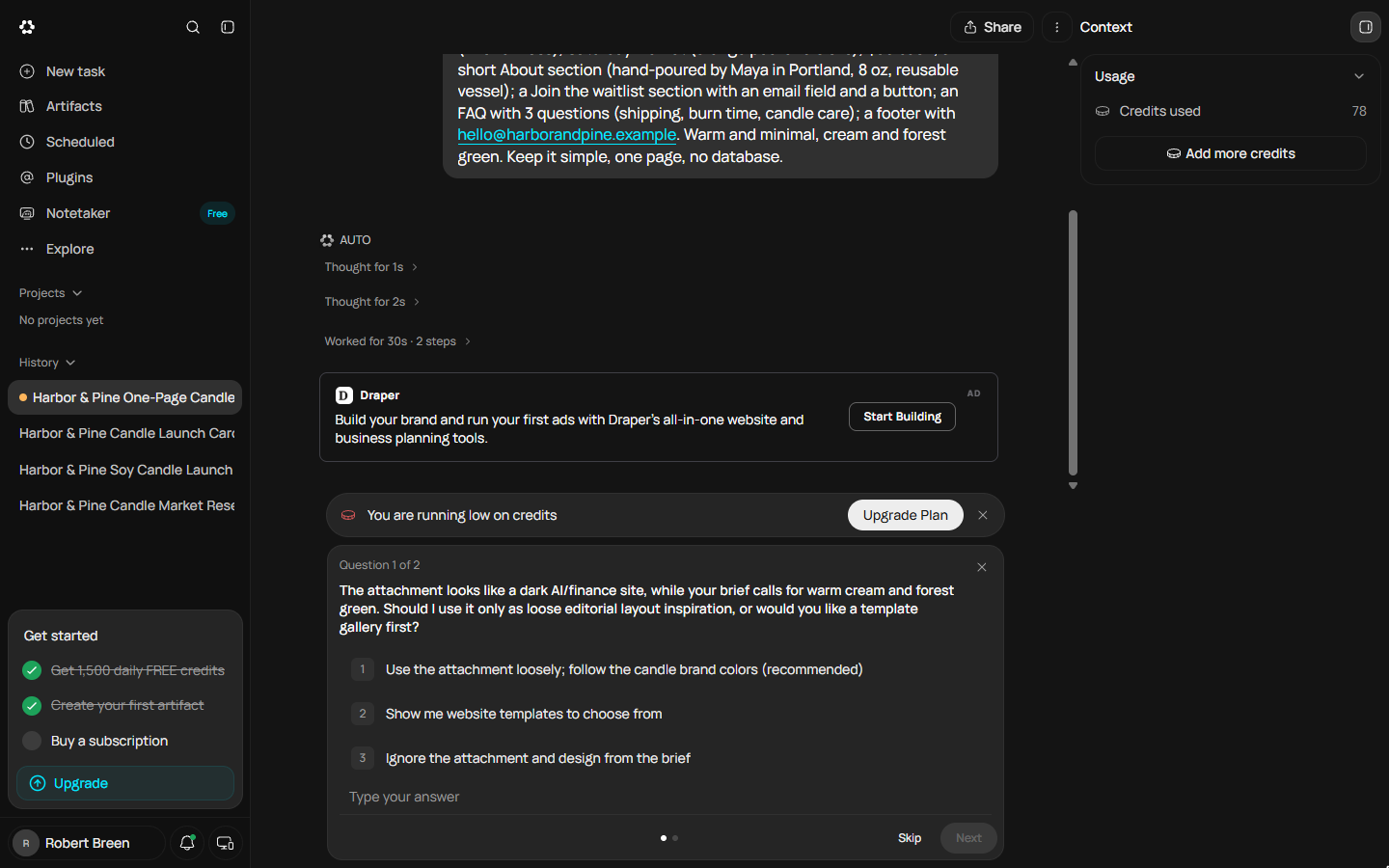
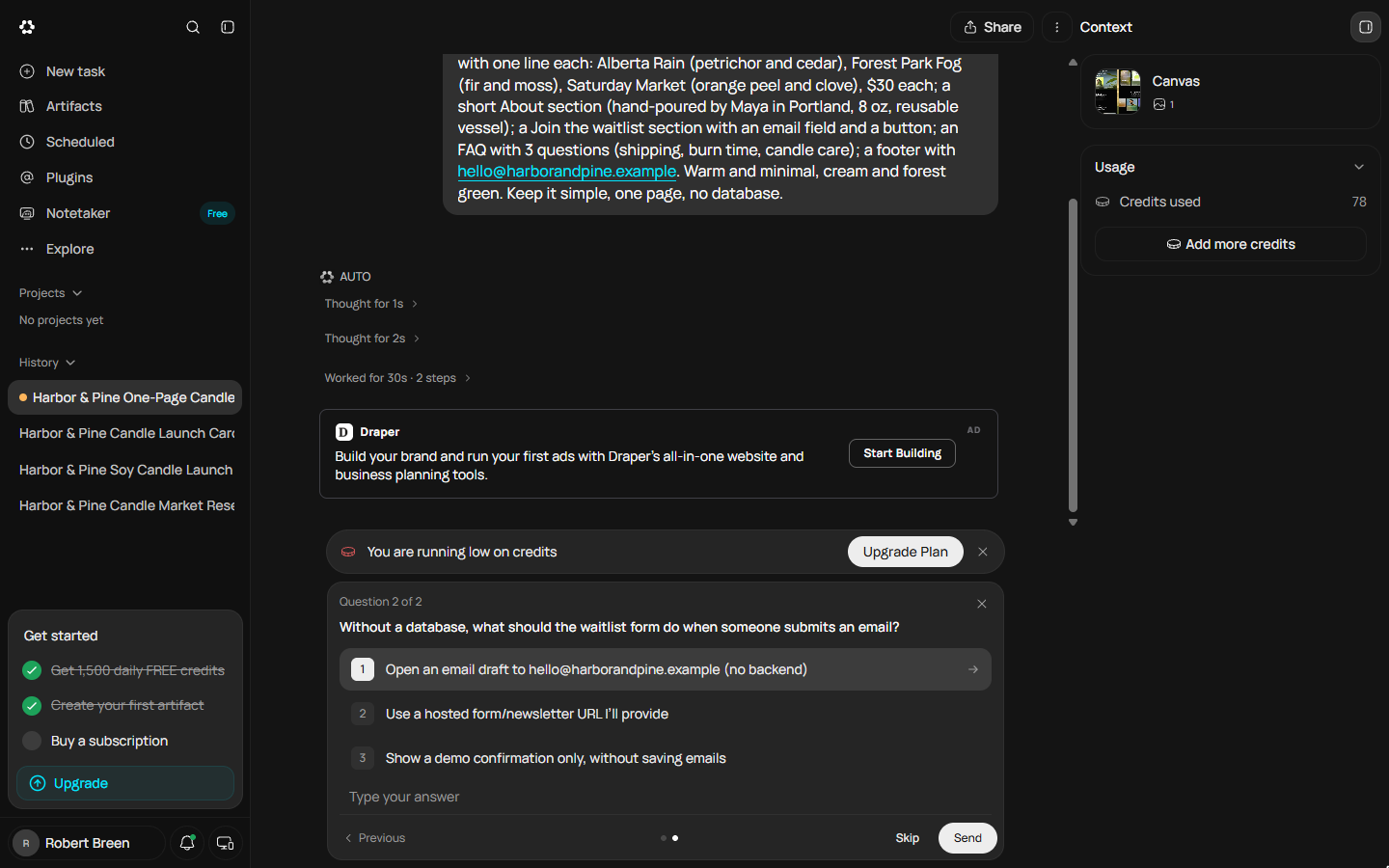
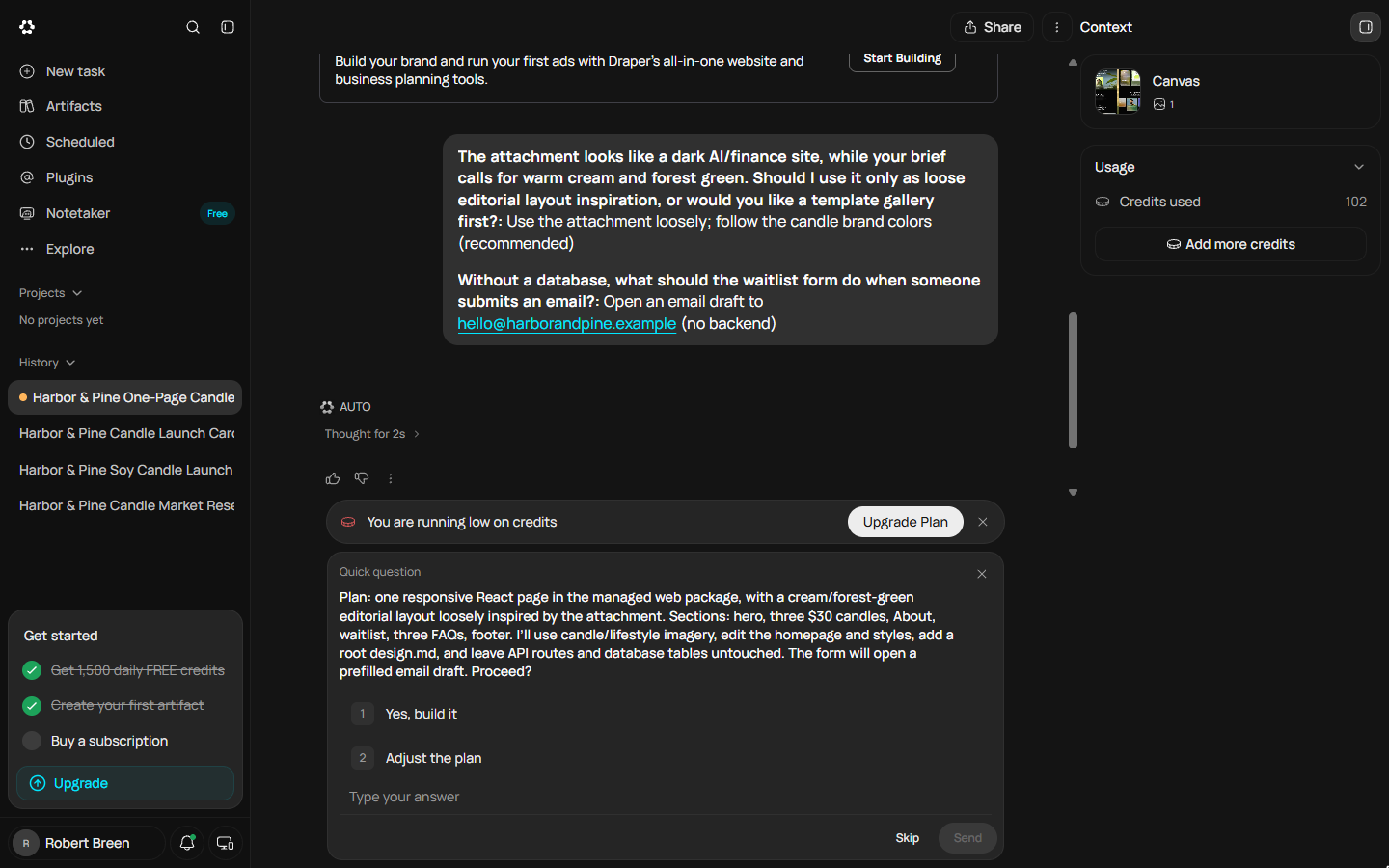
Runable does not start building. It asks whether the dark template or your brand colours should win, and what the waitlist form should do without a database. You answer both (brand colours; the form opens an email draft, which keeps the site on the Free plan), and it writes back a plan: one responsive page, your sections, no API routes and no database tables. You read it against the brief and approve it. Then it reads the project, searches for candle photos, patches the code, and the credit counter climbs from 78 to 102 and on.
What happened next, and what it teaches
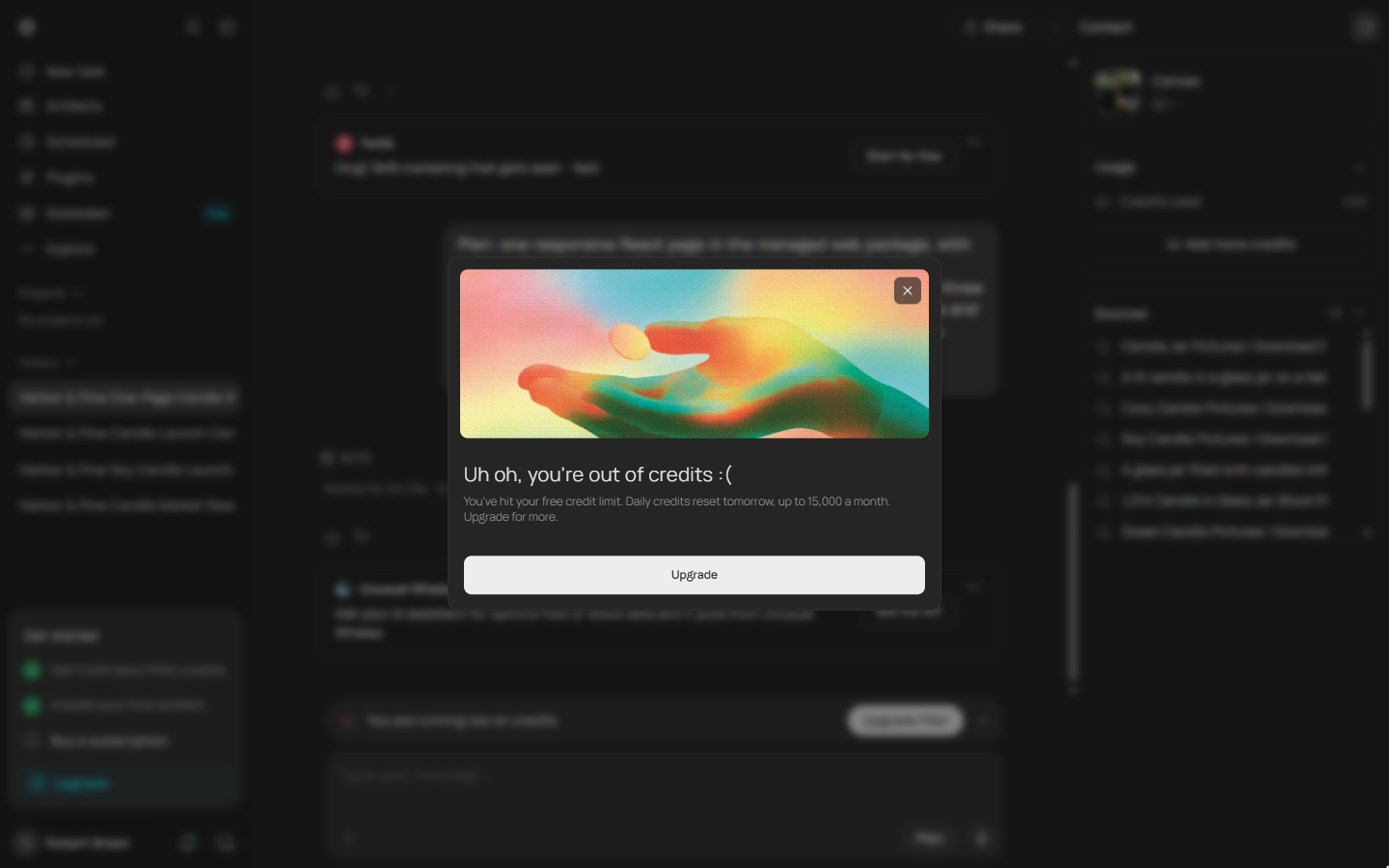
Six minutes in, a notice appeared: you're out of credits, daily credits reset tomorrow. The build had used all 490 credits we had left that day and stopped at step 10, before the page was finished. The chat, the brief and the plan were all saved, so nothing was lost. On 23 October, with a fresh 1,500, we reopened the same chat from History and typed "Continue the build from where you stopped." It read the project it had started and finished the page in about two minutes, for 236 more credits. The lesson shows both days on purpose: start the biggest job on a full day, and if it does stop, continue it rather than starting over.
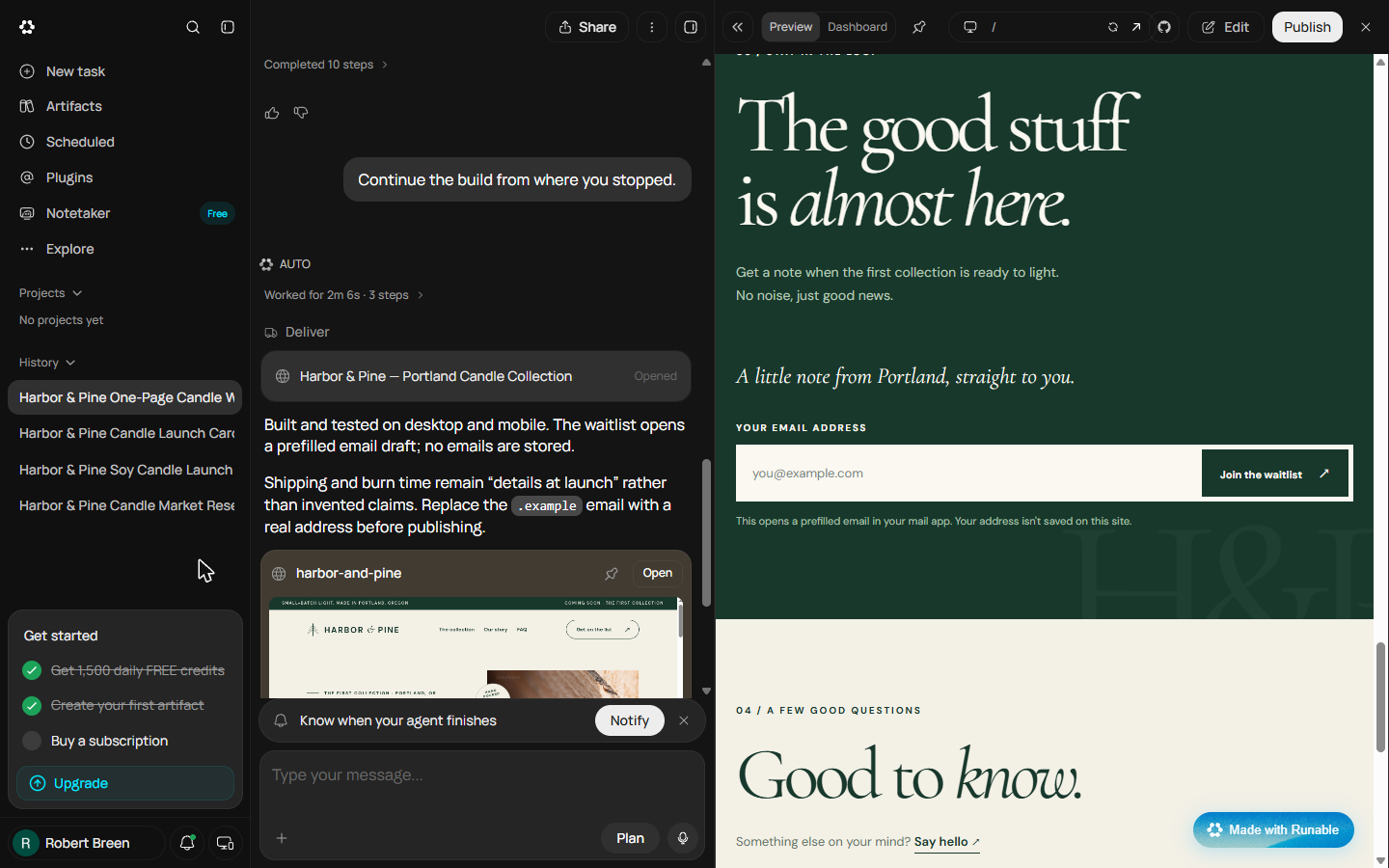
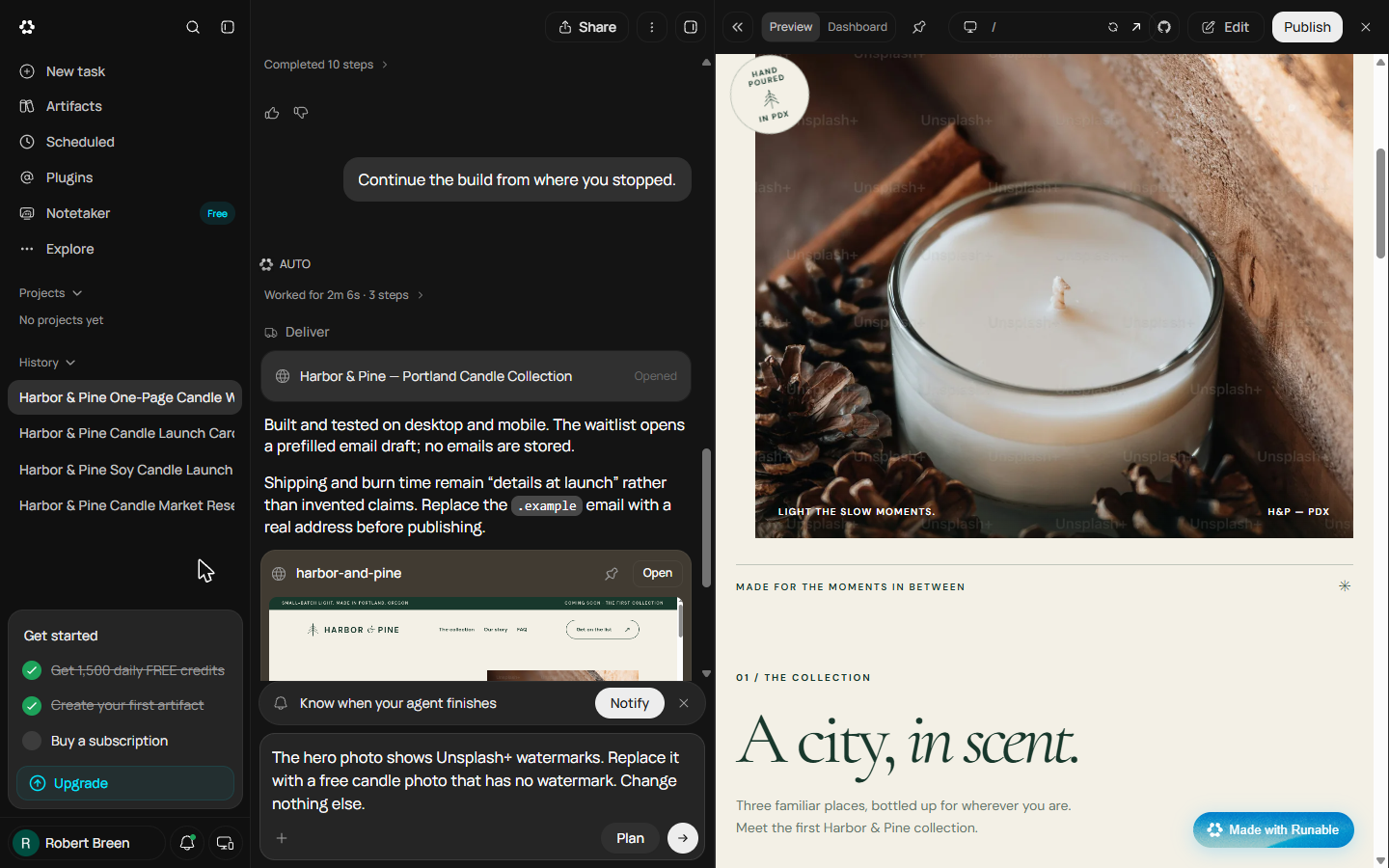
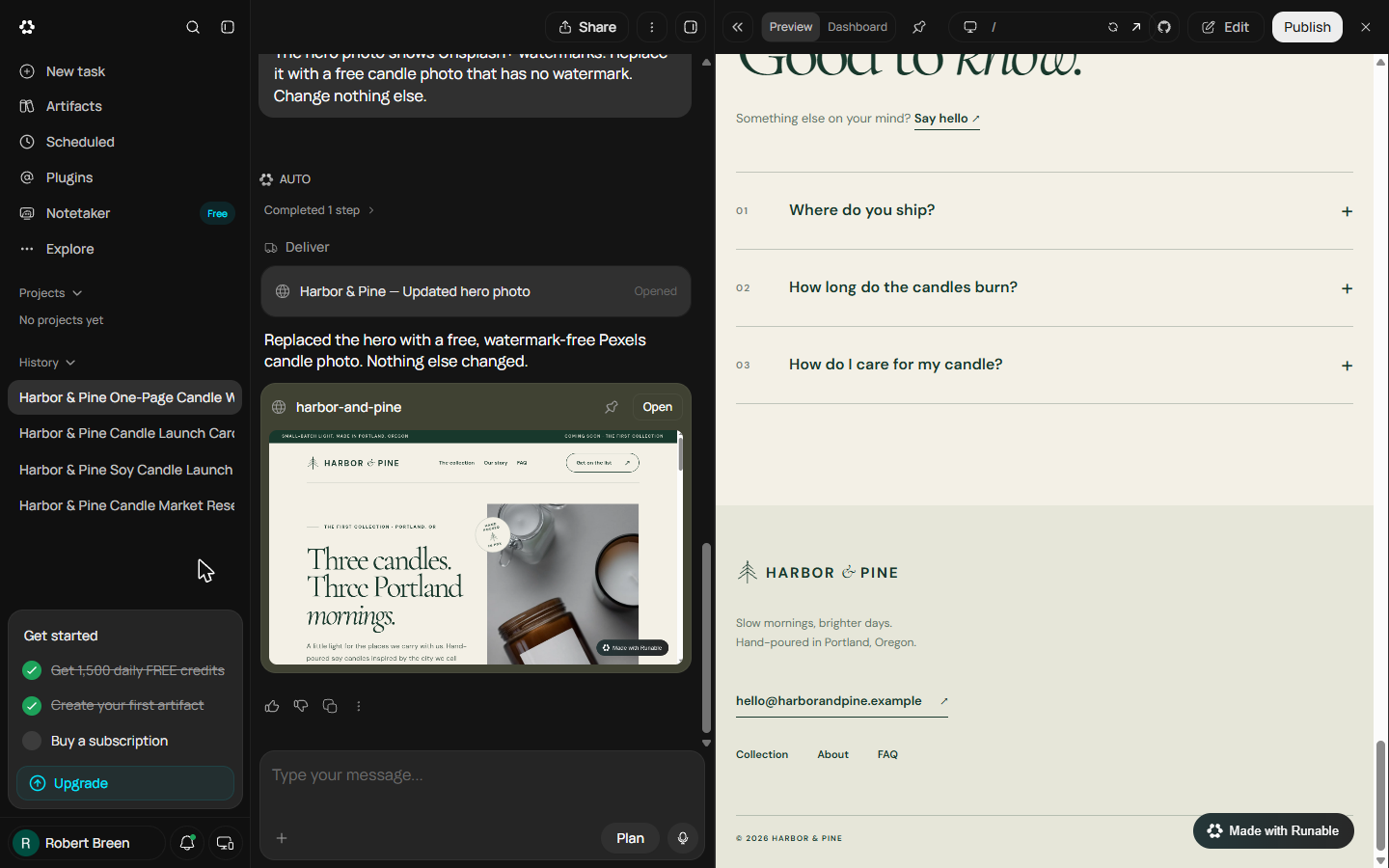
The finished page matched the brief: three $30 candles, an About, a waitlist that opens an email draft, three FAQs. Runable said it was built and tested on desktop and mobile, and warned that the .example email had to be replaced before publishing. Looking at the preview like a customer turned up one real problem: faint Unsplash+ watermarks across the hero photo. One message fixed it (what is wrong, what you want instead, change nothing else) for 115 credits. The lesson stops before Publish, because the footer and the form still use the made-up address.
Links
- Runable: the AI agent this course teaches. Its Free plan showed 1,500 credits a day when we tested it in October 2026.
- Runable pricing: current plans, credits and limits. Check them before you rely on the Free plan.
Try it yourself, free
Reading the steps is a start. Doing them is how it sticks. The interactive module walks you through every click in a practice copy of Runable, checks each step, and never touches your real accounts.
Start “Brief a One-Page Website and Approve the Plan using Runable (and Budget Your Credits)”Step by step: Brief a One-Page Website and Approve the Plan using Runable (and Budget Your Credits)
All 30 steps of the interactive module, in order. In the module you watch each one, then do it yourself in a practice copy that checks your work.
1. A website before the first market
- Put a price on a one-page site. Maya has her plan and her launch carousel. Before the first Portland market she needs a one-page website: the three candles, the $30 price, and a way to join the waitlist. A freelancer charges $500 to $2,000 and takes about two weeks. Doing it herself takes a weekend in a site builder. Click the freelancer row.
Maya needs a one-page website before her first market. A freelancer charges five hundred to two thousand dollars, and takes about two weeks.
- Use the Websites tool. Runable's Websites tool writes and runs the code for a real page from a plain brief. One warning before you start: a website is the most expensive job on the Free plan, and this lesson shows exactly what that means. Click the Runable card.
Runable's Websites tool builds a real page from a plain brief. But a website is the most expensive job on the free plan. You'll see what that means.
- Read the brief first. This is the brief we paste in. It has the four parts every agent brief needs: the goal (a one-page website), who it is for, the sections in order, and the limits: one page, cream and forest green, no database. Download a copy on this page, then click the brief.
Here's the brief. Four parts. The goal. Who it's for. The sections, in order. And the limits. One page, and no database.
2. Brief the Websites tool
- Check your credits, then open Websites. The pill at the top right says 479: that is what was left of the day's 1,500 credits when we started. Remember that number. Under Code, click Websites.
The pill at the top right says four seventy-nine. That's what was left of the day's credits when we started. Remember that number. Under Code, click Websites.
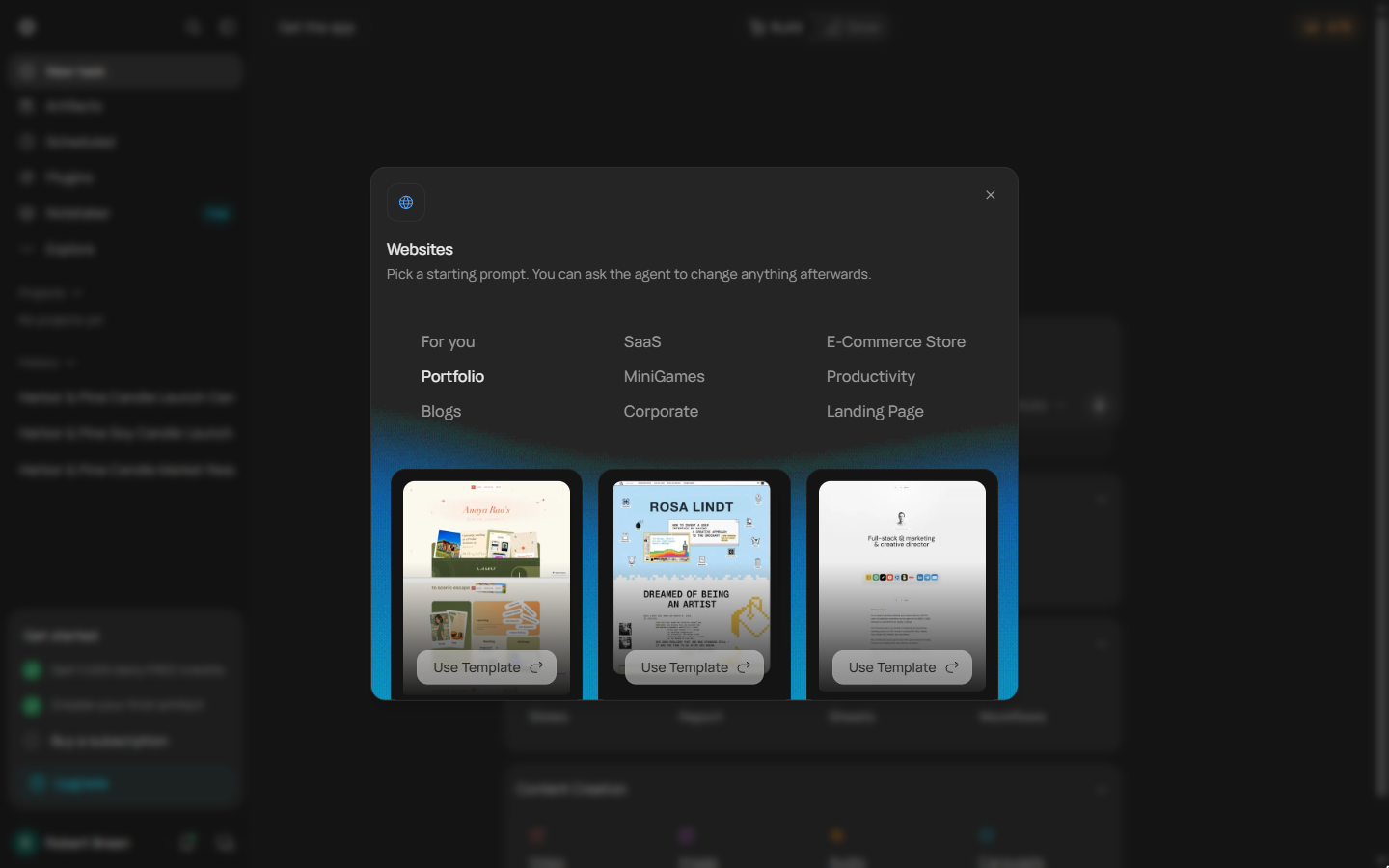
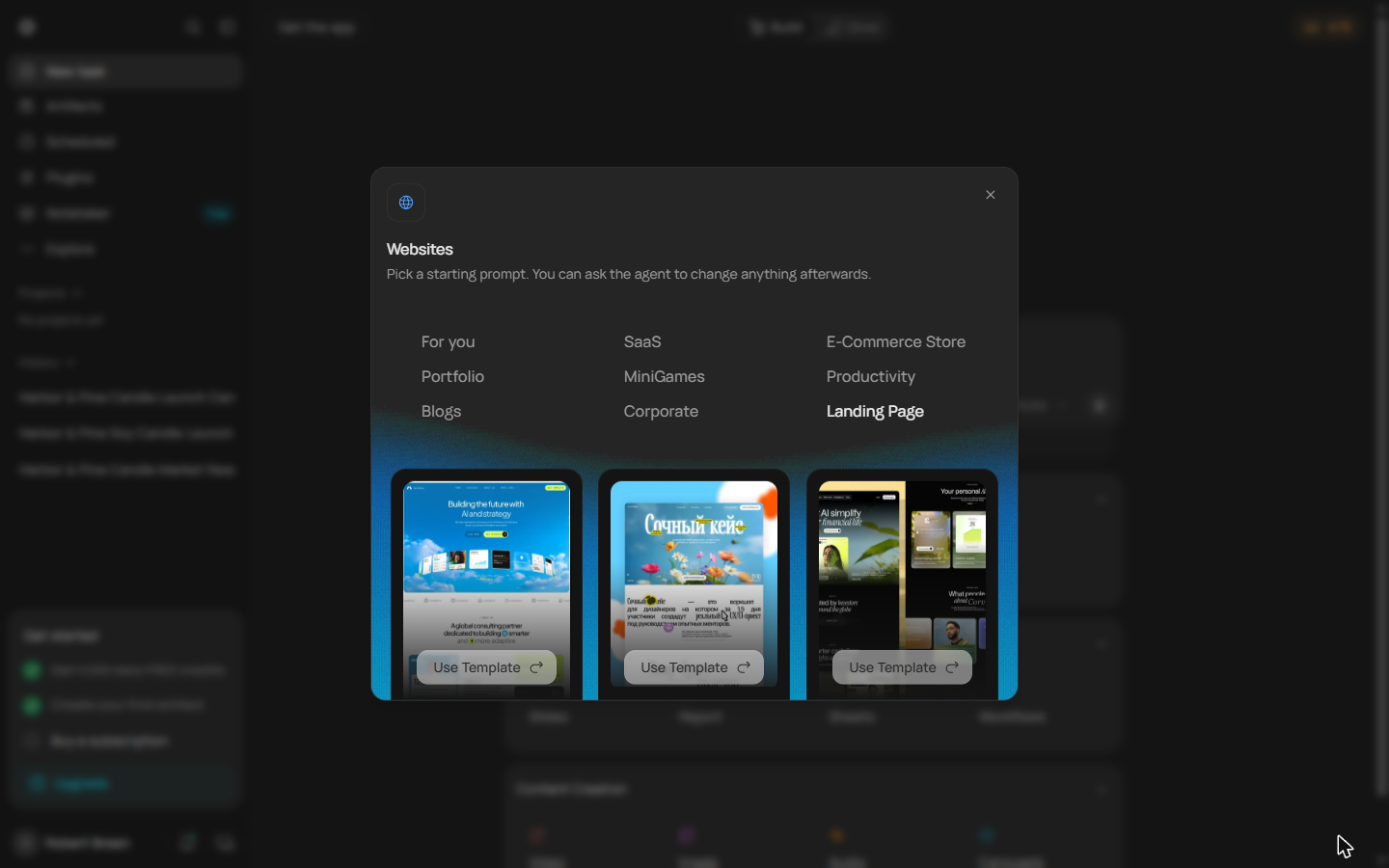
- Pick a starting prompt. Websites offers starting prompts by type: SaaS, E-Commerce Store, Portfolio, Blogs, Corporate and more. Click Landing Page.
Pick a type of site.
- Use a template. Each template is a layout and a sample prompt. The look does not matter much: your brief sets the colours. Click Use Template on the third one.
Each template is a layout and a sample prompt. Your brief will set the colours.
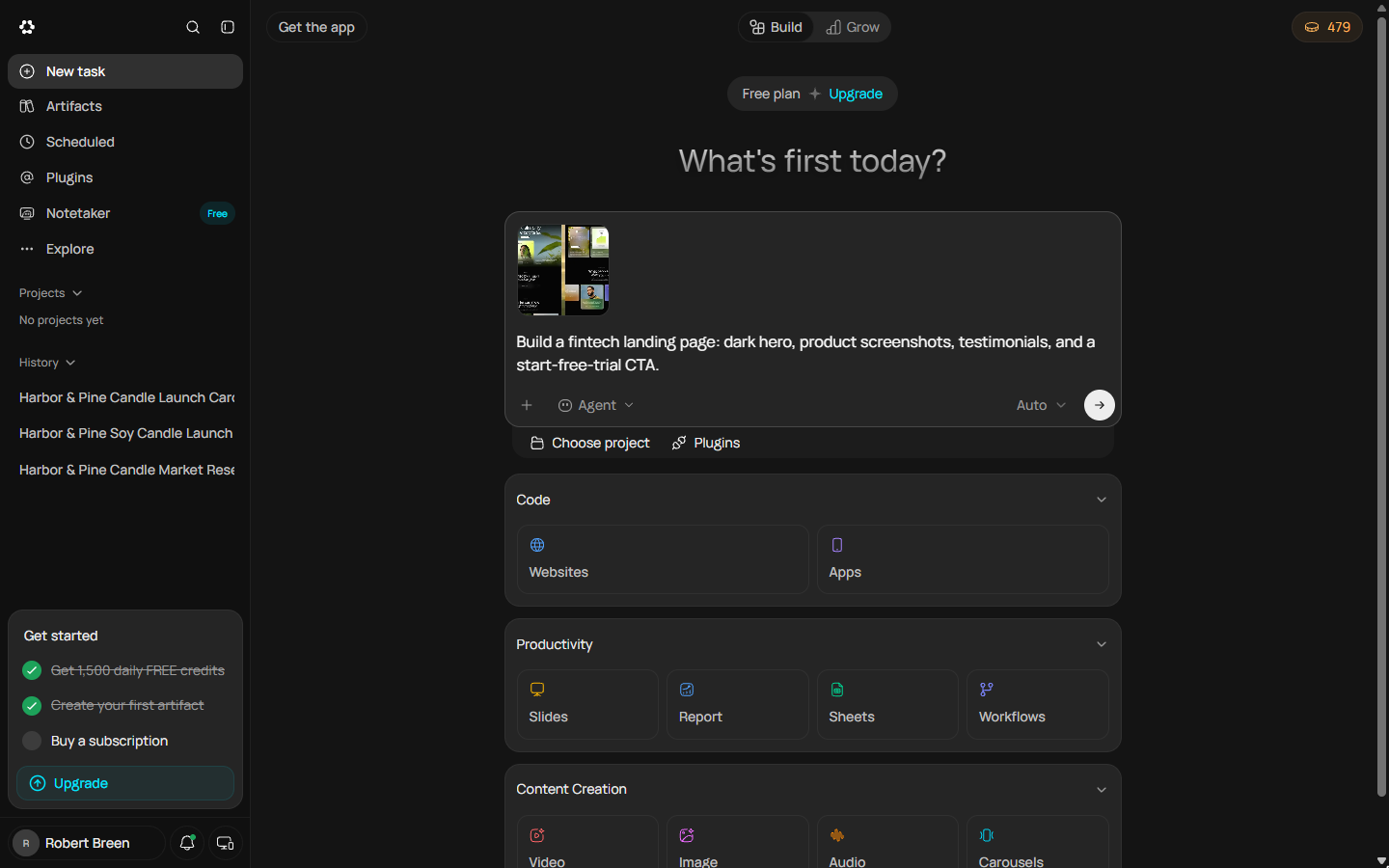
- Swap in your brief. The template adds a sample prompt about a fintech landing page. Select that text and paste your own brief over it.
The template comes with a sample prompt about a fintech site. Replace it with your brief.
Build a one-page website for Harbor & Pine, my small-batch soy candle brand in Portland, Oregon. Sections: a hero that says "Three candles. Three Portland mornings." with a Join the waitlist button; three candles with one line each: Alberta Rain (petrichor and cedar), Forest Park Fog (fir and moss), Saturday Market (orange peel and clove), $30 each; a short About section (hand-poured by Maya in Portland, 8 oz, reusable vessel); a Join the waitlist section with an email field and a button; an FAQ with 3 questions (shipping, burn time, candle care); a footer with hello@harborandpine.example. Warm and minimal, cream and forest green. Keep it simple, one page, no database.
- Send it. Click the arrow to send it. Runable thinks for about half a minute before it answers.
Runable thinks for about half a minute.
3. Answer its two questions
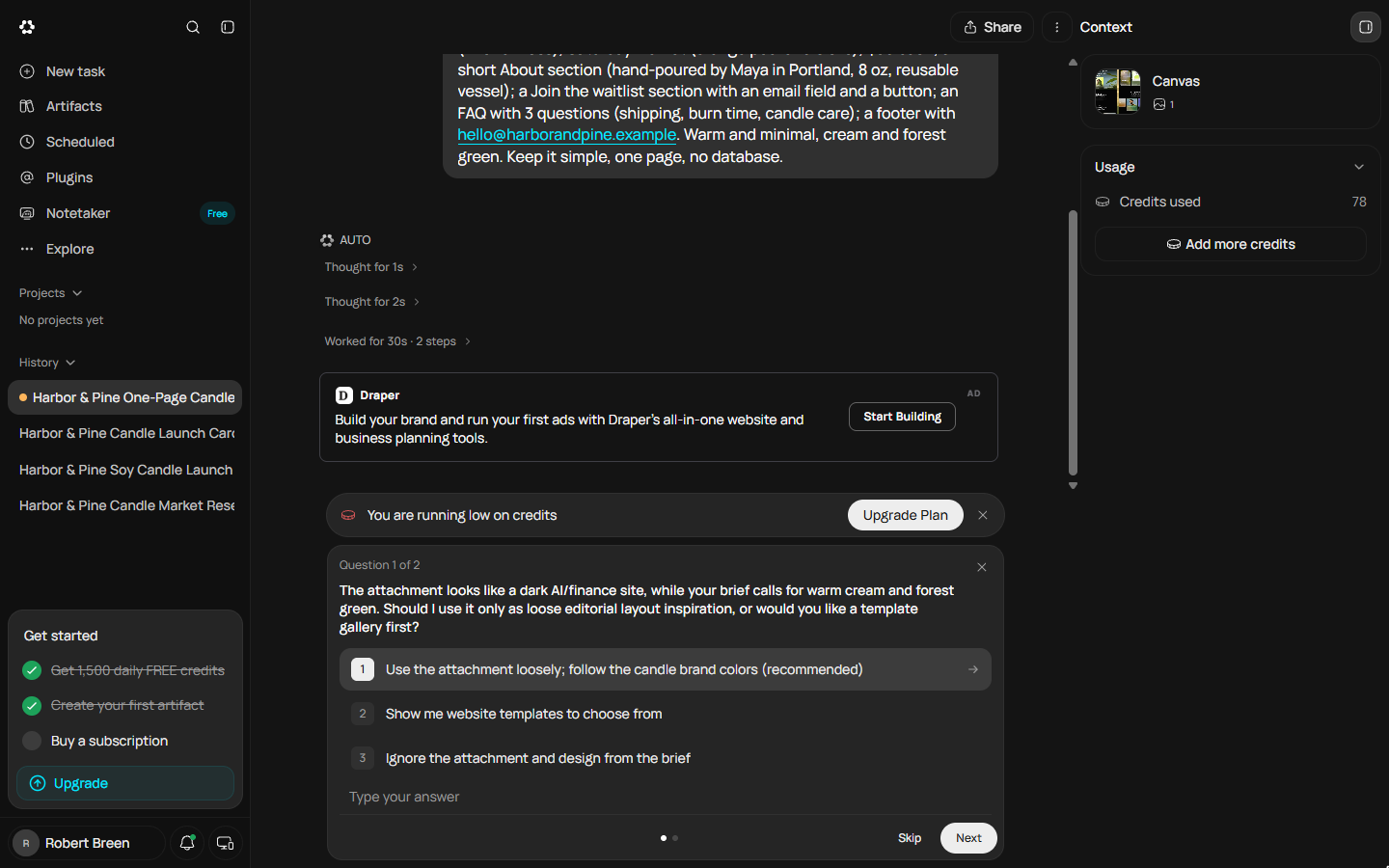
- Answer question 1. Runable does not start building. It noticed the template is a dark finance site and your brief says cream and forest green, so it asks which wins. Pick 1: Use the attachment loosely; follow the candle brand colors. Also note the right panel: 78 credits used just to read the brief and ask.
Runable doesn't start building. It noticed the template is dark, and your brief says cream and green. So it asks which wins. Pick one. Follow the candle brand colors.
- Next. Click Next.
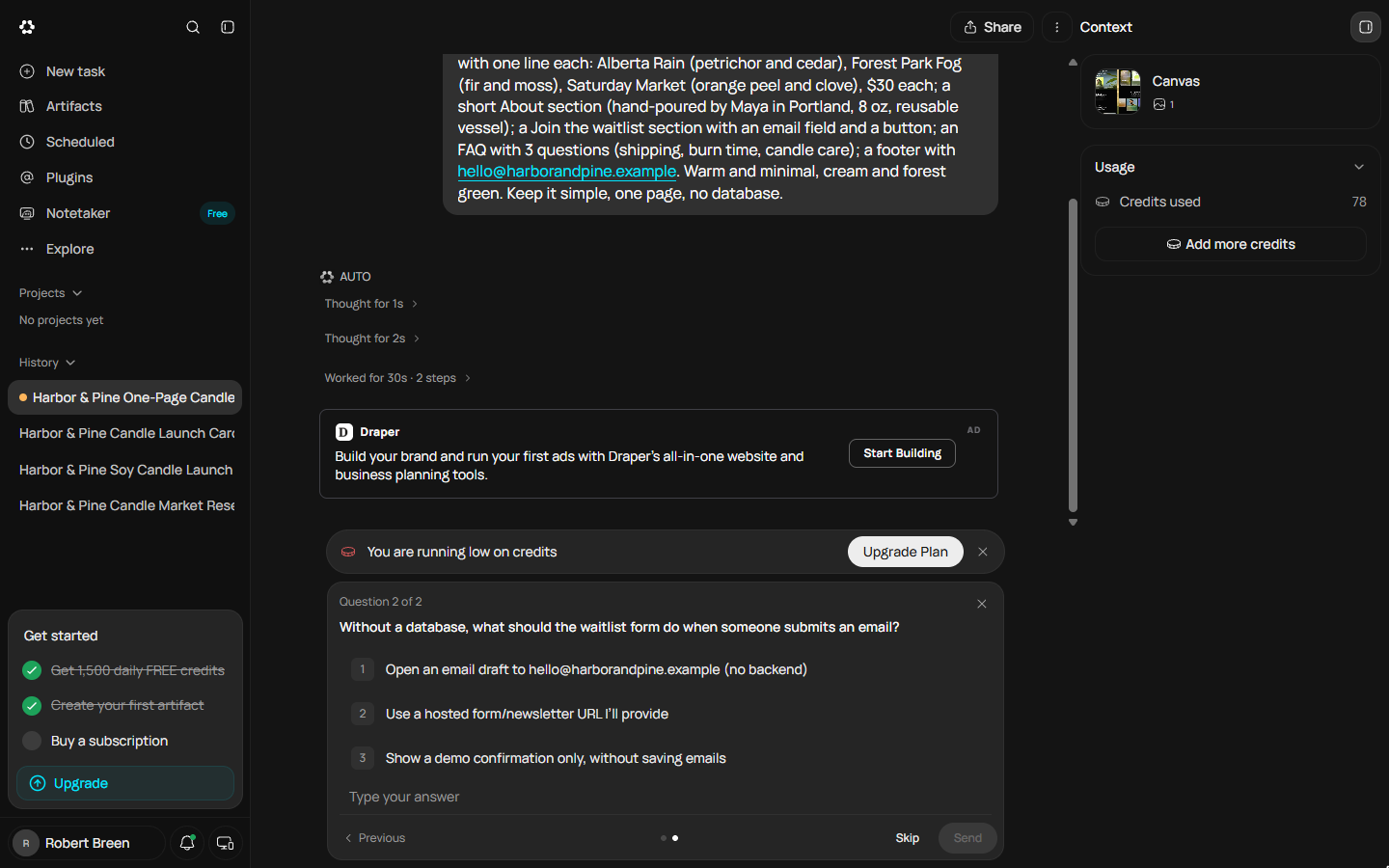
- Answer question 2. Question 2 is about the waitlist form. Your brief said no database, so where do the emails go? Pick 1: Open an email draft to hello@harborandpine.example. That keeps the site on the Free plan: a database needs Pro.
Question two. Your brief said no database. So where do the sign-ups go? Pick one. That keeps it on the free plan.
- Send your answers. Click Send.
4. Read the plan before it builds
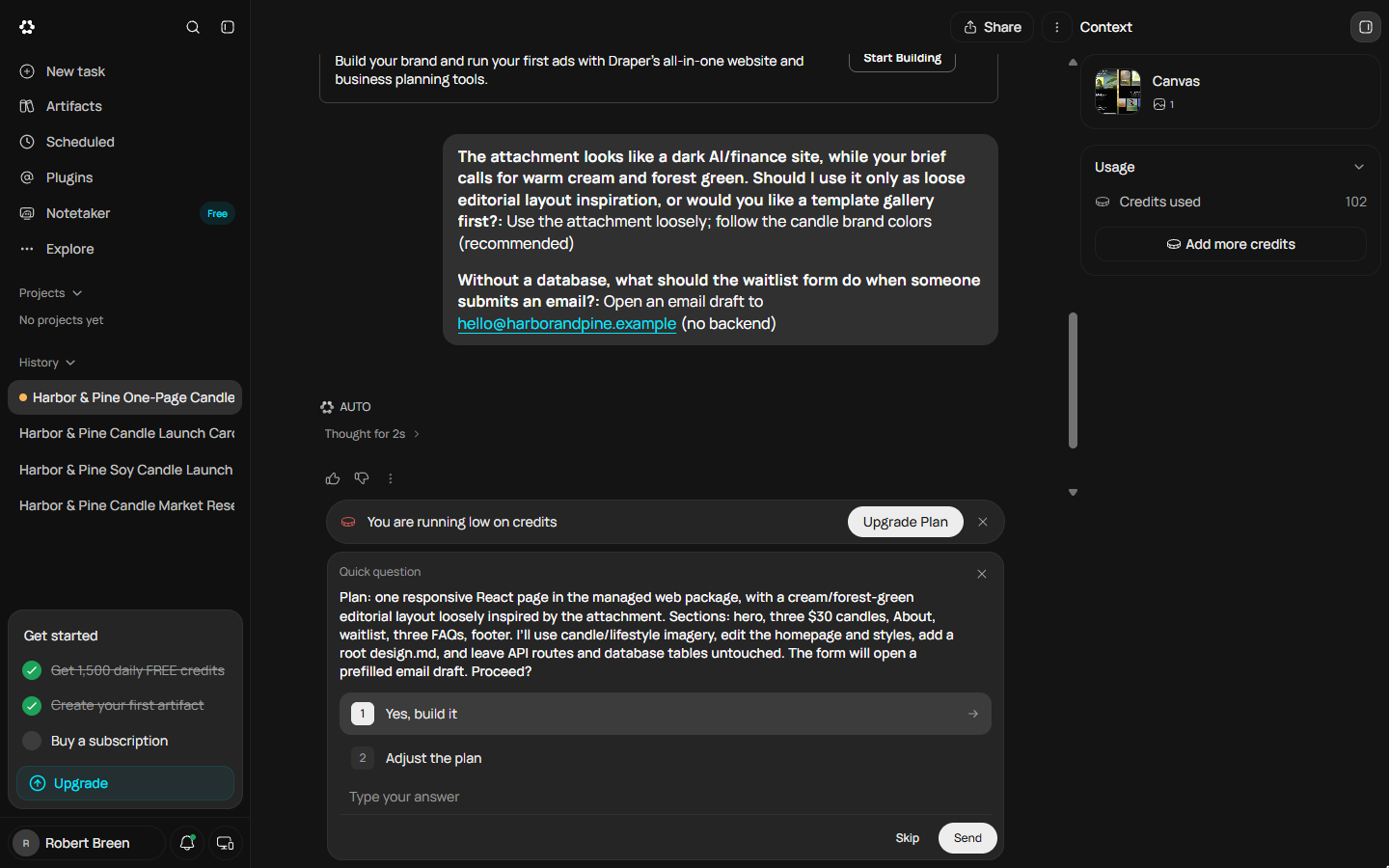
- Read the plan, then approve it. Now it writes a plan: one responsive page, cream and forest green, the sections in your order, the form opens an email draft, no API routes and no database tables. Check it against the brief. It matches, so pick 1: Yes, build it. Credits used so far: 102.
Now it shows a plan. One page. Cream and green. Your sections in order. No database. Check it against the brief. It matches, so pick Yes, build it.
- Send the approval. Click Send. The build starts.
The build starts.
5. Watch the credits
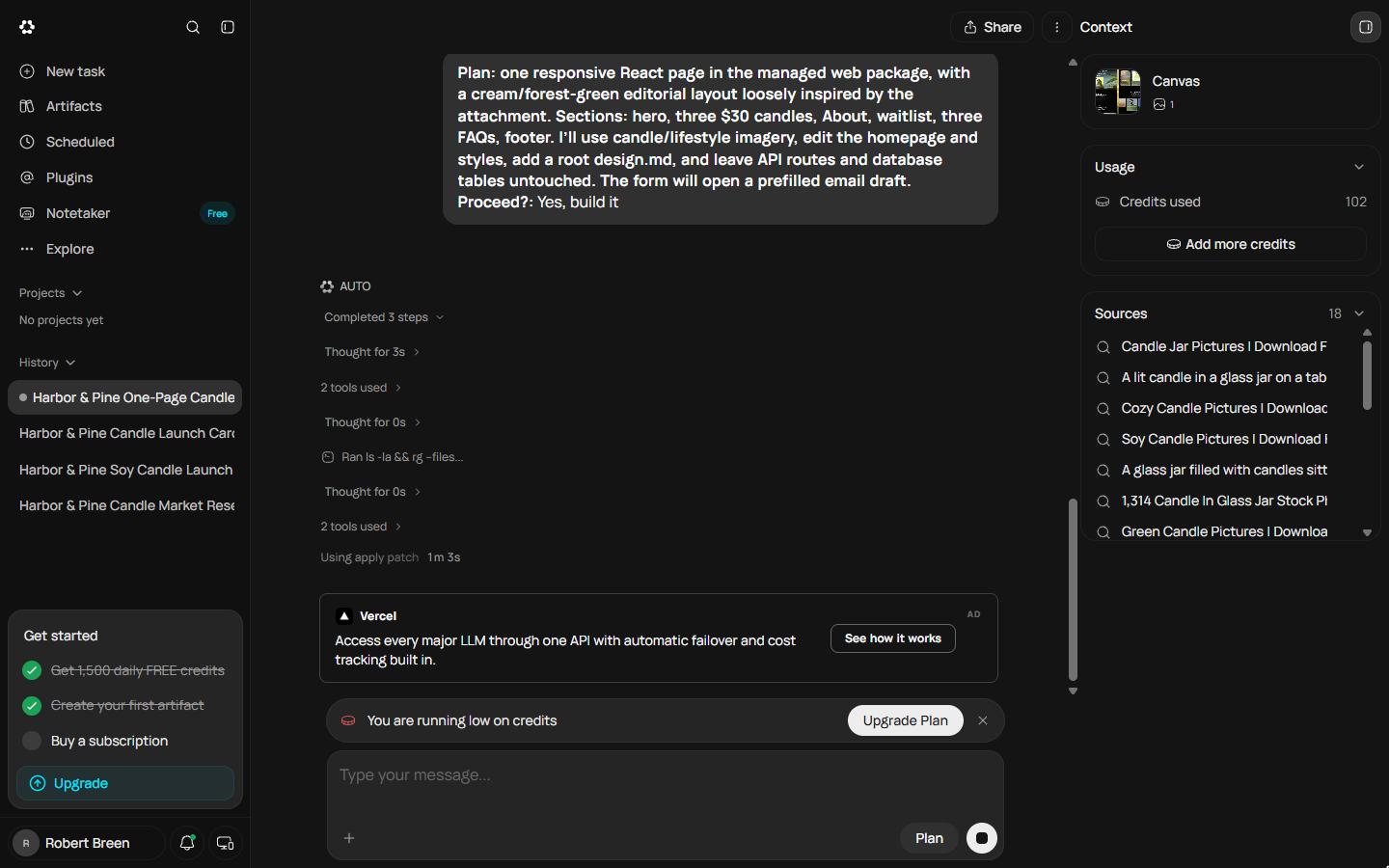
- Watch it work, and watch the credits. Runable reads the project, searches for candle photos (the Sources list fills up), and patches the code. Each step costs credits. The right panel shows Credits used: 102, then it climbs. Click Credits used.
It reads the project, searches for candle photos, and writes the code. Every step costs credits. Watch the right panel.
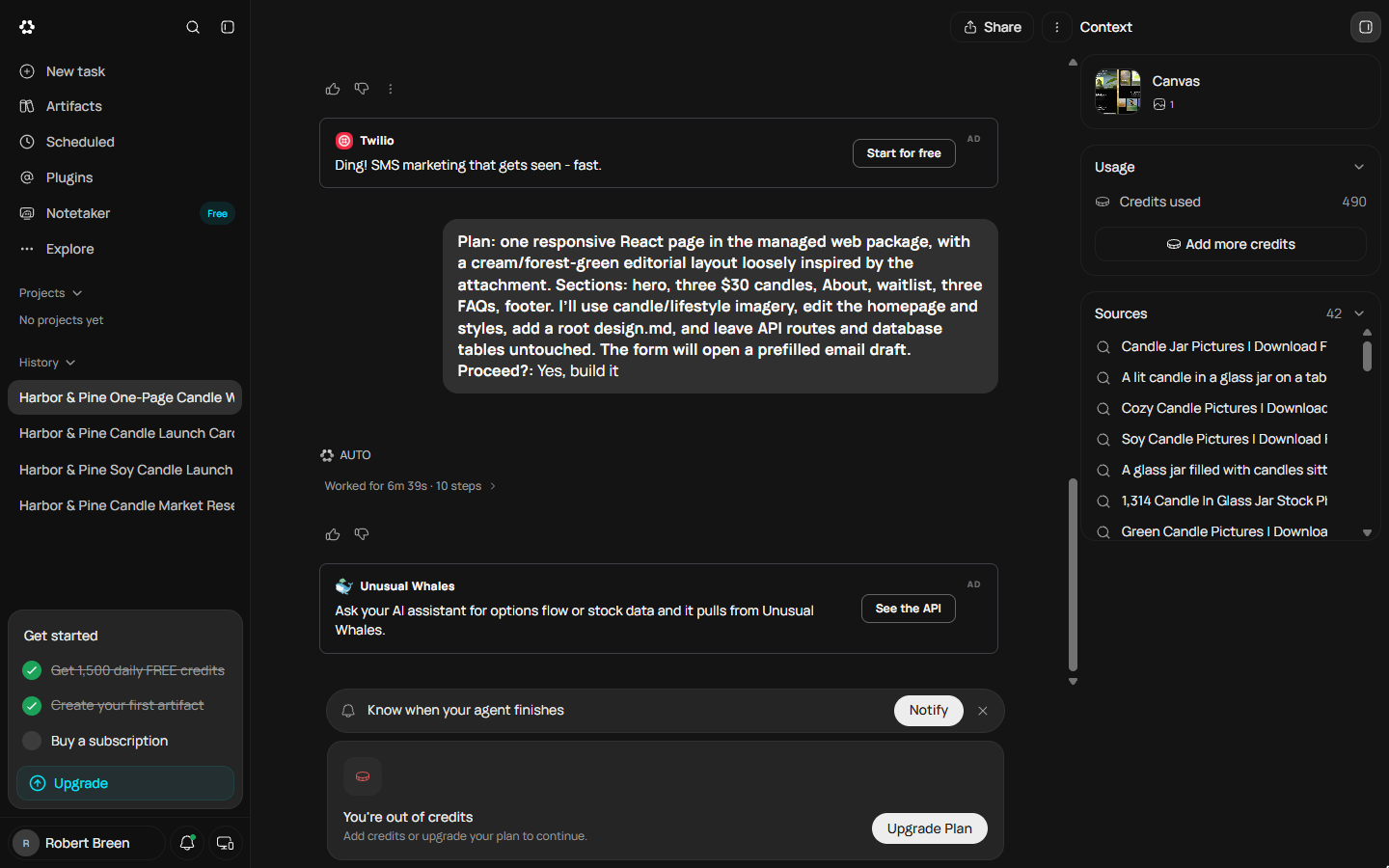
- The build stops: out of credits. Six minutes in, this appeared: Uh oh, you're out of credits. The build used all 490 credits we had left that day and stopped before the page was finished. Daily credits reset tomorrow. Do not click Upgrade; click the X.
Six minutes in, this appeared. Out of credits. The build used all four hundred and ninety credits we had left, and stopped before the page was done. Don't click Upgrade.
- Nothing is lost. Here is where it stopped: 10 steps, 490 credits, and no page yet. The chat, the brief and the plan are all saved. So we did the obvious thing: came back after the daily reset, with the full 1,500, and ran nothing else first. Click the out of credits card.
Here's where it stopped. Ten steps. Four hundred and ninety credits. No page yet. Nothing is lost. The chat and the plan are saved. So we came back after the reset, with the full fifteen hundred.
6. Next day: finish the build
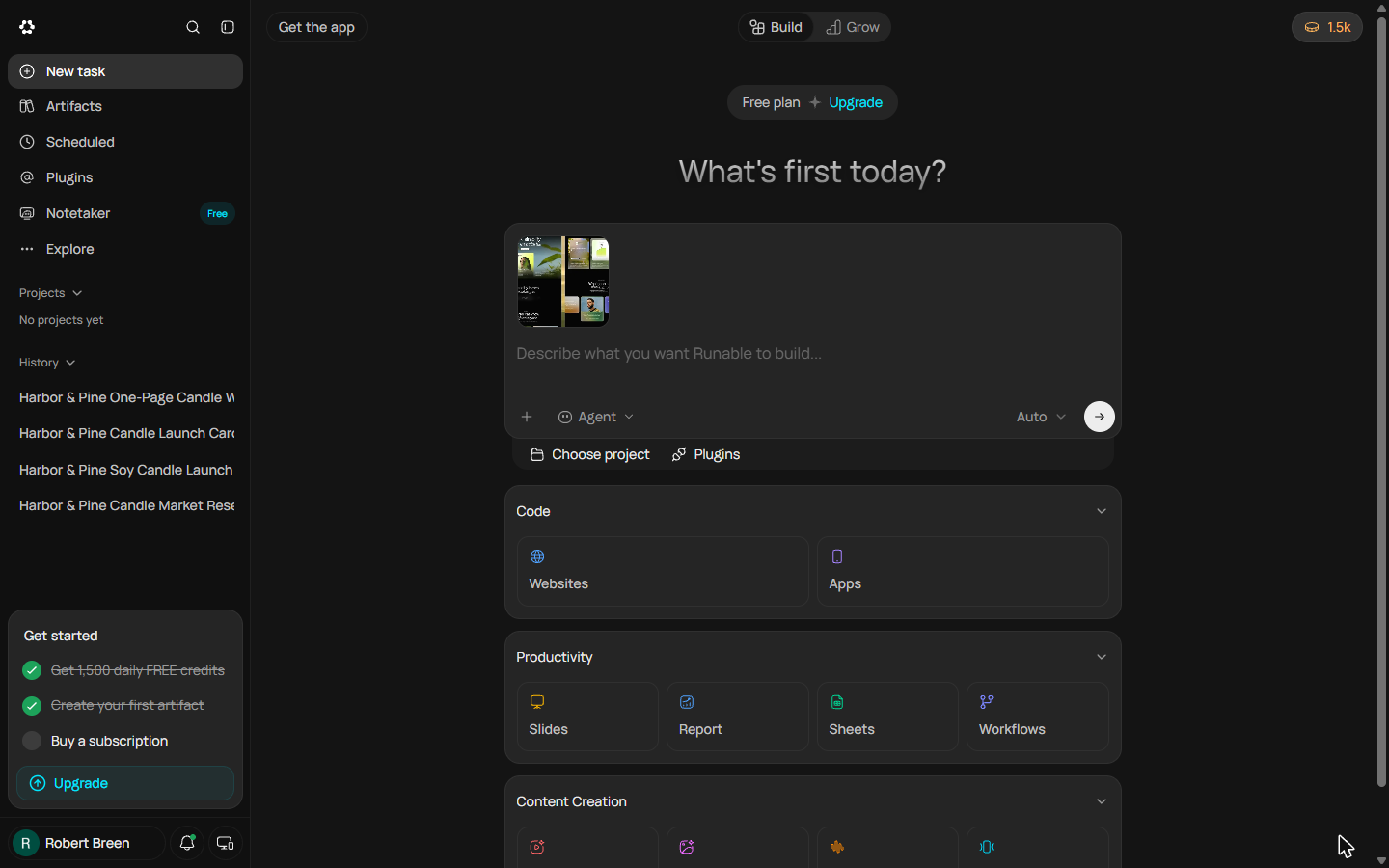
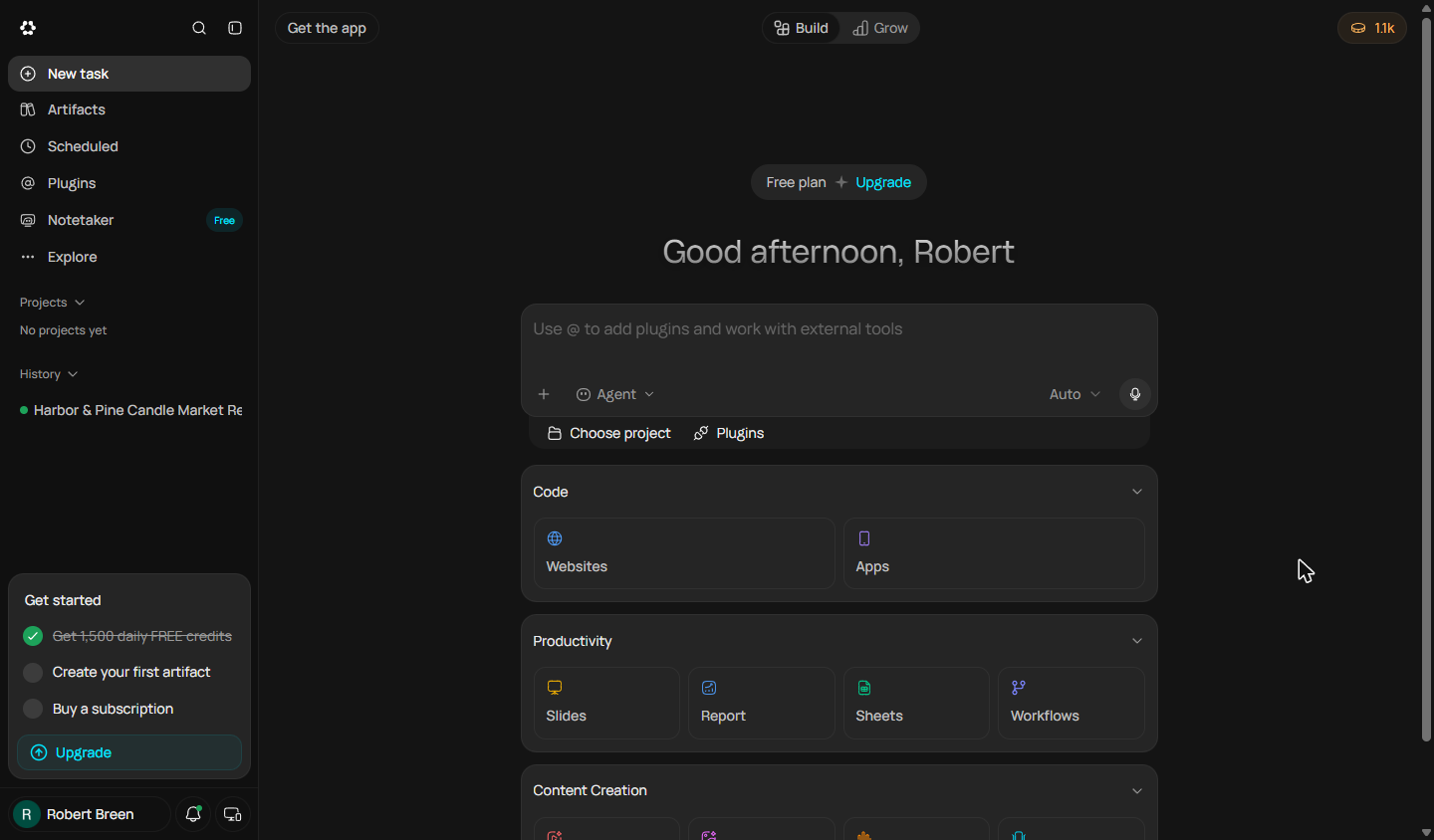
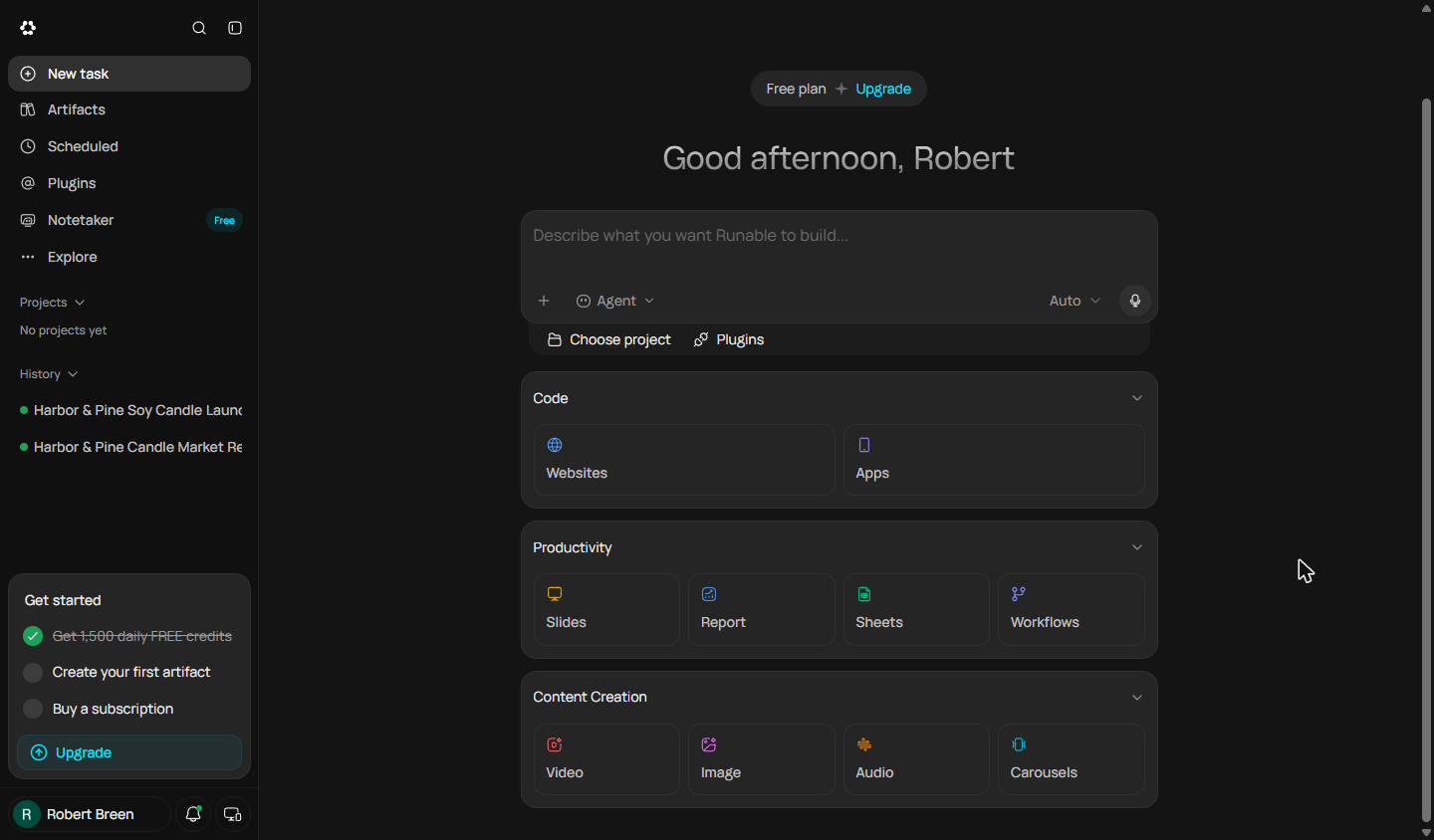
- A full day of credits. A fresh day. The pill at the top right now says 1.5k: the whole day's allowance, untouched. Do not start a new task. Under History, click Harbor & Pine One-Page Candle Website to reopen the chat that stopped.
A fresh day. The pill now says one point five K. The whole day. Don't start a new task. Under History, click the Harbor and Pine website chat.
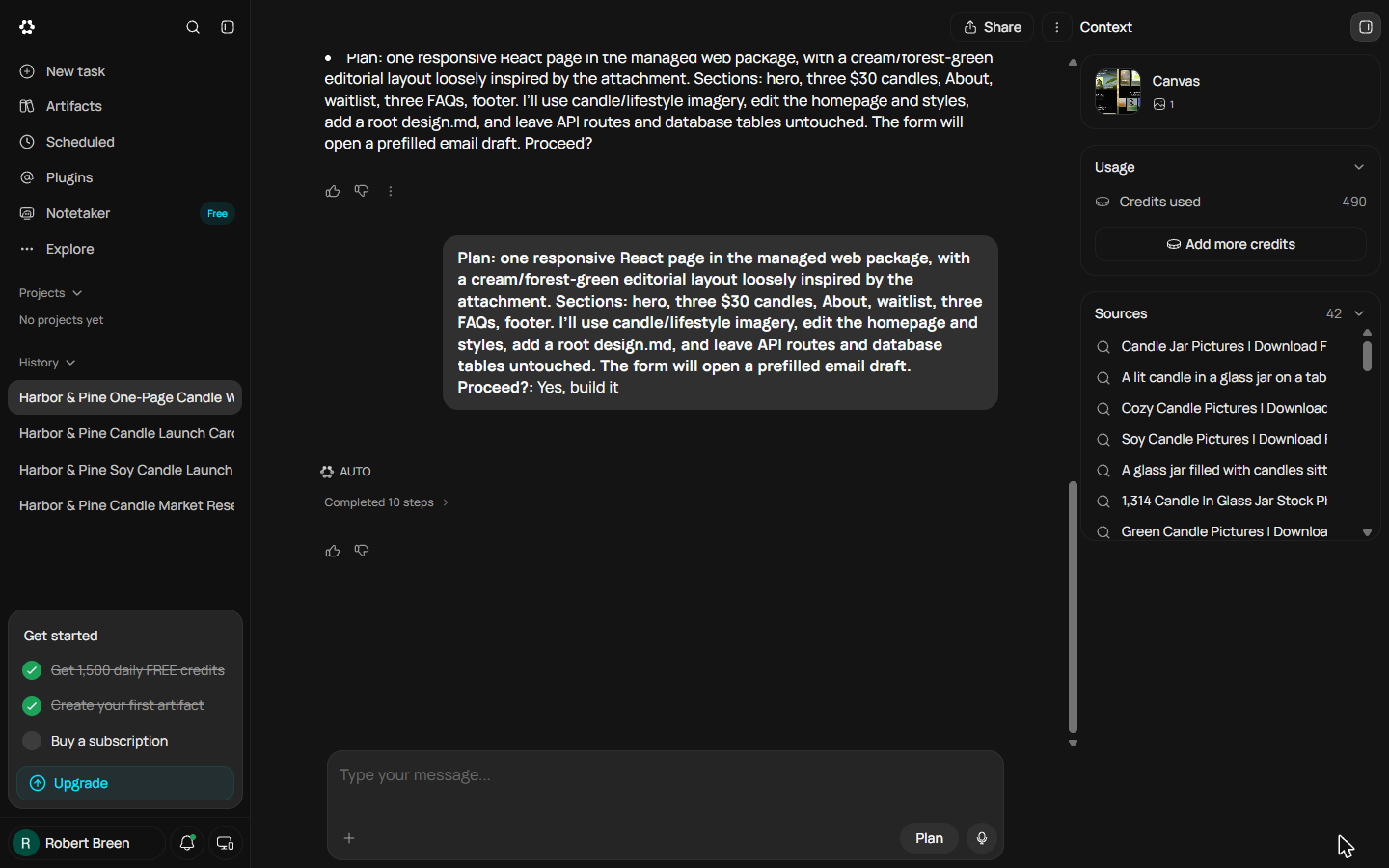
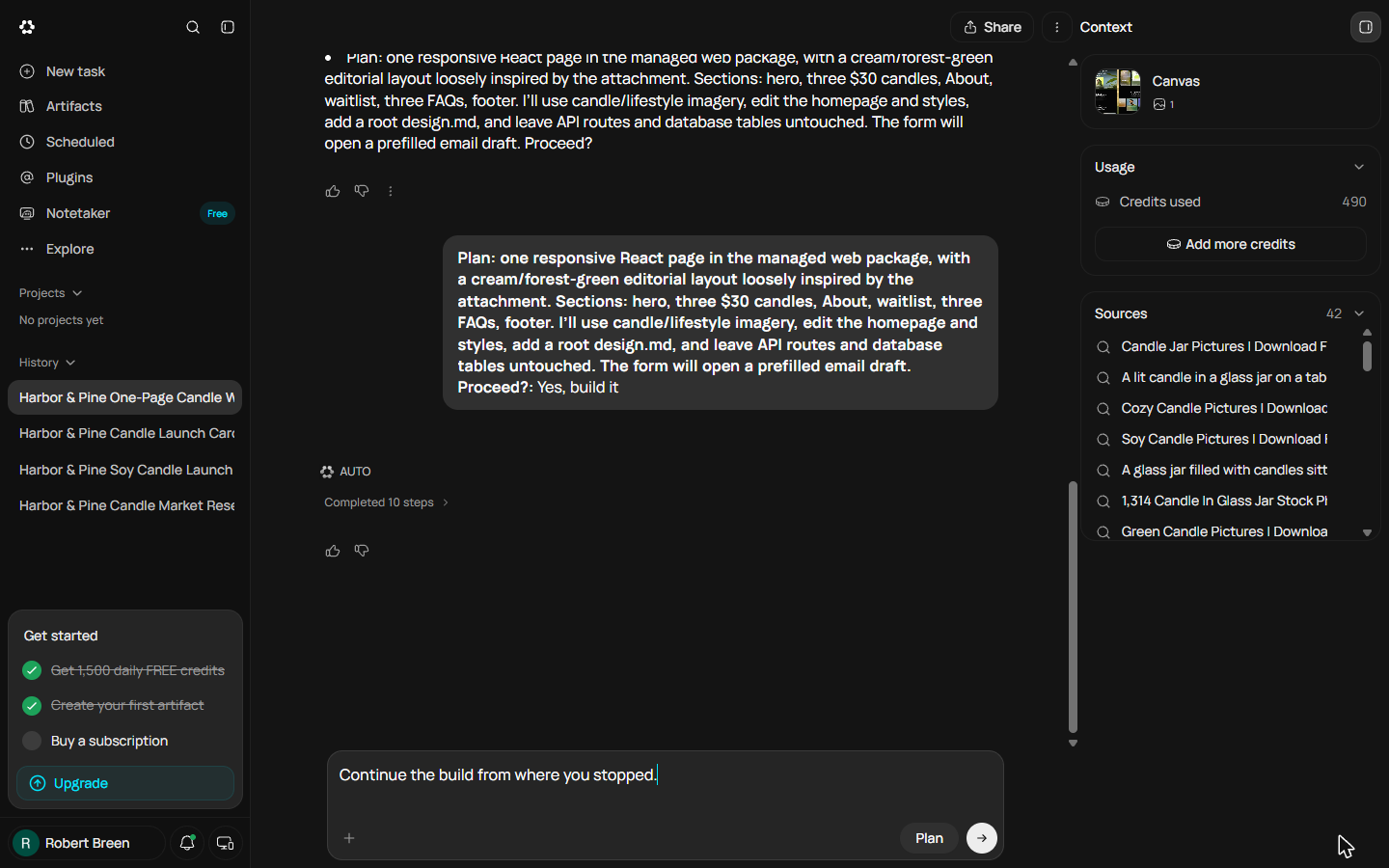
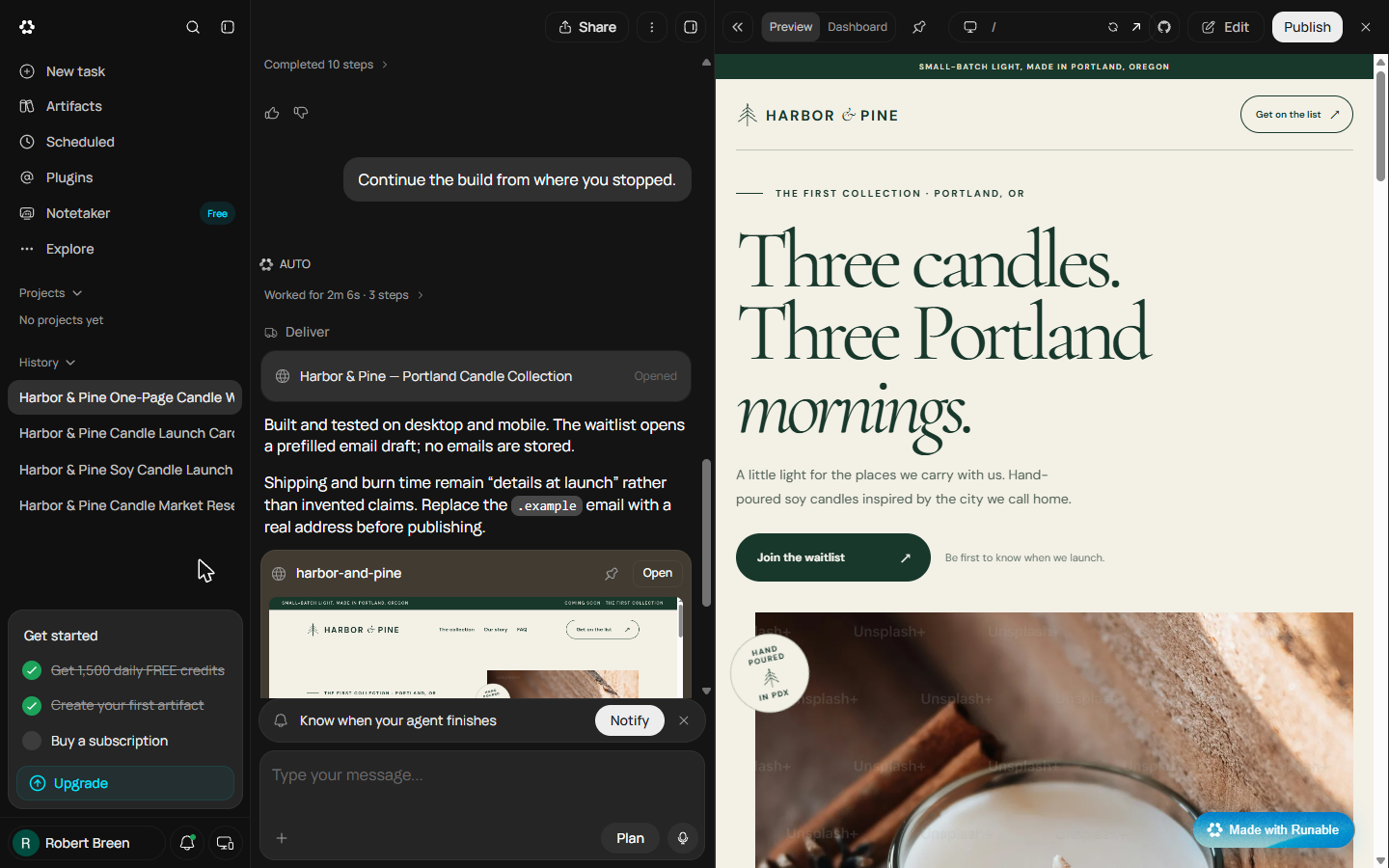
- Tell it to continue. The chat is exactly where we left it: the plan you approved, Completed 10 steps, and Credits used: 490. You do not need to repeat the brief. Type one plain sentence in the message box.
The chat is where we left it. The plan, the ten steps, the four hundred and ninety credits. You don't repeat the brief.
- Send it. Click the arrow to send.
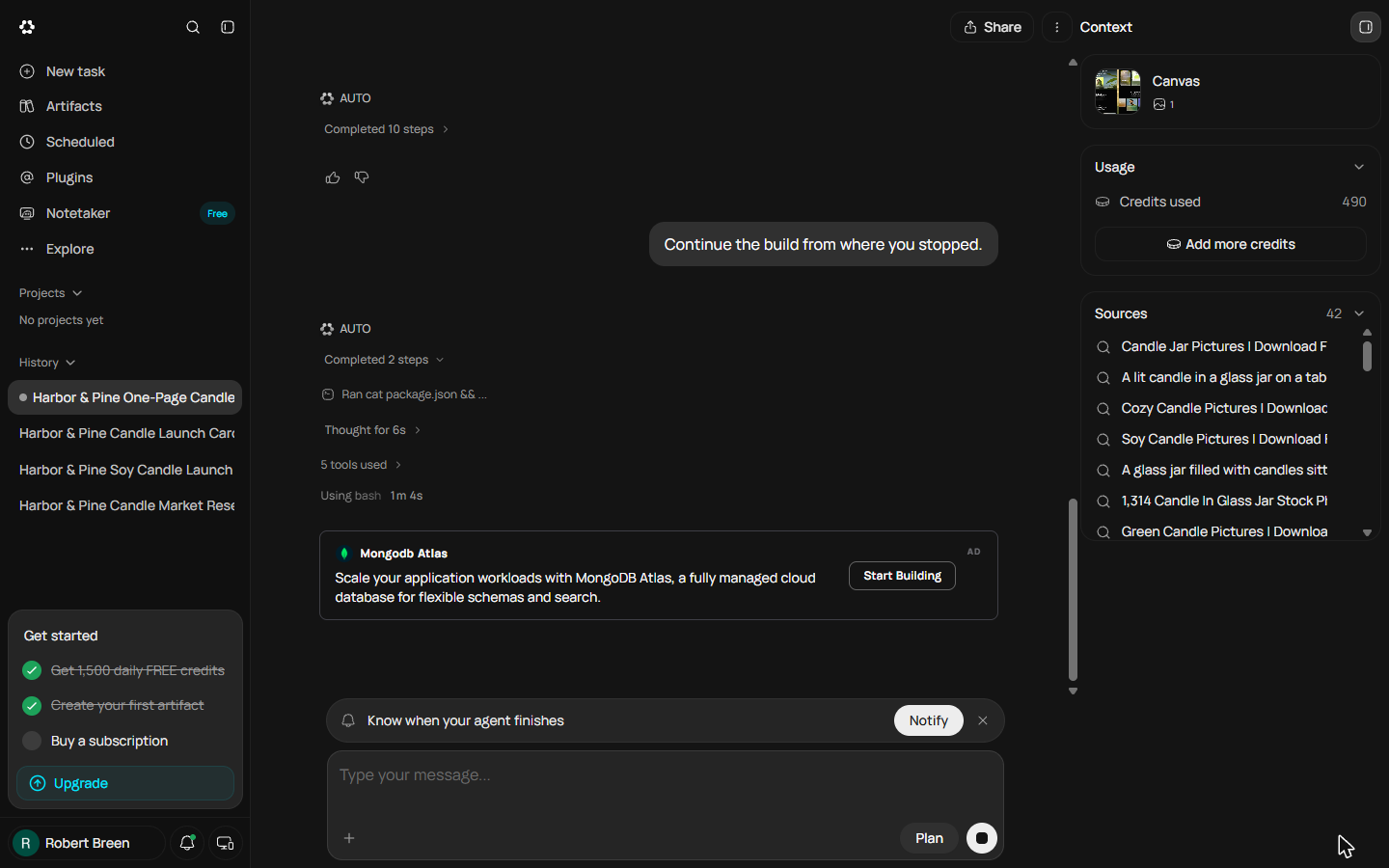
- It picks up where it stopped. Runable reads the project it already started (Ran cat package.json) and carries on: no new questions, no new plan. The cards marked AD between the messages are Runable's own adverts, not part of your site. Click Using bash.
It reads the project it already started, and carries on. No new questions. The cards marked ad are adverts, not your site.
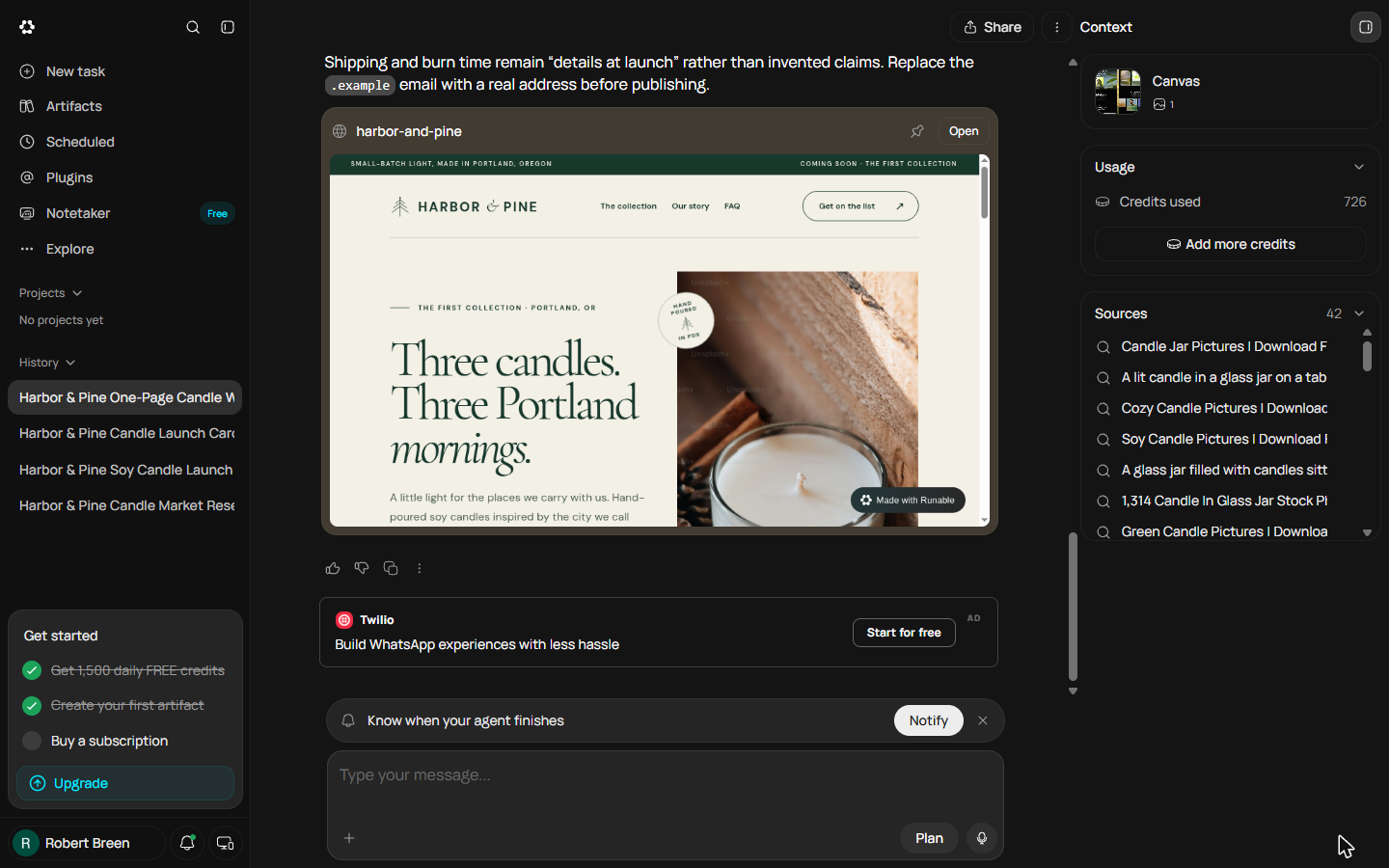
- Finished: check what it cost. About two minutes later the page is done, with a live preview in the chat. Credits used now says 726, so finishing cost 236. The whole build took 726 credits: about half of one day's allowance, if you start it fresh. Click Credits used.
About two minutes later, the page is done. Credits used says seven twenty-six. So finishing cost two hundred and thirty-six.
7. Check the page, fix it by chat
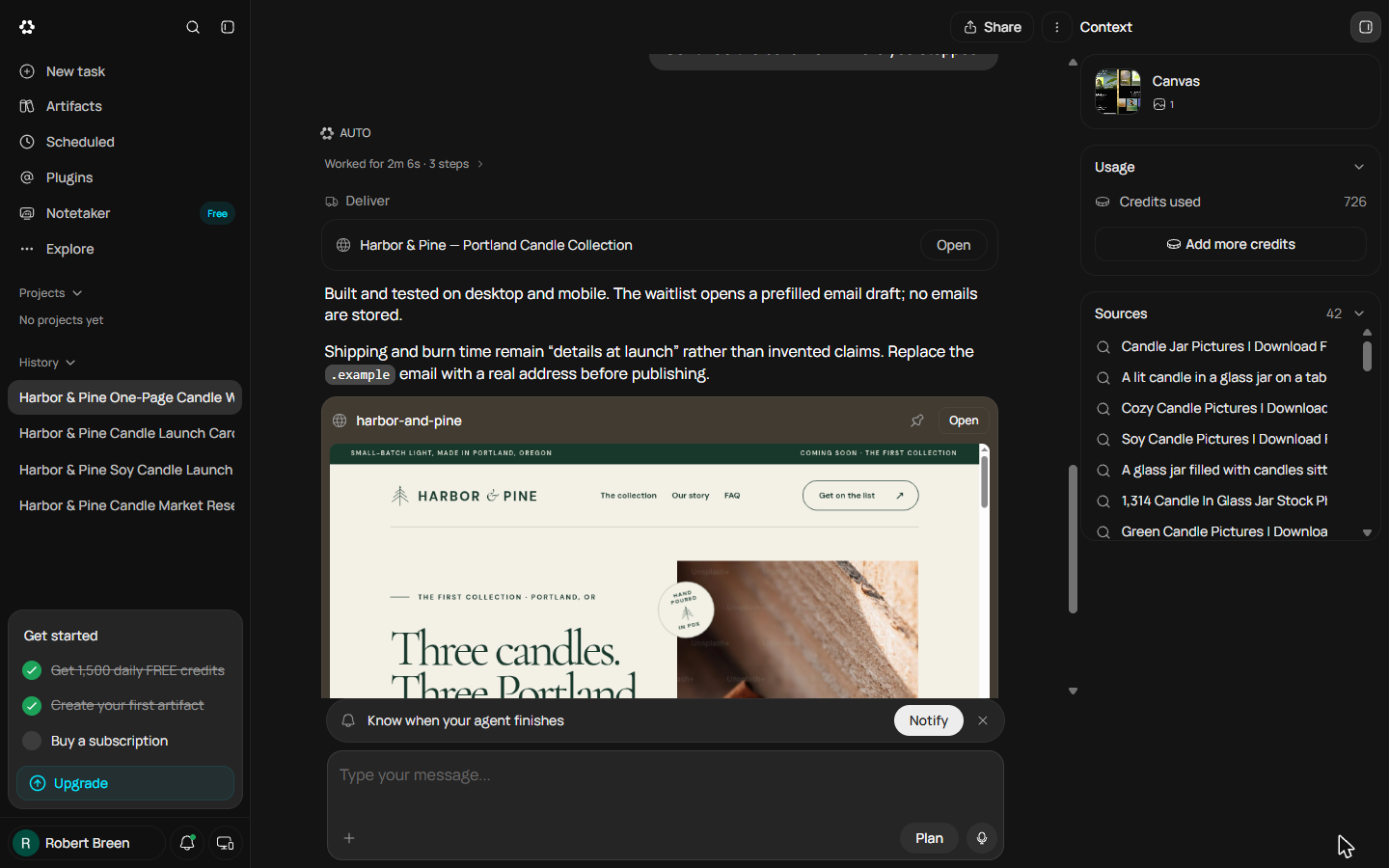
- Read the hand-over note. Above the preview, Runable says what it did: built and tested on desktop and mobile, the waitlist opens a prefilled email draft and stores no emails, shipping and burn time stay as "details at launch" instead of invented claims, and the .example email must be replaced before publishing. That last line matters later. Click Open on the Harbor & Pine, Portland Candle Collection card.
Read the note above the preview. It tested desktop and mobile. The form opens an email draft. It didn't invent shipping claims. And it says, replace the example email before publishing.
- Check the page like a customer. The preview opens on the right: the cream and forest-green look, the headline from the brief, the Join the waitlist button. Now look closely at the big candle photo: faint Unsplash+ watermarks run across it. That is a paid stock photo, and it would have gone live like this. Click the photo.
The preview opens. The look and the headline match the brief. Now look closely at the candle photo. Faint Unsplash plus watermarks run across it. That's a paid stock photo.
- Fix it with one sentence. The rest checks out: three candles at $30, the About, the waitlist form ("This opens a prefilled email in your mail app"), three FAQs. One problem, so one message. Say what is wrong, what you want instead, and what to leave alone. Type it in the message box.
The rest checks out. Three candles at thirty dollars. The form. The FAQs. One problem, so one message. Say what's wrong, what you want instead, and what to leave alone.
- Send the fix. Click the arrow to send.
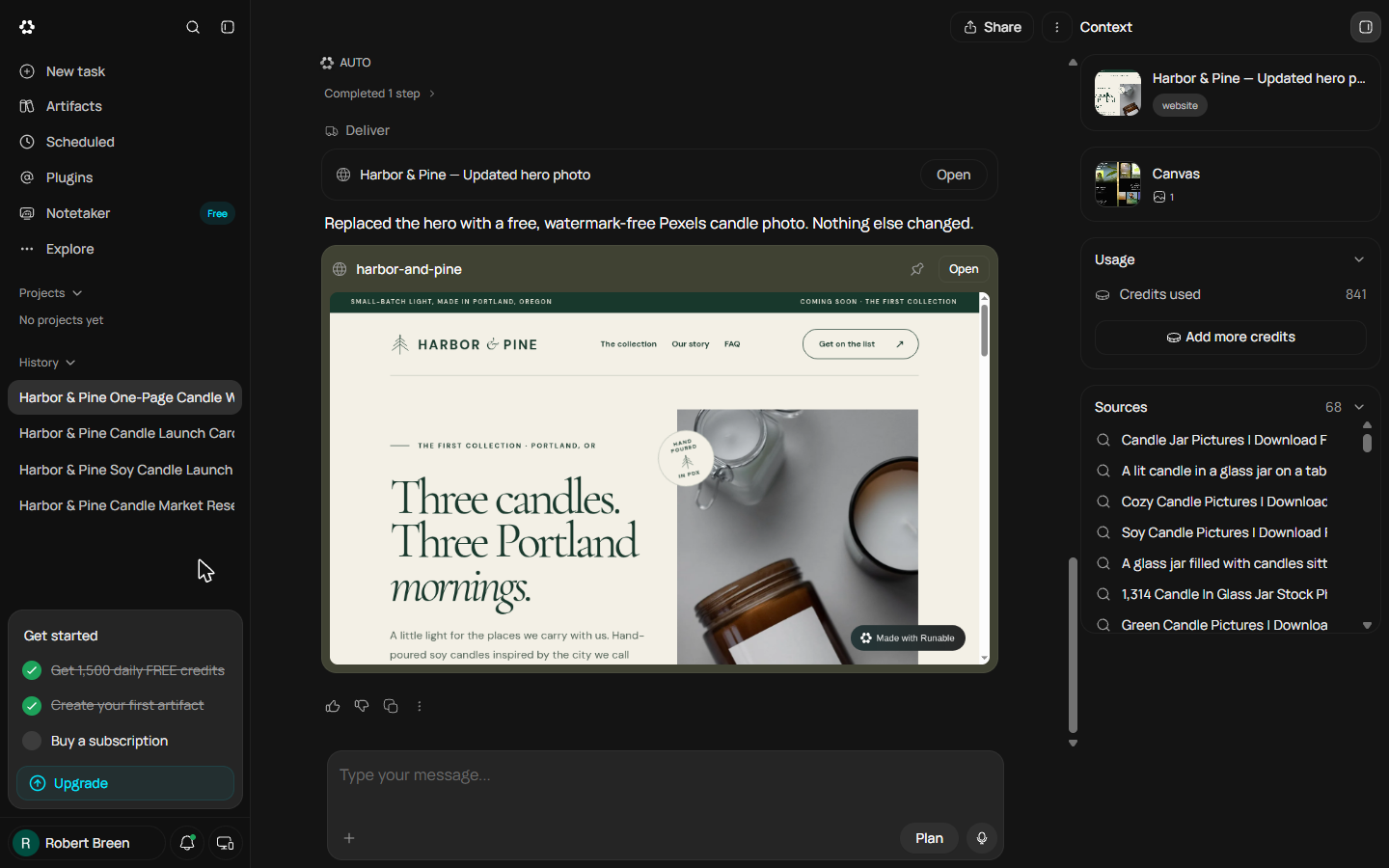
- Check the fix. One step later: "Replaced the hero with a free, watermark-free Pexels candle photo. Nothing else changed." The preview card shows the new photo, and Credits used says 841: the edit cost 115. One catch from our run: the preview pane kept showing the old photo (the browser had it saved), while the card and the site itself had the new one. If that happens, open the site in a new tab with the arrow button at the top of the preview. Click Open.
One step later, it says it replaced the photo, and nothing else changed. The edit cost a hundred and fifteen credits. If the preview still shows the old photo, open the site in a new tab to check.
- Before you click Publish. The Publish button is at the top right, but do not click it yet. Scroll to the footer: it still says hello@harborandpine.example, the made-up address from the brief, and the waitlist form sends to it. Runable warned you about this. Your last chat message before publishing is your real email. We stopped here, because Harbor & Pine is made up. Click the email address.
Publish is at the top right. Don't click it yet. The footer still has the made-up example email, and the form sends to it. Your last message before publishing is your real email.
8. What it saved, and what is next
- See what you have now. A finished one-page site from a four-part brief: three candles, a waitlist that needs no database, three FAQs. Two decisions made, one plan approved, one problem caught and fixed in a sentence. It cost 841 credits over two days, all on the Free plan. Click What you have now.
A finished one-page site, from one brief. Two decisions, one plan, one problem caught and fixed in a sentence. All on the free plan.
- Up next. Next, the messages start: turn the questions customers keep asking into a help page and DM replies. Click Up next.
Next, the messages start. Turn customer questions into a help page and replies.
Screenshots
Frequently asked questions
- Can Runable build a website on the Free plan?
- Yes, hosting is on every plan when we checked in October 2026, but the build is expensive. Ours used 490 credits and stopped when the day's 1,500 ran out; the next day it finished for 236 more and a fix cost 115, so start with a full day. A database for a sign-up form needs the Pro plan; a form that opens an email draft does not.
- Why does Runable ask questions before it builds?
- It looks for gaps and conflicts in your brief, such as a template whose colours disagree with your brand, and asks instead of guessing. Answer the questions about money, promises and your brand yourself; Skip the rest.
- What happens when you run out of credits mid-build?
- The build stops and a notice says daily credits reset tomorrow. The chat, your brief and the approved plan stay. Come back after the reset, open the same chat and tell it to continue: ours finished the page in two minutes. Do not click Upgrade unless you mean to pay.
More Runable tutorials
A business case for a small agency: price what a slow proposal costs, then use Runable, an AI agent, to turn a messy client email into a finished six-slide proposal…
Free · Live ~16 min Beginner
 Size Up Your Market and 5 Competitors Before You Spend a Dollar using Runable
A business case for new founders: before you buy stock, have Runable, an AI agent, research the market size, five competitors and their prices, and two gaps, with a…
Free · Live ~12 min Beginner
 Turn Your Research into a One-Page Business Plan using Runable
A business case for new founders: turn your research into a one-page launch plan with Runable's Report tool and Business Plan template, read the fact and assumption…
Free · Live ~10 min Beginner
 Make an Instagram Launch Carousel for Your Products using Runable
A business case for new founders: make a 5-slide Instagram launch carousel with Runable's Carousels tool, approve the cover before it renders the rest, check every…
Free · Live ~10 min Beginner
Free cheat sheet
Print it or save the PDF: the key steps and checks from this lesson on one page, free.
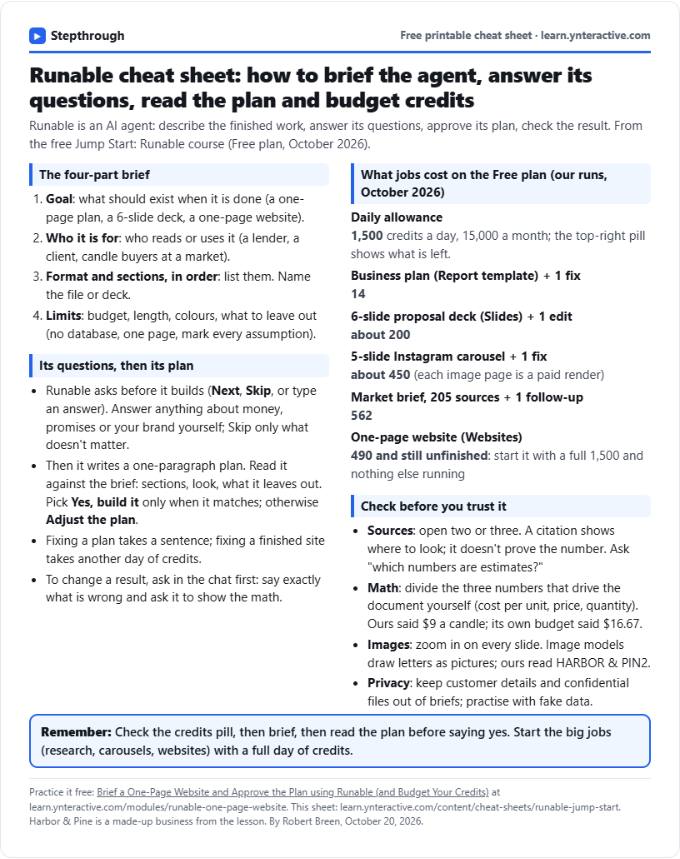
All free printable cheat sheets
Terms in this lesson
Plain-English definitions, each with an example from a free lesson.