What are AI credits?
Quick answer
AI credits are the points a tool such as Gamma, Flova or DomoAI spends when it generates a deck, image or video. Each action costs some credits, so you check the cost first and generate in small steps.
Last updated
Updated · By Robert Breen
Why it matters for a small business
Many AI creative tools run on credits instead of a flat price per action. A bigger or fancier output costs more. Knowing that changes how you work: you plan first, test small, and only then make the expensive piece.
Each lesson shows where the cost appears. Gamma shows your credit balance and slide count beside Generate, and AI images use extra credits. Flova gives a credit estimate in the chat. DomoAI shows the credit cost before you confirm Generate. Each tool has its own plans, so check the vendor's page.
A sensible routine is to look at the cost, make the smallest useful version, and review it before making more. In the Flova lesson, that means one reference image before any video. In the DomoAI lesson, it means one 5-second clip before a second version. The same habit works on any credit-based tool you try next.
In a real lesson: A Presentation from Your Notes in 5 Minutes (Gamma)
In the Gamma lesson, you choose Don't add images because AI images use extra credits and a review deck is about the numbers. At the bottom of the editor you see how many slides it will make and your credit balance, then click Generate.
The Flova lesson goes further, asking for the credit cost before any media is made, and the DomoAI lesson has you check the credit cost shown before you confirm.
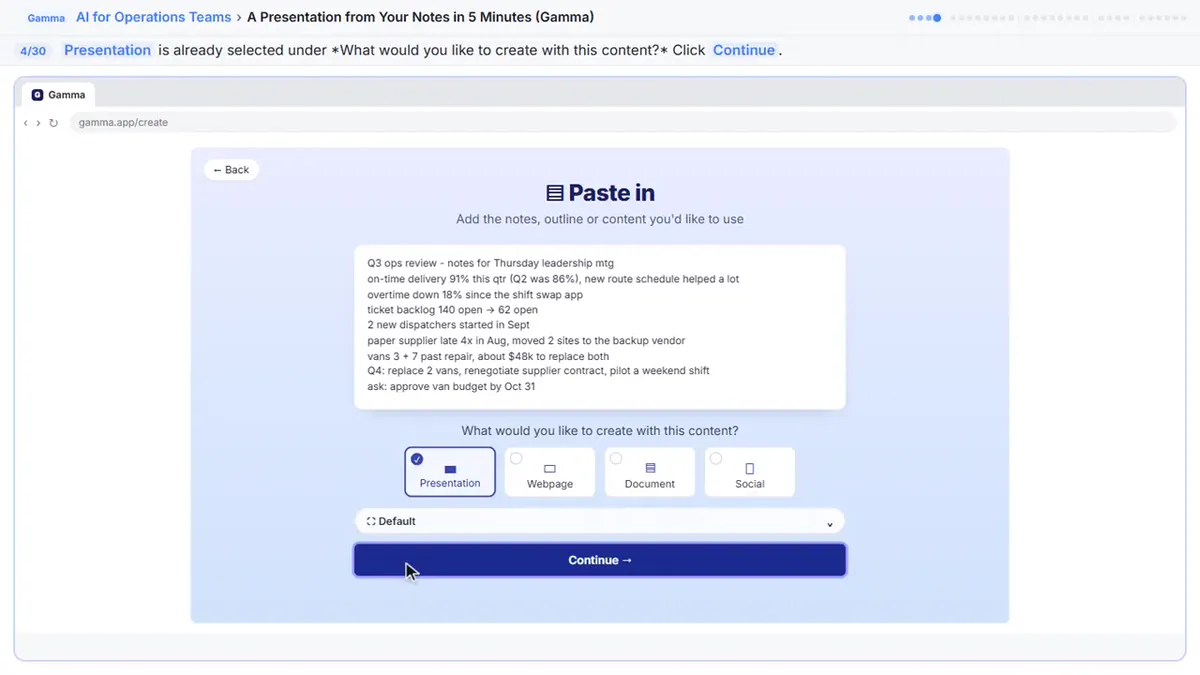
Try this lesson free or read the step-by-step guide.
Common confusions
Credits vs money
Credits are the tool's own points. How they relate to a price depends on the plan you are on.
Free credits vs unlimited
Gamma's lesson says the Free plan starts with 400 one-time credits. That is a starting balance, not unlimited use.
Tips
- Read the cost line before every Generate click.
- Make one small test before a big one.
- Turn off optional extras, like AI images, when they aren't needed.
- Write down roughly what a finished piece cost, so the next person on your team can plan their credits before starting.
Related terms
More AI basics terms
Where you use it: free lessons
- A Presentation from Your Notes in 5 Minutes (Gamma) (Gamma, 9 min)
- Flova: Plan a Promo Video from a Script Before You Spend a Credit (Flova, 7 min)
- DomoAI: Turn a Product Photo into a Short Video for Social (DomoAI, 6 min)
- n8n AI Agent Tutorial: Save Social Media Ideas to Google Sheets (n8n, 12 min)
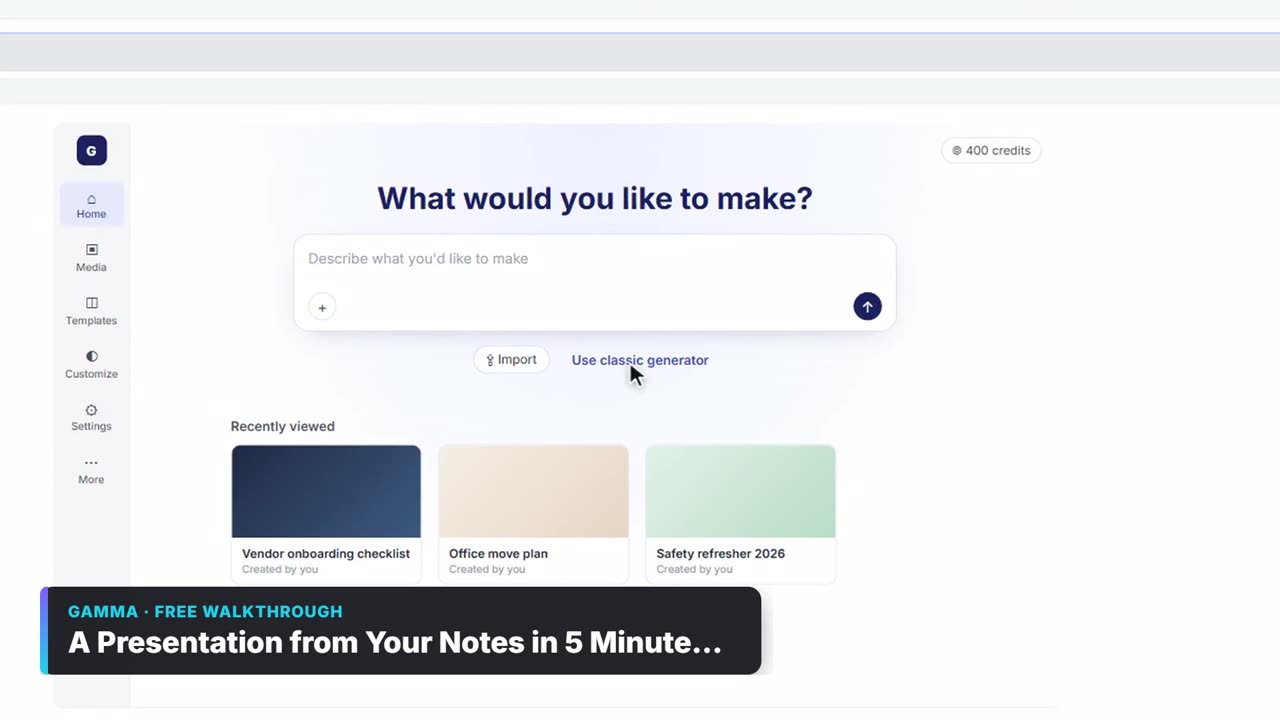
Watch it in a free lesson: A Presentation from Your Notes in 5 Minutes (Gamma)
 3:03
3:03A Presentation from Your Notes in 5 Minutes (Gamma): video walkthrough
Paste rough meeting notes into Gamma, pick a theme, fix one slide by chatting with its AI, and export the deck to PowerPoint and PDF. The whole lesson narrated step by step, recorded in Stepthrough’s simulated practice environment.
Prompt templates that use it
Frequently asked questions
- Where do I see my credits in Gamma?
- At the bottom of the prompt editor, beside the slide count, before you click Generate.
- Do the estimates include everything?
- Not always. Flova's estimate in the lesson priced the images but not the video.
- Do credits carry over?
- That depends on each vendor's plan, so check the tool's own pricing page.