Microsoft 365
Updated
Microsoft 365: 3 free modules that walk you through Excel for the Web: Your First Budget Spreadsheet, Excel for the Web: Find Your Top Customers in a Sales Export and Word for the Web: Turn Meeting Notes into a Client Update, using Excel and Word.
Each module is a real project. You watch a step, do it yourself in a practice copy of the tool, and it checks your work before moving on. It is free, and no experience is needed.
3 modules
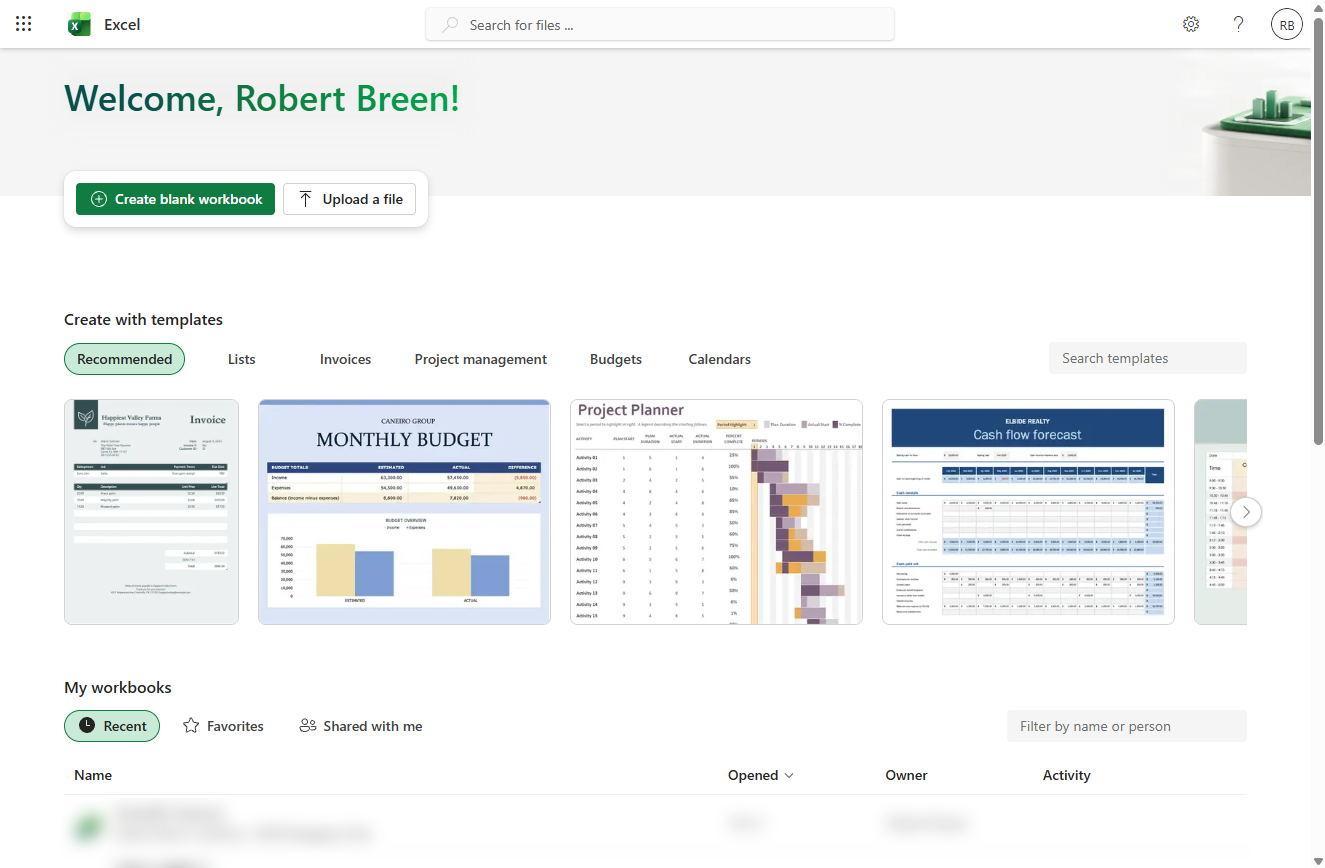 Excel for the Web: Your First Budget Spreadsheet
A beginner Excel for the web walkthrough on real screens: turn a budget into a table, let one formula fill the Difference column, total it with the Total Row, turn…
Free · Live ~15 min Beginner
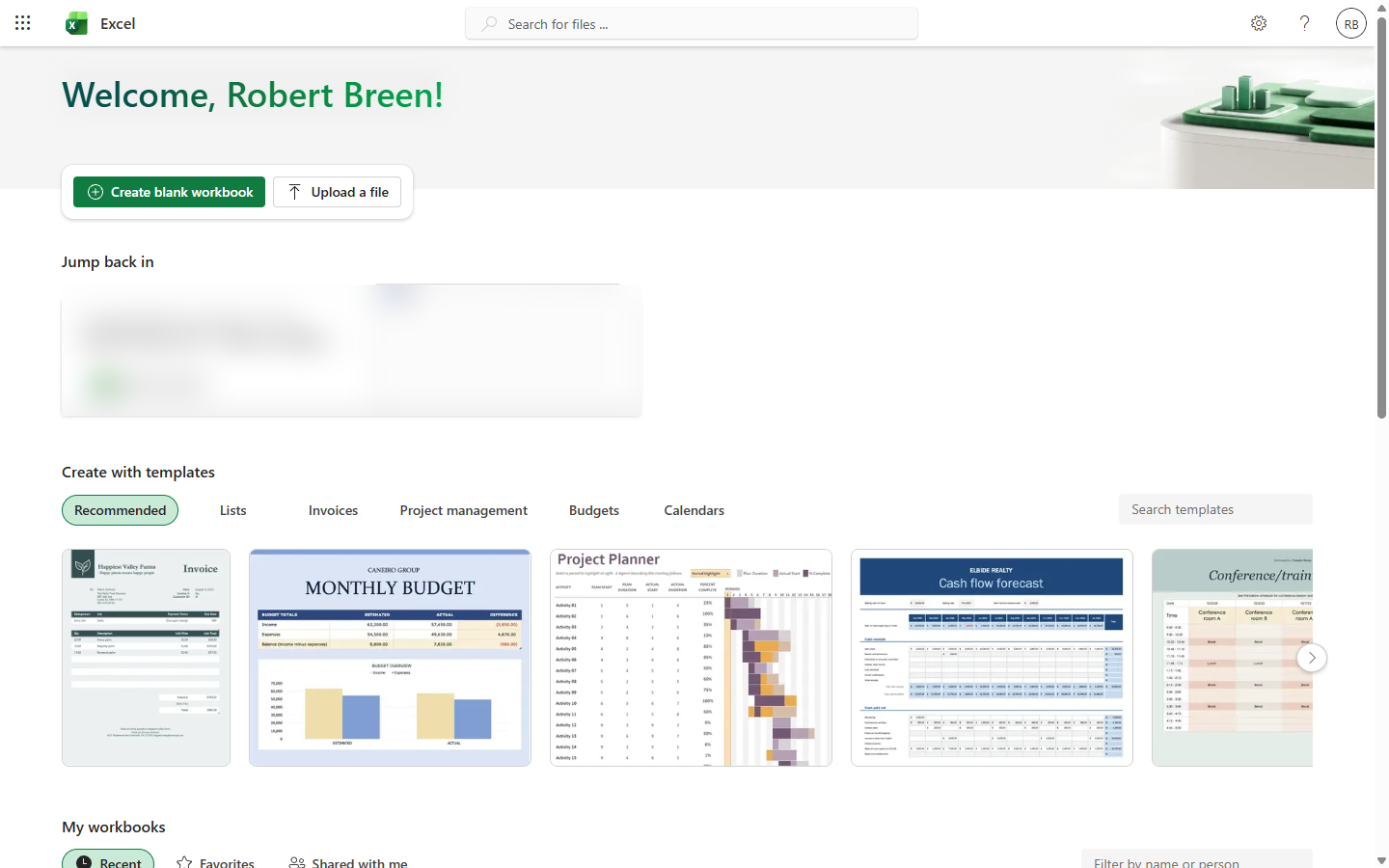 Excel for the Web: Find Your Top Customers in a Sales Export
A beginner Excel for the web walkthrough on real screens: clean a sales export with Remove Duplicates, total every customer with a PivotTable and sort the biggest to…
Free · Live ~12 min Beginner
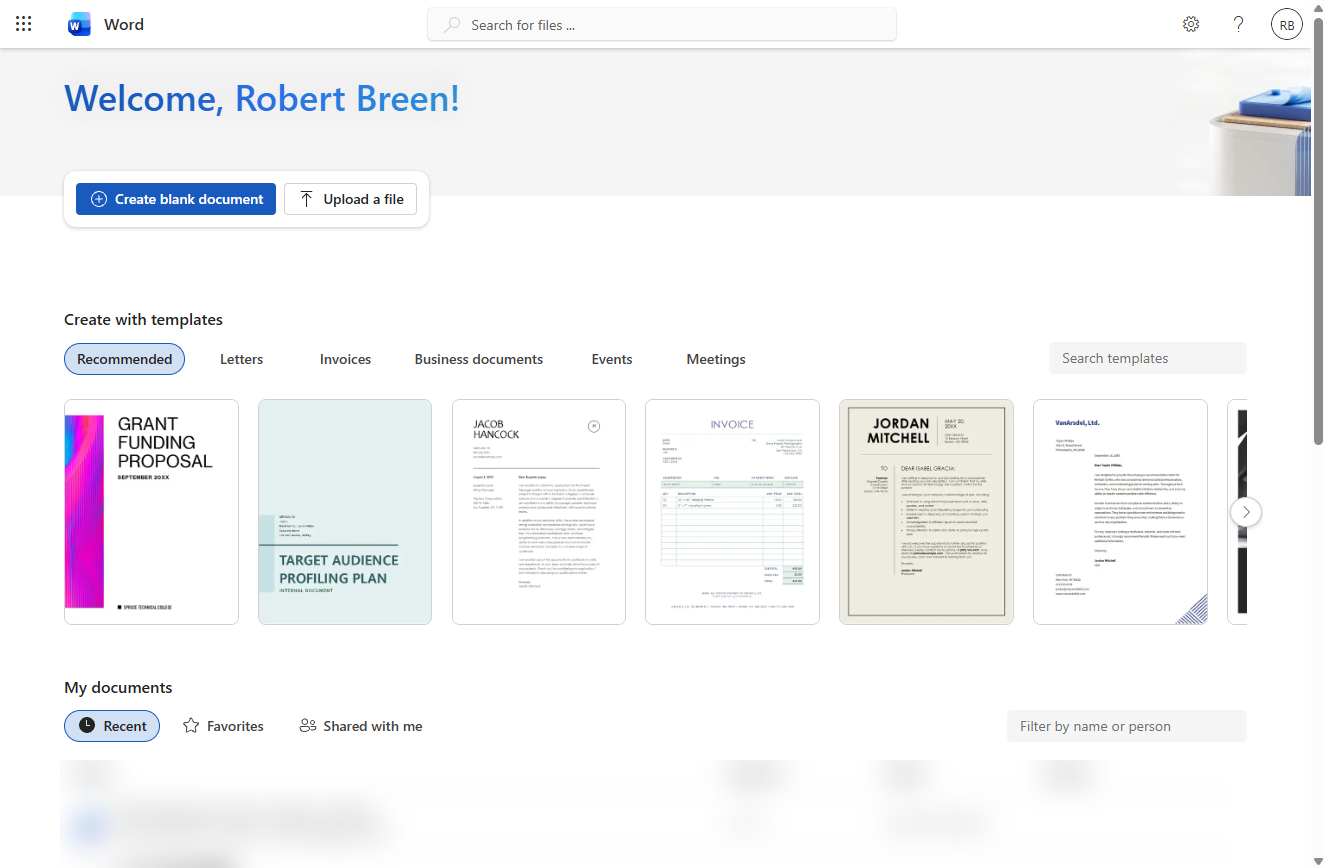 Word for the Web: Turn Meeting Notes into a Client Update
A beginner Word for the web walkthrough on real screens: turn rough meeting notes into a one-page client update with heading styles, bullets, a next-steps table and a…
Free · Live ~12 min Beginner
What you do in each module
- Excel for the Web: Your First Budget Spreadsheet (about 15 minutes, 26 steps, beginner). You work through: A new workbook with the budget, Turn it into a table, A Difference column that fills itself, Totals with the Total Row, Turn overspending red and Format as money and share.
- Excel for the Web: Find Your Top Customers in a Sales Export (about 12 minutes, 17 steps, beginner). You work through: Bring in the export, Remove the duplicate order, Total every customer with a PivotTable and Put the biggest customers on top.
- Word for the Web: Turn Meeting Notes into a Client Update (about 12 minutes, 21 steps, beginner). You work through: Start the update, Headings from styles, Bullets for what you did, A next-steps table and A comment before it goes out.
Common questions
How long will this take?
The 3 modules take about 39 minutes in total, and you can do them in separate sittings.
Do I need experience first?
No. These modules are beginner level, and each step tells you exactly where to click.
Do I need accounts to start?
No. The practice runs in a copy of Excel and Word inside your browser, and nothing touches your real accounts. When you are ready, you repeat the steps in your own account.
Is it free?
Yes. All 3 modules are free.
Where should I start?
Start with Excel for the Web: Your First Budget Spreadsheet, then continue with Excel for the Web: Find Your Top Customers in a Sales Export.
Related
How every module works
Each step is shown on the left, with a cursor pointing to exactly where to click. You do the same thing on the right, in a practice copy of the real tool. Get it right and it moves on. Nothing touches your real accounts until you're ready to build it for real.
Start learning free