Updated . Built against the tool’s current screens and checked step by step. How we check this lesson
What vibe coding is, and when building beats buying: describe an equipment sign-out board to Lovable in one prompt, use it in the preview, open the real code it wrote and check what it cost. Real Lovable screens, October 2026.
At a glance
| Question | Answer |
|---|---|
| What you build | What vibe coding is, and when building beats buying: describe an equipment sign-out board to Lovable in one prompt, use it in the preview, open the real code it wrote and check what it cost. Real Lovable screens, October 2026. |
| Tools | Lovable |
| Time | About 10 minutes, 17 steps in 5 parts |
| Level | Beginner, no coding needed |
| Cost | Free |
| Ways to learn it | Practice it step by step |
The 5 parts, in short
- Build or buy?: Price the off-the-shelf app, Or build it.
- Describe the app: Click the prompt box, Describe the app, Send it.
- Use it like Priya will: Check out a laptop, Who is taking it?, Add a return date, Check it out, and 1 more step.
- Look under the hood: Open the code, Find the page, Open the main page.
- What it cost, and the rule: Check what it cost, Read the credits, See what you got, Know when to buy.
What you'll build
Northfield Accounting (made up) shares two loaner laptops, a projector, a speaker and a hotspot among 14 people, and someone hunts for the projector every week. An asset-tracking app would cost about $1,008 a year for two features. In this lesson Priya, the office manager, describes the board she wants to Lovable in one prompt. You use the app it builds (check out a laptop, return the projector), open the real code behind it, and see the bill: 1 credit. Then you get a plain rule for when to build and when to buy. Every app screen is a real Lovable screen.
One plain-English prompt gave Northfield a working sign-out board: five cards, Check out with a name and a return date, Return, and a live count. You opened the real code and saw the five items in a list, then checked the cost: 1 credit. You also saw its limit, which Lovable stated itself: the data lives in each person's browser, so coworkers don't share one board yet. Build small tools that fit how you work; buy anything that holds money, payroll, health or legal data. Try it for real at lovable.dev.
- Tools: Lovable
- Time: about 10 minutes, 17 steps in 5 chapters
- Level: beginner, no coding needed
- Price: free
Practice first, then build it for real
Practice copy built from real Lovable screens (lovable.dev, captured 24 October 2026). Nothing here touches your account or spends credits. The board, the dialog, the code and the credit count are what Lovable really made in our run; yours will look a little different. Northfield Accounting and Priya are made up. To build it for real you need your own Lovable account, and some services charge once you use them for real work, so check each tool's current pricing.
Try it yourself, free
Reading the steps is a start. Doing them is how it sticks. The interactive module walks you through every click in a practice copy of Lovable, checks each step, and never touches your real accounts.
Start “Lovable: Build or Buy? Vibe Code an Office App in One Prompt”Step by step: Lovable: Build or Buy? Vibe Code an Office App in One Prompt
All 17 steps of the interactive module, in order. In the module you watch each one, then do it yourself in a practice copy that checks your work.
1. Build or buy?
- Price the off-the-shelf app. Northfield Accounting shares five pieces of equipment among 14 people, tracked on a whiteboard nobody updates. An asset-tracking app costs about $6 per person per month: $1,008 a year for the two features Priya needs. Click that row.
Northfield shares five pieces of equipment between fourteen people. An app to track them would cost about a thousand dollars a year, for two features.
- Or build it. Vibe coding means describing the software you want in plain English and letting an AI write the code. Lovable is one of the most popular tools for it. Click the Lovable card.
Vibe coding means you describe the software in plain English, and an AI writes the code. Lovable is one of the most popular tools for it.
2. Describe the app
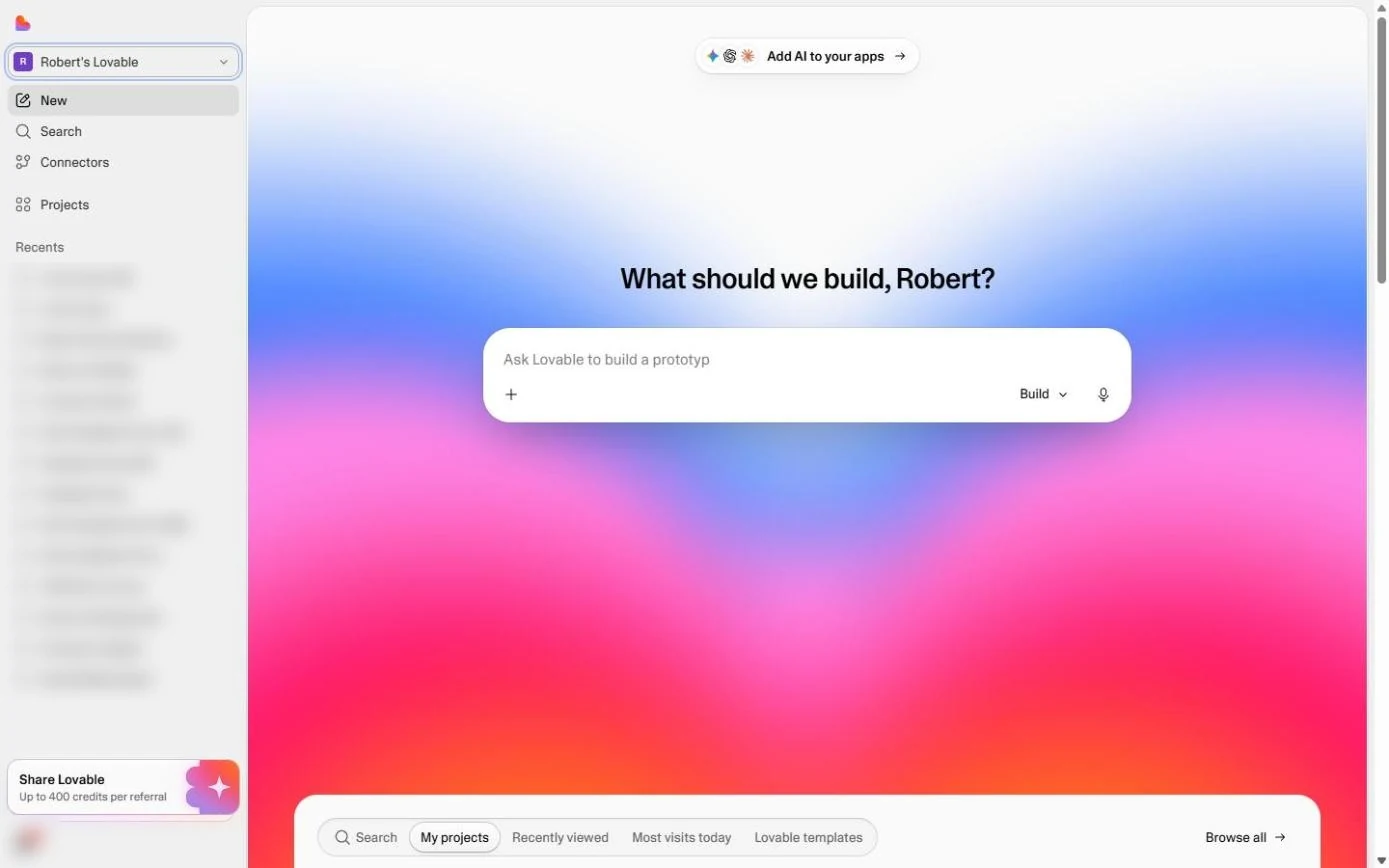
- Click the prompt box. This is the Lovable home screen (lovable.dev, after you sign in). Click the big box under What should we build?
This is Lovable's home screen.
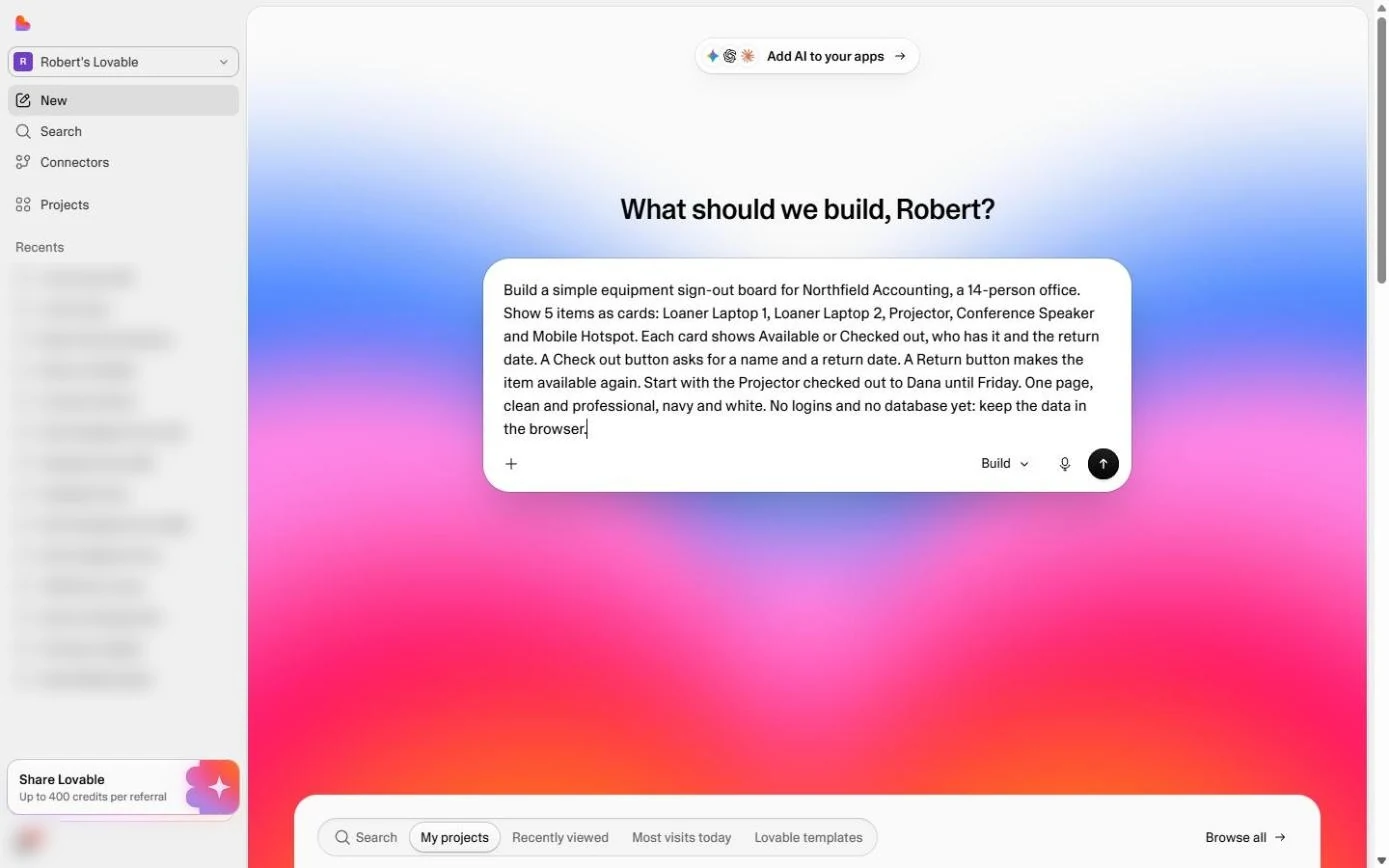
- Describe the app. Paste the description. A good build prompt says who it is for, what is on the screen, what each button does, some starting data, the look, and the limits. Ours ends with "No logins and no database yet", so the first version stays simple.
Who it's for, what's on the screen, what each button does, some starting data, the look, and the limits. No logins and no database yet.
Build a simple equipment sign-out board for Northfield Accounting, a 14-person office. Show 5 items as cards: Loaner Laptop 1, Loaner Laptop 2, Projector, Conference Speaker and Mobile Hotspot. Each card shows Available or Checked out, who has it and the return date. A Check out button asks for a name and a return date. A Return button makes the item available again. Start with the Projector checked out to Dana until Friday. One page, clean and professional, navy and white. No logins and no database yet: keep the data in the browser.
- Send it. Click the round arrow button. Lovable names the project, writes the code and shows a live preview on the right. Ours took about a minute.
Lovable writes the app and shows a live preview. Ours took about a minute.
3. Use it like Priya will
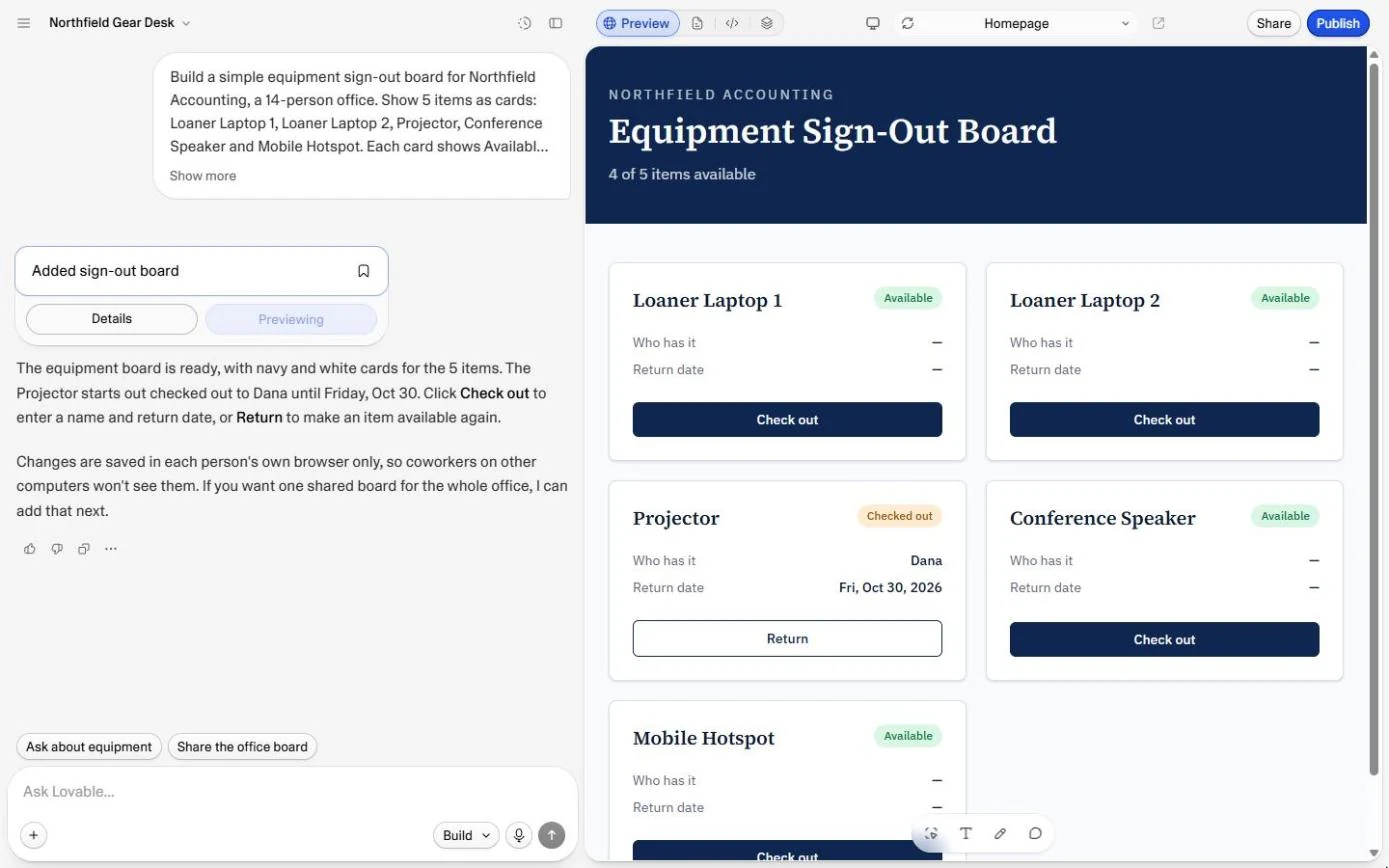
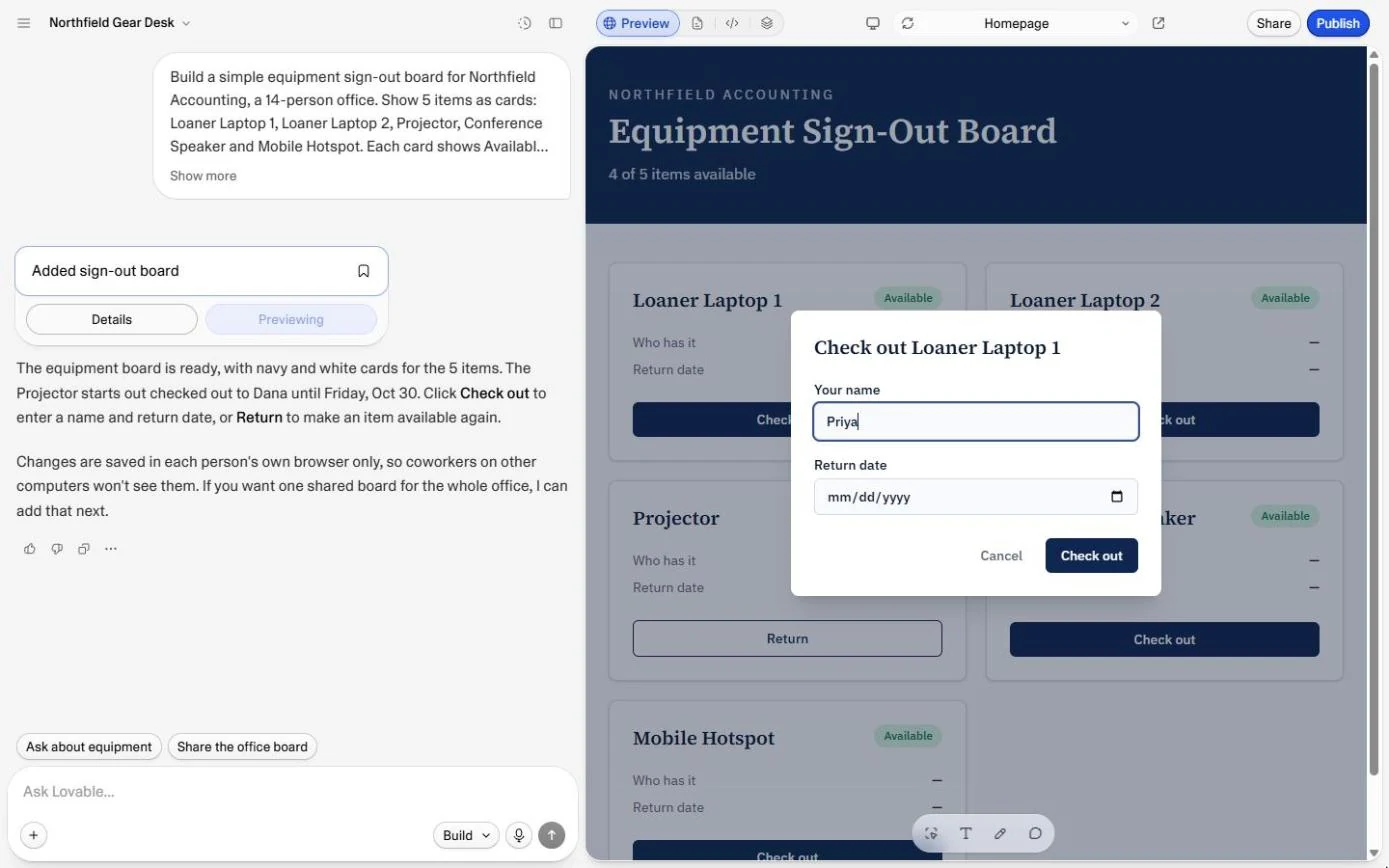
- Check out a laptop. The board is ready: five cards, navy and white, the Projector already checked out to Dana. Read Lovable's note on the left too: changes are saved in each person's own browser. Remember that. In the preview, click Check out on Loaner Laptop 1.
There's the board. Five cards, and the projector is out with Dana. Notice Lovable's note on the left: changes are saved in each person's own browser. Remember that.
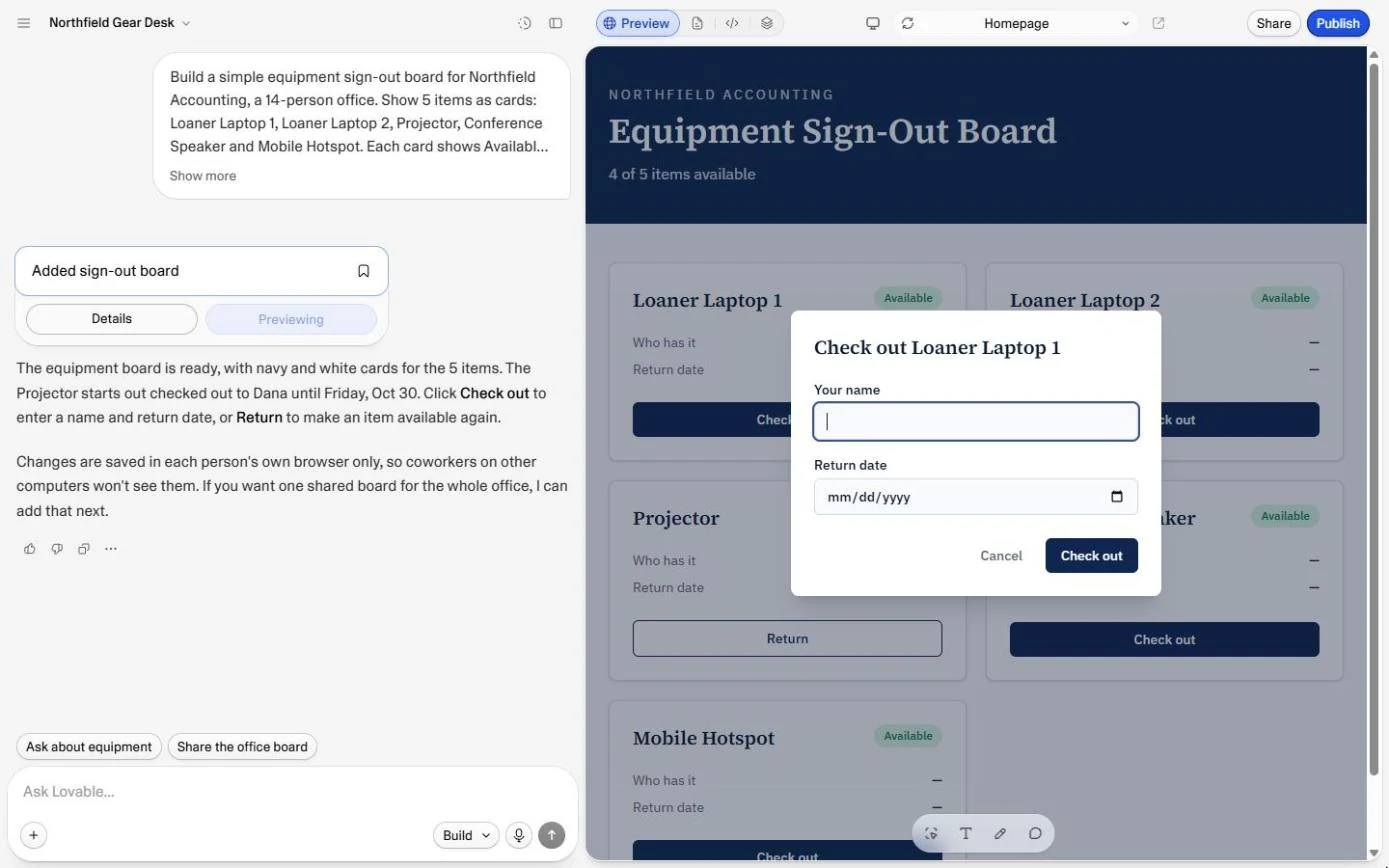
- Who is taking it?. A dialog asks for a name. Type Priya.
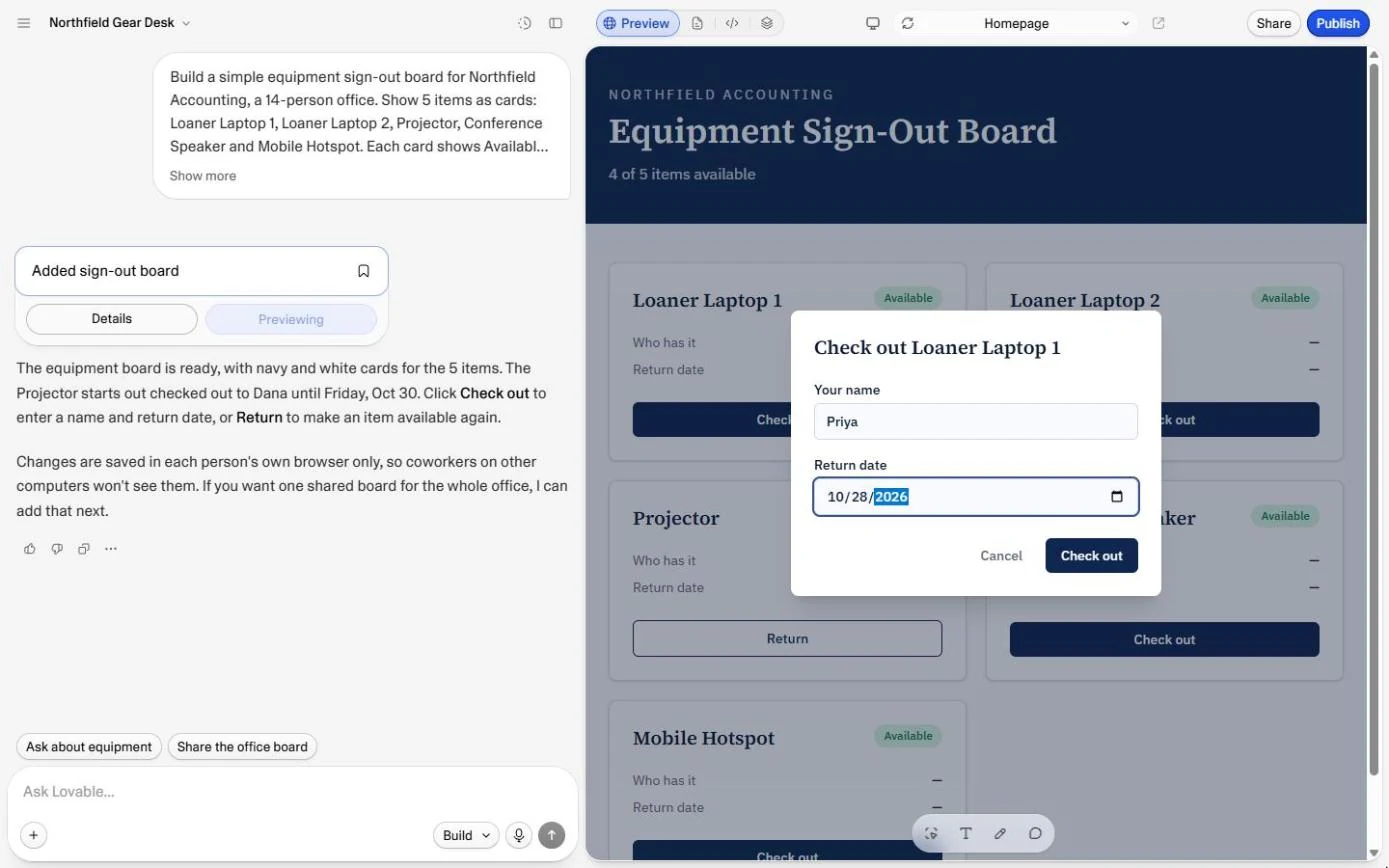
- Add a return date. Click the Return date box and type 10/28/2026 (the slashes move you to the next part of the date).
Now the return date. October twenty eighth, twenty twenty six.
- Check it out. Click Check out.
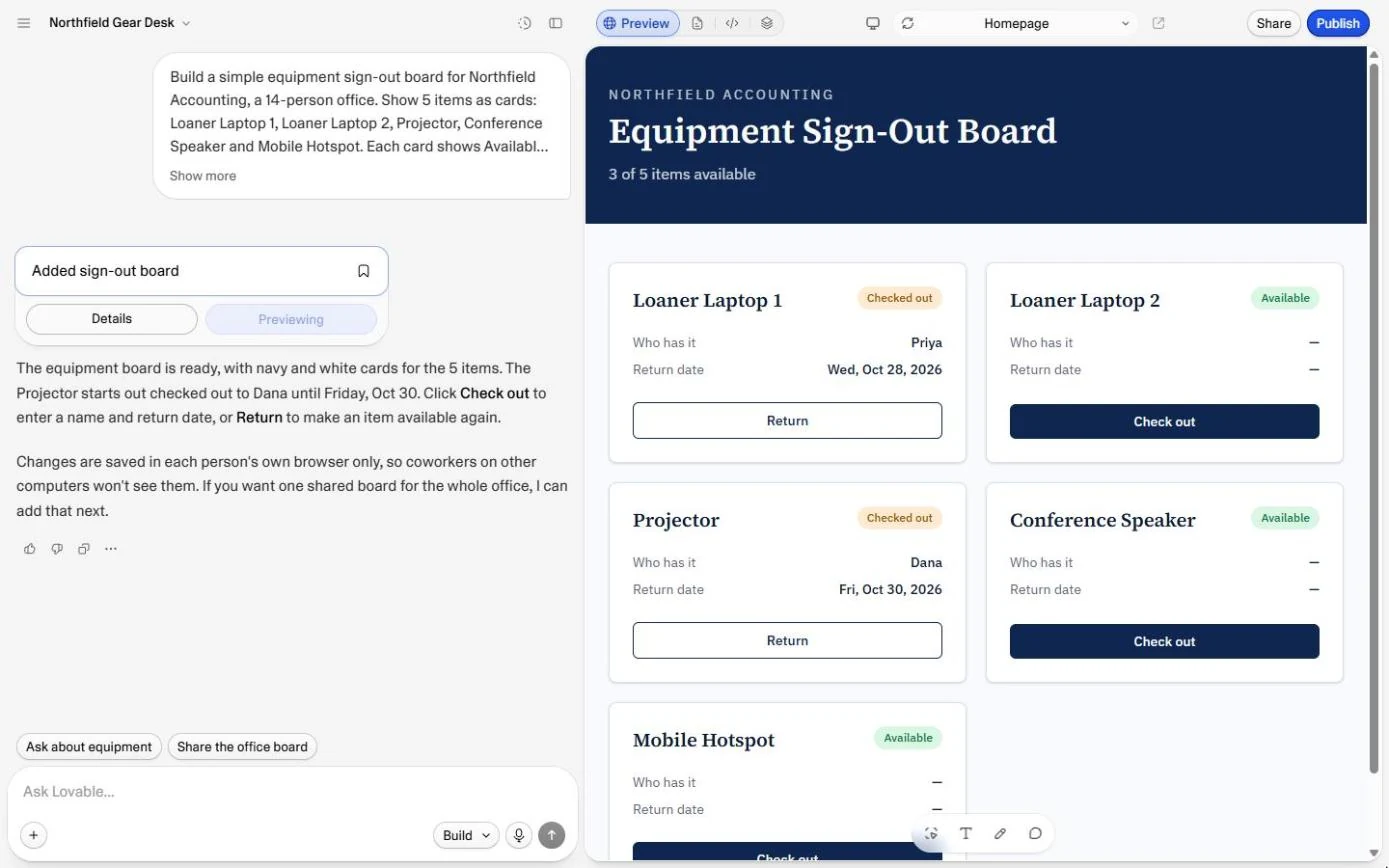
- Dana brings the projector back. Laptop 1 now shows Checked out, Priya and Wed, Oct 28, and the count in the header drops by one (ours said 3 of 5 items available). Dana is back from her meeting: click Return on the Projector.
Laptop one is out with Priya, and the count dropped by one. Dana's back.
4. Look under the hood
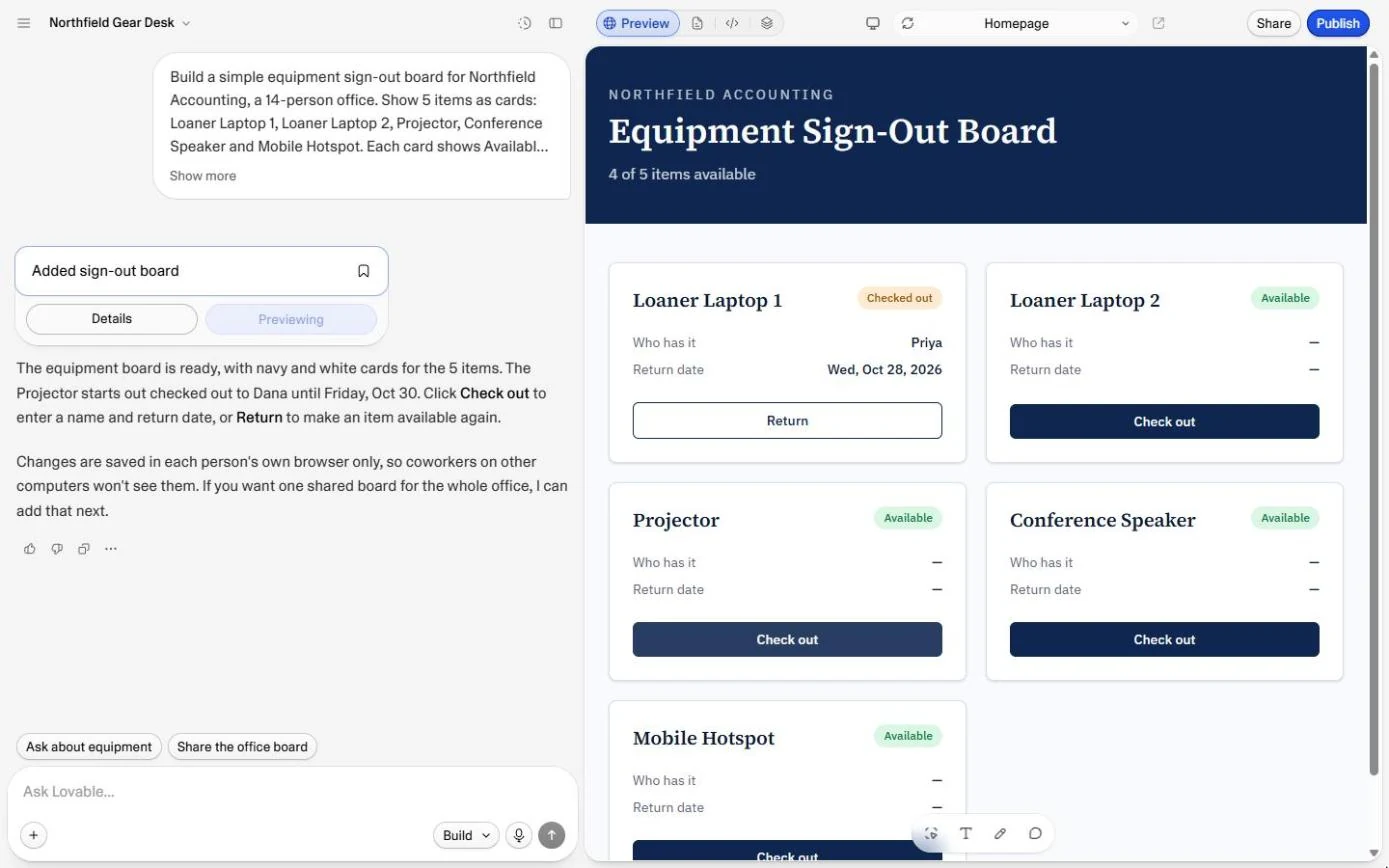
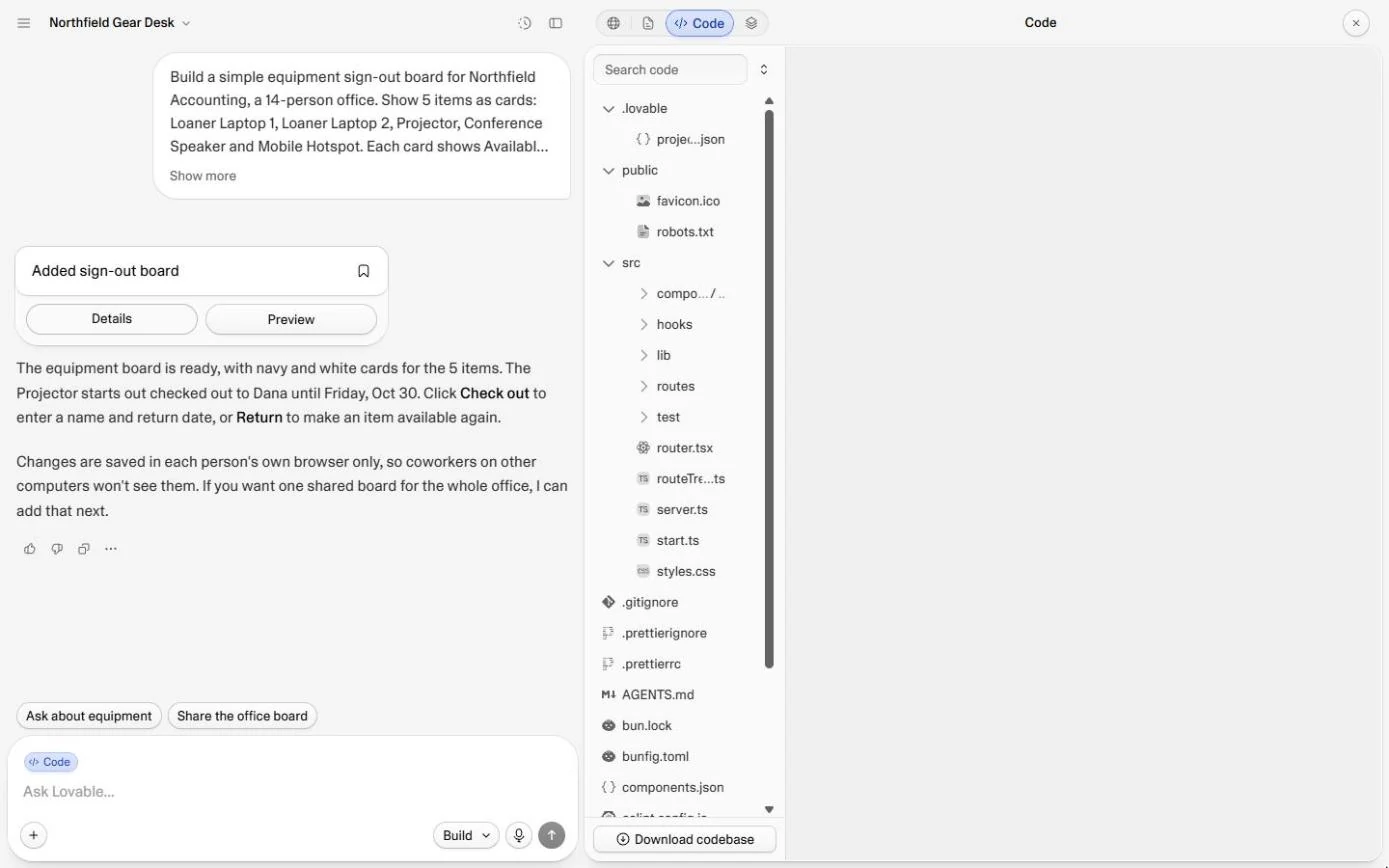
- Open the code. The Projector is Available again and the count goes back up. This is a real app, so there is real code behind it. At the top, click the code icon (</>).
The projector's back, and the count went up. This is a real app, with real code behind it.
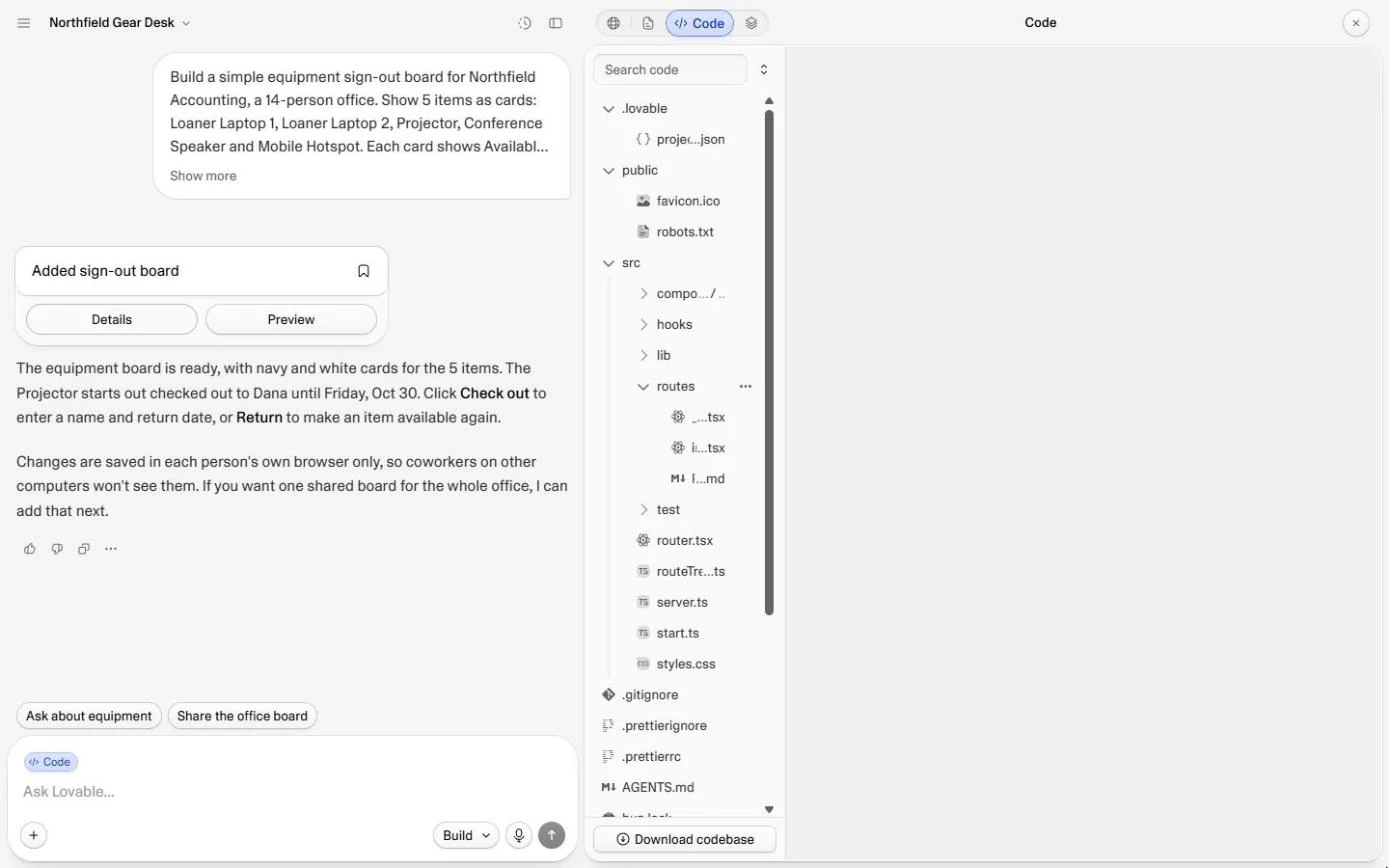
- Find the page. These are the app's files. You never have to edit them, but it helps to know where things are. Click the routes folder.
These are the app's files. You never have to edit them.
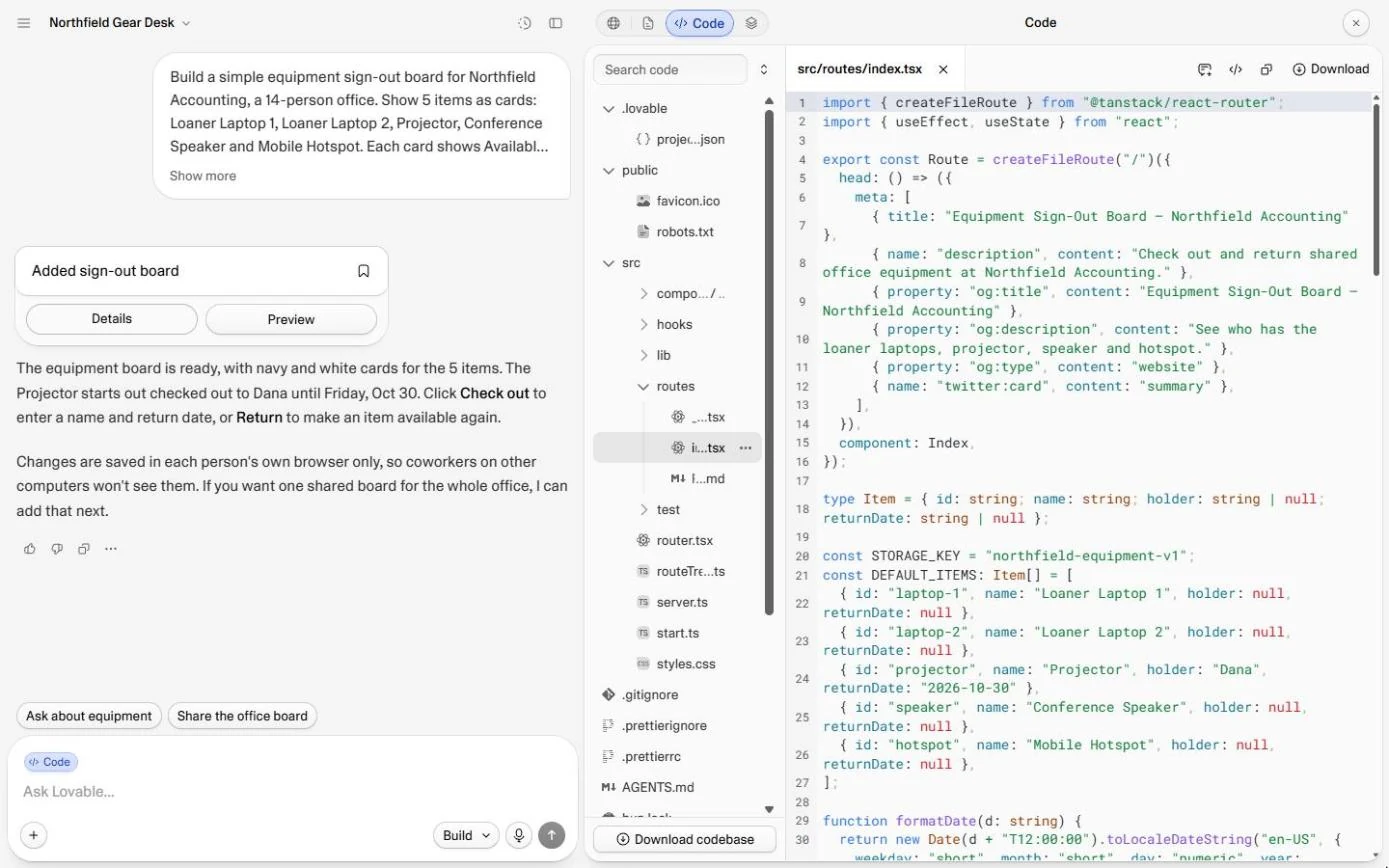
- Open the main page. Click the second file, index.tsx (it shows as i...tsx): that is the home page.
That's the home page.
5. What it cost, and the rule
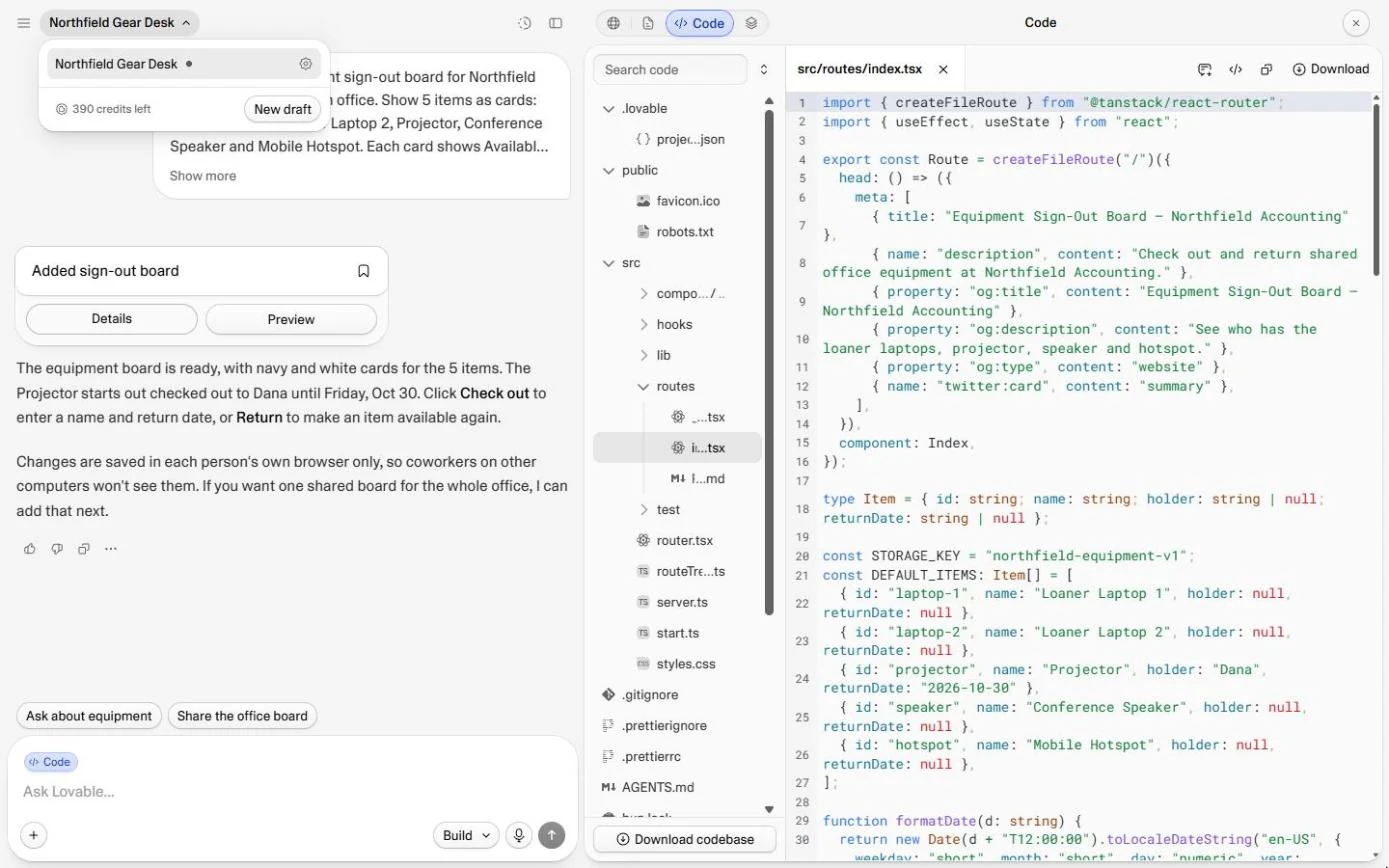
- Check what it cost. Scroll down a little to STORAGE_KEY (the data is kept in the browser, as Lovable said) and your five items in a list (lines 20 to 27 in ours; yours may be lower). Plain enough to read. Now the cost: click the project name at the top left.
The data is stored in the browser, and there are your five items. Now the cost.
- Read the credits. The menu shows the credits left. We were on a paid plan, so it says 390; before the build it was 391. The whole app cost 1 credit. The Free plan gives you 5 a day. Click the credits line.
The whole app cost one credit. The free plan gives you five a day.
- See what you got. A working app for one credit, but read the Not yet line: each person's browser keeps its own copy, so this version is a demo, not a shared board. Click What one prompt gave Northfield.
A working app, for one credit. But it's not a shared board yet. Each browser keeps its own copy.
- Know when to buy. Build small tools that fit how you work. Buy anything that holds money, payroll, health or legal data, or must run all day without you. Click Build when.
Build small tools that fit how you work. Buy anything that holds money, payroll, health or legal data.
Screenshots
More in Vibe Coding for Business
All 3 modules in Vibe Coding for Business
More Lovable tutorials
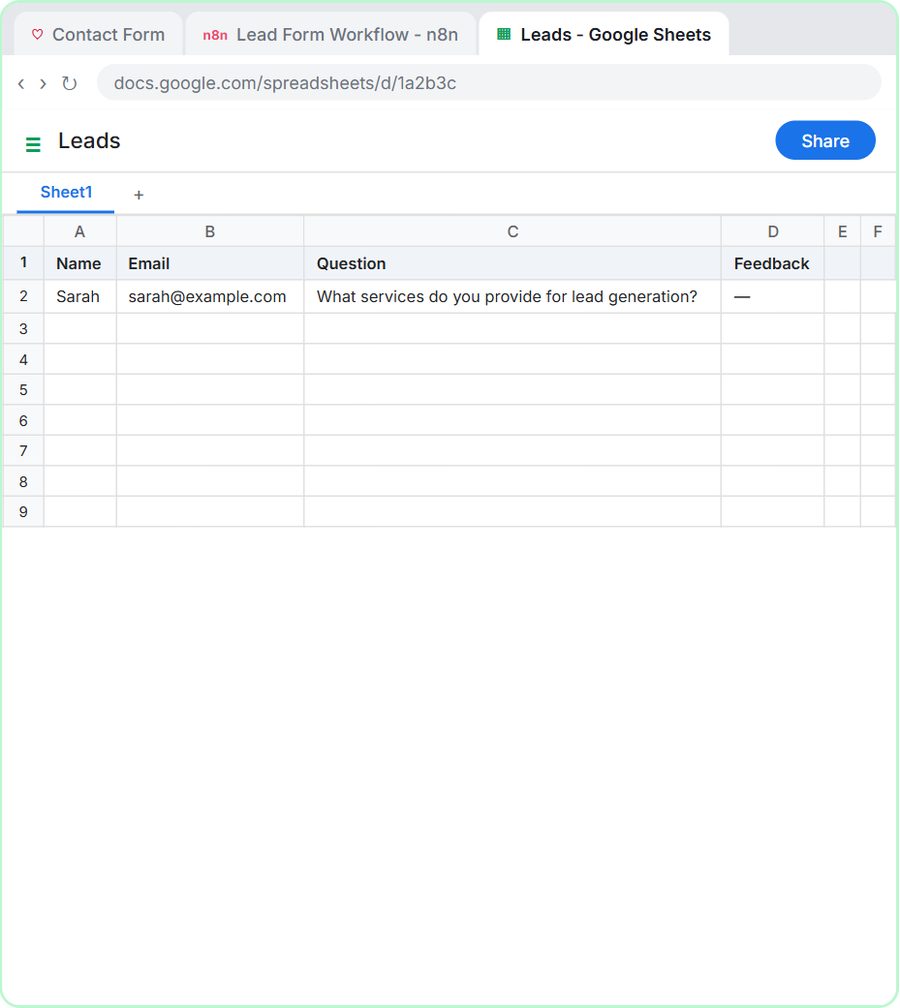 Lovable + n8n: Build a Web App with an AI Backend
Build a contact form in Lovable and connect it to an n8n workflow — webhook trigger, AI Agent, Google Sheets, Gmail, and a Respond node that ties it all together.
Free · Live ~15 min Advanced
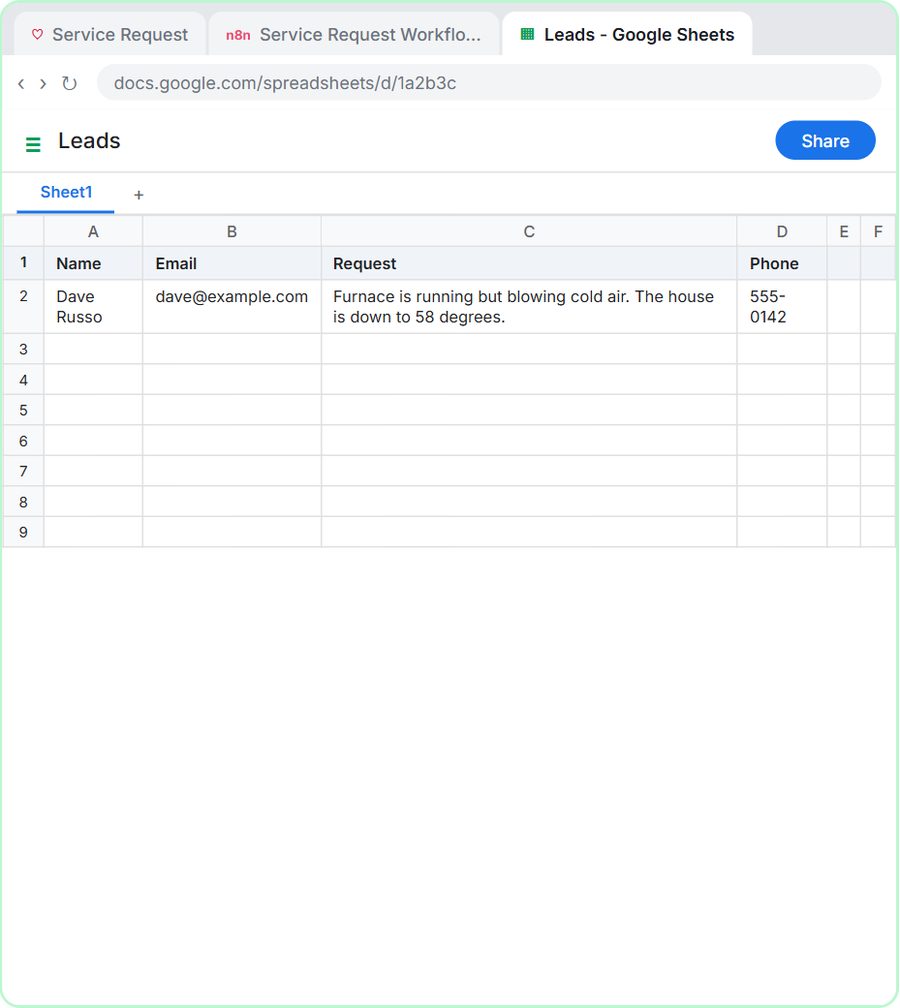 Build an AI Service Request Form for Your HVAC Company
Build a service request form in Lovable for Cedar Ridge Heating & Air and connect it to n8n — the AI agent sorts each job into repair, maintenance, install or…
Free · Live ~15 min Advanced
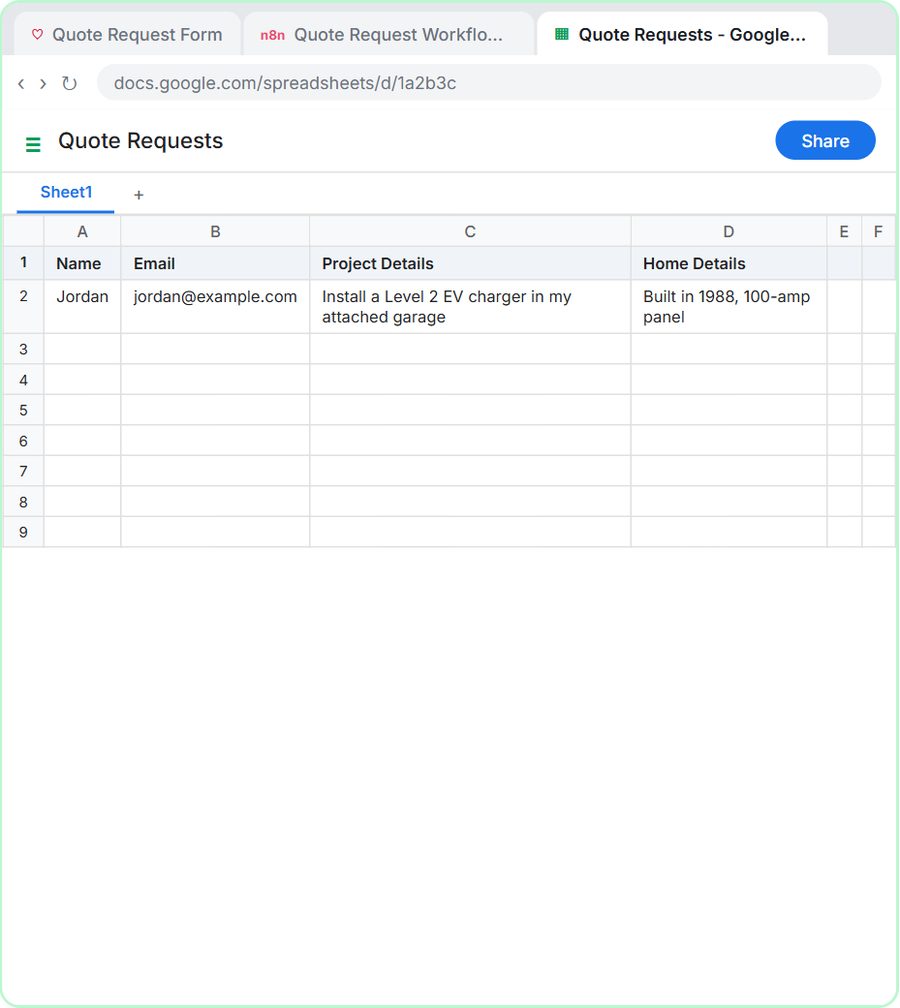 Build an AI Quote Request Form for Electrical Contractors
Build a quote request form in Lovable and connect it to an n8n workflow — webhook trigger, an AI Agent that drafts an initial estimate note, Google Sheets, Gmail, and a…
Free · Live ~15 min Advanced
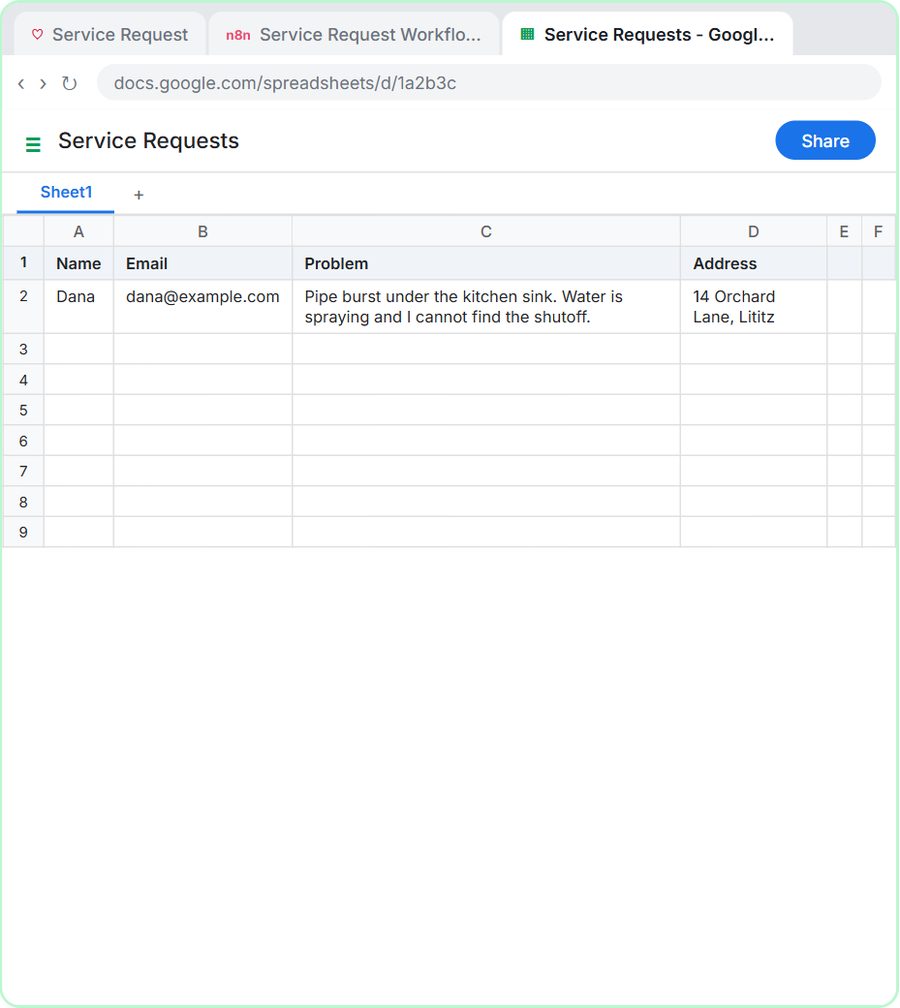 Build an AI Emergency Request Form for Your Plumbing Company
Build an emergency service-request form in Lovable and connect it to an n8n workflow — webhook trigger, AI Agent that prioritizes the job, Google Sheets, Gmail, and a…
Free · Live ~15 min Advanced
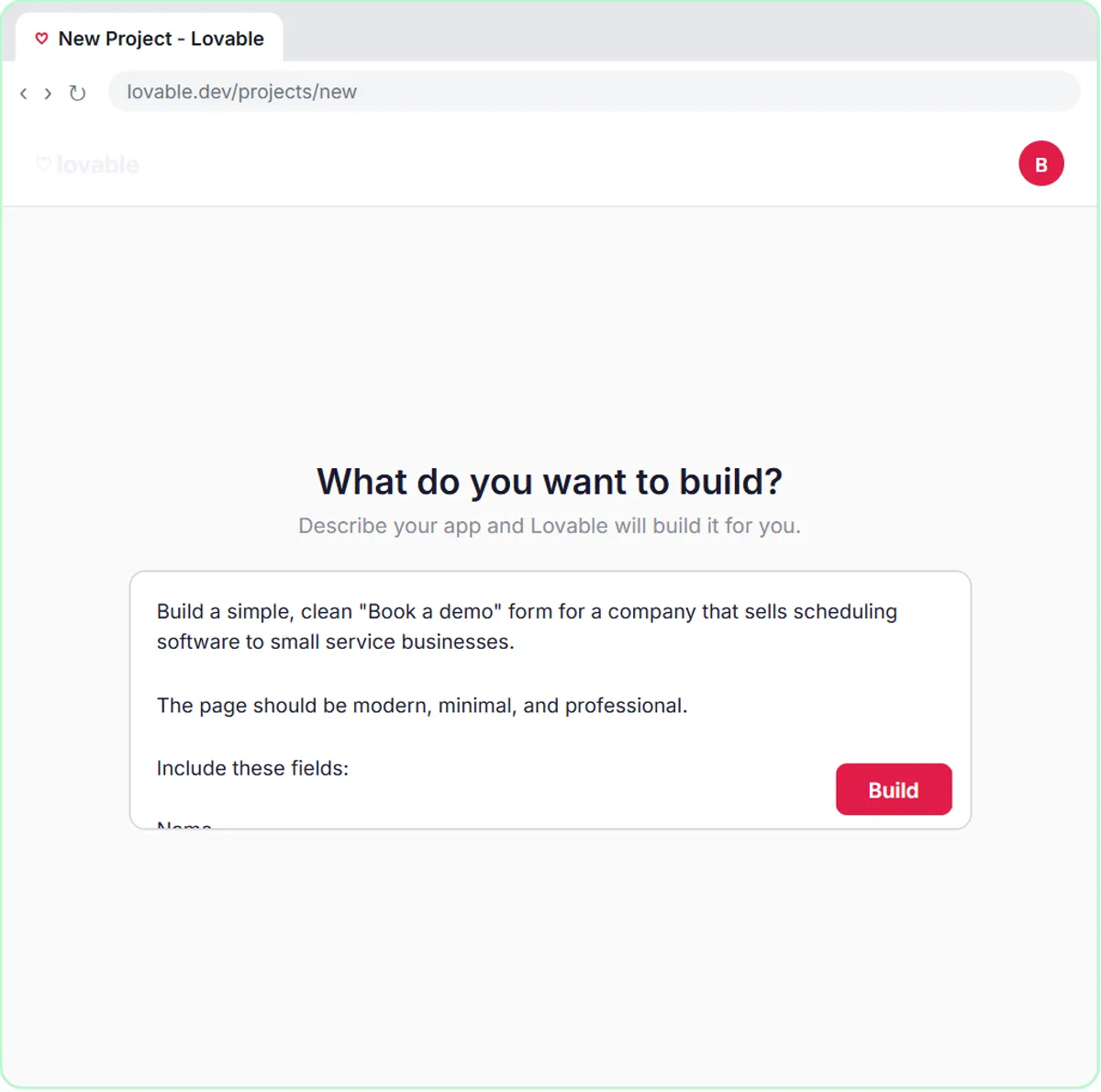 Build an AI Demo Request Form That Qualifies Leads
Build a "Book a demo" form in Lovable for Northwind Scheduling Software and connect it to n8n — the AI agent rates each lead hot, warm or nurture, saves it to Google…
Free · Live ~15 min Advanced
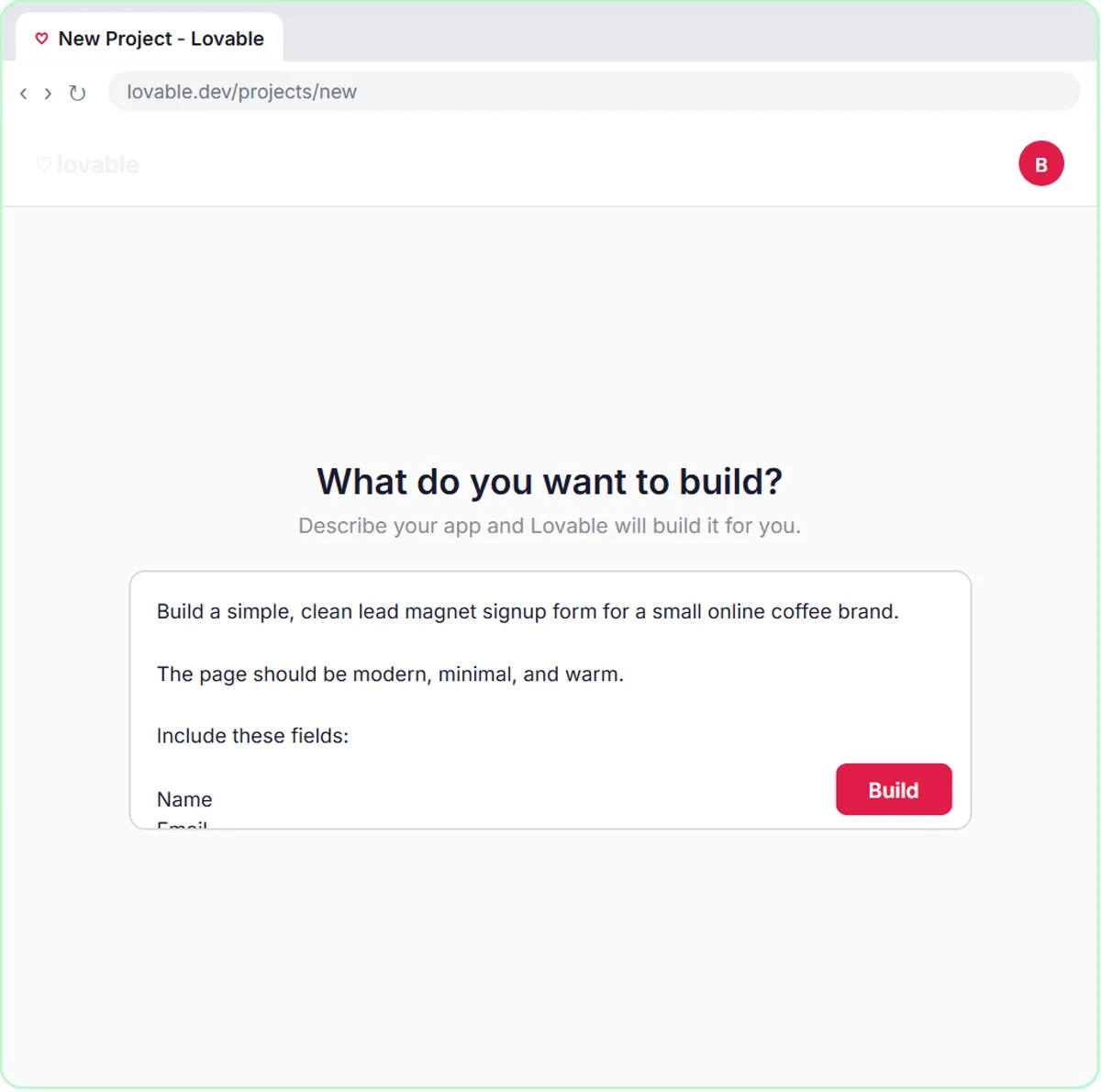 Build a Lead Magnet Signup Form with an AI Welcome Email
Build a "Get the free guide" signup form in Lovable for Harbor & Pine Coffee Roasters and connect it to n8n — the AI agent tags each lead by interest, saves it to…
Free · Live ~15 min Advanced
Free cheat sheet
Print it or save the PDF: the key steps and checks from this lesson on one page, free.
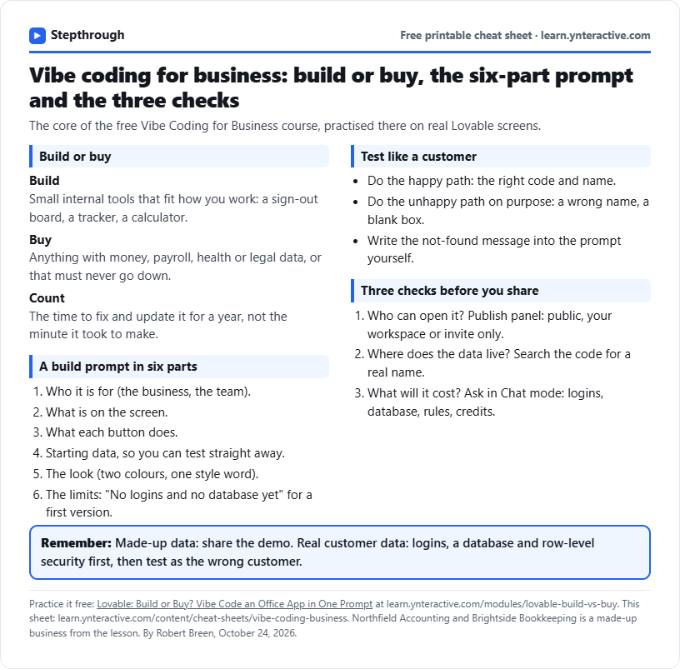
All free printable cheat sheets
Terms in this lesson
Plain-English definitions, each with an example from a free lesson.