What is a prompt library?
Updated · By Robert Breen
A prompt library is an organized, shared collection of prompts that have proven themselves, each with a clear name, the text to copy and a note on when to use it. It lets a whole team reuse what works instead of each person improvising their own requests.
Why it matters for a small business
In most small businesses, one person figures out a prompt that makes meeting recaps or customer replies easy, and nobody else knows it exists. A library turns that private trick into a shared tool. New hires get good results on day one, and the owner can see what the business is actually asking AI to do.
A library is also where you keep the safety rules that matter. If your best recap prompt says to write "Not stated" instead of guessing a date, everyone who copies it inherits that protection. Without a library, each person rewrites the prompt from memory and the careful parts are the first to disappear.
In a real lesson: Turn a Client Meeting into Action Items and a Follow-Up Email (Accounting Firms)
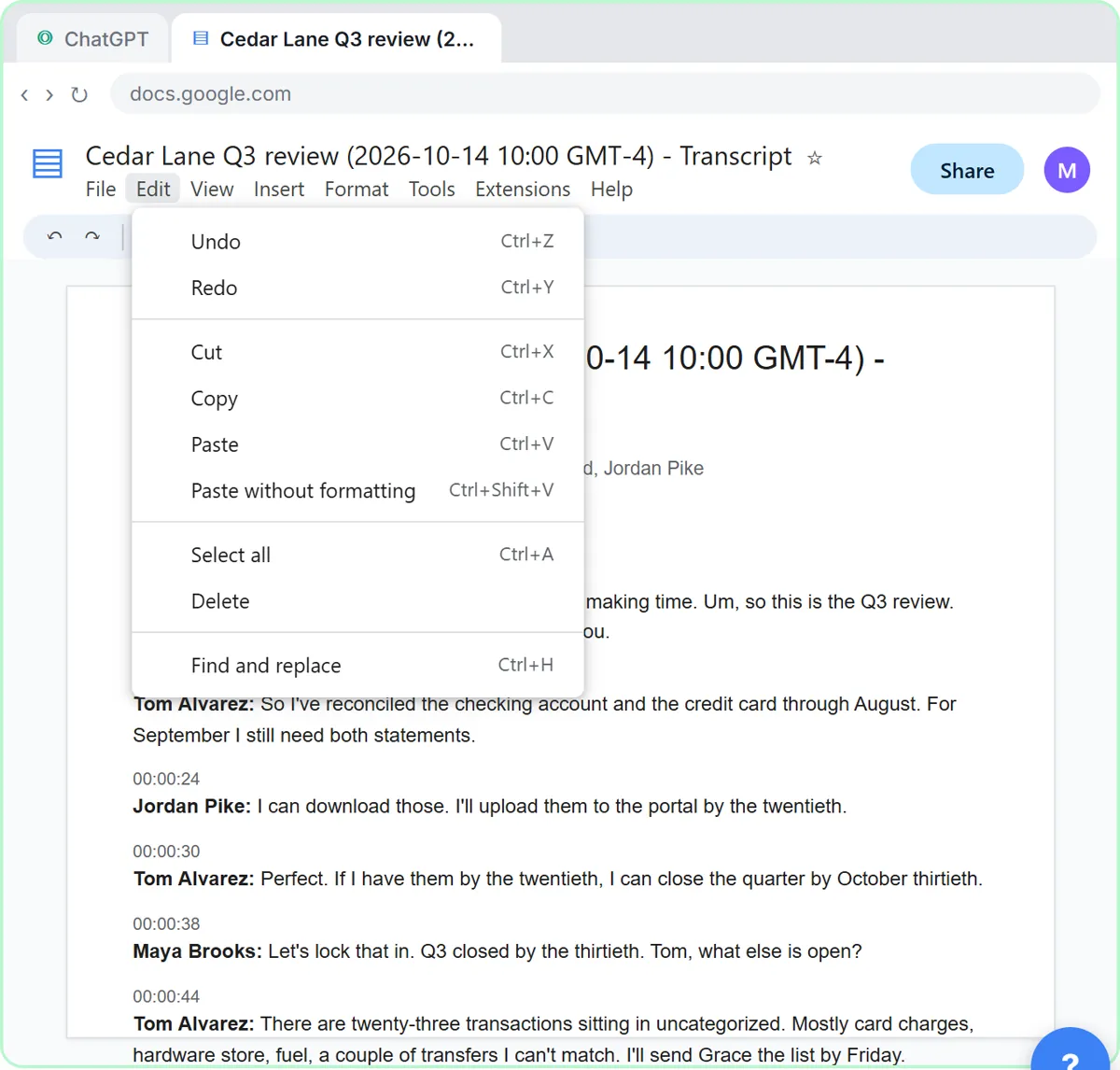
In Turn a Client Meeting into Action Items and a Follow-Up Email, Millbrook Accounting (a made-up firm) reviews Q3 with its client Cedar Lane Landscaping. You click Paste request to ask for a three-sentence summary, the decisions, an action items table (task, owner, due date) and open questions, ending with: if an owner or date isn't said, write "Not stated".
The lesson's closing advice is to keep that request handy for your next review or planning meeting. It also shows a second, shorter version for when the transcript arrives as a file: you click +, then Add photos & files, attach Cedar Lane Q3 review - Transcript.docx, and paste a one-line request asking for the same things. Those two versions, plus the follow-up email request, are exactly the kind of set worth filing together under one heading such as "Client meeting recap".
Stepthrough's own action items table prompt and client quarterly review recap prompt are entries from a public prompt library built the same way.
Try this lesson free or read the step-by-step guide.
Common confusions
Prompt library vs prompt template
A prompt template is a single reusable prompt with blanks. A library is the organized collection of templates, plus the names, notes and ownership that make them findable and trustworthy.
Prompt library vs Custom GPT
A library holds prompts people copy into any tool. A Custom GPT bakes one set of instructions into ChatGPT for one job. Many teams keep both: the library for many small tasks, GPTs for the few they do daily.
Tips
- Name entries by the job ("Client meeting recap"), not by the tool, so people can find them.
- Add one line under each prompt saying what to check before using the output (owners, dates, prices).
- Give the library an owner who removes prompts that stop working or no longer match your policies.
- Never store client data inside a library prompt; keep the blanks blank.
Related terms
Where you use it: free lessons
- Turn a Client Meeting into Action Items and a Follow-Up Email (Accounting Firms) (ChatGPT, 9 min)
- Prompt Writing 101: Role, Context, Task, Format (ChatGPT, 8 min)
- Summarize a Meeting Transcript with ChatGPT (ChatGPT, 9 min)
Frequently asked questions
- What tool should I use for a prompt library?
- Start with what your team already uses daily, like a shared Google Doc or wiki page. Move to something fancier only if finding prompts becomes a problem.
- How many prompts should a small business library have?
- Start with the five to ten tasks you repeat most. A short list people actually use beats a long one nobody opens.