Reply Faster to Claim-Status Emails: ChatGPT for Independent Insurance Agencies
Updated . Built against the tool’s current screens and checked step by step. How we check this lesson
"When will they pay?" "Is my rental covered?" "Will my rate go up?" Every agency gets these emails while a claim is open, and the agency usually isn't the one who decides. In this free, interactive lesson you give ChatGPT the thread and your agency's facts, let it draft, have it check every promise against those facts, fix the lines that promise too much, and send the reply from Gmail.
Start here first: Reply Faster: Turn a Messy Customer Email Thread into a Clear, Friendly Reply. This Insurance Agencies version follows the same build with its own example business, Stonebridge Insurance Agency.
Watch it in 27 seconds
I let AI answer an insurance email
I let ChatGPT answer an insurance email so you don't have to. Denise hit a deer and asked three things. The first draft sounded great, but it made two promises the agency can't keep. So we had it check every promise against the facts.
The example: a deer, a CR-V and three questions
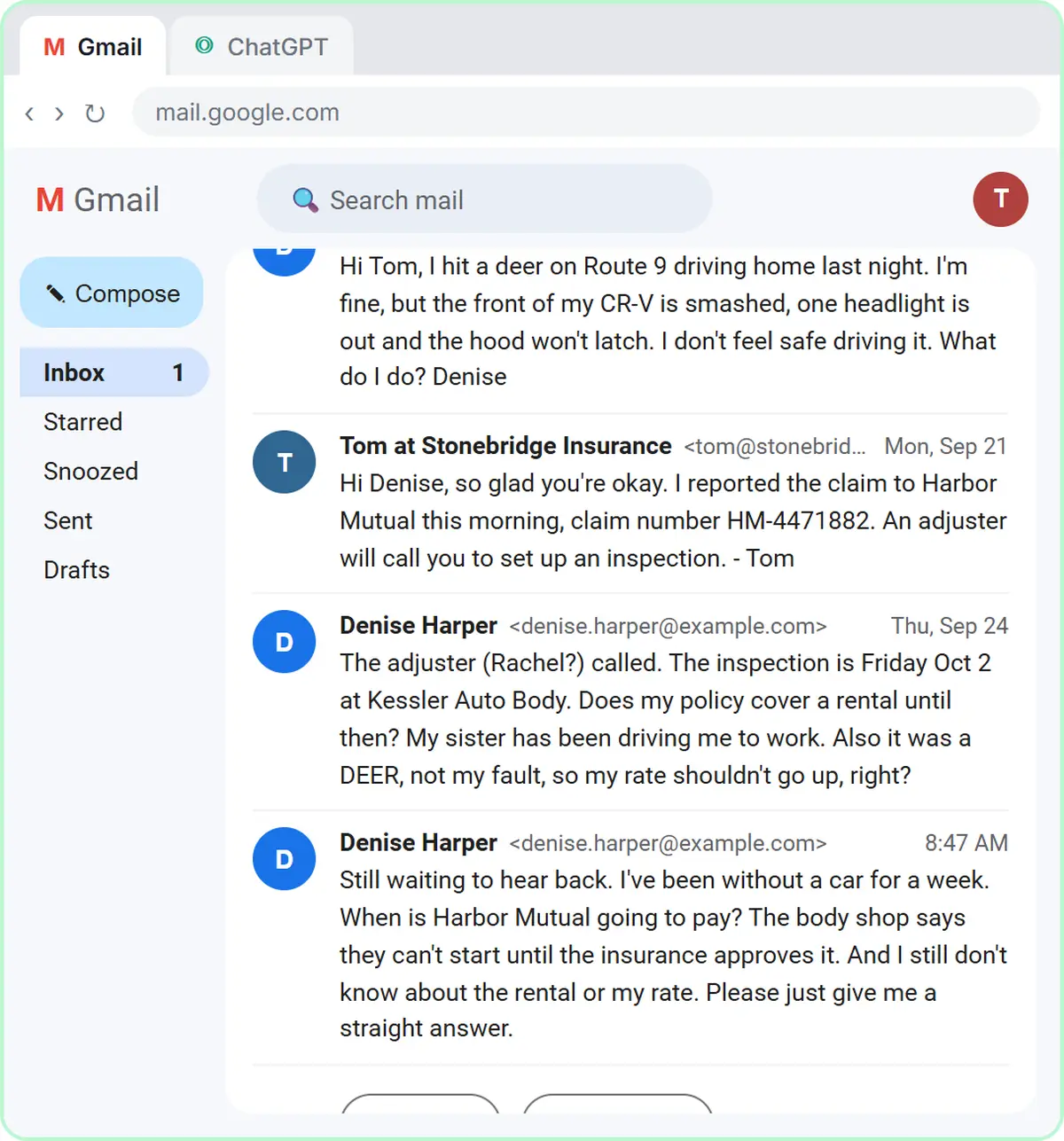
The lesson uses a made-up agency, Stonebridge Insurance Agency, a made-up carrier, Harbor Mutual, and a made-up client, Denise. A week ago she hit a deer on the way home. Her agent, Tom, reported the claim the next morning, and the adjuster booked an inspection at a body shop for Friday. Denise then emailed to ask whether a rental is covered and to say that, since it was a deer, her rate shouldn't go up. Tom left a voicemail but never answered the email. Now she's writing again: no car for a week, the body shop can't start until the insurance approves it, and she wants a straight answer.
Two of her three questions belong to the carrier, and the answers she wants to hear ("next week," "the whole time," "no") are the ones the agency can't give.
Who this is for
Agency owners, producers, account managers and customer service reps at small independent and captive agencies who answer client email about claims, billing and coverage. No AI experience needed.
Why AI overpromises on claims, and why it matters for an agency
Given an upset client, ChatGPT leans toward reassurance and fills gaps with the kindest-sounding answer: the rental is covered, the rate won't change. Animal hits are usually handled under comprehensive coverage, and many carriers treat comprehensive claims more gently than at-fault accidents at renewal. But "usually" isn't a promise, and the carrier, not the agency, sets the rate and decides what the claim pays.
For an agency this is more than a tone problem. A written statement that something is covered, or that a rate won't go up, is the kind of promise that can come back as an errors and omissions (E&O) issue if the carrier decides otherwise. The safer pattern, and the one the lesson teaches, is to tell the client what their policy shows, who decides the rest, and what you will do next.
Rental reimbursement is the other common trap. The declarations page lists a daily limit and a per-claim maximum, and the carrier approves the rental and the dates. A reply that just says "you're covered" sets up the next angry email when the client picks a car over the daily limit.
The coverage limits in this lesson are the example policy's, not a rule. Use your client's declarations page and your agency's own procedures in your facts list.
Client data: what to paste and what to leave out
Paste only what the reply needs. Remove driver's license numbers, dates of birth, Social Security numbers, bank details and medical information from any injury claim before a thread goes into an AI tool, and follow your agency's written information security program. Insurance agencies are covered by privacy rules under the Gramm-Leach-Bliley Act, and many states have adopted insurance data security laws based on the NAIC model law, so check what yours requires.
Check how your ChatGPT plan handles data too. On ChatGPT Business and Enterprise, OpenAI says it does not train on your chats by default. On personal plans you can turn off "Improve the model for everyone" in Settings under Data controls.
How to use this at your agency
Keep a short, numbered facts list for the claim emails you answer most: status and next steps, rental, deductible, and "will my rate go up?" Keep the lines that never change (who decides payment and rates, how rentals get approved, what your agency won't promise) and add the claim-specific details each time from the claim file and the declarations page. Numbered facts make the check fast: every row in ChatGPT's table points to a number you can glance at.
Always read the final reply yourself before it goes out. Check claim numbers, dates, limits, the deductible, and anything that sounds like a coverage decision. ChatGPT drafts the email; your name is on it.
How the interactive lesson works
Each step plays first in the Watch panel with a short voice-over, then you do it yourself in Your turn on a practice copy of Gmail and ChatGPT. Nothing touches a real account and no email is sent.
Try it yourself, free
Reading the steps is a start. Doing them is how it sticks. The interactive module walks you through every click in a practice copy of ChatGPT, checks each step, and never touches your real accounts.
Start “Reply Faster to Claim-Status Emails: ChatGPT for Independent Insurance Agencies”Step by step: Reply Faster to Claim-Status Emails: ChatGPT for Independent Insurance Agencies
All 20 steps of the interactive module, in order. In the module you watch each one, then do it yourself in a practice copy that checks your work.
1. Copy the thread
- Open the thread. This is Stonebridge Insurance Agency's Gmail inbox. Click Denise Harper's thread, Claim for my CR-V, to open it.
Here's the inbox for Stonebridge Insurance Agency, a small independent agency. Denise hit a deer a week ago, and her thread has four messages, three questions, and still no clear answer.
- Expand all messages. Gmail folds up the older messages in a thread. Click Expand all, the double-arrow icon at the top right of the thread.
Gmail folds up the older messages, so only the newest one is open. You want the whole story, so click Expand all, the double-arrow icon at the top right.
- Copy the thread. In real Gmail you select the messages, then press Ctrl+C (or right-click and choose Copy). Here, click the messages to copy them.
Read it through once. Denise wants to know when she'll be paid, whether a rental is covered, and if her rate will go up. If there's anything private in there, like a driver's license number or a date of birth, leave it out. Here, just click the messages.
- Switch to ChatGPT. Click the ChatGPT tab at the top.
Now switch over to ChatGPT.
2. Give ChatGPT the context
- Click the message box. You are in a new chat. Click the message box.
You're in a fresh chat. You'll give ChatGPT three things in one message: the thread, the facts, and what a good reply looks like.
- Paste the thread. Paste in the thread. One line says what this is, then the four emails, oldest first.
First, the thread. One line tells ChatGPT what it's looking at, then the emails, oldest first.
Here is an email thread between my insurance agency and a client, oldest message first.

Denise Harper (Mon, Sep 21): Hi Tom, I hit a deer on Route 9 driving home last night. I'm fine, but the front of my CR-V is smashed, one headlight is out and the hood won't latch. I don't feel safe driving it. What do I do? Denise

Tom at Stonebridge Insurance (Mon, Sep 21): Hi Denise, so glad you're okay. I reported the claim to Harbor Mutual this morning, claim number HM-4471882. An adjuster will call you to set up an inspection. - Tom

Denise Harper (Thu, Sep 24): The adjuster (Rachel?) called. The inspection is Friday Oct 2 at Kessler Auto Body. Does my policy cover a rental until then? My sister has been driving me to work. Also it was a DEER, not my fault, so my rate shouldn't go up, right?

Denise Harper (8:47 AM): Still waiting to hear back. I've been without a car for a week. When is Harbor Mutual going to pay? The body shop says they can't start until the insurance approves it. And I still don't know about the rental or my rate. Please just give me a straight answer.
- Add the facts. Paste in the facts. These are the only things the reply may promise: the claim details, who decides payment, what her declarations page shows for a rental, the rate answer and your agency's rule.
Next, the facts. ChatGPT can't see the claim file, her declarations page, or what your agency can promise for the carrier, so spell them out. Number them, so you can check them later.
Facts (only promise what is here):
1. On Sep 21 we reported Denise's claim to Harbor Mutual, claim number HM-4471882. Hitting a deer is a comprehensive claim. Her comprehensive deductible is $500.
2. Her adjuster is Rachel Moore at Harbor Mutual, (555) 014-2270. The inspection is Friday, Oct 2, at Kessler Auto Body.
3. Payment: Harbor Mutual decides when and how much it pays, not our agency. After the inspection, Rachel writes the estimate and works with the body shop. We can't promise a payment date. The $500 deductible comes out of the payment.
4. Rental: her declarations page shows Rental reimbursement, $40 per day, up to $1,200 per claim. Harbor Mutual approves the rental and the dates it covers. To set one up, she calls Rachel. If she picks a car that costs more than $40 a day, she pays the difference.
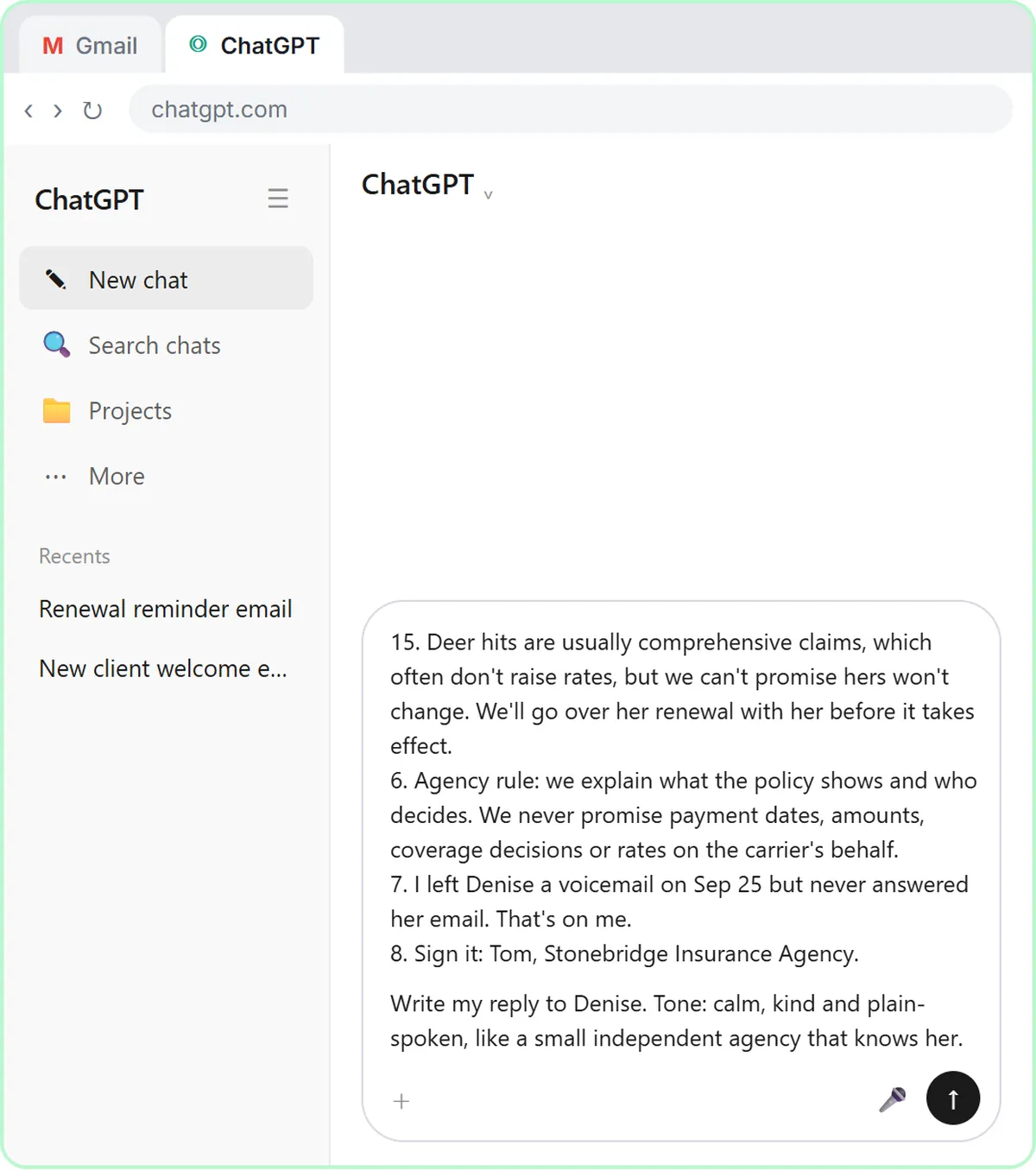
5. Rates: Harbor Mutual sets her rate at renewal on Jan 15. Deer hits are usually comprehensive claims, which often don't raise rates, but we can't promise hers won't change. We'll go over her renewal with her before it takes effect.
6. Agency rule: we explain what the policy shows and who decides. We never promise payment dates, amounts, coverage decisions or rates on the carrier's behalf.
7. I left Denise a voicemail on Sep 25 but never answered her email. That's on me.
8. Sign it: Tom, Stonebridge Insurance Agency.
- Say what a good reply looks like. Paste in the instructions: the tone, the three questions to answer, a word limit, and a rule not to invent anything.
Last, tell it what a good reply looks like: the tone, the three questions to answer, and a word limit. And one rule that matters most: don't invent details or promise anything that isn't in the facts.
Write my reply to Denise. Tone: calm, kind and plain-spoken, like a small independent agency that knows her. Apologize once for leaving her without a clear answer. Answer all three of her questions clearly: when Harbor Mutual will pay, whether a rental is covered, and whether her rate will go up. Keep it under 200 words. No subject line, since it's a reply in the same thread. Don't invent details or promise anything that isn't in the facts.
3. Get the first draft
- Send it. Thread, facts and instructions are all in. Click the Send arrow.
Thread, facts, and instructions, all in one message.
4. Check every promise
- Read the draft, then click the message box. Read the draft closely. It sounds great, but look at the rental and rate lines. Then click the message box.
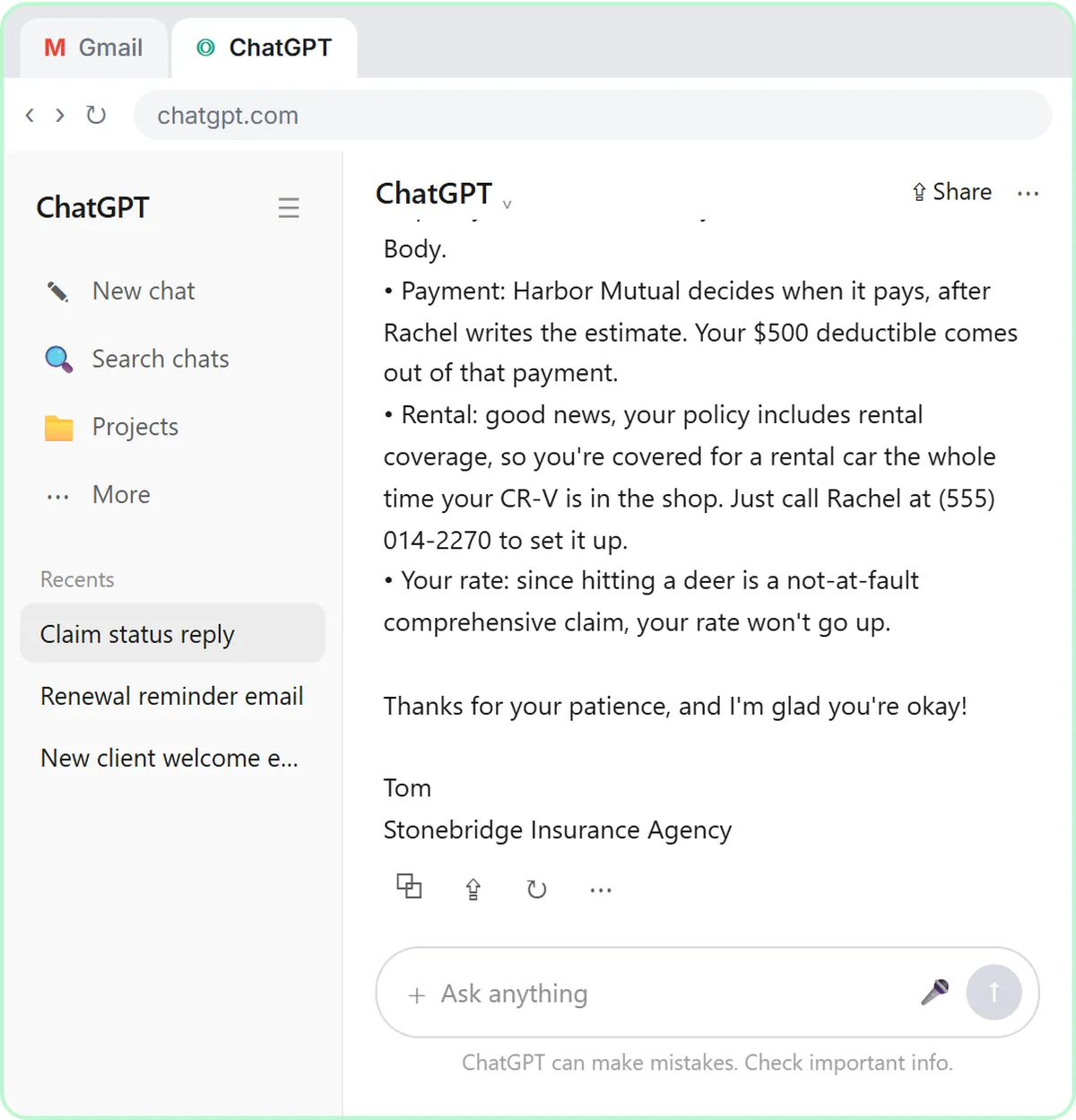
That's a solid first draft. It apologizes once, names the adjuster and the inspection, and says the carrier decides when to pay. But read the last two answers: a rental for the whole time the car is in the shop, and a rate that won't go up. Your facts don't say either one. A draft can sound reassuring and still promise too much.
- Ask ChatGPT to check its promises. Paste in the check to ask for a table of every promise and the fact behind it.
Ask ChatGPT to check its own work: every promise in the reply, next to the fact that backs it up.
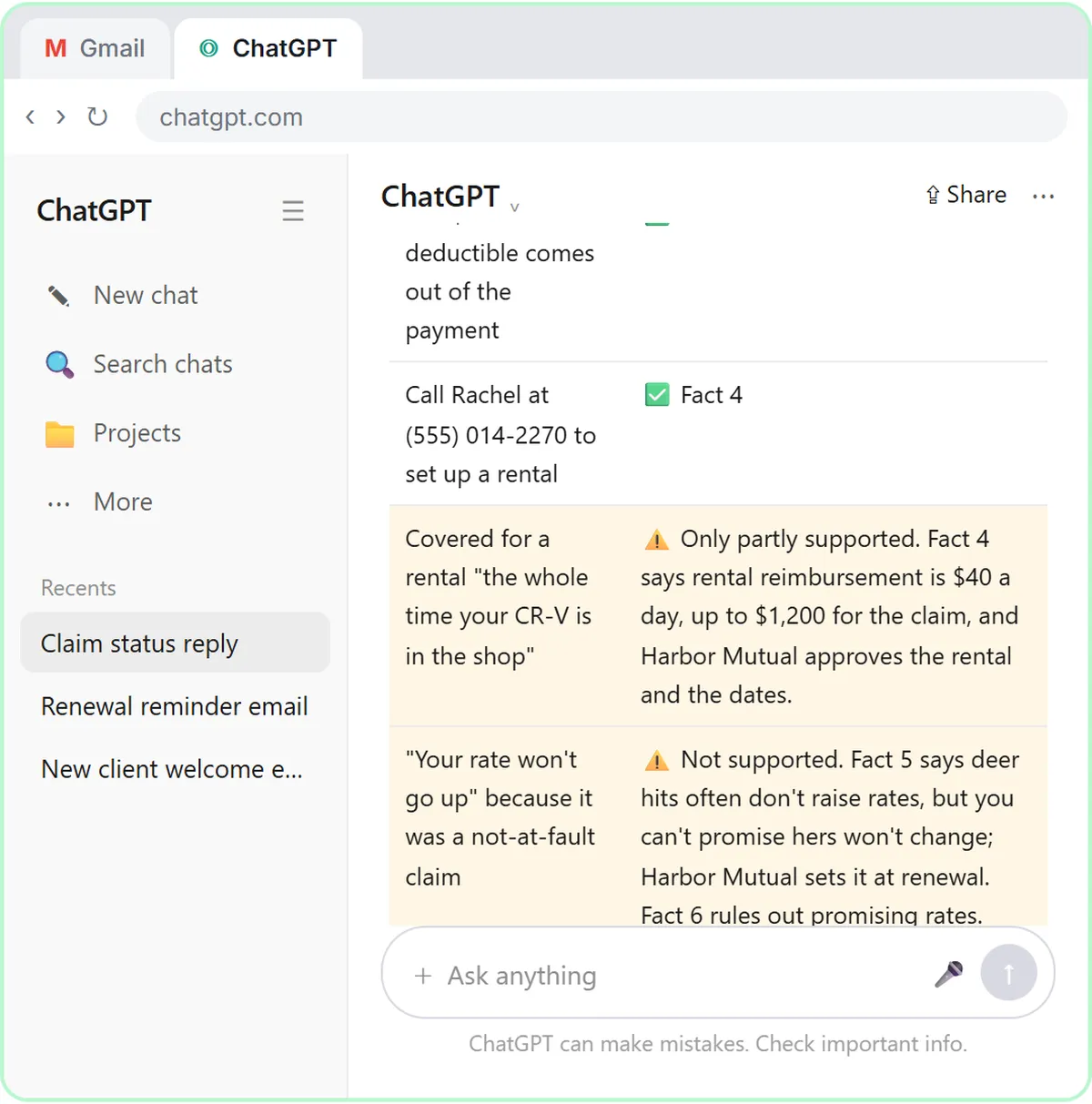
Check that reply against my facts. Make a table of every promise or claim in it and the fact that backs it up. Flag anything the facts don't support.
- Send the check. Click the Send arrow.
5. Fix it and warm it up
- Read the table, then click the message box. Six of the eight claims match a fact. The rental line is only partly supported, and the rate promise isn't supported at all. ChatGPT suggests wording for both. Click the message box.
Six of the eight claims match a fact. The rate promise doesn't, and the rental line leaves out the limit: forty dollars a day, up to twelve hundred for the claim. Still compare the table with your own facts, since you know the policy.
- Ask for specific changes. Paste in the fix: use both suggested wordings, give each question its own short paragraph, and keep every other fact the same.
Now ask for specific changes, not just make it better. Use both suggested wordings, give each of her questions its own short paragraph, and keep every other fact exactly the same.
Use both of those wordings. Then give each of her three questions its own short paragraph so the answers are easy to find, keep it warm, and stay under 200 words. Keep every other fact exactly the same. Reply with just the email.
- Send the fix. Click the Send arrow.
6. Send it from Gmail
- Copy the reply. Read the final reply. Then click the Copy button under it.
Read it once more. Each question gets a straight answer: the carrier decides the payment date, the rental has a limit, and nobody is promising a rate. It's honest without being cold.
- Go back to Gmail. Click the Gmail tab at the top.
Back to Gmail.
- Click Reply. Under the last message, click Reply.
Under Denise's last message, click Reply. Your answer stays in the same thread, which is why you told ChatGPT to skip the subject line.
- Paste the reply. Paste in the reply to drop in the reply you copied. In real Gmail, press Ctrl+V.
Hi Denise,

I'm sorry you've gone a week without a clear answer. I left you a voicemail on Friday, but I should have written back too.

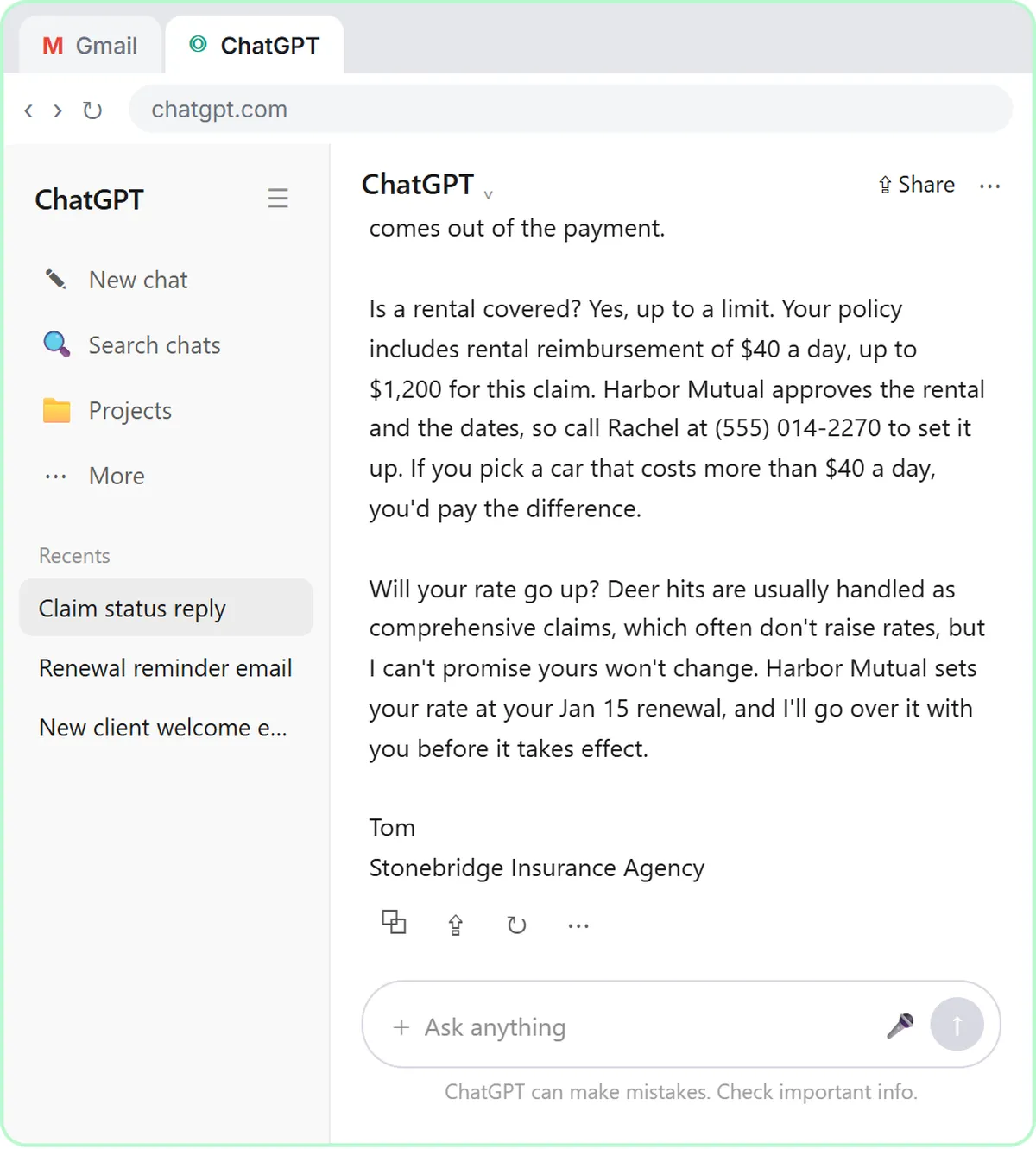
When will you be paid? Harbor Mutual decides that, not our agency, so I can't promise a date. Rachel Moore, your adjuster on claim HM-4471882, inspects your CR-V this Friday, Oct 2, at Kessler Auto Body, then writes the estimate and works with the shop. Your $500 deductible comes out of the payment.

Is a rental covered? Yes, up to a limit. Your policy includes rental reimbursement of $40 a day, up to $1,200 for this claim. Harbor Mutual approves the rental and the dates, so call Rachel at (555) 014-2270 to set it up. If you pick a car that costs more than $40 a day, you'd pay the difference.

Will your rate go up? Deer hits are usually handled as comprehensive claims, which often don't raise rates, but I can't promise yours won't change. Harbor Mutual sets your rate at your Jan 15 renewal, and I'll go over it with you before it takes effect.

Tom
Stonebridge Insurance Agency
- Read it, then send. Read it one last time: the payment answer, the rental limit and the rate answer. Then click Send.
One last read before it goes out. ChatGPT wrote the draft, but your name is on it, so check the payment answer, the rental limit, and the rate answer. Everything's right.
Video walkthrough
The whole lesson in 3:13, narrated step by step. Watch it once, then do it yourself in the practice copy.
A straight answer to "when will I get paid?" with ChatGPT
A client with an open auto claim wants a payment date, a rental and a promise about her rate. Give ChatGPT the thread and your agency's facts, catch what it shouldn't promise, and send an honest reply from Gmail.
- 0:00 Intro: what you'll build
- 0:15 Copy the thread
- 0:55 Give ChatGPT the context
- 1:33 Check every promise
- 2:04 Fix it and warm it up
- 2:33 Send it from Gmail
More videos from this lesson
Reply Faster: Claim-Status Emails in 71 seconds
A client with an open auto claim wants a payment date, a rental and a promise about her rate. Give ChatGPT the thread and your agency's facts, catch what it shouldn't promise, and send an honest reply from Gmail.
Transcript
Now switch over to ChatGPT. Click the ChatGPT tab at the top. You're in a fresh chat. You'll give ChatGPT three things in one message: the thread, the facts, and what a good reply looks like. Click the message box. First, the thread. One line tells ChatGPT what it's looking at, then the emails, oldest first. Click Paste thread. Next, the facts. ChatGPT can't see the claim file, her declarations page, or what your agency can promise for the carrier, so spell them out. Number them, so you can check them later. Click Paste facts. Last, tell it what a good reply looks like: the tone, the three questions to answer, and a word limit. And one rule that matters most: don't invent details or promise anything that isn't in the facts. Click Paste instructions. Thread, facts, and instructions, all in one message. Click the send arrow. That's a solid first draft. It apologizes once, names the adjuster and the inspection, and says the carrier decides when to pay. But read the last two answers: a rental for the whole time the car is in the shop, and a rate that won't go up. Your facts don't say either one. A draft can sound reassuring and still promise too much. Click the message box.
Reply Faster: Claim-Status Emails: the key steps in under a minute
A client with an open auto claim wants a payment date, a rental and a promise about her rate. Give ChatGPT the thread and your agency's facts, catch what it shouldn't promise, and send an honest reply from Gmail. The key steps from the free lesson, with captions.
Transcript
You're in a fresh chat. You'll give ChatGPT three things in one message: the thread, the facts, and what a good reply looks like. Click the message box. First, the thread. One line tells ChatGPT what it's looking at, then the emails, oldest first. Click Paste thread. Next, the facts. ChatGPT can't see the claim file, her declarations page, or what your agency can promise for the carrier, so spell them out. Number them, so you can check them later. Click Paste facts. Last, tell it what a good reply looks like: the tone, the three questions to answer, and a word limit. And one rule that matters most: don't invent details or promise anything that isn't in the facts. Click Paste instructions.
Screenshots
Frequently asked questions
- Can ChatGPT answer claim-status emails for my agency?
- It can draft them quickly. Paste the thread and a numbered list of facts from the claim file and the declarations page, ask for the reply, then have ChatGPT check every claim against those facts before you send it. Treat every reply as a draft you are responsible for.
- How do I stop ChatGPT from promising a payment date or that a rate won't go up?
- Put the answer in your facts: the carrier decides payment timing and sets rates at renewal, and your agency doesn't promise either. Tell ChatGPT not to promise anything that isn't in the facts, then ask for a claim-by-claim table and fix anything it flags.
- Is it safe to paste client emails into ChatGPT?
- Only after you remove driver's license numbers, dates of birth, Social Security numbers, bank details and anything the reply doesn't need, and only in line with your agency's information security program. Business and Enterprise plans don't train on your chats by default; on personal plans you can turn that off under Data controls.
- Does this lesson give insurance or legal advice?
- No. It teaches an email routine. The agency, carrier, client and coverage limits are made up, and whether a claim raises a rate always depends on the carrier and the state.
- Is it free?
- Yes. Stepthrough is completely free and the practice copy needs no accounts. To do it for real you need your own ChatGPT and email accounts.
More ChatGPT tutorials
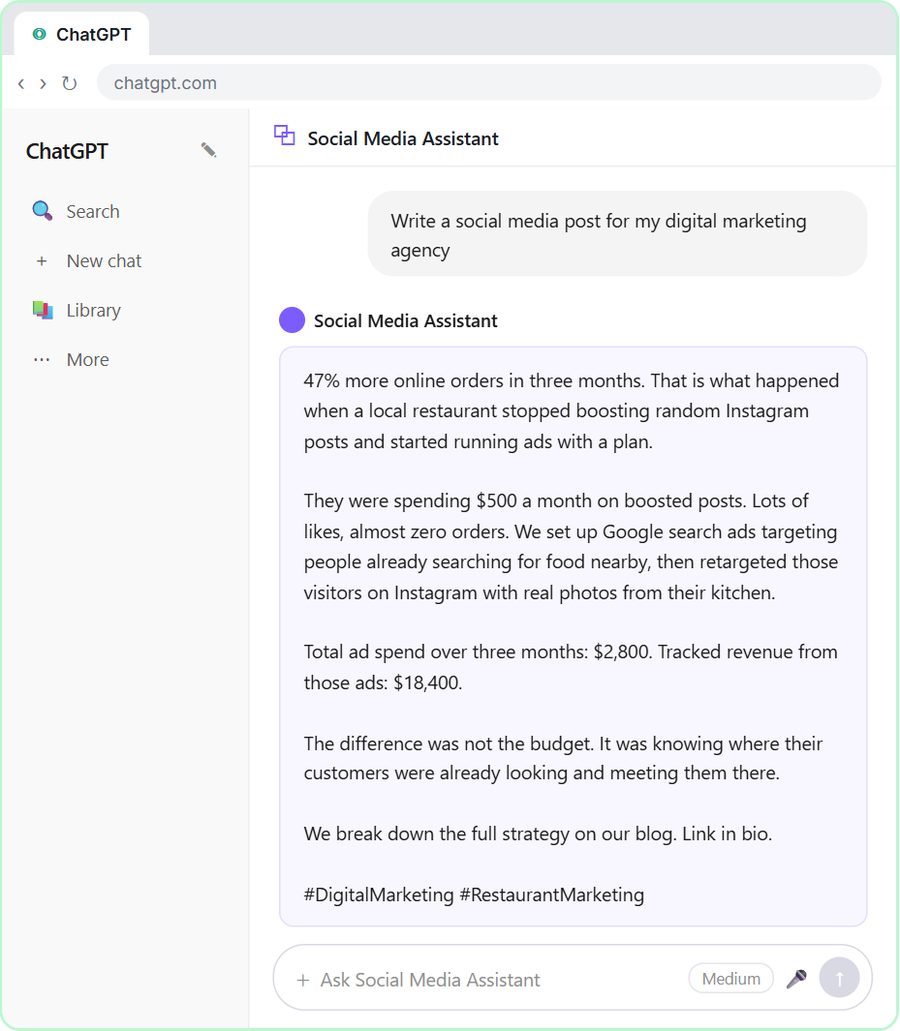 Build a Custom GPT Social Media Assistant
See why generic prompts give generic results, then build a Custom GPT loaded with your brand voice and watch the output transform.
Free · Live ~8 min
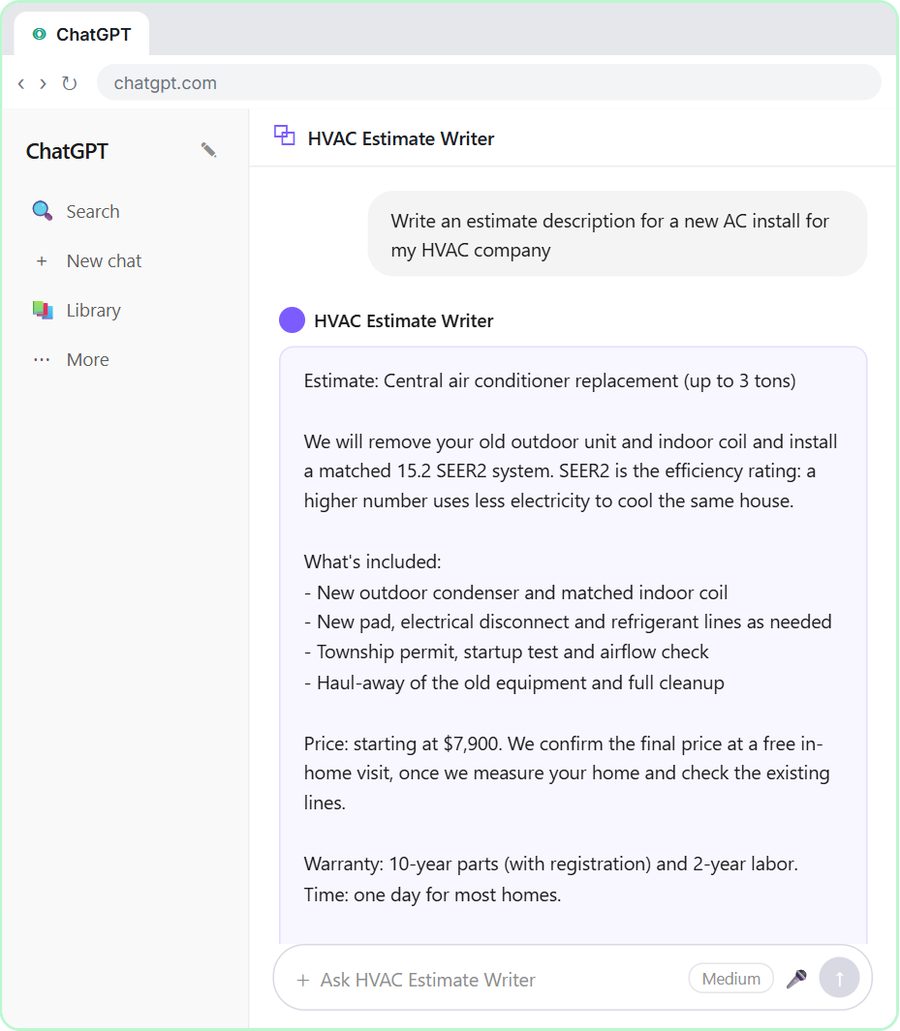 Build an AI Estimate Writer for Your HVAC Company
See why generic prompts give generic results, then build a Custom GPT that knows your HVAC services and pricing and writes clear, professional estimate descriptions for…
Free · Live ~8 min
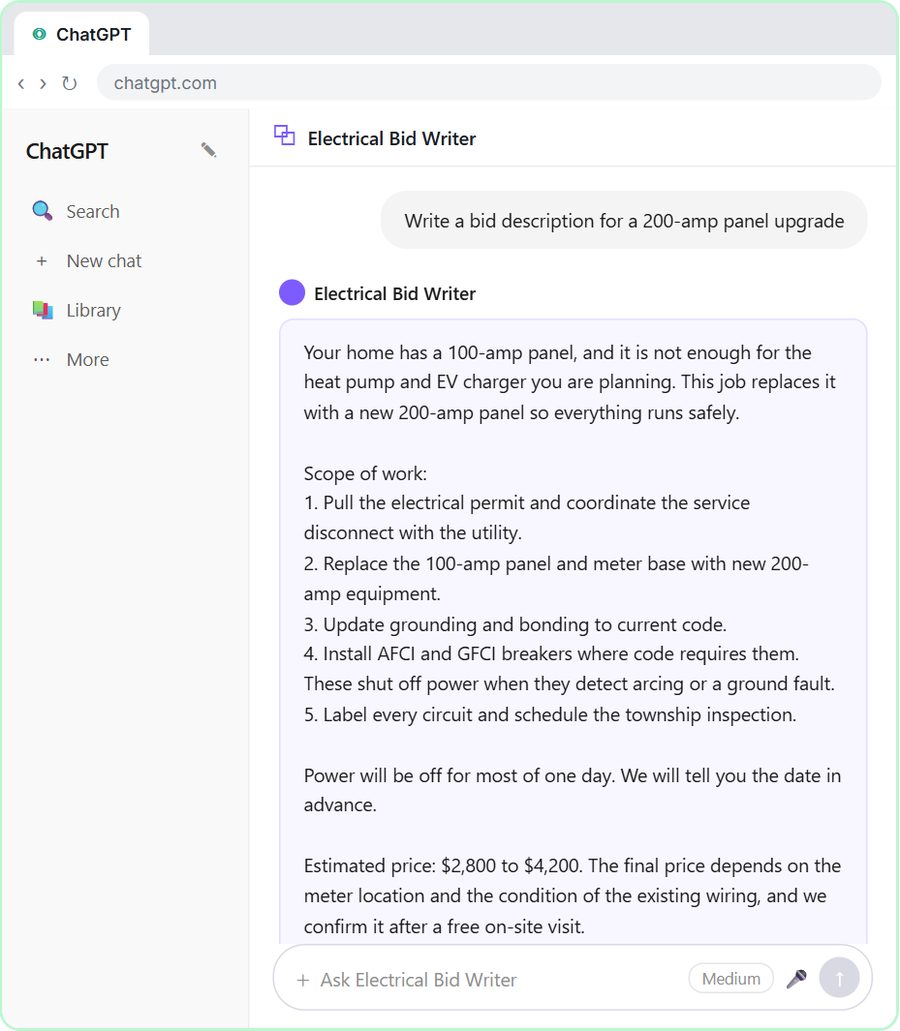 ChatGPT for Electricians: Build an Electrical Bid Writer
See why generic prompts give generic bids, then build a Custom GPT that knows your electrical services and pricing and drafts professional bid descriptions.
Free · Live ~8 min
 Build a Custom GPT Plumbing Quote Writer
See why generic prompts give generic quotes, then build a Custom GPT loaded with your plumbing services and pricing and watch the quotes transform.
Free · Live ~8 min
 Prompt Writing 101: Role, Context, Task, Format
Ask ChatGPT for the same customer email twice, once vaguely and once with a four-part prompt, and see exactly why structure gets a better answer.
Free · Live ~8 min
 Build a Custom GPT That Writes Sales Follow-Up Emails
See why generic prompts give generic results, then build a Custom GPT that knows your product, pricing and rules and writes short, useful follow-up emails in your voice.
Free · Live ~8 min
From the blog
 Is It Safe to Paste Client Emails into ChatGPT?
Is it safe to put client data in ChatGPT? A practical checklist: what to remove first, which plan settings to check, and the rules your industry points to.
Oct 1, 2026 6 min read
ChatGPT for Insurance Agencies: Claim-Status EmailsChatGPT for insurance agents: draft claim-status replies from your agency's facts, catch payment, rental and rate promises, and send an honest email.
Oct 1, 2026 6 min read
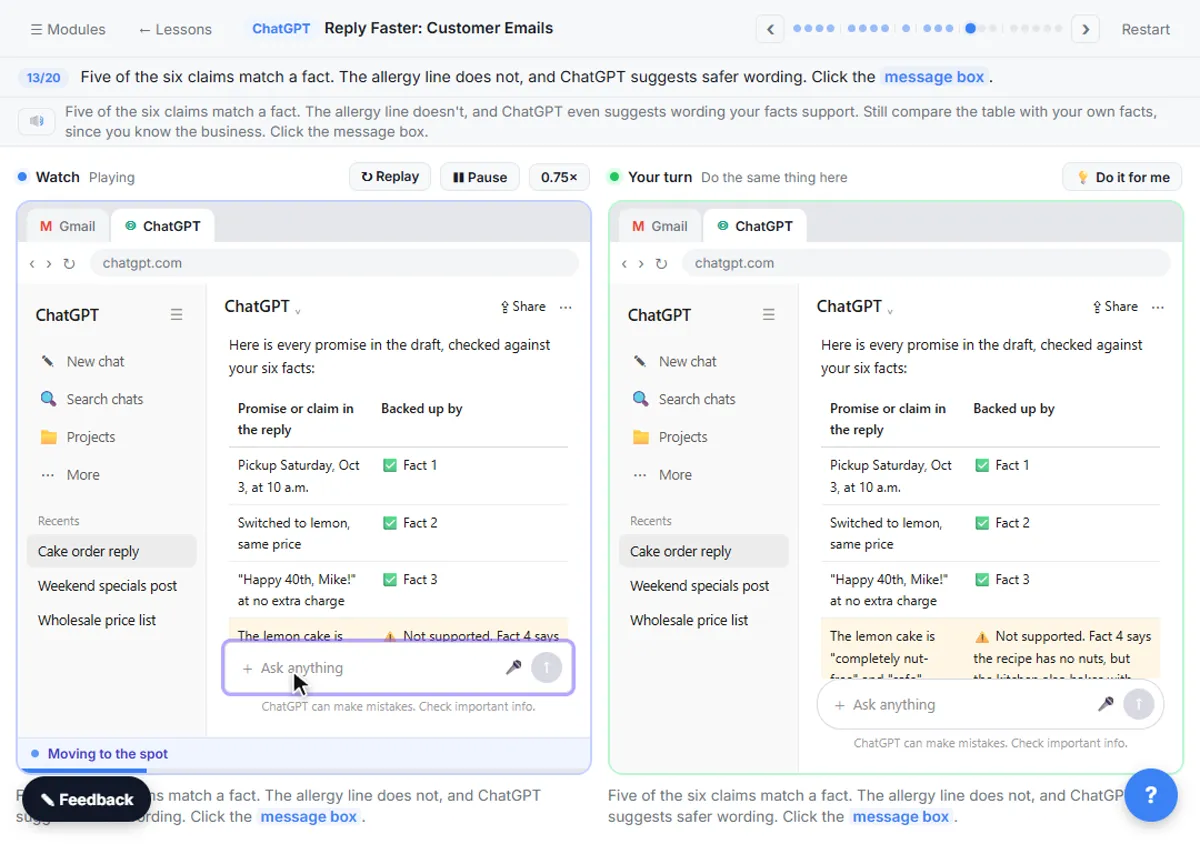 Check AI Email Drafts for Promises Before You Send
Check a ChatGPT email before sending: ask for a table of every promise in the draft and the numbered fact behind it. Three real examples and a prompt.
Oct 1, 2026 6 min read
Visual guides
This lesson’s key ideas as quick visual guides: swipe through the slides, or read the same guide as text.
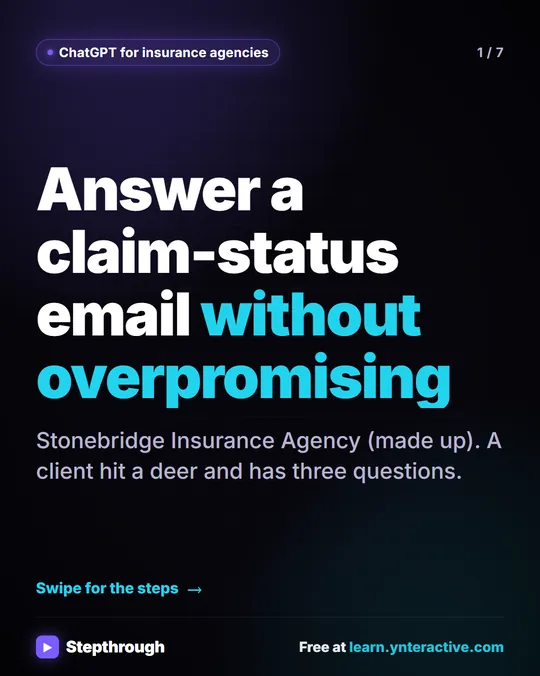 5 Steps to Answer a Claim-Status Email Without Overpromising
A visual guide for insurance agencies: answer a client's claim-status email with ChatGPT, then check every claim against your facts before you send.
Step-by-step guide 7 slides
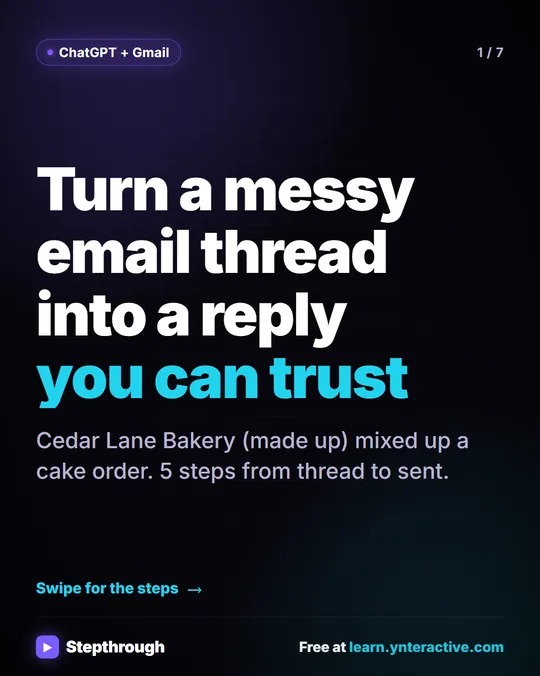 5 Steps to Turn a Messy Email Thread into a Clear Reply
A visual guide: paste a customer thread with numbered facts, check every promise in ChatGPT's draft, fix it and send it from Gmail.
Step-by-step guide 7 slides
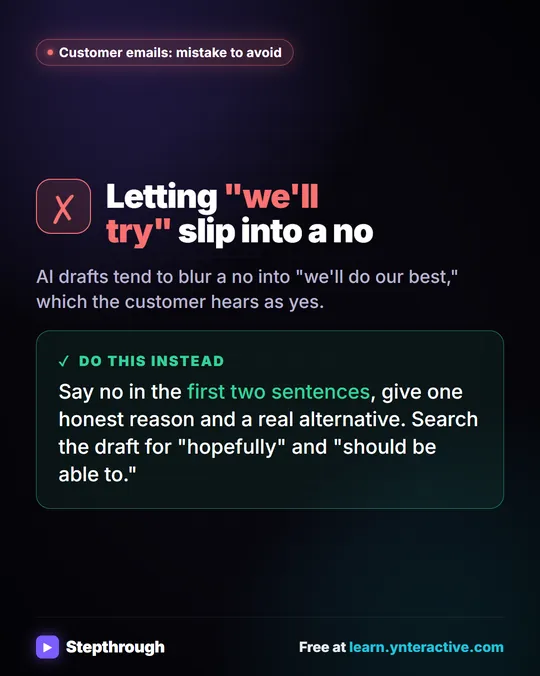 Mistake to Avoid: A Soft Yes When You Mean No
A visual tip for customer emails: AI drafts blur a no into "we'll do our best." Say no early, give one reason and a real alternative.
Mistake to avoid One graphic
Related terms
Plain-English definitions, each with an example from a free lesson.
Related prompts
- Annual coverage review invite prompt: Invite an insurance client to a short annual review: why now, what to have handy, two times to pick from. No scare tactics and…
- Check reply promises prompt: A ChatGPT prompt that checks a draft before you send it: a table of every promise, the fact behind each, and safer wording for…
- Claim documents request prompt: Ask an insurance client for the documents the adjuster requested: each item in plain words, where to find it, how to send it…
- Claim intake questions prompt: Build a first-call question list for a new insurance claim from your own requirements, plus a short email telling the client…