Updated . Built against the tool’s current screens and checked step by step. How we check this lesson
The problem: the prospect told you their budget, who signs and when they need to be live, and three days later your CRM says "good call, send pricing" and the follow-up still isn't out. Deals cool off in that gap, and forecasts end up built on what the rep hoped they heard. In this free, interactive lesson you hand a discovery call transcript to ChatGPT with one clear request and get back a summary, the decisions, the next steps with owners and dates, the open questions, and deal notes for your CRM taken only from what the prospect actually said. Then you turn it into a follow-up email the prospect gets the same afternoon.
At a glance
| Question | Answer |
|---|---|
| What you build | Turn a discovery call transcript into the decisions, the next steps with owners and dates, deal notes for your CRM, and a follow-up email the prospect gets the same afternoon. |
| Tools | ChatGPT |
| Time | About 7 minutes, 17 steps in 4 parts |
| Level | Beginner, no coding needed |
| Cost | Free |
| Ways to learn it | Practice it step by step |
The 4 parts, in short
- Copy the transcript: Open the Edit menu, Select all, Open the Edit menu again, Copy it.
- Ask for a summary: Switch to ChatGPT, Click the message box, Paste your request, Paste the transcript, and 1 more step.
- Check the details: Check the next steps, Click the message box, Fill in the gaps, Send it.
- Write the follow-up: Click the message box, Ask for the follow-up email, Send it, Copy the email.
Start here first: Summarize a Meeting Transcript with ChatGPT. This Sales version follows the same build with its own example business, Clearpath Payroll.
Part of: AI for Sales Teams (step 1 of 14). Next up: Never Lose a Client Follow-up using Capsule CRM
The example: a 35-person architecture firm switching payroll
You're Jordan, a sales rep at Clearpath Payroll, a made-up payroll software company. You've just finished a discovery call with Nina Alvarez, who runs payroll, and Paul Greene, the CFO, at Harbor & Finch Architects, a made-up firm of 35 people.
Nina spends two days every two weeks typing timesheets into their current provider, and every hour has to keep its project code because the firm bills clients by project. Paul doesn't want to renew the contract that ends December 31 and wants to be live by January 1, at about the $9 per person per month they pay today. He signs, but Nina has to like it. They agree on a demo for both of them, pricing for 35 employees, a sample timesheet export from Nina, and a reference call with another architecture firm. Nina also asks who files the year-end tax forms if they switch in mid-December, and Jordan says he'll check rather than guess.
What you need before you start
- A ChatGPT account. Free works; if your company has a business plan, use that for real prospect details.
- A transcript of the call: Google Meet, Zoom and Teams can save one on some plans, many call recorders export one, and typed notes work too.
- Your CRM's deal fields, so you know what the deal notes should cover (budget, decision maker, need, timeline is a good start).
- Nothing at all for the practice copy in this lesson: it needs no account.
Why deal notes come from the transcript, not from memory
Right after a good call, it's easy to remember the budget as a little higher and the timeline as a little firmer than the prospect said. Those notes go into the CRM, the deal gets a close date and an amount, and the forecast inherits the optimism. Asking ChatGPT for budget, decision maker, need and timeline using only the transcript gives you notes your manager can trust, and it shows the gaps: here, nobody discussed whether Clearpath's price lands near $9, so that's listed as an open question, not as a fact.
The same rule protects the follow-up email. The prospect's question about year-end tax forms depends on the switch date, so the email says you're checking with the implementation team instead of guessing. A wrong answer in writing is harder to walk back than a "let me confirm."
Who this lesson is for
Account executives, sales development reps, founders who sell, and account managers who run discovery or renewal calls at small and mid-size B2B companies. It fits any product, not just software. No AI experience needed.
Ways to use it after the lesson
- Save the five-part request and reuse it after every first call. Swap the deal-notes fields for your own sales method, such as MEDDIC or your CRM's required fields.
- Paste the deal notes into the CRM and the next steps into tasks before you write the email.
- For a second call or a demo, change part 5 to "objections raised and how we answered them."
- Ask for a one-line internal update for your manager from the same chat, without pasting anything again.
How the interactive lesson works
Each step plays first in the Watch panel with a short voice-over, then you do it yourself in Your turn on a practice copy of Google Docs and ChatGPT. Nothing touches a real account and no email is sent. The companies, people and prices are made up.
Try it yourself, free
Reading the steps is a start. Doing them is how it sticks. The interactive module walks you through every click in a practice copy of ChatGPT, checks each step, and never touches your real accounts.
Start “Send a Same-Day Follow-up After Every Discovery Call using ChatGPT”Step by step: Send a Same-Day Follow-up After Every Discovery Call using ChatGPT
All 17 steps of the interactive module, in order. In the module you watch each one, then do it yourself in a practice copy that checks your work.
1. Copy the transcript
- Open the Edit menu. This is the transcript Google Meet saved after your discovery call with Harbor & Finch Architects. Click Edit in the menu bar.
Here's the transcript of a discovery call. You're Jordan, a sales rep at Clearpath Payroll, and you just spoke with Nina and Paul at an architecture firm that wants a new payroll system by January first. Let's copy the whole thing.
- Select all. Click Select all.
On a keyboard, that's Control A.
- Open the Edit menu again. The whole transcript is highlighted. Click Edit again.
The whole transcript is highlighted.
- Copy it. Click Copy.
That's Control C. The transcript is now on your clipboard.
2. Ask for a summary
- Switch to ChatGPT. Click the ChatGPT tab at the top.
Now switch over to ChatGPT.
- Click the message box. Click the message box.
Before you paste the transcript, tell ChatGPT what you want out of it. Otherwise you'll just get a vague recap.
- Paste your request. Paste in the request. It asks for five things: a short summary, the decisions, a next steps table with owner and due date, open questions, and deal notes for your CRM.
Here's the request. It asks for five things: a three sentence summary, the decisions, a table of next steps with an owner and a due date, any open questions, and deal notes for your CRM: budget, decision maker, need and timeline. The last lines matter most: only use what's in the transcript, and don't guess at budget or timing. That keeps your pipeline honest.
You're my sales assistant. I'm Jordan, a sales rep at Clearpath Payroll. Below is the transcript of today's discovery call with Nina Alvarez and Paul Greene at Harbor & Finch Architects. Give me:
1. A three-sentence summary
2. The decisions we made
3. The next steps as a table: task, owner, due date
4. Open questions
5. Deal notes for the CRM: budget, decision maker, need, timeline
Only use what's in the transcript. Don't guess at budget or timing. If an owner or date isn't said, write "Not stated".
- Paste the transcript. Now paste the transcript under the request. Paste in the transcript. (In real ChatGPT, press Shift+Enter for a new line first, then Ctrl+V. Plain Enter would send the message.)
In real ChatGPT, press Shift and Enter to start a new line first, because Enter on its own sends the message. Then Control V to paste.
00:00:02
Jordan Ellis: Thanks for the time, Nina, Paul. I'd love to hear how payroll works for you today, um, before I show you anything.

00:00:10
Nina Alvarez: Honestly, it's two days every two weeks. We're thirty-five people, and I type the timesheets into our current provider by hand.

00:00:20
Paul Greene: And our contract with them ends December thirty-first. I don't want to renew. I want us live on something new by January first.

00:00:29
Jordan Ellis: Got it. So timesheets imported automatically, and live for the first payroll of the year. Anything else that has to work on day one?

00:00:37
Nina Alvarez: Project codes. We bill clients by project, so hours have to keep the project code. That's a must.

00:00:45
Jordan Ellis: That works today. If you send me a sample timesheet export, I can show it with your own data in the demo.

00:00:52
Nina Alvarez: Sure, I can send you one.

00:00:55
Paul Greene: On budget, we pay about nine dollars a person a month now. I'd like to stay around there.

00:01:03
Jordan Ellis: Understood. I'll send pricing for thirty-five employees so you can compare.

00:01:09
Paul Greene: Good. I sign off on this, but Nina runs it day to day, so she has to like it.

00:01:15
Jordan Ellis: Makes sense. Can we do a demo for both of you? I'll book it by Thursday.

00:01:21
Paul Greene: Fine. And I'd like to talk to another firm like ours that switched.

00:01:26
Jordan Ellis: I'll introduce you to an architecture firm we moved over last year. By Friday.

00:01:32
Nina Alvarez: One question. If we move mid-December, what happens to the year-end tax forms? Who files those?

00:01:39
Jordan Ellis: Good question. It depends on the switch date, so let me check with our implementation team rather than guess.

00:01:46
Paul Greene: Okay. Thanks, Jordan.
- Send it. Click Send.
Request on top, transcript below.
3. Check the details
- Check the next steps. Read the summary and the deal notes. Then click the next steps table: two due dates say Not stated.
A fifteen minute call, boiled down to a summary, three decisions, four next steps, two open questions and deal notes you can paste straight into your CRM, all from what the prospect actually said. Now check the next steps table. Two due dates say not stated: nobody said when the pricing or the sample timesheet would come.
- Click the message box. You know the missing dates. Click the message box to tell ChatGPT.
You were in the meeting, so you can fill in the gaps.
- Fill in the gaps. Type the missing dates (or Paste in the dates): I will send the pricing by tomorrow, and Nina will send the timesheet export by Monday.
Tell it the missing dates: you'll send the pricing by tomorrow, and Nina will send the timesheet export by Monday.
- Send it. Click Send.
4. Write the follow-up
- Click the message box. Every action item has an owner and a date now. Click the message box.
Now every task has an owner and a date. Because ChatGPT still has the whole meeting in this chat, you don't need to paste anything again. Just ask for the next thing.
- Ask for the follow-up email. Paste in the request to ask for a short follow-up email to the prospect, with no price quoted and no promise about the tax forms.
Now the follow-up to Nina and Paul. Ask for a short, friendly email with what you heard and the next steps. No price yet, and no promise about the tax forms until you've checked.
Now write a short follow-up email from me to Nina and Paul with what I heard and the next steps. Friendly and plain, under 150 words. Don't quote a price or promise anything about the tax forms.
- Send it. Click Send.
- Copy the email. Read the email. Then click the Copy button. (In real ChatGPT the email comes in its own card, with the copy icon at its top right.)
There's your follow-up: what you heard, the next steps with dates, and an honest line on the tax forms. Read it once, change anything that doesn't sound like you, then click copy and send it while the call is still fresh. In real ChatGPT the email shows up in its own card, and the copy icon is at the top right of that card.
Frequently asked questions
- Can ChatGPT write a follow-up email after a sales call?
- Yes. Paste the call transcript under a request for a summary, decisions, next steps with owners and dates, open questions and deal notes, then ask for the follow-up email in the same chat. Check names, dates and anything about price before you send it.
- How do I get CRM notes from a call transcript?
- Ask for them as their own part of the answer, such as budget, decision maker, need and timeline, and tell ChatGPT to use only what's in the transcript and not to guess at budget or timing. Anything nobody discussed shows up as a gap you can ask about next time.
- Should the follow-up include pricing?
- Only if you've confirmed it. In the lesson the email lists pricing as a next step with a date instead of quoting a number, and the tax-form question gets "I'm checking" rather than a guess.
- Is it safe to paste a prospect call into ChatGPT?
- Follow your company's rules on customer data. Use a business plan if you have one, and leave out anything the recap doesn't need, like contract terms you're not allowed to share.
- Is it free?
- Yes. Stepthrough is free and the practice copy needs no account. To do it for real you need your own ChatGPT account.
More in AI Automation for Sales
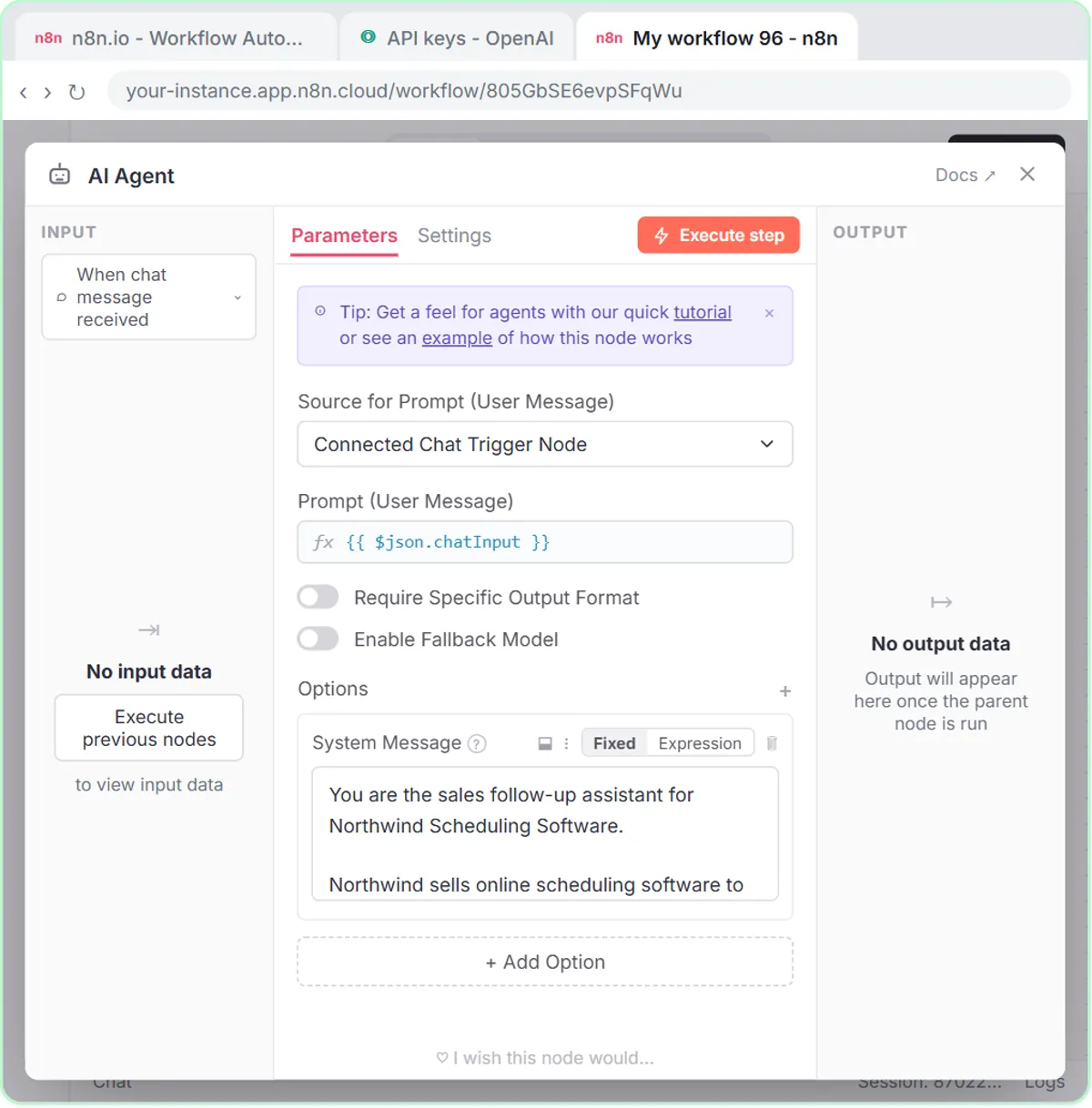 Build an n8n AI Agent That Writes Deal Follow-Ups
Build an AI agent for Northwind Scheduling Software that writes follow-up messages for your open deals and saves them to Google Sheets — chat trigger, AI Agent, system…
Free · Live ~12 min Intermediate
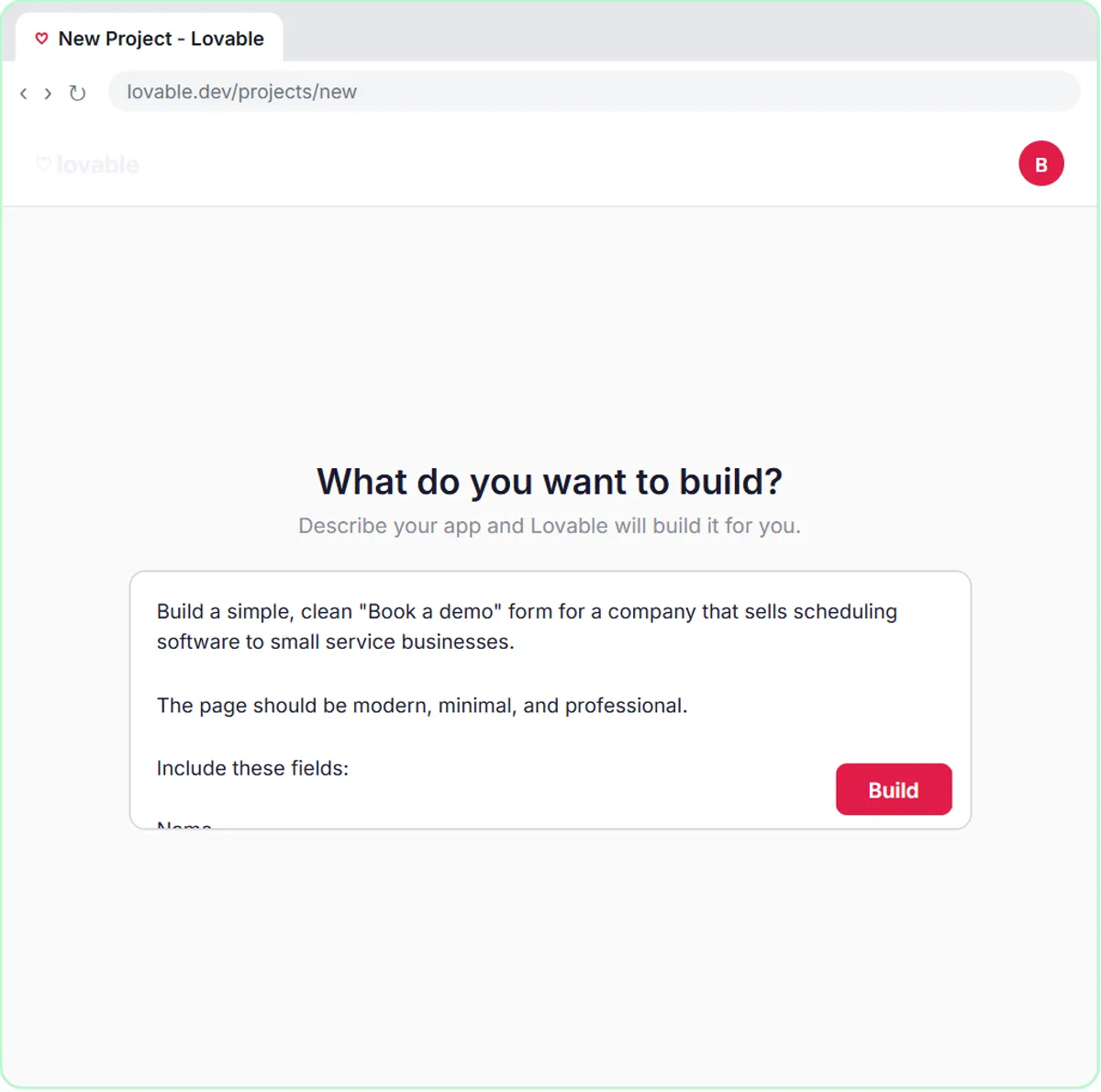 Build an AI Demo Request Form That Qualifies Leads
Build a "Book a demo" form in Lovable for Northwind Scheduling Software and connect it to n8n — the AI agent rates each lead hot, warm or nurture, saves it to Google…
Free · Live ~15 min Advanced
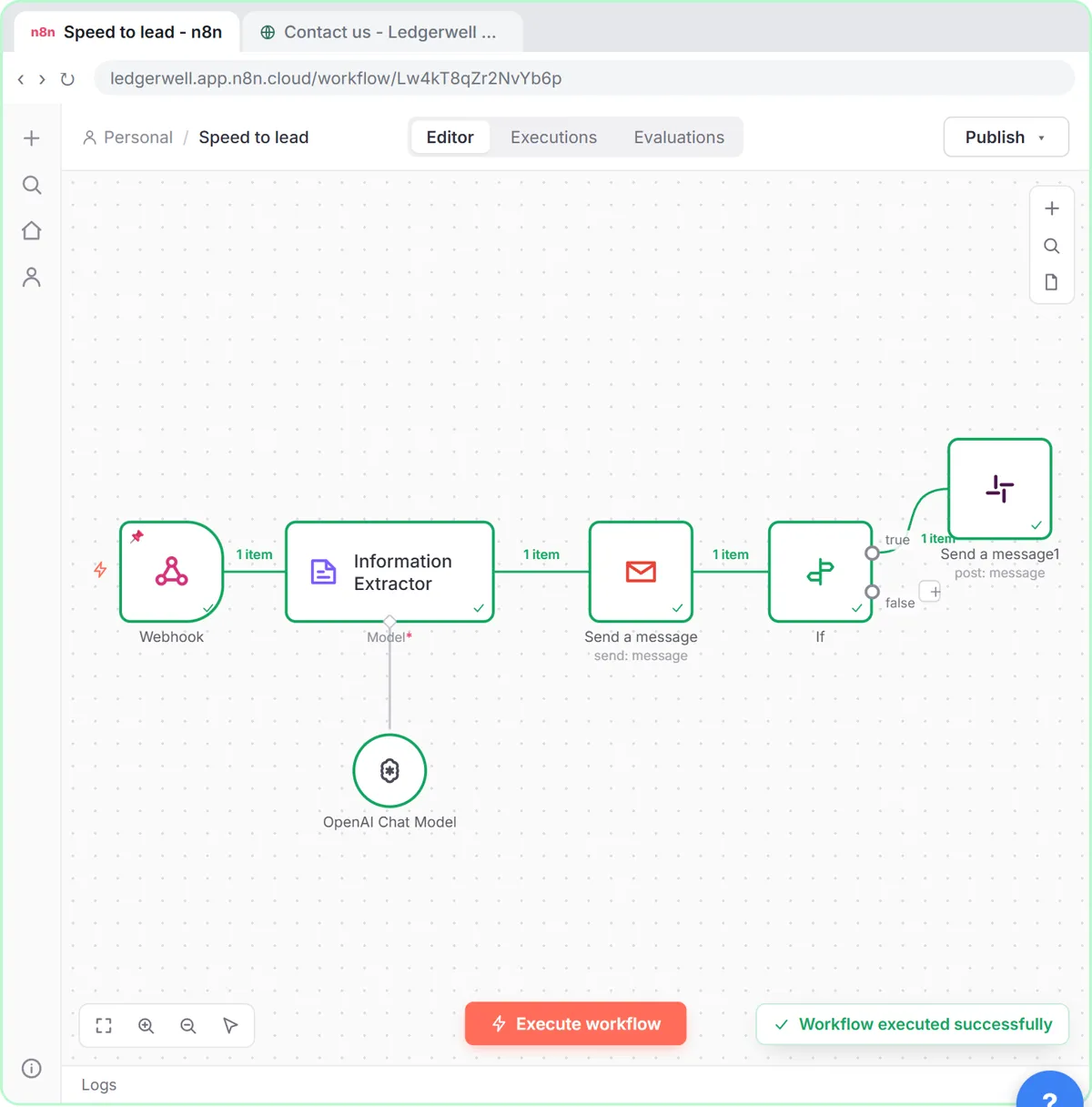 Speed-to-Lead Agent: Answer Every Web Lead in 60 Seconds
Build an n8n workflow that scores every website lead with AI, emails a personal first reply within seconds, and pings Slack only when a lead is hot.
Free · Live ~15 min Advanced
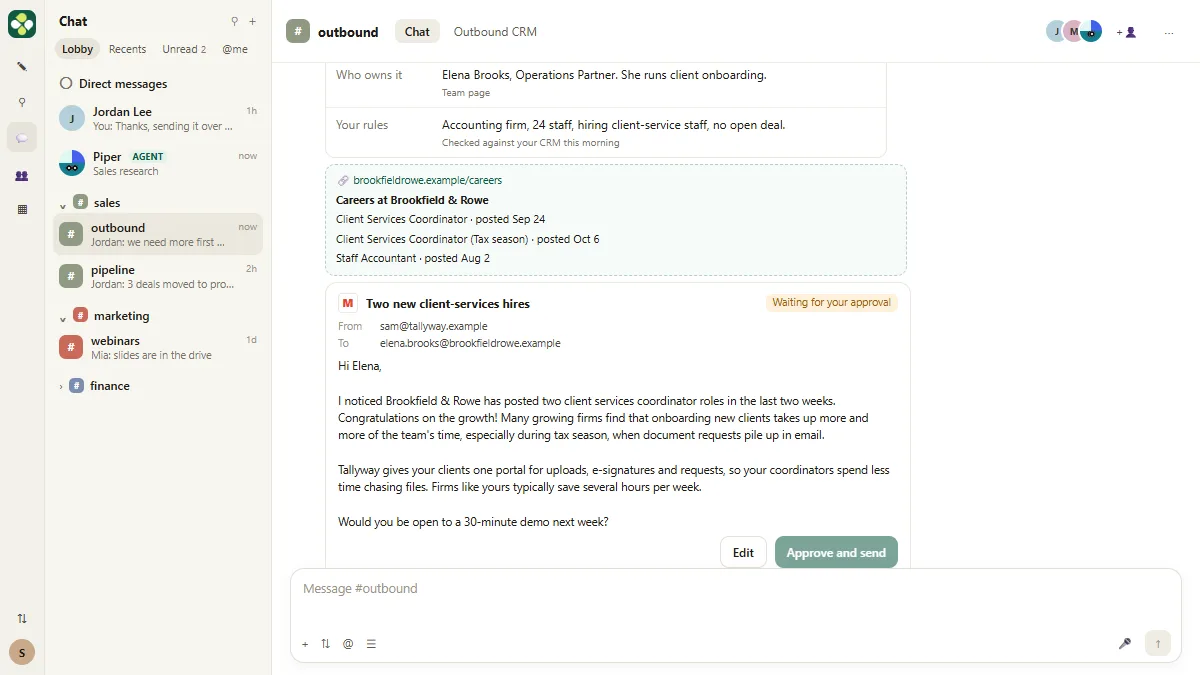 Kylon AI Sales Agent: Find the Reason to Reach Out
Add a sales agent to your Kylon workspace, teach it what a good account looks like, check its sourced reason for one firm, approve a short first email, then make it a…
Free · Live ~8 min Intermediate
◷Pancake: Get Qualified Sales Conversations from Claude Without Hiring a BDRPrice a sales hire against $99 a month, connect Pancake to Claude, describe your ideal client, approve the leads and the messages, then read the replies and learn the…
Free · Live ~16 min Intermediate
All 8 modules in AI Automation for Sales
More ChatGPT tutorials
 Get On-Brand Social Posts Every Time using a ChatGPT Custom GPT
See why generic prompts give generic results, then build a Custom GPT loaded with your brand voice and watch the output transform.
Free · Live ~8 min Beginner
 Prompt Writing 101: Role, Context, Task, Format
Ask ChatGPT for the same customer email twice, once vaguely and once with a four-part prompt, and see exactly why structure gets a better answer.
Free · Live ~8 min Beginner
 Get Your Business Recommended by ChatGPT
Ask ChatGPT who it recommends in your town, see which pages it trusts, then use it to write an FAQ page and Business Profile copy that answer real customer questions.
Free · Live ~10 min Intermediate
◷Run a Weekly Ops Review Where Every Task Has an Owner using ChatGPTTurn a weekly operations and vendor review into the decisions, the next steps with owners and dates, the risks to watch and a team recap, without turning a vendor's…
Free · Live ~7 min Beginner
 Reply Faster: Turn a Messy Customer Email Thread into a Clear, Friendly Reply
Turn a messy customer email thread into a clear, friendly reply: give ChatGPT the thread and your facts, check every promise, fix the tone, and send it from Gmail.
Free · Live ~9 min Beginner
 ChatGPT Projects: Keep Your Brand Voice, Files and Instructions in One Place
Set up a ChatGPT Project with your brand voice instructions, your price list and your style guide, so every new chat already knows your business.
Free · Live ~9 min Beginner
Visual guides
This lesson’s key ideas as quick visual guides: swipe through the slides, or read the same guide as text.
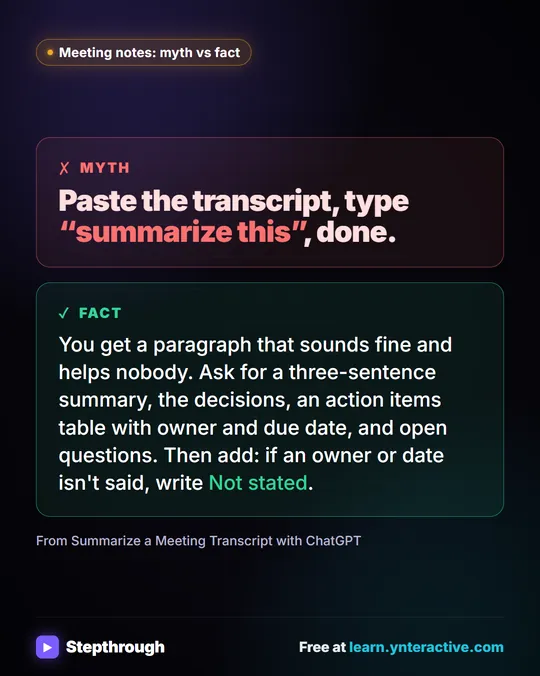 Meeting notes myth: “summarize this” is all ChatGPT needs
Myth: paste a transcript, type “summarize this”, done. Fact: ask for the decisions, an action items table with owners and dates, and open questions.
Myth vs fact One graphic
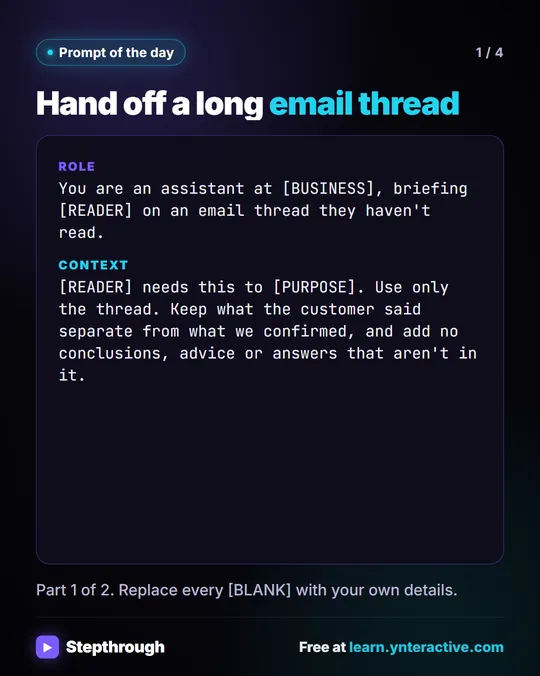 Prompt of the Day: Summarize an Email Thread for a Handoff
A visual prompt card: turn a long email thread into a short handoff with the situation, what was promised and each question marked Answered or Open.
Prompt to copy 4 slides
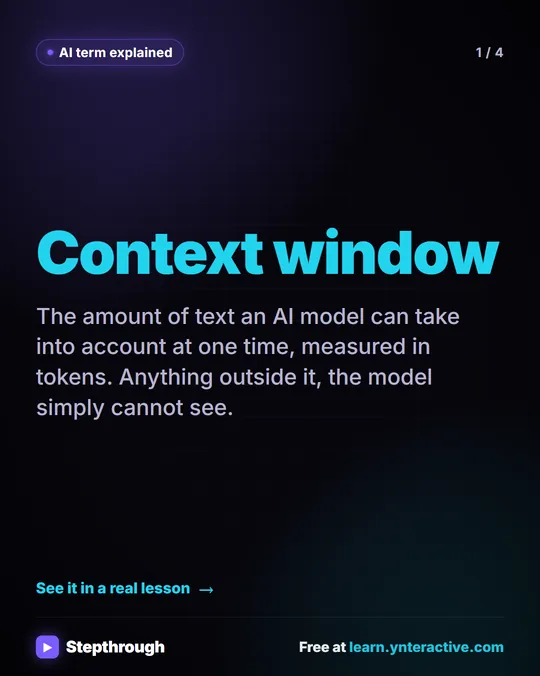 What Is a Context Window? A Visual Guide
A visual guide to the context window: how much text an AI model can see at once, shown with a real ChatGPT meeting summary lesson.
AI term explained 4 slides
Free cheat sheets
Print it or save the PDF: the key steps and checks from this lesson on one page, free.
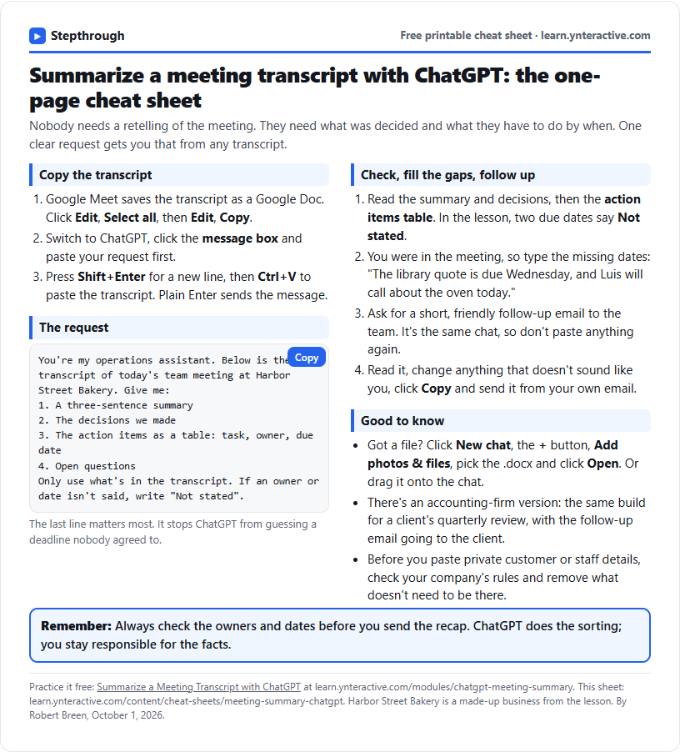 Summarize a Meeting with ChatGPT Cheat Sheet
A free one-page cheat sheet: turn a meeting transcript into decisions, an action items table with owners and dates, and a follow-up email.
Lesson cheat sheet Free PDF
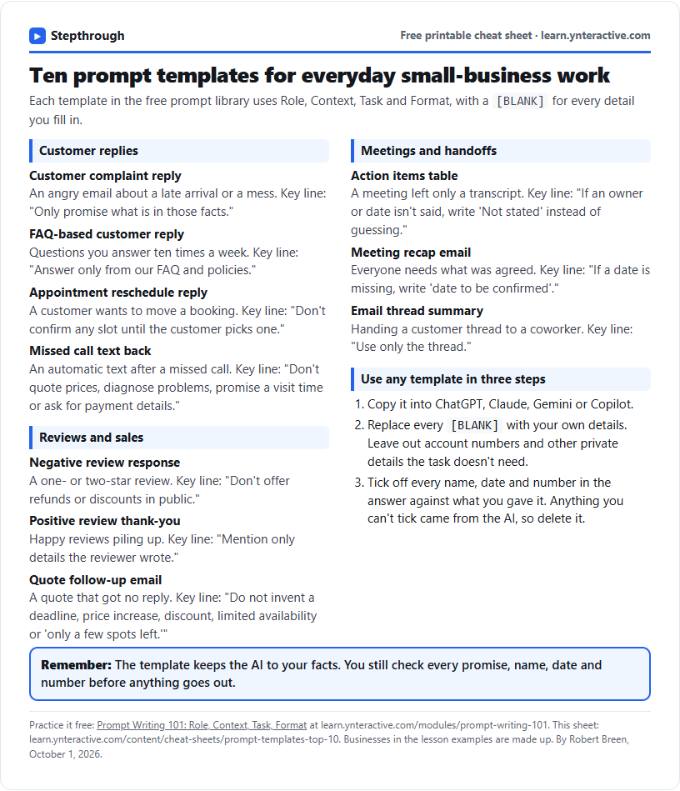 Top 10 Prompt Templates for Small Business: Cheat Sheet
A free one-page cheat sheet of ten copy-ready AI prompt templates: customer replies, reviews, quote follow-ups, meeting recaps and handoffs.
Topic cheat sheet Free PDF
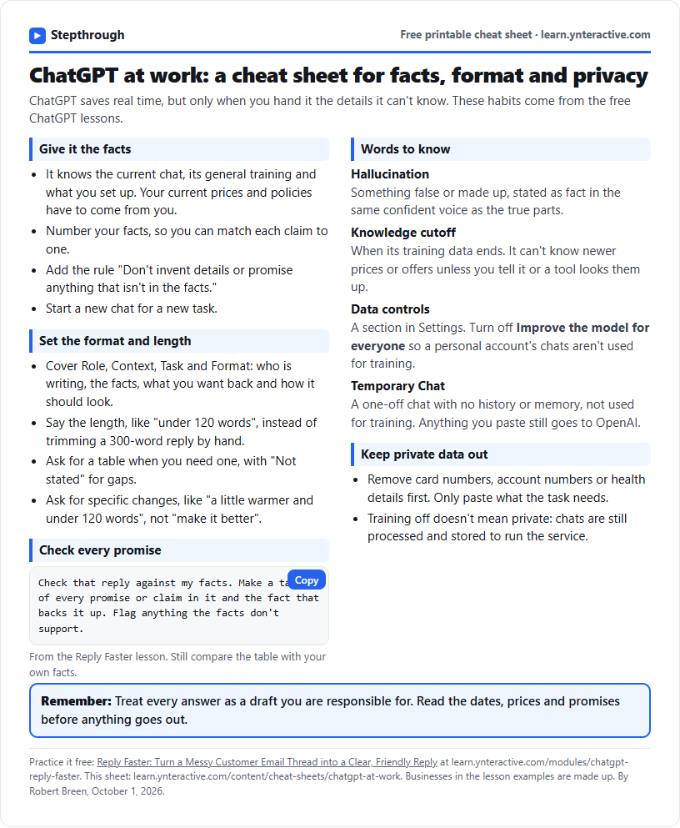 ChatGPT at Work Cheat Sheet: Facts, Format, Privacy
A free one-page cheat sheet for ChatGPT at work: give it facts, set the format and length, check every promise and keep private data out.
Tool cheat sheet Free PDF
All free printable cheat sheets
Terms in this lesson
Plain-English definitions, each with an example from a free lesson.
Related prompts
- Action items table prompt: Paste a meeting transcript or rough notes and get a table of every task, owner and due date, with "Not stated" wherever nobody…
- Discovery call recap email prompt: A copy-ready prompt that turns a call transcript into a same-day recap email and CRM notes, using only what the prospect…
- Feedback conversation script prompt: Plan a short, direct feedback talk with a teammate: the specific moment, why it mattered, a question to hear their side and one…
- Meeting agenda prompt: Turn a list of topics into a timed meeting agenda where every item has an owner, a question to settle and minutes that add up to…