Summarize a meeting transcript with ChatGPT: the one-page cheat sheet
A free one-page cheat sheet: turn a meeting transcript into decisions, an action items table with owners and dates, and a follow-up email.
Summarize a meeting transcript with ChatGPT: the one-page cheat sheet
Nobody needs a retelling of the meeting. They need what was decided and what they have to do by when. One clear request gets you that from any transcript.
Copy the transcript
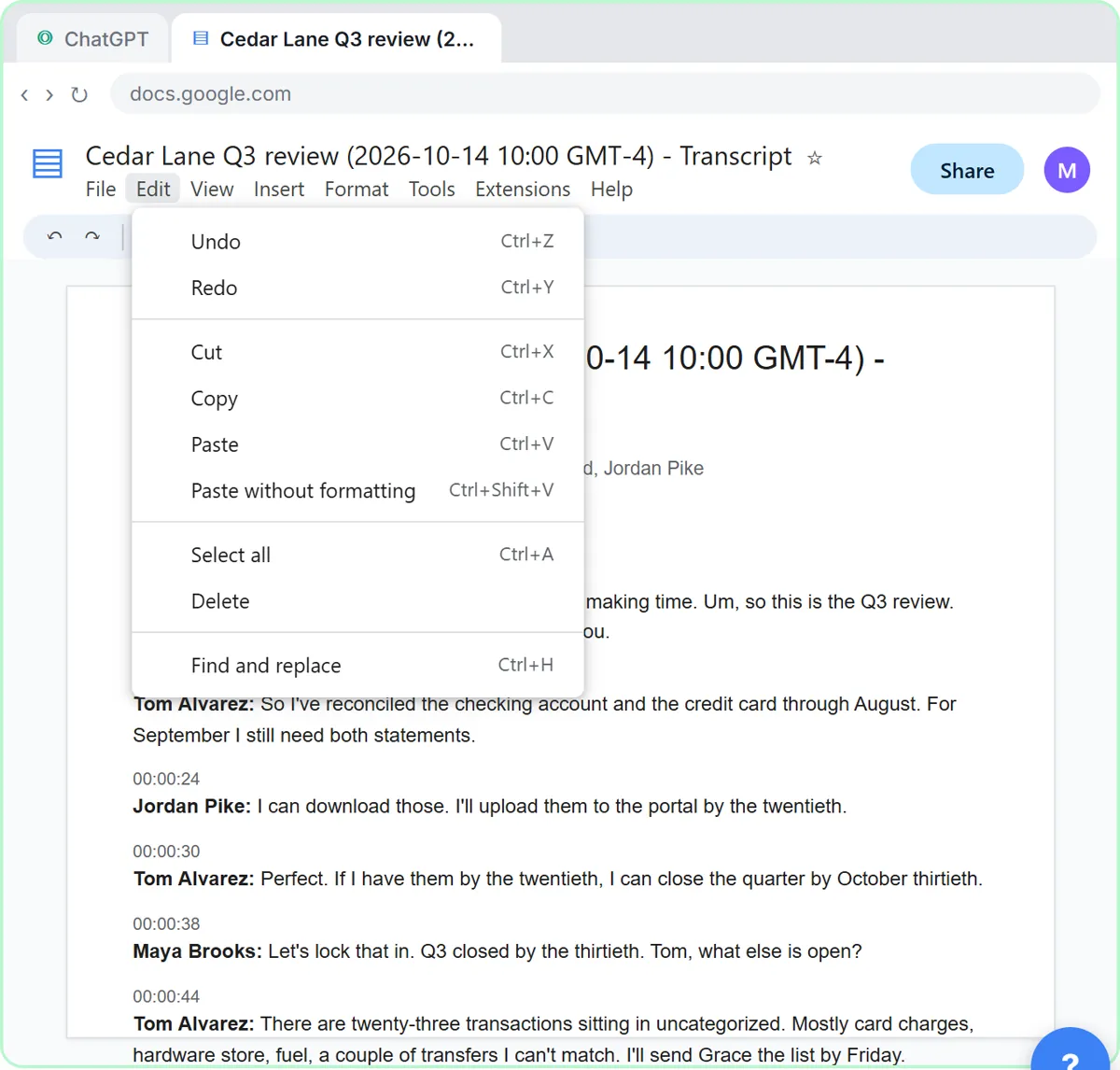
- Google Meet saves the transcript as a Google Doc. Click Edit, Select all, then Edit, Copy.
- Switch to ChatGPT, click the message box and paste your request first.
- Press Shift+Enter for a new line, then Ctrl+V to paste the transcript. Plain Enter sends the message.
The request
You're my operations assistant. Below is the transcript of today's team meeting at Harbor Street Bakery. Give me:
1. A three-sentence summary
2. The decisions we made
3. The action items as a table: task, owner, due date
4. Open questions
Only use what's in the transcript. If an owner or date isn't said, write "Not stated".
The last line matters most. It stops ChatGPT from guessing a deadline nobody agreed to.
Check, fill the gaps, follow up
- Read the summary and decisions, then the action items table. In the lesson, two due dates say Not stated.
- You were in the meeting, so type the missing dates: "The library quote is due Wednesday, and Luis will call about the oven today."
- Ask for a short, friendly follow-up email to the team. It's the same chat, so don't paste anything again.
- Read it, change anything that doesn't sound like you, click Copy and send it from your own email.
Good to know
- Got a file? Click New chat, the + button, Add photos & files, pick the .docx and click Open. Or drag it onto the chat.
- There's an accounting-firm version: the same build for a client's quarterly review, with the follow-up email going to the client.
- Before you paste private customer or staff details, check your company's rules and remove what doesn't need to be there.
Remember: Always check the owners and dates before you send the recap. ChatGPT does the sorting; you stay responsible for the facts.
Practice it free: Summarize a Meeting Transcript with ChatGPT at learn.ynteractive.com/modules/chatgpt-meeting-summary. This sheet: learn.ynteractive.com/content/cheat-sheets/meeting-summary-chatgpt. Harbor Street Bakery is a made-up business from the lesson. By Robert Breen, October 1, 2026.
Practice it in the free lesson
Summarize a Meeting Transcript with ChatGPT. Paste a long meeting transcript into ChatGPT and get the decisions, an action items table with owners and due dates, and a follow-up email ready to send. You do every step yourself in a practice copy of ChatGPT, it checks your work as you go, and “Do it for me” finishes any step you get stuck on. Free, and nothing touches your real accounts.
Start the free lessonLessons on this sheet
 Summarize a Meeting Transcript with ChatGPT
Paste a long meeting transcript into ChatGPT and get the decisions, an action items table with owners and due dates, and a follow-up email ready to send.
Free · Live ~9 min
 Turn a Client Meeting into Action Items and a Follow-Up Email (Accounting Firms)
Turn the transcript of a client's quarterly review into the decisions, an action items table with owners and due dates, and a follow-up email to the client.
Free · Live ~9 min
Related terms
Plain-English definitions, each with an example from a free lesson.
Related prompts
- Action items table prompt: Paste a meeting transcript or rough notes and get a table of every task, owner and due date, with "Not stated" wherever nobody…
- Meeting recap email prompt: A copy-ready prompt that turns your checked meeting notes into a short recap email: decisions, owners and due dates, and nothing…
- Client quarterly review recap prompt: Turn your notes or transcript from a client's quarterly review into a recap email: decisions, who does what by when, what you…
- Hiring manager intake prompt: Turn a hiring manager's intake notes into a role brief: must-haves vs nice-to-haves, pay, interview steps, open questions and…
More cheat sheets
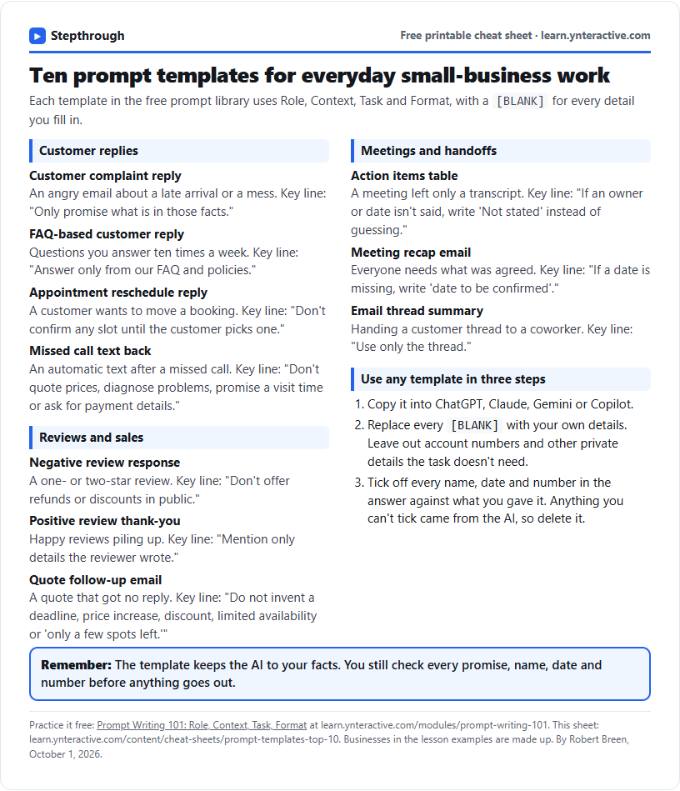 Top 10 Prompt Templates for Small Business: Cheat Sheet
A free one-page cheat sheet of ten copy-ready AI prompt templates: customer replies, reviews, quote follow-ups, meeting recaps and handoffs.
Topic cheat sheet Free PDF
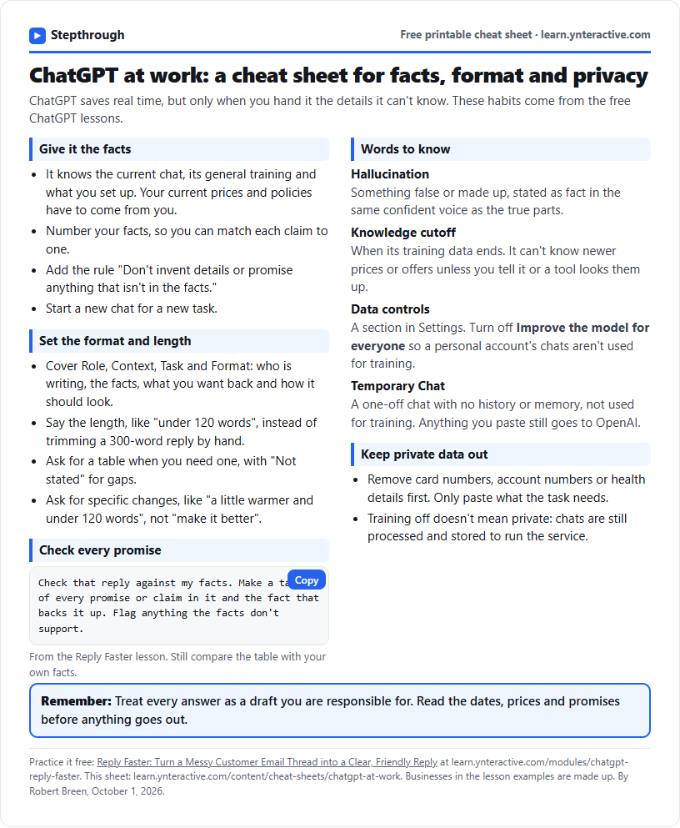 ChatGPT at Work Cheat Sheet: Facts, Format, Privacy
A free one-page cheat sheet for ChatGPT at work: give it facts, set the format and length, check every promise and keep private data out.
Tool cheat sheet Free PDF
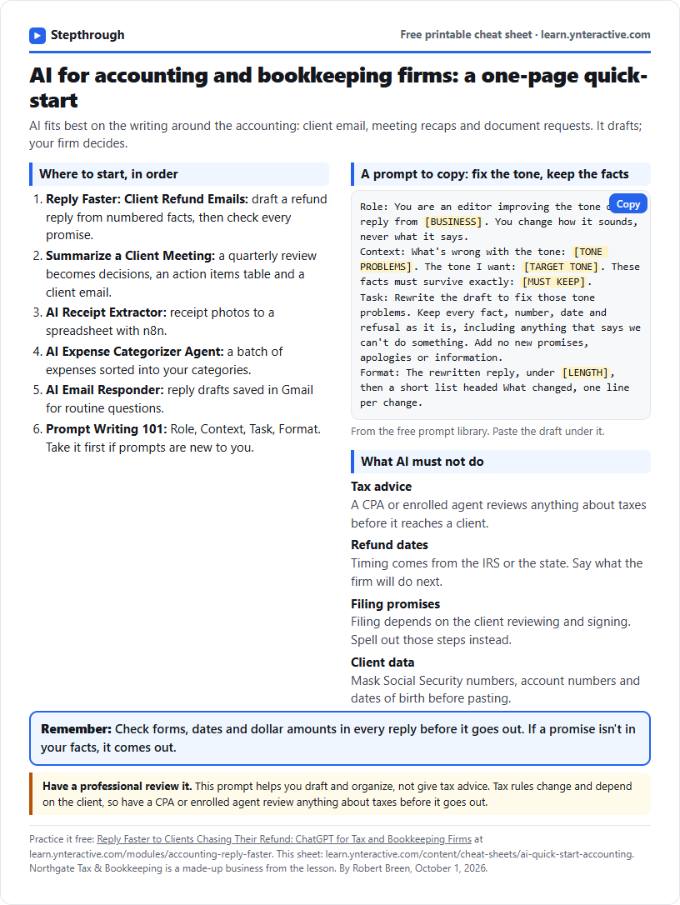 AI Quick-Start for Accounting Firms: Cheat Sheet
A free one-page cheat sheet for accounting firms: the free AI lessons in order, a tone-fix prompt and what AI must never promise a client.
Industry quick-start Free PDF