Below is a one-page plan you can copy, a way to pick each project by pain and frequency, a quarter-by-quarter sketch, and the ground rules to agree on before anyone starts.
Why plan only three AI projects for the year?
Because three finished projects beat ten half-started ones, and each of the three teaches a different skill. A ChatGPT habit teaches the team to ask clearly and check the answer. A no-AI automation teaches how data moves between your tools. An agent with review combines the two, with a person still in charge.
Small teams also run out of attention long before they run out of ideas. A short list makes it obvious what to finish first.
How do you choose which AI projects to do?
Pick by pain and frequency: list the tasks that eat time every week, then choose the ones that repeat most and follow the same steps. A quick way to score each task:
| Question | Points toward |
|---|---|
| Does it happen daily or weekly? | Automating it |
| Is it mostly copying from one place to another? | An automation with no AI |
| Does it need reading or writing in your voice? | ChatGPT or an AI agent |
| Would a mistake reach a customer or touch money? | A person reviews every result |
| Does it need judgment that changes each time? | Keep it in ChatGPT, by hand |
The tasks that score high on frequency and low on judgment are your automation. The ones with lots of writing but real consequences are your agent-with-review. The one everybody does a little of, like emails and meeting notes, is your ChatGPT habit.
What should the ChatGPT habit be?
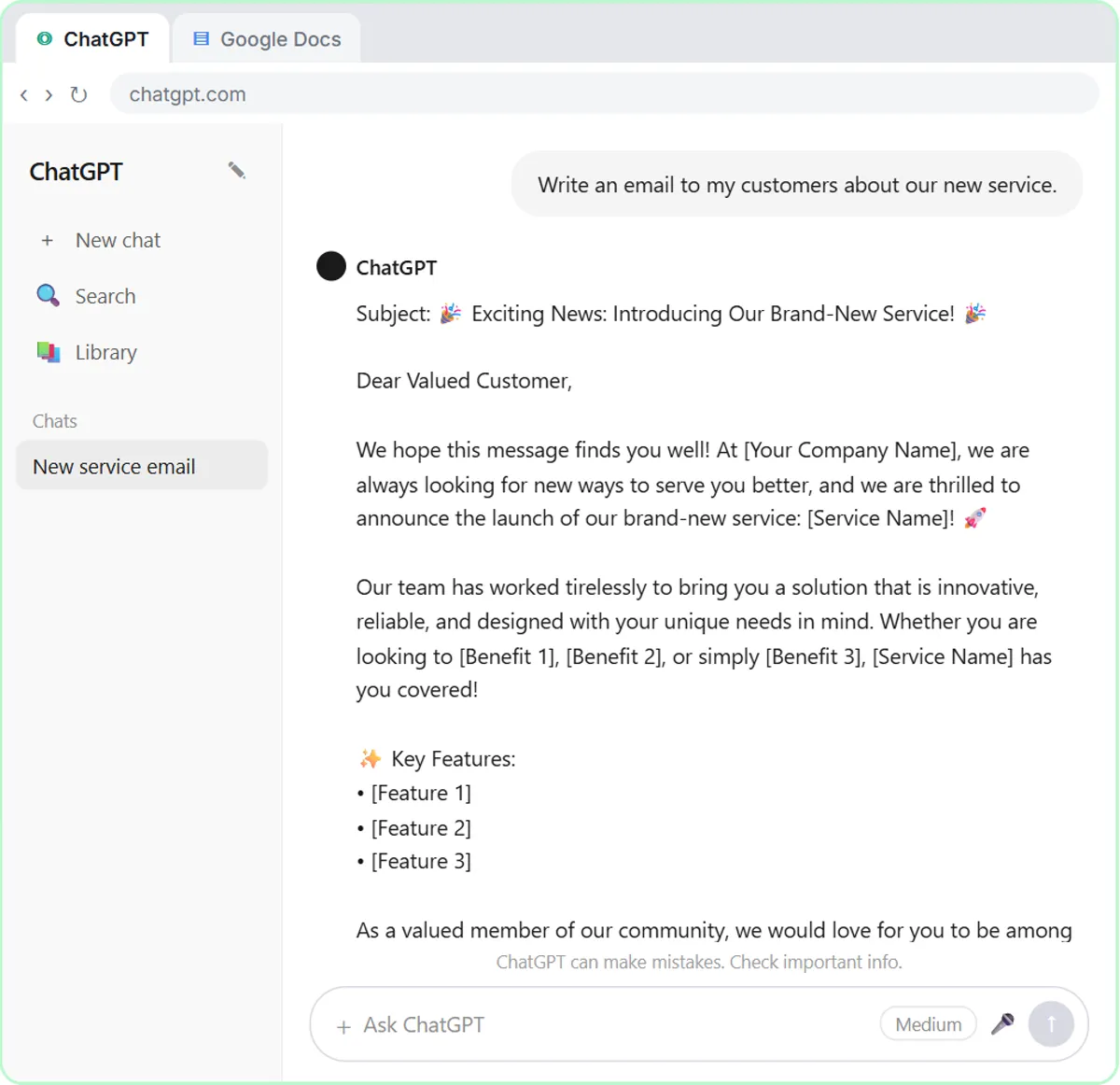
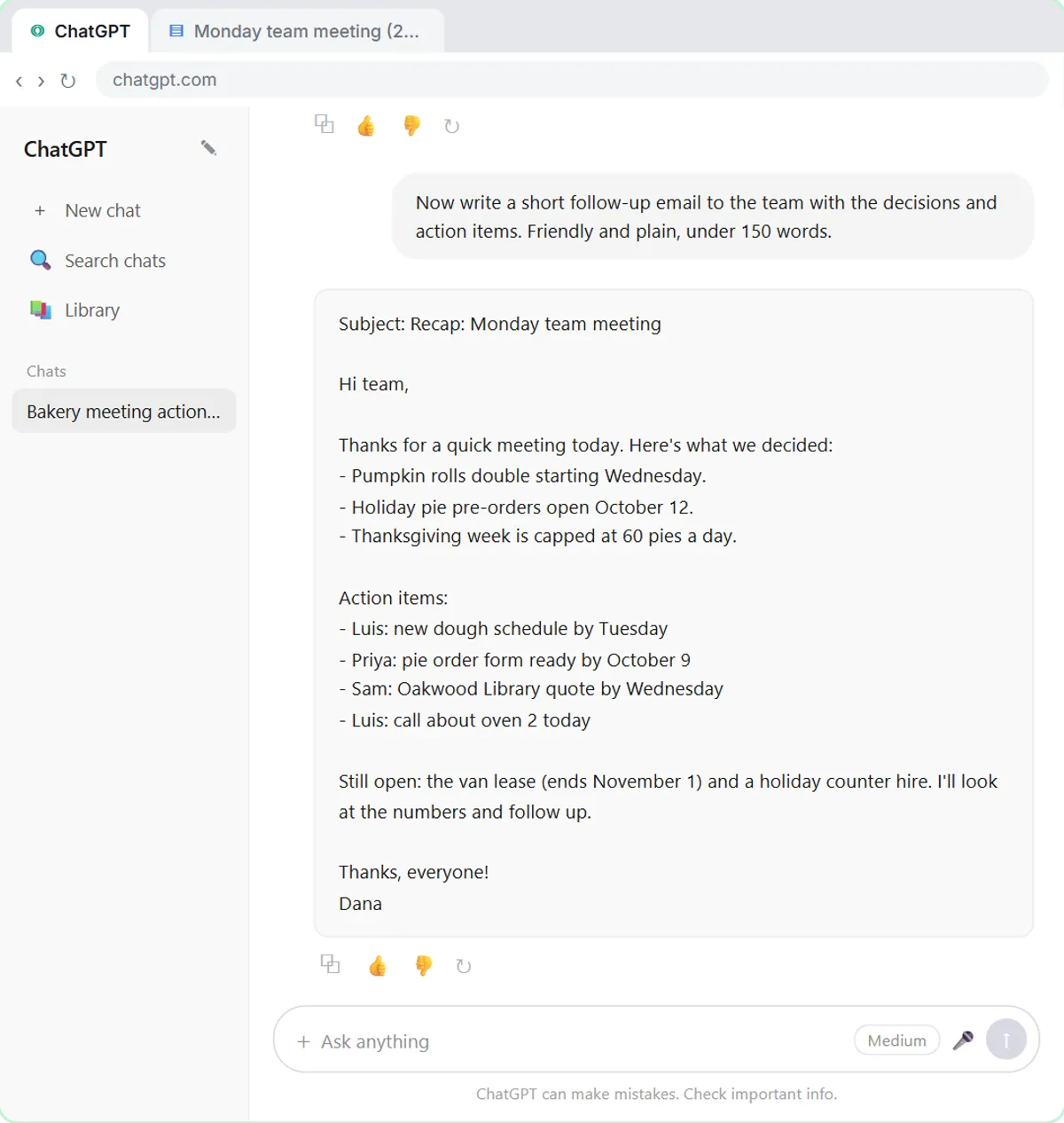
Pick one routine everyone repeats, such as writing customer emails or recapping meetings, and give the team the same prompt to start from. Two free lessons fit almost any office:
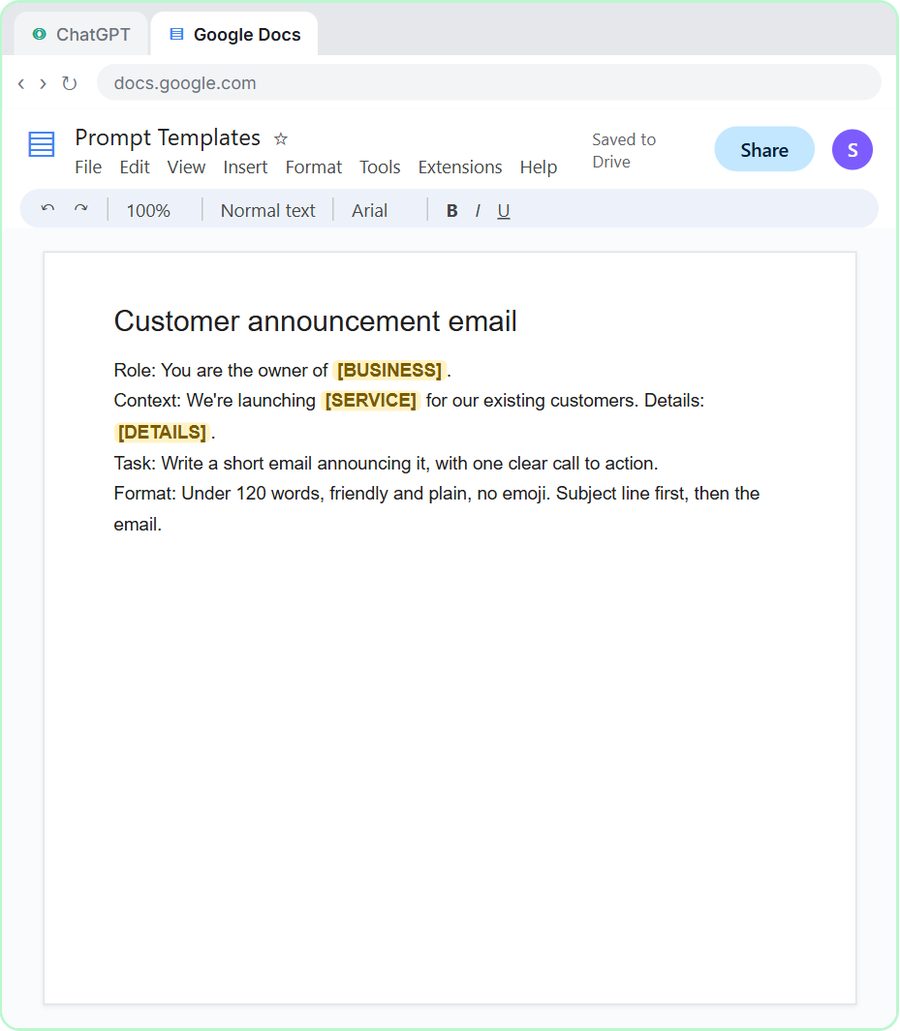
- Better prompts. Prompt Writing 101 builds every request from four parts: Role, Context, Task and Format. The lesson ends by saving the prompt as a template in a Google Doc with blanks for [BUSINESS], [SERVICE] and [DETAILS].
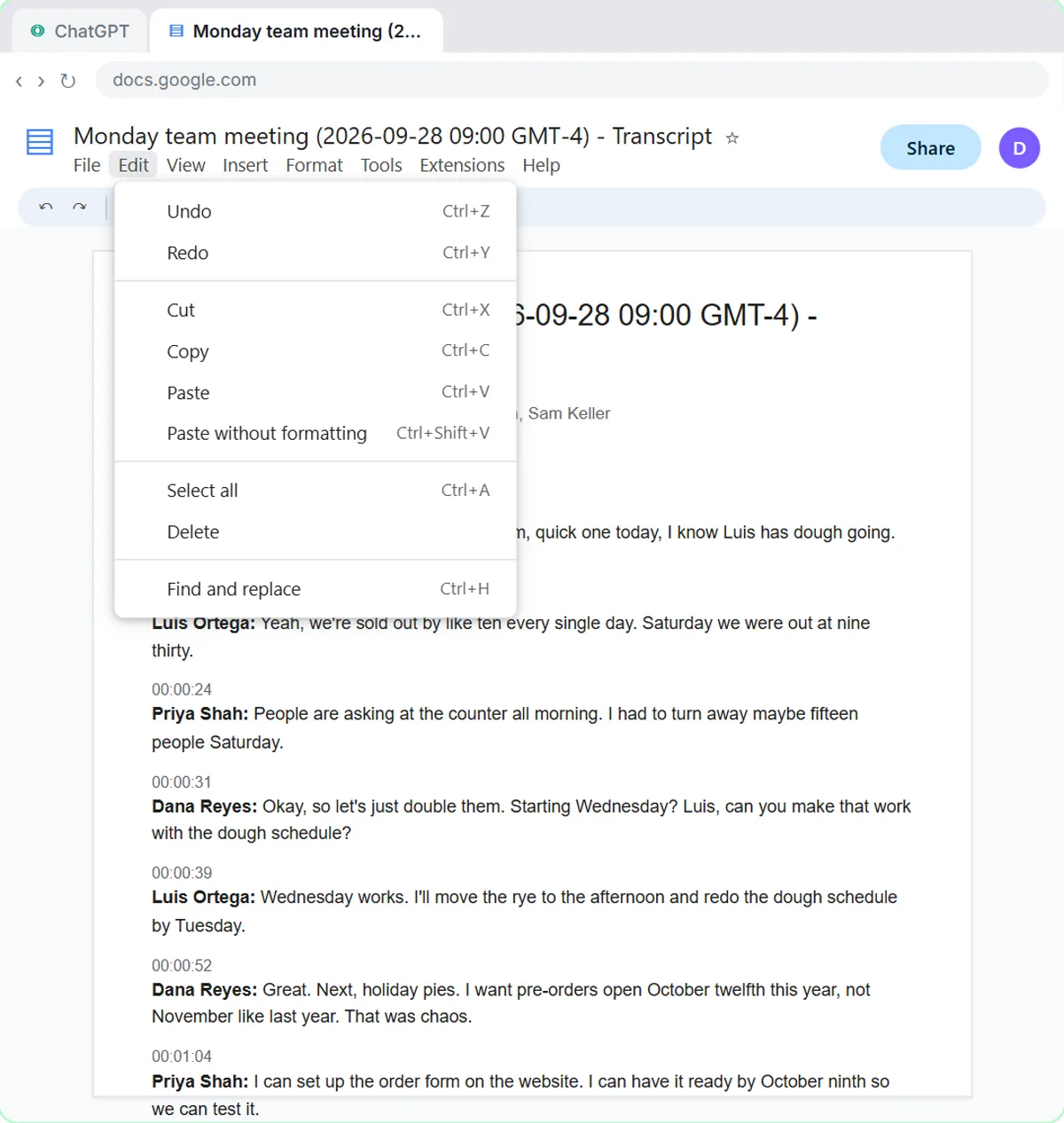
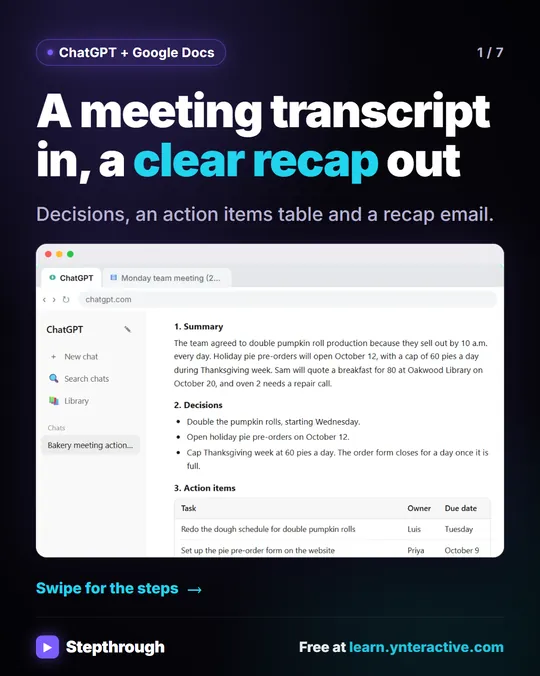
- Meeting recaps. Summarize a Meeting Transcript turns a transcript into a summary, the decisions, an action items table with owners and due dates, and a follow-up email. Its request ends: "If an owner or date isn't said, write "Not stated"."
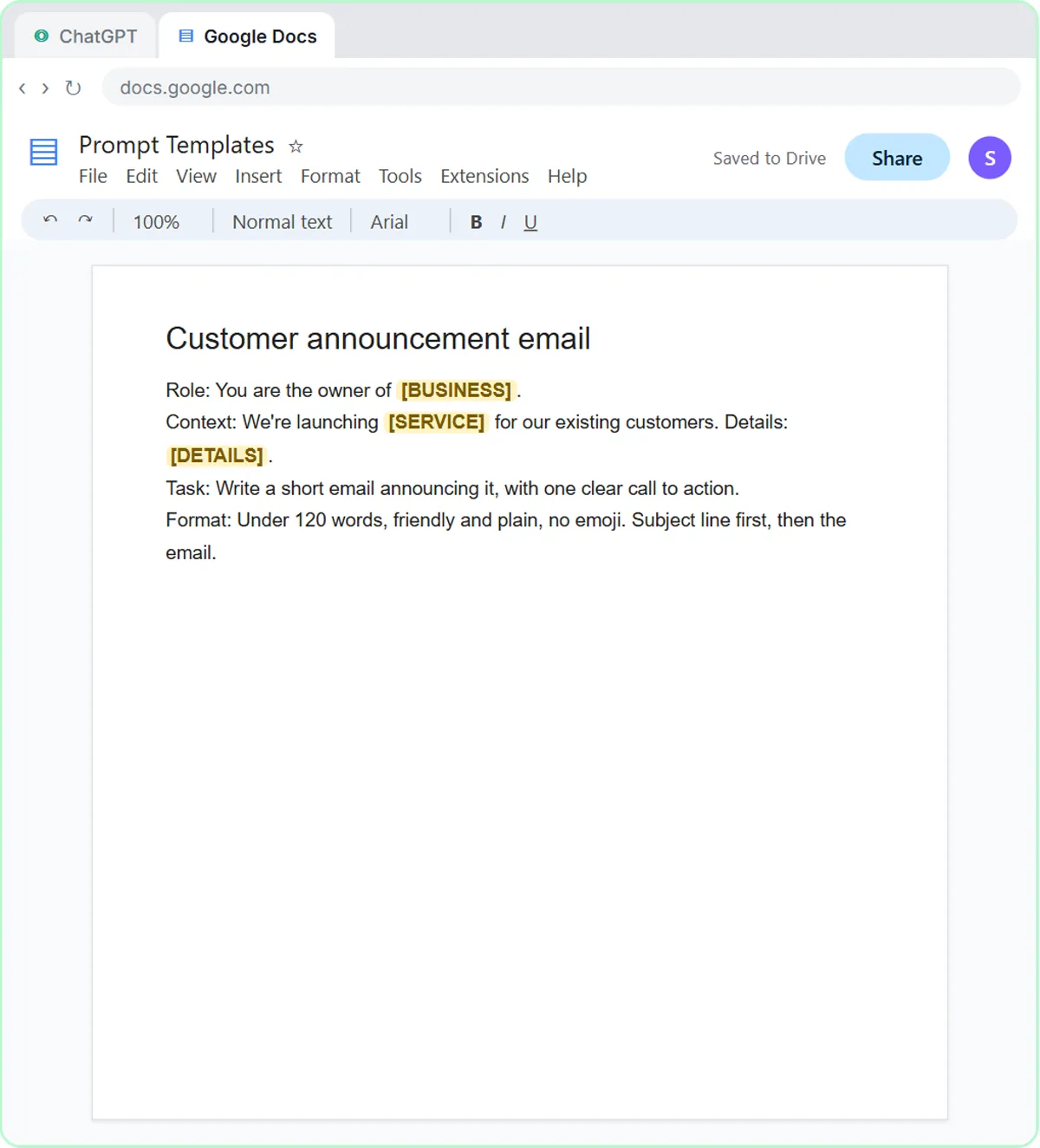
A shared Google Doc of prompts that work is the cheapest AI investment you'll make all year.
What should the no-AI automation be?
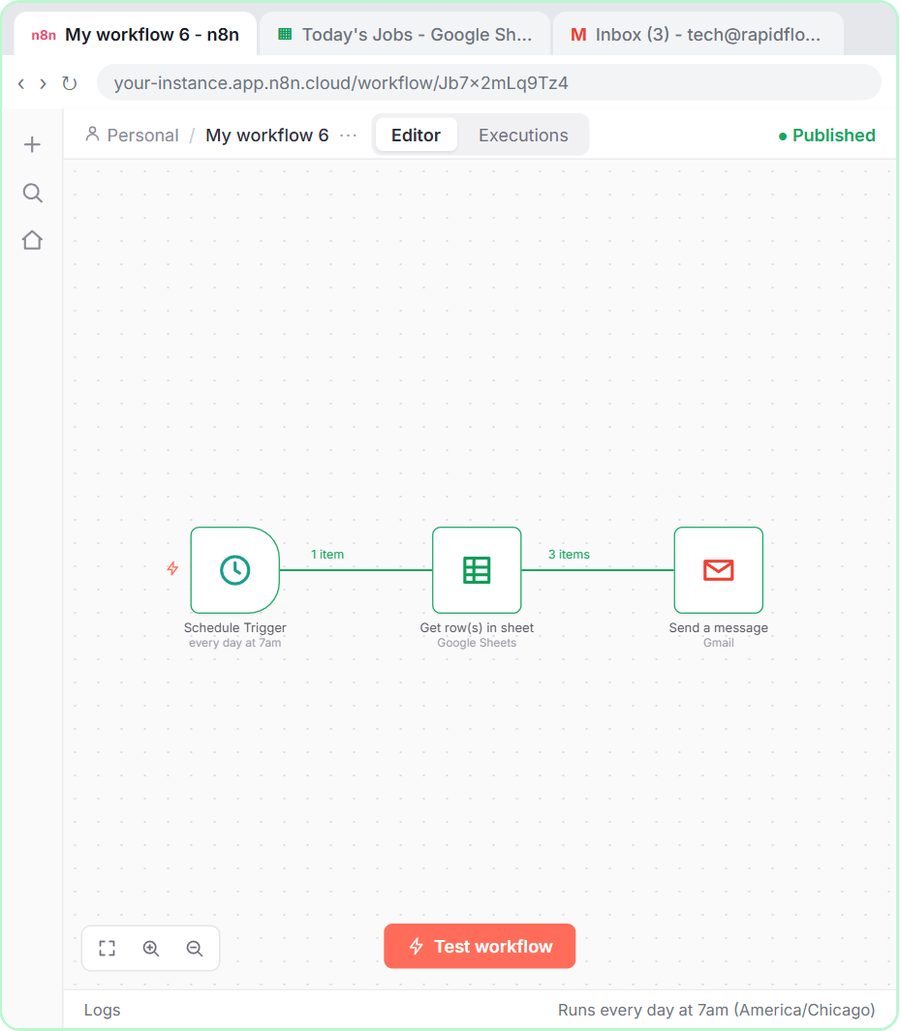
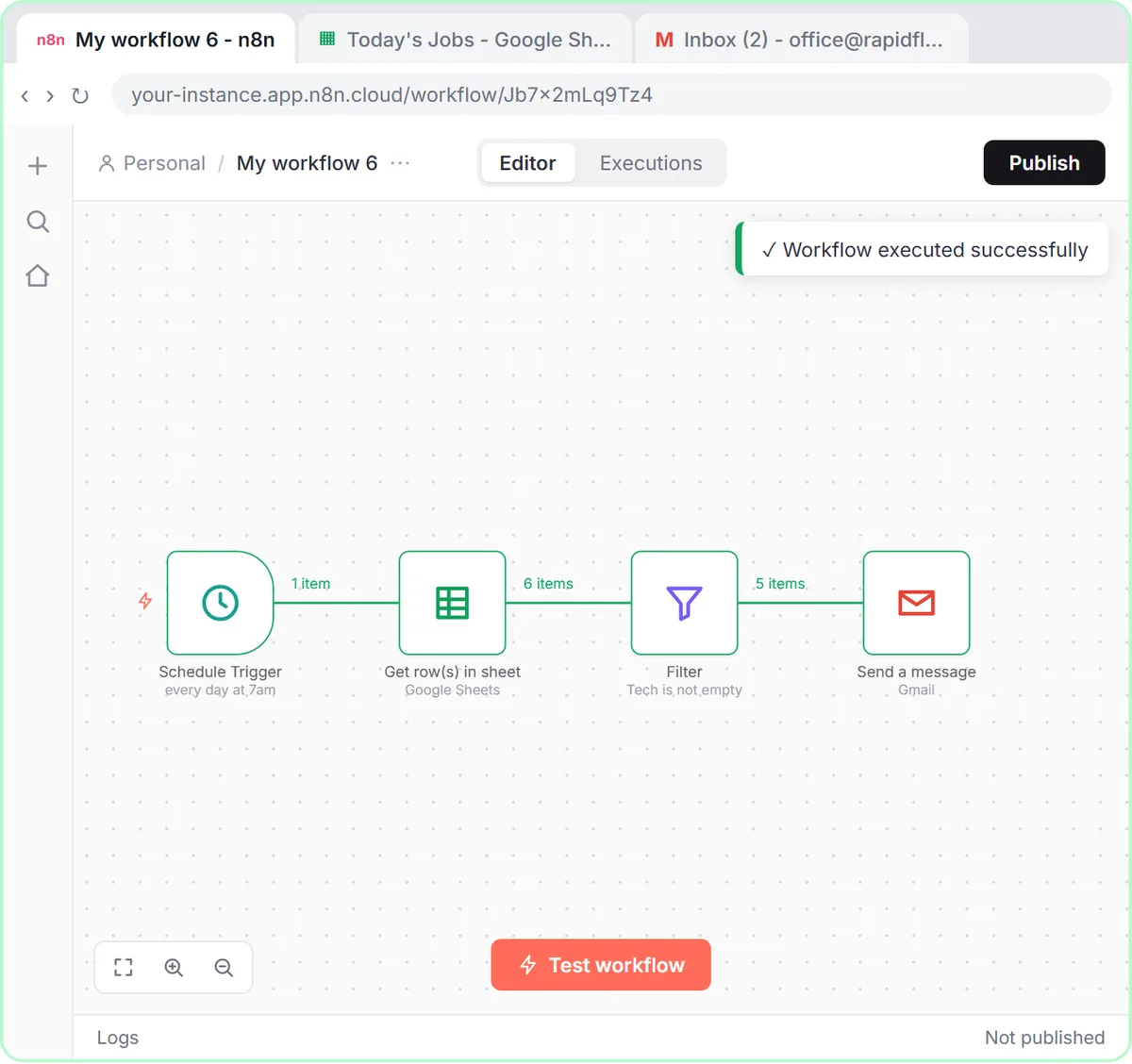
Pick a task where someone copies the same information into emails or sheets every day. In the Daily Job Alerts lesson, an n8n workflow reads today's jobs from a Google Sheet at 7am, skips unassigned ones and emails each tech their jobs. No AI, no model costs, and it runs whether anyone is at a desk or not.
The lesson's closing line is the reason to start here: the same pattern "works for invoices, reminders, reports and more." Learn it once and you'll spot the next automation yourself.
Try it free, step by step
Prompt Writing 101: Role, Context, Task, Format. Ask ChatGPT for the same customer email twice, once vaguely and once with a four-part prompt, and see exactly why structure gets a better answer. You do every step yourself in a practice copy of ChatGPT, it checks your work as you go, and “Do it for me” finishes any step you get stuck on. Free, and nothing touches your real accounts.
Start the free lessonWhat should the AI agent with review be?
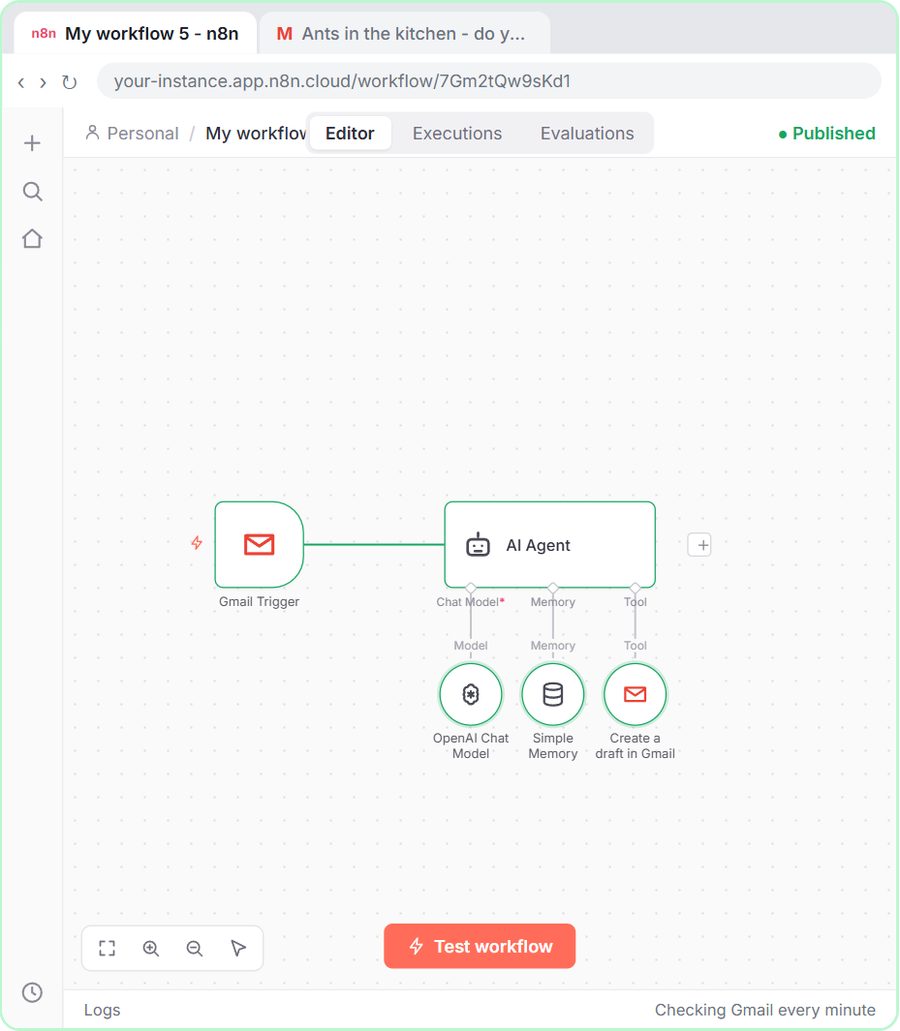
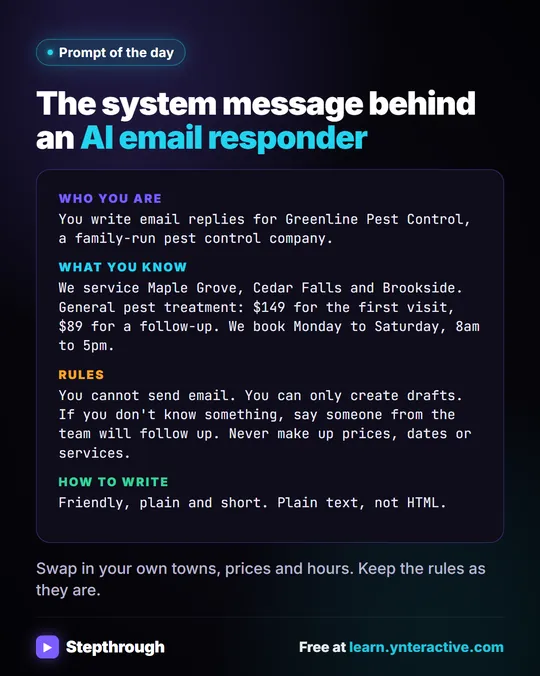
Pick a repetitive writing task where a person can check the result before it goes anywhere. The AI Email Responder lesson is the model: an n8n agent reads each new customer email and saves a reply as a Gmail draft, using only the facts in its system message. It never sends. A person reads, edits and clicks send.
Other candidates from the lessons follow the same shape: a follow-up agent that writes messages into a review sheet after jobs, or an expense agent that sorts costs into a fixed list with Needs Review for anything unclear. Whatever you choose, decide where the AI stops before you build it. Human in the Loop AI has a checklist for that.
What does a quarter-by-quarter AI plan look like?
Spread the three projects across the year so each one is working before the next begins. A sketch you can adjust:
- Q1: The ChatGPT habit. Everyone takes Prompt Writing 101 and one routine lesson. Build the shared prompt doc. Agree on the ground rules below.
- Q2: The automation. One person builds the no-AI workflow, tests it with their own email and publishes it. Write down who owns it.
- Q3: The agent with review. Start in drafts-only mode. Read every draft for a few weeks before trusting it with more volume.
- Q4: Review. Check each workflow still works and still matches your prices, hours and staff. Drop what nobody uses. Pick next year's three.
Seasonal businesses can shift the schedule: build in your slow months, so everything is tested before the rush.
What ground rules should the team agree on first?
Agree on what can be pasted, who checks AI output, and who owns each workflow, before the first project starts. A short set drawn from the lessons:
- What never goes into AI tools: card and account numbers, tax IDs, health details, and anything your company policy rules out.
- Which account to use: a business account that doesn't train on your data.
- A person reads before anything is sent. Drafts, not sends, for anything customer-facing.
- Facts, not guesses. Give AI the prices, dates and policies to use, and tell it to say "someone will follow up" when it doesn't know.
- Every workflow has an owner who keeps its facts current.
How much does an AI plan like this cost?
The learning is free: Stepthrough lessons run in practice copies, so nothing is sent or billed. ChatGPT works on any plan to start, including the free plan within its limits; paid and business plans add more. The automation and agent need n8n (n8n Cloud is a paid service after a free trial, or self-host it), and the agent adds an OpenAI API key, which is pay-as-you-go and billed separately from ChatGPT plans; the lessons suggest about $10 of credit.
For a free learning plan, follow the ChatGPT Jump Start path in Q1, then the n8n Jump Start path. Stepthrough adds new lessons regularly, and every lesson is listed on the course page. If you want a wider menu of first projects, see How to Start Using AI in a Small Business.
Key takeaways
- A practical AI plan for a small business has three projects: one ChatGPT habit, one automation with no AI and one AI agent whose work a person reviews.
- Choose projects by how often a task repeats, whether it follows the same steps, and whether a mistake would reach a customer or touch money.
- A shared Google Doc of four-part prompts (Role, Context, Task, Format) turns ChatGPT tips into a team habit.
- A no-AI automation such as 7am job emails teaches the trigger, data and action pattern with no model costs.
- Agree on ground rules first: what never gets pasted, a person reads before sending, and every workflow has an owner.
Frequently asked questions
- What should a small business do first with AI?
Start with a ChatGPT habit the whole team uses, such as the four-part prompt from Prompt Writing 101. It takes about 8 minutes to learn and costs nothing to start.
- Do I need to hire someone to build an AI plan?
Not for the projects in this plan. The lessons are no-code, and each one takes about 8 to 15 minutes in a practice copy.
- How do I know if a task should be automated?
If it happens daily or weekly, follows the same steps and is mostly copying information, automate it. If it needs judgment each time, keep it in ChatGPT.
- How often should we review our AI tools?
At least once a year, and whenever your prices, hours, services or staff change, since those facts live inside your prompts and workflows.