The easiest way to start using AI in a small business is to use ChatGPT on a task you already do every week, then add one small automation in n8n once that feels normal. This guide is for small-business owners and office staff, and it lists five first projects in order, starting with the free 8-minute Prompt Writing 101 lesson.
Most advice online jumps straight to agents and integrations, and it's hard to tell what applies to a five-person plumbing company. Each project below says what it saves you, how long the free interactive lesson takes, and what it costs to do for real. Every lesson runs on a practice copy of the real tool, with nothing touching your accounts.
How do I pick my first AI project?
Pick the repetitive task you do every week, and keep a human check on anything customer-facing. You already know what "done right" looks like for a weekly chore, so you'll spot AI mistakes quickly.
AI is good at a first draft and confident when it's wrong. For anything a customer reads, a person should read it before it goes out.
| # | Project | Tool | Lesson time | Setup |
|---|---|---|---|---|
| 1 | Better prompts | ChatGPT | 8 min | None |
| 2 | Meeting recaps | ChatGPT | 9 min | None |
| 3 | Daily job emails | n8n | 10 min | n8n, Google Sheets, Gmail |
| 4 | Receipts to a spreadsheet | n8n + OpenAI | 12 min | Adds an OpenAI API key |
| 5 | Email reply drafts | n8n + OpenAI | 12 min | Adds Gmail access |
How do I write ChatGPT prompts that get usable answers?
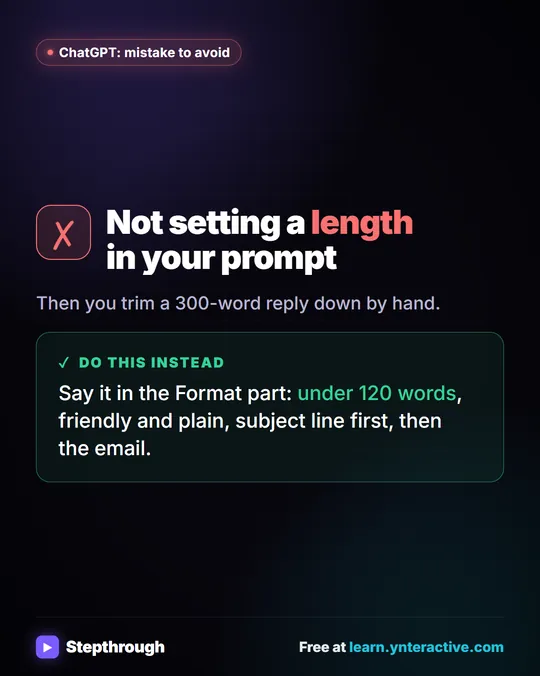
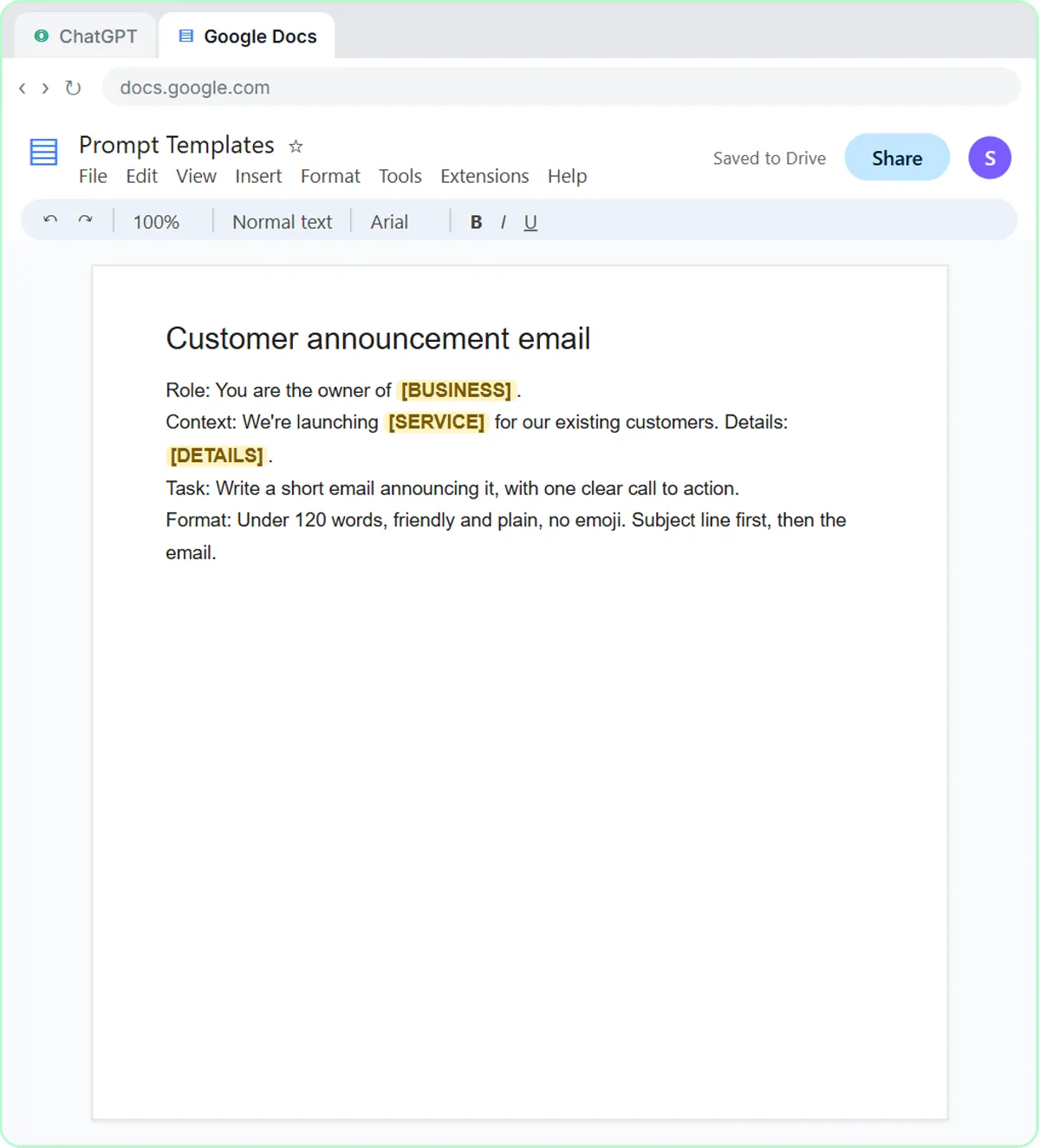
Build each ChatGPT prompt from four parts: Role, Context, Task and Format. Better prompts save you the rewrite a vague request forces on you.
In Prompt Writing 101, you ask for a customer email twice as the owner of a made-up lawn company. The vague version comes back with placeholders like [Your Company Name] and an emoji. The four-part version comes back ready to send, with the real price and dates, and you save it as a template in a Google Doc. Details are in How to Write Better ChatGPT Prompts.
Time: 8 minutes. Cost: ChatGPT has a free plan and paid plans, and structured prompts work on all of them.
How can ChatGPT turn a meeting transcript into action items?
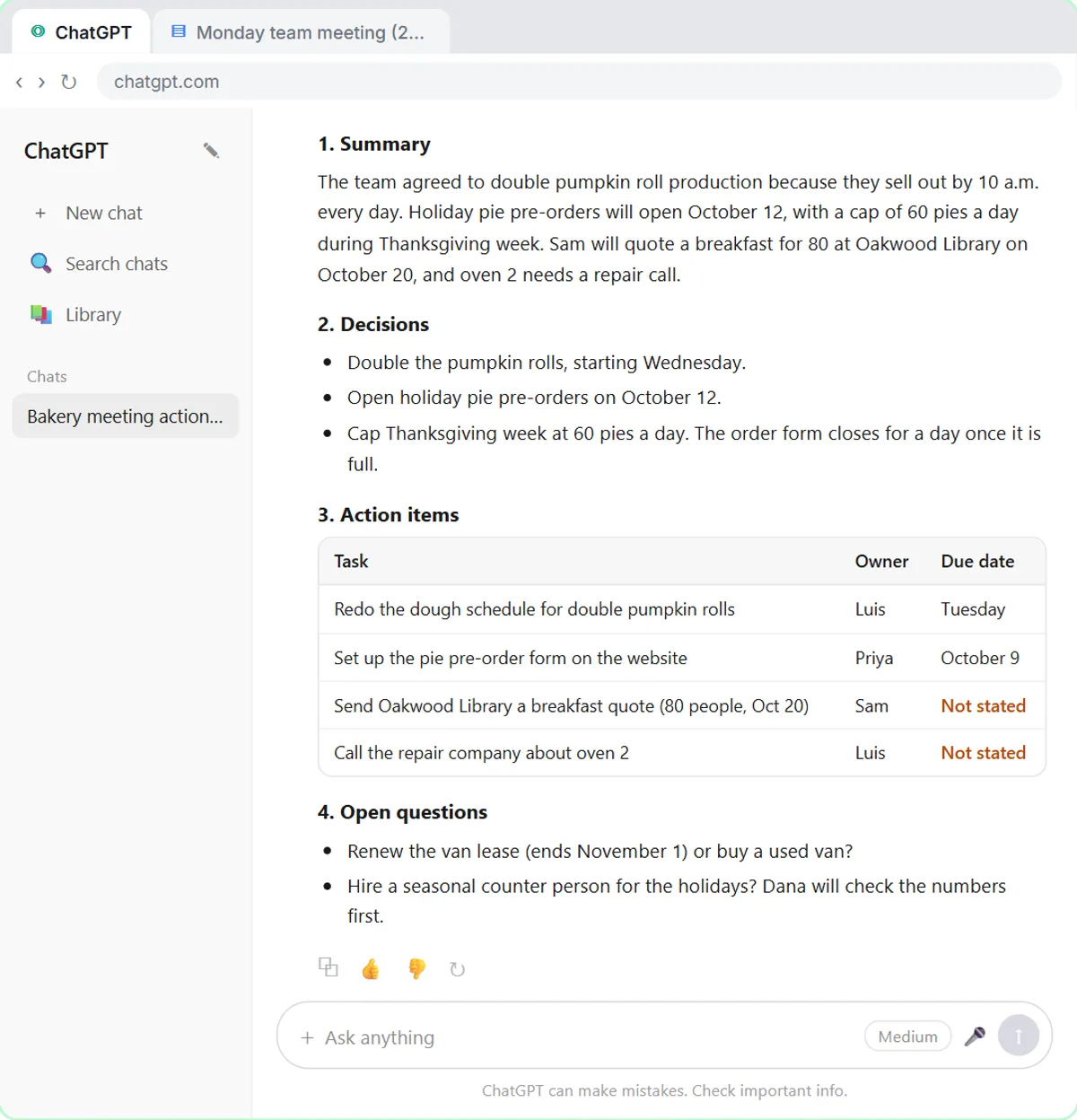
Paste the transcript under one clear request for a summary, decisions, an action items table with owners and due dates, and open questions. A ChatGPT meeting recap saves writing the recap and the "who was doing that?" a week later.
In Summarize a Meeting Transcript, you copy the transcript Google Meet saved after a meeting at Harbor Street Bakery, a made-up business. The key line is "If an owner or date isn't said, write 'Not stated'." Two dates come back Not stated, you fill them in, and ChatGPT turns the result into a follow-up email.
Time: 9 minutes. Cost: the same ChatGPT plan. If a transcript has private details, check your company's rules before sharing it with any AI tool. To stay with ChatGPT longer, see How to Use ChatGPT for Work.
Can I automate a daily task without using AI?
Yes. A first n8n automation can skip AI entirely, like emailing each technician their jobs every morning. It saves the morning copy-paste of jobs into emails, one tech at a time.
In Daily Job Alerts, you're the office at Rapid Flow Plumbing, a made-up company, and you build four steps:
- A Schedule Trigger at 7am.
- A Google Sheets step that reads the Today's Jobs tab.
- A Filter that skips jobs with no tech assigned.
- A Gmail step that sends each job to its tech.
Then you click Publish so it runs every day on its own. The walkthrough is in Email Each Tech Their Jobs Every Morning.

Time: 10 minutes. Cost: n8n Cloud is a paid service after a free trial, or you can self-host n8n. There's no AI model in this workflow, so there's no OpenAI bill.
Try it free, step by step
Daily Job Alerts: Email Each Tech Their Jobs from Google Sheets with n8n. Every morning at 7, n8n reads a plumbing company's jobs sheet, skips anything not assigned yet, and emails each job to the tech it's assigned to — customer, address, time and what's wrong. No AI… You do every step yourself in a practice copy of n8n, it checks your work as you go, and “Do it for me” finishes any step you get stuck on. Free, and nothing touches your real accounts.
Start the free lessonHow can AI get receipts into a spreadsheet?
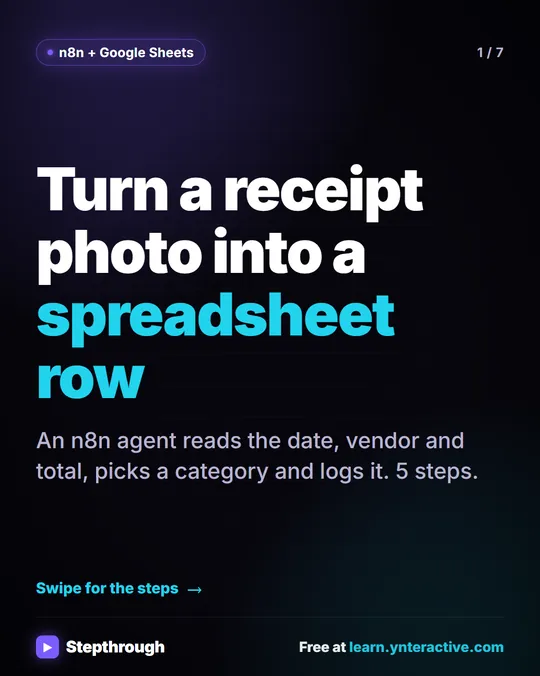
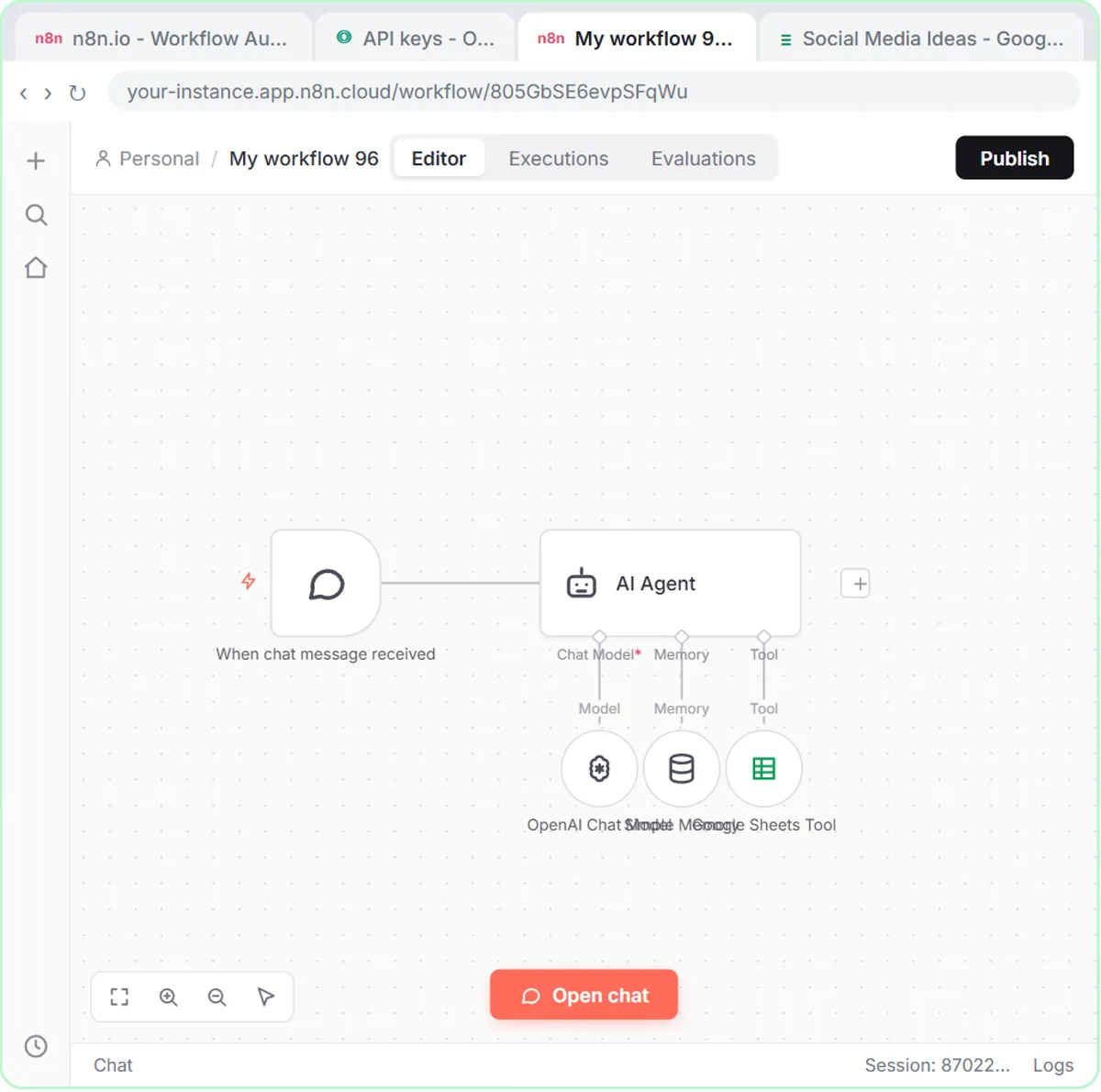
An n8n AI agent can read a receipt photo, pull out the date, vendor and total, pick a category and add a row to Google Sheets. An AI receipt extractor saves typing receipts by hand.
In the AI Receipt Extractor, a Corner Mart receipt for 31.57 becomes a Groceries row in an Invoices sheet, and you check the row against the receipt before trusting it. More in Get Receipts into Google Sheets with AI.
Time: 12 minutes. Cost: n8n plus an OpenAI API key. The OpenAI API is pay-as-you-go and billed separately from ChatGPT plans; you add credit at platform.openai.com, and the n8n lessons suggest $10 to start. OpenAI API vs ChatGPT Plus explains the difference.
Can AI draft email replies without sending them?
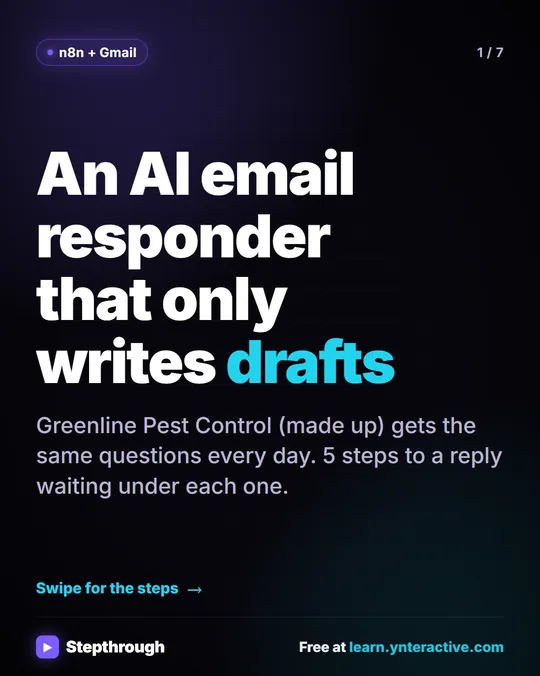
Yes. An n8n agent can read each new Gmail message and save a reply as a draft in the same thread, so a person still reads it and clicks Send. AI reply drafts save typing the same answers to the same questions.
In the AI Email Responder, you're the office at Greenline Pest Control, another made-up business. The agent checks Gmail every minute and writes replies from the company's real service areas and prices. When it doesn't know something, the system message tells it to say someone will follow up, never to make it up. More in AI Email Replies Without Auto-Sending.
Time: 12 minutes. Cost: n8n and an OpenAI API key. Customer emails contain personal details, so follow your company's policy on sending them to AI services.
Which AI project should I start with?
If you only have ten minutes, start with Prompt Writing 101, because better prompts make every other AI tool more useful. Otherwise, match the project to your weekly chore: meetings, spreadsheet-to-email copying, receipts or repeat customer questions.
Practice in the lesson, build it for real on one small piece of your work, and run it alongside your old way for a week before you trust it. For the full n8n order, see Learn n8n from Zero, or browse AI Automation for Beginners.
Key takeaways
- The easiest first AI project for a small business is a weekly task you already do, done in ChatGPT with a Role, Context, Task and Format prompt.
- A first n8n automation can skip AI entirely, like emailing each technician their jobs at 7am from a Google Sheet.
- ChatGPT has a free plan; n8n Cloud is paid after a free trial or can be self-hosted; the OpenAI API is pay-as-you-go and billed separately from ChatGPT.
- AI that writes to customers should save drafts for a person to read, not send on its own.
Frequently asked questions
- What is the easiest way to start using AI in a small business?
Use ChatGPT on a task you already do every week, like a customer email or a meeting recap. Learn to write a clear four-part prompt first, then add automation later.
- Do I need to know how to code to start using AI?
No. ChatGPT is plain conversation, and n8n is built by clicking and pasting, so none of these five projects need code.
- How much does it cost to start using AI in a small business?
ChatGPT has a free plan, and the Stepthrough lessons are free. n8n Cloud is paid after a free trial or can be self-hosted, and the AI projects in n8n also need a pay-as-you-go OpenAI API key.
- Should AI send emails to customers on its own?
Not for a first project. Have AI write drafts and let a person read each one before it goes out.