The best AI for small business in 2026
Quick answer
For most small businesses, the best AI is the one included with the email system you already pay for: Microsoft Copilot on Microsoft 365, or Gemini on Google Workspace. If you have neither, or want a stronger standalone assistant, buy ChatGPT Business or Claude Team at $25 per user a month, or $20 billed annually, as of October 2026. Once the team uses AI every day, add an automation tool such as n8n for the jobs that repeat.
Last updated
This guide is for owners of companies with roughly 2 to 50 people who want one sensible setup, not a stack of subscriptions. Start with one person and one job: the free Reply Faster: Customer Emails lesson takes about ten minutes and shows the routine every assistant uses.
How do they compare at a glance?
| Your situation | Best first pick | Cost per user |
|---|---|---|
| You use Microsoft 365 | Copilot Chat, then the Copilot Business add-on for Outlook, Word, Excel and Teams | Copilot Chat at no additional cost on eligible plans; add-on $21 a month paid yearly |
| You use Google Workspace | Gemini in Gmail, Docs and Sheets | Included; Workspace from $7 a month |
| Neither, or you want a standalone assistant | ChatGPT Business or Claude Team | $25 a month, or $20 billed annually |
| Lots of long documents or contracts | Claude Team | $25 a month, or $20 billed annually |
| Lots of research with sources | Add Perplexity | Pro $20 a month; Enterprise Pro from $40 a seat |
| Repeated jobs, like inbox sorting or lead replies | An automation tool such as n8n, using an AI model's API | Tool plan plus API usage by tokens |
What is the best AI tool for a small business?
There is no single winner, but there is a sensible order. First, use what you already pay for: Microsoft lists Copilot Chat at no additional cost with eligible Microsoft 365 plans, and Google lists Gemini in Gmail on every Workspace business plan. Second, if that isn't enough, pick one standalone assistant for the whole team, either ChatGPT or Claude, on a business plan. Third, automate the jobs that repeat.
Resist buying several assistants at once. One tool that everyone learns properly beats four that nobody uses well, and a single business plan is far easier to secure. Which AI should I use? has a table by job if your team's needs are unusual.
How much should a small business spend on AI?
As of October 2026, a business plan for a standalone assistant costs about $20 to $25 per user a month: ChatGPT Business is $25, or $20 billed annually, and a Claude Team Standard seat is the same. Microsoft's Copilot Business add-on is $21 per user a month paid yearly, with a promotional $18 on annual plans through December 2026. Gemini comes inside Google Workspace, which starts at $7 per user a month.
You don't need a seat for everyone on day one. Start with the people who write the most email or read the most documents, measure the time saved for a month, then decide. Automations add a small, usage-based bill: the free AI Social Media Idea Agent lesson starts with a $10 credit balance, which it says goes a long way.
Is free AI good enough for a small business?
Free plans are good enough to learn on and to try with non-sensitive work, such as social posts or rewriting your own notes. They are not the right place for customer, employee or financial details, because personal plans can use chats for training unless you change a setting, and they have no admin controls. The free vs paid AI plans page lays out what each tier adds.
When should a small business add AI automation?
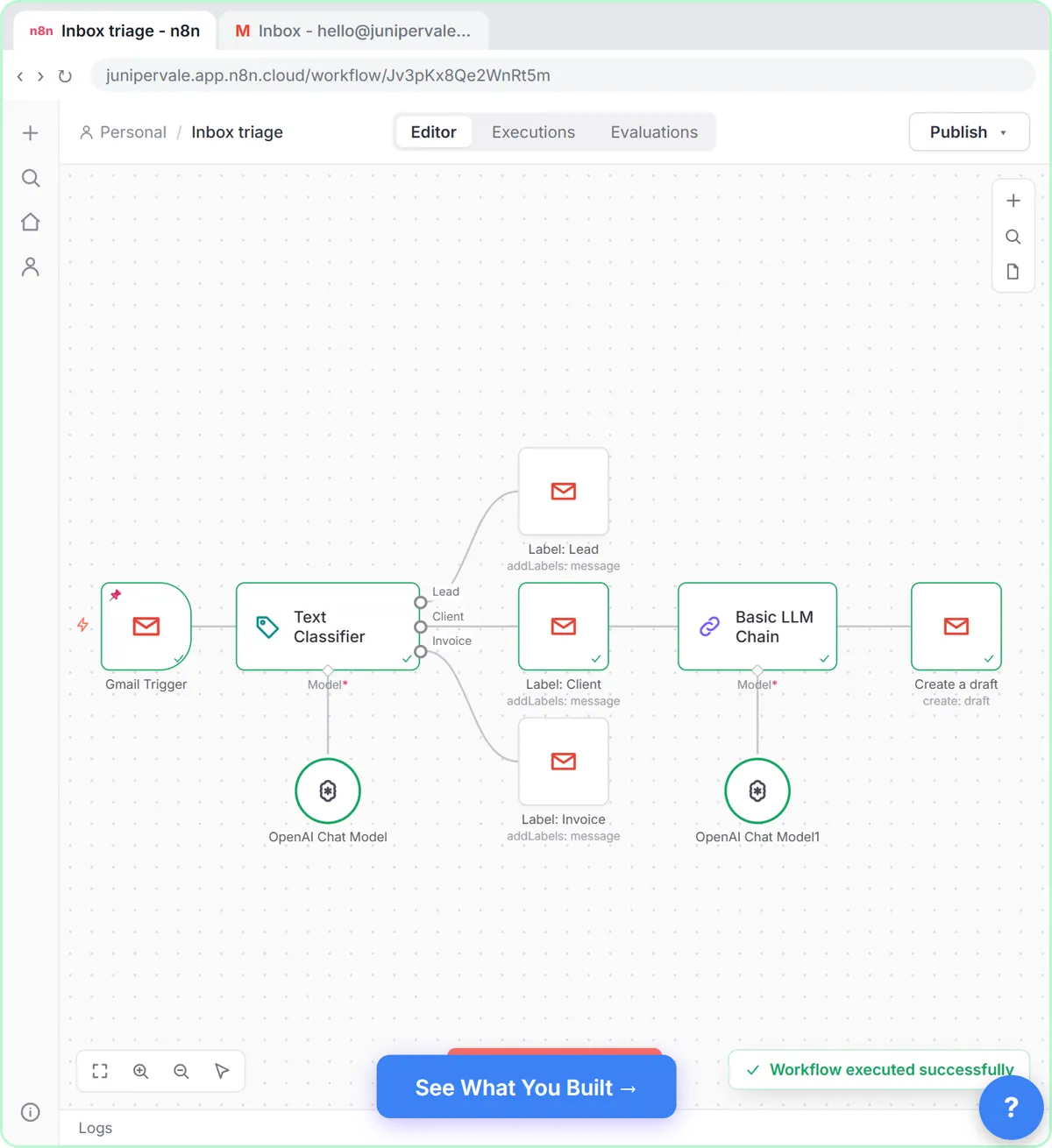
When the same job happens many times a week in the same way: sorting the inbox, answering web leads, logging receipts or chasing invoices. A chat assistant needs a person to open it each time; an automation runs on its own. The free AI Email Responder lesson builds one in n8n, and Gmail AI Triage labels every incoming email and drafts replies for a person to check.
Keep a human check on anything that goes to a customer. Zapier vs Make vs n8n compares the three main automation tools.
How do I keep customer data safe with AI?
Put three rules in writing. Use only the business accounts the company pays for. Remove details the AI doesn't need, such as account numbers and dates of birth. Have a person read every message before it goes to a customer. A one-page AI acceptable use policy covering those rules prevents most problems, including shadow AI, where staff use personal accounts for work.
Who is each one for?
Microsoft Copilot
The first pick for small businesses on Microsoft 365, starting with Copilot Chat at no additional cost on eligible plans. A free Stepthrough lesson for Copilot is coming.
Gemini
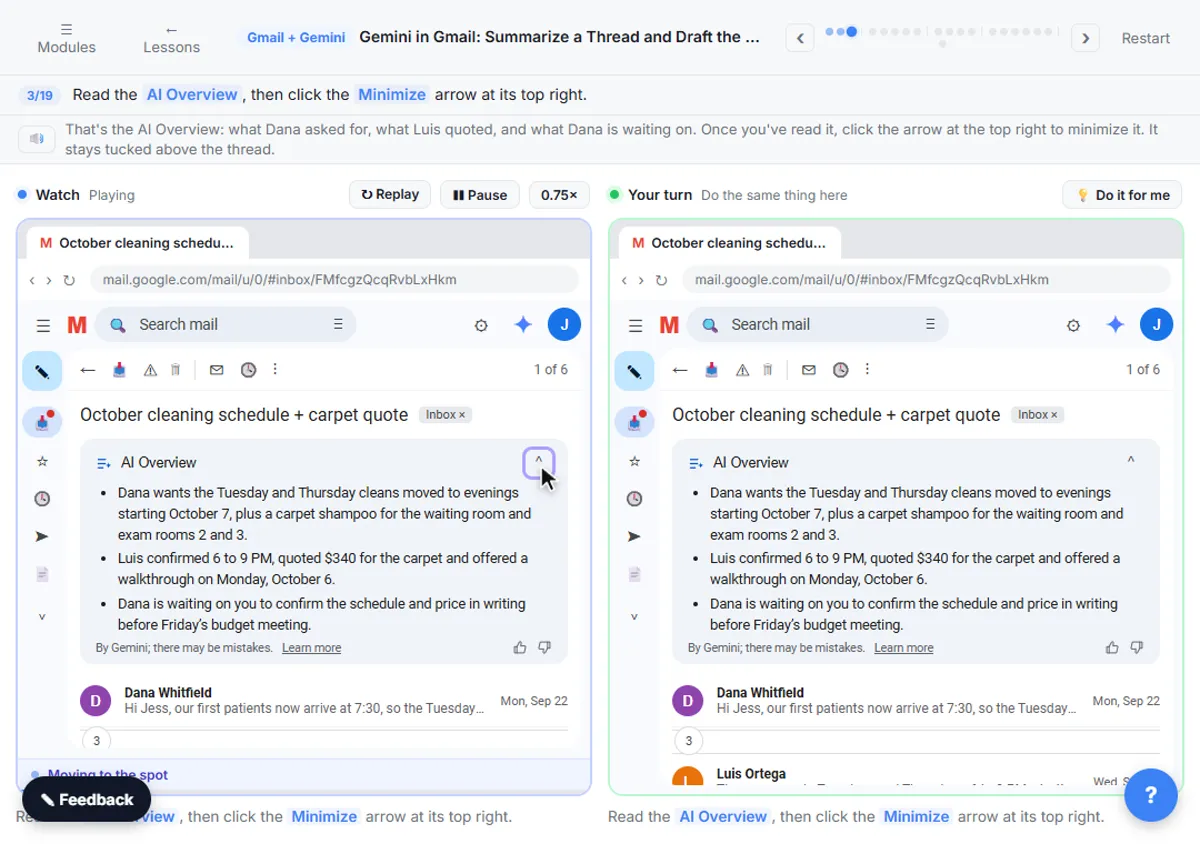
The first pick for small businesses on Google Workspace, because it works inside Gmail, Docs and Sheets. Practice in Gemini in Gmail.
ChatGPT
A strong standalone assistant for any small business, with the widest set of features. Practice in Reply Faster and Make Images with ChatGPT.
Claude
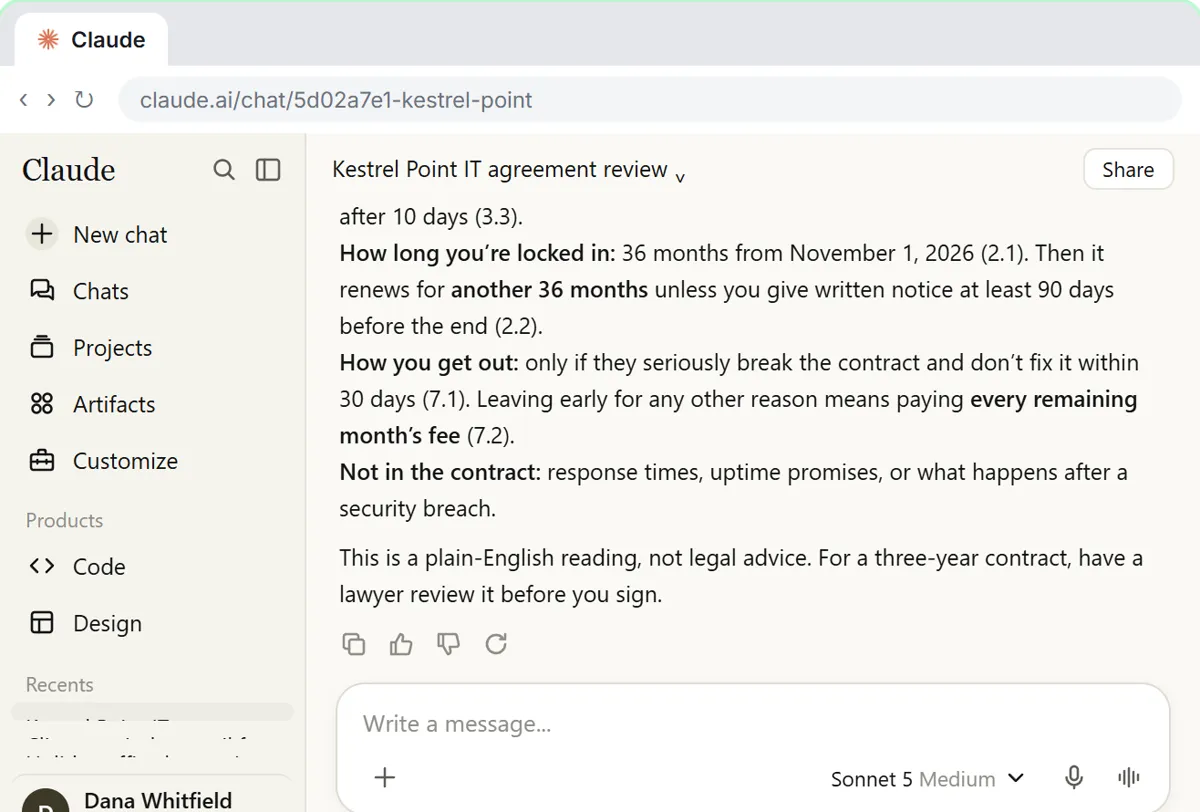
A strong standalone assistant for businesses that handle many long documents, such as contracts and proposals. Practice in Check a contract for red flags.
n8n
For repeated jobs that should run without anyone opening a chat, such as replying to leads or sorting email. Practice in AI Email Responder.
Which of these tools have a free Stepthrough lesson?
- Microsoft Copilot: a free Stepthrough lesson is coming.
- Gemini: free lesson: Gemini in Gmail: Summarize a Thread and Draft the Reply
- ChatGPT: free lesson: Reply Faster: Turn a Messy Customer Email Thread into a Clear, Friendly Reply
- Claude: free lesson: Your First Chat with Claude: Models, Files and a Great First Prompt
- n8n: free lesson: AI Email Responder: Draft Gmail Replies Automatically with n8n
Practice it free, step by step
Reply Faster: Turn a Messy Customer Email Thread into a Clear, Friendly Reply. Turn a messy customer email thread into a clear, friendly reply: give ChatGPT the thread and your facts, check every promise, fix the tone, and send it from Gmail. You do every step yourself in a practice copy of ChatGPT, it checks your work as you go, and “Do it for me” finishes any step you get stuck on. Free, and nothing touches your real accounts.
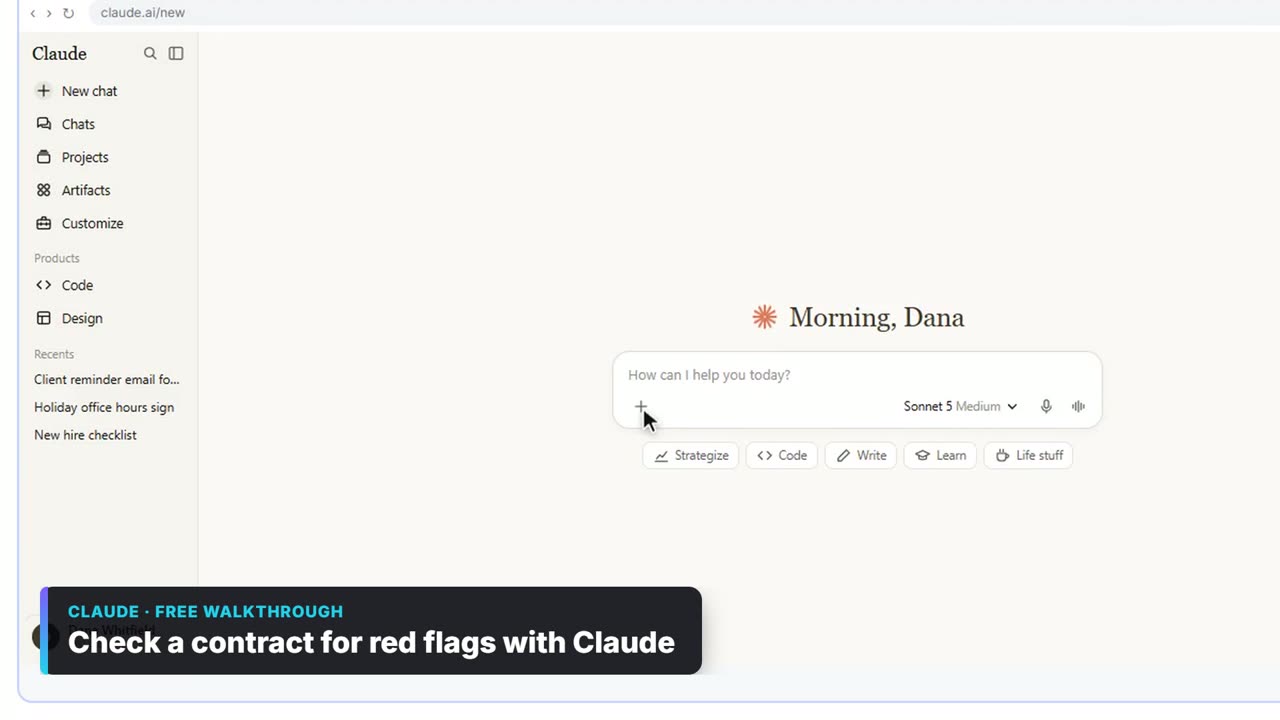
Start the free lessonWatch it in a free lesson: Check a Contract for Red Flags with Claude
 3:30
3:30Check a contract for red flags with Claude: video walkthrough
Upload a vendor contract, get it in plain English, find the risky clauses with the exact words quoted, draft questions for the vendor, and save the review as a project for the next one. The whole lesson narrated step by step, recorded in Stepthrough’s simulated practice environment.
Key takeaways
- Start with the AI included in your Microsoft 365 or Google Workspace plan.
- If you need a standalone assistant, buy one business plan for the team: ChatGPT Business or Claude Team, $25 per user a month or $20 billed annually as of October 2026.
- Keep customer data in business accounts only, and have a person check every customer-facing message.
- Add automation once a job repeats many times a week.
Frequently asked questions
What is the cheapest AI for a small business?
The one you already have. Copilot Chat comes with eligible Microsoft 365 plans and Gemini comes with Google Workspace. Beyond that, free plans cost nothing but aren't suitable for customer data.
Should a small business use ChatGPT or Copilot?
If you're on Microsoft 365, try Copilot first, since Copilot Chat is included on eligible plans. If you're not, or want a broader standalone assistant, ChatGPT Business is the usual choice.
How do I train my staff to use AI?
Pick one real job, such as customer emails, and have everyone do one short hands-on lesson on it. Most free Stepthrough lessons take about 7 to 12 minutes, step by step.
Where do these prices and features come from?
Every price and feature on this page was checked against the vendor's own page, as of October 2026. No numbers here are estimates or third-party figures. The example businesses in the Stepthrough lessons are made up.