Free vs paid AI plans: what you actually get
Quick answer
Free AI plans are good enough to learn on and to handle a few everyday jobs a day. Paying about $20 a month buys higher limits, the vendor's stronger models and extras such as deep research and bigger file uploads. Paying for a business plan, usually $20 to $25 per user a month, buys something different: your data is kept out of model training by default, and an admin controls who has access. For client work, that business tier is the one that matters.
Last updated
This page is for anyone deciding whether to pay, and for owners deciding what to buy for a team. Prices are as listed by each vendor as of October 2026. Before you pay for anything, learn to prompt well on a free plan with the free Prompt Writing 101 lesson: a better prompt often fixes what people expect an upgrade to fix.
How do they compare at a glance?
| Free | Individual paid | Business | |
|---|---|---|---|
| ChatGPT | Free; Go $8 a month, which may include ads | Plus $20 a month; Pro from $100 | Business $25 per user a month, or $20 billed annually |
| Claude | Free | Pro $20 a month, or $17 billed annually; Max from $100 | Team Standard $25 a month, or $20 billed annually |
| Gemini | Gemini app, $0 with a Google account | Google AI Pro $19.99 a month | Included in Google Workspace, from $7 per user a month |
| Microsoft Copilot | Copilot app, subject to capacity limits | Microsoft 365 Premium $19.99 a month | Copilot Chat included with eligible Microsoft 365 plans; Copilot Business add-on from $21 per user a month paid yearly |
| Perplexity | Free | Pro $20 a month; Max $200 | Enterprise Pro from $40 per seat a month |
What do free AI plans include?
More than most people expect. As of October 2026, every major assistant lets you chat, upload files, get help writing and search the web for free. ChatGPT's Free plan runs a GPT-5.6 model; Claude's Free plan includes its Sonnet and Haiku models; Gemini's free app uses Google's Flash model with limited access to Gemini 3.1 Pro.
The catches are limits and data. Free plans cap how many messages you can send, especially to the strongest models, and you hit those caps fastest with long files. And free plans are personal plans: ChatGPT and Gemini can use your chats for training unless you change a setting, and Claude asks you to choose. That makes a free plan fine for learning and general writing, and the wrong place for client records.
What does a $20 a month AI plan add?
ChatGPT Plus, Claude Pro, Google AI Pro and Perplexity Pro all sit at about $20 a month. What you get is mostly more: more messages, more access to the vendor's stronger models and reasoning modes, bigger uploads and longer context, plus features such as deep research. Google AI Pro also bundles 5 TB of storage and Gemini in Gmail and Docs for a personal account; Claude Pro adds Claude in Excel, Word and PowerPoint and Claude in Chrome.
Upgrade when you keep hitting the free limits on real work, or when you need a feature only the paid tier has. If you use AI a few times a week, the free plan is usually enough. ChatGPT also offers Go at $8 a month, between Free and Plus, which OpenAI notes may include ads.
What does a business AI plan add?
Business plans change the terms, not just the limits. OpenAI says ChatGPT Business data is not used for training by default; Anthropic says the same for Claude Team; Google says Gemini in Workspace does not use customer data for training without permission; and Microsoft's enterprise data protection covers Copilot on work accounts. Business plans also add an admin console, single sign-on and central billing, so the company, not each employee, owns the accounts.
If anyone on your team handles client, patient, employee or financial details, this is the plan to budget for. Check whether your existing Microsoft 365 or Google Workspace subscription already includes an assistant before you add a new one.
Does a ChatGPT or Claude subscription include the API?
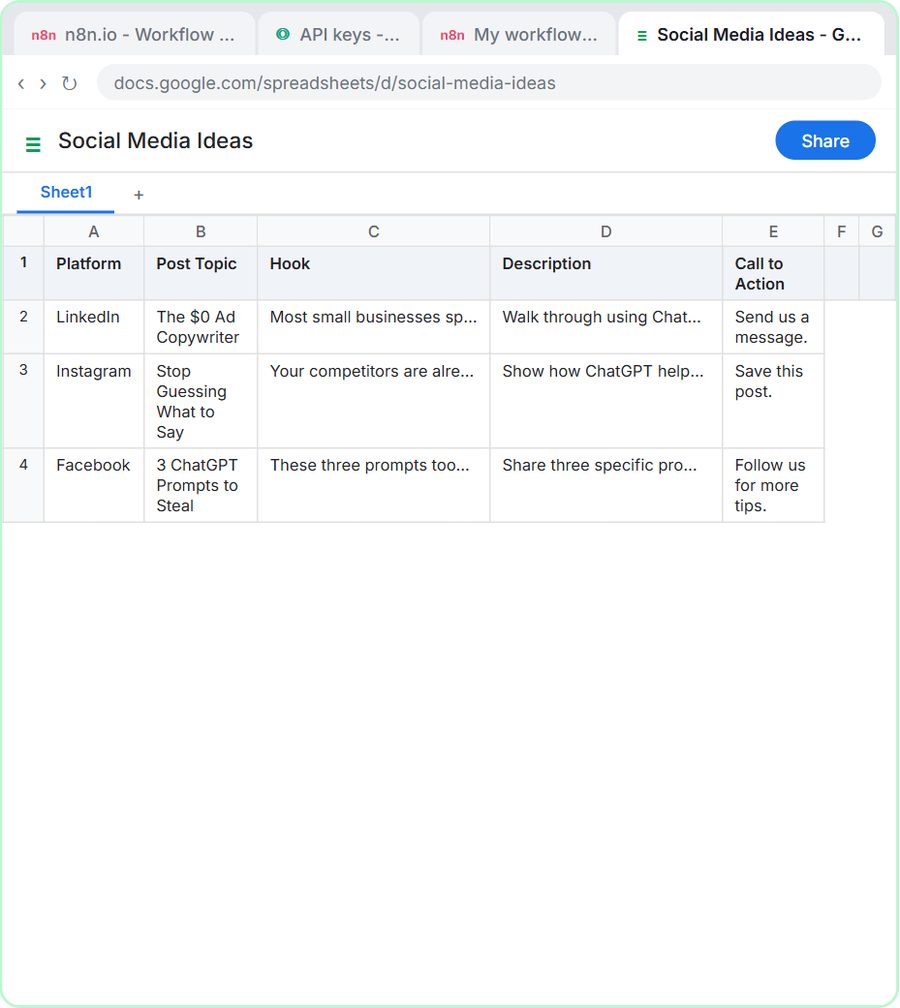
No. Subscriptions cover the chat apps. Automations in tools like n8n call the models through an API, which is billed separately by token pricing. The free AI Social Media Idea Agent lesson shows the setup: you add a small credit balance on OpenAI's developer platform, where, as the lesson puts it, you pay per request, not per month. The blog post OpenAI API vs ChatGPT Plus explains the difference in more detail.
Who is each one for?
Free plans
Best for learning, occasional writing help and testing which assistant suits you. Work through Prompt Writing 101 and Your first chat with Claude on free plans before paying for anything.
$20 individual plans
Best for people who use AI every day for their own work and keep hitting free limits, and who don't handle confidential client data in it.
Business plans
Best for any team that puts client or company information into AI. They add no-training-by-default terms, admin control and single sign-on. Microsoft 365 and Google Workspace customers may already have one included.
Which of these tools have a free Stepthrough lesson?
- ChatGPT: free lesson: Reply Faster: Turn a Messy Customer Email Thread into a Clear, Friendly Reply
- Claude: free lesson: Your First Chat with Claude: Models, Files and a Great First Prompt
- Gemini: free lesson: Gemini in Gmail: Summarize a Thread and Draft the Reply
- Microsoft Copilot: a free Stepthrough lesson is coming.
- Perplexity: a free Stepthrough lesson is coming.
Practice it free, step by step
Prompt Writing 101: Role, Context, Task, Format. Ask ChatGPT for the same customer email twice, once vaguely and once with a four-part prompt, and see exactly why structure gets a better answer. You do every step yourself in a practice copy of ChatGPT, it checks your work as you go, and “Do it for me” finishes any step you get stuck on. Free, and nothing touches your real accounts.
Start the free lessonWatch it in a free lesson: Get Your Business Recommended by ChatGPT
 2:14
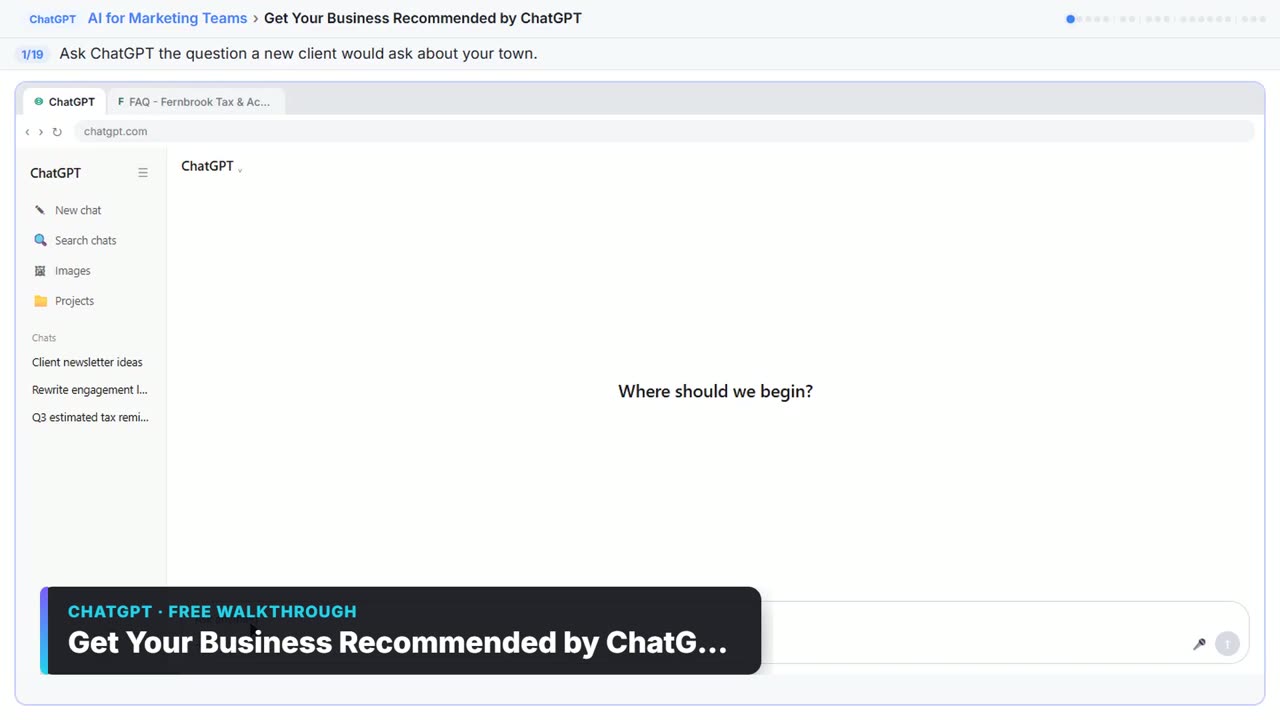
2:14Get Your Business Recommended by ChatGPT: video walkthrough
Ask ChatGPT who it recommends in your town, see which pages it trusts, then use it to write an FAQ page and Business Profile copy that answer real customer questions. The whole lesson narrated step by step, recorded in Stepthrough’s simulated practice environment.
Key takeaways
- Free plans are good enough to learn on and for light everyday use.
- The $20 a month tier buys higher limits, stronger models and extras, not better privacy.
- Business plans, about $20 to $25 per user a month as of October 2026, are what keep your data out of training by default.
- Subscriptions never include API use for automations; that is billed separately by tokens.
Frequently asked questions
Is ChatGPT Plus worth it?
It is worth it if you use ChatGPT daily and hit the free limits, or need deep research and the stronger models. For occasional use, the free plan is usually enough. For client data, ChatGPT Business is the plan to consider instead.
Which free AI plan is best?
ChatGPT, Claude and Gemini all have strong free plans for writing; Perplexity's is good for quick cited answers. Try the same task in two of them and keep the one you prefer.
Is my data safer on a paid personal plan?
Not automatically. Paid personal plans like ChatGPT Plus use the same training settings as free ones. Business plans are the tier with no training by default.
Can I share one paid account with my team?
Vendors' terms generally don't allow shared logins, and it removes any record of who did what. Use a team or business plan with a seat per person.
Where do these prices and features come from?
Every price and feature on this page was checked against the vendor's own page, as of October 2026. No numbers here are estimates or third-party figures. The example businesses in the Stepthrough lessons are made up.