Which AI Should I Use? A Plain-English Guide (2026)
Quick answer
Use the AI that lives where your work already is: Microsoft Copilot if your office runs on Outlook, Word, Excel and Teams, Gemini if it runs on Gmail and Google Docs, and ChatGPT or Claude if you want a strong general assistant in its own app. Add Perplexity when you need answers with sources. For confidential client work, the plan matters more than the brand: use a business plan your company has approved, where your data is not used for training by default.
Last updated
This guide is for office workers and small and mid-size business owners who want a straight answer, not a ranking. The table below picks a tool for each common job, as of October 2026, and links the free Stepthrough lesson where you can practice it. If you only try one thing today, the free Prompt Writing 101 lesson teaches the four-part prompt that works in every one of these assistants.
How do they compare at a glance?
| Job | Pick this when | Practice it free |
|---|---|---|
| Writing and replying to email | Any of the big four works. Use Gemini inside Gmail or Copilot inside Outlook if you have them; otherwise ChatGPT or Claude with the facts pasted in. | Reply Faster: Customer Emails, Gemini in Gmail, Your first chat with Claude |
| Analyzing spreadsheets | Copilot if the file lives in Excel, Gemini if it lives in Google Sheets. ChatGPT and Claude work on an uploaded file, and Claude's paid plans include Claude in Excel. | Artifacts: build a price calculator; a spreadsheet lesson is coming |
| Research with sources | Perplexity for quick cited answers, ChatGPT or Gemini deep research for longer reports, Gemini Notebook to answer only from your own documents. | Get Your Business Recommended by ChatGPT, Gemini Notebook |
| Meetings and notes | Copilot in Teams or Gemini in Meet if your plan includes it; otherwise paste the transcript into ChatGPT or Claude. See the meeting note-taker comparison for dedicated tools. | Summarize a Meeting Transcript, Summarize a Client Meeting |
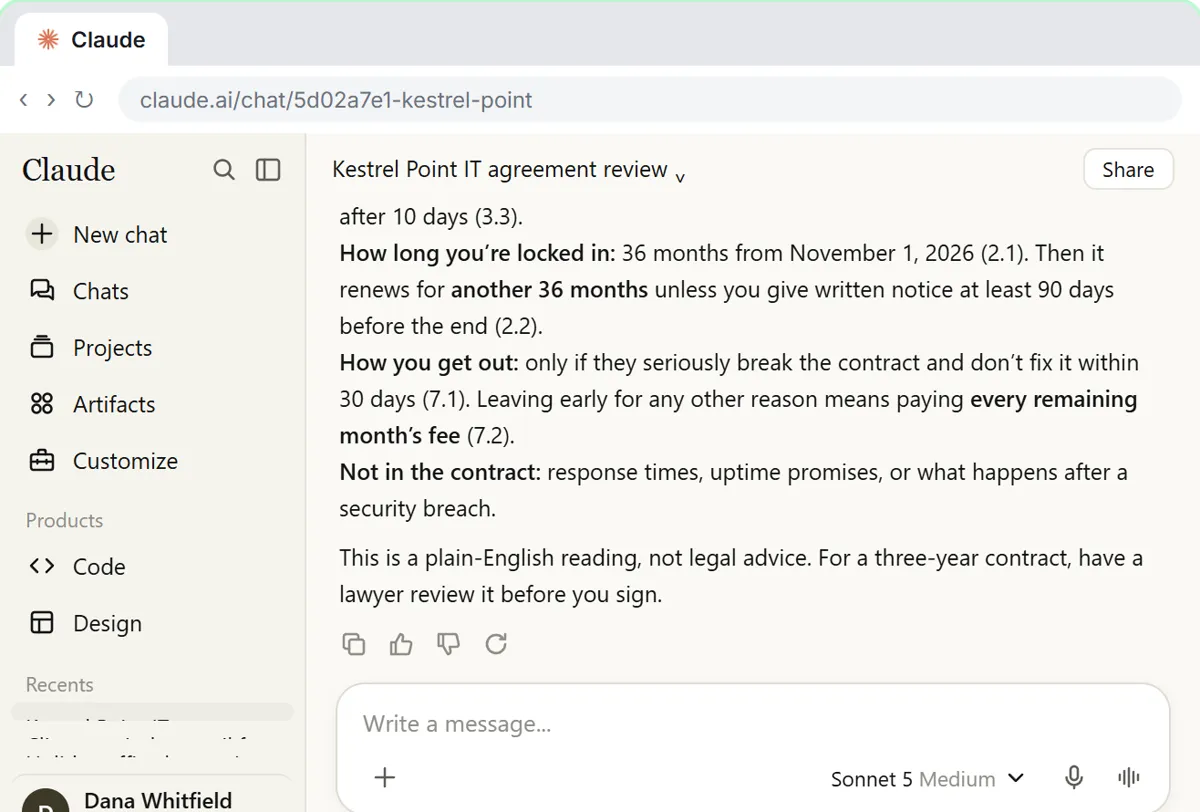
| Long documents and contracts | Claude is a strong pick for reading long contracts and policies and quoting the exact clause; ChatGPT and Gemini also handle large files on paid plans. | Check a contract for red flags with Claude |
| Coding and light automation | ChatGPT or Claude to write formulas and scripts; n8n, Zapier or Make to run AI on a schedule. See Zapier vs Make vs n8n. | AI Social Media Idea Agent, AI Email Responder |
| Images | ChatGPT for posters and social graphics with exact text; Gemini is a strong alternative on Google accounts. | Make Images with ChatGPT for Your Business |
| Working inside Microsoft 365 | Microsoft Copilot. Copilot Chat comes at no extra cost with eligible Microsoft 365 plans; the paid add-on puts Copilot inside Word, Excel, Outlook and Teams. | Copilot lessons are coming; read Copilot vs ChatGPT for work |
| Working inside Google Workspace | Gemini. Every Workspace business plan lists Gemini in Gmail; Business Standard and up add it in Docs, Meet and more. | Gemini in Gmail, Gmail Filters, Labels and AI Drafts |
| Privacy-sensitive client data | A business plan your company has approved: ChatGPT Business or Enterprise, Claude Team or Enterprise, Gemini in Workspace or Copilot on a work account. Never a personal account. | Reply Faster: Client Case Updates, Check a contract for red flags |
| Tight budget | Start free. ChatGPT, Claude, Gemini, Copilot and Perplexity all have free plans; pay about $20 a month only when you hit the limits. See free vs paid AI plans. | Prompt Writing 101 |
What is the simplest way to choose an AI tool?
Ask three questions in order. First, what does your company already pay for? If you have Microsoft 365, try Copilot Chat; if you have Google Workspace, try Gemini in Gmail. Second, what does your company allow? Many firms approve one assistant for client work, and that decides it. Third, what is the job? The table above gives a sensible default for each one.
If nothing is decided for you, start with ChatGPT or Claude. Both are general assistants with a free plan, both work with any email system, and their individual paid plans cost $20 a month as of October 2026. The skills you learn in one carry straight over to the other.
Which AI companies make these tools?
A handful of companies build the models behind almost every AI tool you will meet at work. OpenAI makes ChatGPT and the GPT models. Anthropic makes Claude. Google DeepMind builds Gemini. Microsoft makes Copilot, which runs on models from OpenAI and, as of October 2026, Anthropic too. Perplexity builds a search assistant on top of several of these models.
Others matter more for developers and IT teams: Meta AI and its open-weight Llama models, Mistral AI in France, xAI, which makes Grok, and DeepSeek in China. Each glossary page covers what the company makes, who it suits, how it treats your data and how to try it.
Does the AI model matter more than the app?
For most office work, no. Every major assistant now runs a frontier model or something close to it, and each app picks a model for you, often with a model router. What changes your day is the app around the model: whether it sits inside your email, whether it can see your files, how it handles your data and what your company has approved.
The model does matter in two cases. When you build automations, you choose the model yourself and pay by the token, so the cheaper tiers of a model family save real money; token pricing explains how to read the price list. And for genuinely hard work, such as a long contract or a messy analysis, the top model is worth the extra time.
Which AI is safest for client and customer data?
The safest choice is a business plan, not a particular brand. As of October 2026, OpenAI says ChatGPT Business, Enterprise and API data are not used for training by default; Anthropic says the same for Claude Team, Enterprise and the API; Google says Gemini in Workspace does not use customer data to train models without permission; and Microsoft's enterprise data protection covers Copilot Chat when you sign in with a work account.
Personal plans are different. ChatGPT, Gemini, Grok and Mistral's assistant can use personal chats for training unless you change a setting, and Claude asks you to choose. DeepSeek's privacy policy says it stores data in China. Whatever you use, follow your AI acceptable use policy and remove details the AI does not need.
How do I test which AI fits my job?
Give the same real task to two or three assistants, word for word, with the same facts. A renewal reminder email or a meeting recap is ideal. Then score each answer on the facts it got right, what it invented and how much you had to fix. The winner for your task is often obvious within ten minutes, and a second message asking for changes tells you more than the first answer.
A hands-on Stepthrough lesson that runs one office task through ChatGPT, Claude, Gemini and Copilot side by side is coming. Until then, the head-to-head pages below compare the assistants two at a time.
Which head-to-head comparison should I read next?
Pick the pair you are deciding between: ChatGPT vs Claude, ChatGPT vs Gemini, Claude vs Gemini, Copilot vs ChatGPT for work or Perplexity vs ChatGPT vs Gemini for research. For prices on one page, see ChatGPT vs Claude vs Gemini vs Copilot.
If you are choosing for a whole business, read the best AI for small business. For a specific job, there are guides for accountants and bookkeepers and recruiters and HR.
Who is each one for?
ChatGPT
The most familiar general assistant: writing, summarizing, images, research and files in one app, with a free plan and Plus at $20 a month as of October 2026. Most free Stepthrough lessons use it, starting with Prompt Writing 101.
Claude
A strong pick for long documents, careful writing and contract or policy review. Free plan, Pro at $20 a month, and Team plans for businesses. Start with Your first chat with Claude.
Gemini
The natural choice for Gmail and Google Workspace teams, because it works inside Gmail, Docs and Sheets. Practice in Gemini in Gmail.
Microsoft Copilot
The natural choice for Microsoft 365 offices, with Copilot Chat at no extra cost on eligible plans and enterprise data protection on work accounts. A free Stepthrough lesson for Copilot is coming.
Perplexity
The research specialist: short answers with numbered sources to check. Free plan and Pro at $20 a month, as listed in its help center as of October 2026.
Which of these tools have a free Stepthrough lesson?
- ChatGPT: free lesson: Reply Faster: Turn a Messy Customer Email Thread into a Clear, Friendly Reply
- Claude: free lesson: Your First Chat with Claude: Models, Files and a Great First Prompt
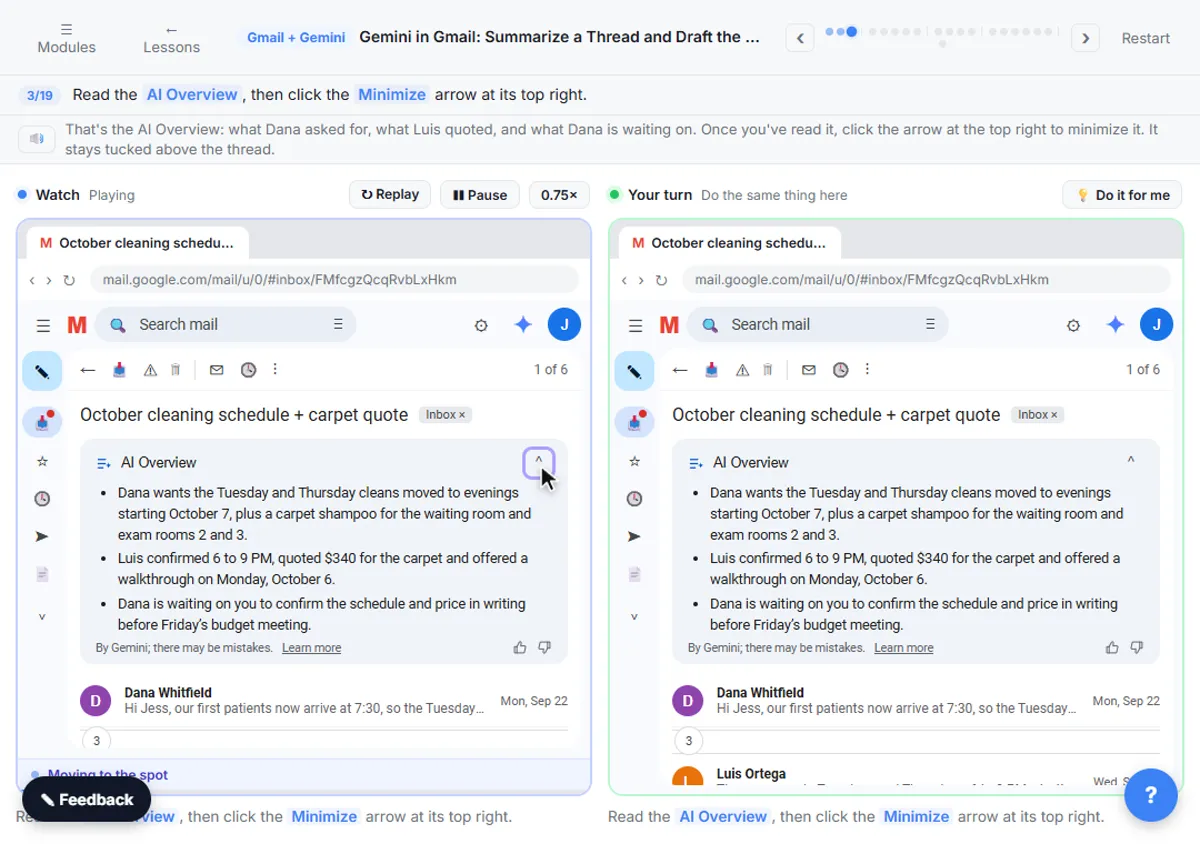
- Gemini: free lesson: Gemini in Gmail: Summarize a Thread and Draft the Reply
- Microsoft Copilot: a free Stepthrough lesson is coming.
- Perplexity: a free Stepthrough lesson is coming.
Practice it free, step by step
Prompt Writing 101: Role, Context, Task, Format. Ask ChatGPT for the same customer email twice, once vaguely and once with a four-part prompt, and see exactly why structure gets a better answer. You do every step yourself in a practice copy of ChatGPT, it checks your work as you go, and “Do it for me” finishes any step you get stuck on. Free, and nothing touches your real accounts.
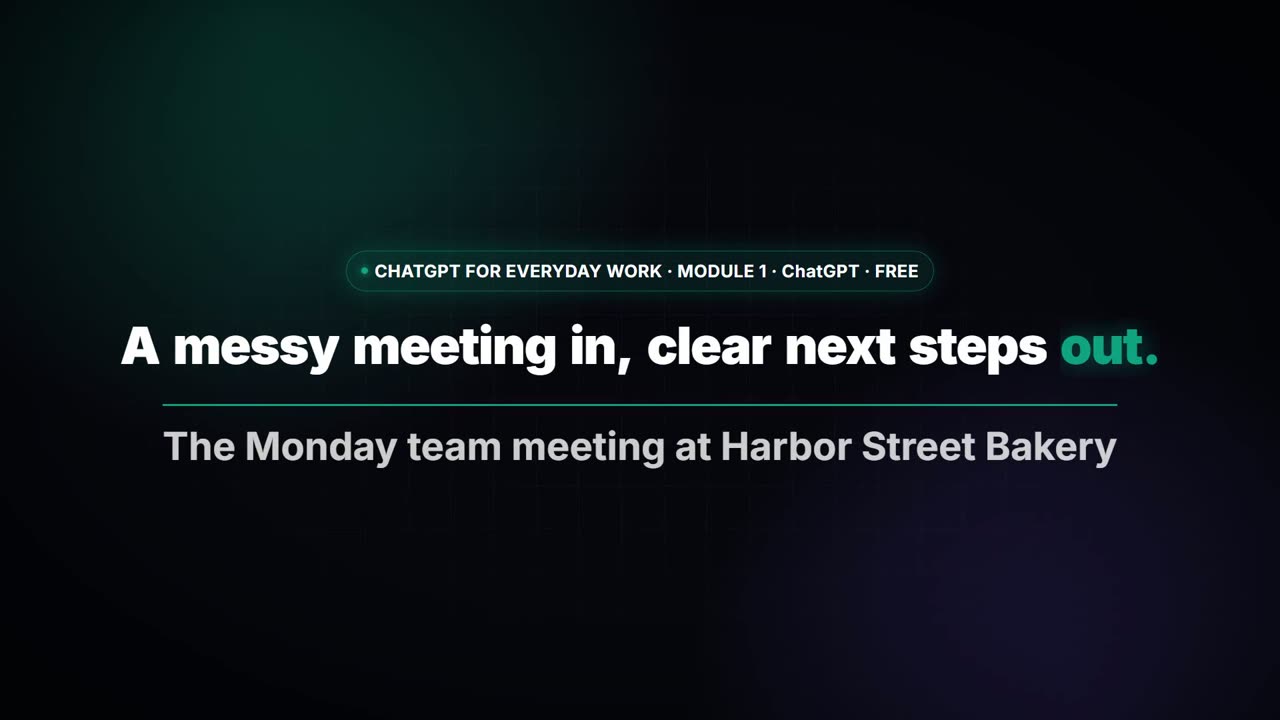
Start the free lessonWatch it in a free lesson: Summarize a Meeting Transcript with ChatGPT
 3:00
3:00A messy meeting in, clear next steps out with ChatGPT
Paste a long meeting transcript into ChatGPT and get the decisions, an action items table with owners and due dates, and a follow-up email ready to send.
Key takeaways
- Use the AI built into the tools you already pay for: Copilot for Microsoft 365, Gemini for Google Workspace.
- For a standalone assistant, ChatGPT and Claude are both strong; their individual paid plans are $20 a month as of October 2026.
- For client data, the plan matters more than the brand: use an approved business plan with no training by default.
- Perplexity is the specialist for answers with sources; check the citations before you repeat a claim.
- Test with your own task: the same prompt in two assistants tells you more than any ranking.
Frequently asked questions
What is the best AI for work in 2026?
There is no single best one. For most offices the best is the one built into their existing tools: Copilot for Microsoft 365, Gemini for Google Workspace. Without either, ChatGPT and Claude are the strongest general assistants.
Is it worth paying for more than one AI?
Usually not at first. Start with one paid plan, or none, and learn to prompt it well. Add a second tool only for a job the first one does badly, such as cited research or work inside your office suite.
Which free AI is best?
All of the big assistants have useful free plans. ChatGPT, Claude and Gemini are the strongest for writing; Perplexity's free plan is good for quick cited answers; Copilot is free for Microsoft account holders.
Are open-weight models like Llama or DeepSeek an option for my business?
Yes, if you have IT help. An open-weight model can run on your own servers so data stays in-house, but someone has to set it up and maintain it. Most small offices are better served by a business plan from a major vendor.
Where do these prices and features come from?
Every price and feature on this page was checked against the vendor's own page, as of October 2026. No numbers here are estimates or third-party figures. The example businesses in the Stepthrough lessons are made up.