ChatGPT vs Claude for work: which should you use?
Quick answer
Both are excellent general assistants, so pick by the work you do most. ChatGPT is the broader all-rounder: images, voice, deep research, an agent mode and the most connectors, in the app most people already know. Claude is the stronger pick for long documents and careful writing, such as contracts, policies and reports, and it tends to flag what it is unsure of instead of guessing. Their individual paid plans cost the same, $20 a month, as of October 2026.
Last updated
This comparison is for office workers and business owners choosing one assistant to learn properly. You can try both free in an afternoon. Practice the same email job in each with the free Reply Faster: Customer Emails lesson in ChatGPT and Your first chat with Claude.
How do they compare at a glance?
| ChatGPT | Claude | |
|---|---|---|
| Made by | OpenAI | Anthropic |
| Free plan | Yes, Free | Yes, Free |
| Paid plan for one person | Go $8 a month (may include ads); Plus $20 a month; Pro from $100 a month | Pro $20 a month, or $17 a month billed annually; Max from $100 a month |
| Team plan | Business: $25 per user a month, or $20 billed annually, 2 user minimum | Team Standard seat: $25 a month, or $20 billed annually; Premium seat $125, or $100 billed annually |
| Models, as of October 2026 | GPT-6 rolling out on paid plans, with a Thinking setting; GPT-5.6 on Free and Go | Fable 5.1 and Opus 5.5 for hard work, Sonnet 5.5 for everyday, Haiku 5.5 for speed |
| Trains on personal chats? | Yes unless you turn off "Improve the model for everyone" | Only if you allow it in "Help improve Claude" |
| Trains on business plans? | No, by default (Business, Enterprise, API) | No, by default (Team, Enterprise, API) |
| Works with Office apps | Excel, Word and PowerPoint extensions; connectors to Microsoft 365 and Google Drive | Claude in Excel, Word and PowerPoint on paid plans; Microsoft 365 and Google Drive connectors |
| Free Stepthrough lessons | Many, from Prompt Writing 101 up | A full course, from Your first chat to contract review |
Is ChatGPT or Claude better for writing?
Both write clear business emails, summaries and posts when you give them the facts and the tone. In our lessons, the difference shows up in style more than quality. ChatGPT tends to give you a finished draft quickly, often with options. Claude tends to write a little more carefully and to point out what it could not confirm: in Your first chat with Claude, it flags a customer's refund request for you instead of promising one.
For long pieces, such as a policy, a proposal or a report that has to follow a source document closely, many people prefer Claude. For short, varied jobs through the day, with images or voice mixed in, many prefer ChatGPT. The fair test is your own task in both.
Which is better for long documents and contracts?
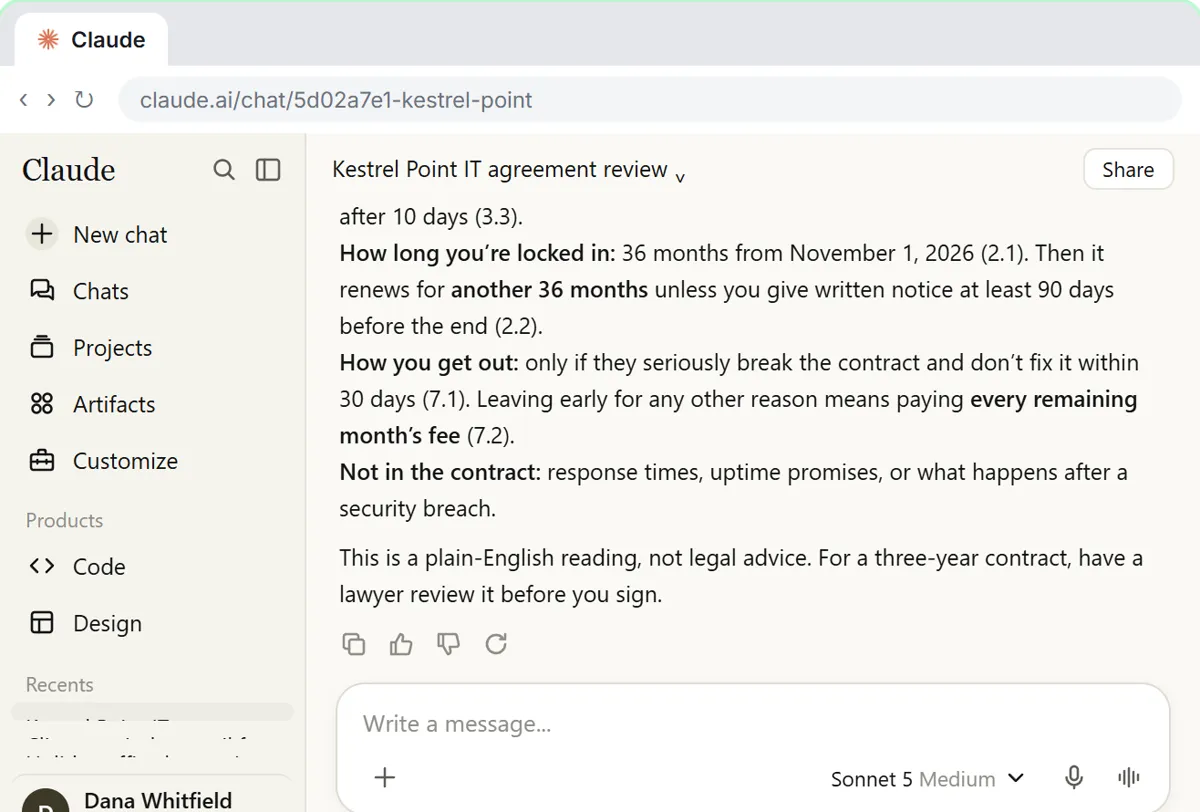
Claude has the edge for reading long documents closely. Anthropic lists context windows of up to 1 million tokens for its current models, as of October 2026, and Claude is good at quoting the exact clause behind each point. The free Check a contract for red flags lesson walks through a three-year IT contract, quotes the risky clauses with their numbers, and ends every review with a not-legal-advice line.
ChatGPT also reads large files on paid plans, and OpenAI's pricing page lists a 256K-token context for reasoning on the Business plan. For a typical 20-page contract, both are fine. Whichever you use, open the document and check each quoted clause yourself.
How much do ChatGPT and Claude cost?
For one person, both are $20 a month as of October 2026: ChatGPT Plus and Claude Pro, with Claude Pro at $17 a month if you pay for a year. ChatGPT also has a cheaper Go plan at $8 a month, which OpenAI says may include ads. Both have heavier-use plans from $100 a month: ChatGPT Pro and Claude Max.
For teams, ChatGPT Business and a Claude Team Standard seat are both $25 per user a month, or $20 billed annually. Claude also offers a Premium seat with higher limits. Neither subscription covers API use for automations, which is billed separately by token pricing.
Which is safer for client data?
On business plans they are similar: OpenAI says ChatGPT Business, Enterprise and API data are not used for training by default, and Anthropic says the same for Claude Team, Enterprise and the API. On personal plans they differ. ChatGPT can use personal chats to improve its models unless you turn off Improve the model for everyone in Data controls. Claude asks you to choose in its Help improve Claude setting.
For accounting, law, insurance and HR work, use whichever business plan your company has approved, and remove details the AI does not need. The ChatGPT data controls entry shows where ChatGPT's settings live.
Can I use ChatGPT and Claude together?
Yes, and plenty of people do: one for quick drafting and images, the other for long reading and review. Prompts move between them unchanged, because both follow the same four-part structure taught in Prompt Writing 101. Saved workspaces work the same way too: ChatGPT Projects and Claude Projects both hold instructions and files for repeat jobs.
If you need to choose one for a whole team, see Which AI should I use? for a decision table by job, or ChatGPT vs Claude vs Gemini vs Copilot if your office also uses Google or Microsoft tools.
Who is each one for?
ChatGPT
Best for people who want one assistant for everything: drafting, images, voice, research and quick analysis, with the widest set of connectors. Most free Stepthrough lessons use it, including Make Images with ChatGPT and Summarize a Meeting Transcript.
Claude
Best for people who read and write long, careful documents: contracts, policies, reports and client letters. Claude Projects keep one client's material together. Stepthrough's Claude course covers Projects, Artifacts and connectors.
Which of these tools have a free Stepthrough lesson?
- ChatGPT: free lesson: Reply Faster: Turn a Messy Customer Email Thread into a Clear, Friendly Reply
- Claude: free lesson: Your First Chat with Claude: Models, Files and a Great First Prompt
Practice it free, step by step
Reply Faster: Turn a Messy Customer Email Thread into a Clear, Friendly Reply. Turn a messy customer email thread into a clear, friendly reply: give ChatGPT the thread and your facts, check every promise, fix the tone, and send it from Gmail. You do every step yourself in a practice copy of ChatGPT, it checks your work as you go, and “Do it for me” finishes any step you get stuck on. Free, and nothing touches your real accounts.
Start the free lessonWatch it in a free lesson: Check a Contract for Red Flags with Claude
 3:30
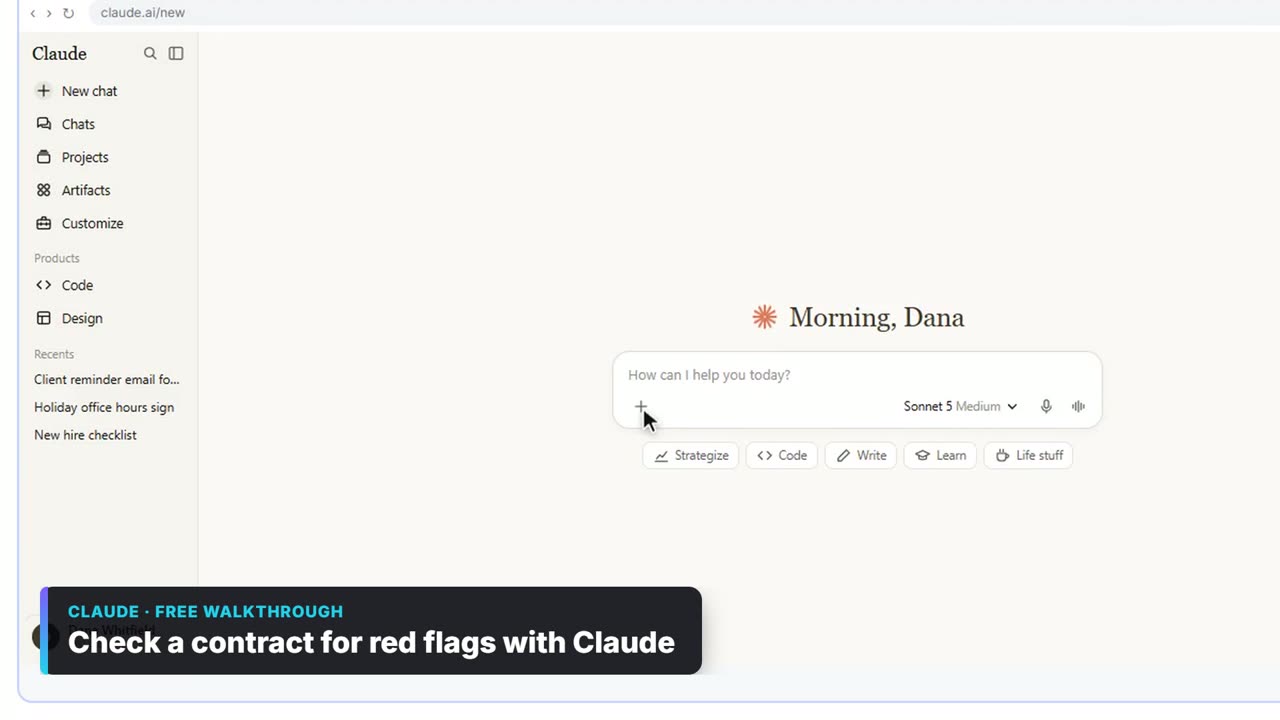
3:30Check a contract for red flags with Claude: video walkthrough
Upload a vendor contract, get it in plain English, find the risky clauses with the exact words quoted, draft questions for the vendor, and save the review as a project for the next one. The whole lesson narrated step by step, recorded in Stepthrough’s simulated practice environment.
Key takeaways
- ChatGPT is the broader all-rounder; Claude is the stronger pick for long documents and careful writing.
- Both cost $20 a month for one person and $25 per user a month for teams, or $20 billed annually, as of October 2026.
- Neither trains on business-plan data by default; on personal plans, check the training setting first.
- Prompts and habits carry over unchanged, so learning one makes you good at the other.
Frequently asked questions
Is Claude smarter than ChatGPT?
Neither is smarter across the board. Each company's top model leads on some tests and trails on others, and the lead changes with each release. For office work, the difference you notice is style and features, not raw intelligence.
Is Claude free?
Yes. Claude has a Free plan with lower limits. Claude Pro is $20 a month, or $17 a month billed annually, as of October 2026.
Which is better for Excel?
Both can analyze an uploaded spreadsheet. Anthropic lists Claude in Excel on paid Claude plans, and OpenAI lists an Excel extension for ChatGPT. If your company has Microsoft Copilot, that works inside Excel too.
Can I move my chats from ChatGPT to Claude?
Not directly. You can copy your instructions and files into a Claude Project, which recreates most of a ChatGPT Project in a few minutes.
Where do these prices and features come from?
Every price and feature on this page was checked against the vendor's own page, as of October 2026. No numbers here are estimates or third-party figures. The example businesses in the Stepthrough lessons are made up.