Claude Team vs ChatGPT Business: Which to Buy (2026)
Quick answer
On price and basics the two are close: both list a Standard seat at $25 per user a month, or $20 billed annually, and both say they do not train on your content by default. Pick Claude Team if your people write and review long documents, want Projects to keep a client's material together, or work in Microsoft 365. Pick ChatGPT Business if you want Deep Research, ChatGPT Agent and Codex in the same seat, or role-based admin controls on a self-serve plan.
Last updated
Take the free module →Module 2 of the free Claude Jump Start course, about 7 minutes. No account needed.
This page is for owners and managers choosing one AI plan for a small team. Prices are as listed on each vendor's own pages as of October 2026 and change often. You can practice on both: the free Your first chat with Claude lesson uses Claude and the free ChatGPT for Work lesson uses ChatGPT.
How do they compare at a glance?
| Claude Team | ChatGPT Business | |
|---|---|---|
| Price and free tier | Standard seat: $25 per seat a month, or $20 billed annually. Premium seat: $125, or $100 annually. 2 to 150 seats. Claude has a Free plan for individuals | Standard seat: $25 per user a month, or $20 billed annually. Premium seat: $125, or $100 annually. At least 2 seats. ChatGPT has a Free tier for individuals |
| Best for | Long documents, client-by-client Projects, Microsoft 365 users | Teams that want agents, deep research and coding tools in one seat |
| File handling | Anthropic lists file creation and code execution on every plan. Projects let you keep one client's files together | Projects and Company Knowledge are listed with Standard seats. Check OpenAI's models and limits page for file limits on your plan |
| Privacy and data controls | Models are not trained on your content by default. SSO, connector admin controls, central billing and usage analytics. Role-based access, SCIM, audit logs, custom retention and the Compliance API are Enterprise features, not Team | OpenAI says it won't train on your workspace's data. Admin controls for users, roles and access, usage visibility and spend controls. Zero Data Retention and BAAs are sales-led, not self-serve Business |
| Integrations | Microsoft 365, enterprise search, connectors, Claude Code and org-wide skills are listed on Team | Apps, Company Knowledge, ChatGPT Agent, Deep Research and Codex, depending on seat type |
| Free Stepthrough lesson | Yes, a full course, starting with Your first chat with Claude | Yes, several, including ChatGPT for Work |
How do Claude Team and ChatGPT Business compare on price?
Almost exactly the same on the sticker. Anthropic lists a Team Standard seat at $25 a month, or $20 a month billed annually, and a Premium seat at $125 a month, or $100 billed annually. OpenAI lists a Business Standard seat at $25 per user a month, or $20 billed annually, and a Premium seat at $125 monthly, or $100 annually. Premium seats on both give a larger usage allowance than Standard seats.
The size limits differ: Anthropic says Team is for 2 to 150 seats, and OpenAI says Business needs at least 2 seats. Both vendors sell extra usage separately, and prices can vary by country and billing period, so confirm on Anthropic's pricing page and in OpenAI's Business overview before buying.
Which is safer for client information?
Both vendors say they do not train on your business content by default, which is the most important line for client work. Beyond that, the admin features differ. Anthropic lists SSO, connector admin controls, central billing and usage analytics on Team, and keeps role-based access, SCIM, audit logs and custom data retention for Enterprise. OpenAI lists admin controls for users, roles and access, plus usage and spend controls, on Business, and says Zero Data Retention and BAAs need a contracted offering.
Whichever you pick, a policy matters more than a feature. Staff should know what they may paste, and personal accounts are not covered by the business terms. Read what staff can paste into ChatGPT, and try the free Claude Team AI Policy lesson. For the larger step up on the OpenAI side, see ChatGPT Business vs Enterprise.
Which works better with Microsoft 365 and other tools?
Anthropic lists Microsoft 365 and enterprise search among Team features, and its connectors let Claude reach other tools your admin allows. OpenAI lists Apps and Company Knowledge on Business seats, which connect ChatGPT to the tools and files your workspace allows. Both depend on what your admin turns on, so ask your IT person which connections are approved before you plan a workflow around one.
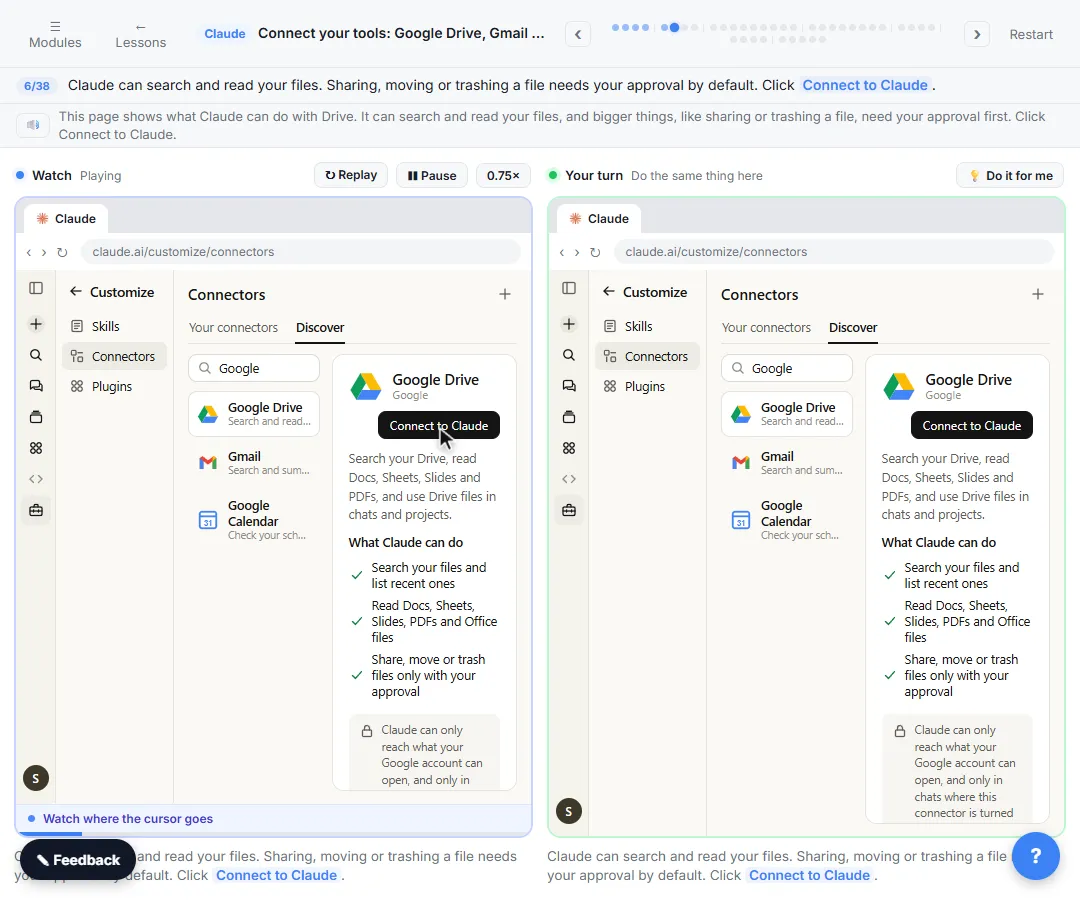
The free Claude Connectors lesson walks through connecting Claude to other tools.
Which is better for writing and long documents?
Both write good business documents when you give them the facts, the audience and the tone. Many people find that the best way to choose is to run the same real task through each, which is the point of the free four assistants, same task course. Claude's Projects feature is a natural fit for keeping one client's files and instructions together, and ChatGPT has Projects too, so test the feature you would use daily rather than comparing feature lists.
For a wider look at the chat assistants, see ChatGPT vs Claude and the four-way ChatGPT vs Claude vs Gemini vs Copilot.
Who is each one for?
Pick Claude Team if
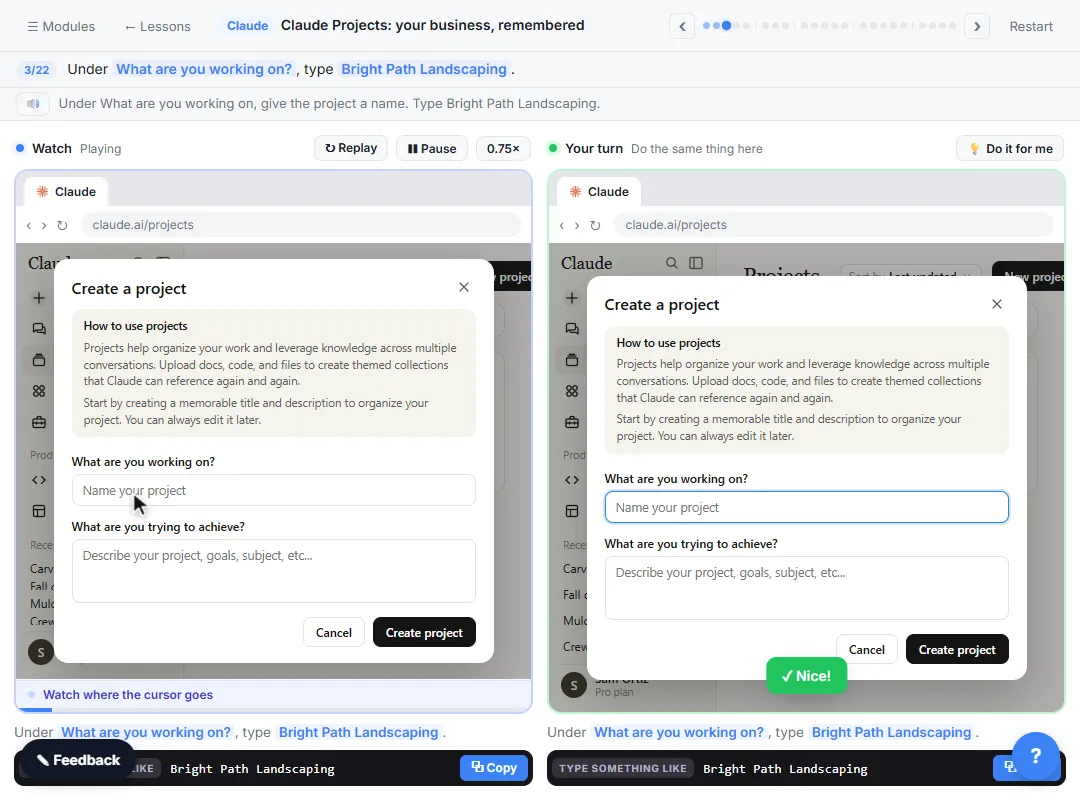
Your team writes, reviews and summarizes long documents, you work in Microsoft 365, or you want Projects to keep each client's material together. Start with the free Your first chat with Claude lesson and the Claude Projects lesson.
Pick ChatGPT Business if
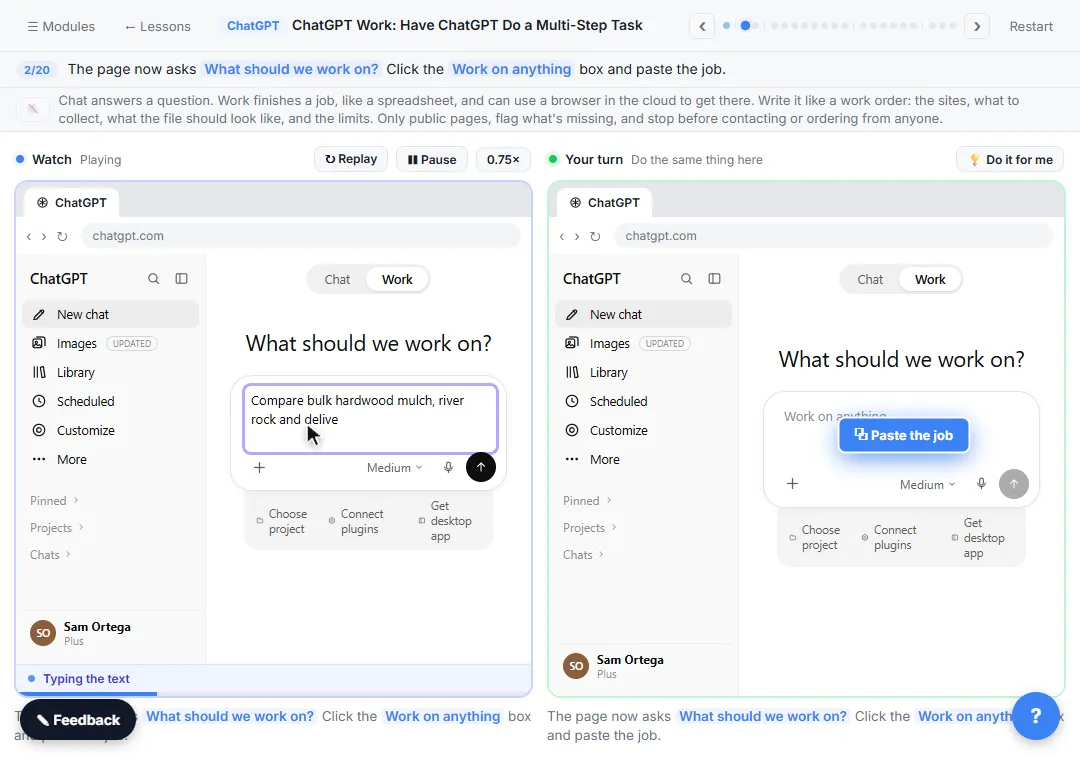
You want deep research, ChatGPT Agent and Codex in the same seat, or role-based admin controls on a self-serve plan. Start with the free ChatGPT for Work lesson.
Which of these tools have a free Stepthrough lesson?
- Claude Team: free lesson: Your First Chat with Claude: Models, Files and a Great First Prompt
- ChatGPT Business: free lesson: ChatGPT Work: Have ChatGPT Do a Multi-Step Task
Practice it free, step by step
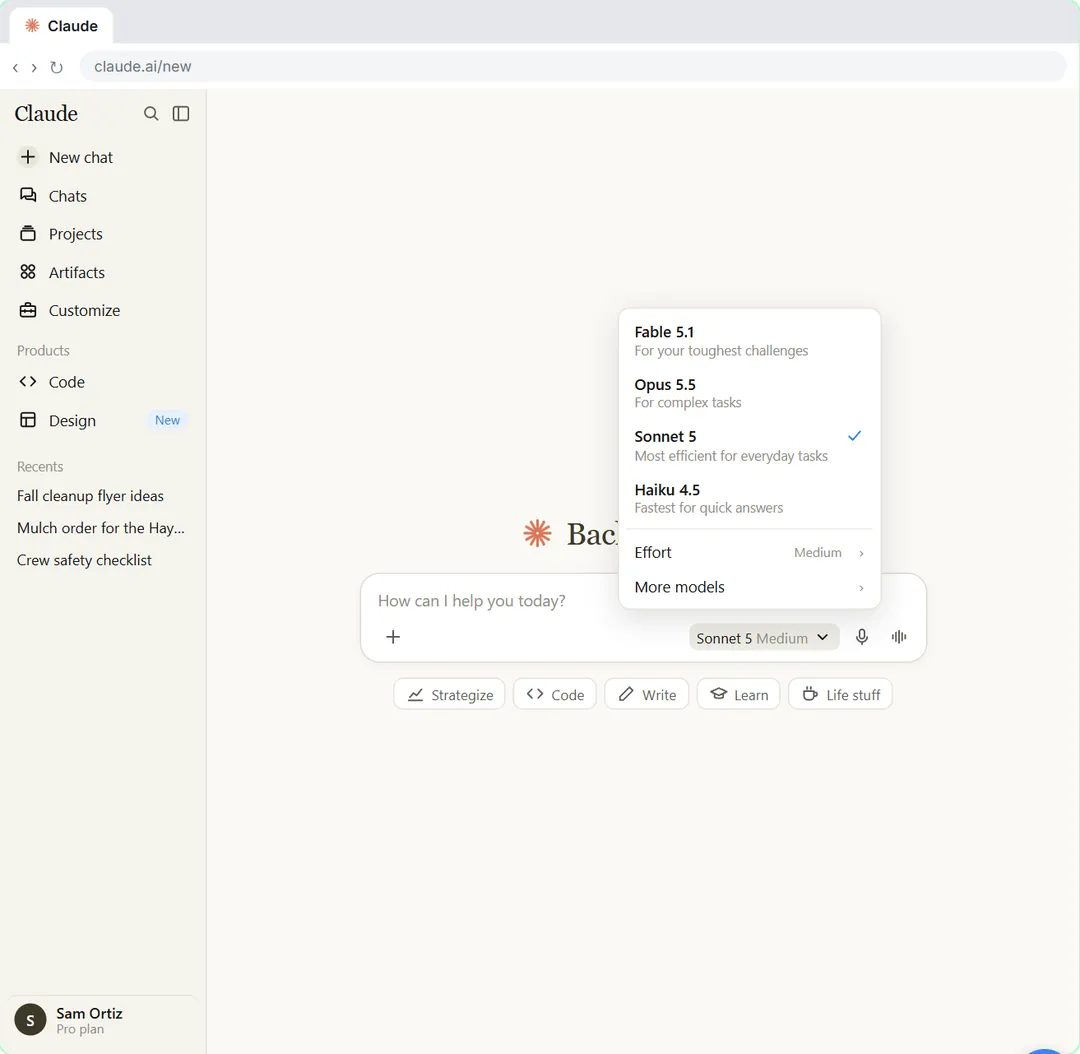
Your First Chat with Claude: Models, Files and a Great First Prompt. Pick a model, attach a customer's complaint email with the + menu, write a four-part prompt, read Claude's reply, ask a follow-up, then pin and rename the chat. You do every step yourself in a practice copy of Claude, it checks your work as you go, and “Do it for me” finishes any step you get stuck on. Free, and nothing touches your real accounts.
Start the free lessonKey takeaways
- As of October 2026, both list a Standard seat at $25 per user a month, or $20 billed annually, and a Premium seat at $125 a month, or $100 annually.
- Both vendors say they do not train on your business content by default; personal accounts are not covered by those terms.
- Claude Team lists Microsoft 365, enterprise search and connectors; ChatGPT Business lists Apps, Company Knowledge, Deep Research, ChatGPT Agent and Codex.
- Run the same real task through both before you buy, and put a short AI use policy in writing either way.
Frequently asked questions
How many seats do Claude Team and ChatGPT Business need?
Anthropic says Team is for 2 to 150 seats, and OpenAI says Business needs at least 2 seats in total.
Do Claude Team and ChatGPT Business train on my data?
Anthropic says Team and Enterprise do not train on your content by default, and OpenAI says it won't train on your Business workspace's data. Individual plans have different terms.
Does either plan include API access for automations?
OpenAI says Business does not include API usage, which is billed separately. Anthropic's pricing page lists pooled API credits on Team, so read the current terms for how they apply. Automation tools such as n8n use an API key and bill the model separately.
Can I use both Claude and ChatGPT at work?
Yes, many teams do. Follow the same data rules in both, and keep client information only in accounts your company controls.
Where do these prices and features come from?
Every price and feature on this page was checked against the vendor's own page, as of October 2026. No numbers here are estimates or third-party figures. The example businesses in the Stepthrough lessons are made up.