What are ChatGPT Projects?
Updated · By Robert Breen
ChatGPT Projects are workspaces inside ChatGPT that group related chats together with shared files and instructions. Every chat you start inside a project can draw on the same background, so ongoing work like one client or one campaign stays in one place.
Why it matters for a small business
Real work rarely fits in one chat. A client relationship runs through quarterly reviews, follow-up emails and questions over months. Without a project, each new chat starts cold: you paste the same background again or dig through history for the right thread.
A project gives that work a home. The documents you upload and the instructions you set apply to every chat inside it, and the chats stay grouped. It also keeps clients apart, which matters for confidentiality and for accuracy, since one client's details shouldn't drift into another client's email.
In a real lesson: Turn a Client Meeting into Action Items and a Follow-Up Email (Accounting Firms)
Stepthrough doesn't have a Projects lesson. The closest practice is the client meeting recap lesson for Millbrook Accounting, a made-up firm reviewing Q3 with its client Cedar Lane Landscaping. You paste a request that begins "You're my client services assistant at Millbrook Accounting", ask for a summary, the decisions, an action items table and open questions, and tell ChatGPT to write "Not stated" for anything missing.
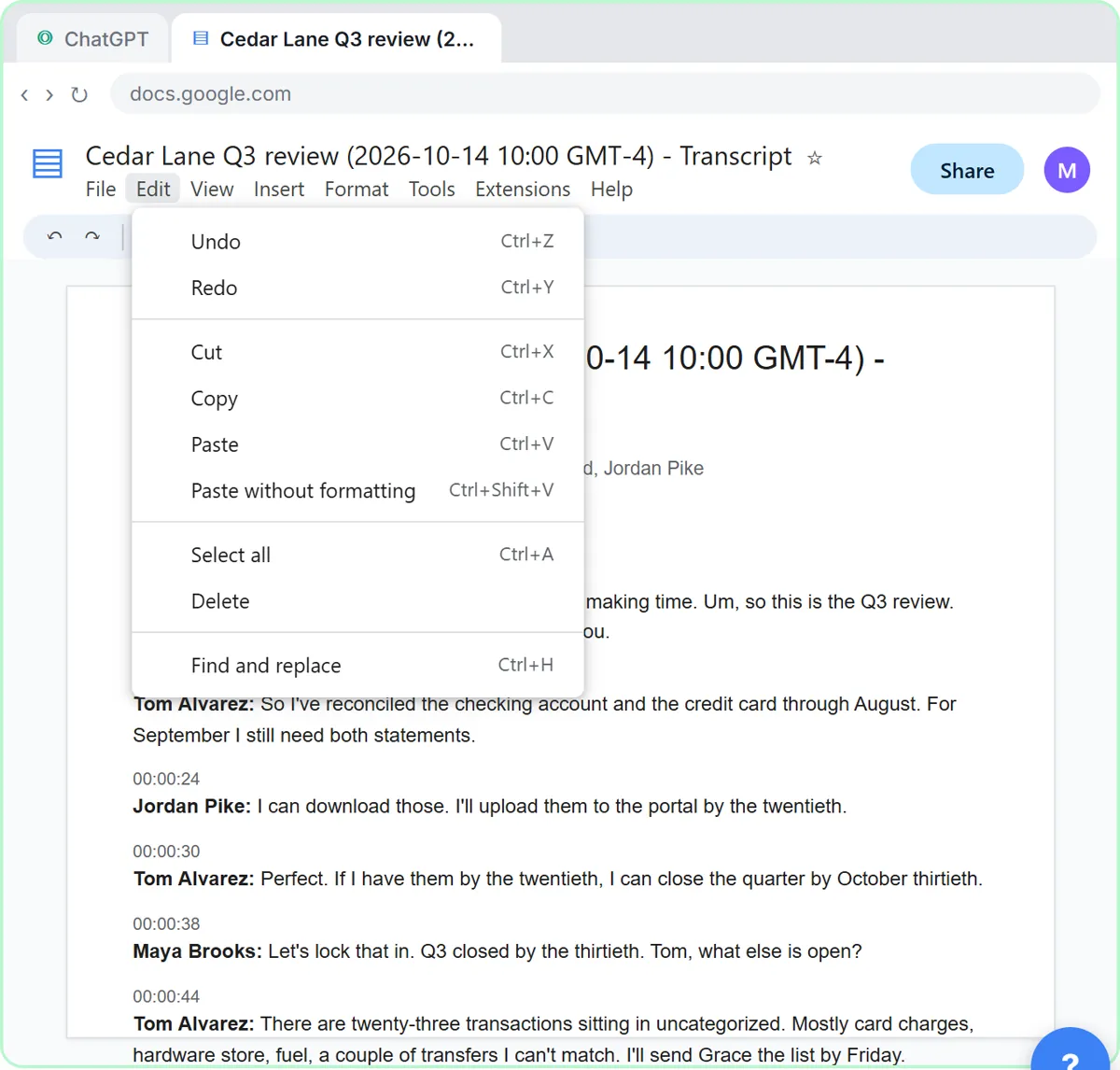
Later you click New chat, use the + button and Add photos & files to upload Cedar Lane Q3 review - Transcript.docx, and give the same request again. That repeated request and that client's files are what a project is for. In a "Cedar Lane Landscaping" project, the request could sit in the project's instructions, past transcripts in its files, and each quarter's review would start as a new chat that already knows the setup.
The lesson's caution applies either way: client meetings are confidential, so follow your firm's policy on AI tools and leave out account numbers and tax IDs.
Try this lesson free or read the step-by-step guide.
Common confusions
ChatGPT Projects vs Custom GPTs
A Custom GPT is a reusable tool for one kind of task, often shared with others. A project is a folder for one piece of ongoing work, holding its chats and files. Use a GPT for "write our estimates" and a project for "everything about the Cedar Lane account".
ChatGPT Projects vs memory
ChatGPT memory carries small details across all your chats. A project scopes documents and instructions to just the chats inside it.
Tips
- Make one project per client, account or campaign, not one giant "work" project.
- Upload the documents you'd otherwise paste every time, and replace them when they change.
- Put the standing request, like the four-part meeting recap, in the project's instructions.
- Name chats inside the project by date or topic so you can find last quarter's review quickly.
Related terms
Where to learn more
Frequently asked questions
- Are ChatGPT Projects shared with my team?
- That depends on your account type and on current features. Treat a project as private unless you have deliberately shared it, and check your workspace settings.
- Should I use a project or a Custom GPT?
- Use a project for ongoing work with its own files and history, such as one client. Use a Custom GPT for a repeatable task that several people do the same way.