Updated . Built against the tool’s current screens and checked step by step. How we check this lesson
Part 2 of Pin for small-firm hiring. Pin found the candidates; now a 12-person accounting firm reads the match reasons, shortlists the real fits, declines a weak one with a reason, and ends with a three-person shortlist to call, in about ten minutes.
At a glance
| Question | Answer |
|---|---|
| What you build | Part 2 of Pin for small-firm hiring. Pin found the candidates; now a 12-person accounting firm reads the match reasons, shortlists the real fits, declines a weak one with a reason, and ends with a three-person shortlist to call, in about ten minutes. |
| Tools | Pin |
| Time | About 7 minutes, 15 steps in 3 parts |
| Level | Beginner, no coding needed |
| Cost | Free |
| Ways to learn it | Practice it step by step |
The 3 parts, in short
- Let Pin find people: Skip the demo call, View Candidates, Open the candidates, Got it.
- Read the match reasons: Find the gap, Shortlist J. F., Confirm Shortlist, Shortlist B. C..
- Mark fits and non-fits: Spot the word "Probably", Leave it for now, Read the experience line, Open the decline reasons, and 3 more steps.
Start here first: DeepL: Translate a Client Document and Keep Its Formatting (module 1 of AI Automation for Recruiting & HR)
Part of: AI for Recruiting & HR (step 21 of 24). Next up: Pin: Check the Outreach Emails Before Anything Goes Out for Recruiting & HR
Part of: AI Apps Worth Knowing (step 87 of 123). Next up: Pin: Check the Outreach Emails Before Anything Goes Out for Recruiting & HR
What you'll build
In part 1, a made-up 12-person accounting firm in Harrisburg, PA set up a Pin search for a Staff Accountant. Now the search is live and Pin has found its top 20. A partner at a small firm does not have an afternoon to read 20 profiles. In this lesson you read Pin's match reasons the fast way: the qualifying answer first, then the gaps, then the word "probably". You shortlist the people who clearly fit, decline one with a reason so Pin learns, and finish with a three-person shortlist. Nobody is contacted: shortlisting is internal, and outreach stays paused. Every screen is a real Pin screen; real candidates are shown only as initials with blurred photos and relabelled employers.
You read the match reasons, shortlisted J. F., B. C. and C. K. on stated evidence, left a "probably" card for later, and declined W. M. as Lacking Experience so the next batch improves. What it saves: an afternoon of reading LinkedIn profiles, and the first calls go to people who have already done the work. Nobody has been contacted yet. Next, in part 3, you check the outreach emails Pin drafted before anything goes out. Pin's plans change; check pin.com for what yours includes.
- Tools: Pin
- Time: about 7 minutes, 15 steps in 3 chapters
- Level: beginner, no coding needed
- Price: free
Practice first, then build it for real
Practice copy built from real Pin screens (app.pin.com), captured 27 October 2026. Nothing here touches a Pin account. Real candidates are anonymised: initials only, blurred photos and logos, employers relabelled (CPA Firm A, Local College). The firm and the job are made up. To build it for real you need your own Pin account, and some services charge once you use them for real work, so check each tool's current pricing.
Try it yourself, free
Reading the steps is a start. Doing them is how it sticks. The interactive module walks you through every click in a practice copy of Pin, checks each step, and never touches your real accounts.
Start “Pin: Turn 20 AI-Sourced Candidates into a 3-Person Shortlist for Recruiting & HR”Step by step: Pin: Turn 20 AI-Sourced Candidates into a 3-Person Shortlist for Recruiting & HR
All 15 steps of the interactive module, in order. In the module you watch each one, then do it yourself in a practice copy that checks your work.
1. Let Pin find people
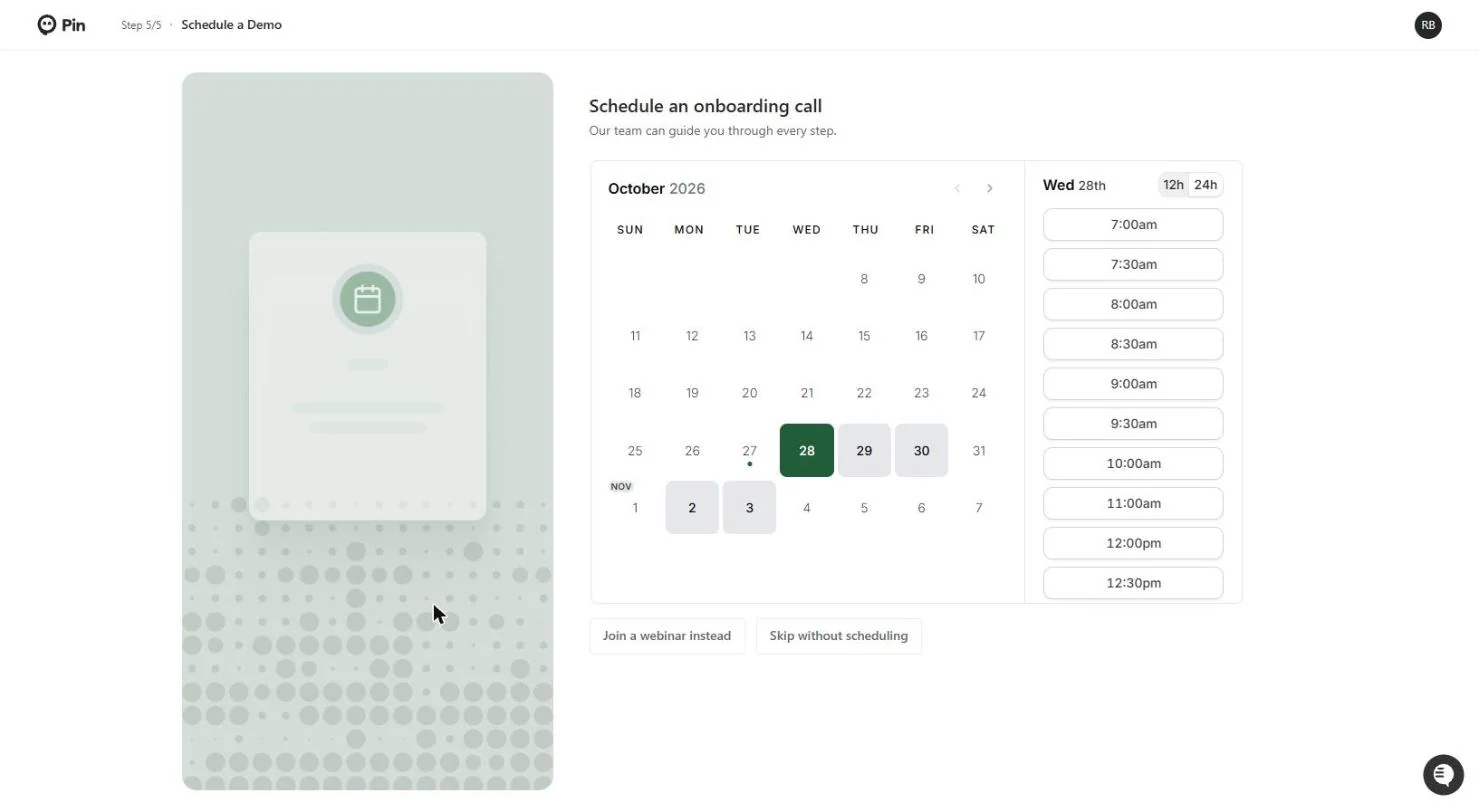
- Skip the demo call. Saving the position in lesson 1 takes you to Schedule an onboarding call (setup step 5 of 5). It is optional. Click Skip without scheduling.
After you save the position, Pin offers an onboarding call. It is optional.
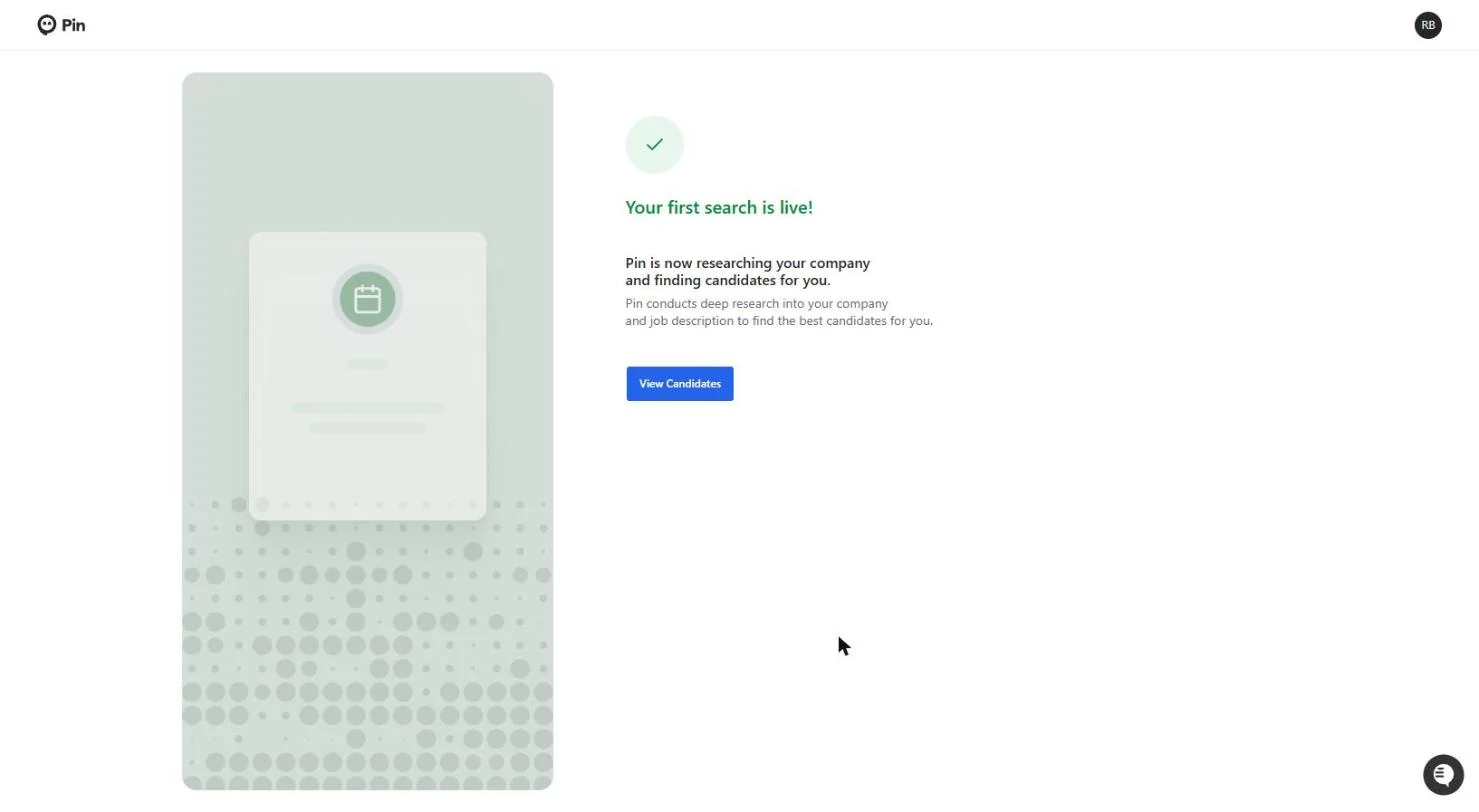
- View Candidates. Your first search is live! Pin now researches your company and the job description and goes looking. Click View Candidates.
Your first search is live.
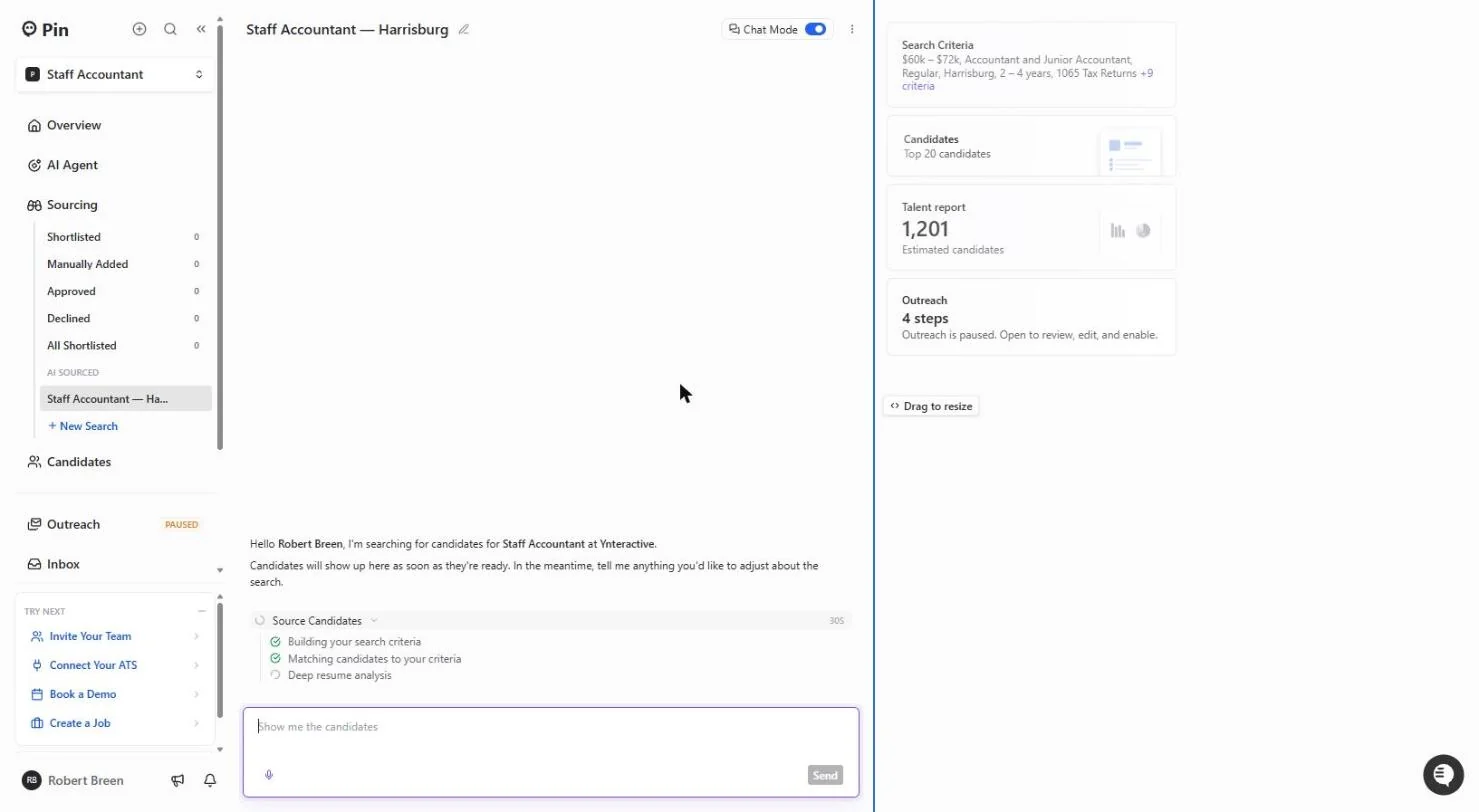
- Open the candidates. Pin works through Building your search criteria, Matching candidates to your criteria and Deep resume analysis. On the right: 1,201 estimated candidates, the Top 20 coming first, and Outreach: 4 steps, paused. Nothing is sent while it is paused. Click the Candidates card (in the real app the list opens on its own after about 30 seconds).
Pin builds the criteria, matches people and reads their resumes. Outreach is paused, so nothing is sent.
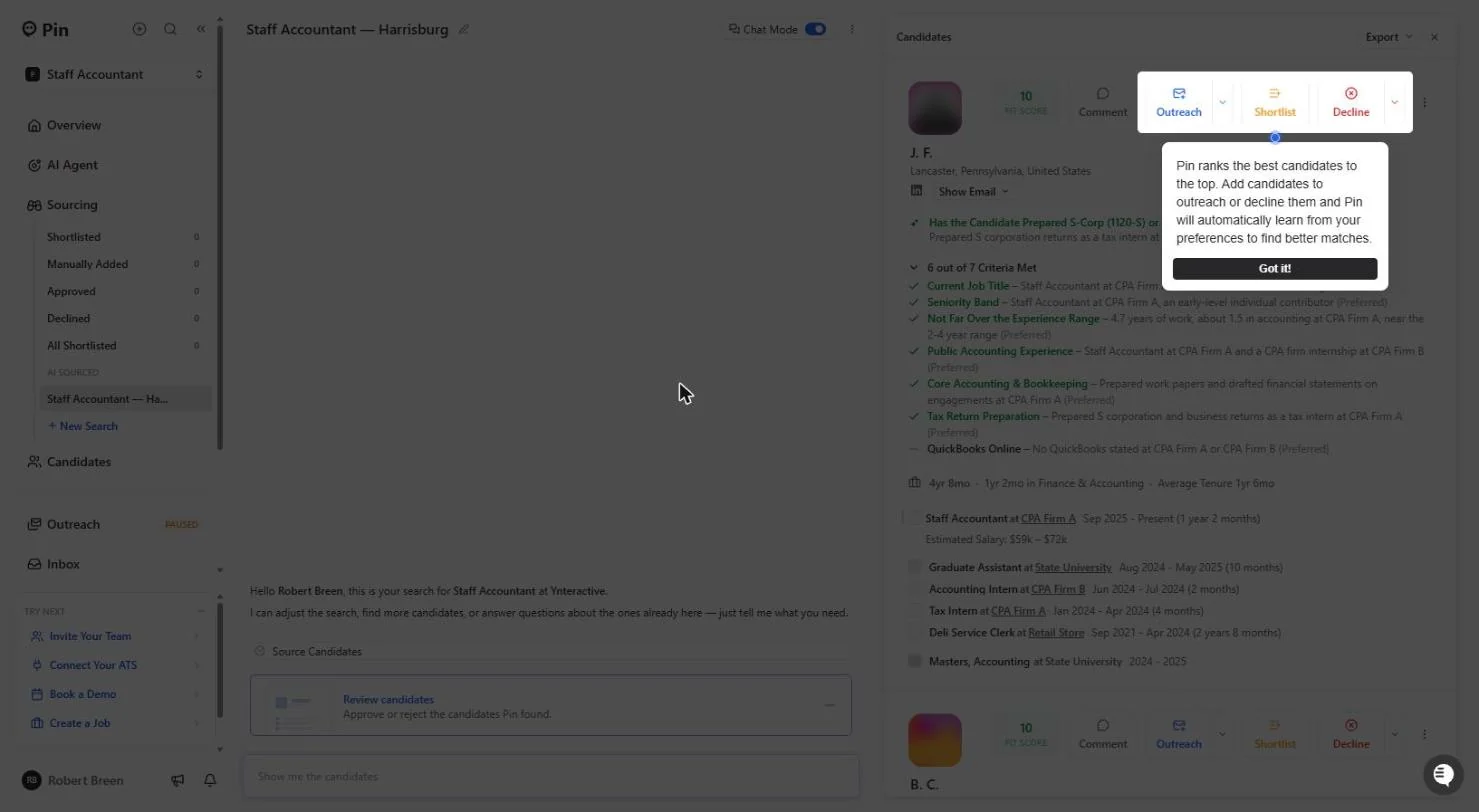
- Got it. Pin ranks the best people to the top. Every Shortlist and Decline you click teaches it what you want, so the next batch gets better. Click Got it!
Pin ranks the best people first, and it learns from every shortlist and decline.
2. Read the match reasons
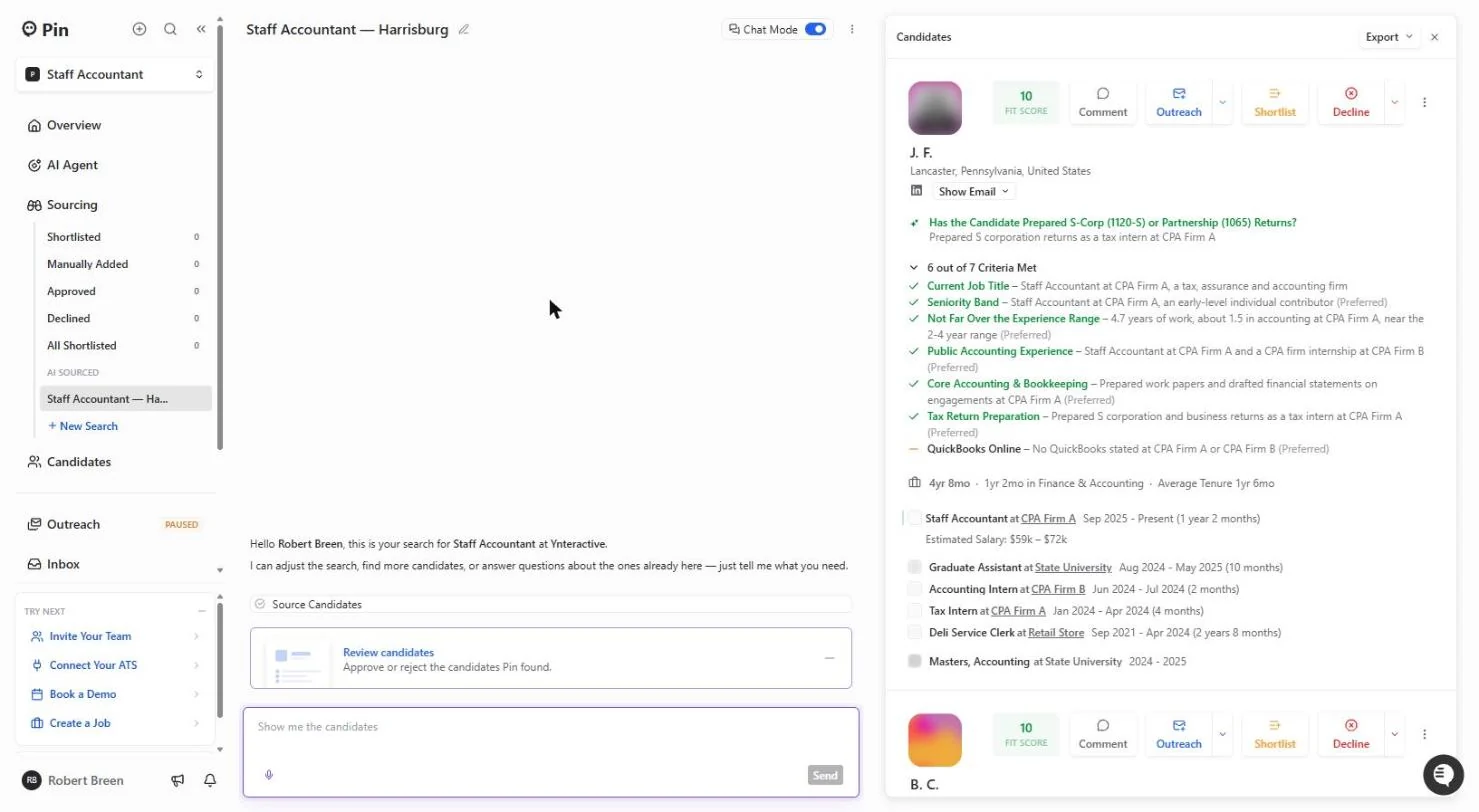
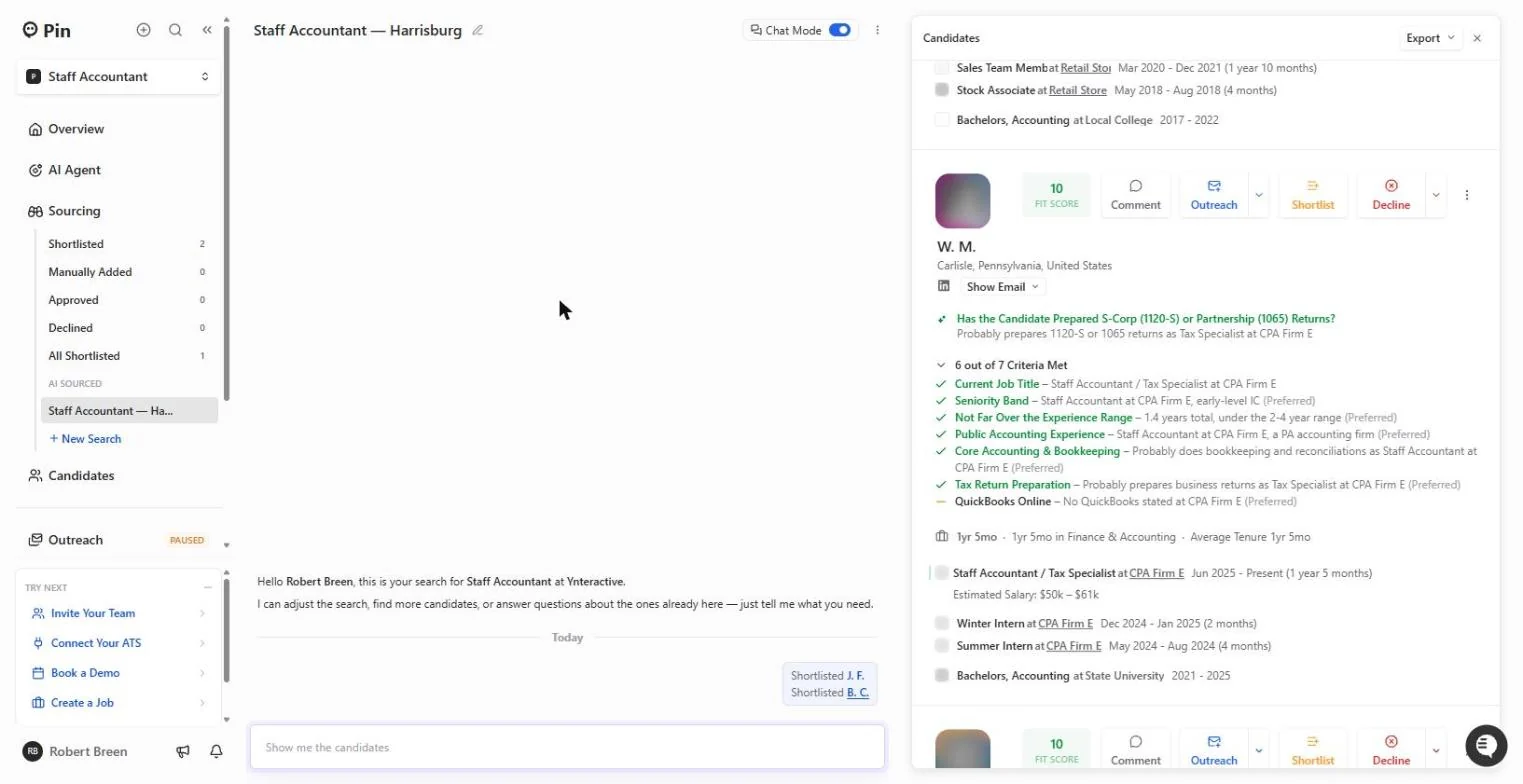
- Find the gap. Read the card top to bottom. Fit score 10. Your qualifying question is answered first: prepared S-corp returns as a tax intern. Then 6 out of 7 Criteria Met, each with the evidence. The orange dash is the gap: QuickBooks Online, no QuickBooks stated. That is easy to teach, so it does not rule them out. Click the QuickBooks Online line.
Read the card before you click anything. Six of seven criteria met. The one gap is QuickBooks, and that is easy to teach.
- Shortlist J. F.. Staff Accountant at a CPA firm now, a CPA-firm internship, S-corp returns, 4.7 years of work. A clear fit. Click Shortlist.
A clear fit.
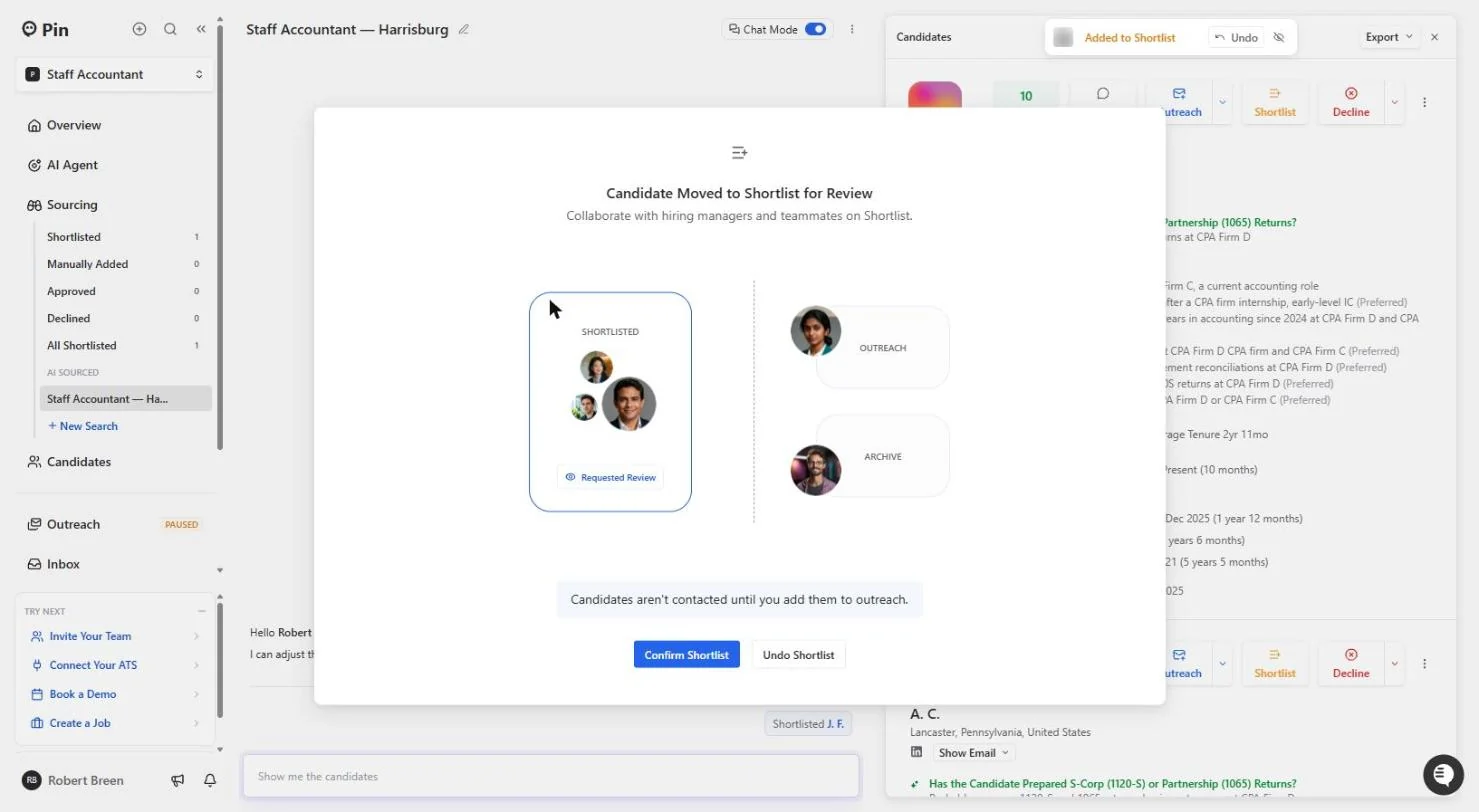
- Confirm Shortlist. Pin explains the Shortlist: a holding list you can share with a hiring manager for review. Note the line at the bottom: Candidates aren't contacted until you add them to outreach. Click Confirm Shortlist.
The shortlist is a holding list. Candidates are not contacted until you add them to outreach.
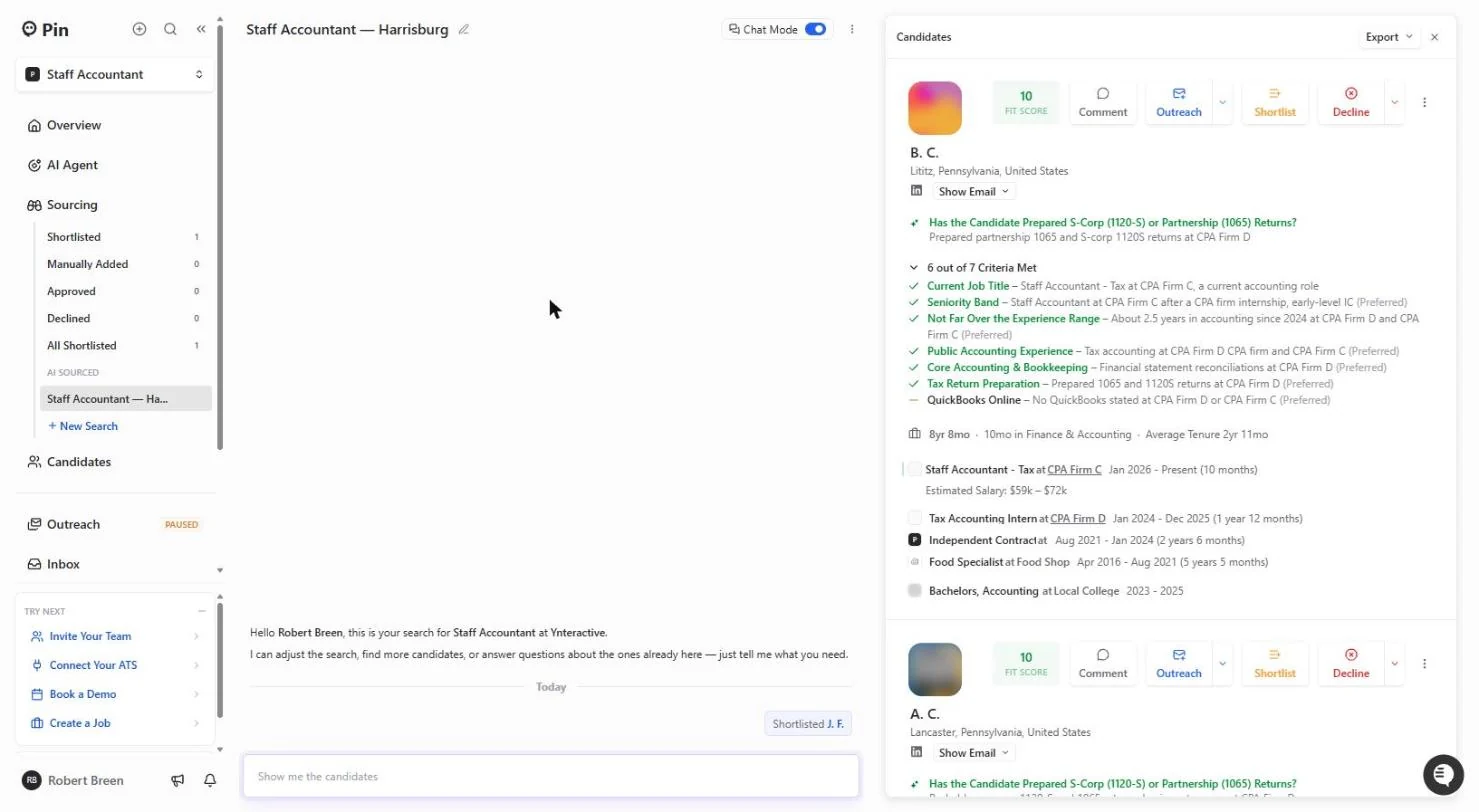
- Shortlist B. C.. The next card: the qualifying answer says they prepared partnership 1065 and S-corp 1120S returns, the exact work in our job, and they are a Staff Accountant - Tax today. Click Shortlist.
This one prepared both kinds of returns we need.
3. Mark fits and non-fits
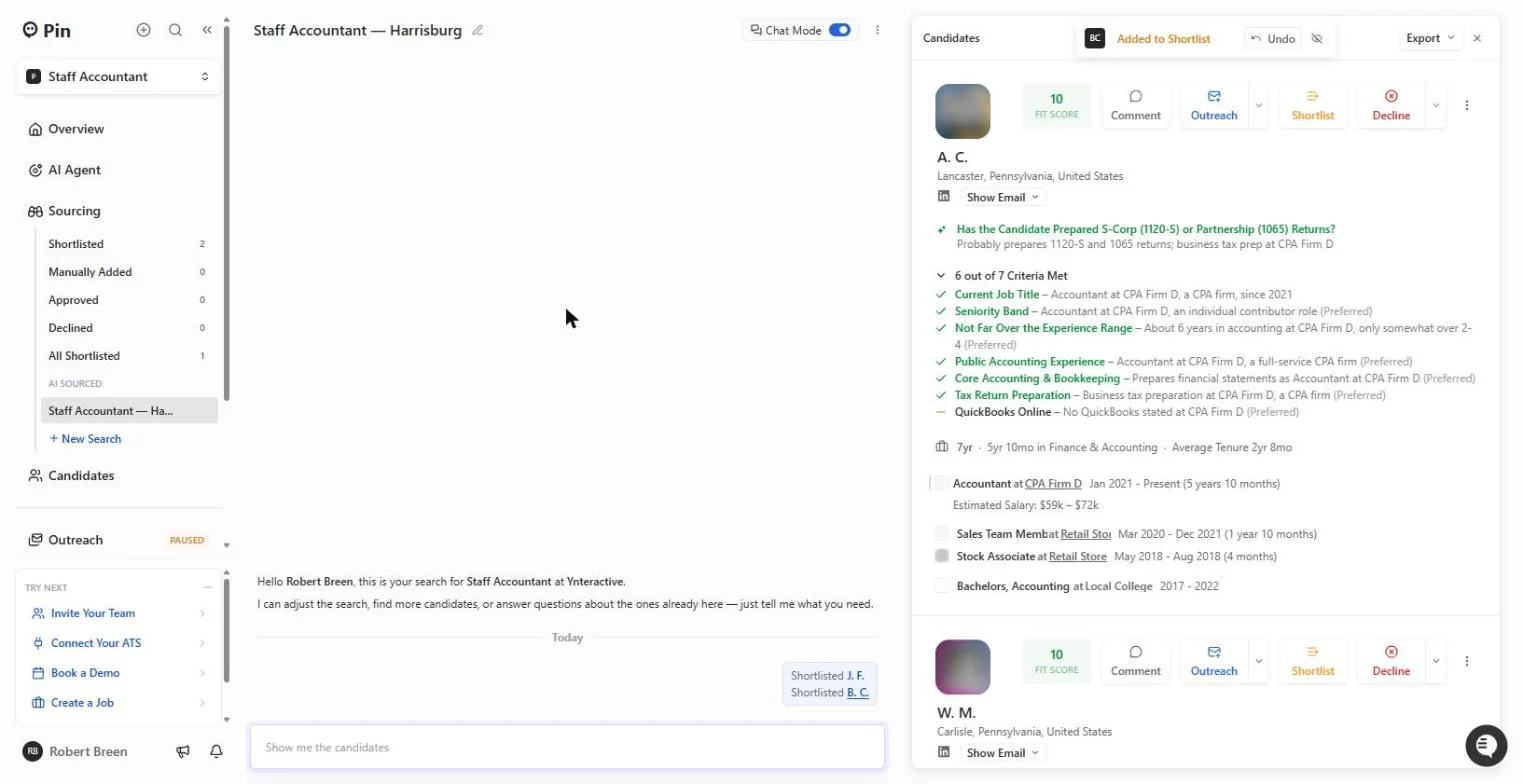
- Spot the word "Probably". Read the answer on A. C.: "Probably prepares 1120-S and 1065 returns." "Probably" means Pin is guessing from the job title, not reading it on the profile. Also: about 6 years in accounting, over the 2 to 4 you asked for. Click the answer line.
Watch for the word probably. It means Pin is guessing. This one also has more years than you asked for.
- Leave it for now. Not every card needs a decision today. Leave A. C. where it is (you can come back after the first calls) and move to the next card.
You do not have to decide on every card today. Leave this one and move on.
- Read the experience line. W. M.: 1.4 years total, under the 2-4 year range, and both work answers start with "Probably". The estimated salary is $50k to $61k, below our range, which tells you the level too. Click the experience line.
This one has one point four years, under the range, and two guesses. Read the experience line.
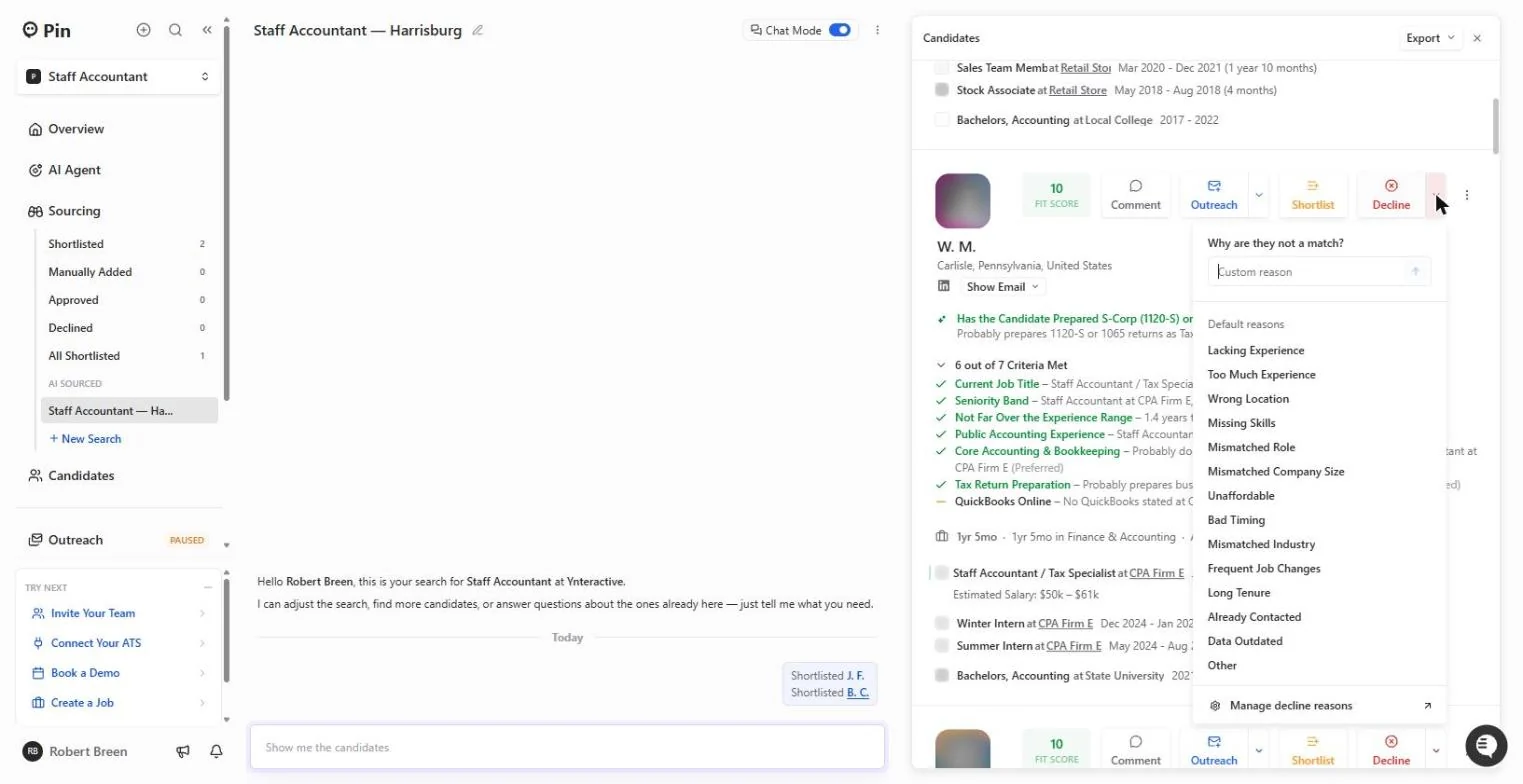
- Open the decline reasons. Do not just hide a weak match: tell Pin why. Click the small arrow next to Decline.
Tell Pin why it is not a match.
- Lacking Experience. Why are they not a match? You can type a custom reason or pick one: Lacking Experience, Too Much Experience, Wrong Location, Missing Skills, Unaffordable and more. Click Lacking Experience.
Pick the reason. Lacking experience.
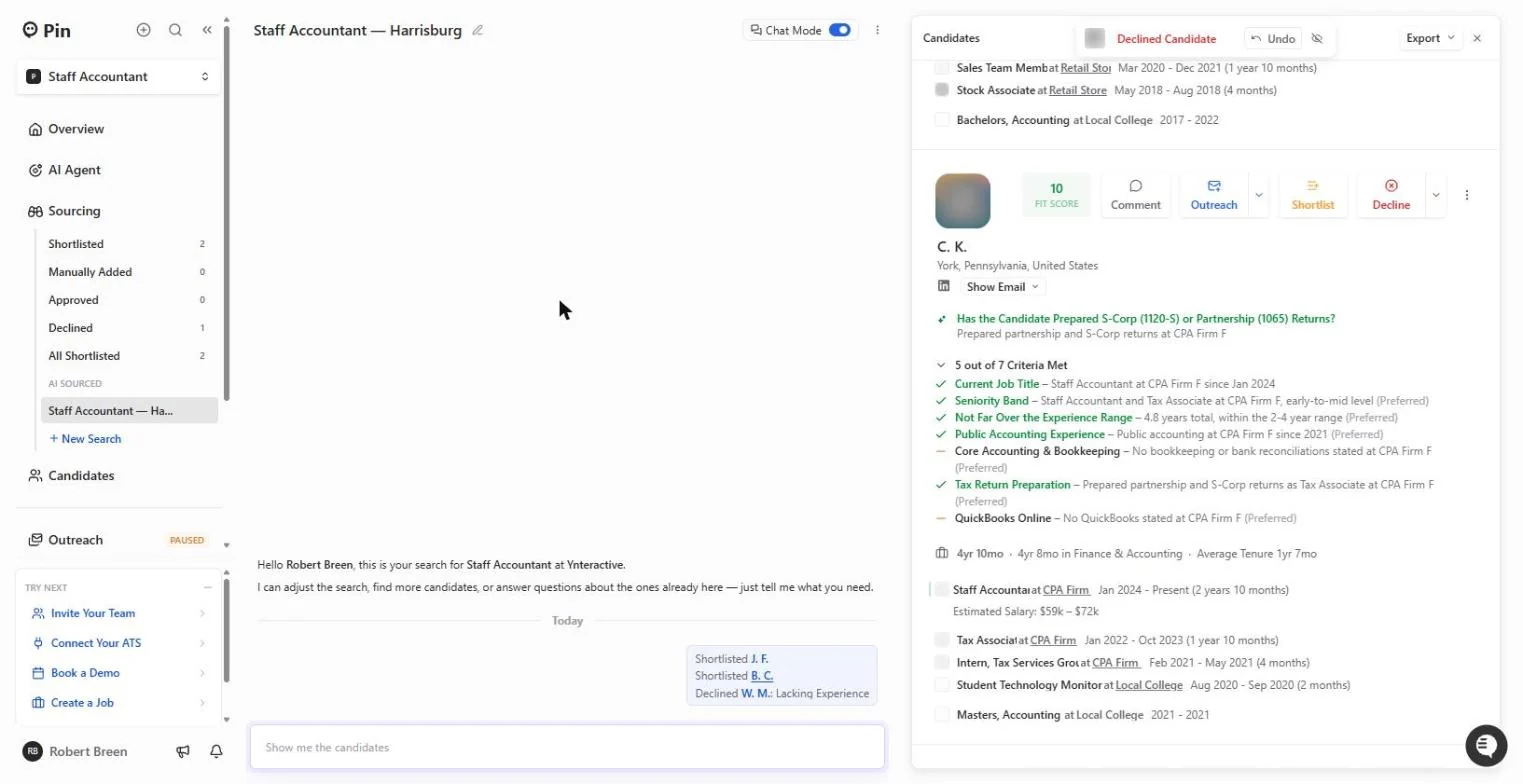
- Shortlist C. K.. The chat logs every choice: Shortlisted J. F., Shortlisted B. C., Declined W. M.: Lacking Experience. Next, C. K.: prepared partnership and S-Corp returns, 4.8 years, but no bookkeeping or bank reconciliations stated. Strong on tax, so worth a call. Click Shortlist.
Pin logs every choice. This one is strong on tax returns. Worth a call.
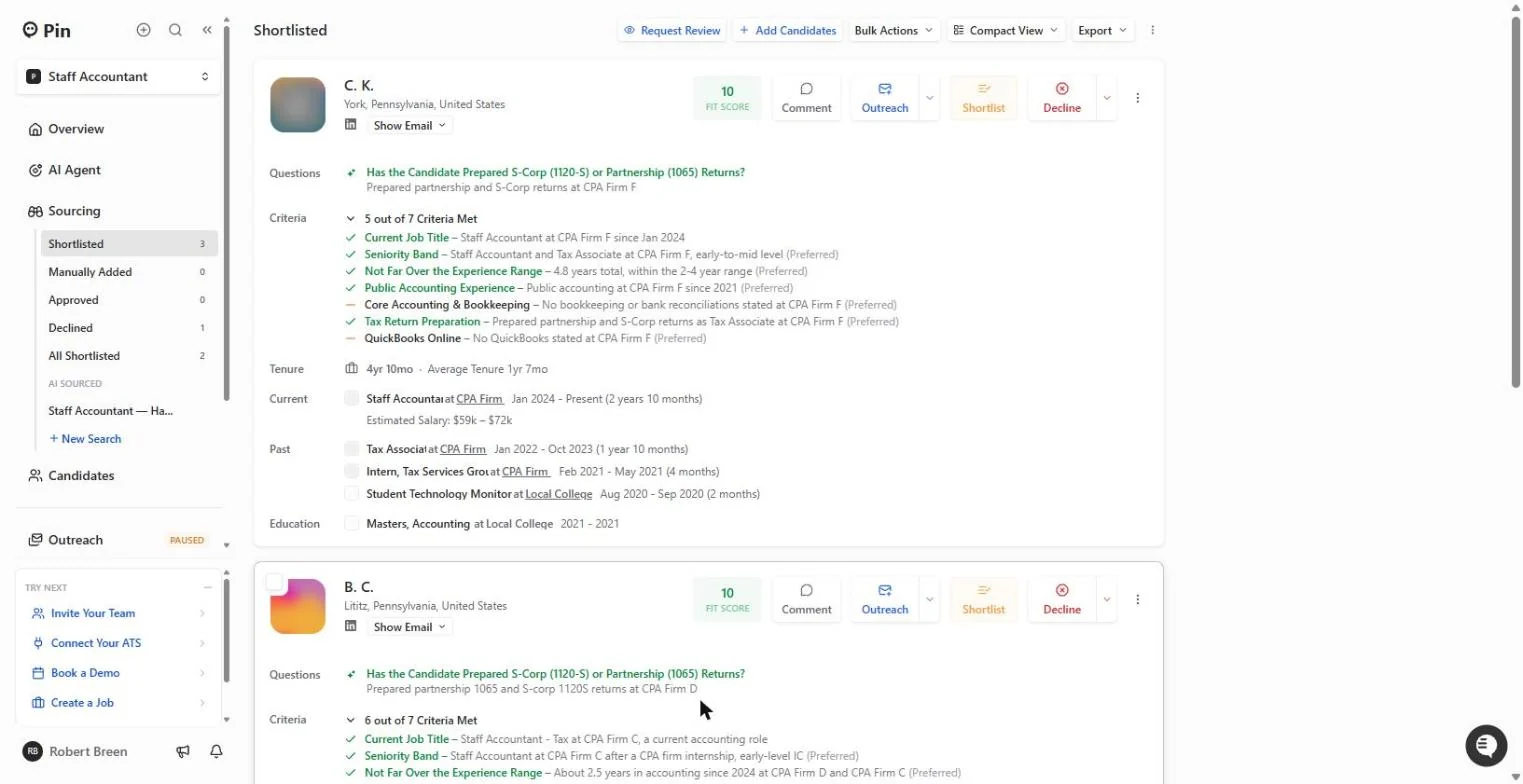
- Open your shortlist. In the left menu, under Sourcing, click Shortlisted.
Screenshots
More in AI Automation for Recruiting & HR
Translate a client's Word policy into Spanish with DeepL file translation, keep its headings and table, set a formal tone, then polish the English cover email with…
Free · Live ~5 min Beginner
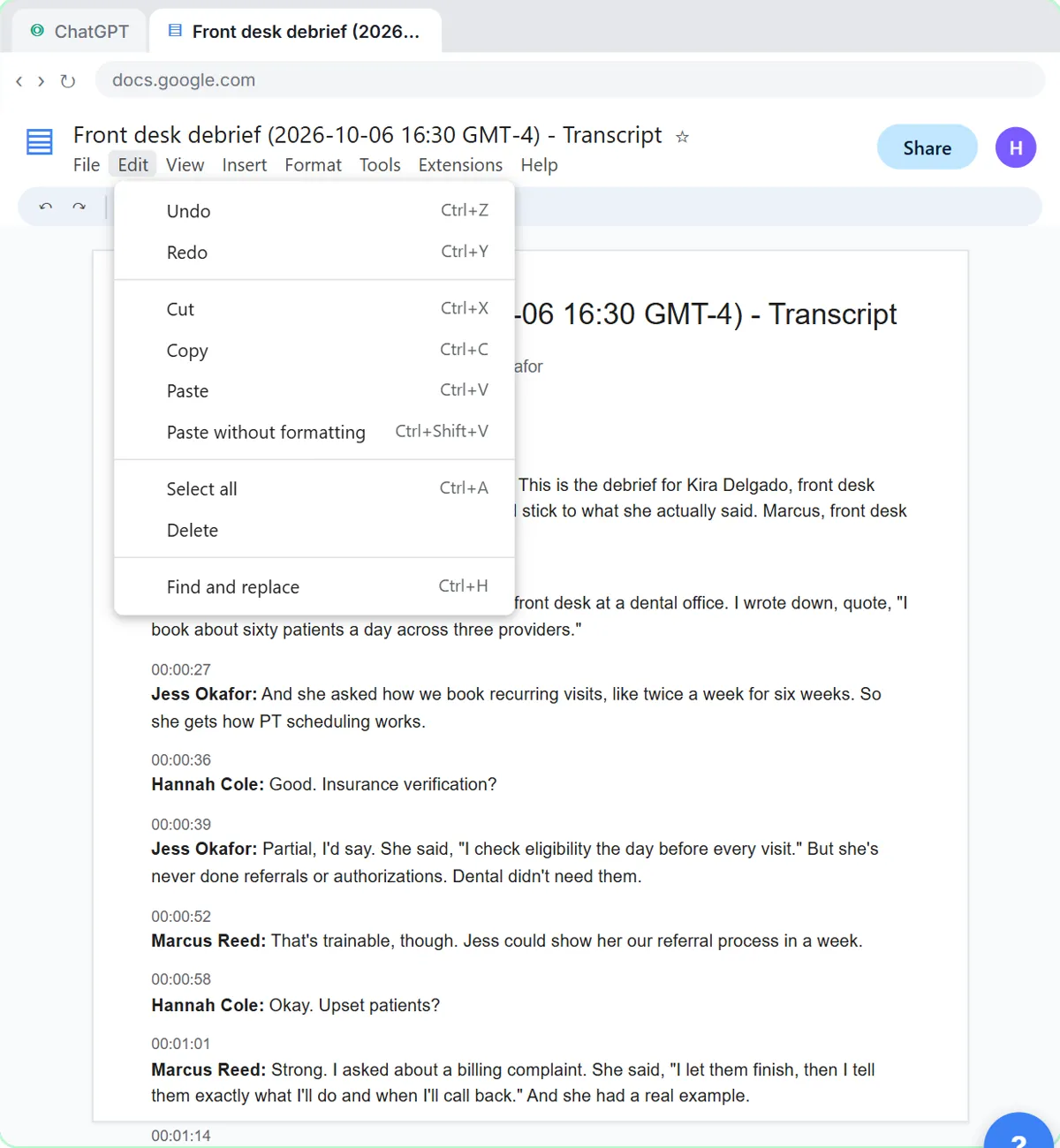 Score Every Candidate Fairly After the Interview using ChatGPT
Turn the transcript of an interview panel's debrief into a scorecard against the role's must-haves, the decisions, action items with owners and dates, and a follow-up…
Free · Live ~7 min Beginner
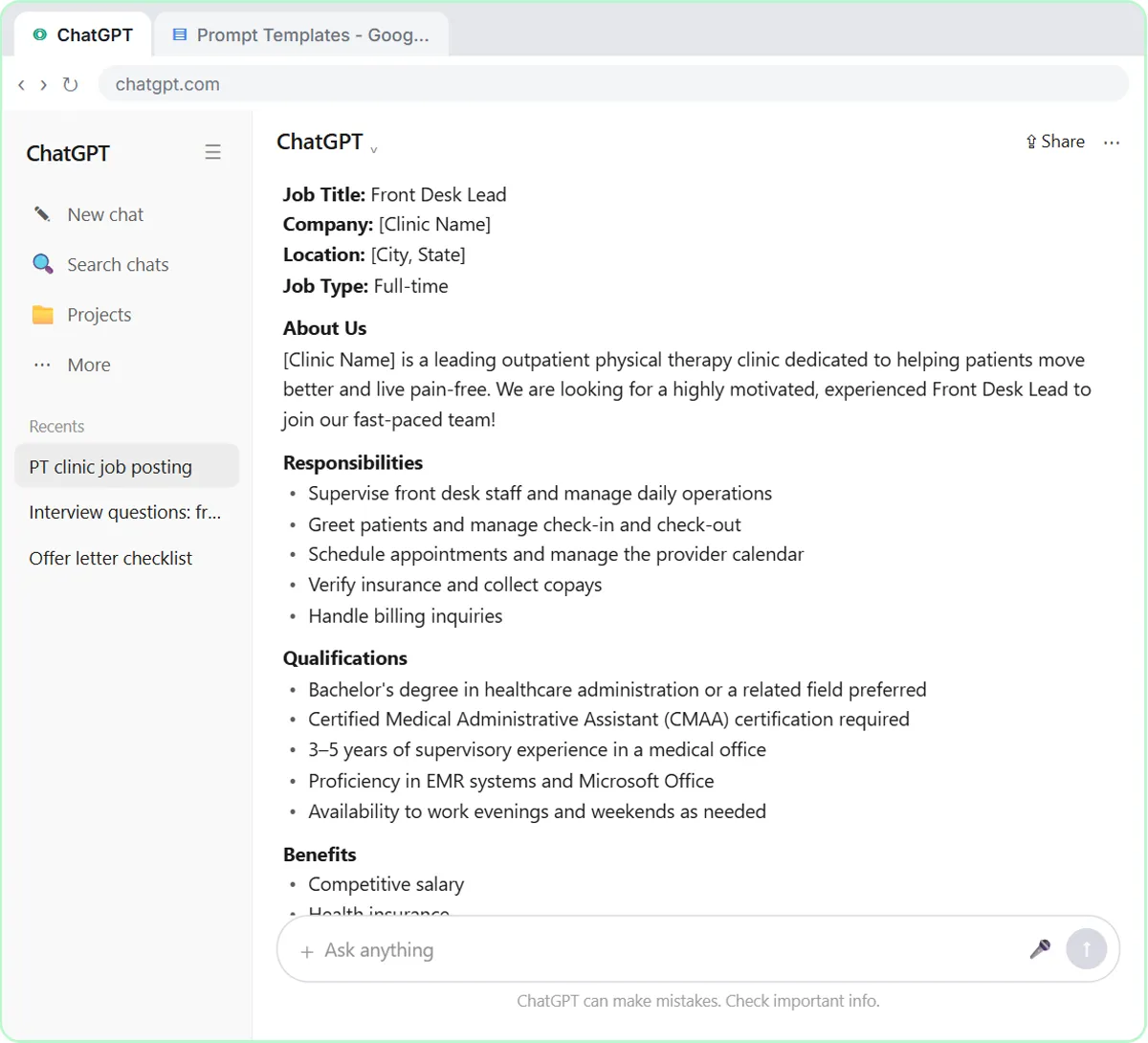 Write a Fair, Job-Related Job Posting with ChatGPT's Interview Prompt
Ask ChatGPT for a front desk lead posting the quick way, then let it interview you: true must-haves only, a real pay range, the work described instead of a personality…
Free · Live ~7 min Beginner
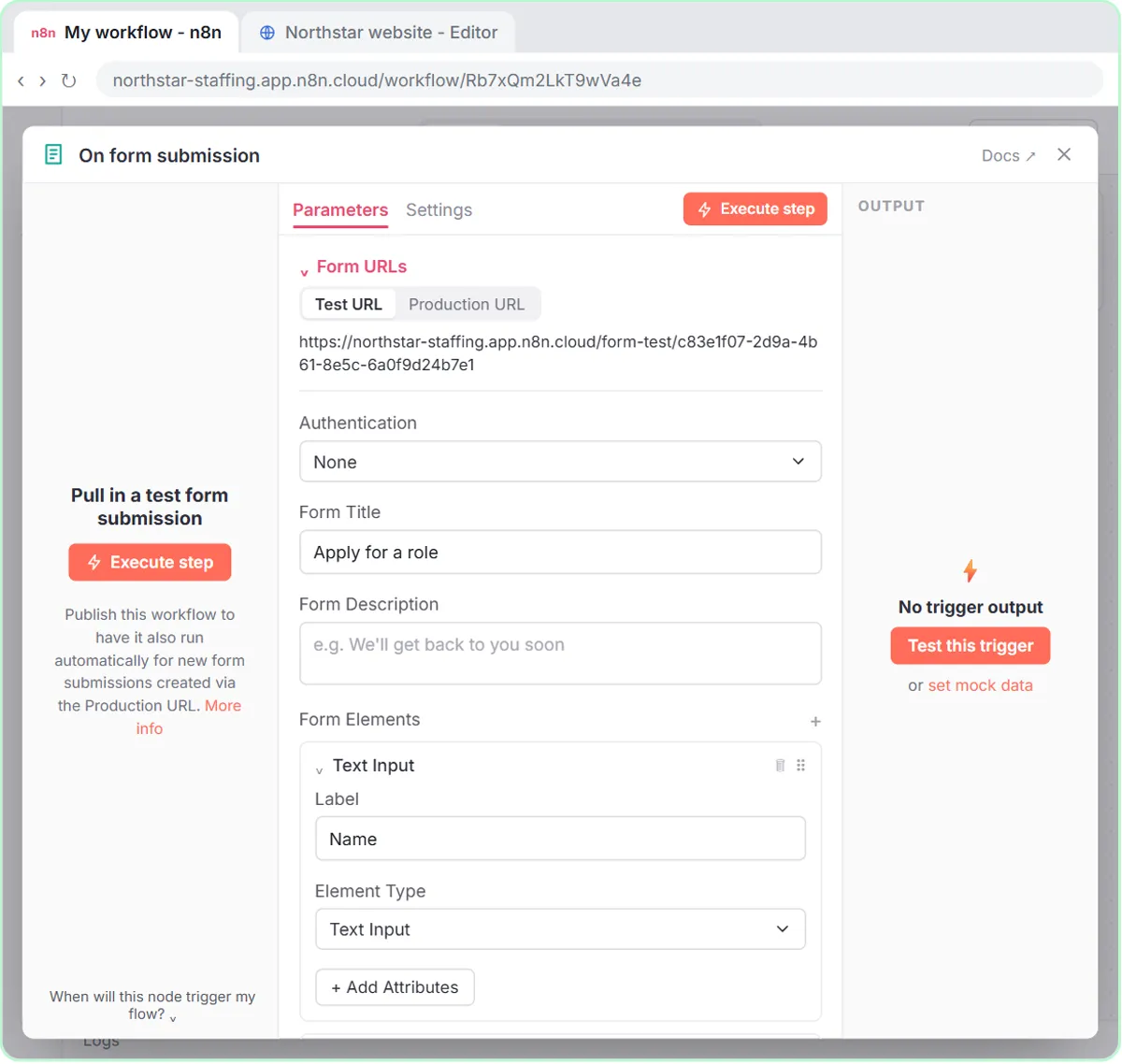 Collect Job Applications in Google Sheets with an n8n Form and a Careers-Page Webhook
Stop losing applicants between job boards and your careers page. An n8n form plus a careers-page webhook put every application in one Google Sheet.
Free · Live ~12 min Advanced
◷Keep Top Candidates Warm with Honest Status Replies using ChatGPTYour best candidate has another offer and wants to know if she got the job, if you'll match her pay and when she can start. Give ChatGPT the thread and the hiring…
Free · Live ~9 min Beginner
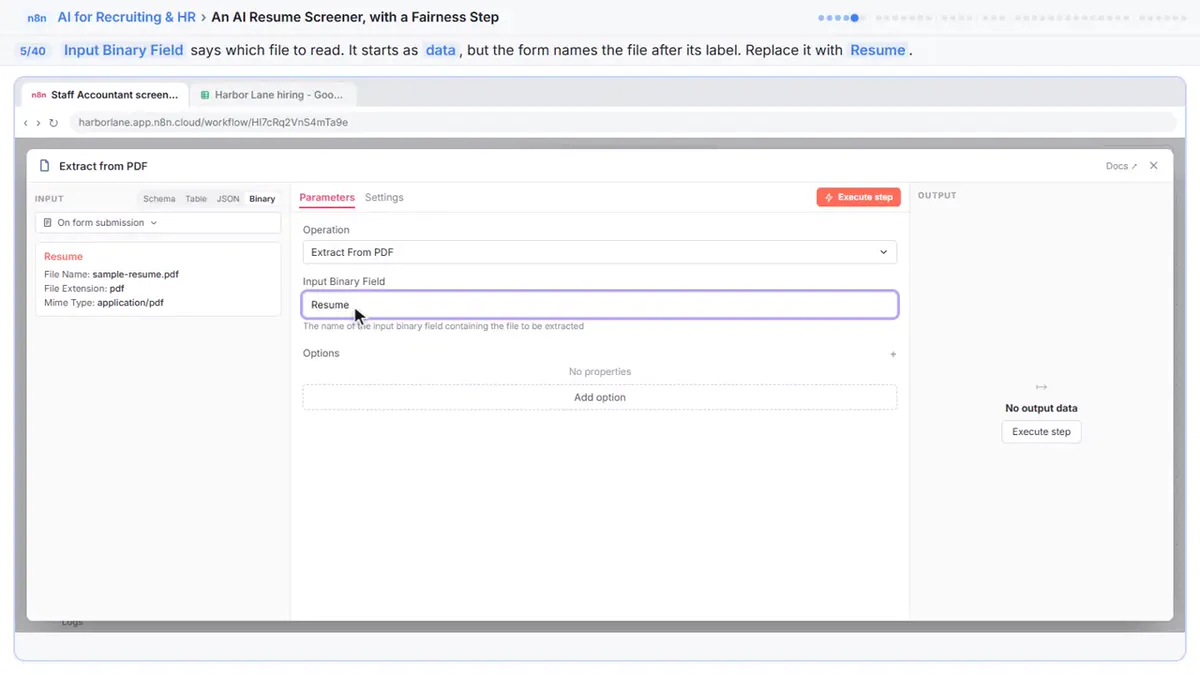 An AI Resume Screener, with a Fairness Step (Recruiting & HR)
Have n8n read each applicant’s PDF resume, score it against the job’s must-haves with the evidence quoted, and rank it in Google Sheets, while a person makes every…
Free · Live ~14 min Advanced
All 15 modules in AI Automation for Recruiting & HR
Terms in this lesson
Plain-English definitions, each with an example from a free lesson.