Updated . Built against the tool’s current screens and checked step by step. How we check this lesson
DeepL is a third-party AI translator whose file translation keeps a document's original formatting. In this free lesson you start with the business case: an HR consultant spends about 90 minutes on every document a client needs in Spanish, mostly rebuilding the layout. Then, in a practice copy of DeepL, you open Translate files, select a Word policy, choose Spanish, set the formal tone, translate and download it, and use DeepL Write to tidy the English cover email, checking every change.
At a glance
| Question | Answer |
|---|---|
| What you build | Translate a client's Word policy into Spanish with DeepL file translation, keep its headings and table, set a formal tone, then polish the English cover email with DeepL Write. |
| Tools | DeepL |
| Time | About 5 minutes, 13 steps in 3 parts |
| Level | Beginner, no coding needed |
| Cost | Free |
| Ways to learn it | Practice it step by step |
The 3 parts, in short
- The cost of translating by hand: Count the time, Price the fix.
- Translate the whole file: Open Translate files, Select the policy, Open the language list, Choose Spanish, and 3 more steps.
- Polish the cover email: Open DeepL Write, Paste the rough email, Show the changes, Copy the improved email.
Part of: AI for Recruiting & HR (step 16 of 16)
Part of: AI Apps Worth Knowing (step 56 of 62). Next up: Beautiful.ai: A Client Review Deck from Your Brief in Under an Hour
The business case: the rebuild, not the words
When a client has staff who work in another language, every new policy, form and letter needs a copy in that language. Pasting the text into a translator is quick. Rebuilding the document afterwards, with the headings, tables and fonts, is not. At about 90 minutes a document and six documents a month, that is nine hours a month.
Translating the whole file with its formatting kept turns the job into a check: about 20 minutes a document, including a fluent colleague's read. The lesson uses those example numbers; put in your own.
What you will do in the lesson
You are Marisol, an HR consultant at Brookfield People Partners, a made-up firm. Your client Harbor & Pine Foods needs its new remote work policy in Spanish. In the practice copy you open Translate files, select the Word file, choose Spanish, set the tone to formal and click Translate into Spanish. The preview shows the same title and table, now in Spanish, and you download the copy.
Then you switch to DeepL Write, paste your rough English cover email, turn on Show changes to see every edit, and copy the improved version to send with the translated file.
Who this is for
HR consultants, office managers, recruiters, accountants and anyone who sends documents to clients or staff in more than one language. No AI experience is needed. The lesson is a practice copy, so no file is uploaded and you do not need a DeepL account to take it.
How DeepL file translation works, from its own help center
DeepL's help center describes the steps: click Translate files, select a file or drag it into the window, select one or more target languages, optionally pick a glossary, a formal or informal tone or a language model, then start the translation and download the result. It says file translation keeps the original formatting, images and fonts, and that differences in word length between languages can shift the layout.
DeepL Write is separate: you enter text on the left, an improved version appears on the right with changes marked, you can pick alternatives for words or whole sentences, and the Show changes toggle shows each edit in detail.
Mistakes to avoid
- Pasting text instead of translating the file. You lose the headings and tables and have to rebuild them.
- Leaving the tone on default for a policy. Choose formal for documents from an employer or a firm.
- Skipping the layout check. Spanish and many other languages run longer than English.
- Sending a translated policy or contract without a fluent reader. AI translation is a draft for anything staff or clients rely on.
Plans and confidentiality
DeepL lists a free version and trials of its paid plans. Check deepl.com for the file limits on each plan, and check your firm's and your client's rules before you upload confidential documents to any online tool.
Links
- DeepL file translation help: the steps the lesson follows: Translate files, select a file, pick the target language and options, translate, download.
- About DeepL file translation: why formatting is kept, and why differences in word length can shift the layout.
- Use DeepL Write: the two text areas, alternative suggestions, the Show changes toggle and the copy icon.
- DeepL plans: the free version and paid plans. DeepL is a separate product with its own account and plans.
Try it yourself, free
Reading the steps is a start. Doing them is how it sticks. The interactive module walks you through every click in a practice copy of DeepL, checks each step, and never touches your real accounts.
Start “DeepL: Translate a Client Document and Keep Its Formatting”Step by step: DeepL: Translate a Client Document and Keep Its Formatting
All 13 steps of the interactive module, in order. In the module you watch each one, then do it yourself in a practice copy that checks your work.
1. The cost of translating by hand
- Count the time. Marisol is an HR consultant at Brookfield People Partners. Her client Harbor & Pine Foods has Spanish-speaking staff, so about 6 documents a month need a Spanish copy. Pasting each one into a translator and rebuilding the layout takes about 90 minutes. Click the row that shows 9 hours a month.
Marisol is an HR consultant. Her client has Spanish speaking staff. So about six documents a month need a Spanish copy. Pasting each one into a translator, then rebuilding the layout, takes about ninety minutes.
- Price the fix. If the whole file is translated with its formatting kept, the work is the check, not the rebuild: about 20 minutes, including a fluent colleague reading it. These are example numbers, so use your own. Click the time with DeepL row.
Now translate the whole file, with its layout kept. The work becomes the check, not the rebuild. About twenty minutes, including a fluent colleague reading it. These are example numbers, so use your own.
2. Translate the whole file
- Open Translate files. This is the DeepL translator. Pasting text would lose the headings and the table. Click Translate files.
This is the DeepL translator. Pasting the text would lose the headings and the table.
- Select the policy. Click the upload area and select Harbor-Pine-Remote-Work-Policy.docx. You can also drag a file into the window.
You can also drag the file into the window.
- Open the language list. Now pick the target language. Click the target language box.
Now pick the language to translate into.
- Choose Spanish. Click Spanish.
- Set the formal tone. A policy from an employer should read formally. Set the tone to Formal.
A policy from an employer should sound formal. Set the tone to Formal.
- Translate the file. Click Translate into Spanish.
- Download the copy. The translated file keeps the headings, the table and the fonts, though Spanish runs a little longer, so check the layout. Click Download.
The translated file keeps the headings, the table, and the fonts. Spanish runs a little longer, so check the layout. And before it goes to staff, have a fluent speaker read it.
3. Polish the cover email
- Open DeepL Write. Now the cover email to the client, in English. DeepL Write improves text in the same language. Click DeepL Write.
Now the cover email to the client, in English. DeepL Write improves your wording, in the same language.
- Paste the rough email. Put your text in the left-hand box. The language is detected automatically. Paste in the email.
Put your rough email in the box on the left. DeepL works out the language on its own.
Hi Tom, attached is the spanish version of the remote work policy like we discussed, can you have someone on your team who speaks spanish give it a read before we send it out to staff, thanks
- Show the changes. An improved version appears on the right. Click the Show changes toggle to see exactly what changed, so you agree with every edit.
An improved version appears on the right. You should agree with every edit.
- Copy the improved email. The meaning is the same, and the request is clearer. Click the copy icon, then paste it into your email with the translated file attached.
Same meaning, clearer request.
Frequently asked questions
- How does the interactive lesson work?
- Each step is shown to you first (Watch). Then you do it yourself in a practice copy that checks every click (Your turn). If you get stuck, press Do it for me. No file is uploaded and no DeepL account is touched.
- Is DeepL part of Stepthrough?
- No. DeepL is a separate, third-party product from deepl.com. This free lesson was built from DeepL's public help center and has not been tested in the real app, so your screens may look a little different.
- Does DeepL keep a document's formatting?
- DeepL's help center says file translation keeps the original formatting, images and fonts, though differences in word length can shift the layout a little.
- What is the difference between DeepL Translator and DeepL Write?
- The Translator moves text or a file into another language. DeepL Write improves text in the same language and shows you each change.
More in AI Automation for Recruiting & HR
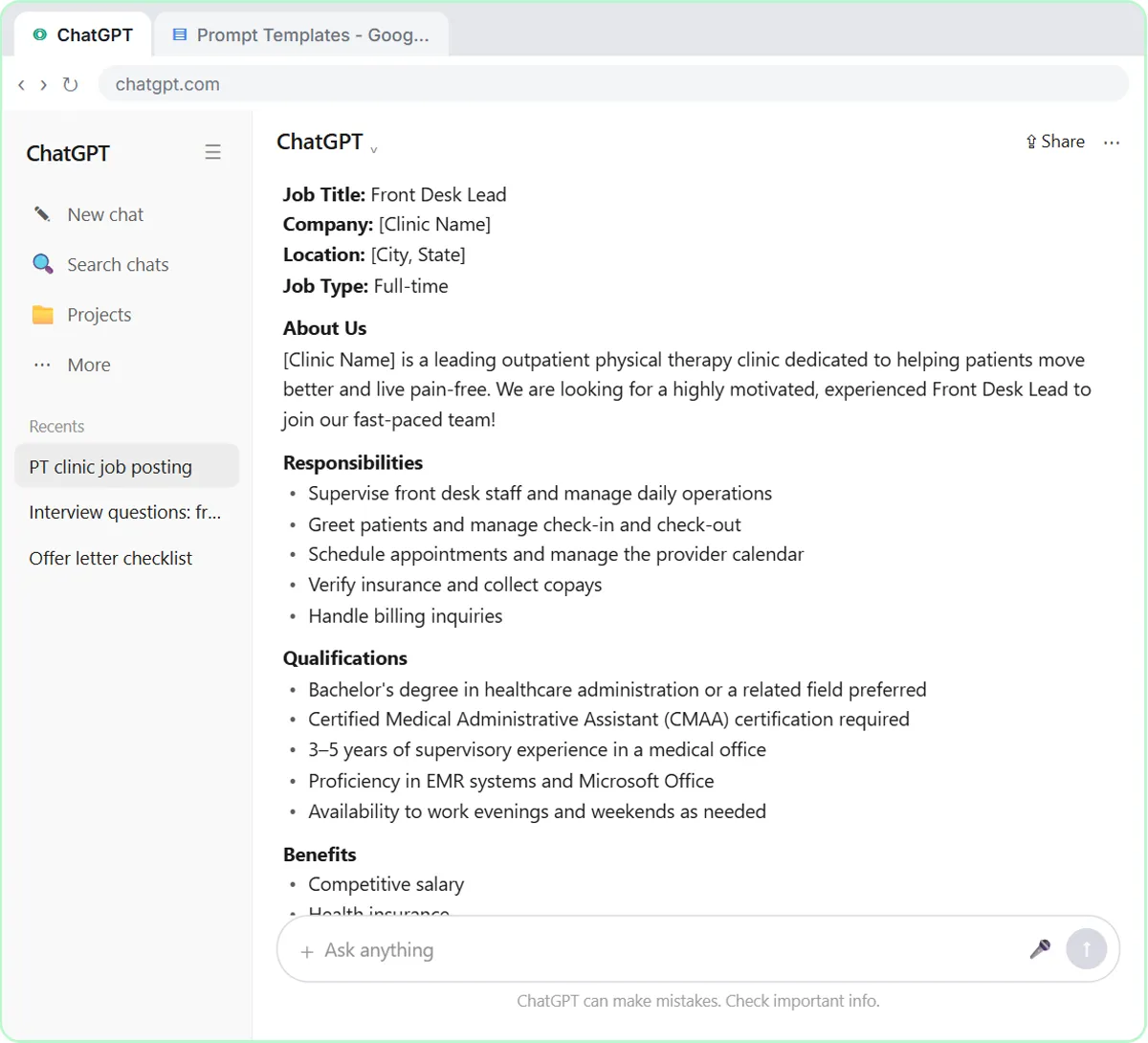 Write a Fair, Job-Related Job Posting with ChatGPT's Interview Prompt
Ask ChatGPT for a front desk lead posting the quick way, then let it interview you: true must-haves only, a real pay range, the work described instead of a personality…
Free · Live ~7 min Beginner
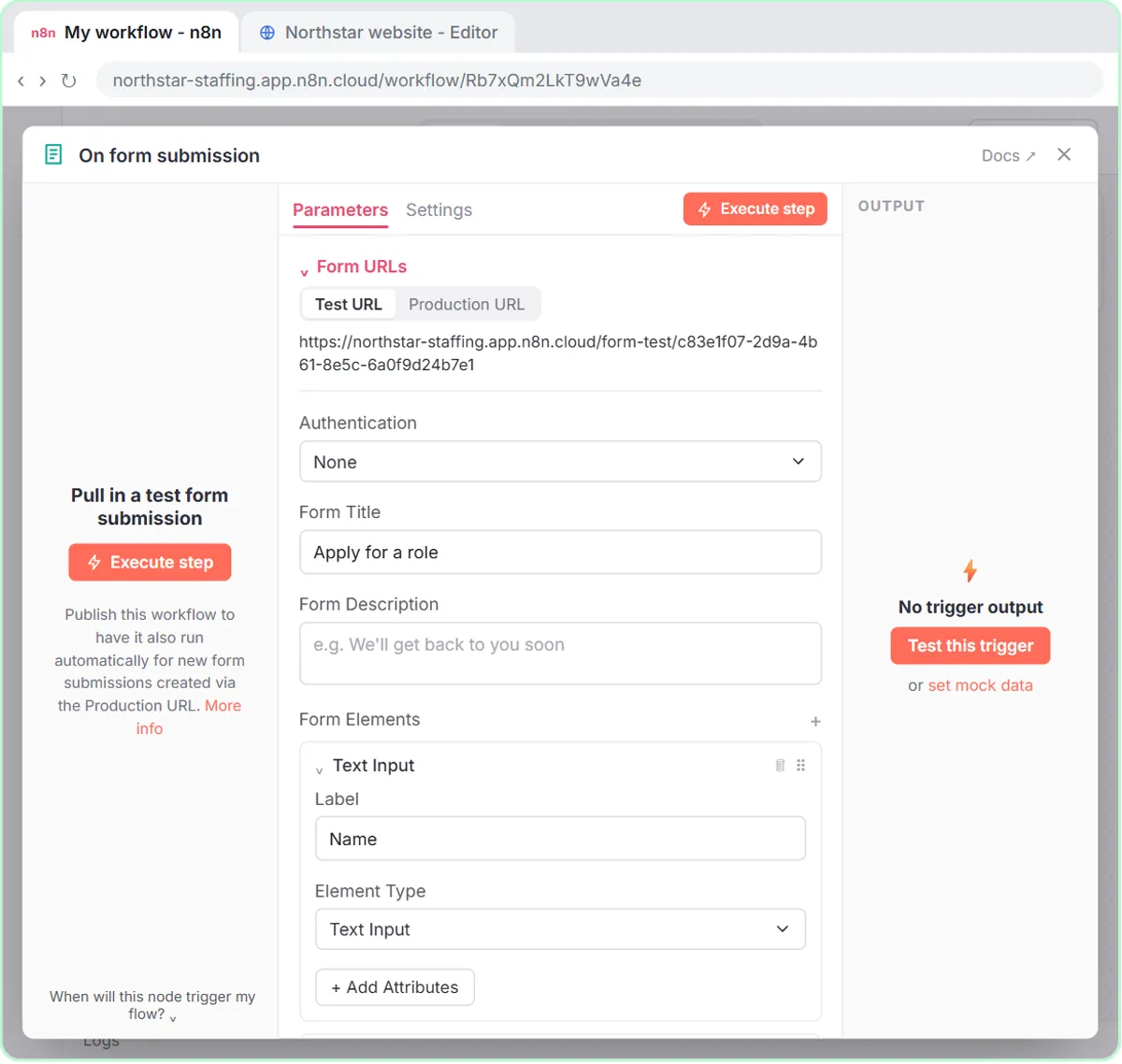 Collect Job Applications in Google Sheets with an n8n Form and a Careers-Page Webhook
Stop losing applicants between job boards and your careers page. An n8n form plus a careers-page webhook put every application in one Google Sheet.
Free · Live ~12 min Advanced
◷Keep Top Candidates Warm with Honest Status Replies using ChatGPTYour best candidate has another offer and wants to know if she got the job, if you'll match her pay and when she can start. Give ChatGPT the thread and the hiring…
Free · Live ~9 min Beginner
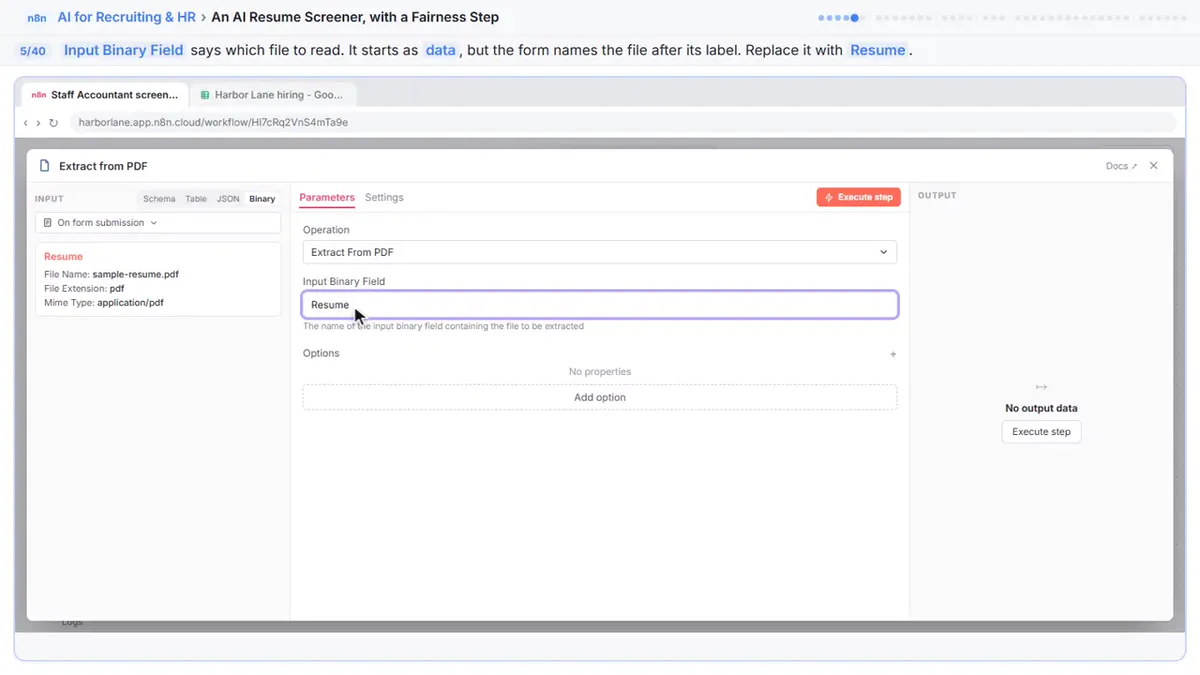 An AI Resume Screener, with a Fairness Step (Recruiting & HR)
Have n8n read each applicant’s PDF resume, score it against the job’s must-haves with the evidence quoted, and rank it in Google Sheets, while a person makes every…
Free · Live ~14 min Advanced
◷Answer an Employee's Leave Questions Without Overpromising using ChatGPT for Recruiting & HRAn employee asks about pay, unpaid weeks and whether his leave dates are approved. Give ChatGPT the thread and your leave policy, catch the answers you can't give yet…
Free · Live ~10 min Beginner
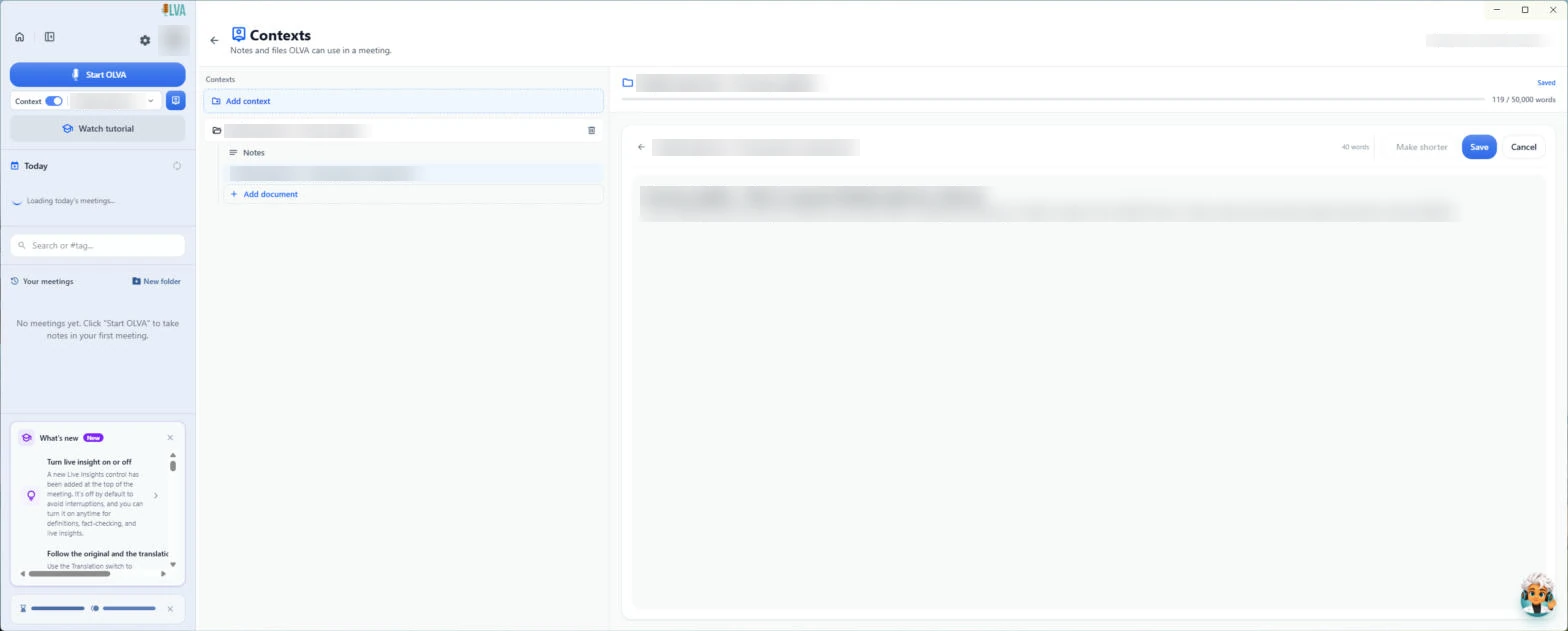 OLVA: Listen in Interviews and Debrief Against the Scorecard
Load the role's scorecard and the resume into OLVA. In the interview it suggests follow-up questions privately and tells you what you haven't covered, then helps you…
Free · Live ~8 min Intermediate
All 9 modules in AI Automation for Recruiting & HR
Terms in this lesson
Plain-English definitions, each with an example from a free lesson.