Free Pin tutorials for small business
Updated
Pin. These 3 free modules teach it by building real projects, not by reading about features: Pin: Check the Market and Set Up an AI Candidate Search for Recruiting & HR, Pin: Turn 20 AI-Sourced Candidates into a 3-Person Shortlist for Recruiting & HR and Pin: Check the Outreach Emails Before Anything Goes Out for Recruiting & HR.
The Pin modules cover Recruiting & HR. Every module runs in a practice copy of Pin, so you can learn it without an account, then set it up for real.
3 modules
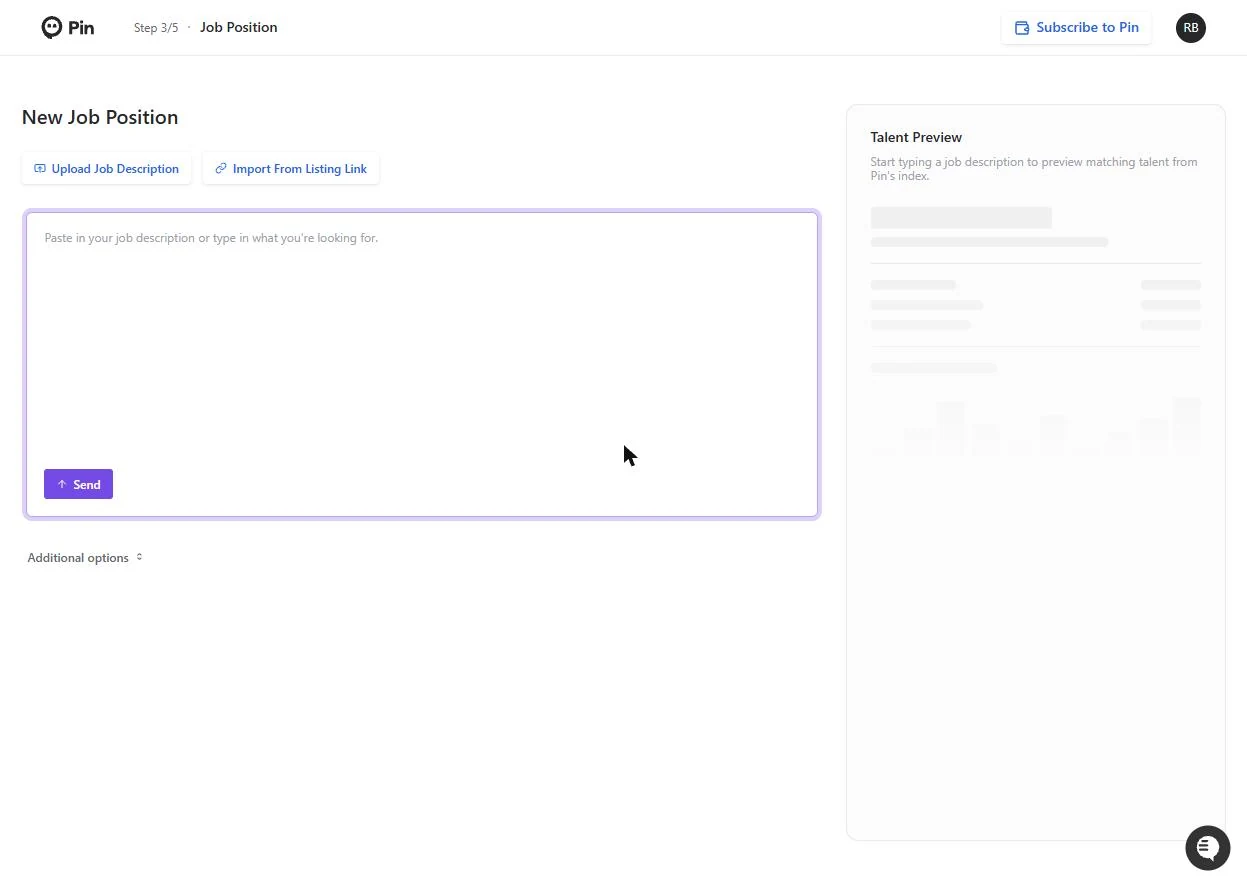 Pin: Check the Market and Set Up an AI Candidate Search for Recruiting & HR
A 12-person accounting firm needs a Staff Accountant. Paste the job into Pin, learn that the pay range sits under the market average before you post anything, and set…
Free · Live ~6 min Beginner
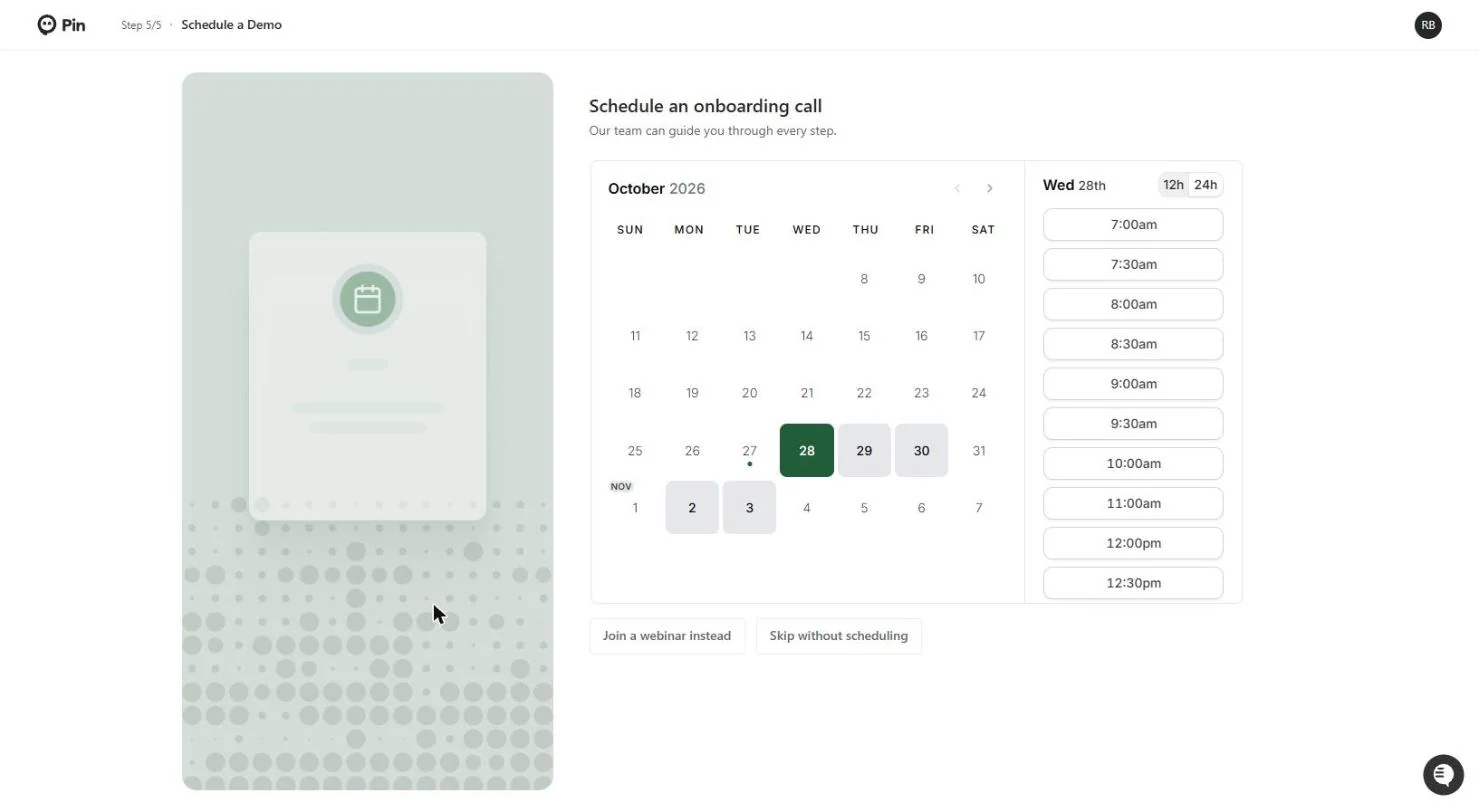 Pin: Turn 20 AI-Sourced Candidates into a 3-Person Shortlist for Recruiting & HR
Part 2 of Pin for small-firm hiring. Pin found the candidates; now a 12-person accounting firm reads the match reasons, shortlists the real fits, declines a weak one…
Free · Live ~7 min Beginner
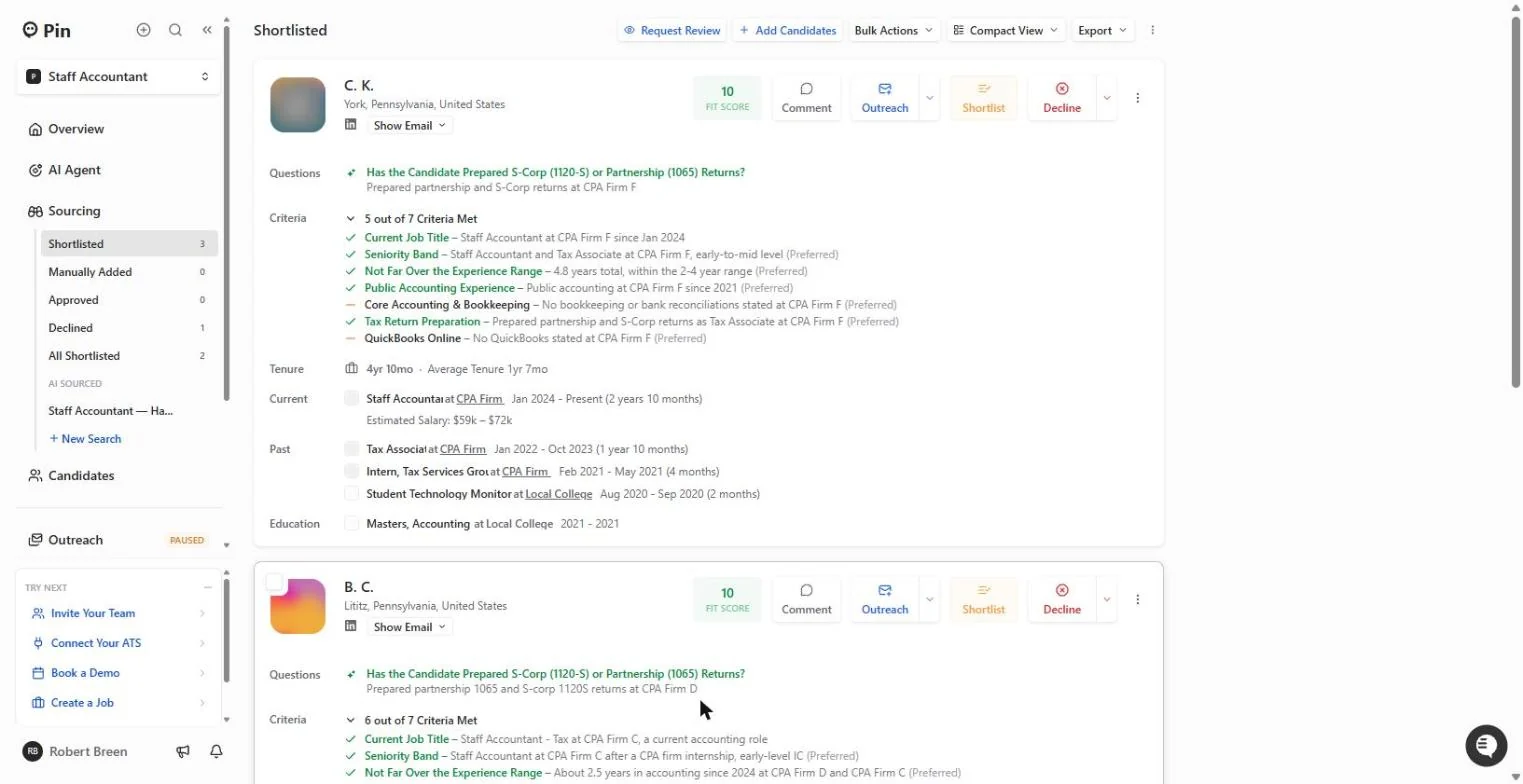 Pin: Check the Outreach Emails Before Anything Goes Out for Recruiting & HR
Part 3 of Pin for small-firm hiring. Pin drafts a 4-step email sequence for your shortlist. Catch what it got wrong about your firm, fix every step with one…
Free · Live ~6 min Beginner
What you do in each module
- Pin: Check the Market and Set Up an AI Candidate Search for Recruiting & HR (about 6 minutes, 13 steps, beginner). You work through: Check the market, Set up the search and Tell Pin what a fit looks like.
- Pin: Turn 20 AI-Sourced Candidates into a 3-Person Shortlist for Recruiting & HR (about 7 minutes, 15 steps, beginner). You work through: Let Pin find people, Read the match reasons and Mark fits and non-fits.
- Pin: Check the Outreach Emails Before Anything Goes Out for Recruiting & HR (about 6 minutes, 13 steps, beginner). You work through: Read what Pin drafted, Fix it in plain English and Stop before it sends.
Common questions
How long will this take?
The 3 modules take about 19 minutes in total, and you can do them in separate sittings.
Do I need experience first?
No. These modules are beginner level, and each step tells you exactly where to click.
Do I need a Pin account to start?
No. The practice runs in a copy of Pin inside your browser, and nothing touches your real accounts. When you are ready, you repeat the steps in your own account.
Is it free?
Yes. All 3 modules are free.
Where should I start?
Start with Pin: Check the Market and Set Up an AI Candidate Search for Recruiting & HR, then continue with Pin: Turn 20 AI-Sourced Candidates into a 3-Person Shortlist for Recruiting & HR.
Frequently asked questions
- Are these Pin tutorials free?
- Yes. All 3 live Pin lessons here are free, and you can start without signing up. Each one is a real project you build step by step in a practice copy of Pin that checks your work.
- Where should a beginner start with Pin?
- Start with Pin: Check the Market and Set Up an AI Candidate Search for Recruiting & HR, about 6 minutes. Every step shows you where to click, and "Do it for me" finishes any step you get stuck on.
- Do I need my own Pin account to practice?
- No. The lessons run in a practice copy of Pin in your browser, so nothing touches your real accounts. To build the same workflow for real afterwards you need your own Pin account; check Pin's current pricing first.
Related
How every module works
Each step is shown on the left, with a cursor pointing to exactly where to click. You do the same thing on the right, in a practice copy of the real tool. Get it right and it moves on. Nothing touches your real accounts until you're ready to build it for real.
Start learning free