Updated . Built against the tool’s current screens and checked step by step. How we check this lesson
The problem: a bookkeeper gets an urgent email from a vendor she knows saying "we changed banks, please pay today," and then a voicemail that sounds like the owner asking her to pay the same day. AI makes the email flawless and a voice easy to fake, so it no longer looks like a scam. This free, hands-on lesson shows how to check the message with Claude, the three rules that protect the money whether or not you spot the fake, and how to turn them into a one-page bank change policy and a staff alert.
At a glance
| Question | Answer |
|---|---|
| What you build | An urgent "new bank details" email and a voicemail that sounds like your boss. Check them with Claude, use three verify-before-you-pay rules, and write a one-page bank change policy and a staff alert. |
| Tools | Claude |
| Time | About 7 minutes, 11 steps in 4 parts |
| Level | Beginner, no coding needed |
| Cost | Free |
| Ways to learn it | Practice it step by step |
The 4 parts, in short
- Read the request: Find the sentence that moves the money.
- Check it with Claude: Open Claude, Open a new chat, Paste the email and the voicemail text, Send it, and 1 more step.
- Verify before you pay: Keep the three verify rules.
- Write the policy and alert: Ask for a one-page policy and a staff alert, Send it, Read the policy, Read the staff alert.
Start here first: Start Here: How Stepthrough Works (module 1 of AI Basics)
Part of: AI at Work: Start Here (step 6 of 17). Next up: Someone Pasted Client Data into AI: Contain It in One Hour using ChatGPT
Part of: AI Back Office for Small Business (step 4 of 11). Next up: SunSed: Build a Purchase Order Tracker App by Describing It
The fake email, voicemail transcript and callback log
This is the message the lesson uses. It is made up (Northgate Paper Supply, invoice 8812, $6,420.00, fake bank numbers) and the voicemail is typed text, because you should never clone a real person's voice to practice. The download also has what a good answer looks like, the three rules, the follow-up request for the policy and staff alert, and a callback log you can copy.
Download the fake email, rules and callback log (.txt) Paste it into a new chat on your own account. Never paste real vendor details or account numbers.
What you need before you start
- Nothing for the practice copy: it needs no account and sends nothing.
- To try it for real: a Claude account (the free plan is enough) or the assistant your office uses, and the fake message from the download.
- No inbox connection. The test pastes the fake email and the typed voicemail as plain text.
Step 1: find the sentence that moves the money
You are Priya, the bookkeeper at Harbor & Pine Bookkeeping (made up). An email from Northgate Paper Supply, a vendor you know, says they have changed banks and asks you to pay invoice 8812 for $6,420.00 to a new account today. A voicemail that sounds like your boss, Mike, tells you to pay it. Everything looks right, and that is the danger.
This is the vendor-impersonation scam, often called business email compromise. The sentence to click is the one with the new bank details, because that is the part that sends the money somewhere new.
Steps 2 to 6: check it with Claude
Open a new chat. Never use a chat that has real client work in it. Paste the email and a typed copy of the voicemail as plain text and tell Claude you have not paid yet, so it knows the decision is still open.
In our real test, in a Claude Max account on October 15, 2026, Claude called it a textbook vendor-impersonation scam and listed five red flags: changed bank details; urgency and a threat (today, a 5pm deadline, an account hold); blocked verification ("phones are down, email only"); a corroborating voicemail, because two channels pushing the same request is a tactic and voices are easy to fake or clone; and no independent proof. It also said not to pay today, not to reply to the email to verify, to call the vendor on a number already on file, and to call Mike on his known number.
Step 7: the three verify-before-you-pay rules
Claude's answer is useful, but the check that protects you is a phone call you make. Keep three rules. First, call back on a number you already have, from an old invoice, your vendor file or the vendor's website, never the number in the email or the voicemail. Second, a second person approves any bank change, and the person who made the callback cannot be the only approver. Third, slow down when it is urgent: a real vendor will accept a one-day delay while you verify.
These rules work even when the fake is perfect, which matters because you cannot reliably tell a cloned voice or a well-written email by looking. An approval threshold is a good companion: make any bank-detail change an approval item at every amount, not only above a dollar limit.
Steps 8 to 11: a one-page policy and a staff alert
In the same chat we asked Claude for two things: a one-page Vendor Bank Change Policy built on the three rules, and a short alert for staff about the Northgate attempt, both in plain words, with a blank line for a callback log (who called, number used, date, time).
Claude wrote the policy as a document in a side panel, with a purpose, the three rules and the callback log, and put the staff alert in the chat: what the email and voicemail said, what to do, and to forward anything similar instead of replying or calling the numbers in it. Your own copy may look different, because Claude's layout and wording change from run to run.
Read both and edit them. Name your second approver and where vendor phone numbers are kept, then send the alert yourself from your own email. Claude drafts, you decide. For the same human-approval idea in an automation, see What Is Human in the Loop AI?.
Mistakes to avoid
- Replying to the email, or calling the number in it, to check the change. A scammer will simply confirm.
- Trusting a voicemail because it sounds like the owner. Voices can be cloned from a short recording.
- Letting one person make the callback and approve the change. A second person has to sign off.
- Treating Claude's check as the check. It can miss things; the callback is the protection.
- Testing with real vendor details, real account numbers or a cloned real voice. Use fake data only.
How the interactive lesson works
Each step is shown in the Watch panel first, then you do it yourself in Your turn on a practice copy of the email and of Claude. Nothing is sent to Anthropic, and every name, number and email is made up. Claude's real wording changes from run to run.
Try it yourself, free
Reading the steps is a start. Doing them is how it sticks. The interactive module walks you through every click in a practice copy of Claude, checks each step, and never touches your real accounts.
Start “Stop a Fake Vendor Bank-Change Request Before You Pay using Claude”Step by step: Stop a Fake Vendor Bank-Change Request Before You Pay using Claude
All 11 steps of the interactive module, in order. In the module you watch each one, then do it yourself in a practice copy that checks your work.
1. Read the request
- Find the sentence that moves the money. You are Priya, the bookkeeper at Harbor & Pine. An email from a vendor you know says they changed banks and to pay today. A voicemail in your boss's voice says the same. Click the sentence with the new bank details.
You're Priya, the bookkeeper at Harbor and Pine. An email came in from a vendor you know. It says they changed banks, and to pay today. And there's a voicemail that sounds like your boss, saying the same thing. Everything looks right, and that's the danger.
2. Check it with Claude
- Open Claude. Everything here is made up, so it is safe to practice with. Ask Claude to check it before you pay anything. Click the Claude tab.
Everything here is made up, so it's safe to practice with. Before you pay anything, ask Claude to check it.
- Open a new chat. Use a new chat, never one with real client work in it. Click the message box.
Use a brand new chat, never one with real client work in it.
- Paste the email and the voicemail text. Paste the email and a typed copy of the voicemail as plain text, and tell Claude you have not paid yet. No real account numbers, ever. Paste in the the email and voicemail.
Tell Claude you haven't paid yet. And never use real account numbers for a test.
I am a bookkeeper and I have not paid yet. Check this email and voicemail for red flags and tell me what to do before I pay. EMAIL. From: dana.reyes@northgate-paper-supply.example Subject: URGENT - new bank details for invoice 8812. Hi Priya, We have changed banks. Please pay invoice 8812 for $6,420.00 to our new account today: routing 111000111, account 5550001234. We cannot take calls this week because our phones are down, so please reply by email only. If it is not paid by 5pm we will put your account on hold. Thank you, Dana Reyes, Northgate Paper Supply. VOICEMAIL TRANSCRIPT. Hey Priya, it is Mike. I know it is a rush, but Northgate is changing banks, so just pay that invoice to the new account today, I will explain later. Do not wait on me, thanks.
- Send it. Click the send arrow.
- Read the red flags. Claude calls it a textbook vendor-impersonation scam and lists five red flags. Notice the voicemail: two messages pushing the same request is a tactic, not proof. Click the red flags.
Claude calls this a textbook vendor impersonation scam, and lists five red flags. Changed bank details. Urgency and a threat. No way to call. And look at the voicemail. Two messages pushing the same request isn't proof. It's a tactic.
3. Verify before you pay
- Keep the three verify rules. Whatever Claude finds, the check is a phone call you make. Three rules: call back on a number you already have, a second person approves any bank change, and slow down when it is urgent. Click the rule card.
Whatever Claude finds, the real check is a phone call that you make. Three rules. One: call back on a number you already have, never the one in the email. Two: a second person approves any bank change. Three: slow down when it's urgent.
4. Write the policy and alert
- Ask for a one-page policy and a staff alert. Turn the three rules into office policy. Ask for a one-page bank change policy with a callback log, plus a short alert for staff. Paste in the the request.
Now turn those three rules into office policy. Ask Claude for a one page bank change policy, with a callback log, and a short alert for your staff.
Now write two things for our office, Harbor & Pine Bookkeeping. First, a one-page Vendor Bank Change Policy built on three rules: call back on a phone number we already have on file and never the one in the email, a second person must approve any bank change, and slow down when a message is urgent. Second, a short alert I can send to staff about this Northgate scam attempt. Keep both in plain words and leave a blank line for the callback log (who called, number used, date, time).
- Send it. Click the send arrow.
- Read the policy. Claude writes the policy as a document: purpose, the three rules and a blank callback log. Real Claude may open it in a side panel. Read it, then click the policy.
Claude writes the policy as a document. A purpose line, your three rules, and a blank callback log. In the real app it may open in a side panel. Read it, and make sure it says what you mean.
- Read the staff alert. The alert is short: what happened, what to do and who to forward odd messages to. Check it, then send it from your own email. Click the alert.
The staff alert is short. It says what happened, what to do, and who to forward odd messages to. Check it, then send it yourself from your own email. Claude drafts, you decide.
Frequently asked questions
- How do I know if a vendor bank change request is fake?
- You often cannot tell from the message alone. Warning signs are new bank details, urgency or a threat, "email only" because phones are supposedly down, and a second message pushing the same request. The reliable test is to call the vendor on a number you already have.
- Can AI clone my boss's voice for a payment scam?
- Yes. A convincing copy can be made from a short recording, so a voicemail that sounds like the owner is not proof. Confirm payment changes by calling the owner back on a known number or in person.
- What are the verify-before-you-pay rules?
- Call back on a phone number you already have and never the one in the message; have a second person approve any change to bank details; and slow down when a message is urgent.
- Can Claude tell me whether an email is a scam?
- It can list red flags and tell you what to check, and in our test on October 15, 2026 it named five red flags and said not to pay today. It can be wrong, so use it as a second pair of eyes, not as the verification.
- Why not reply to the email to confirm the new bank account?
- If the sender is a scammer, they control that inbox and will confirm. Verification has to go through a channel you already trust, like a phone number from an old invoice.
- What should a vendor bank change policy include?
- A purpose, the three rules (callback on a known number, second approver, slow down on urgency), who the approvers are, and a callback log with who called, the number used, the date and the time.
- Is this lesson free?
- Yes. Stepthrough is completely free and the practice copy needs no account.
More in AI Basics
Try the practice in under two minutes: watch a step, click, type, get unstuck with Do it for me, and finish.
Free · Live ~2 min Beginner
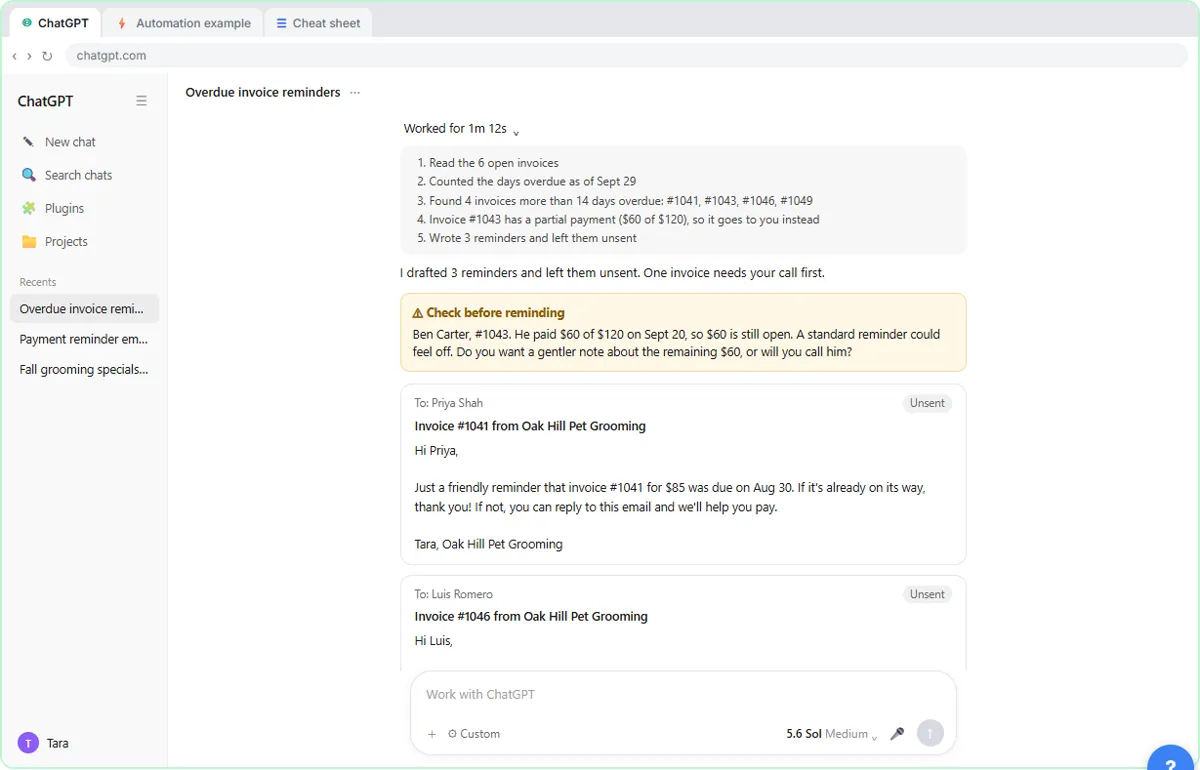 AI Agent vs Chatbot vs Automation: One Job Done Three Ways
Chase six unpaid invoices three ways: a chatbot writes a template, an automation follows a rule, and an AI agent works out the steps and flags the tricky one.
Free · Live ~7 min Beginner
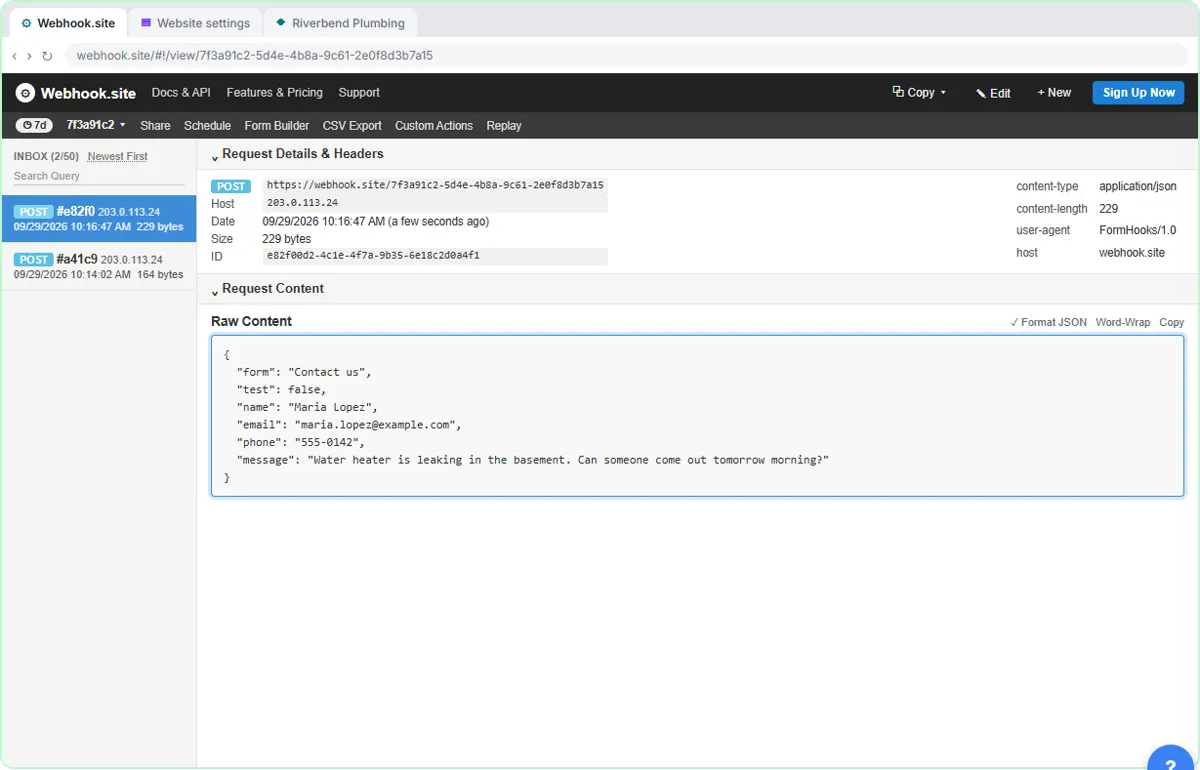 What Is a Webhook? Send a Test and Watch the Data Arrive
Point a plumber's website contact form at a free webhook tester, send a test and a real message, and watch the data arrive the moment it's sent.
Free · Live ~6 min Intermediate
 Use AI at Work Without Leaking Client Data using ChatGPT
Turn off model training, strip a tenant's bank details and address out of a prompt, then catch the two promises ChatGPT made up before the reply goes out.
Free · Live ~7 min Beginner
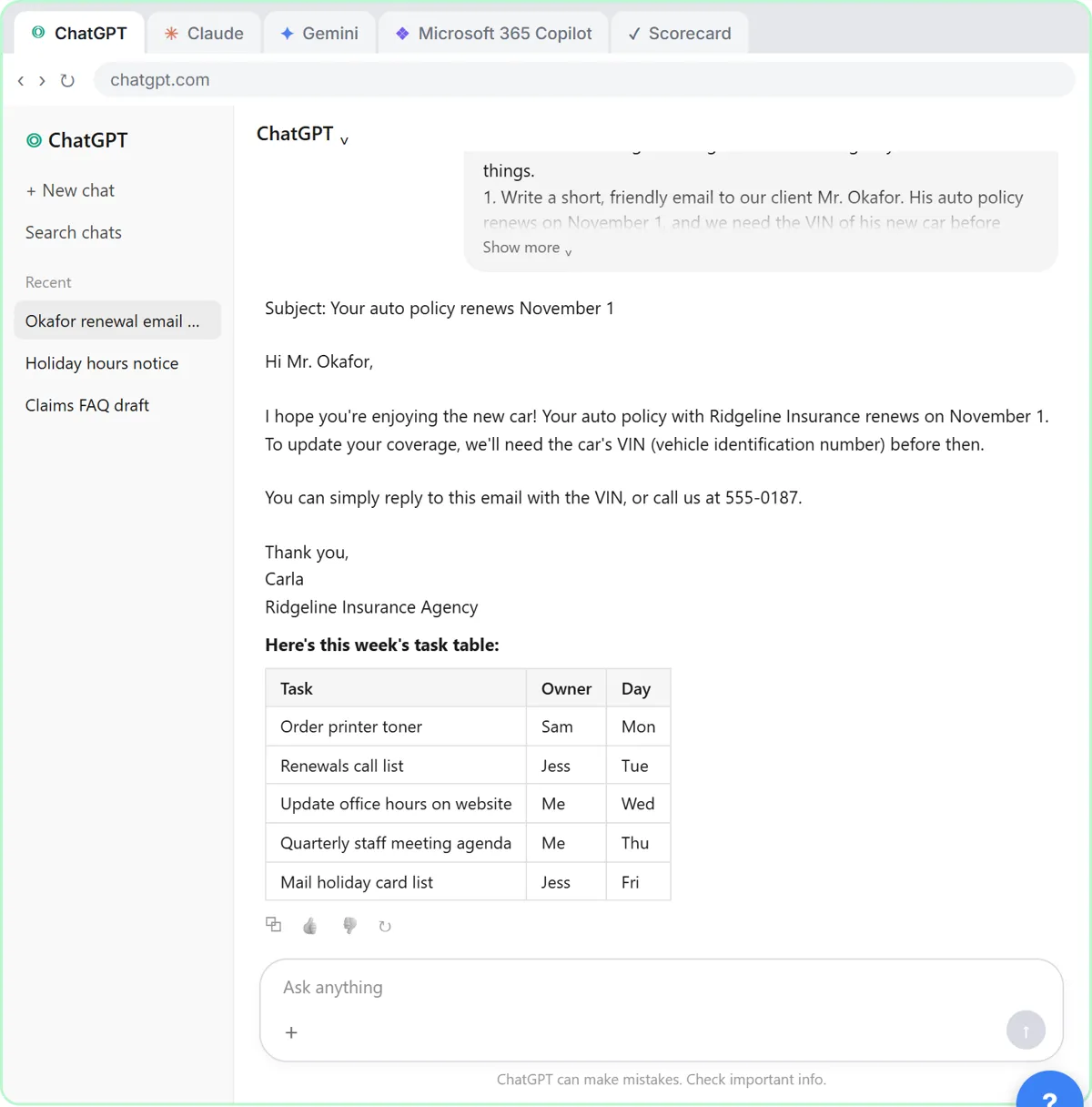 Choose the AI Assistant Your Team Should Use, Tested on ChatGPT, Claude, Gemini and Copilot
Give one real office task to ChatGPT, Claude, Gemini and Microsoft Copilot, check each answer on the facts, and pick the one to use at work.
Free · Live ~8 min Beginner
◷ChatGPT: Keep Client Data Safe, Set Up Your Team's Data Controls in 10 MinutesA client asks if their files go into ChatGPT. Answer with confidence: set the data controls, memory, Temporary Chat and shared links, then hand your team a one-page AI…
Free · Live ~10 min Beginner
More Claude tutorials
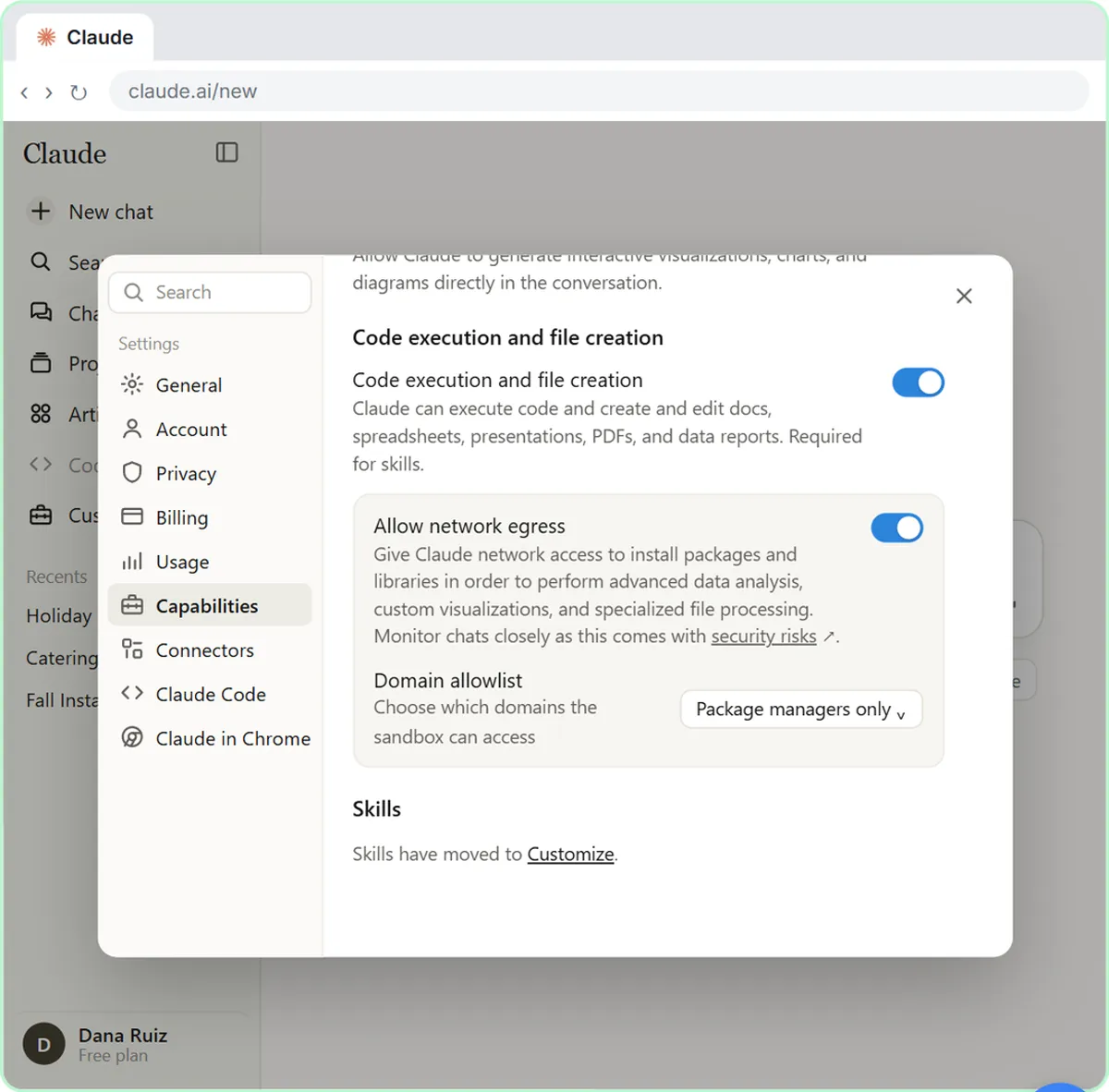 What Are Claude Skills? Turn One On and Watch It Work
Learn what a Claude skill is, switch on the setting skills need, turn on an example skill in Customize, and watch Claude use its Excel and Word skills on its own.
Free · Live ~7 min Beginner
 How to Install a Custom Skill in Claude (Upload a Skill .zip)
Upload your own skill to Claude as a .zip, check that it’s switched on, see what’s inside its SKILL.md, and watch Claude use it to write a landscaping quote your way.
Free · Live ~6 min Beginner
 Make Every Claude Document On-Brand with a Brand Guidelines Skill
Build a brand skill for a small flower shop by chatting with Claude: colors, fonts, logo placement and voice. Then ask for a proposal and a social post and watch both…
Free · Live ~7 min Beginner
 Claude's Excel Skill: Turn a Messy Export into a Clean Workbook
Upload a messy sales export to Claude and get back a clean Excel workbook with a Data tab, a Summary tab built with formulas, and a chart, thanks to Claude's built-in…
Free · Live ~8 min Intermediate
 Build Your Own Claude Skill with the Skill Creator: A Weekly Report Template
Turn a report you make every week into a skill. Claude’s skill creator interviews you, drafts the skill, tests it and packages it. Then you use it on a real week…
Free · Live ~8 min Intermediate
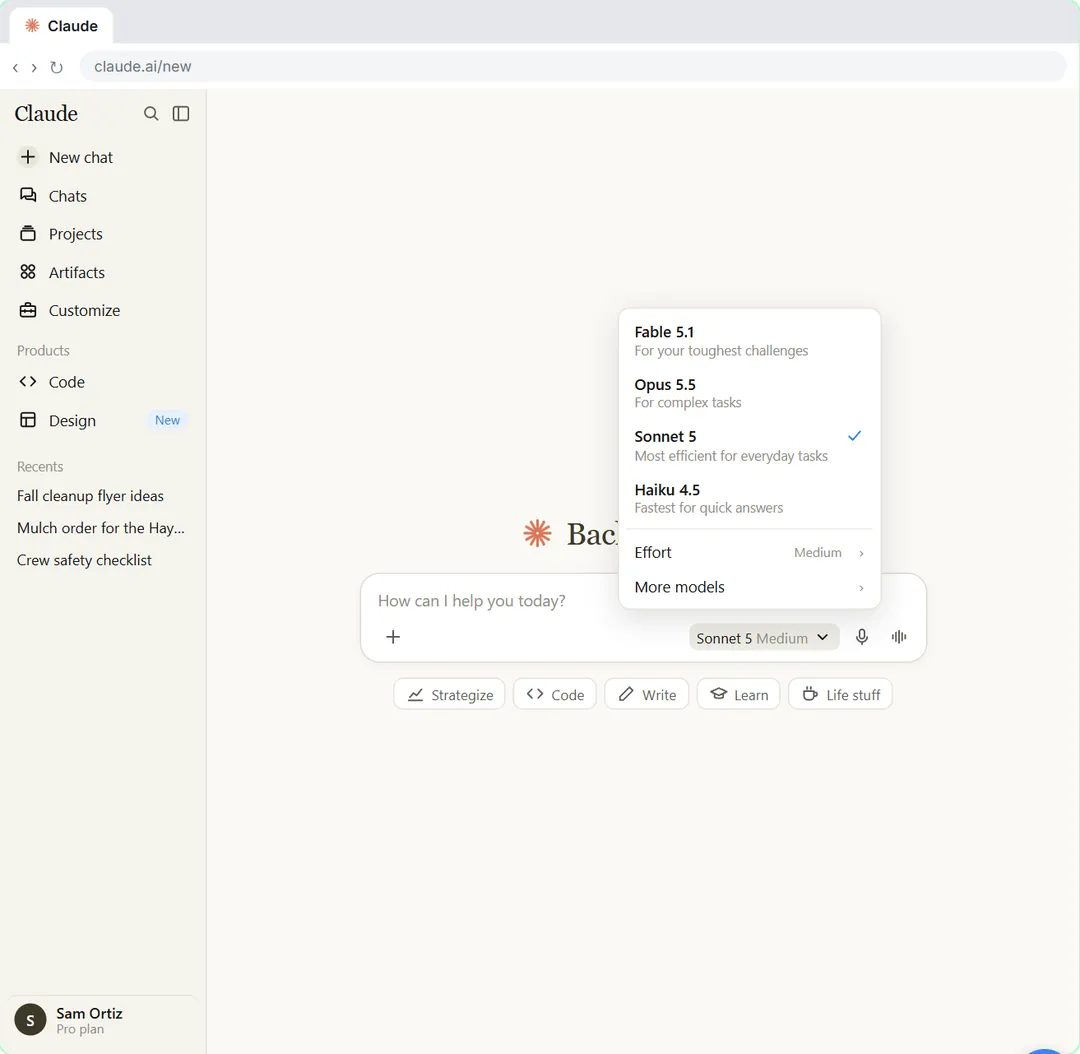 Your First Chat with Claude: Models, Files and a Great First Prompt
Pick a model, attach a customer's complaint email with the + menu, write a four-part prompt, read Claude's reply, ask a follow-up, then pin and rename the chat.
Free · Live ~7 min Beginner
Same business, other tools
Harbor & Pine Bookkeeping shows up in these modules too, built with different tools.
Sort office data into Public, Internal, Confidential and Restricted, take the Restricted part out by hand, then have ChatGPT redact a client email and catch the mix-up…
Free · Live ~7 min Beginner
◷Someone Pasted Client Data into AI: Contain It in One Hour using ChatGPTA new hire pasted a client payroll export into ChatGPT. Delete the chat, delete the memory it left behind, turn off training, then write the incident note, the client…
Free · Live ~9 min Beginner
Free cheat sheet
Print it or save the PDF: the key steps and checks from this lesson on one page, free.
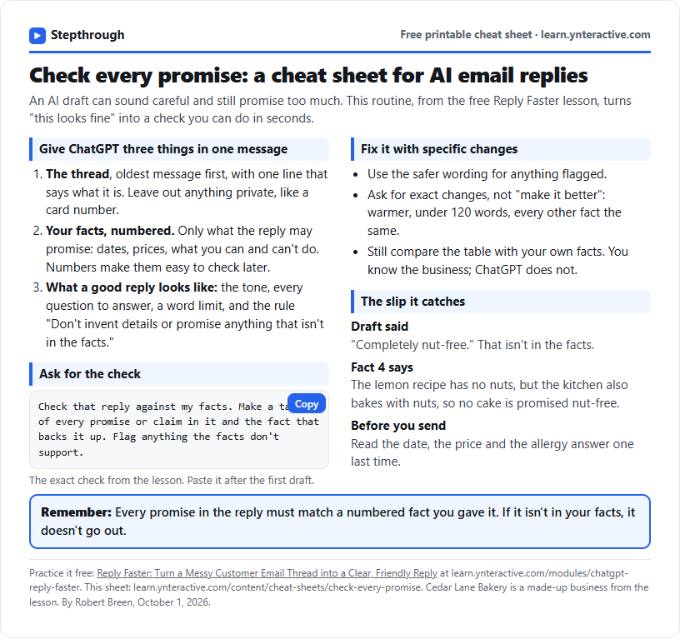
All free printable cheat sheets
Terms in this lesson
Plain-English definitions, each with an example from a free lesson.