Updated . Built against the tool’s current screens and checked step by step. How we check this lesson
Stepthrough teaches AI at work by having you do it, not watch it. Every lesson is a practice copy of a real app (ChatGPT, Claude, Gemini, n8n and more) where you click and type through a real office job, one checked step at a time. It is free, and nothing you do in a practice touches your real accounts. This two-minute practice shows you how every lesson works.
At a glance
| Question | Answer |
|---|---|
| What you build | Try the practice in under two minutes: watch a step, click, type, get unstuck with Do it for me, and finish. |
| Tools | Stepthrough |
| Time | About 2 minutes, 5 steps in 1 part |
| Level | Beginner, no coding needed |
| Cost | Free |
| Ways to learn it | Practice it step by step |
The 1 parts, in short
- Your first practice: Watch, then click, Type when a step asks, Send it, Stuck? Use Do it for me, and 1 more step.
In the course: Part 1 · Intro to AI Automation (Module 1 of the full course)
Courses, modules and practices
- A course is a set of modules in order, beginner to advanced, built around one goal or one line of work, such as Intro to AI Automation or AI for Accounting Firms.
- A module is one real job, such as summing up a meeting or answering a tricky email. It explains why the job matters, lets you practice it, and gives you a checklist to do it for real.
- A practice is the hands-on part: a copy of the real app where you do every step yourself.
How the practice works
- Each step plays first in Watch: a cursor shows you where to click.
- Then you do the same thing in Your turn. When a step asks you to type, type in the box. Close enough counts.
- Every step is checked before you move on. A voice reads each step, and the words stay on screen, so you can mute it and read instead.
- Stuck? Do it for me finishes the step for you. Replay shows it again, and you can slow it down or pause it.
- Your place is saved in your browser, so you can stop and come back later.
Safe to try, best on a computer
The practice looks like the real app, but it is a copy. Nothing you click sends, posts or changes anything in a real account, and you don't need an account to start. It works on a phone, but a computer screen is easier.
After each practice, Do it for real gives you a short checklist to repeat the job in your own account, plus any templates, prompts or files to download.
Try it yourself, free
Reading the steps is a start. Doing them is how it sticks. The interactive module walks you through every click in a practice copy of Stepthrough, checks each step, and never touches your real accounts.
Start “Start Here: How Stepthrough Works”Step by step: Start Here: How Stepthrough Works
All 5 steps of the interactive module, in order. In the module you watch each one, then do it yourself in a practice copy that checks your work.
1. Your first practice
- Watch, then click. Watch shows you where to click: a cursor moves to the spot. Then do the same thing here in Your turn. Click New chat.
Welcome to Stepthrough. The Watch screen shows you where to click. Then you do the same thing on the Your turn screen.
- Type when a step asks. Some steps ask you to type. Type Hello in the message box. Close enough counts.
Some steps ask you to type. Close enough counts.
- Send it. Click the send arrow.
- Stuck? Use Do it for me. Try it now, or click Copy under the answer yourself.
Try it now.
- Finish the practice. The 🔊 speaker button turns the voice on or off. The words always stay on screen. Click Finish practice.
The speaker button turns my voice on or off, and the words always stay on screen. That's it, you're ready.
Frequently asked questions
- Is Stepthrough free?
- Yes. Every course, module and practice is free.
- Do I need an account or a download?
- No. Every practice runs in your browser. You only need your own accounts, such as a free ChatGPT account, when you choose to do a job for real.
- Can the practice change my real accounts?
- No. The practice is a copy of the real app's screens. Nothing is sent, posted or changed anywhere.
- Does it work on a phone?
- Yes, but it is easier on a computer, where you can see the Watch and Your turn sides together.
More in AI Basics
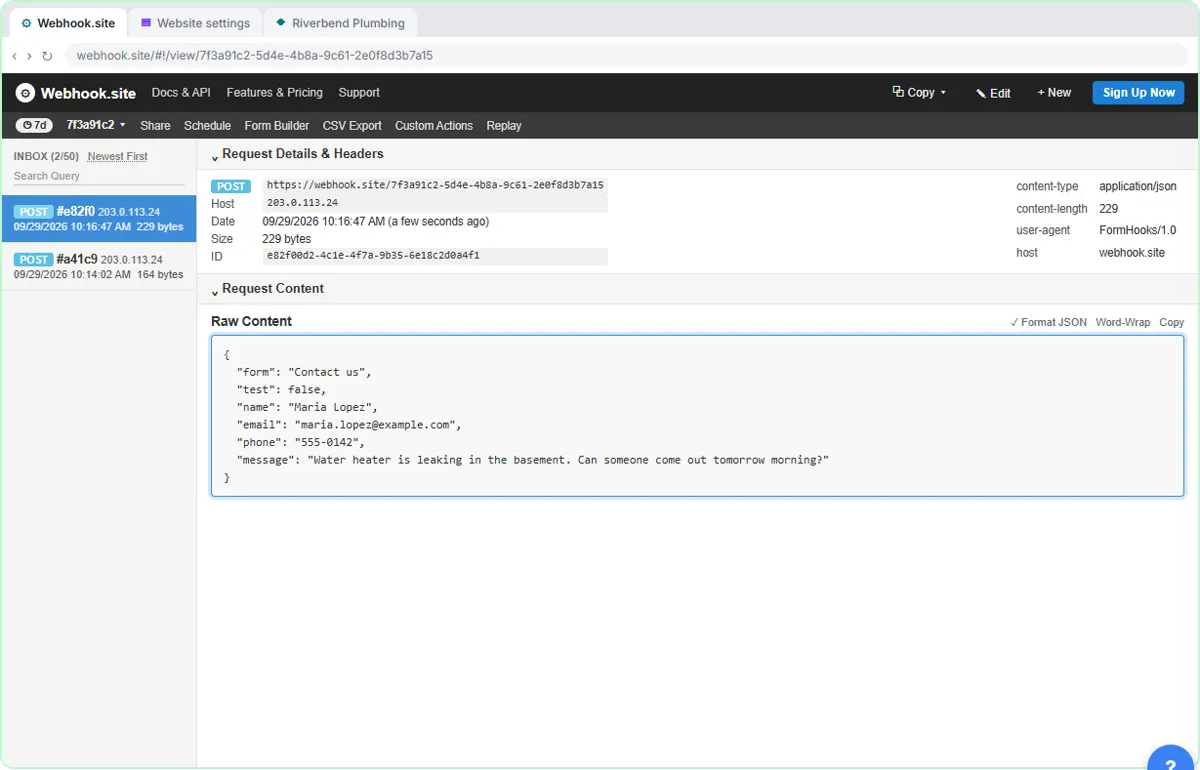 What Is a Webhook? Send a Test and Watch the Data Arrive
Point a plumber's website contact form at a free webhook tester, send a test and a real message, and watch the data arrive the moment it's sent.
Free · Live ~6 min Intermediate
 Use AI at Work Without Leaking Client Data using ChatGPT
Turn off model training, strip a tenant's bank details and address out of a prompt, then catch the two promises ChatGPT made up before the reply goes out.
Free · Live ~7 min Beginner
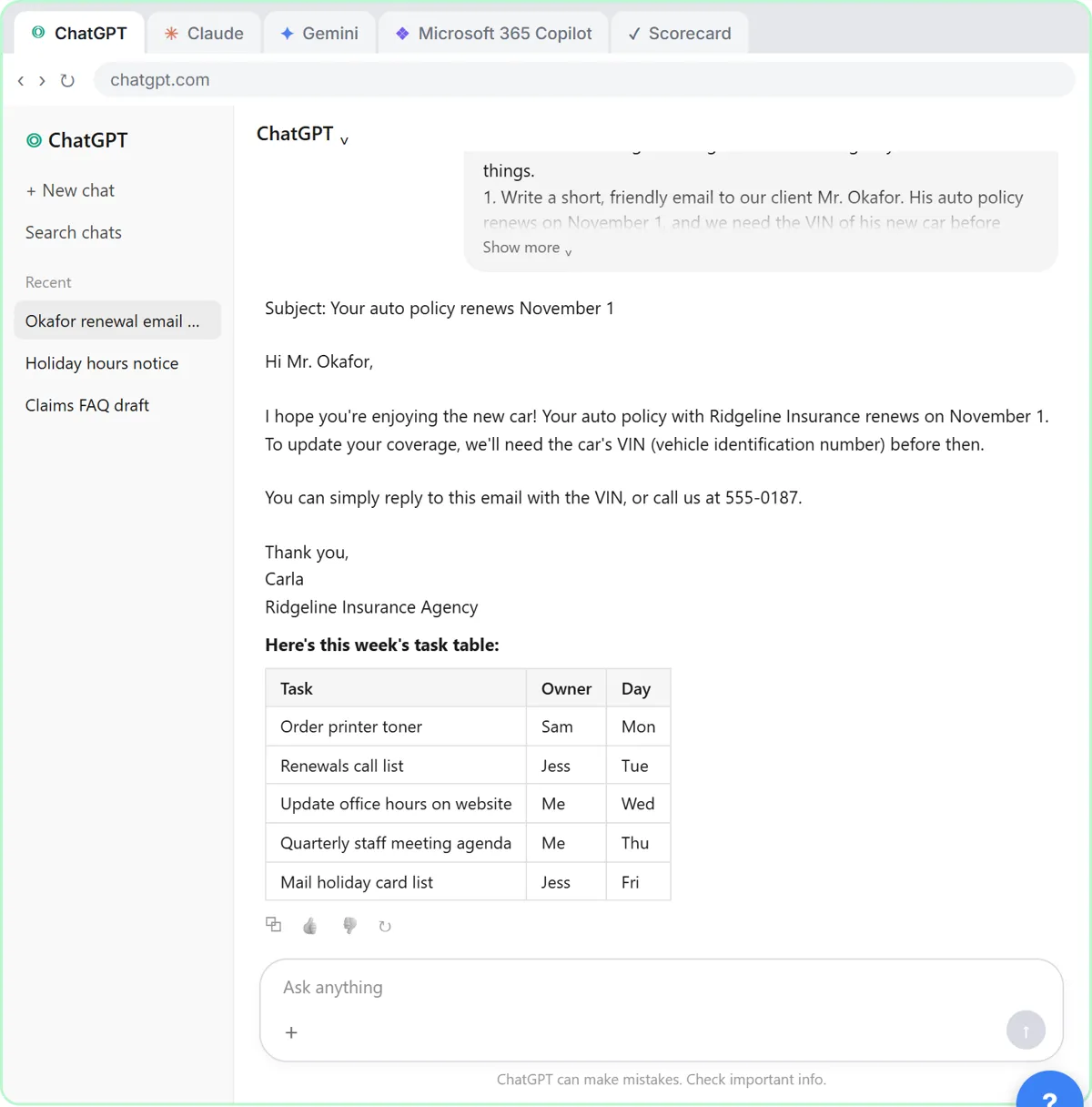 Choose the AI Assistant Your Team Should Use, Tested on ChatGPT, Claude, Gemini and Copilot
Give one real office task to ChatGPT, Claude, Gemini and Microsoft Copilot, check each answer on the facts, and pick the one to use at work.
Free · Live ~8 min Beginner
◷ChatGPT: Keep Client Data Safe, Set Up Your Team's Data Controls in 10 MinutesA client asks if their files go into ChatGPT. Answer with confidence: set the data controls, memory, Temporary Chat and shared links, then hand your team a one-page AI…
Free · Live ~10 min Beginner
◷Clear Client Data Out of ChatGPT Before It Becomes a Problem: Delete Chats, Clear Memory and Use Temporary ChatSomeone pasted client details into ChatGPT. Delete that one chat, archive what you keep, clear the one memory it left, set safe defaults and start using Temporary Chat.
Free · Live ~10 min Beginner
◷Roll Out a Team AI Policy in One Afternoon using ClaudeYour team already uses AI, with or without rules. Have Claude write a one-page acceptable use policy from your rules, check the parts that matter, then get the…
Free · Live ~10 min Beginner
Terms in this lesson
Plain-English definitions, each with an example from a free lesson.