Updated . Built against the tool’s current screens and checked step by step. How we check this lesson
Your team is already using AI, whether or not you've written any rules. An [AI acceptable use policy](term:ai-acceptable-use-policy) is a short document that tells everyone which AI tools they may use, what must never be pasted in, who checks the output and what to do when something goes wrong. In this free, interactive lesson you decide the rules and Claude writes them up as a clear one-page policy. You check the sections that matter, then have Claude draft the announcement email and a five-question true or false quiz so the policy actually gets read.
At a glance
| Question | Answer |
|---|---|
| What you build | Your team already uses AI, with or without rules. Have Claude write a one-page acceptable use policy from your rules, check the parts that matter, then get the announcement email and a 5-question staff quiz. |
| Tools | Claude |
| Time | About 10 minutes, 13 steps in 4 parts |
| Level | Beginner, no coding needed |
| Cost | Free |
| Ways to learn it | Practice it step by step |
The 4 parts, in short
- Ask for the policy: Start a new chat, Describe your rules, Send it.
- Check what it says: Check the never-paste list, Check the review rule, Check the no-blame rule.
- Plan the rollout: Click the reply box, Ask for the email and a quiz, Send it.
- Roll it out: Read the announcement, Look at the quiz, Copy it, Check the answers yourself.
Start here first: AI Agent vs Chatbot vs Automation: One Job Done Three Ways (module 1 of AI Basics)
Part of: AI at Work: Start Here (step 3 of 11). Next up: Prompt Writing 101: Role, Context, Task, Format
Part of: Claude Jump Start (step 3 of 10). Next up: Claude Artifacts: Build a Price Calculator You Can Try, Change and Share
Part of: AI for Recruiting & HR (step 6 of 12). Next up: Claude: Compare Two Versions of a Document and See What Changed
Part of: AI for Operations Teams (step 3 of 22). Next up: Choose the AI Assistant Your Team Should Use, Tested on ChatGPT, Claude, Gemini and Copilot
The business case: the risk you already have
In most small firms, AI arrived bottom-up. Someone tried ChatGPT on a proposal, someone else used a free tool to tidy a client spreadsheet, and nobody said what was okay. The result is predictable: client names and financials pasted into personal accounts, AI drafts sent to clients unchecked, and mistakes nobody reports because they're afraid of the reaction.
The cost of doing nothing is lopsided. Writing the rules takes an afternoon. One leak of client data can cost a client relationship, and sometimes far more. A policy also gives careful people permission to use AI properly, so you get the time savings without the guesswork.
What changes: you make the decisions (tools, red lines, review, who to ask) and Claude turns them into plain, consistent wording in minutes. The announcement and the quiz are what turn a document into behavior.
The example: Northfield Consulting Group
Northfield Consulting Group is a made-up 18-person consulting firm. Its rules: only ChatGPT Business and Claude Team on company accounts. Never paste client financials with names, passwords, personal data such as Social Security or bank numbers, or health information. Public information, the firm's own templates and anonymized data are fine. A person checks every AI output before it reaches a client. Tell a client you used AI if they ask. Questions go to Dana Ruiz, the operations manager. If someone pastes the wrong thing, they tell Dana the same day, with no blame.
The request also tells Claude not to name or quote any laws. Rules about data differ by country, state and industry, and a made-up citation in a policy is worse than none. If your field is regulated, add those requirements yourself with someone qualified.
Who this lesson is for
Owners, managing partners, operations managers and HR leads at small and mid-sized firms who know their team uses AI and want simple rules in place. It is module 3 of AI at Work: Start Here, after [Use AI at Work Without Leaking Client Data](lesson:safe-ai-at-work) and [ChatGPT Data Controls](lesson:chatgpt-data-controls). It also sits in the AI for Operations Teams, AI for Recruiting & HR and Claude Jump Start paths.
What Claude produced in the real run
Claude returned about 300 words in nine parts: a purpose line, the seven numbered rules as headings, and an effective date. Every rule in the request was there, with no extra rules added and no laws named. It added two useful touches of its own: "When in doubt, leave it out and ask Dana" and "You are responsible for the work you send, however it was drafted."
The quiz targets the mistakes people actually make. Can you use a personal account if you delete the chat? Can an approved tool skip human review? Do you have until Friday to report a mistake? All three answers are False, and each answer points back to the policy.
In some accounts Claude saves the policy as a Claude Docs document (Robert's did), and in others as an artifact. Both open in a panel beside the chat, and you can edit, comment or export them.
What this saves you
- Time: a clear first draft in minutes instead of days of writing and rewording.
- Risk: clear red lines mean fewer client details in the wrong place, and the no-blame rule means you hear about mistakes the same day.
- Adoption: an announcement plus a quiz gets the policy read and remembered, not filed.
- What it does not replace: your decisions about the rules, a legal or compliance review where your industry needs one, and managers following the rules themselves.
Gotchas
- You set the rules, Claude writes them. If you ask "write us an AI policy" with no rules, you get a generic one that fits nobody.
- Keep it to one page. Long policies don't get read. Put details such as approved prompts or tool settings in separate guides.
- Name a person. "Ask IT" is vague. A named owner (here Dana Ruiz) gets the questions answered.
- Replace the link. Claude put its own document link in the email. Use the link where your team will actually find the policy, such as your shared drive or intranet.
- Review it twice a year. Tools and plans change fast. Put a review date on the policy.
Next business case
Next in AI at Work: Start Here: [Prompt Writing 101](lesson:prompt-writing-101). Your team has the rules, so now teach them to get answers worth checking. In AI for Operations Teams, the next lesson is [Choose the AI Assistant Your Team Should Use](lesson:four-assistants-same-task).
Try it yourself, free
Reading the steps is a start. Doing them is how it sticks. The interactive module walks you through every click in a practice copy of Claude, checks each step, and never touches your real accounts.
Start “Roll Out a Team AI Policy in One Afternoon using Claude”Step by step: Roll Out a Team AI Policy in One Afternoon using Claude
All 13 steps of the interactive module, in order. In the module you watch each one, then do it yourself in a practice copy that checks your work.
1. Ask for the policy
- Start a new chat. Your 18 people already use AI, some on personal accounts. One pasted client numbers into a free tool last month. Today you write the one-page rules. Click the message box.
Your team already uses AI. Some of it on personal accounts. Last month, someone pasted client numbers into a free tool. Today you fix that, with a one-page policy.
- Describe your rules. Paste in the request. You decide the rules: which tools, what never goes in, who checks, who to ask. Claude only writes them up. The last line stops it inventing laws.
You decide the rules. Which tools. What never goes in. Who checks the work. Who to ask. Claude just writes them up in plain words. The last line stops it quoting laws it might get wrong.
Write a one-page AI acceptable use policy for Northfield Consulting Group, an 18-person consulting firm. Approved tools: ChatGPT Business and Claude Team, on company accounts only. Cover: 1) approved tools; 2) never paste in: client financials with names, passwords or access codes, personal data such as Social Security or bank numbers, health information; 3) fine to use: public information, our own templates, anonymized data; 4) a person checks every AI output before it reaches a client; 5) tell a client we used AI if they ask; 6) questions go to Dana Ruiz, operations manager; 7) if someone pastes the wrong thing, they tell Dana the same day, no blame. Plain words, short sections with headings, under 450 words. Do not name or quote any laws or regulations.
- Send it. Click the send arrow. Claude writes the policy as a document that opens beside the chat.
Claude writes the policy as a document, and it opens beside the chat.
2. Check what it says
- Check the never-paste list. Read 2. Never paste these in. Client financials with names, passwords, personal data, health information: all four of your rules are there. Click the section.
Now check it. Never let a policy go out you haven't read. Section two, never paste these in. All four of your rules are there.
- Check the review rule. 4. A person checks every output makes the sender responsible, however it was drafted. That one line prevents most client-facing mistakes. Click it.
Section four. A person checks every output, and you are responsible for what you send. That one line prevents most AI mistakes reaching a client.
- Check the no-blame rule. 7. If you paste the wrong thing: tell Dana the same day, no one is blamed. People report mistakes when they won’t be punished, and you can only fix what you hear about. Click it.
Section seven. If you paste the wrong thing, tell Dana the same day, and no one is blamed. People only report mistakes when they won't be punished.
3. Plan the rollout
- Click the reply box. A policy nobody reads changes nothing. Ask for the rollout too. Click the Reply box.
A policy nobody reads changes nothing. So ask for the rollout too.
- Ask for the email and a quiz. Paste in the request: a short announcement from the managing partner, and a five-question true or false quiz with answers.
Ask for two things. A short announcement email from the boss. And a five-question true or false quiz, with the answers.
Good. Now, here in the chat (not in the document), write two things to roll it out: 1) a short announcement email from Sam Patel, managing partner, to all staff, under 120 words, that says why we have the policy, links to it, and asks everyone to read it by Friday; 2) a 5-question true/false quiz on the policy, with the answers at the end.
- Send it. Click the send arrow.
4. Roll it out
- Read the announcement. Under 120 words: why the policy exists, what it covers, read it by Friday, October 16. Put your own shared link where it says [link to the policy]. Click the email.
The announcement says why the policy exists, what it covers, and to read it by Friday. Put your own link to the policy in before you send it.
- Look at the quiz. Each question tests one rule people get wrong, like 3: approved tool, but no human check? That’s still False. Click the quiz.
Each question tests one rule people get wrong. Question three: an approved tool, but nobody checked the work? Still false.
- Copy it. Click the copy icon under Claude’s reply, then paste the email into your mail app and the quiz into your next team meeting agenda.
- Check the answers yourself. Every answer points back to the policy: personal accounts are out, anonymized data is fine, same-day reporting. Your rules, in writing, in one afternoon. Click the answers.
Last, check the answers against the policy. Personal accounts, out. Anonymized data, fine. Report mistakes the same day. Your team's AI rules, written and rolled out in one afternoon.
Frequently asked questions
- What is an AI acceptable use policy?
- It's a short set of rules for how employees may use AI tools at work: which tools are approved, what information must never be entered, who reviews AI output, how to handle client questions about AI, and what to do after a mistake. Most small firms can cover it in one page.
- What should an AI acceptable use policy include?
- At minimum: approved tools and accounts, a never-paste list (client data, passwords, personal and health information), what is fine to use, a rule that a person checks every output, how to be open with clients, who to ask, and how to report a mistake. This lesson builds exactly that.
- Can Claude write our AI policy?
- Claude can write it up clearly and quickly, but the decisions should be yours: which tools, what's off-limits, who checks. Give Claude your rules, ask for plain words and one page, and tell it not to cite laws. Then have someone qualified review it if your industry is regulated.
- How do I get my team to actually follow it?
- Announce it with a short email from leadership, set a read-by date, run a five-question quiz in a team meeting, and make reporting mistakes blame-free. Managers following the rules matters more than the wording.
- Is this legal advice?
- No. This is general information to help you write a first draft. Data protection and confidentiality rules vary by location and industry, so have a lawyer or compliance professional review your policy where it matters.
- Is this lesson free?
- Yes. Stepthrough is free and the practice copy needs no accounts. To do it for real you need a Claude account; the free plan works for a request like this, within its usage limits.
More in AI Basics
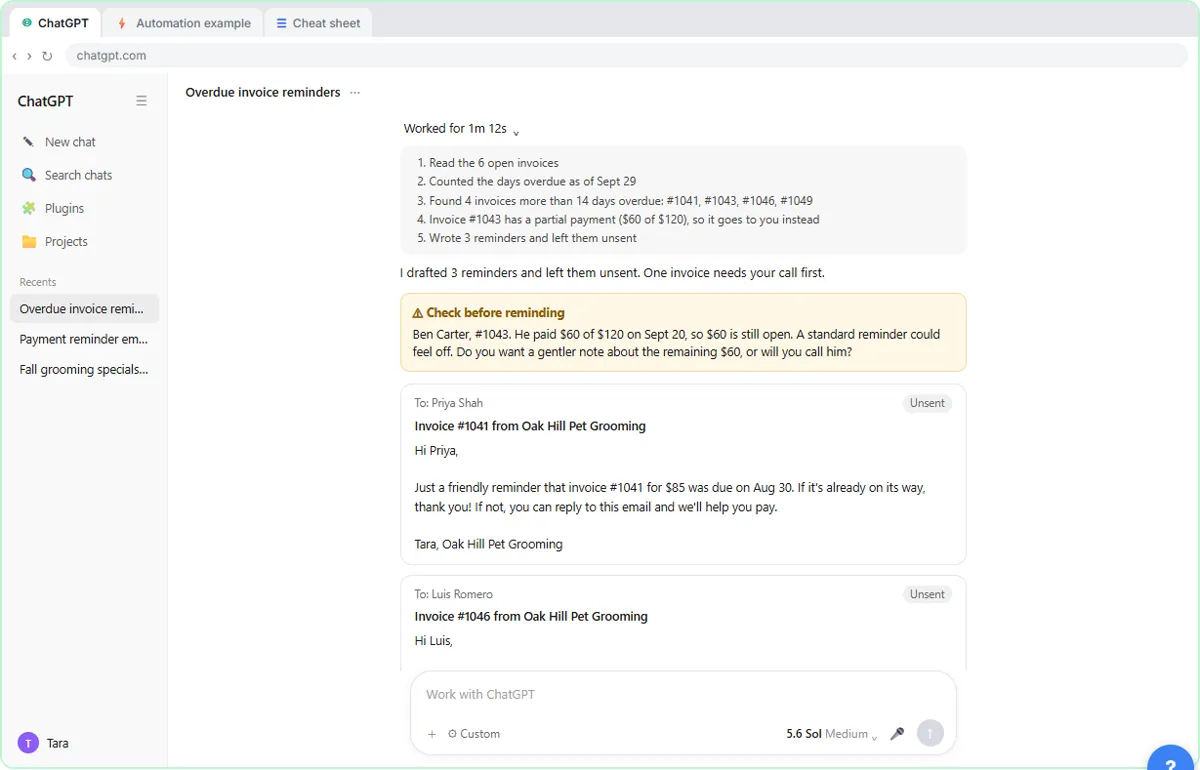 AI Agent vs Chatbot vs Automation: One Job Done Three Ways
Chase six unpaid invoices three ways: a chatbot writes a template, an automation follows a rule, and an AI agent works out the steps and flags the tricky one.
Free · Live ~7 min Beginner
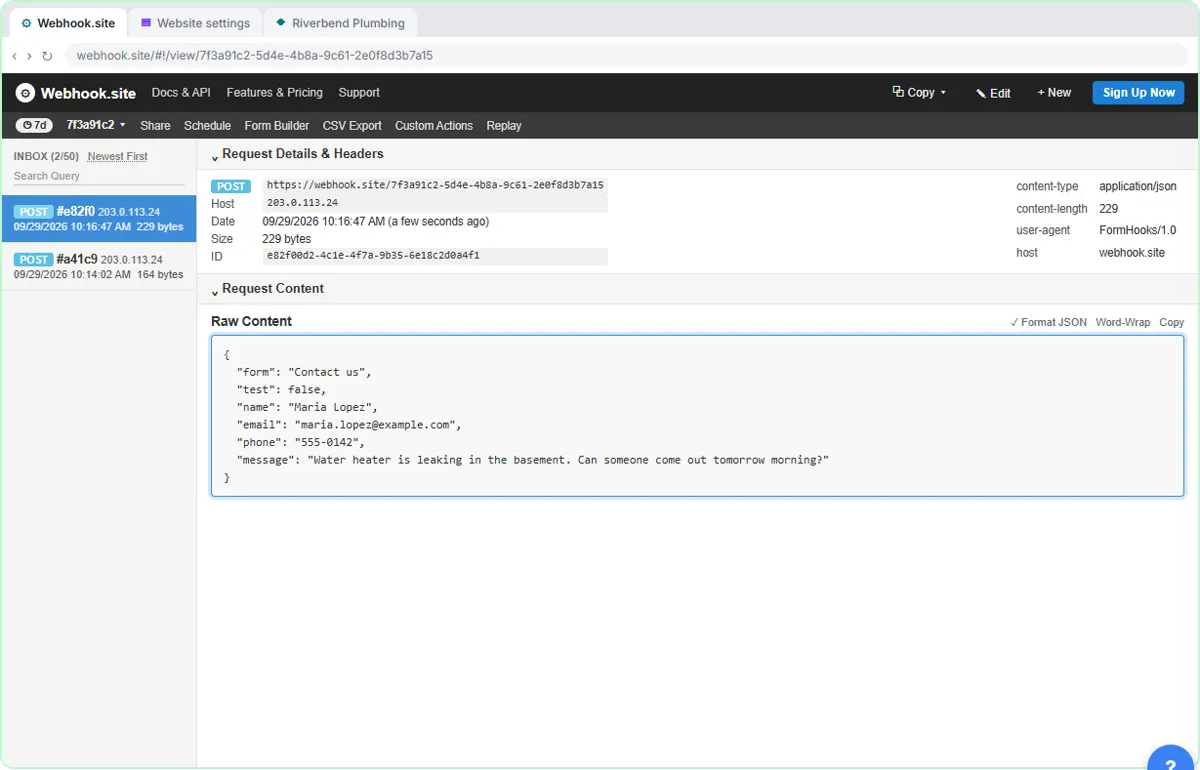 What Is a Webhook? Send a Test and Watch the Data Arrive
Point a plumber's website contact form at a free webhook tester, send a test and a real message, and watch the data arrive the moment it's sent.
Free · Live ~6 min Intermediate
 Use AI at Work Without Leaking Client Data using ChatGPT
Turn off model training, strip a tenant's bank details and address out of a prompt, then catch the two promises ChatGPT made up before the reply goes out.
Free · Live ~7 min Beginner
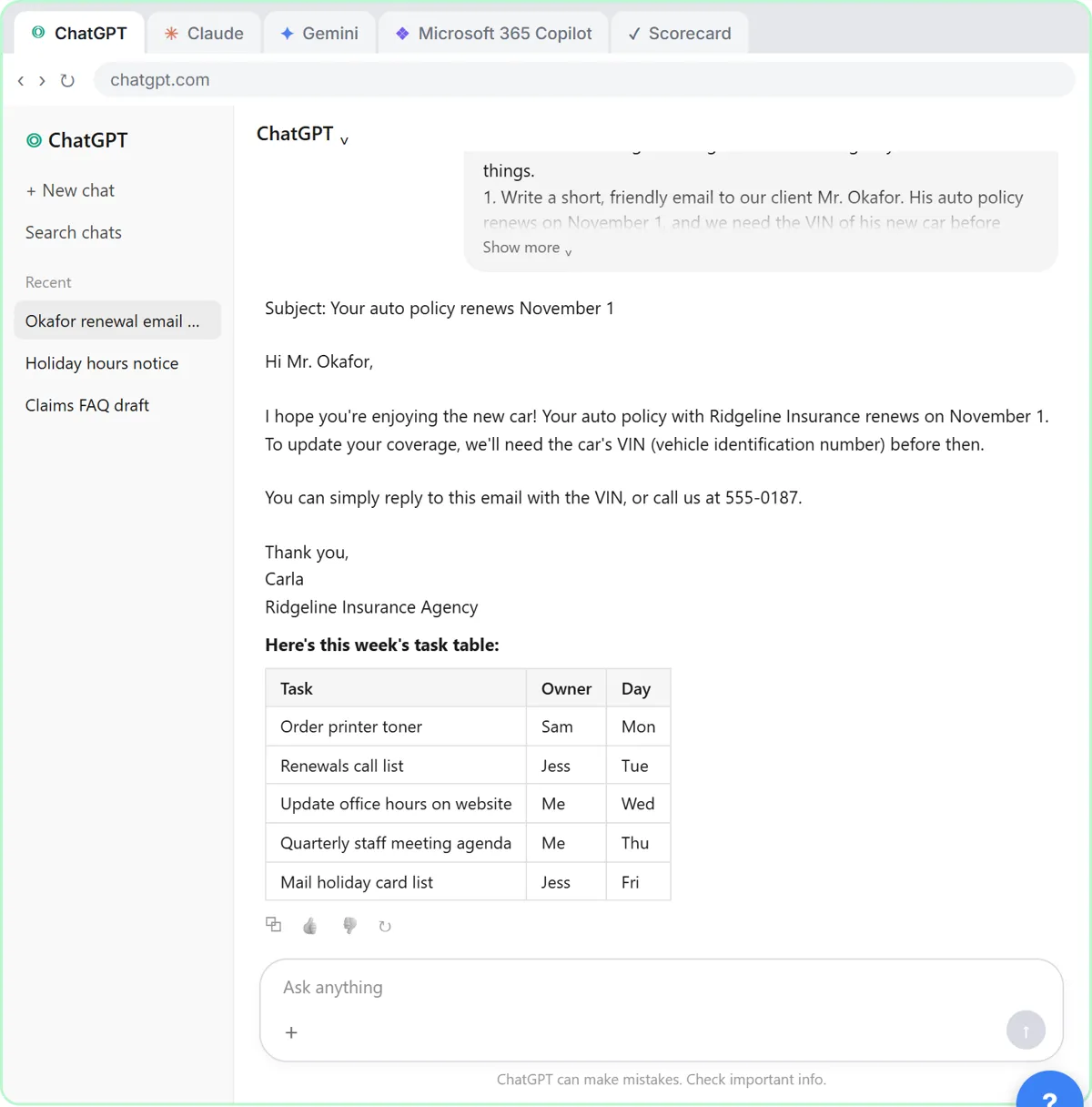 Choose the AI Assistant Your Team Should Use, Tested on ChatGPT, Claude, Gemini and Copilot
Give one real office task to ChatGPT, Claude, Gemini and Microsoft Copilot, check each answer on the facts, and pick the one to use at work.
Free · Live ~8 min Beginner
More Claude tutorials
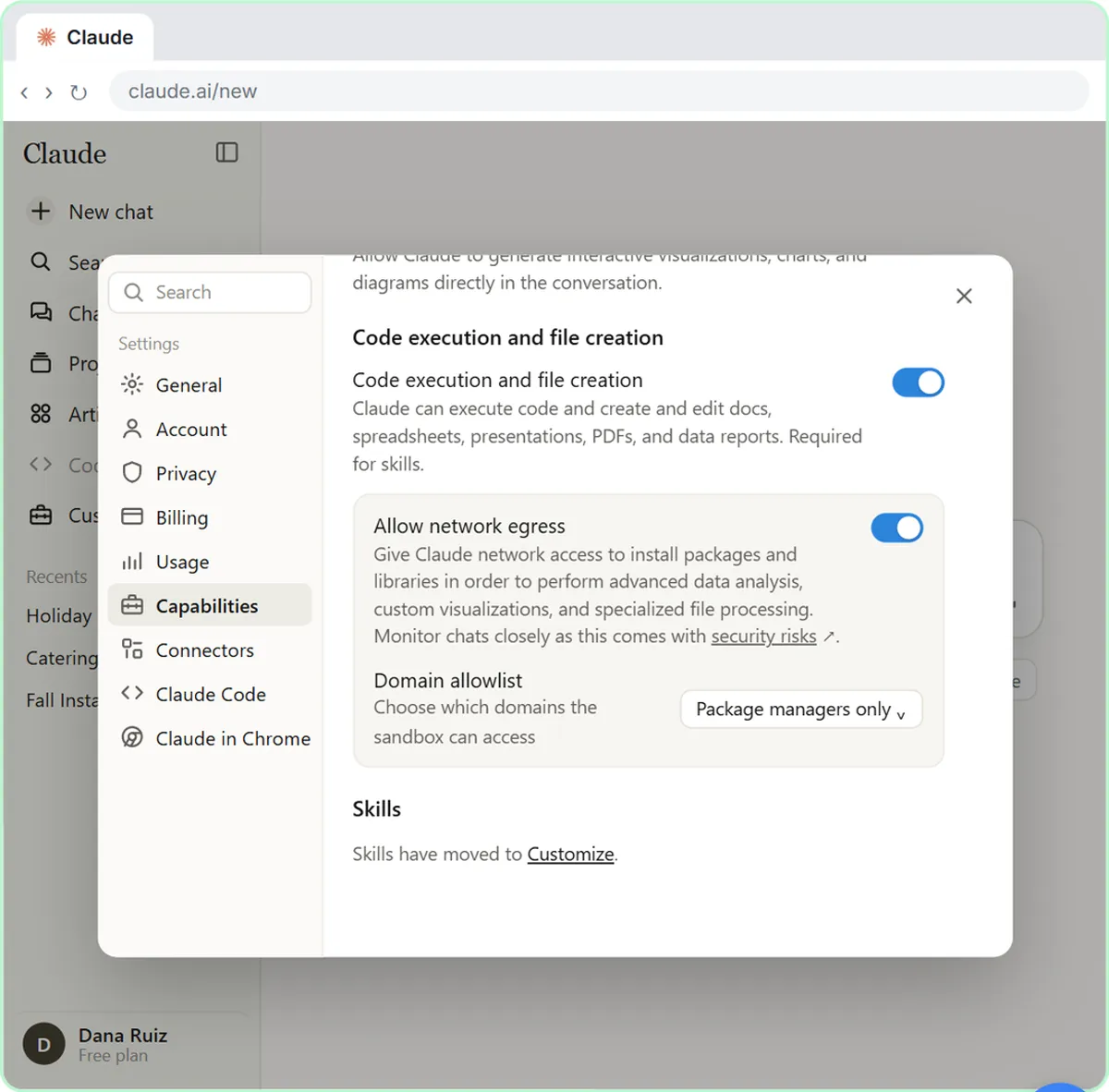 What Are Claude Skills? Turn One On and Watch It Work
Learn what a Claude skill is, switch on the setting skills need, turn on an example skill in Customize, and watch Claude use its Excel and Word skills on its own.
Free · Live ~7 min Beginner
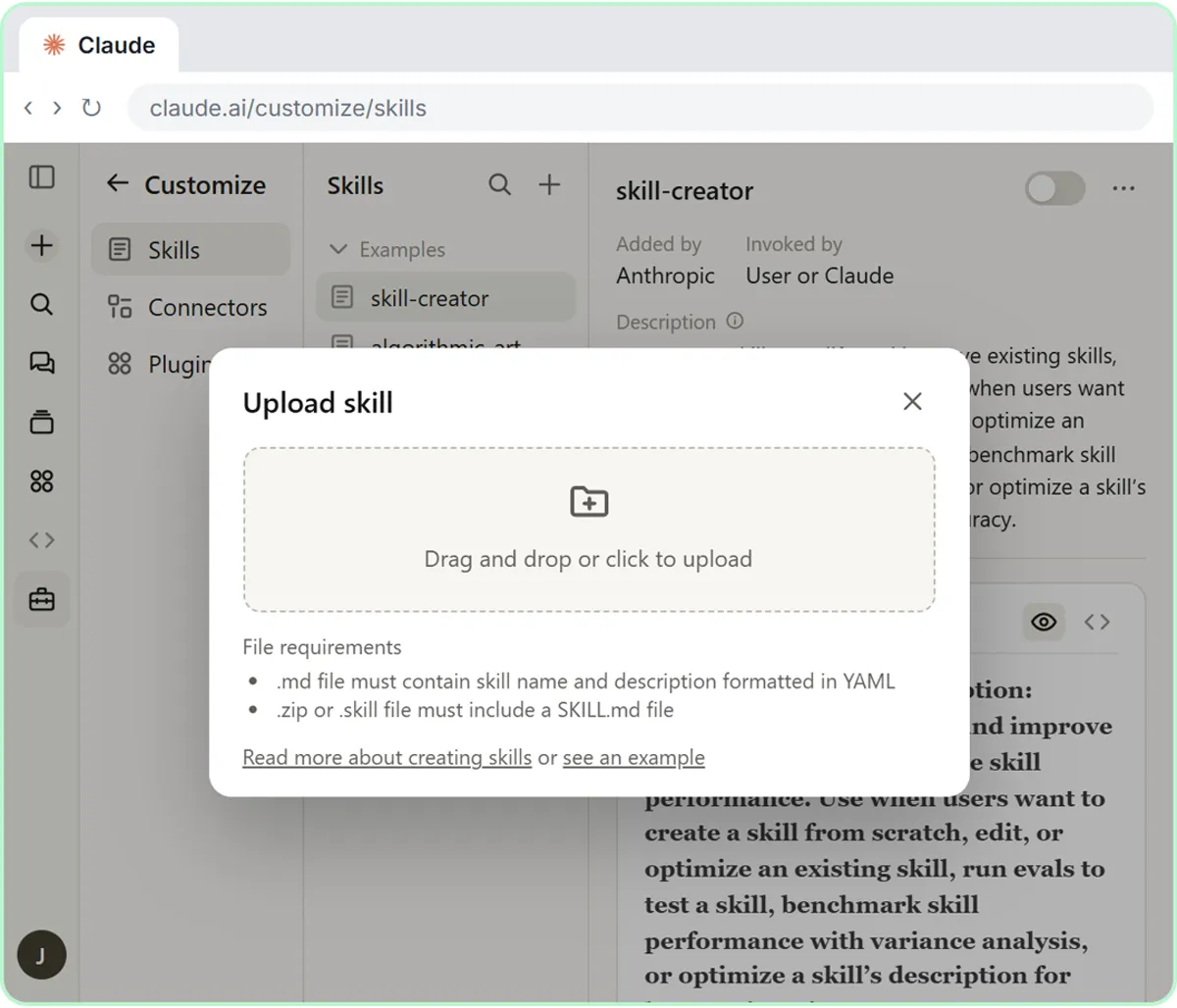 How to Install a Custom Skill in Claude (Upload a Skill .zip)
Upload your own skill to Claude as a .zip, check that it’s switched on, see what’s inside its SKILL.md, and watch Claude use it to write a landscaping quote your way.
Free · Live ~6 min Beginner
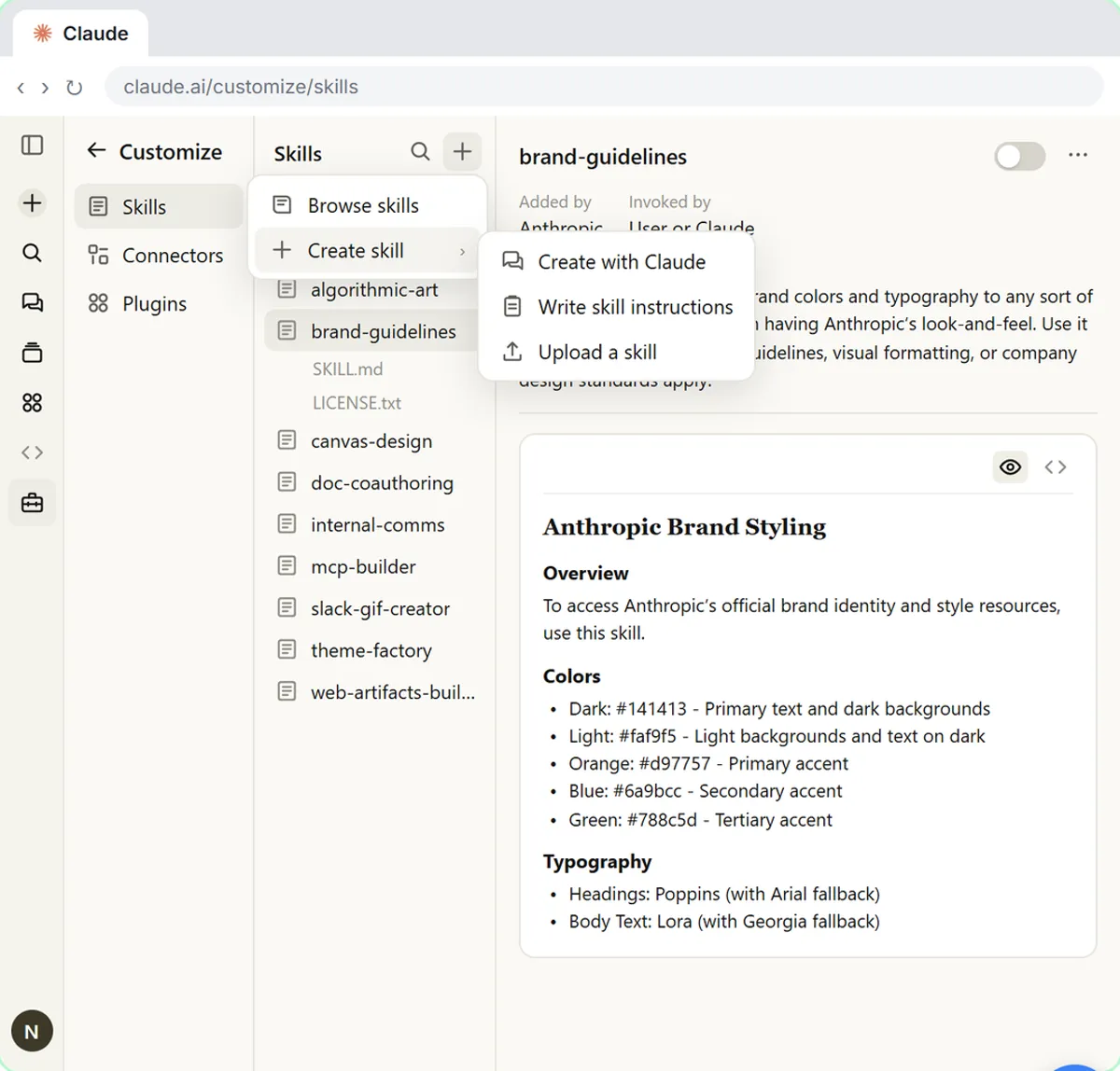 Make Every Claude Document On-Brand with a Brand Guidelines Skill
Build a brand skill for a small flower shop by chatting with Claude: colors, fonts, logo placement and voice. Then ask for a proposal and a social post and watch both…
Free · Live ~7 min Beginner
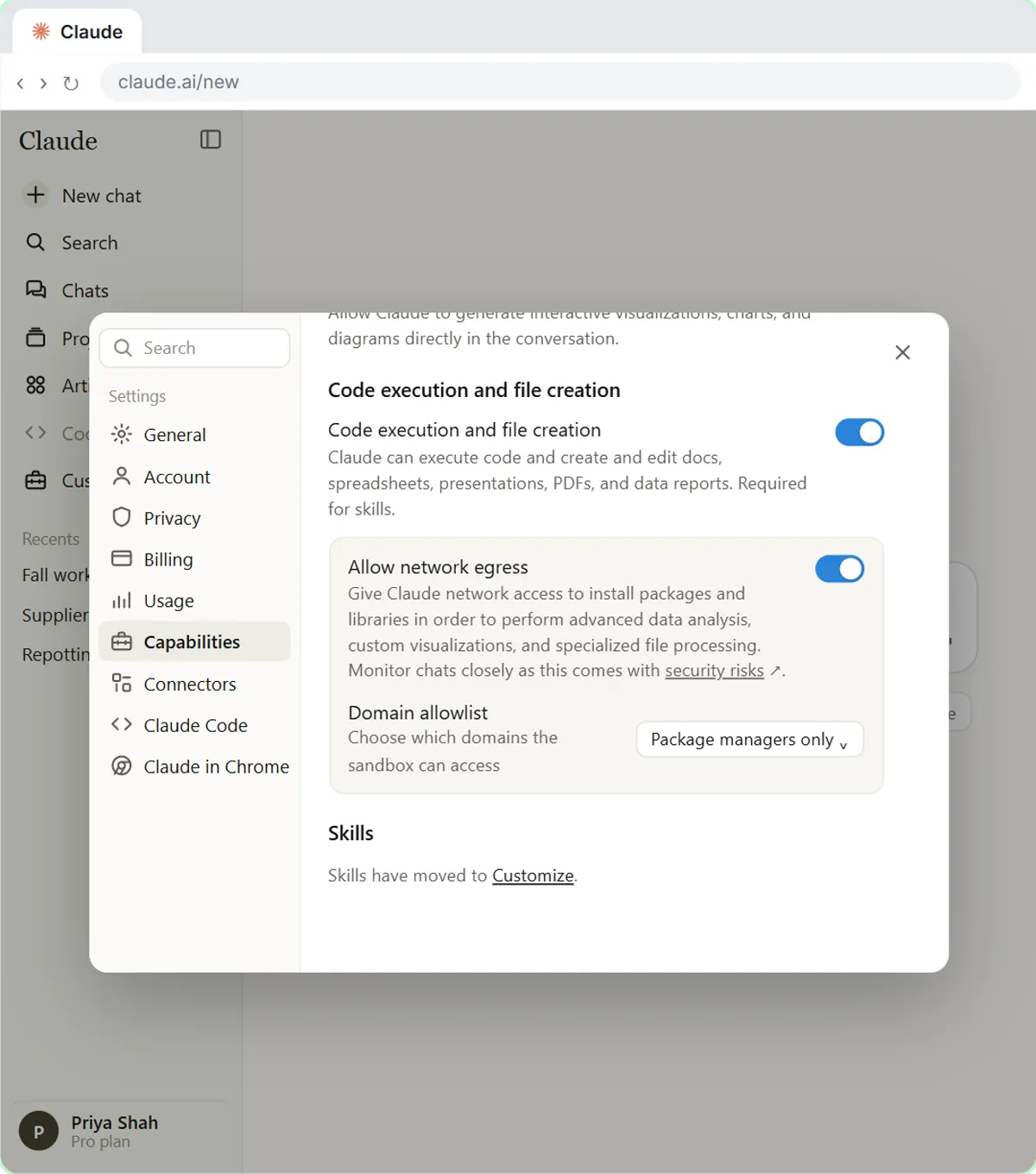 Claude's Excel Skill: Turn a Messy Export into a Clean Workbook
Upload a messy sales export to Claude and get back a clean Excel workbook with a Data tab, a Summary tab built with formulas, and a chart, thanks to Claude's built-in…
Free · Live ~8 min Intermediate
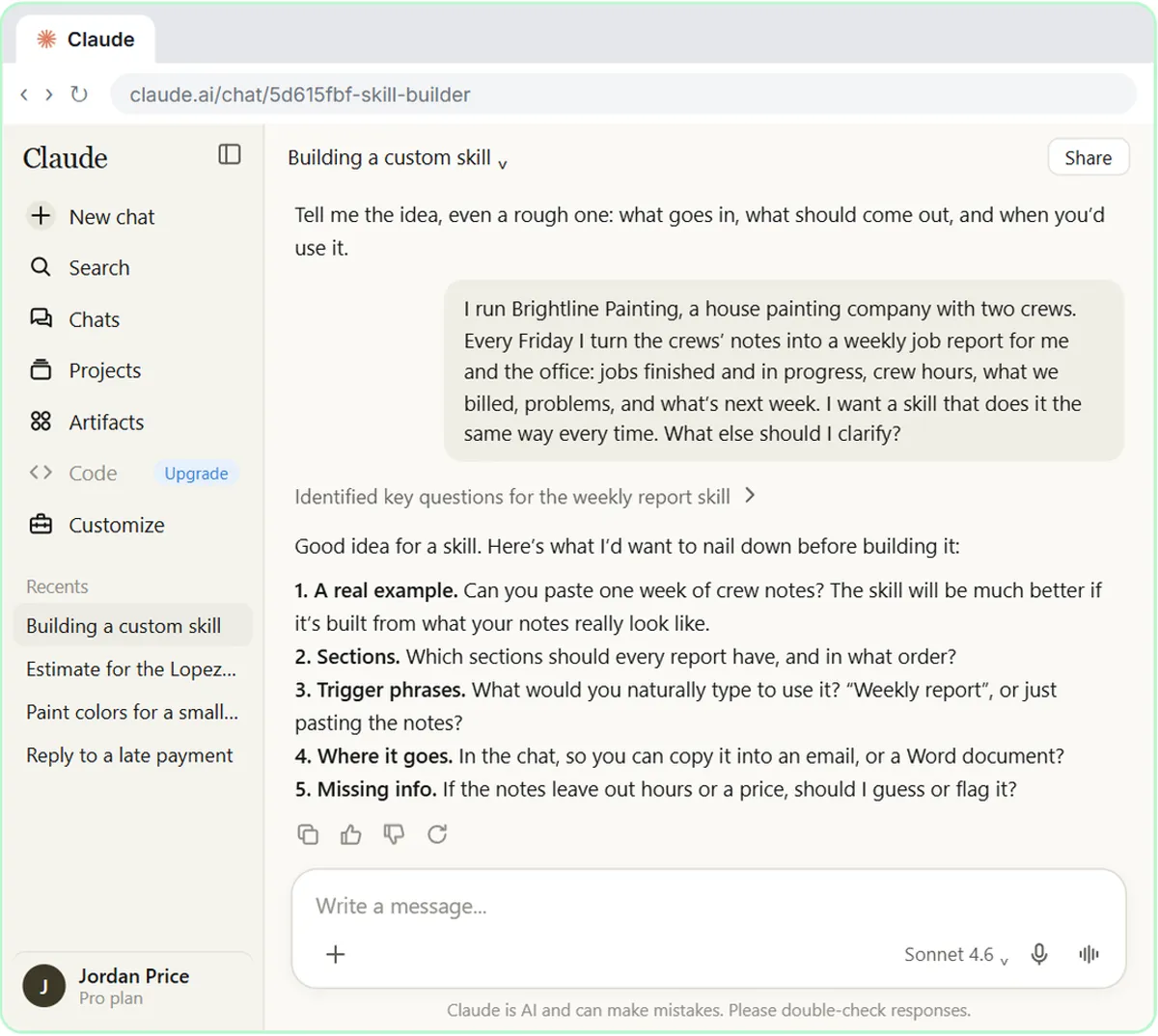 Build Your Own Claude Skill with the Skill Creator: A Weekly Report Template
Turn a report you make every week into a skill. Claude’s skill creator interviews you, drafts the skill, tests it and packages it. Then you use it on a real week…
Free · Live ~8 min Intermediate
 Your First Chat with Claude: Models, Files and a Great First Prompt
Pick a model, attach a customer's complaint email with the + menu, write a four-part prompt, read Claude's reply, ask a follow-up, then pin and rename the chat.
Free · Live ~7 min Beginner
Terms in this lesson
Plain-English definitions, each with an example from a free lesson.