What is tl;dv?
Quick answer
tl;dv is an AI meeting recorder and notetaker for Zoom, Google Meet and Microsoft Teams. It records and transcribes the call, writes AI notes organized by topic or by a meeting template, and can push those notes to tools such as HubSpot, Slack and Notion.
Last updated
Take the free module →Module 3 of the free AI for Consulting & Agencies course, about 10 minutes. No account needed.
Updated · By Robert Breen
Why it matters for a small business
The useful part for client-facing teams is structure. tl;dv's AI notes can follow a meeting template, so a sales call is written up against the questions your team always asks, and Smart AI Topics group the conversation by subject. During the call you can click the pin icon to timestamp a key moment, so you can jump straight to it later instead of scrubbing through an hour of video.
By default a tl;dv bot joins the call as an attendee and records it, and its help center also describes recording without a bot from the desktop app. Sharing is controlled: a recording can be open to anyone with the link or only to named people or your company domain, as viewer, editor or admin, with an option to include the notes. tl;dv describes a free-forever plan with no credit card, and Ask tl;dv AI answers questions about your recorded meetings.
In a real lesson: Turn a Client Kickoff Call into a Proposal Outline with ChatGPT (Agencies & Consultants)
The kickoff call to proposal outline lesson starts where a recorder leaves off: a client kickoff transcript. You pull out the client's goals, scope, deadline and budget range, an action items table and the open questions, then write a same-day recap with a proposal outline.
With tl;dv, the pins you drop during the call mark exactly those moments: the budget, the deadline, the thing that is off the table. Check the AI notes against those pinned clips before the recap goes to the client.
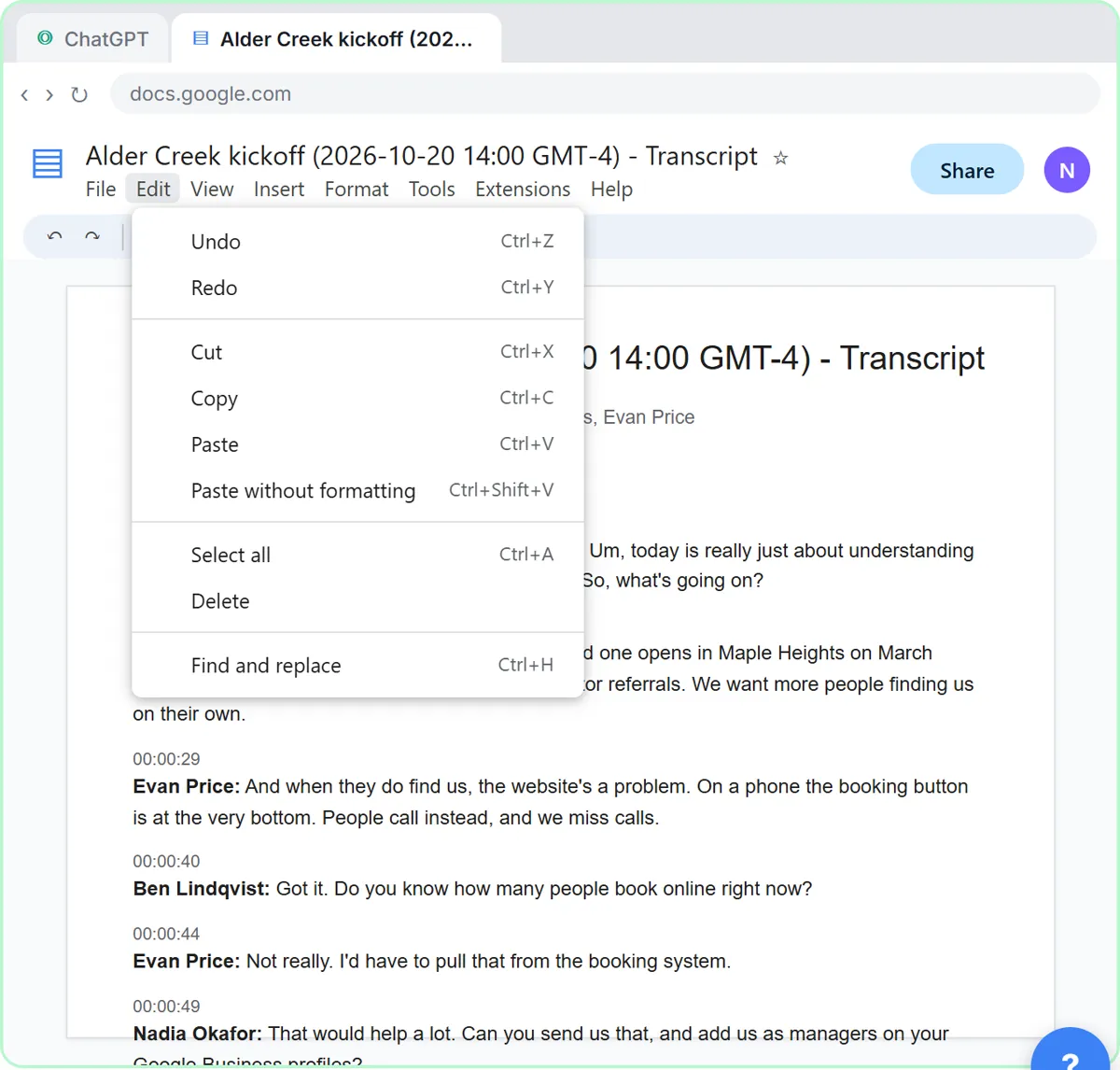
Try this lesson free or read the step-by-step guide.
Common confusions
AI notes vs meeting templates
AI notes are the summary. A meeting template tells tl;dv which headings to fill, such as the questions a sales call should answer.
Recording vs transcription
The recording is the video. Speech-to-text turns it into the transcript the notes are written from.
Tips
- Pin the moments you will need later: prices, dates, decisions.
- Set sharing to people with access for client calls.
- Pick a template that matches the meeting type before you rely on the notes.
Related terms
More AI assistants terms
Where you use it: free lessons
- Turn a Client Kickoff Call into a Proposal Outline with ChatGPT (Agencies & Consultants) (ChatGPT, 10 min)
AI tools that use it
Frequently asked questions
- Does tl;dv need a bot in the meeting?
- By default a tl;dv bot joins as an attendee. Its help center also describes recording without a bot using the desktop app.
- Is tl;dv free?
- tl;dv describes a free-forever plan with no credit card needed. Check tldv.io for the current limits.
- How do I share a tl;dv recording?
- Open the meeting, click share above the video, set access to anyone with the link or people with access, add emails if needed, and copy the link.