Updated . Built against the tool’s current screens and checked step by step. How we check this lesson
Ask ChatGPT for a creative brief in one sentence and you get something that looks finished: an audience you never mentioned, channels nobody budgeted for, and goals like "increase brand awareness by 50%" that no one agreed to. Hand that to designers and you pay for it in revisions. In this free, interactive lesson you see that happen, then use the interview prompt: ChatGPT asks for the client's real goal, audience, budget and must-haves, one question at a time, sums up what it understood, and only then writes a brief the client can sign off on.
At a glance
| Question | Answer |
|---|---|
| What you build | Ask ChatGPT for a creative brief the quick way and watch it invent the audience, budget and goals. Then use the interview prompt: it asks for the client’s real goal, audience, budget and must-haves, one question at a time, and writes a brief your team can build from. |
| Tools | ChatGPT |
| Time | About 7 minutes, 22 steps in 5 parts |
| Level | Beginner, no coding needed |
| Cost | Free |
| Ways to learn it | Practice it step by step |
The 5 parts, in short
- Ask the usual way: Click the message box, Paste a quick prompt, Send it.
- Ask for an interview: Start a new chat, Click the message box, Paste the interview prompt, Send the interview prompt.
- Answer its questions: Answer question 1, Send answer 1, Answer question 2, Send answer 2, and 4 more steps.
- Check it, get the posting: Confirm the summary, Send your OK, Copy the brief.
- Save the template: Open the Google Docs tab, Click into the document, Add a heading, Paste the template.
Start here first: Make ChatGPT Ask You Questions First: The Interview Prompt. This Marketing version follows the same build with its own example business, Northgate Creative.
Part of: AI for Consulting & Agencies (step 30 of 30)
Part of: AI for Marketing Teams (step 33 of 35). Next up: Agorapulse: Draft a LinkedIn Post with AI and Schedule It
The example: a coffee subscription launch
Northgate Creative is a made-up five-person agency, and Tidewell Coffee Roasters is its made-up client: three cafés in Richmond, Virginia, launching a coffee subscription. The quick prompt "Write a creative brief for a client's spring campaign" returns a brief with [Client Name] and [Budget] blanks, an 18-to-34 audience, TikTok, LinkedIn and influencers, and made-up KPIs.
With the interview prompt, ChatGPT asks four questions. The answers give it the goal (300 subscriptions between March 2 and April 26), the audience (café regulars aged 30 to 55 who think subscriptions lock you in), the budget and channels ($6,000 paid social, a loyalty email, café table cards; no TikTok, no influencers), and the must-haves (the logo, "Pause or skip any time", first bag free as the only offer, and never "best coffee in Richmond"). It checks a summary with you, then writes the brief.
Who this lesson is for
Account managers, strategists, agency owners, freelancers and in-house marketers who write briefs, recaps and proposals. No technical skills, and no ChatGPT account to practice here.
It is part of the AI for Marketing Teams and AI for Consulting & Agencies courses.
Why the invented details are the expensive ones
Blanks in brackets are easy to spot and fill. A made-up audience, three unbudgeted channels and KPIs nobody agreed to look plausible, so they slip through, and the creative team builds on them. The interview prompt makes ChatGPT ask instead of guess.
The summary step is the safety net: you fix a misunderstanding while it is one bullet, not after it shapes a whole brief.
What a usable brief includes
- One measurable goal with a date.
- The real audience, and the doubt the creative has to answer.
- Budget and channels, including what is out of scope.
- The one offer, the lines every piece must carry, and the claims to avoid.
- Who signs off, by when, and how results will be measured.
Try it yourself, free
Reading the steps is a start. Doing them is how it sticks. The interactive module walks you through every click in a practice copy of ChatGPT, checks each step, and never touches your real accounts.
Start “Write a Creative Brief Your Client Signs Off On: Make ChatGPT Ask You Questions First”Step by step: Write a Creative Brief Your Client Signs Off On: Make ChatGPT Ask You Questions First
All 22 steps of the interactive module, in order. In the module you watch each one, then do it yourself in a practice copy that checks your work.
1. Ask the usual way
- Click the message box. Click the message box, where it says Ask ChatGPT.
Northgate Creative needs a creative brief for a client's coffee subscription launch, and the designers start Monday. Let's ask ChatGPT the way most people do: one quick sentence.
- Paste a quick prompt. Paste in the prompt to add: Write a creative brief for a client's spring campaign.
Here's the quick version. It sounds reasonable, but ChatGPT knows nothing about your client.
- Send it. Click the Send arrow.
Send it, and let's see what comes back.
2. Ask for an interview
- Start a new chat. Read the brief: blanks like [Client Name] and [Budget], an audience of 18 to 34 year olds that you never mentioned, channels like TikTok and LinkedIn nobody budgeted for, and goals like "increase brand awareness by 50%" that no one agreed to. Yours will differ a little. (If ChatGPT's memory is on, it may fill in some details from your past chats.) Then click New chat in the sidebar.
It looks like a real brief, but look closer. Blanks for the client and the budget. An audience of eighteen to thirty four year olds, which you never said. Four social channels nobody paid for. And goals like increase brand awareness by fifty percent that nobody agreed to. Hand that to your designers and you're paying for revisions. ChatGPT had to guess. This time, let it ask you instead.
- Click the message box. Click the message box.
Now for the interview prompt. Instead of guessing, ChatGPT asks you what it needs to know, one question at a time.
- Paste the interview prompt. Paste in the prompt. It asks ChatGPT to interview you first: up to 5 questions, one at a time, no assumptions, then a summary to confirm before it writes the brief.
Read what it asks for. Up to five questions, one at a time. No assumptions. Then a short summary you can check before it writes anything. One at a time matters: it's how a good account lead runs a kickoff call.
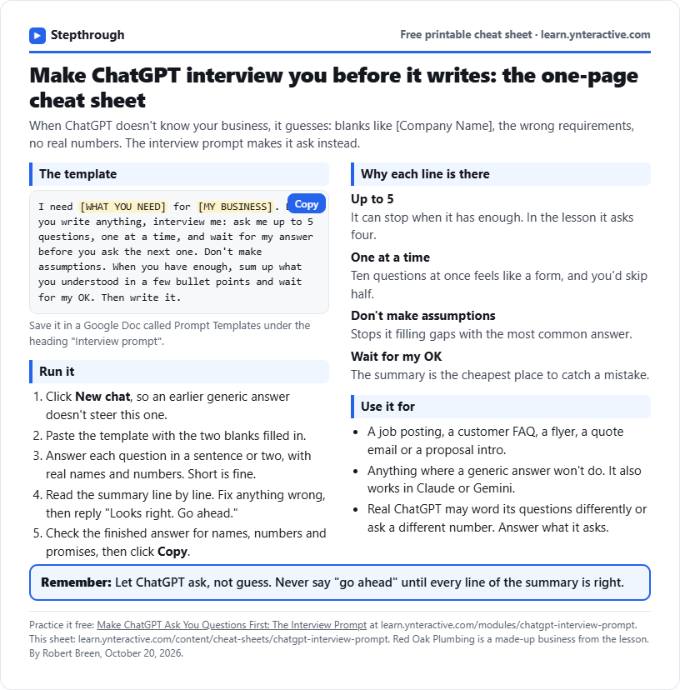
I need a creative brief for my marketing agency's client campaign. Before you write anything, interview me: ask me up to 5 questions, one at a time, and wait for my answer before you ask the next one. Don't make assumptions. When you have enough, sum up what you understood in a few bullet points and wait for my OK. Then write the brief.
- Send the interview prompt. Click the Send arrow.
Send it.
3. Answer its questions
- Answer question 1. ChatGPT doesn't write yet. It asks Question 1: the client, what they sell, and the goal. Paste in the answer. (In real ChatGPT you just type your answer. Its questions may come in a different order or wording; answer what it asks. On some plans and modes, it shows the question as a card with choices; pick one, or type your own.)
See? No brief yet. Just one question: who the client is, what they sell, and what the campaign has to achieve. A real number and a date make the whole brief easier to judge. In the real app the questions may come in a different order. Just answer what it asks.
The client is Tidewell Coffee Roasters: 3 cafés in Richmond, VA, roasting their own beans since 2014. They're launching a coffee subscription in March. The goal is 300 new subscriptions between March 2 and April 26.
- Send answer 1. Click the Send arrow.
Send your answer.
- Answer question 2. Question 2 asks who you are trying to reach and what they doubt, which is exactly what the first brief made up. Paste in the answer.
Question two is the audience, and what they think today. That's exactly what the first brief invented. And their doubt, that a subscription locks you in, is what the creative has to answer.
Mostly their regulars, ages 30 to 55, who already buy bags of beans in the cafés. They like the coffee but think subscriptions lock you in and cost more. The answer: you can pause or skip any month, and local delivery is free.
- Send answer 2. Click the Send arrow.
Send it.
- Answer question 3. Question 3 asks for the budget, the channels that are in and out, and the due date. Paste in the answer.
Now the budget, the channels, and when the creative is due. Saying what is out, no TikTok and no influencers, matters as much as what is in.
$6,000 for paid social on Instagram and Facebook, plus an email to their 4,200 loyalty members and table cards in all 3 cafés. No TikTok, no influencers. Creative is due February 13.
- Send answer 3. Click the Send arrow.
Send it.
- Answer question 4. Question 4 asks for the voice, the must-haves and who signs off. Paste in the answer.
Last one: how it should sound, what every piece must include or avoid, and who signs off. The claim you can't prove goes in here too.
Warm and a little nerdy about coffee, never pushy. Every piece includes the logo and "Pause or skip any time." The only offer is the first bag free; no other discounts. Don't say "best coffee in Richmond," we can't prove it. Lena Ortiz, the owner, signs off by February 6.
- Send answer 4. Click the Send arrow.
Send it.
4. Check it, get the posting
- Confirm the summary. ChatGPT stopped after 4 questions (you said up to 5) and summed up what it understood. Check every line. If something is wrong, say so. Everything is right here, so Paste in the reply.
Here it asked four questions, not five. You said up to five, and that's all it needed. Now it sums up what it understood and waits. This is your chance to catch a mistake before it's in the posting.
- Send your OK. Click the Send arrow.
Send it, and ChatGPT writes the posting.
- Copy the brief. Compare it with the first one: the real client, a goal you can measure (300 subscriptions by April 26), the real audience and their doubt, the real budget and channels, and the must-haves. Nothing is blank or made up. Click the Copy icon under the brief. (Real ChatGPT may put the brief in its own box with a copy icon at the top right; either works.)
Now compare. The real client. A goal you can actually measure: three hundred subscriptions by April twenty sixth. The real audience, and the doubt the creative has to answer. The real budget, the channels that are in and out, the one offer, and the line every piece must include. No blanks, and nothing it made up. Have the account lead read it, then send it to the client for sign off.
5. Save the template
- Open the Google Docs tab. The posting is copied, ready for a job site or your website. Now save the prompt itself. Click the Google Docs tab at the top.
The posting is copied and ready for a job site, Facebook, or your website. But the real win is the prompt. Let's save it so you can use it for anything.
- Click into the document. This is your Prompt Templates doc. Click into the document.
This is a Google Doc called Prompt Templates, for the prompts worth keeping.
- Add a heading. Paste in the heading to add: Interview prompt
Give it a heading, so you can find it later.
- Paste the template. Paste in the template. It's the same interview prompt, with [WHAT YOU NEED] and [MY BUSINESS] left as blanks.
Here's the same prompt, with two blanks: what you need, and your business. Use it for a campaign recap, a social calendar, a case study or a proposal, anything where a generic answer would cost you a revision round.
I need [WHAT YOU NEED] for [MY BUSINESS]. Before you write anything, interview me: ask me up to 5 questions, one at a time, and wait for my answer before you ask the next one. Don't make assumptions. When you have enough, sum up what you understood in a few bullet points and wait for my OK. Then write it.
Frequently asked questions
- Can ChatGPT write a creative brief?
- Yes, but a one-line prompt makes it guess the audience, budget, channels and goals. Ask it to interview you first: one question at a time, then a summary to confirm before it writes.
- What is the interview prompt?
- A prompt that tells ChatGPT to ask up to five questions, one at a time, make no assumptions, sum up what it understood and wait for your OK before it writes. The lesson saves it as a template with two blanks.
- Should I put client information into ChatGPT?
- Follow your agency's policy. Keep unreleased prices, sales numbers and anything under NDA out unless your policy allows it, and use a business plan that doesn't train on your data for client work.
- What else can the interview prompt write?
- Anything where a generic answer costs you a revision round: campaign recaps, social calendars, case studies, proposals and client emails.
- Is this lesson free?
- Yes. Stepthrough is completely free and the practice copy needs no accounts.
More in AI Automation for Marketing
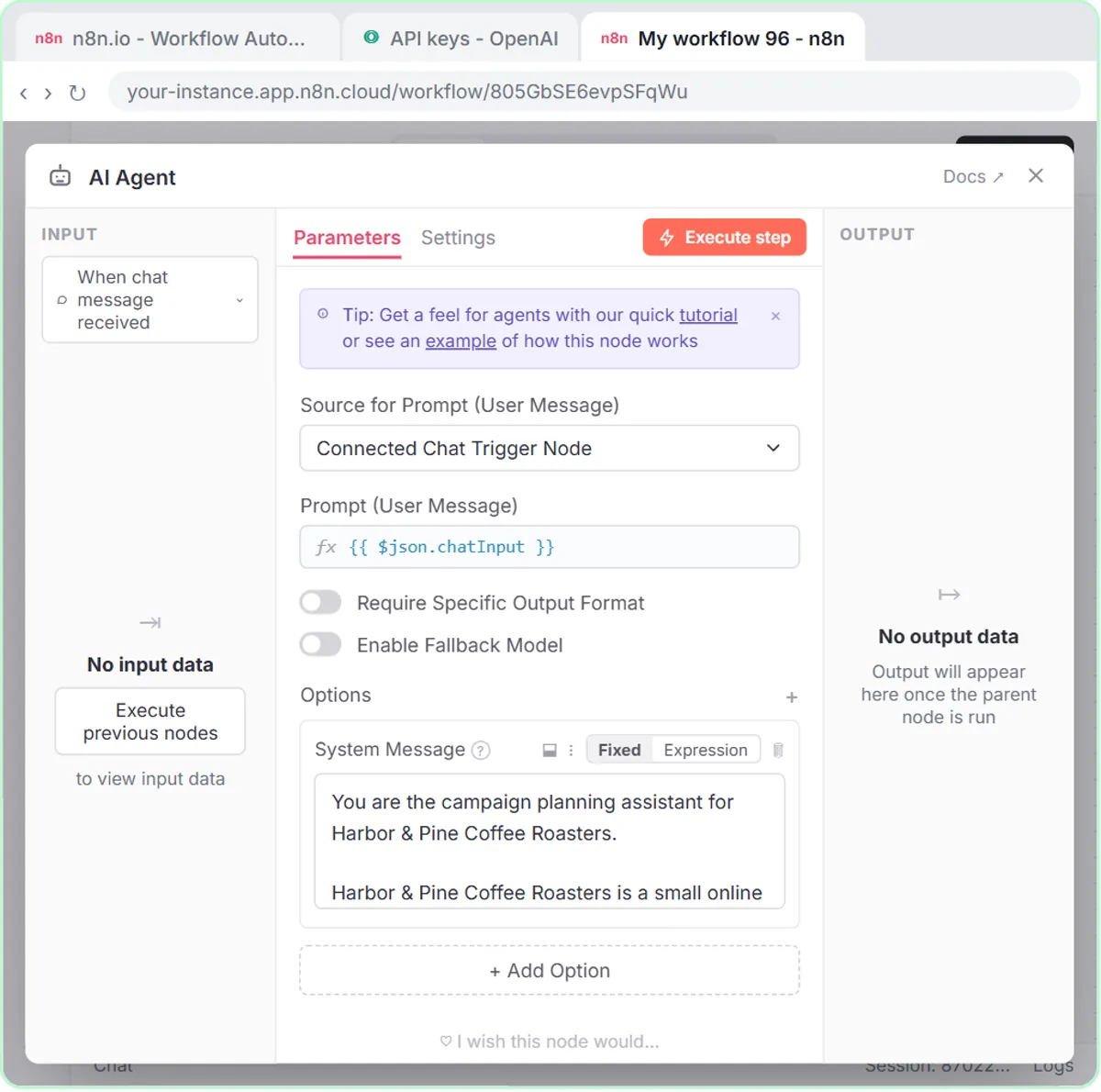 Build an n8n AI Agent That Plans Your Content Calendar
Build an AI agent for Harbor & Pine Coffee Roasters that turns one campaign theme into a two-week email and content calendar in Google Sheets — chat trigger, AI Agent…
Free · Live ~12 min Intermediate
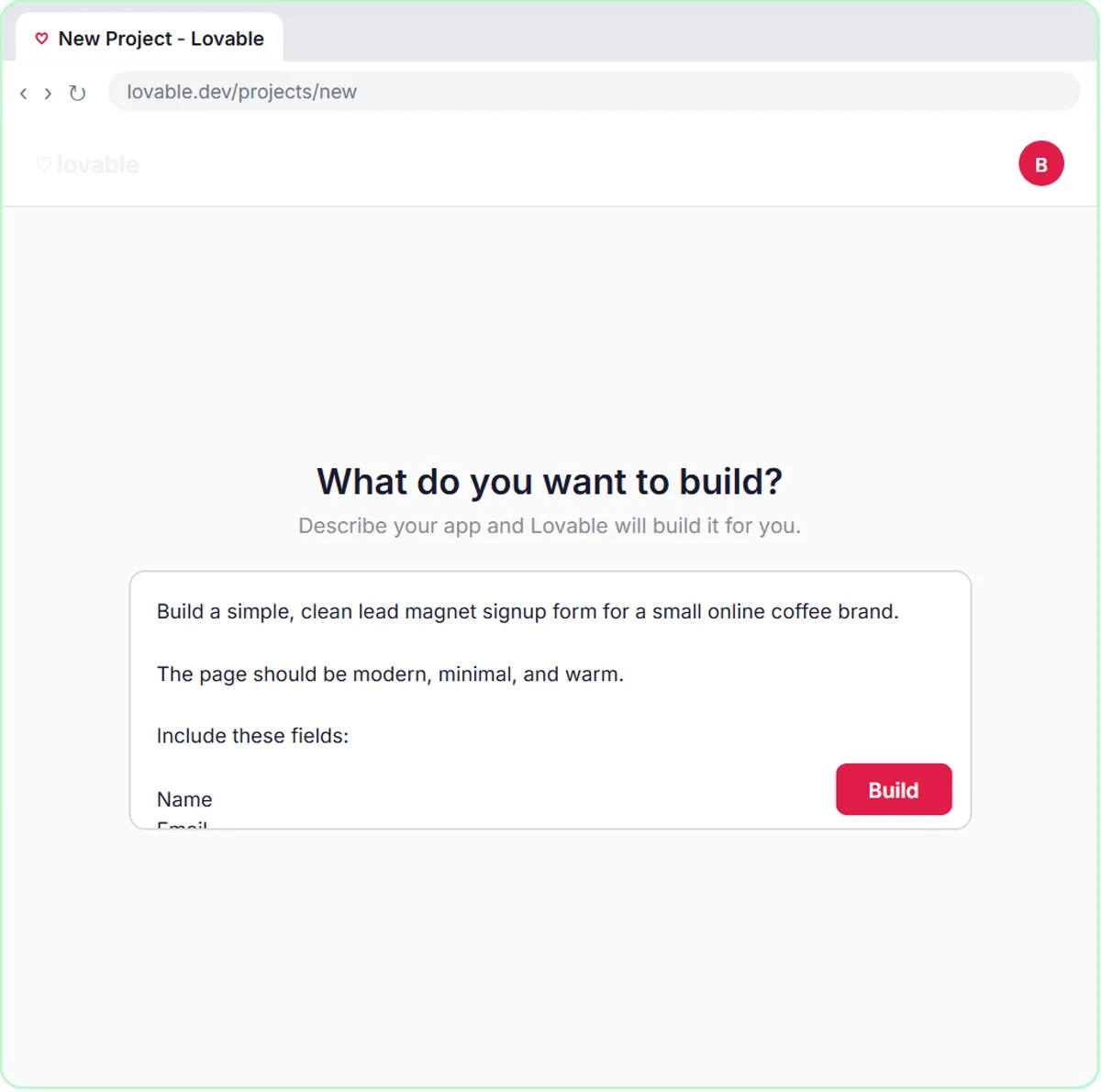 Build a Lead Magnet Signup Form with an AI Welcome Email
Build a "Get the free guide" signup form in Lovable for Harbor & Pine Coffee Roasters and connect it to n8n — the AI agent tags each lead by interest, saves it to…
Free · Live ~15 min Advanced
 Get Your Business Recommended by ChatGPT
Ask ChatGPT who it recommends in your town, see which pages it trusts, then use it to write an FAQ page and Business Profile copy that answer real customer questions.
Free · Live ~10 min Intermediate
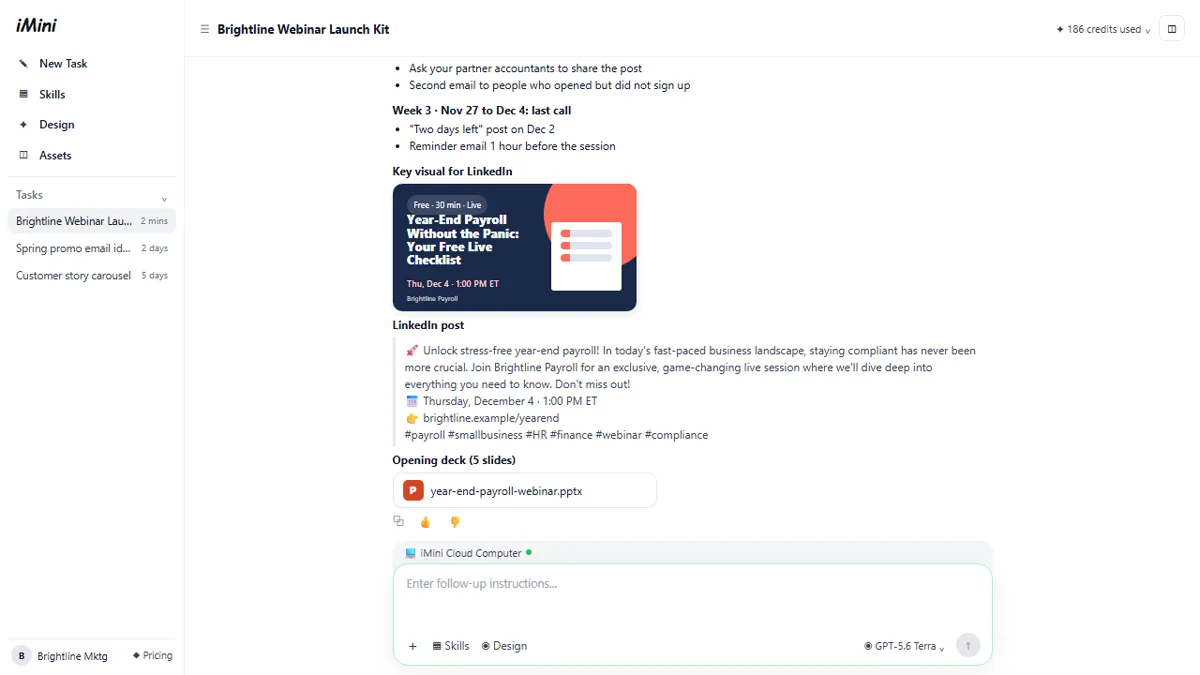 iMini AI Agent: Turn a Rough Idea into a Launch Kit
Brief the iMini Creative Agent once and get a launch plan, a LinkedIn visual, a post and a 5-slide deck, then fix the visual and humanize the post with follow-ups.
Free · Live ~8 min Beginner
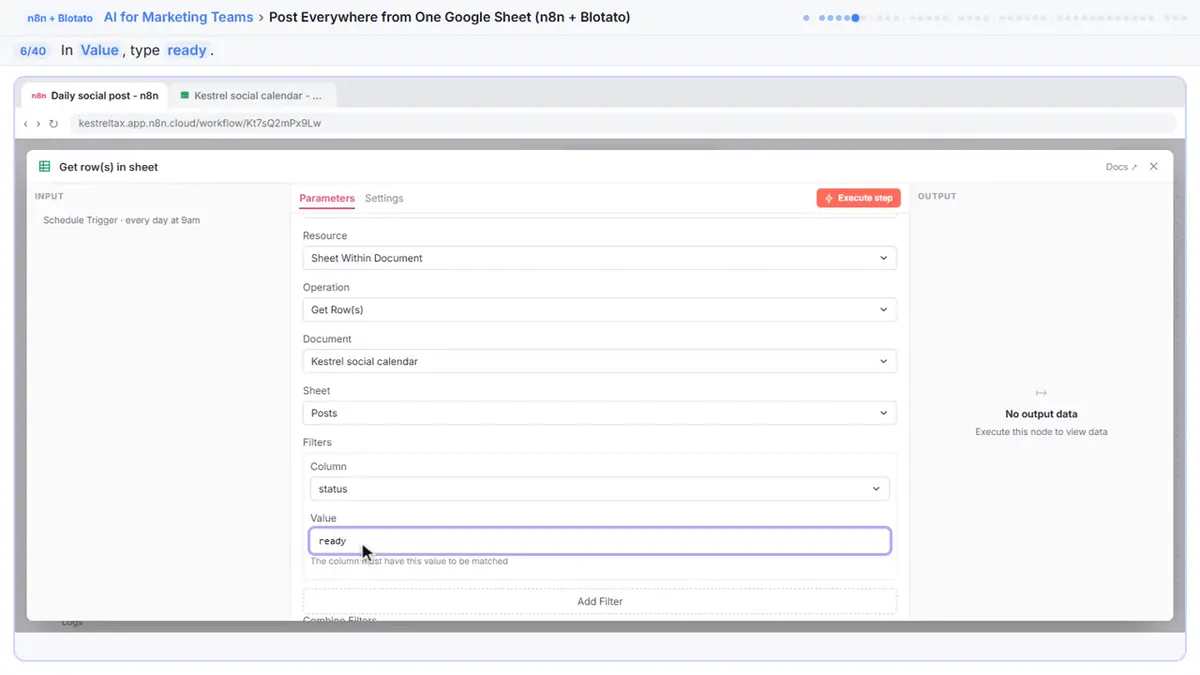 Post to Every Channel Daily from One Sheet using n8n + Blotato
Copying the same post into every social app can take half an hour a day, and on busy days nothing goes out. Plan a week of posts in one Google Sheet; every morning n8n…
Free · Live ~14 min Advanced
 VisualGPT: Product Photos, Listing Images and Ads from One Phone Photo
Turn one phone photo into a lifestyle product shot, a five-image Amazon listing set and three launch ads in VisualGPT's Commercial Studio, checking the plan and every…
Free · Live ~8 min Beginner
All 19 modules in AI Automation for Marketing
More ChatGPT tutorials
 Get On-Brand Social Posts Every Time using a ChatGPT Custom GPT
See why generic prompts give generic results, then build a Custom GPT loaded with your brand voice and watch the output transform.
Free · Live ~8 min Beginner
 Prompt Writing 101: Role, Context, Task, Format
Ask ChatGPT for the same customer email twice, once vaguely and once with a four-part prompt, and see exactly why structure gets a better answer.
Free · Live ~8 min Beginner
◷Send a Same-Day Follow-up After Every Discovery Call using ChatGPTTurn a discovery call transcript into the decisions, the next steps with owners and dates, deal notes for your CRM, and a follow-up email the prospect gets the same…
Free · Live ~7 min Beginner
◷Hold Your Price When a Prospect Asks for a Discount using ChatGPTA prospect wants 30% off and a free month to sign this week. Give ChatGPT the thread and your pricing rules, catch the discount you can't approve, and send a reply that…
Free · Live ~9 min Beginner
◷Run a Weekly Ops Review Where Every Task Has an Owner using ChatGPTTurn a weekly operations and vendor review into the decisions, the next steps with owners and dates, the risks to watch and a team recap, without turning a vendor's…
Free · Live ~7 min Beginner
◷Turn a Board Meeting into Minutes and Next Steps for OperationsTurn the transcript of a nonprofit board meeting into the decisions, an action items table with owners and due dates, and a recap email to the board.
Free · Live ~9 min Beginner
Free cheat sheet
Print it or save the PDF: the key steps and checks from this lesson on one page, free.
All free printable cheat sheets
Terms in this lesson
Plain-English definitions, each with an example from a free lesson.
Related prompts
- Performance self-evaluation prompt: Copy this ChatGPT performance self-evaluation prompt: it interviews you first, then writes your wins with real results and no…