Updated . Built against the tool’s current screens and checked step by step. How we check this lesson
Agorapulse is a third-party social media management tool with an AI Writing Assistant in its Publishing Composer. In this free lesson you start with the business case: at a small accounting firm, three posts a week written from scratch and posted by hand take about 90 minutes. Then, in a practice copy of Agorapulse, you open Create a post, pick the firm's LinkedIn page, ask the Writing Assistant for a draft that includes the real deadline, make it shorter, send it to the composer, and schedule it for Tuesday morning with Date & Time.
At a glance
| Question | Answer |
|---|---|
| What you build | Open Agorapulse's Publishing Composer, pick the firm's LinkedIn page, draft the post with the AI Writing Assistant, make it shorter, check the facts and schedule it for Tuesday morning. |
| Tools | Agorapulse |
| Time | About 5 minutes, 14 steps in 3 parts |
| Level | Beginner, no coding needed |
| Cost | Free |
| Ways to learn it | Practice it step by step |
The 3 parts, in short
- The cost of posting by hand: Count the time, Price the fix.
- Draft the post with AI: Open the composer, Pick the LinkedIn page, Open the Writing Assistant, Ask for the draft, and 3 more steps.
- Schedule it once: Open Date & Time, Add a date to all profiles, Pick Tue, Nov 3, 9:00 AM, Apply the date, and 1 more step.
Start here first: Build an n8n AI Agent That Plans Your Content Calendar (module 1 of AI Automation for Marketing)
Part of: AI for Marketing Teams (step 34 of 35). Next up: Mixo: Launch a Landing Page and Collect Early Sign-ups
Part of: AI Apps Worth Knowing (step 58 of 62). Next up: Mixo: Launch a Landing Page and Collect Early Sign-ups
The business case: posting is a side job
At a small professional firm, social media is usually one person's side job. Each post is written from a blank page and put up by hand, about 30 minutes each, so three posts a week is 90 minutes, and the weeks with deadlines go quiet because nobody is free at 9 AM to press post.
With an AI first draft and a scheduled post, each one takes about 10 minutes and goes out on time without anyone at a keyboard. The lesson uses those example numbers; put in your own.
What you will do in the lesson
You are Jordan, the marketing coordinator at Whitcomb & Hale CPAs, a made-up firm. A post about the free year-end tax planning checklist has to go out on Tuesday morning. In the practice copy you click Create a post, select the firm's LinkedIn page under Social Profiles, leave the post empty and open the Writing Assistant.
You ask for the post and give it the facts, including the December 15 date, click Send Prompt, then Shorter, read the draft and click Send to Composer. Then you open Date & Time, choose Add date to all profiles, pick Tuesday at 9:00 AM, apply it and click Schedule.
Who this is for
Marketing coordinators, office managers and owners of small accounting, law, consulting and insurance firms who post for the business between other work. No AI or social media experience is needed. The lesson is a practice copy, so nothing is posted and you do not need an Agorapulse account to take it.
How the composer works, from Agorapulse's help center
You open the Publishing Composer with the Create a post button in the left-hand menu and select one or more profiles from Social Profiles. To use AI, you leave Your post blank and click the Writing Assistant icon, type a request and click Send Prompt. You can refine the draft with Shorter, Longer, Rephrase, Translate in, a tone, or your own prompt, then click Send to Composer, or use Copy and Retry.
To schedule, you select the Date & Time icon, choose Add date to all profiles or a date for each profile, pick a date and time and click Apply, click the orange Apply button, and then click Schedule. Publish Now and Save draft are the alternatives.
Mistakes to avoid
- Asking for a post without the facts. Give the AI the real dates and offers so it does not invent them.
- Scheduling an unread draft. Check every date, number and promise first.
- Posting for the firm with no sign-off. Agorapulse lists multi-step approvals for posts that speak for the business.
- Planning on AI during the trial. Its help center says the Writing Assistant is not on the free trial.
Plans
Agorapulse lists a 30-day free trial with no credit card and a free plan. Check agorapulse.com/pricing for what each plan includes, including the AI features.
Links
- How to create and schedule a post in Agorapulse: the steps the lesson follows: Create a post, Social Profiles, Date & Time, Add date to all profiles, Apply and Schedule.
- Agorapulse Writing Assistant: Send Prompt, the Shorter, Longer, Rephrase, Translate and tone options, and Send to Composer.
- Agorapulse plans: the free trial and paid plans. Its help center says the AI Writing Assistant is not available on the free trial. Agorapulse is a separate product with its own account.
Try it yourself, free
Reading the steps is a start. Doing them is how it sticks. The interactive module walks you through every click in a practice copy of Agorapulse, checks each step, and never touches your real accounts.
Start “Agorapulse: Draft a LinkedIn Post with AI and Schedule It”Step by step: Agorapulse: Draft a LinkedIn Post with AI and Schedule It
All 14 steps of the interactive module, in order. In the module you watch each one, then do it yourself in a practice copy that checks your work.
1. The cost of posting by hand
- Count the time. Jordan is the marketing coordinator at Whitcomb & Hale CPAs, a small accounting firm. The firm posts about three times a week, and each post takes about 30 minutes to write and put up by hand. Click the row that shows 90 minutes a week.
Jordan does the marketing at a small accounting firm. The firm posts about three times a week. Each post takes about thirty minutes, to write, and to put up by hand.
- Price the fix. With an AI first draft and one scheduled post, it is about 10 minutes each, and nothing waits on someone being free at 9 AM. These are example numbers, so use your own. Click the time with Agorapulse row.
Now draft with A I, check it, and schedule it once. About ten minutes a post. And nothing waits on someone being free at nine in the morning. These are example numbers, so use your own.
2. Draft the post with AI
- Open the composer. This is Agorapulse. In the left-hand menu, click Create a post to open the Publishing Composer.
This is Agorapulse. In the menu on the left, click Create a post. That opens the composer.
- Pick the LinkedIn page. In Social Profiles, select the firm's LinkedIn page.
Under Social Profiles, select the firm's LinkedIn page.
- Open the Writing Assistant. Leave Your post empty and click the Writing Assistant icon (the sparkle).
Leave the post box empty. That is the Writing Assistant.
- Ask for the draft. Say what the post is for and give it the facts, such as the December 15 date, so it does not invent any. Paste in the request.
Say what the post is for, and give it the facts. Like the December fifteenth date. Then it does not have to invent anything.
Write a LinkedIn post for a small accounting firm inviting business owners to download our free year-end tax planning checklist and book a planning meeting before December 15. Friendly and professional, no hashtags.
- Send the prompt. Click Send Prompt.
- Make it shorter. The draft is good but long for LinkedIn. Click Shorter.
The draft is good, but long for LinkedIn.
- Send it to the composer. Read it: the checklist, the December 15 date and the ask are all right, and nothing was added. Click Send to Composer.
Read it. The checklist, the date, and the ask are all right. Nothing was added.
3. Schedule it once
- Open Date & Time. Now schedule it. Click the Date & Time icon.
Now schedule it.
- Add a date to all profiles. Click Add date to all profiles.
- Pick Tue, Nov 3, 9:00 AM. In the calendar, pick Tue, Nov 3 at 9:00 AM, then click Apply in the pop-up.
In the calendar, pick Tuesday at nine in the morning.
- Apply the date. Click the orange Apply button.
- Schedule the post. Click the orange Schedule button at the bottom right.
Done. It goes out on Tuesday morning, without anyone pressing post.
Frequently asked questions
- How does the interactive lesson work?
- Each step is shown to you first (Watch). Then you do it yourself in a practice copy that checks every click (Your turn). If you get stuck, press Do it for me. Nothing is posted and no Agorapulse account is touched.
- Is Agorapulse part of Stepthrough?
- No. Agorapulse is a separate, third-party product from agorapulse.com. This free lesson was built from its public help center and has not been tested in the real app, so your screens may look a little different.
- Does Agorapulse have an AI writer?
- Yes. Its Publishing Composer has an AI Writing Assistant that drafts a post from your request and can make it shorter, longer, rephrase it, translate it or change the tone.
- Can I schedule one post to several networks in Agorapulse?
- Yes. You select several profiles in the composer and use Add date to all profiles, or set a different date for each profile.
More in AI Automation for Marketing
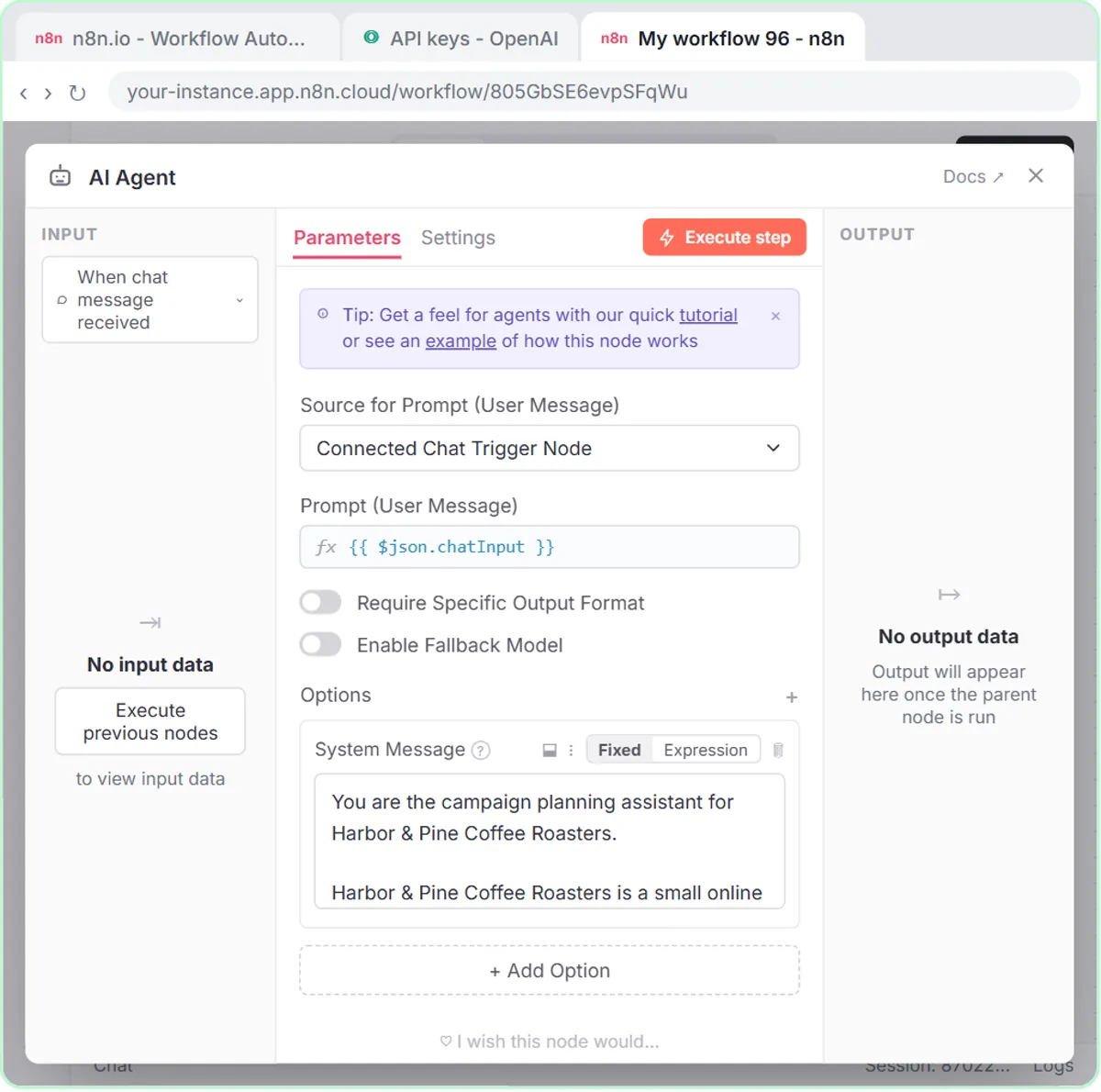 Build an n8n AI Agent That Plans Your Content Calendar
Build an AI agent for Harbor & Pine Coffee Roasters that turns one campaign theme into a two-week email and content calendar in Google Sheets — chat trigger, AI Agent…
Free · Live ~12 min Intermediate
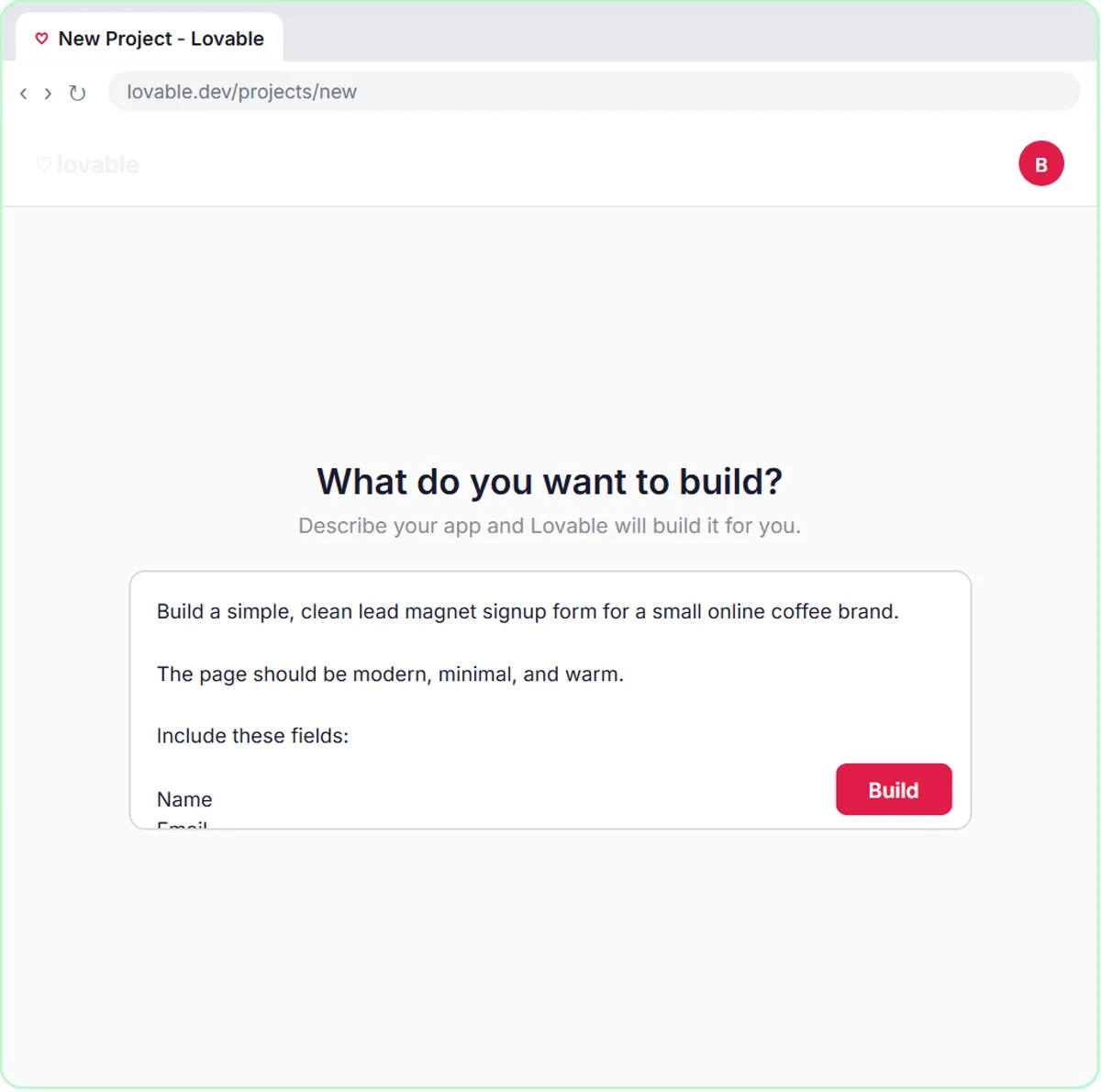 Build a Lead Magnet Signup Form with an AI Welcome Email
Build a "Get the free guide" signup form in Lovable for Harbor & Pine Coffee Roasters and connect it to n8n — the AI agent tags each lead by interest, saves it to…
Free · Live ~15 min Advanced
 Get Your Business Recommended by ChatGPT
Ask ChatGPT who it recommends in your town, see which pages it trusts, then use it to write an FAQ page and Business Profile copy that answer real customer questions.
Free · Live ~10 min Intermediate
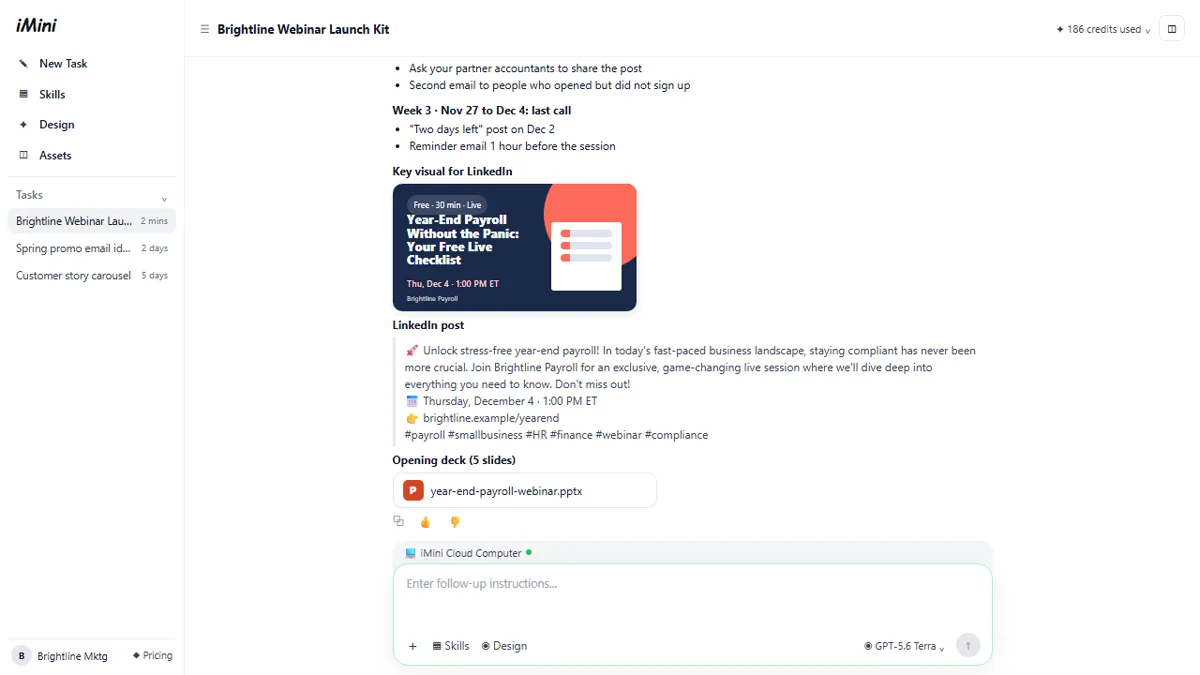 iMini AI Agent: Turn a Rough Idea into a Launch Kit
Brief the iMini Creative Agent once and get a launch plan, a LinkedIn visual, a post and a 5-slide deck, then fix the visual and humanize the post with follow-ups.
Free · Live ~8 min Beginner
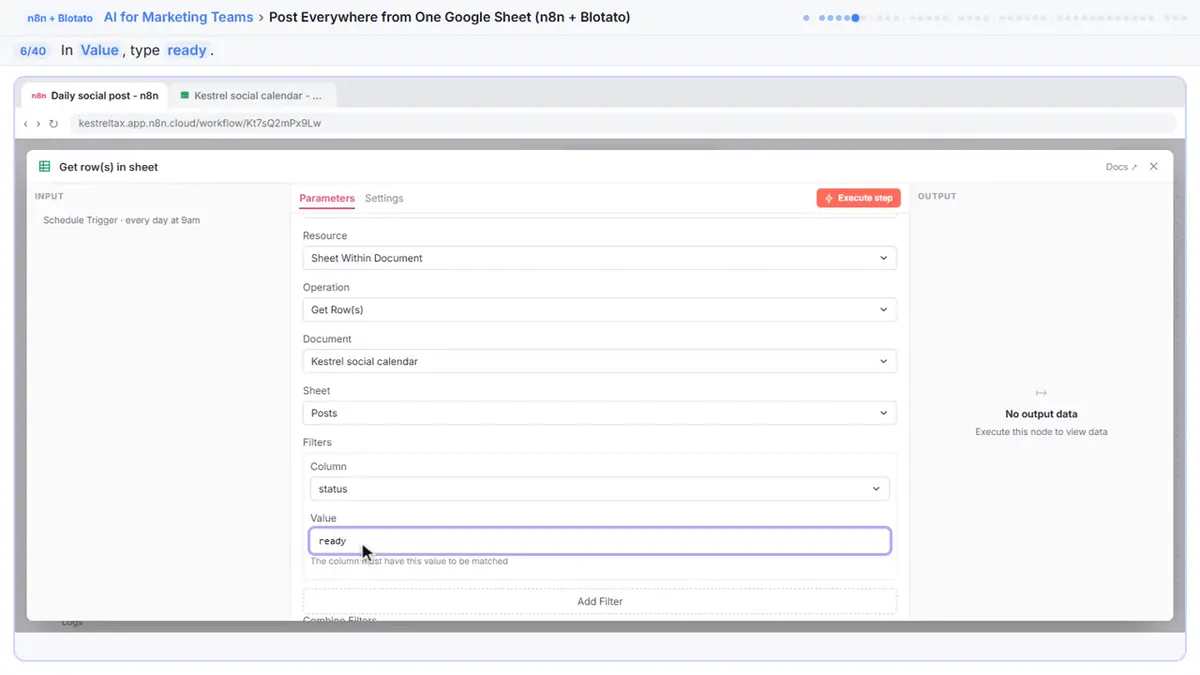 Post to Every Channel Daily from One Sheet using n8n + Blotato
Copying the same post into every social app can take half an hour a day, and on busy days nothing goes out. Plan a week of posts in one Google Sheet; every morning n8n…
Free · Live ~14 min Advanced
 VisualGPT: Product Photos, Listing Images and Ads from One Phone Photo
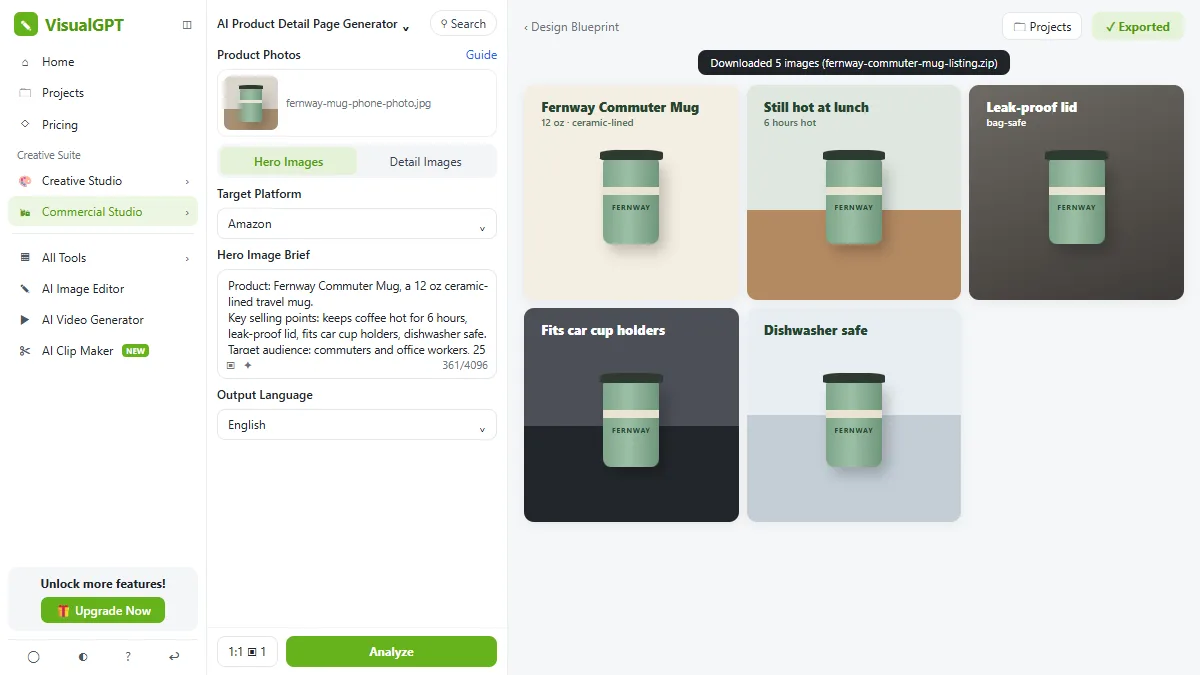
Turn one phone photo into a lifestyle product shot, a five-image Amazon listing set and three launch ads in VisualGPT's Commercial Studio, checking the plan and every…
Free · Live ~8 min Beginner
All 19 modules in AI Automation for Marketing
Terms in this lesson
Plain-English definitions, each with an example from a free lesson.