Updated . Built against the tool’s current screens and checked step by step. How we check this lesson
A client wants a third round of edits, an earlier launch and a free landing page. Give ChatGPT the thread and your contract facts, catch the promises you can't make, and send a clear, friendly reply from Gmail.
At a glance
| Question | Answer |
|---|---|
| What you build | A client wants a third round of edits, an earlier launch and a free landing page. Give ChatGPT the thread and your contract facts, catch the promises you can't make, and send a clear, friendly reply from Gmail. |
| Tools | ChatGPT |
| Time | About 10 minutes, 20 steps in 6 parts |
| Level | Beginner, no coding needed |
| Cost | Free |
| Ways to learn it | Practice it step by step |
The 6 parts, in short
- Copy the thread: Open the thread, Expand all messages, Copy the thread, Switch to ChatGPT.
- Give ChatGPT the context: Click the message box, Paste the thread, Add the facts, Say what a good reply looks like.
- Get the first draft: Send it.
- Check every promise: Read the draft, then click the message box, Ask ChatGPT to check its promises, Send the check.
- Fix it and warm it up: Read the table, then click the message box, Ask for specific changes, Send the fix.
- Send it from Gmail: Copy the reply, Go back to Gmail, Click Reply, Paste the reply, and 1 more step.
Start here first: Reply Faster: Turn a Messy Customer Email Thread into a Clear, Friendly Reply. This Marketing version follows the same build with its own example business.
Part of: AI for Marketing Teams (step 29 of 29)
What you'll build
The problem: a client says "just a few more tweaks" and slips in a new deadline and a new deliverable. The fast reply is "sure, no problem", and now your agency has done a free third round, rushed a launch it can't promise and quietly added a landing page nobody priced. Ignore it and the client decides you're slow. In this module you're Maya, an account manager at Copperfield Creative, a small marketing agency. Daniel at Birchwood Bike Co. wants a third round of changes to three fall emails, a Thursday launch instead of Monday the 26th, and a gift card landing page, and he assumes it's all covered. His Thursday email is still unanswered. You'll copy the thread into ChatGPT with your contract facts, get a first draft, have ChatGPT check every promise against those facts, fix the lines that give away what only your owner can approve, and send a clear, friendly reply from Gmail. To do it for real you need a free ChatGPT account (chatgpt.com), the client's email thread (any email app works, because you copy and paste), and a short numbered list of what your contract covers, your change-order price and who approves exceptions.
That's the routine for every "just one more thing" email. Paste the thread, add what the contract covers, what extra work costs, which dates are real and who can approve an exception, and say what a good reply looks like. Then don't trust the first draft: ask ChatGPT to match every promise to a fact, especially anything free, any date and any new deliverable. Ask for specific fixes, read it last yourself, and send it while the client still feels heard. Leave your agency's rates for other clients out of anything you paste.
- Tools: ChatGPT
- Time: about 10 minutes, 20 steps in 6 chapters
- Level: beginner, no coding needed
- Price: free
Practice first, then build it for real
Everything here is a practice copy. No ChatGPT or Gmail account is needed, nothing is sent to OpenAI, and no email really goes out. Practice here first, then do it for real. To build it for real you need your own ChatGPT account, and some services charge once you use them for real work, so check each tool's current pricing.
Try it yourself, free
Reading the steps is a start. Doing them is how it sticks. The interactive module walks you through every click in a practice copy of ChatGPT, checks each step, and never touches your real accounts.
Start “Answer "Just a Few More Changes" Without Giving Away the Project using ChatGPT for Marketing”Step by step: Answer "Just a Few More Changes" Without Giving Away the Project using ChatGPT for Marketing
All 20 steps of the interactive module, in order. In the module you watch each one, then do it yourself in a practice copy that checks your work.
1. Copy the thread
- Open the thread. This is Maya's inbox at Copperfield Creative. Click Daniel Okafor's thread, Fall tune-up emails, to open it.
Here's the inbox for Maya, an account manager at Copperfield Creative, a small marketing agency. Daniel's thread has four messages, three asks, and no answer since Thursday.
- Expand all messages. Gmail folds up the older messages in a thread. Click Expand all, the double-arrow icon at the top right of the thread.
Gmail folds up the older messages, so only the newest one is open. You want the whole story, so click Expand all, the double-arrow icon at the top right.
- Copy the thread. In real Gmail you select the messages, then press Ctrl+C (or right-click and choose Copy). Here, click the messages to copy them.
Read it through once. Daniel wants a third round of changes, a launch four days earlier, and a landing page, and he's assuming it's all covered. If there's anything private in there, like other clients' rates, leave it out. Here, just click the messages.
- Switch to ChatGPT. Click the ChatGPT tab at the top.
Now switch over to ChatGPT.
2. Give ChatGPT the context
- Click the message box. You are in a new chat. Click the message box.
You're in a fresh chat. You'll give ChatGPT three things in one message: the thread, the facts, and what a good reply looks like.
- Paste the thread. Paste in the thread. One line says what this is, then the four emails, oldest first.
First, the thread. One line tells ChatGPT what it's looking at, then the emails, oldest first.
Here is an email thread between me, an account manager at a marketing agency, and a client, oldest message first.

Daniel Okafor (Tue, Oct 13): Hi Maya, thanks for the revised emails. They're close! A few more changes: new subject lines on all three, swap the hero photo in email 2 for one of my shop photos (I'll send them), and soften the second paragraph in email 3. Daniel

Maya at Copperfield Creative (Wed, Oct 14): Thanks Daniel! Send the photos when you can and we'll take another pass. Launch is scheduled for Monday, Oct 26. - Maya

Daniel Okafor (Thu, Oct 15): Photos attached. Also, can you add a landing page for the gift card promo? And can we move the launch up to this Thursday, Oct 22? A competitor just announced a fall sale.

Daniel Okafor (8:47 AM): Maya, following up. I haven't heard back and I need all of this done and live by Thursday. Please confirm. I'm assuming it's all covered in what we already agreed, since they're just tweaks?
- Add the facts. Paste in the facts. These are the only things the reply may promise: what the contract covers, the price of an extra round, which launch dates are real, the landing page quote and who approves exceptions.
Next, the facts. ChatGPT can't see your contract, your change-order price, or who can approve an exception, so spell them out. Number them, so you can check them later.
Facts (only promise what is here):
1. Our contract is a $4,800 fixed fee for three emails and includes two rounds of revisions per email. Rounds 1 and 2 are done. Daniel's Oct 13 note is round 3.
2. An extra round is $450 for all three emails and needs Daniel's signed change order before we start. I can't waive it. Priya Nand, our owner, decides any exception.
3. Launch is scheduled for Monday, Oct 26. Thursday, Oct 22 is possible only if we have Daniel's final written approval of all three emails by Tuesday, Oct 20 at noon, because scheduling and testing take two business days.
4. Once we have the signed change order, a round takes 2 business days. We received the shop photos on Oct 15.
5. The gift card landing page is not in the contract. I can send a quote of $900, and it takes five business days after sign-off, so it can't be ready by Oct 22.
6. I don't comment on the competitor's sale or change the offer in the emails.
7. We missed Daniel's Thursday email. That's on us.
8. Sign it: Maya, Copperfield Creative.
- Say what a good reply looks like. Paste in the instructions: the tone, the three asks to answer, what he needs to do next, a word limit, and a rule not to invent anything.
Last, tell it what a good reply looks like: warm and straight, the three asks to answer, what he needs to do next, and a word limit. And one rule that matters most: don't invent details or promise anything that isn't in the facts.
Write my reply to Daniel. Tone: warm, upbeat and straight, like an agency that wants his launch to work. Apologize once for missing his Thursday email. Answer all three of his asks clearly: the third round of changes, the Thursday launch and the landing page. Say what is covered, what costs extra and what he needs to do next. Keep it under 200 words. No subject line, since it's a reply in the same thread. Don't invent details or promise anything that isn't in the facts.
3. Get the first draft
- Send it. Thread, facts and instructions are all in. Click the Send arrow.
Thread, facts, and instructions, all in one message.
4. Check every promise
- Read the draft, then click the message box. Read the draft closely. Your real draft will differ every time, and a good model may get it right. This practice draft has two slips: look at the changes and launch lines. Then click the message box.
That's an upbeat first draft. It apologizes once and quotes the landing page correctly. Your real draft will be a little different each time, and it may come out right. In this practice draft, read the changes and the launch: a free third round, and a Thursday go-live. Your contract and your owner decide those. A draft can please the client and still give away what you can't.
- Ask ChatGPT to check its promises. Paste in the check to ask for a table of every promise and the fact behind it.
Ask ChatGPT to check its own work: every promise in the reply, next to the fact that backs it up.
Check that reply against my facts. Make a table of every promise or claim in it and the fact that backs it up. Flag anything the facts don't support.
- Send the check. Click the Send arrow.
5. Fix it and warm it up
- Read the table, then click the message box. Three of the six claims match a fact. The free round, the two-day turnaround and the Thursday launch don't. ChatGPT suggests wording for all three. In your own chat, the table may say everything is supported. That is a good result too. Click the message box.
Three of the six claims match a fact. The contract covers two rounds, a third needs a signed change order, and Thursday only works with approval by Tuesday noon. In your own chat, the table may say everything is supported, and that's a good result too. Still compare the table with your own facts, since you know your contract.
- Ask for specific changes. Paste in the fix: use all three suggested wordings, give each ask its own short paragraph, and keep every other fact the same.
Now ask for specific changes, not just make it better. Use all three suggested wordings, give each of his asks its own short paragraph, and keep every other fact exactly the same.
Use all three of those wordings. Then give each of his three asks its own short paragraph so the answers are easy to find, keep it warm, and stay under 200 words. Keep every other fact exactly the same. Reply with just the email.
- Send the fix. Click the Send arrow.
6. Send it from Gmail
- Copy the reply. Read the final reply. In real ChatGPT it shows up in an Email card: click the copy icon on the card or under it, and ignore the Connect email button.
Read it once more. Each ask gets a straight answer: what the contract covers, what an extra round costs, and the one condition for a Thursday launch. It keeps the project moving without a promise you'd have to take back.
- Go back to Gmail. Click the Gmail tab at the top.
Back to Gmail.
- Click Reply. Under the last message, click Reply.
Under Daniel's last message, click Reply. Your answer stays in the same thread, which is why you told ChatGPT to skip the subject line.
- Paste the reply. Paste in the reply to drop in the reply you copied. In real Gmail, press Ctrl+V.
Hi Daniel,

Sorry for missing your Thursday email. That's on us.

The changes: our contract includes two rounds of revisions, and these changes are round 3. An extra round is $450 for all three emails, and I'll need your signed change order to start. Once I have it, a round takes 2 business days. If you'd like to ask for an exception, that's a decision for Priya Nand, our owner, and I'll take it to her today.

The launch: Thursday, Oct 22 is possible only if I have your final written approval of all three emails by Tuesday, Oct 20 at noon. Otherwise we stay on Monday, Oct 26.

The landing page: it isn't in the contract, but I can quote it at $900, and it takes five business days after sign-off.

Thanks for the photos!

Maya
Copperfield Creative
- Read it, then send. Read it one last time: the change order, the Tuesday-noon condition and the landing page quote. Then click Send.
One last read before it goes out. ChatGPT wrote the draft, but your name is on it, so check the change order price, the Tuesday noon condition, and the landing page quote. Everything's right.
More in AI Automation for Marketing
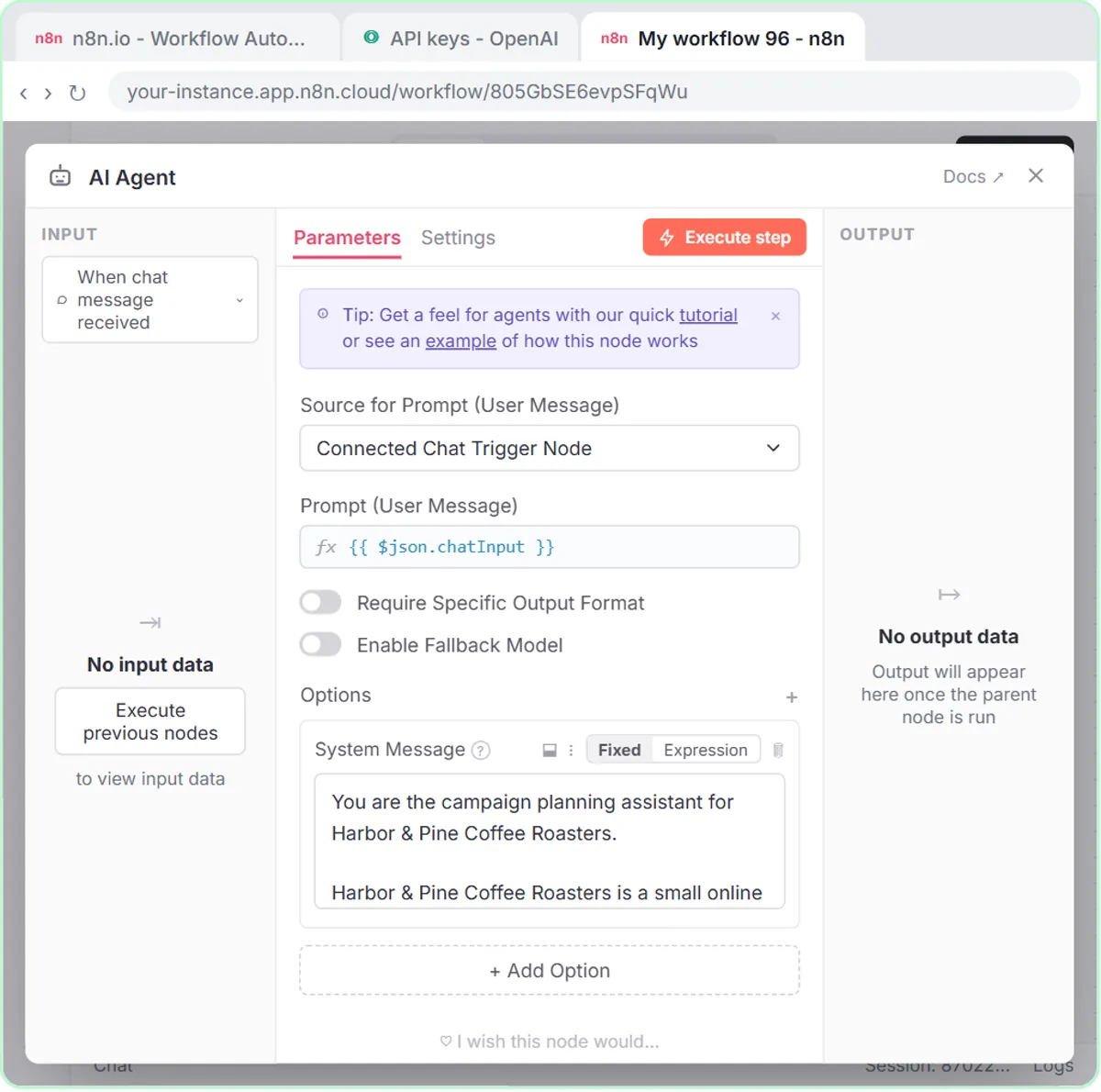 Build an n8n AI Agent That Plans Your Content Calendar
Build an AI agent for Harbor & Pine Coffee Roasters that turns one campaign theme into a two-week email and content calendar in Google Sheets — chat trigger, AI Agent…
Free · Live ~12 min Intermediate
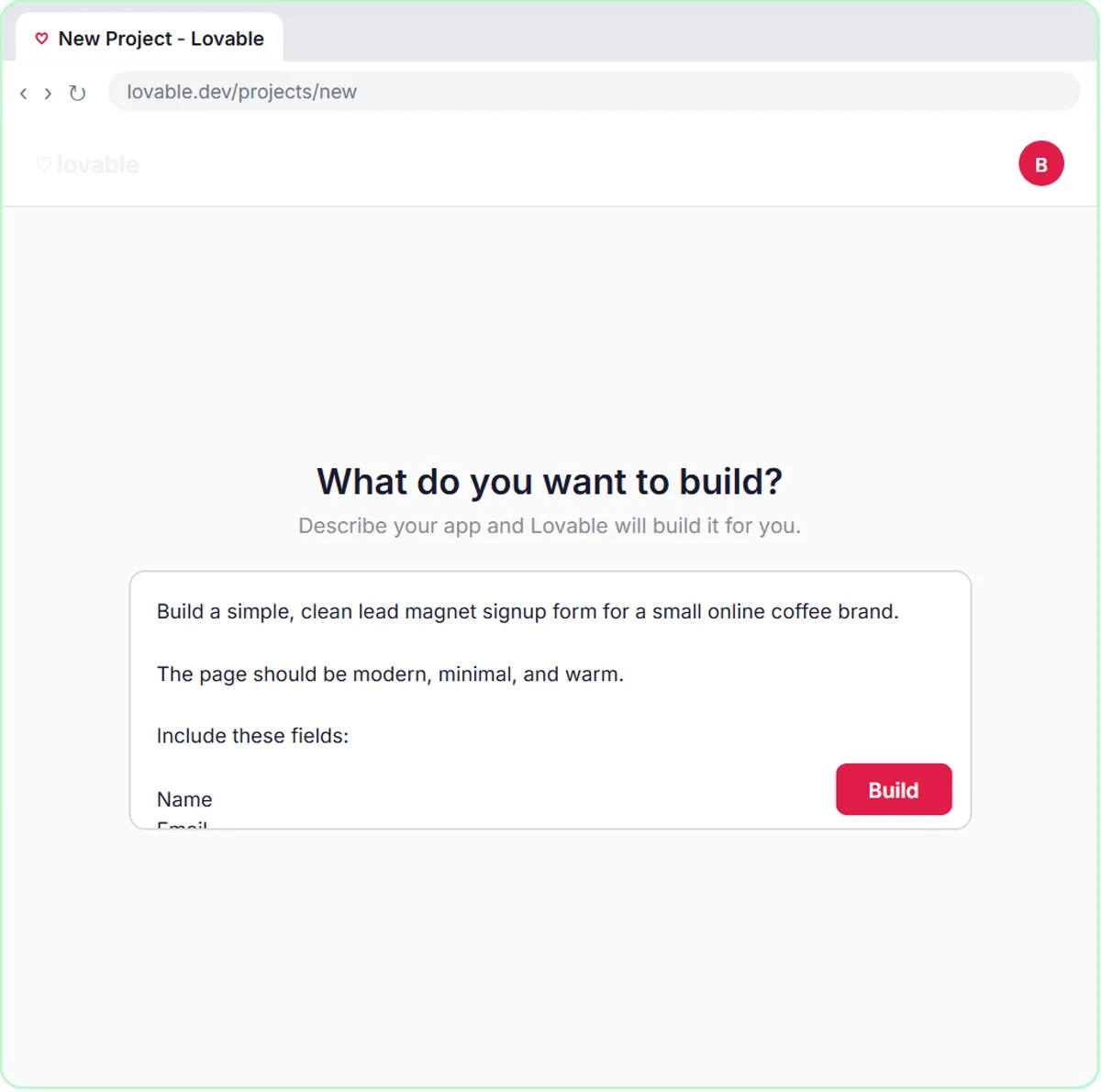 Build a Lead Magnet Signup Form with an AI Welcome Email
Build a "Get the free guide" signup form in Lovable for Harbor & Pine Coffee Roasters and connect it to n8n — the AI agent tags each lead by interest, saves it to…
Free · Live ~15 min Advanced
 Get Your Business Recommended by ChatGPT
Ask ChatGPT who it recommends in your town, see which pages it trusts, then use it to write an FAQ page and Business Profile copy that answer real customer questions.
Free · Live ~10 min Intermediate
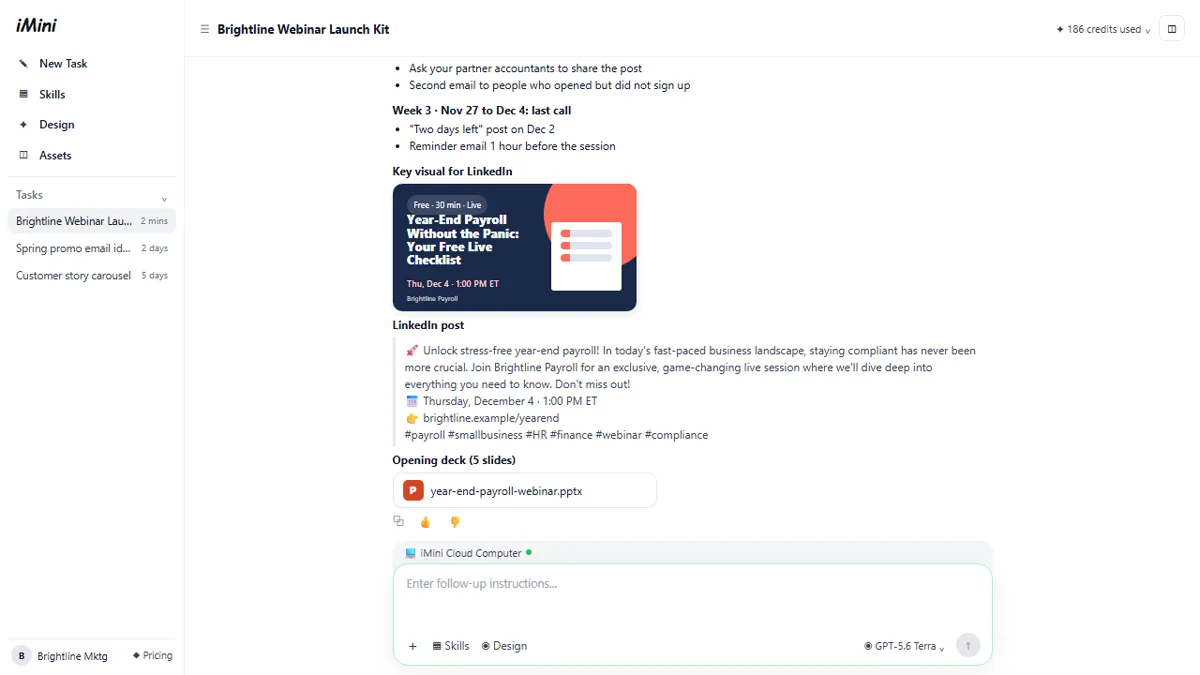 iMini AI Agent: Turn a Rough Idea into a Launch Kit
Brief the iMini Creative Agent once and get a launch plan, a LinkedIn visual, a post and a 5-slide deck, then fix the visual and humanize the post with follow-ups.
Free · Live ~8 min Beginner
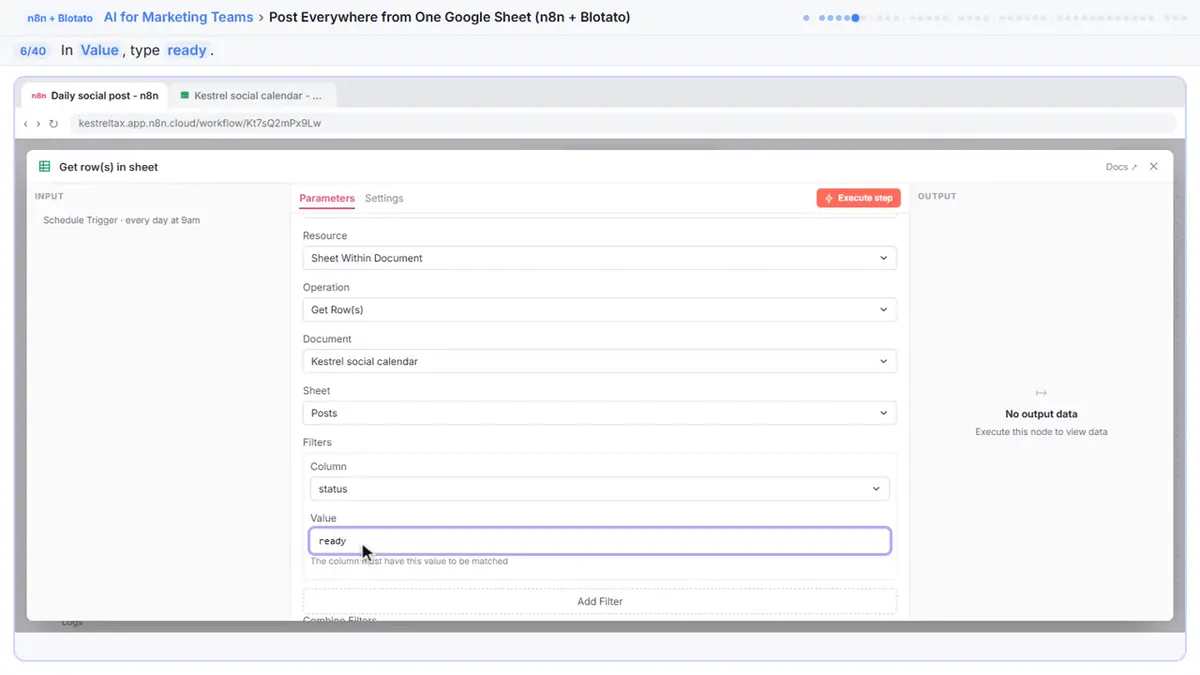 Post to Every Channel Daily from One Sheet using n8n + Blotato
Copying the same post into every social app can take half an hour a day, and on busy days nothing goes out. Plan a week of posts in one Google Sheet; every morning n8n…
Free · Live ~14 min Advanced
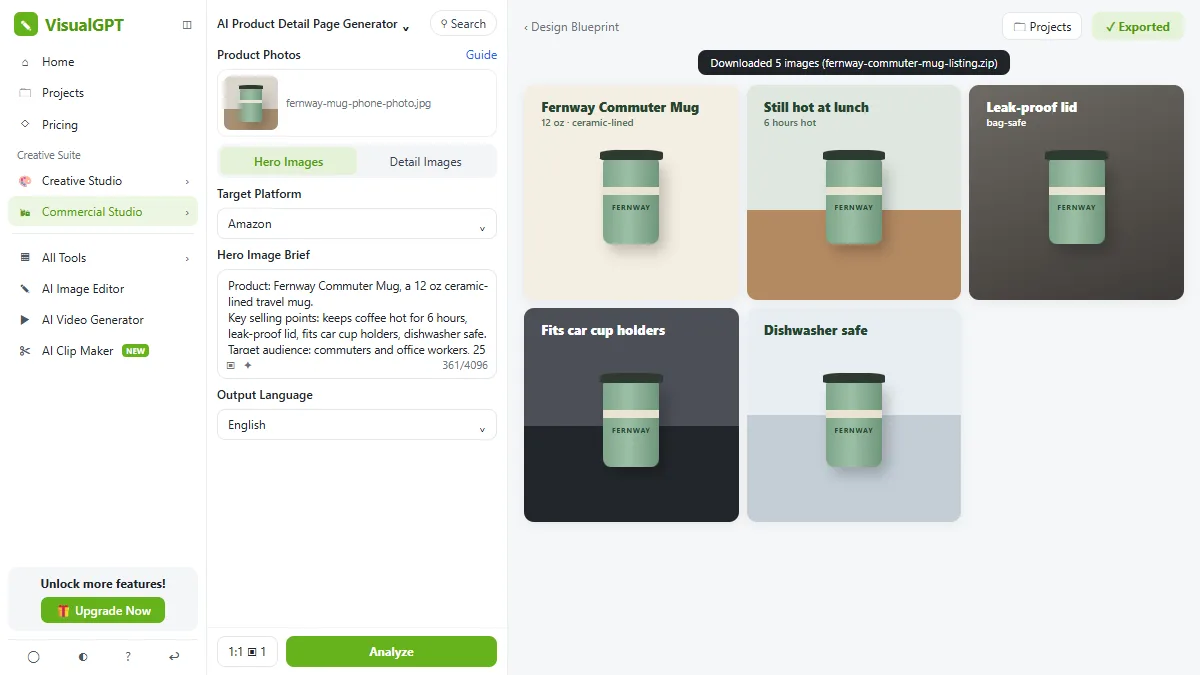 VisualGPT: Product Photos, Listing Images and Ads from One Phone Photo
Turn one phone photo into a lifestyle product shot, a five-image Amazon listing set and three launch ads in VisualGPT's Commercial Studio, checking the plan and every…
Free · Live ~8 min Beginner
All 17 modules in AI Automation for Marketing
More ChatGPT tutorials
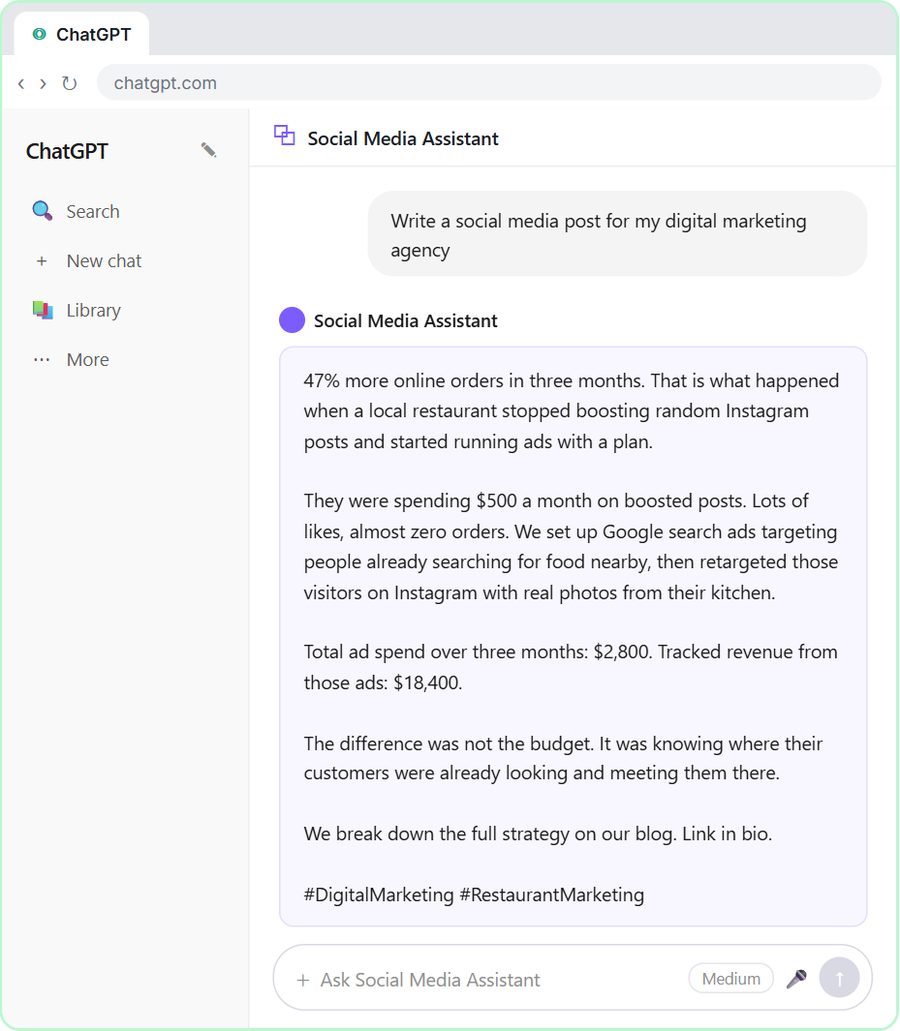 Get On-Brand Social Posts Every Time using a ChatGPT Custom GPT
See why generic prompts give generic results, then build a Custom GPT loaded with your brand voice and watch the output transform.
Free · Live ~8 min Beginner
 Prompt Writing 101: Role, Context, Task, Format
Ask ChatGPT for the same customer email twice, once vaguely and once with a four-part prompt, and see exactly why structure gets a better answer.
Free · Live ~8 min Beginner
◷Send a Same-Day Follow-up After Every Discovery Call using ChatGPTTurn a discovery call transcript into the decisions, the next steps with owners and dates, deal notes for your CRM, and a follow-up email the prospect gets the same…
Free · Live ~7 min Beginner
◷Hold Your Price When a Prospect Asks for a Discount using ChatGPTA prospect wants 30% off and a free month to sign this week. Give ChatGPT the thread and your pricing rules, catch the discount you can't approve, and send a reply that…
Free · Live ~9 min Beginner
◷Run a Weekly Ops Review Where Every Task Has an Owner using ChatGPTTurn a weekly operations and vendor review into the decisions, the next steps with owners and dates, the risks to watch and a team recap, without turning a vendor's…
Free · Live ~7 min Beginner
◷Turn a Board Meeting into Minutes and Next Steps for OperationsTurn the transcript of a nonprofit board meeting into the decisions, an action items table with owners and due dates, and a recap email to the board.
Free · Live ~9 min Beginner
Visual guides
This lesson’s key ideas as quick visual guides: swipe through the slides, or read the same guide as text.
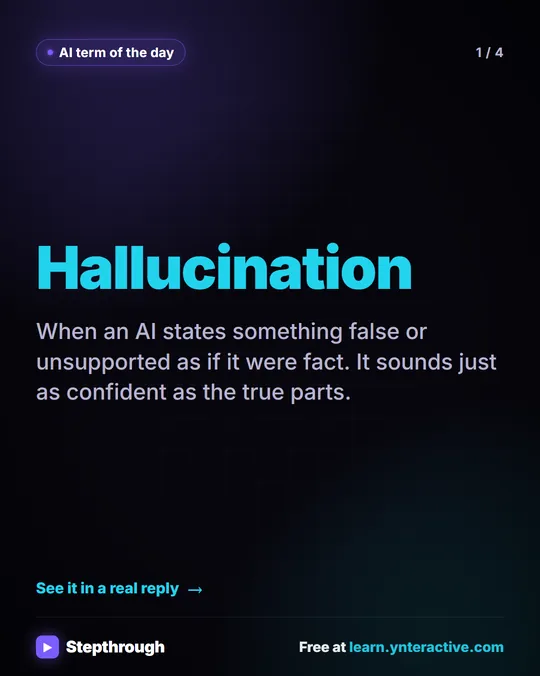 What is an AI hallucination?
AI term of the day: hallucination.
AI term explained 4 slides
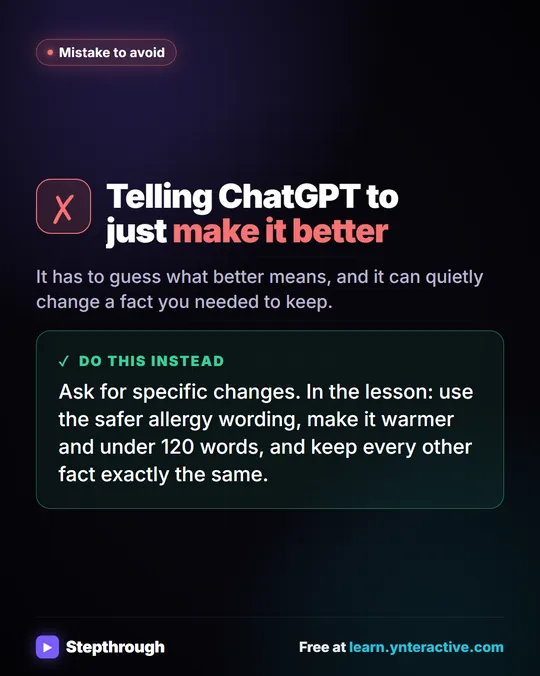 Don't tell ChatGPT to make it better. Say this instead.
A customer's cake order went sideways. Wrong pickup day, a flavor change, and a nut allergy question nobody answered.
Mistake to avoid One graphic
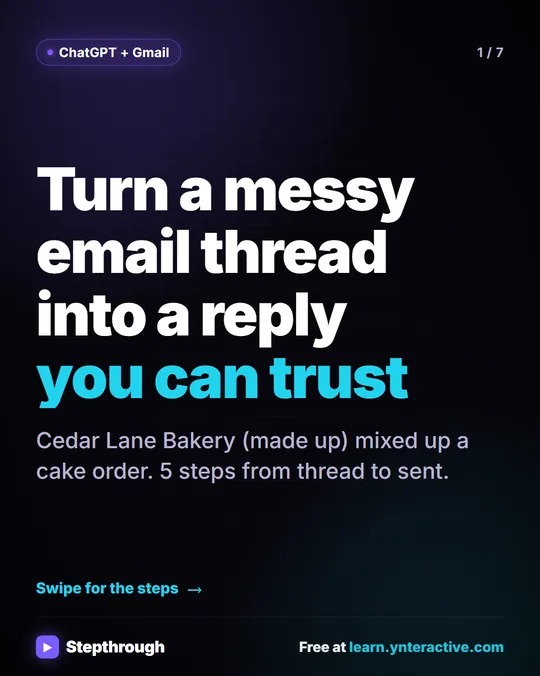 5 Steps to Turn a Messy Email Thread into a Clear Reply
A visual guide: paste a customer thread with numbered facts, check every promise in ChatGPT's draft, fix it and send it from Gmail.
Step-by-step guide 7 slides
Free cheat sheets
Print it or save the PDF: the key steps and checks from this lesson on one page, free.
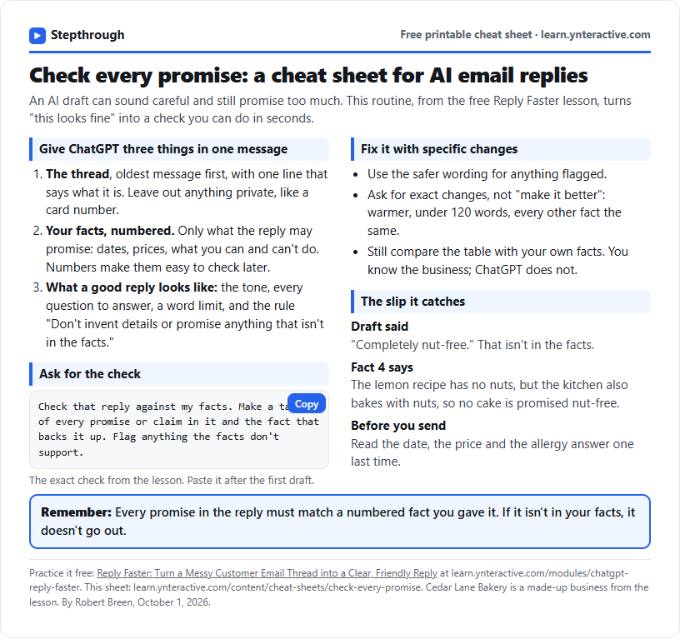 Check Every Promise in an AI Reply: Cheat Sheet
A free one-page cheat sheet: give ChatGPT the thread and your numbered facts, ask for a promise-by-promise table, fix what it flags, then send.
Topic cheat sheet Free PDF
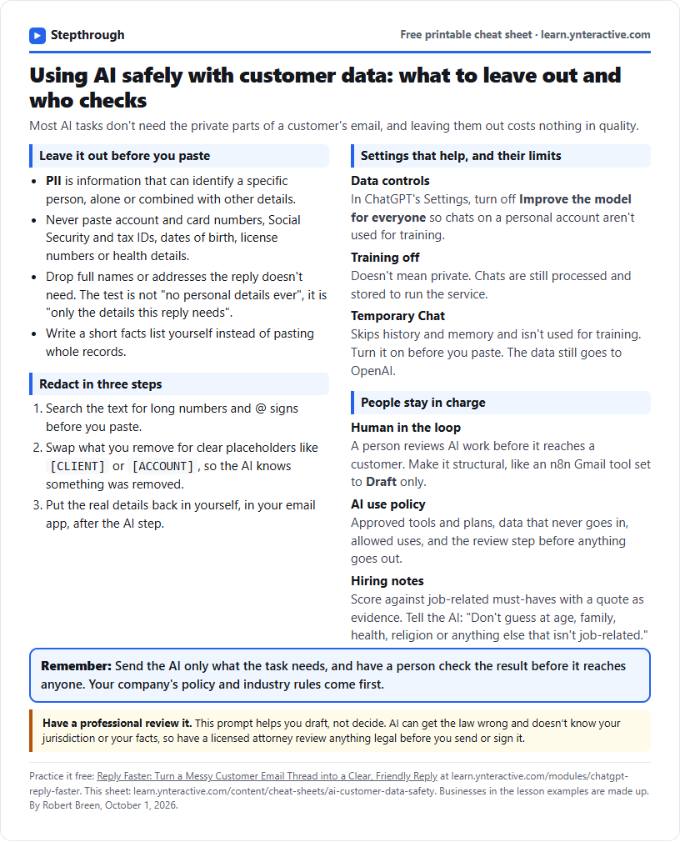 Using AI Safely with Customer Data: Cheat Sheet
A free one-page cheat sheet on AI and customer data: what never to paste, how to redact, data controls, Temporary Chat and human review.
Topic cheat sheet Free PDF
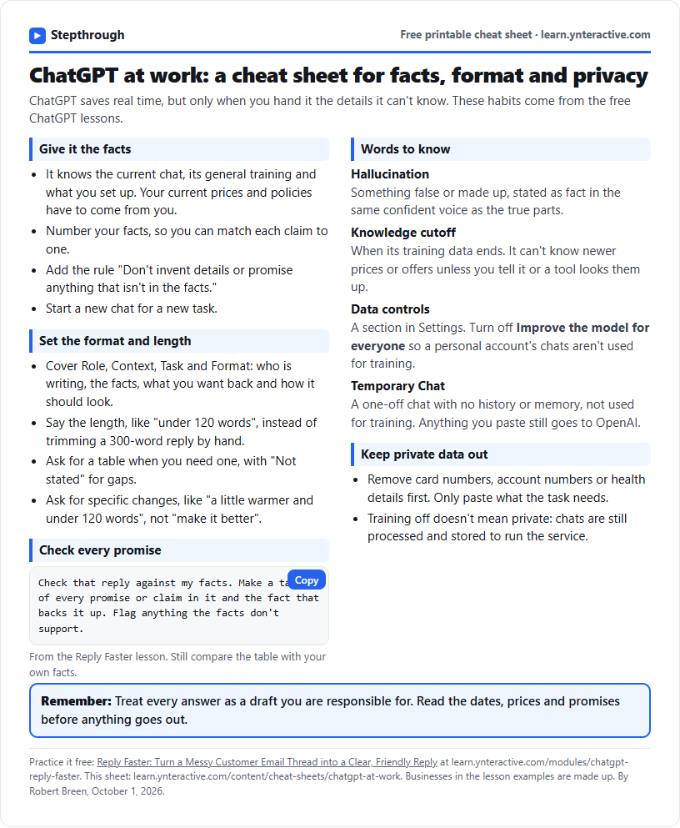 ChatGPT at Work Cheat Sheet: Facts, Format, Privacy
A free one-page cheat sheet for ChatGPT at work: give it facts, set the format and length, check every promise and keep private data out.
Tool cheat sheet Free PDF
All free printable cheat sheets
Terms in this lesson
Plain-English definitions, each with an example from a free lesson.
Related prompts
- Check reply promises prompt: A ChatGPT prompt that checks a draft before you send it: a table of every promise, the fact behind each, and safer wording for…
- Email newsletter prompt: A ChatGPT prompt for a short customer newsletter built from your numbered updates: one section each, one main call to action, no…
- Email shortener prompt: Cut a long email down to what the reader needs without changing a fact, date, price or promise, plus a list of what was removed…
- Payment received thank-you prompt: Confirm a payment and say thanks in a few lines: the amount, what it was for, the balance now owed, and what happens next…