Updated . Built against the tool’s current screens and checked step by step. How we check this lesson
Turn the transcript of a nonprofit board meeting into the decisions, an action items table with owners and due dates, and a recap email to the board.
At a glance
| Question | Answer |
|---|---|
| What you build | Turn the transcript of a nonprofit board meeting into the decisions, an action items table with owners and due dates, and a recap email to the board. |
| Tools | ChatGPT |
| Time | About 9 minutes, 24 steps in 5 parts |
| Level | Beginner, no coding needed |
| Cost | Free |
| Ways to learn it | Practice it step by step |
The 5 parts, in short
- Copy the transcript: Open the Edit menu, Select all, Open the Edit menu again, Copy it.
- Ask for a summary: Switch to ChatGPT, Click the message box, Paste your request, Paste the transcript, and 1 more step.
- Check the details: Check the action items, Click the message box, Fill in the gaps, Send it.
- Write the follow-up: Click the message box, Ask for the follow-up email, Send it, Copy the email.
- Or upload the file: Start a new chat, Open the plus menu, Add photos & files, Pick the transcript, and 3 more steps.
Start here first: Summarize a Meeting Transcript with ChatGPT. This Operations version follows the same build with its own example business.
Part of: AI for Operations Teams (step 23 of 25). Next up: Turn an Office Move Call into a Checklist for Operations
What you'll build
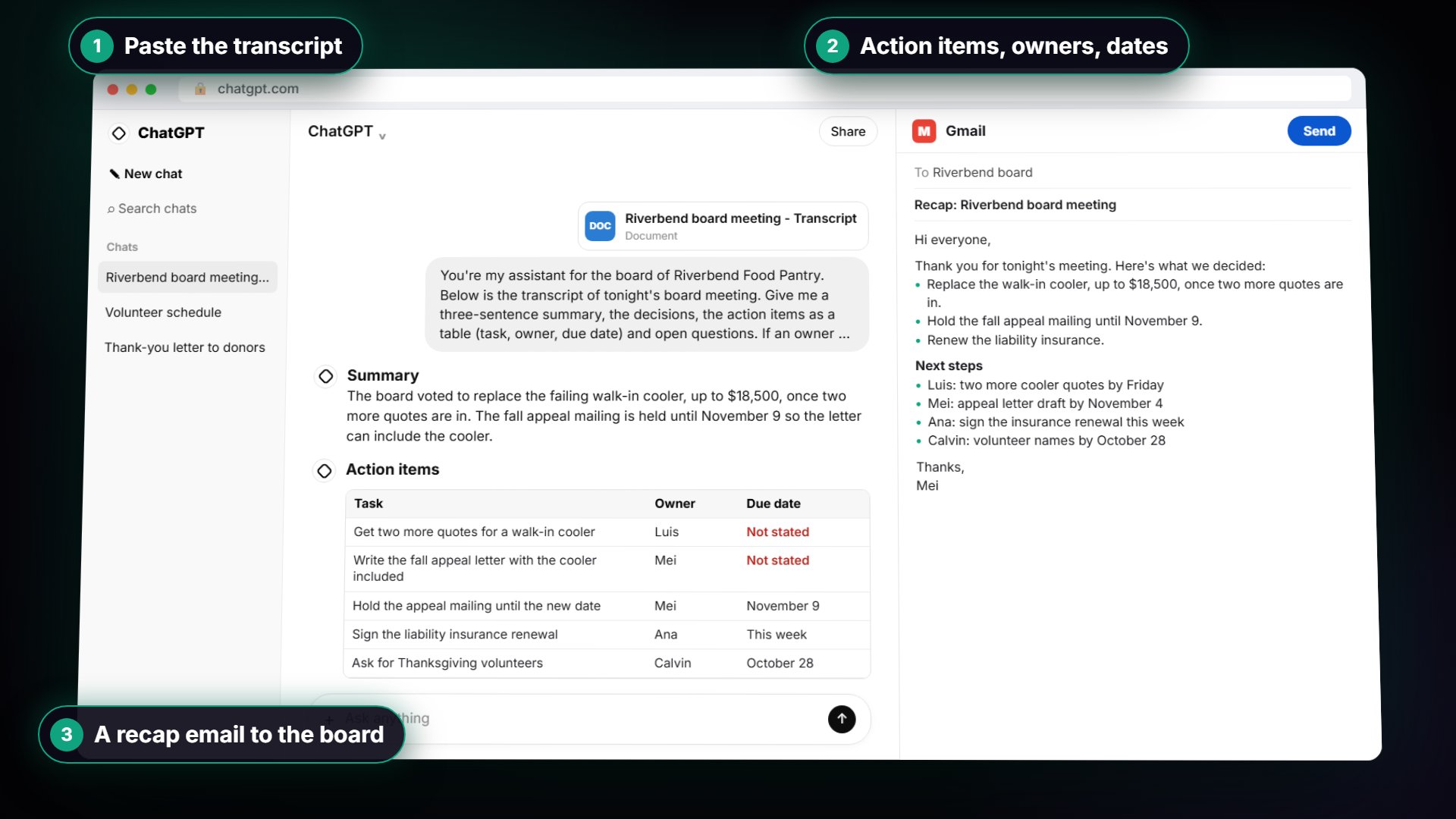
You'll take the transcript Google Meet saved after a food pantry's board meeting and hand it to ChatGPT with a clear request: a short summary, the decisions, an action items table with an owner and a due date, and the open questions. You'll check it, fill in two dates nobody said out loud, turn it into a recap email to the board, and then learn the faster way: upload the transcript file instead of pasting it. To do it for real you need a free ChatGPT account (chatgpt.com) and a transcript or your own typed meeting notes; leave out donor names and anything your board has agreed to keep confidential.
You turned a board meeting into a summary, three decisions, an action items table and a recap email in a few minutes. The request did the heavy lifting: it told ChatGPT exactly what to pull out and to write Not stated instead of guessing, which matters when volunteers and board members each own a piece of the follow-up. Keep that request handy for your next meeting, and always check the owners, dates and dollar amounts before the email goes out. Draft minutes are not official minutes until the board approves them, and anything confidential, like donor names, stays out of what you paste.
- Tools: ChatGPT
- Time: about 9 minutes, 24 steps in 5 chapters
- Level: beginner, no coding needed
- Price: free
Practice first, then build it for real
Everything here is a practice copy. No ChatGPT or Google account is needed, nothing is sent to OpenAI, and no file leaves your computer. Practice here first, then do it for real with your own meeting. To build it for real you need your own ChatGPT account, and some services charge once you use them for real work, so check each tool's current pricing.
Try it yourself, free
Reading the steps is a start. Doing them is how it sticks. The interactive module walks you through every click in a practice copy of ChatGPT, checks each step, and never touches your real accounts.
Start “Turn a Board Meeting into Minutes and Next Steps for Operations”Step by step: Turn a Board Meeting into Minutes and Next Steps for Operations
All 24 steps of the interactive module, in order. In the module you watch each one, then do it yourself in a practice copy that checks your work.
1. Copy the transcript
- Open the Edit menu. This is the transcript Google Meet saved after tonight's board meeting at Riverbend Food Pantry. Click Edit in the menu bar.
Here's the transcript from tonight's board meeting at Riverbend Food Pantry. Google Meet saved it as a Google Doc: four people, a vote, a few dollar amounts and a few ums. Let's copy the whole thing.
- Select all. Click Select all.
On a keyboard, that's Control A.
- Open the Edit menu again. The whole transcript is highlighted. Click Edit again.
The whole transcript is highlighted.
- Copy it. Click Copy.
That's Control C. The transcript is now on your clipboard.
2. Ask for a summary
- Switch to ChatGPT. Click the ChatGPT tab at the top.
Now switch over to ChatGPT.
- Click the message box. Click the message box.
Before you paste the transcript, tell ChatGPT what you want out of it. Otherwise you'll just get a vague recap.
- Paste your request. Paste in the request. It asks for four things: a short summary, the decisions, an action items table with owner and due date, and open questions.
Here's the request. It asks for four things: a three sentence summary, the decisions, a table of action items with an owner and a due date, and any open questions. The last line matters most: only use what's in the transcript, and write not stated when something is missing. That stops ChatGPT from guessing.
You're my assistant for the board of Riverbend Food Pantry. Below is the transcript of tonight's board meeting. Give me:
1. A three-sentence summary
2. The decisions we made
3. The action items as a table: task, owner, due date
4. Open questions
Only use what's in the transcript. If an owner or date isn't said, write "Not stated".
- Paste the transcript. Now paste the transcript under the request. Paste in the transcript. (In real ChatGPT, press Shift+Enter for a new line first, then Ctrl+V. Plain Enter would send the message.)
In real ChatGPT, press Shift and Enter to start a new line first, because Enter on its own sends the message. Then Control V to paste.
00:00:04
Ana Whitcomb: Evening, everyone. Four things tonight: the walk-in cooler, the fall appeal, the insurance renewal and Thanksgiving volunteers. Luis, start with the cooler.

00:00:15
Luis Ortega: The cooler failed twice this month. The repair company says another repair is a bandage. A new one is about eighteen thousand five hundred dollars. We have twenty-two thousand in reserves.

00:00:30
Mei Tran: We lost about four hundred pounds of produce last week. We can't keep doing that.

00:00:38
Calvin Boyd: Do we have more than one quote before we commit?

00:00:43
Luis Ortega: Just the one. Um, I'll get two more.

00:00:48
Ana Whitcomb: Then I'll make a motion: we replace the cooler, up to eighteen thousand five hundred, once we have those quotes. All in favor?

00:00:58
Calvin Boyd: Aye.

00:01:00
Luis Ortega: Aye.

00:01:02
Ana Whitcomb: Passed. Mei, the appeal letter usually goes out the first week of November.

00:01:09
Mei Tran: Right, but the cooler changes our ask. I'd like to hold the mailing until November ninth so I can put the cooler in the letter.

00:01:19
Ana Whitcomb: Agreed, hold it until the ninth. You'll write the new letter and we'll all see it first.

00:01:27
Luis Ortega: Insurance. Our liability policy renews November first and the premium is up about nine percent. Ana, it needs your signature.

00:01:38
Ana Whitcomb: I'll sign it this week. Nine percent is fine, we budgeted for it.

00:01:46
Calvin Boyd: For Thanksgiving week we need about forty volunteers for the holiday boxes. I'll ask my church group and the Rotary club.

00:01:56
Mei Tran: We have twenty-six signed up. If you can get me names by October twenty-eighth, I can plan the shifts.

00:02:05
Calvin Boyd: Will do. The twenty-eighth.

00:02:09
Mei Tran: One more thing for later: a part-time volunteer coordinator. Not tonight, but I'd like it discussed.

00:02:18
Ana Whitcomb: Let's put it on the December agenda. Thanks, everyone.
- Send it. Click Send.
Request on top, transcript below.
3. Check the details
- Check the action items. Read the summary and decisions. Then click the action items table: two due dates say Not stated.
A whole board meeting, boiled down to a summary, three decisions, six action items and two open questions. Now check it before anything goes to the board. Look at the action items table. Two due dates say not stated. That's right: nobody said when the extra cooler quotes or the appeal letter draft were due.
- Click the message box. You know the missing dates. Click the message box to tell ChatGPT.
You were in the meeting, so you can fill in the gaps.
- Fill in the gaps. Type the missing dates (or Paste in the dates): Luis will send the two other cooler quotes by Friday, and Mei will send the board the appeal letter draft by November 4.
Tell it the missing dates: Luis will send the two other cooler quotes by Friday, and Mei will send the draft by November fourth.
- Send it. Click Send.
4. Write the follow-up
- Click the message box. Every action item has an owner and a date now. Click the message box.
Now every task has an owner and a date. Because ChatGPT still has the whole meeting in this chat, you don't need to paste anything again. Just ask for the next thing.
- Ask for the follow-up email. Paste in the request to ask for a short recap email to the board.
Ask for a short, friendly recap email to the board, with the decisions and the action items.
- Send it. Click Send.
- Copy the email. Read the email. Then click the Copy button under it.
There's your recap email: the decisions, who's doing what and by when, and what's still open. Read it once, change anything that doesn't sound like you, then click the copy button under it and paste it into your email.
5. Or upload the file
- Start a new chat. Next time the transcript might be a file. Click New chat.
Sometimes the transcript comes as a file instead, like a Word document someone emailed you. You don't have to open it and copy it. Start a new chat.
- Open the plus menu. Click the + button on the left of the message box.
- Add photos & files. Click Add photos & files.
- Pick the transcript. Click Riverbend board meeting - Transcript.docx.
Your file browser opens.
- Open it. Click Open.
The file attaches to the message box. You can also just drag a file onto the chat.
- Ask for the summary. Paste in the request: the same four things, in one line.
Now the same request as before, in one line.
Summarize this meeting transcript: decisions, action items with owner and due date, and open questions. If an owner or date isn't said, write "Not stated".
- Send it. Click Send.
Either way, always check the owners and dates before you send the recap.
More in AI Automation for Operations
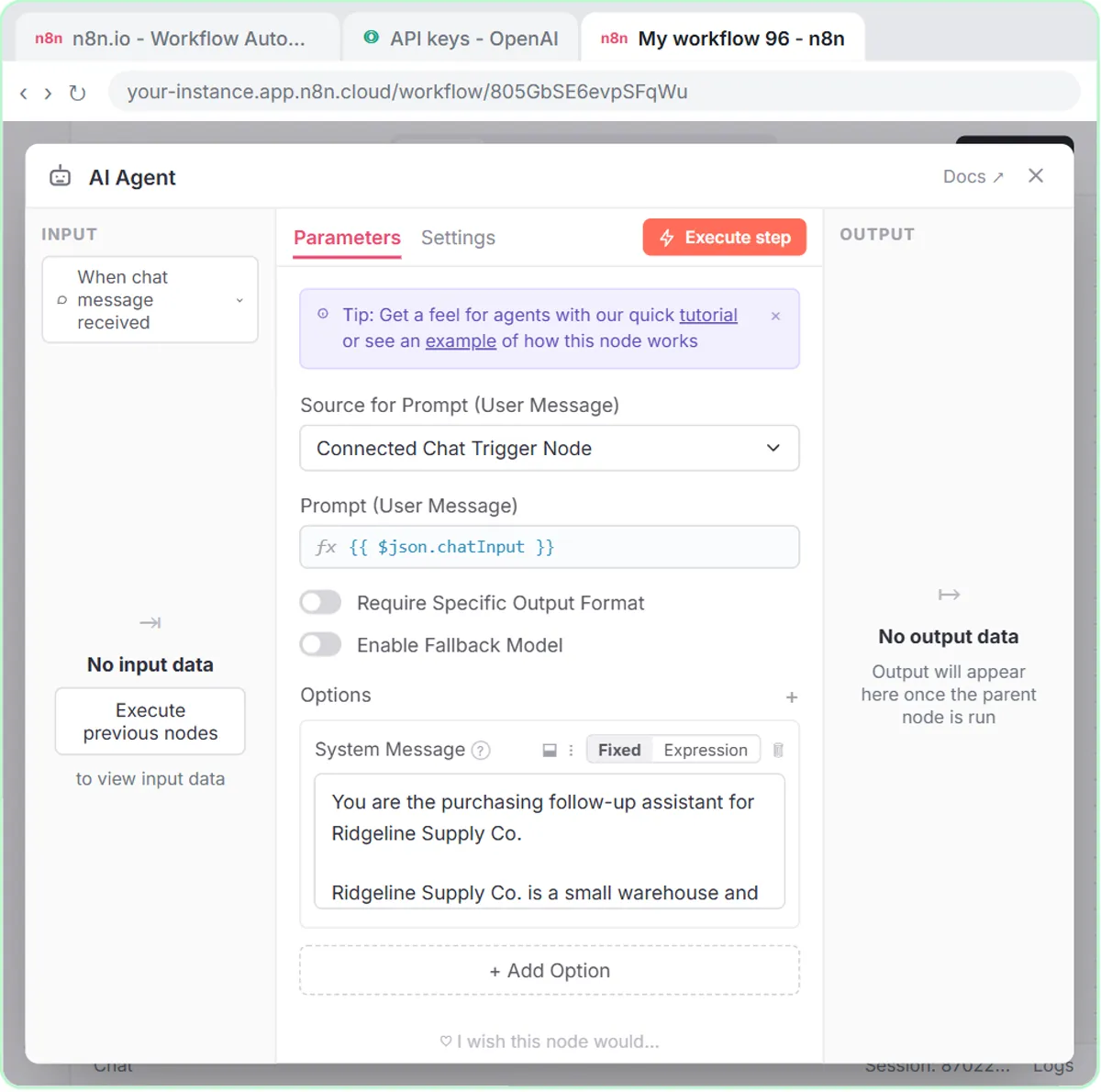 Build an AI Vendor Follow-Up Agent in n8n
Build an AI agent for Ridgeline Supply Co. that writes follow-up messages for late or pending purchase orders and saves them to Google Sheets — chat trigger, AI Agent…
Free · Live ~12 min Intermediate
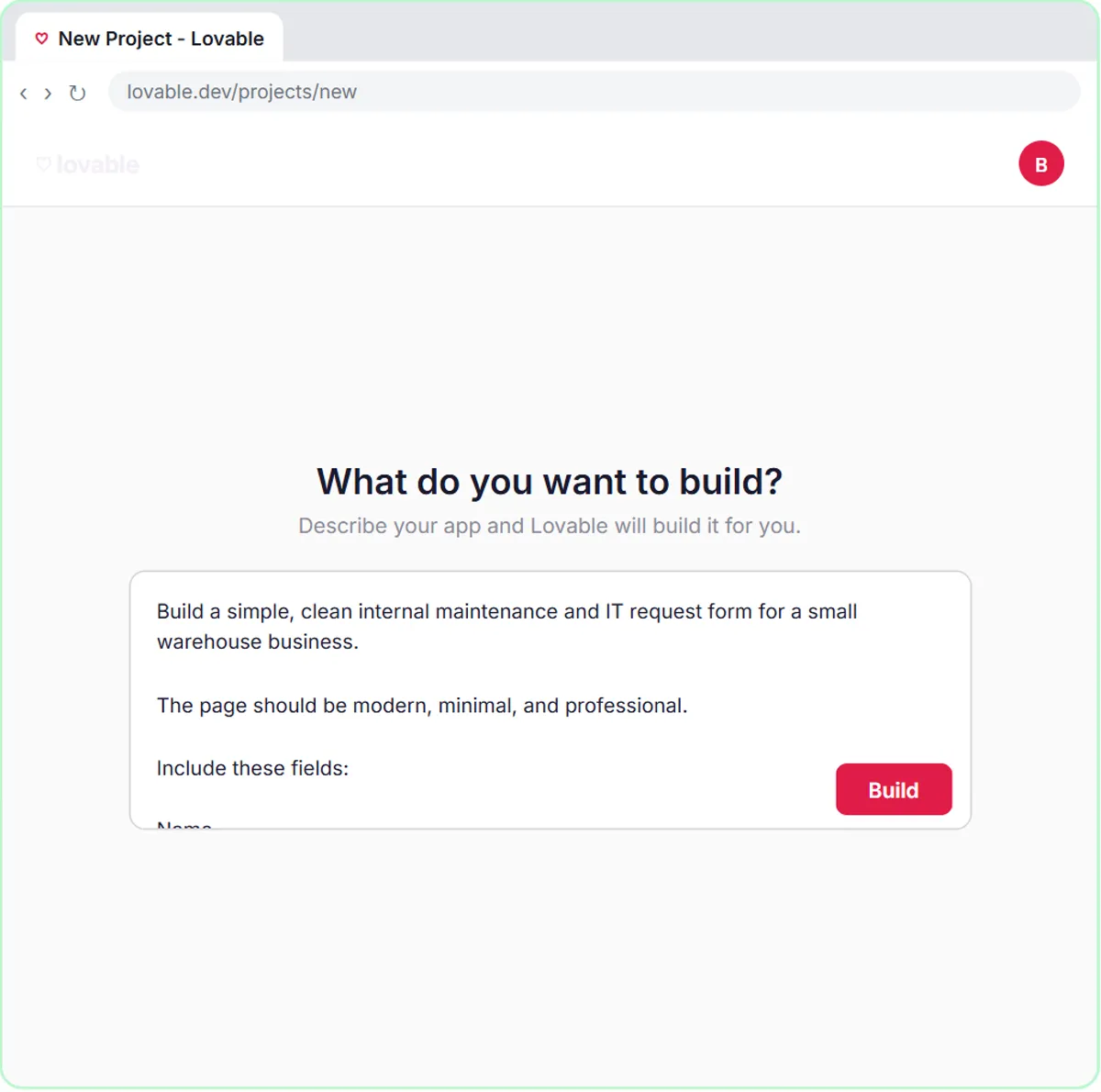 Build an AI Maintenance and IT Request Form
Build an internal maintenance and IT request form in Lovable for Ridgeline Supply Co. and connect it to n8n — the AI agent sets the priority, assigns a team, saves the…
Free · Live ~15 min Advanced
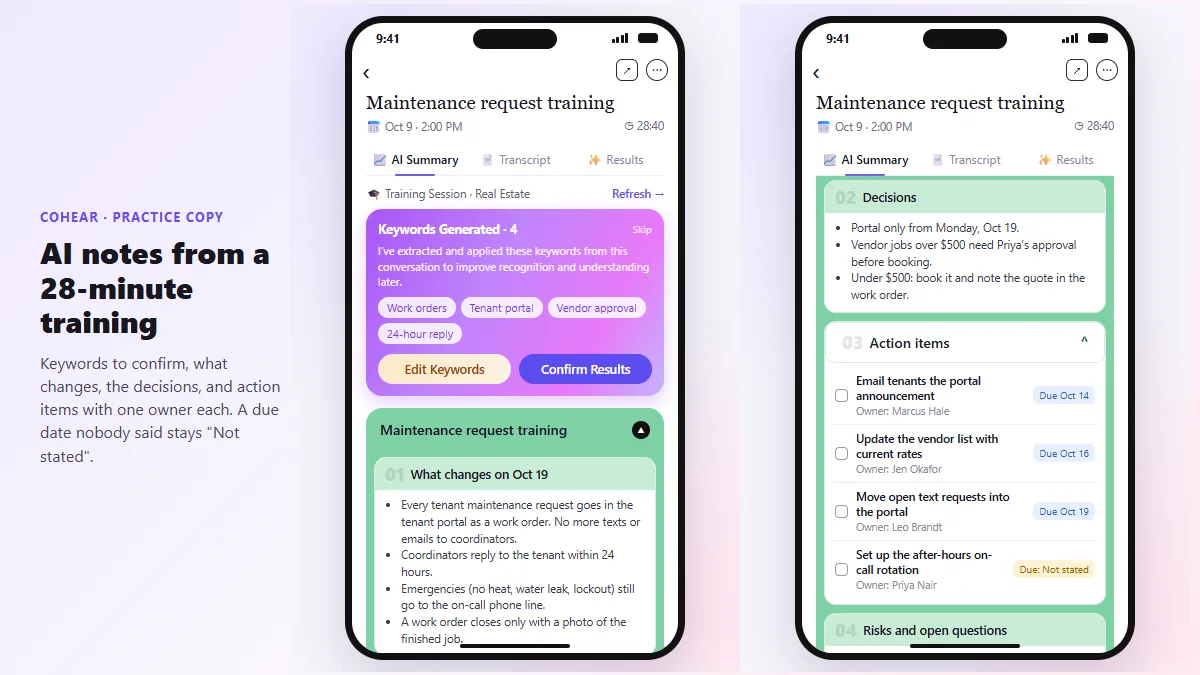 CoHear: AI Meeting Notes from a Team Training Session
Record a team training session on your iPhone with CoHear, check the AI notes and action items against the transcript, make a one-page handout and share it behind a…
Free · Live ~8 min Intermediate
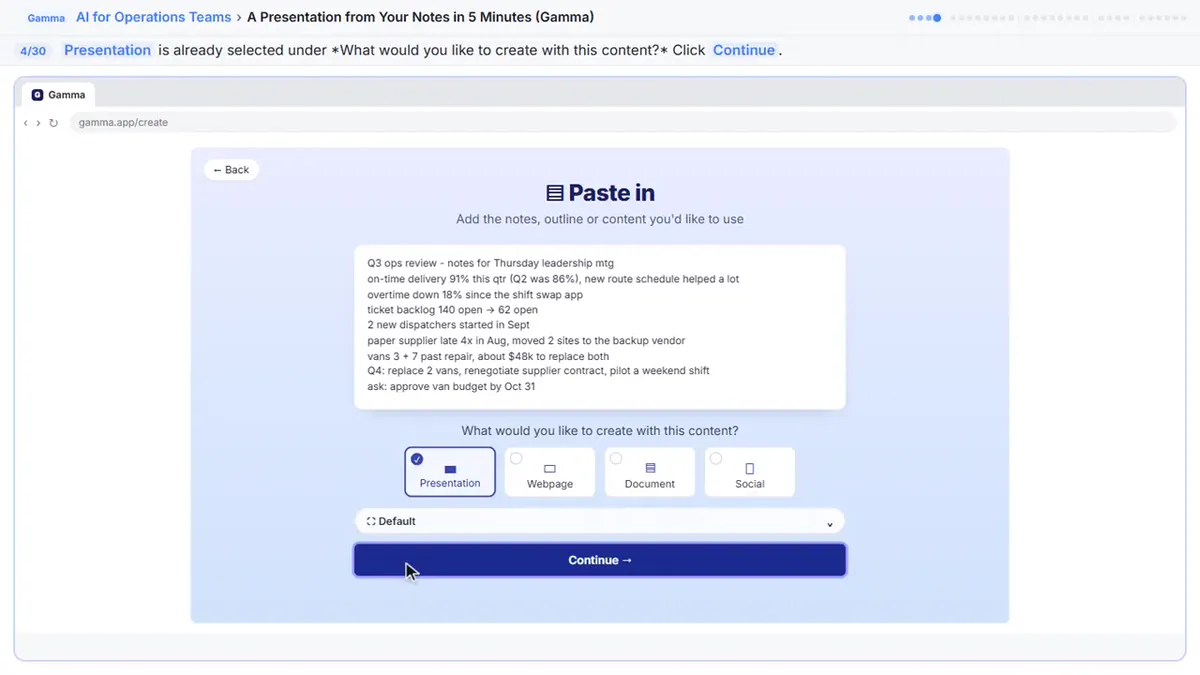 A Presentation from Your Notes in 5 Minutes (Gamma)
Paste rough meeting notes into Gamma, pick a theme, fix one slide by chatting with its AI, and export the deck to PowerPoint and PDF.
Free · Live ~9 min Intermediate
 Answer Employee Policy Questions Instantly Using Airia
HR answers the same time-off and benefits questions all day. Give Airia your handbook, build a no-code agent that answers from it, test it, then share it with your team.
Free · Live ~10 min Intermediate
◷Review a Client Contract in 10 Minutes using Foxit AISkimmed contracts hide auto-renewals, late fees and liability caps. Upload one to Foxit Workspace, get a plain-English summary and every renewal and exit date, check…
Free · Live ~10 min Beginner
All 12 modules in AI Automation for Operations
More ChatGPT tutorials
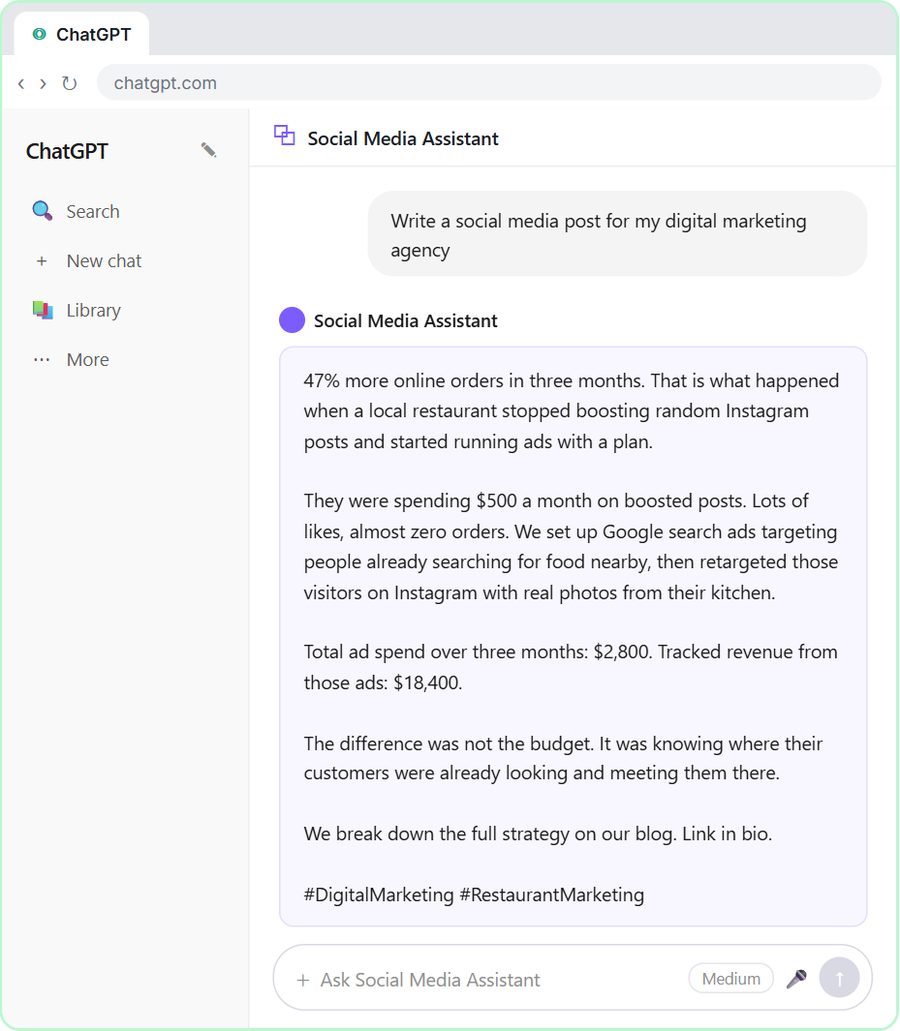 Get On-Brand Social Posts Every Time using a ChatGPT Custom GPT
See why generic prompts give generic results, then build a Custom GPT loaded with your brand voice and watch the output transform.
Free · Live ~8 min Beginner
 Prompt Writing 101: Role, Context, Task, Format
Ask ChatGPT for the same customer email twice, once vaguely and once with a four-part prompt, and see exactly why structure gets a better answer.
Free · Live ~8 min Beginner
◷Send a Same-Day Follow-up After Every Discovery Call using ChatGPTTurn a discovery call transcript into the decisions, the next steps with owners and dates, deal notes for your CRM, and a follow-up email the prospect gets the same…
Free · Live ~7 min Beginner
◷Hold Your Price When a Prospect Asks for a Discount using ChatGPTA prospect wants 30% off and a free month to sign this week. Give ChatGPT the thread and your pricing rules, catch the discount you can't approve, and send a reply that…
Free · Live ~9 min Beginner
 Get Your Business Recommended by ChatGPT
Ask ChatGPT who it recommends in your town, see which pages it trusts, then use it to write an FAQ page and Business Profile copy that answer real customer questions.
Free · Live ~10 min Intermediate
 Reply Faster: Turn a Messy Customer Email Thread into a Clear, Friendly Reply
Turn a messy customer email thread into a clear, friendly reply: give ChatGPT the thread and your facts, check every promise, fix the tone, and send it from Gmail.
Free · Live ~9 min Beginner
From the blog
 AI Meeting Minutes Template (Copy and Paste)
A fill-in meeting minutes template plus an AI prompt that fills it from a transcript, with Not stated for gaps. Works in ChatGPT, Claude and Copilot.
Oct 16, 2026 4 min read
 Claude: Summarize a Meeting Transcript Step by Step
Upload or paste a meeting transcript into Claude and get a summary, decisions, action items with owners and dates, and open questions. Copy the request.
Oct 16, 2026 5 min read
Visual guides
This lesson’s key ideas as quick visual guides: swipe through the slides, or read the same guide as text.
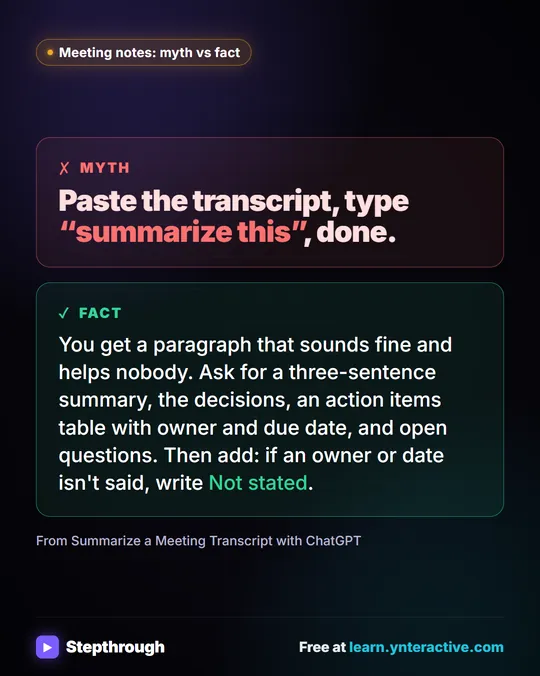 Meeting notes myth: “summarize this” is all ChatGPT needs
Myth: paste a transcript, type “summarize this”, done. Fact: ask for the decisions, an action items table with owners and dates, and open questions.
Myth vs fact One graphic
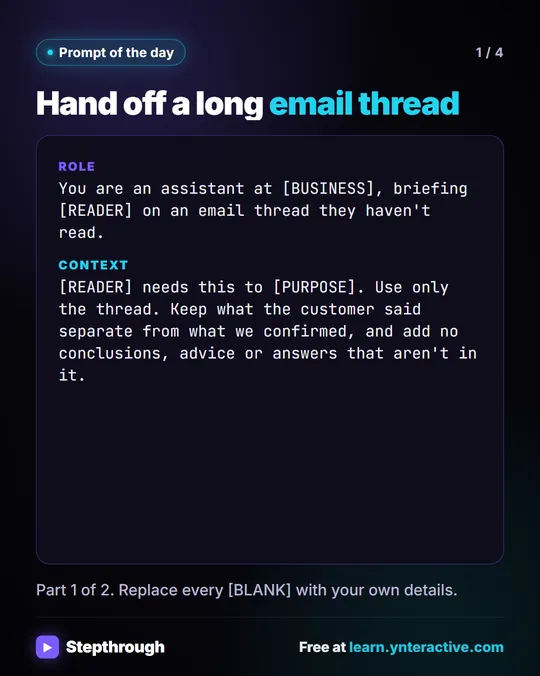 Prompt of the Day: Summarize an Email Thread for a Handoff
A visual prompt card: turn a long email thread into a short handoff with the situation, what was promised and each question marked Answered or Open.
Prompt to copy 4 slides
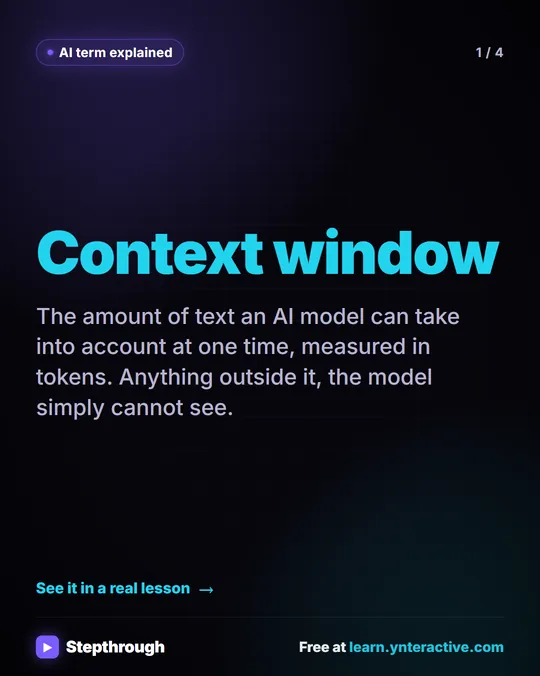 What Is a Context Window? A Visual Guide
A visual guide to the context window: how much text an AI model can see at once, shown with a real ChatGPT meeting summary lesson.
AI term explained 4 slides
Free cheat sheets
Print it or save the PDF: the key steps and checks from this lesson on one page, free.
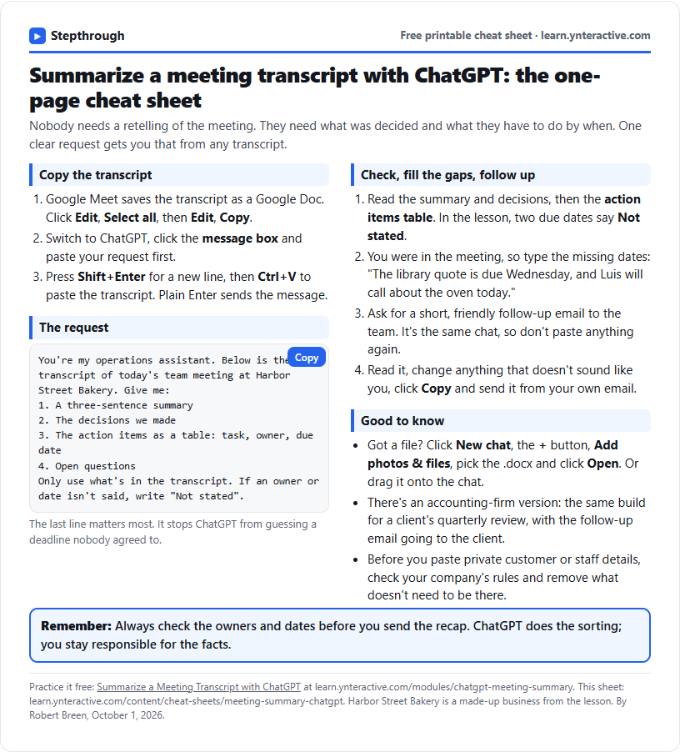 Summarize a Meeting with ChatGPT Cheat Sheet
A free one-page cheat sheet: turn a meeting transcript into decisions, an action items table with owners and dates, and a follow-up email.
Lesson cheat sheet Free PDF
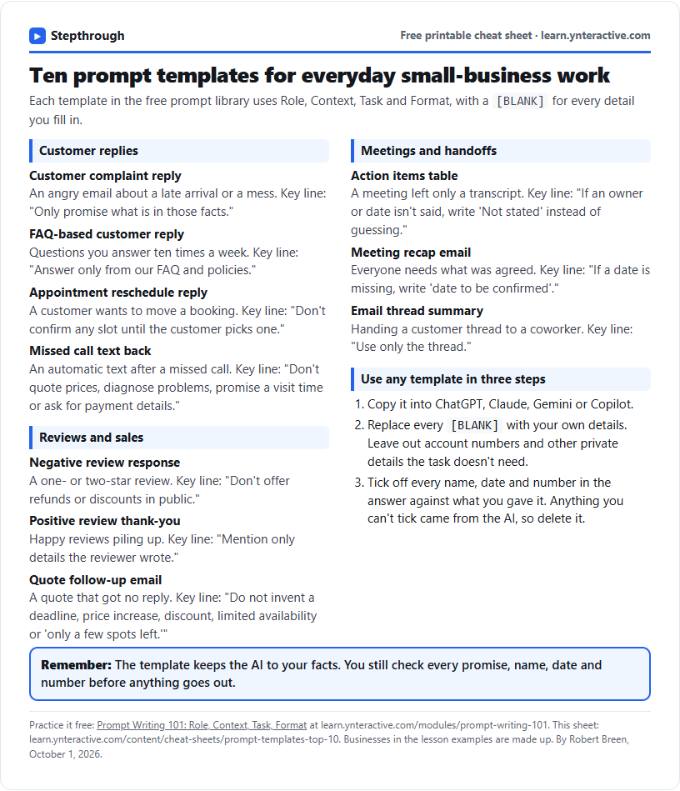 Top 10 Prompt Templates for Small Business: Cheat Sheet
A free one-page cheat sheet of ten copy-ready AI prompt templates: customer replies, reviews, quote follow-ups, meeting recaps and handoffs.
Topic cheat sheet Free PDF
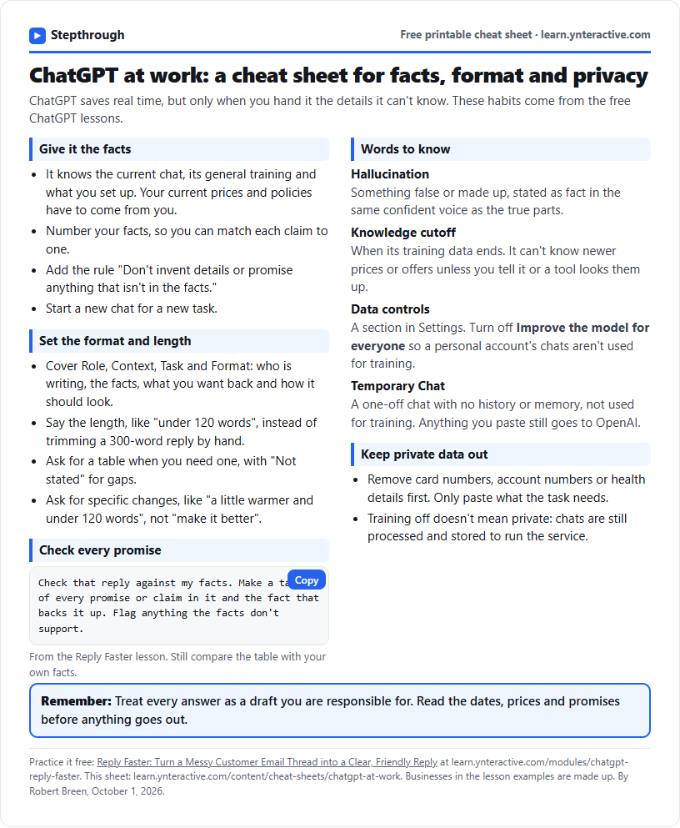 ChatGPT at Work Cheat Sheet: Facts, Format, Privacy
A free one-page cheat sheet for ChatGPT at work: give it facts, set the format and length, check every promise and keep private data out.
Tool cheat sheet Free PDF
All free printable cheat sheets
Terms in this lesson
Plain-English definitions, each with an example from a free lesson.
Related prompts
- Action items table prompt: Paste a meeting transcript or rough notes and get a table of every task, owner and due date, with "Not stated" wherever nobody…
- Board meeting minutes prompt: Copy this ChatGPT prompt to turn a board meeting transcript into formal minutes: attendees, motions, votes and action items…
- Feedback conversation script prompt: Plan a short, direct feedback talk with a teammate: the specific moment, why it mattered, a question to hear their side and one…
- Meeting agenda prompt: Turn a list of topics into a timed meeting agenda where every item has an owner, a question to settle and minutes that add up to…
More prompts on this topic
- Contract renewal reminder email prompt: Write an internal reminder to the budget owner before a software or vendor contract renews: key dates, cost, what to decide and…