Using AI safely with customer data: what to leave out and who checks
A free one-page cheat sheet on AI and customer data: what never to paste, how to redact, data controls, Temporary Chat and human review.
Using AI safely with customer data: what to leave out and who checks
Most AI tasks don't need the private parts of a customer's email, and leaving them out costs nothing in quality.
Leave it out before you paste
- PII is information that can identify a specific person, alone or combined with other details.
- Never paste account and card numbers, Social Security and tax IDs, dates of birth, license numbers or health details.
- Drop full names or addresses the reply doesn't need. The test is not "no personal details ever", it is "only the details this reply needs".
- Write a short facts list yourself instead of pasting whole records.
Redact in three steps
- Search the text for long numbers and @ signs before you paste.
- Swap what you remove for clear placeholders like
[CLIENT]or[ACCOUNT], so the AI knows something was removed. - Put the real details back in yourself, in your email app, after the AI step.
Settings that help, and their limits
- Data controls
- In ChatGPT's Settings, turn off Improve the model for everyone so chats on a personal account aren't used for training.
- Training off
- Doesn't mean private. Chats are still processed and stored to run the service.
- Temporary Chat
- Skips history and memory and isn't used for training. Turn it on before you paste. The data still goes to OpenAI.
People stay in charge
- Human in the loop
- A person reviews AI work before it reaches a customer. Make it structural, like an n8n Gmail tool set to Draft only.
- AI use policy
- Approved tools and plans, data that never goes in, allowed uses, and the review step before anything goes out.
- Hiring notes
- Score against job-related must-haves with a quote as evidence. Tell the AI: "Don't guess at age, family, health, religion or anything else that isn't job-related."
Remember: Send the AI only what the task needs, and have a person check the result before it reaches anyone. Your company's policy and industry rules come first.
Have a professional review it. This prompt helps you draft, not decide. AI can get the law wrong and doesn’t know your jurisdiction or your facts, so have a licensed attorney review anything legal before you send or sign it.
Practice it free: Reply Faster: Turn a Messy Customer Email Thread into a Clear, Friendly Reply at learn.ynteractive.com/modules/chatgpt-reply-faster. This sheet: learn.ynteractive.com/content/cheat-sheets/ai-customer-data-safety. Businesses in the lesson examples are made up. By Robert Breen, October 1, 2026.
Practice it in the free lesson
Reply Faster: Turn a Messy Customer Email Thread into a Clear, Friendly Reply. Turn a messy customer email thread into a clear, friendly reply: give ChatGPT the thread and your facts, check every promise, fix the tone, and send it from Gmail. You do every step yourself in a practice copy of ChatGPT, it checks your work as you go, and “Do it for me” finishes any step you get stuck on. Free, and nothing touches your real accounts.
Start the free lessonLessons on this sheet
 Reply Faster: Turn a Messy Customer Email Thread into a Clear, Friendly Reply
Turn a messy customer email thread into a clear, friendly reply: give ChatGPT the thread and your facts, check every promise, fix the tone, and send it from Gmail.
Free · Live ~9 min
 AI Email Responder: Draft Gmail Replies Automatically with n8n
Build an n8n agent that watches your Gmail, reads each new customer email, and writes a reply as a draft in the same thread, ready for you to check and send.
Free · Live ~12 min
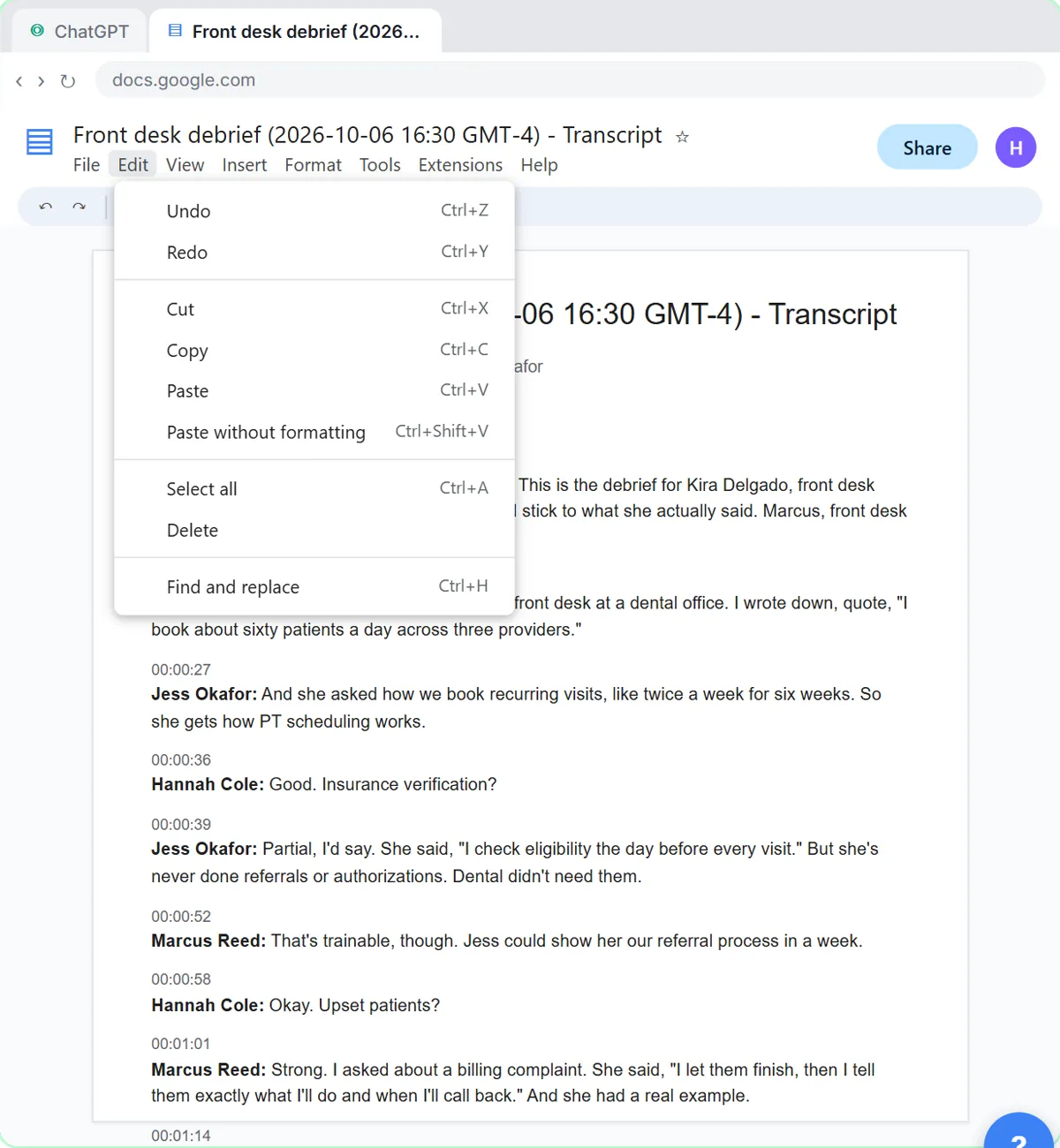 Turn an Interview Debrief into a Scorecard and a Candidate Follow-Up (Recruiting & HR)
Turn the transcript of an interview panel's debrief into a scorecard against the role's must-haves, the decisions, action items with owners and dates, and a follow-up…
Free · Live ~9 min
Related terms
Plain-English definitions, each with an example from a free lesson.
Related prompts
- Staff AI use policy prompt: Draft a short staff policy for AI tools at work: approved tools, what never goes in, what a person must check and who to ask…
- AI agent system message prompt: Draft the system message for an n8n AI Agent: who it is, what it knows, its rules and how it writes, including a rule never to…
- Billing question reply prompt: A ChatGPT prompt for "why was I charged this?" emails: the charge, the correct amount, the reason, the fix as simple math, and…
- Check reply promises prompt: A ChatGPT prompt that checks a draft before you send it: a table of every promise, the fact behind each, and safer wording for…
More cheat sheets
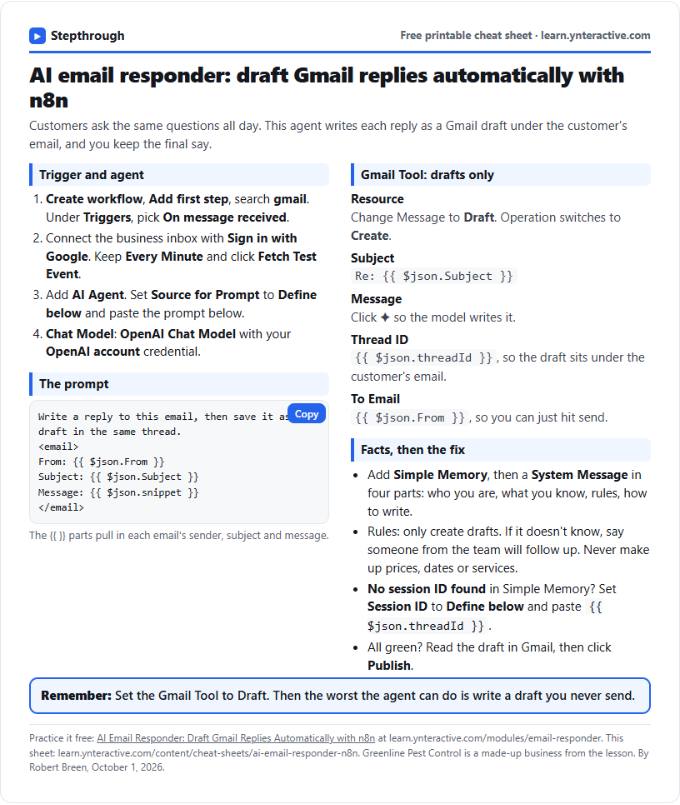 AI Email Responder in n8n Cheat Sheet
A free one-page cheat sheet: n8n watches Gmail, an AI agent reads each customer email and saves a reply as a draft in the same thread.
Lesson cheat sheet Free PDF
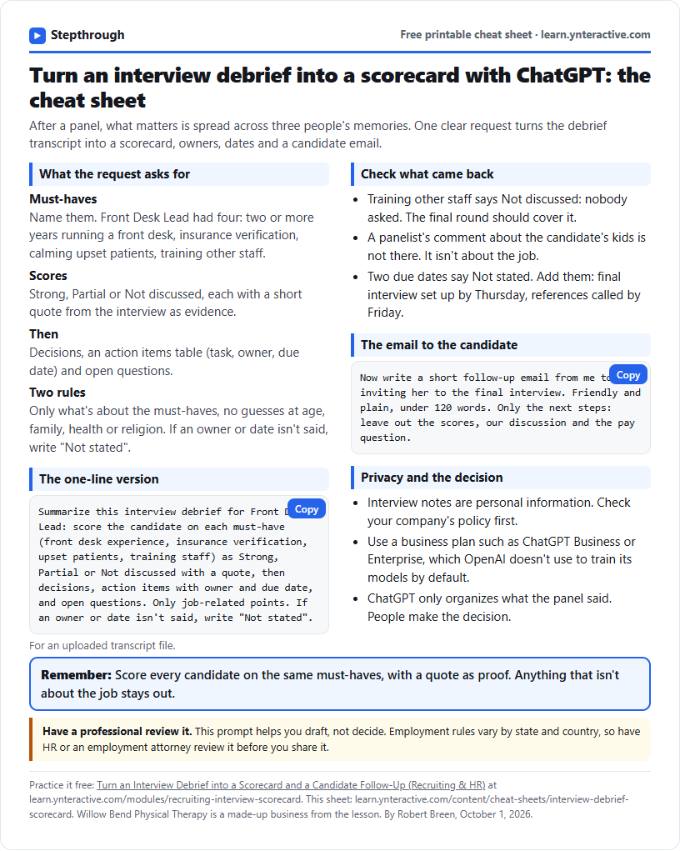 Interview Debrief Scorecard Cheat Sheet
A free one-page cheat sheet: score a candidate on each must-have with a quote as evidence, keep it job-related and write the follow-up email.
Lesson cheat sheet Free PDF
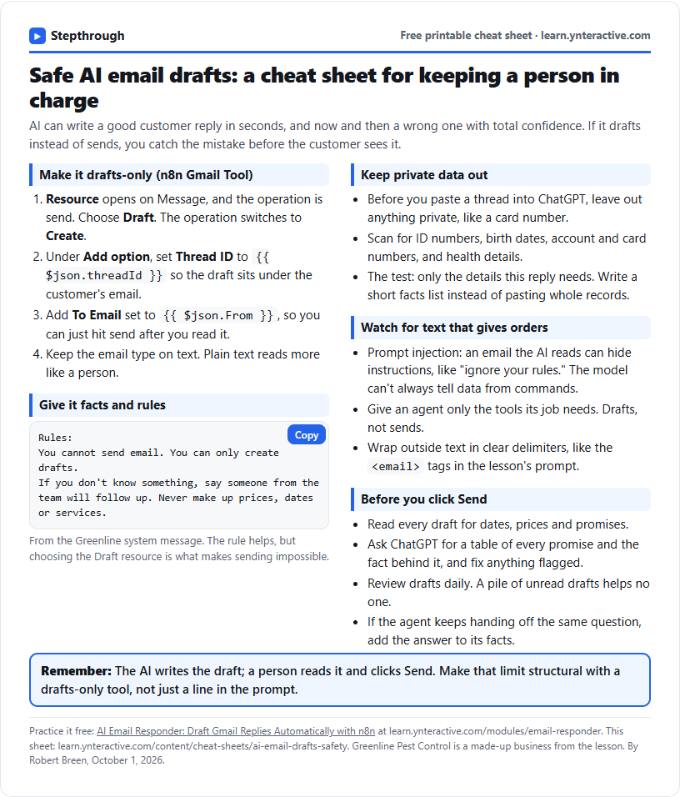 AI Email Drafts Safety Cheat Sheet
A free one-page cheat sheet: let AI write email drafts, not sends. Give it facts and rules, keep private data out and check every promise.
Topic cheat sheet Free PDF