What is an Audio Overview?
Quick answer
An Audio Overview is a feature of NotebookLM, now called Gemini Notebook, that turns the sources in a notebook into a podcast-style conversation. Two AI hosts discuss your documents, and you choose the format, the language, the length and what they should focus on.
Last updated
Updated · By Robert Breen
Why it matters for a small business
Plenty of important documents never get read: the new hire handbook, a long policy update, a 40-page vendor proposal. An Audio Overview turns them into something people will actually play on a commute or while they set up a laptop. Because it is built from the sources in your notebook, the hosts talk about your handbook, not about handbooks in general.
The format choice is what makes it useful beyond a summary. Deep Dive is a two-host conversation. Brief is a short single-speaker recap. Critique reviews your material and suggests improvements, which is handy for a draft policy or a proposal. Debate has two hosts argue different sides, which helps before a decision. You can also pick from more than 80 languages, choose Short, Default or Long (length options are for English), and tell the hosts who the episode is for.
In a real lesson: NotebookLM: Turn Your Documents into a Podcast (Audio Overview)
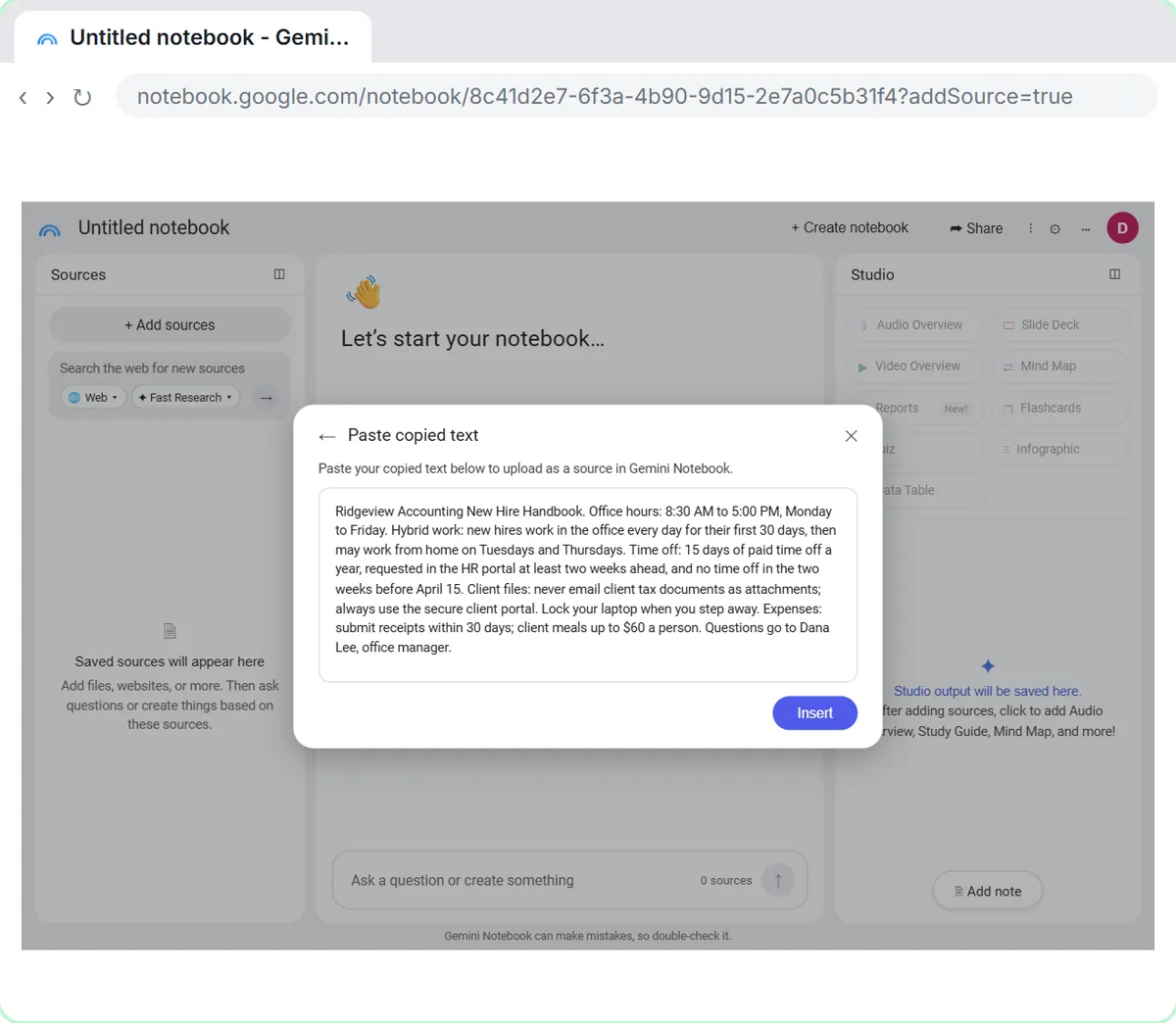
In the Audio Overview lesson, you're Dana, the office manager at Ridgeview Accounting, a made-up firm. Two new staff accountants start on Monday. You paste the new hire handbook and last week's meeting notes into a notebook with Copied text, then click Audio Overview in the Studio panel.
The Customize Audio Overview window opens with Deep Dive selected. You keep English, choose Long, and paste a focus into "What should the AI hosts focus on in this episode?": who the listeners are and which topics to cover. You click Generate now, and a few minutes later the episode is in the Studio list.
You play it, switch on Interactive mode and click Join to ask the hosts whether a new hire can take a day off in early April. They answer from the handbook, then pick up where they left off. Finally, you share the notebook with the two new hires as viewers, so they can play it themselves.
Try this lesson free or read the step-by-step guide.
Common confusions
Audio Overview vs a recording
Nobody records anything. The voices are generated by AI from your sources, so they can still get a detail wrong. Listen before you share.
Audio Overview vs Video Overview
A Video Overview, the next tile in Studio, turns the same sources into a narrated video with visuals. Pick audio for listening on the go and video when charts or steps help.
Audio Overview vs a summary
A written summary or a Briefing Doc is faster to skim and easier to check. An Audio Overview is better for people who won't read a long document but will listen to one.
Tips
- Use the focus box. One sentence about who is listening and what to cover changes the whole episode.
- Turn off sources you don't want discussed, or pick them in the Sources menu of the Customize window.
- Keep confidential client files out of notebooks you plan to share, and check your company's AI policy first.
Related terms
More AI assistants terms
Where you use it: free lessons
- NotebookLM: Turn Your Documents into a Podcast (Audio Overview) (Gemini Notebook, 6 min)
- NotebookLM (Now Gemini Notebook): Cited Answers and a Briefing from Your Docs (Gemini Notebook, 7 min)
- ChatGPT Projects vs Gemini Gems vs Gemini Notebook: Which to Use (ChatGPT and Gemini, 9 min)
More free tutorials
Frequently asked questions
- How long is an Audio Overview?
- It depends on the format, the length setting and how much is in your sources. Brief runs about two minutes; Deep Dive episodes are usually several minutes or longer, and Long makes them longer still. Length choices are available for English.
- Can I download an Audio Overview?
- Yes. Google's help page lists Download in the Audio Overview's menu, along with changing the playback speed and sharing.
- Is an Audio Overview private?
- It stays in your notebook. Only people you share the notebook with can play it, unless you change Notebook Access from Restricted to Anyone with a link or Public.