A ChatGPT subscription does not include the OpenAI API: the API lives at platform.openai.com, is billed separately and is pay-as-you-go, charged per request instead of per month. Tools like n8n need an API key with credit behind it, not a ChatGPT plan. This post is for small-business owners and office staff setting up their first AI automation, and the free n8n AI agent lesson walks through the whole setup in a practice copy.
You pay for ChatGPT every month. Then you build your first agent in n8n, it asks for an OpenAI API key, and the key isn't anywhere in ChatGPT's settings. It's a surprise, but the fix takes about five minutes.
What is the difference between ChatGPT and the OpenAI API?
ChatGPT is the chat app a person uses, and the OpenAI API is the developer service that software like n8n uses to reach OpenAI's models. They are two accounts with two separate bills, even if you sign in with the same email.
ChatGPT has a free plan and paid subscription plans. You type a message, read the answer and copy what you need.
The OpenAI API is at platform.openai.com. A program, such as an n8n workflow or a website form, sends a request and gets an answer back with no chat window. The n8n lesson says it plainly: the API "bills completely separately" from ChatGPT.
| ChatGPT (the app) | OpenAI API (platform.openai.com) | |
|---|---|---|
| Who uses it | A person, in a chat window | Software, like an n8n workflow |
| How you pay | A free plan or a monthly subscription | Pay as you go: add credit, pay per request |
| What you need | An account | An account with credit, plus a secret key |
How is the OpenAI API billed?
The OpenAI API is billed per request from a prepaid credit balance, not as a monthly plan. Each request an n8n agent makes takes a small amount from the balance.
Short jobs, like writing a few social media ideas, cost very little per request. The cost depends on the model and how much text goes in and out. Rates change, so check OpenAI's pricing page for current numbers.
How do I set up an OpenAI API key for n8n?
Add credit on platform.openai.com first, then create a secret key named after what will use it, copy it once and save it in n8n. These are the steps from the lesson:
- On platform.openai.com, go to Billing and click Add to credit balance. A new key on an account with no credit only returns errors.
- Add a small amount. The n8n lesson suggests ten dollars, which goes a long way when you pay per request. In your own account, this is where you add a card.
- Click API Keys in the left menu, then + Create new secret key.
- Name the key after what uses it. The lesson types n8n agent, so you know which key to turn off if something goes wrong.
- Leave Project and Permissions as they are, click Create secret key, then Copy. OpenAI shows a secret key only once. If you lose it, you delete it and make a new one.
How do I keep an OpenAI API key safe?
Treat an OpenAI API key like a password, because the key can spend your money. Never paste it into a chat, commit it to a code repository or show it in a screen recording.
If a key does appear on screen while you're recording, revoke it before you publish the video. The safest place for the key is a single n8n credential, not a note, a spreadsheet or a message to a coworker.
How do I reuse one OpenAI key across n8n workflows?
Save the OpenAI key once as an n8n credential, and every node in every workflow can reuse it. You never paste the key again.
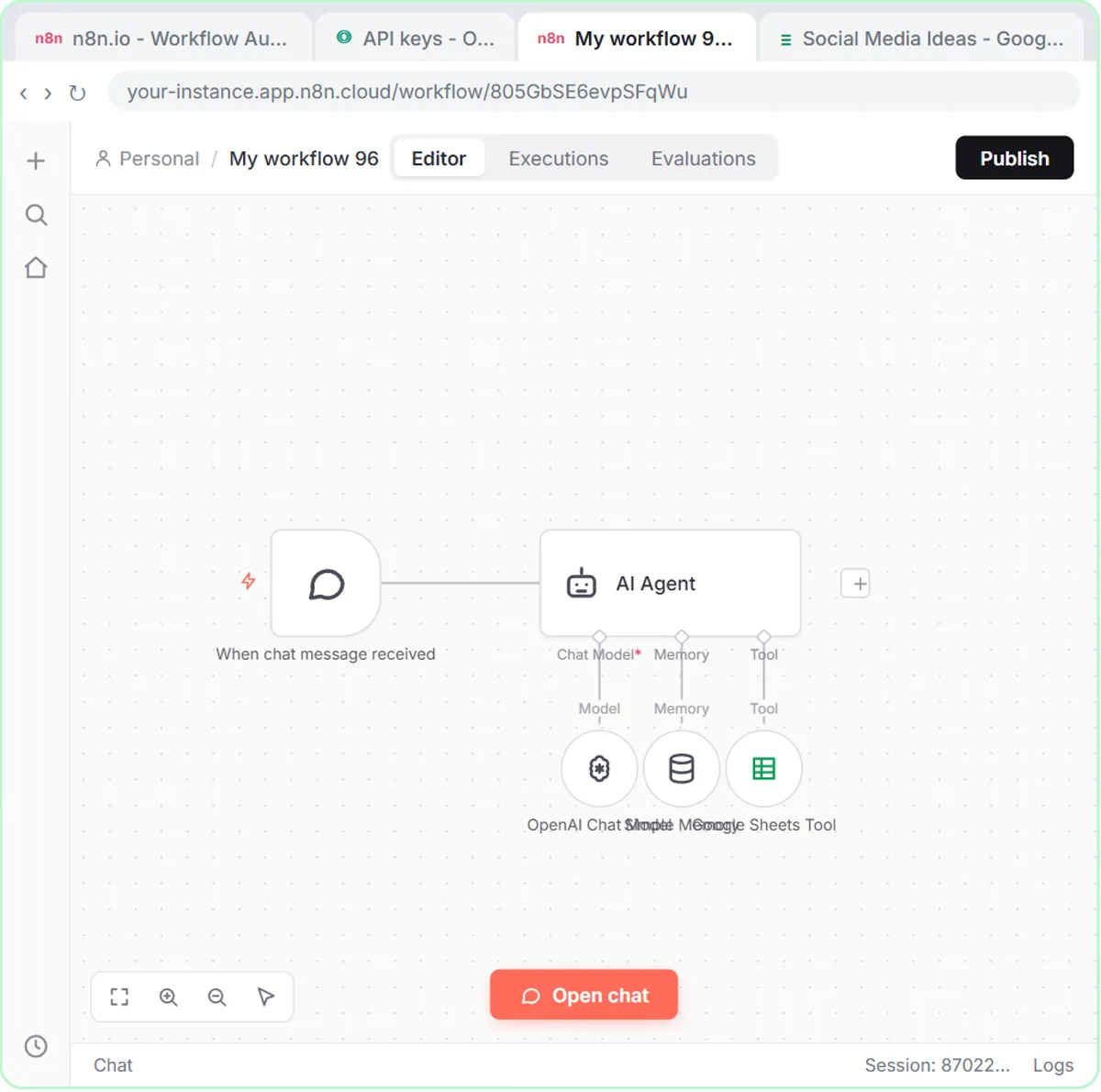
In the lesson, the AI Agent shows a red warning because it has no model yet. You click the + under Chat Model, pick OpenAI Chat Model, open Credential to connect with, choose + Create new credential, paste the key and click Save. n8n tests the connection and stores it.
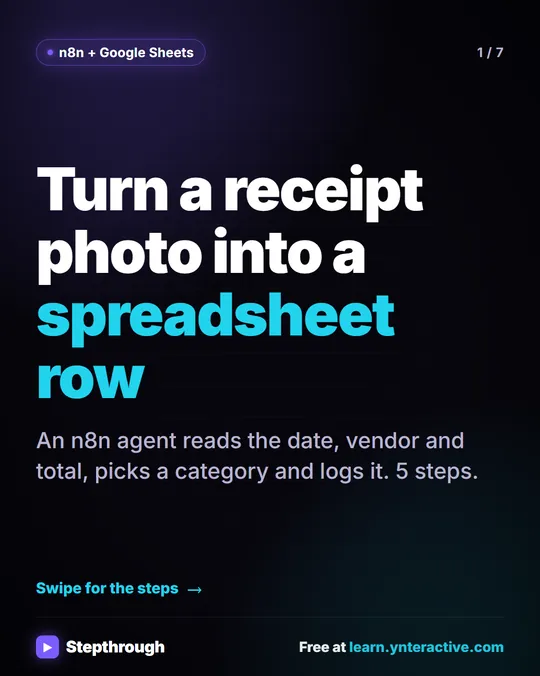
The AI Receipt Extractor lesson shows the payoff: instead of creating a new key, you open the Credential dropdown and pick the OpenAI account credential saved earlier.
Try it free, step by step
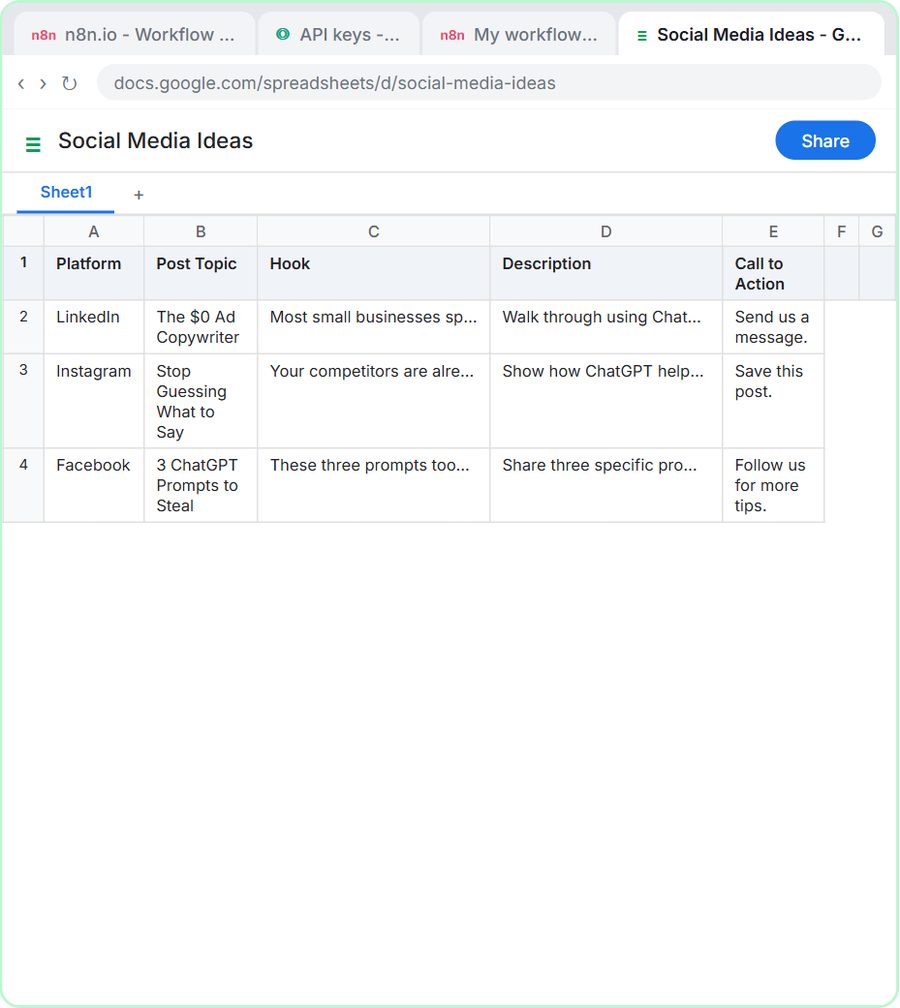
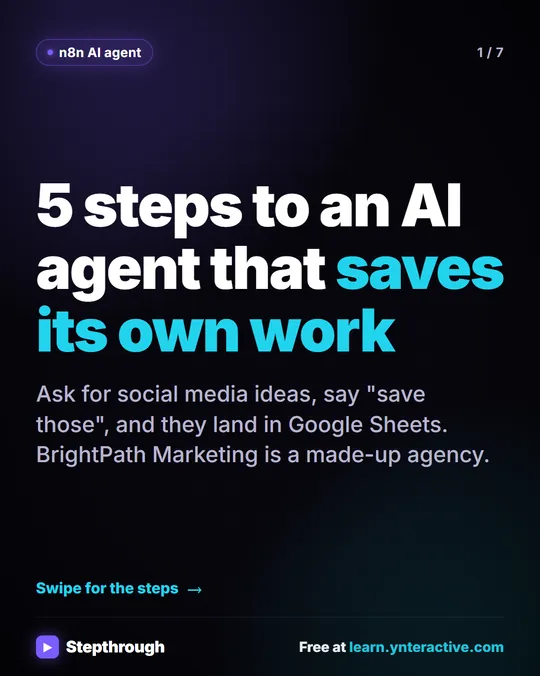
n8n AI Agent Tutorial: Save Social Media Ideas to Google Sheets. Build an AI agent for BrightPath Marketing that generates social media post ideas and saves them to Google Sheets — chat trigger, AI Agent, system prompt, model, memory, and the Sheets tool. You do every step yourself in a practice copy of n8n, it checks your work as you go, and “Do it for me” finishes any step you get stuck on. Free, and nothing touches your real accounts.
Start the free lessonWhich OpenAI model should I pick in n8n?
Start with gpt-5-mini for text work and switch to gpt-4o when the agent has to read images. The lessons use exactly that split.
- gpt-5-mini runs the BrightPath Marketing social media agent. The lesson calls gpt-5-mini fast and cheap, and its advice is not to reach for the expensive model until you have a reason.
- gpt-4o runs the receipt extractor, because that agent reads a photo of a Corner Mart receipt and gpt-4o reads images reliably.
What mistakes do people make with the OpenAI API?
The most common mistakes are looking for the key in the wrong place and creating the key before adding credit.
- Looking for the API key inside ChatGPT. The API key is on platform.openai.com.
- Making the key before adding credit. The key returns errors until there's a balance behind it.
- Not copying the key when it's shown. OpenAI shows the secret key once.
- Pasting the key into every workflow. One n8n credential covers every workflow.
- Starting with the biggest model. gpt-5-mini covers most text work in the lessons.
Do I need both ChatGPT and the OpenAI API?
You need ChatGPT if people chat with AI, and the OpenAI API if software runs AI for you. Many small businesses end up with both: a ChatGPT plan for the team and a small API balance for automations.
If you only write emails, summarize notes and draft posts yourself, ChatGPT is enough, and the ChatGPT Jump Start path shows how to get good results. If you want AI to file receipts or answer form submissions inside a workflow, you need the API. Read AI Agent vs Chatbot vs Automation for the difference, then try Get Receipts into Google Sheets with AI and n8n as a first project. The n8n tutorials list every lesson that uses a key.
n8n has its own costs: n8n Cloud has a free trial and then paid plans, and n8n can also be self-hosted. The practice copies in the lessons need no accounts, and nothing is billed.
Key takeaways
- A ChatGPT subscription does not include OpenAI API usage; the API is billed separately at platform.openai.com.
- The OpenAI API is pay-as-you-go: you add credit and pay per request, and the n8n lesson suggests ten dollars to start.
- A new OpenAI API key returns errors until the account has a credit balance.
- OpenAI shows a secret key only once, so copy it straight into an n8n credential and reuse that credential in every workflow.
- The lessons use gpt-5-mini for text and gpt-4o for reading receipt images.
Frequently asked questions
- Does ChatGPT Plus include OpenAI API access?
No. ChatGPT plans and the OpenAI API are billed separately. The API is set up at platform.openai.com with its own credit balance.
- How much credit should I add to the OpenAI API?
The n8n lesson suggests ten dollars to start. The API charges per request, not per month, so a small balance goes a long way for short jobs; check OpenAI's pricing page for current rates.
- Why does my new OpenAI API key only return errors?
Usually because the OpenAI account has no credit. Add to your credit balance under Billing, then try again.
- What if I lose my OpenAI API key?
OpenAI shows a secret key only once. Delete the lost key, create a new one and update the credential in n8n.
- Do I need a new API key for every n8n workflow?
No. Save the OpenAI key once as an n8n credential, and every workflow can reuse it.