Automation runs fixed steps you set up, a chatbot answers when you ask and leaves the action to you, and an AI agent is a model that decides what to do next and uses tools to do it. For small-business owners and office staff, the clearest way to see the difference is to build one of each; the agent example is the free AI Social Media Idea Agent lesson in n8n.
What is the difference between automation, a chatbot and an AI agent?
The difference is who decides the steps and who takes the action.
- Automation follows fixed steps you set up. Same input, same result, every time. No AI needed.
- A chatbot (or AI assistant) answers when you ask. You read the answer and decide what to do with it.
- An AI agent is a model that decides what to do next and can use tools to do it, like writing rows to a spreadsheet.
| Who decides the steps? | Who takes the action? | Uses AI? | |
|---|---|---|---|
| Automation | You, when you build it | The workflow | Not necessarily |
| Chatbot / assistant | You, each time | You | Yes |
| AI agent | The model, within limits you set | The model, through its tools | Yes |
What does a simple automation look like?
A simple automation follows the same steps every time, with no AI, like an n8n workflow that emails each plumbing tech their jobs every morning at 7. In Daily Job Alerts, you're the office at Rapid Flow Plumbing, a made-up company. Today's jobs live in a Google Sheet, and the n8n workflow you build emails them in four steps:
- A Schedule trigger runs every day at 7am.
- Google Sheets reads the six rows on the Jobs tab.
- A Filter keeps only rows where Tech is not empty, so the one unassigned job is skipped. Six in, five out.
- Gmail sends each job to its tech's email address, with the customer, address, time and what's wrong.

There's no AI anywhere in the Daily Job Alerts workflow, and nothing in it needs judgment. The rules are clear, so a plain automation is fast, cheap and predictable. Once you click Publish, it runs on its own every morning. If you want the full build, see email each tech their jobs every morning with n8n.
Pick automation when: the steps are the same every time and you can write the rules down.
What does a chatbot or AI assistant do?
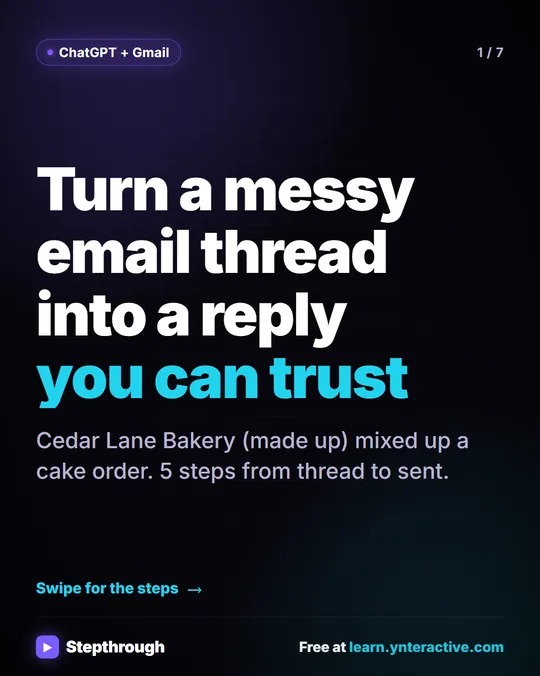
A chatbot or AI assistant like ChatGPT answers what you ask, and you decide what to do with the answer. In Reply Faster: Customer Emails, a made-up bakery has a messy thread with a customer named Dana: the wrong pickup day, a flavor change and a nut allergy question nobody answered.
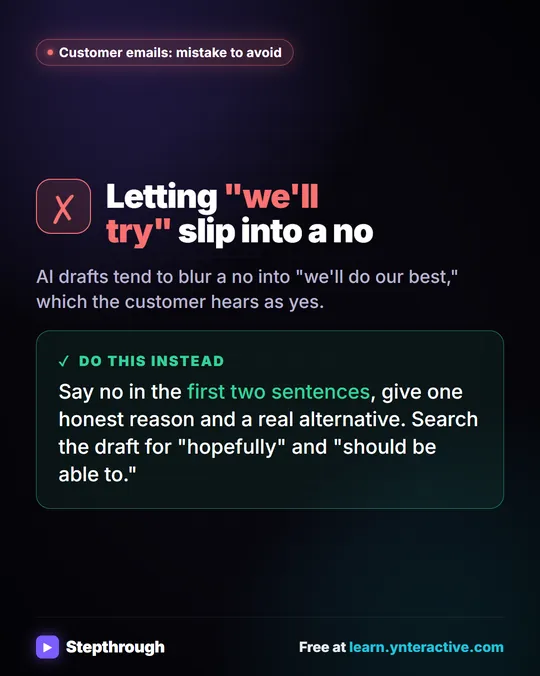
You copy the thread into ChatGPT with a numbered list of facts you can actually promise, and ask for a reply. ChatGPT drafts it. Then you ask it to check every promise against your facts, and it flags the one line that overpromises (a "completely nut-free" claim the facts don't support). You ask for a fix, copy the final reply, paste it into Gmail and click Send yourself.
ChatGPT did the writing and the checking, but ChatGPT didn't open Gmail or send anything. You moved between the tools and made the call.
Pick a chatbot when: the task needs language and judgment, it happens now and then, and you want to read every word before it goes anywhere.
What makes an AI agent different?
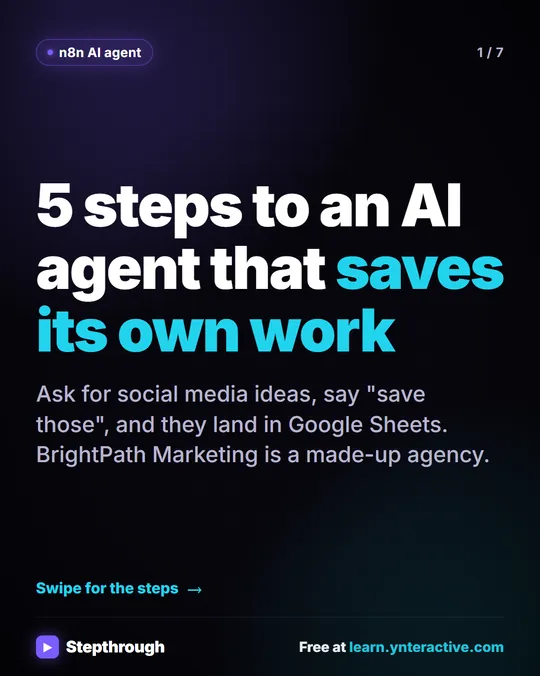
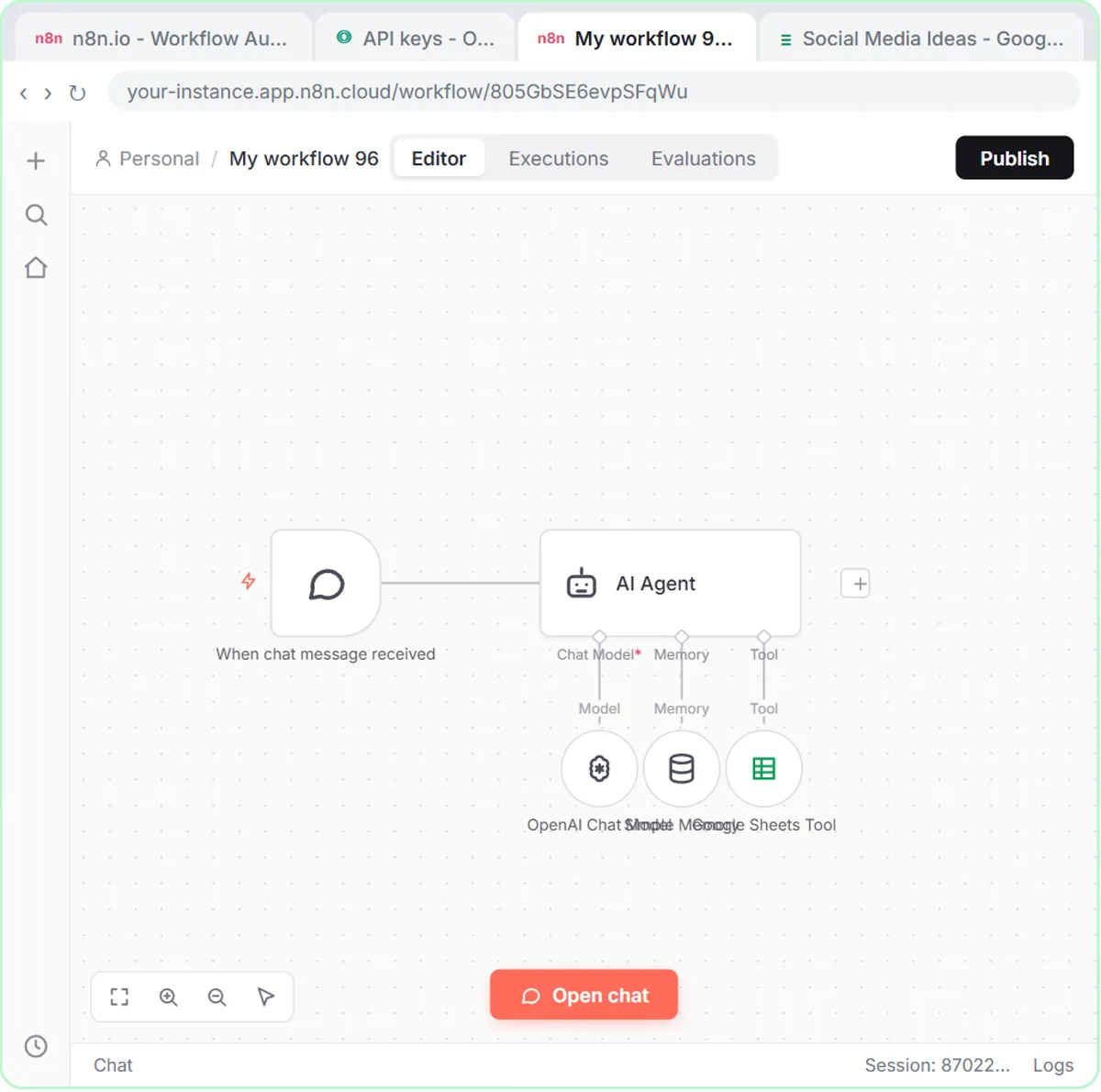
An AI agent can take actions with tools you connect, and the model decides when to use them. In AI Social Media Idea Agent, you build an agent in n8n for BrightPath Marketing, a made-up agency. It has five parts:
- A chat trigger so you can talk to it.
- An AI Agent node with a system message that describes BrightPath, its audience and brand voice, and the format for each idea: platform, post topic, hook, short description and call to action.
- An OpenAI Chat Model to think with.
- Simple Memory, so it remembers the conversation. Without it, "save those ideas" means nothing, because it wouldn't know which ideas you meant.
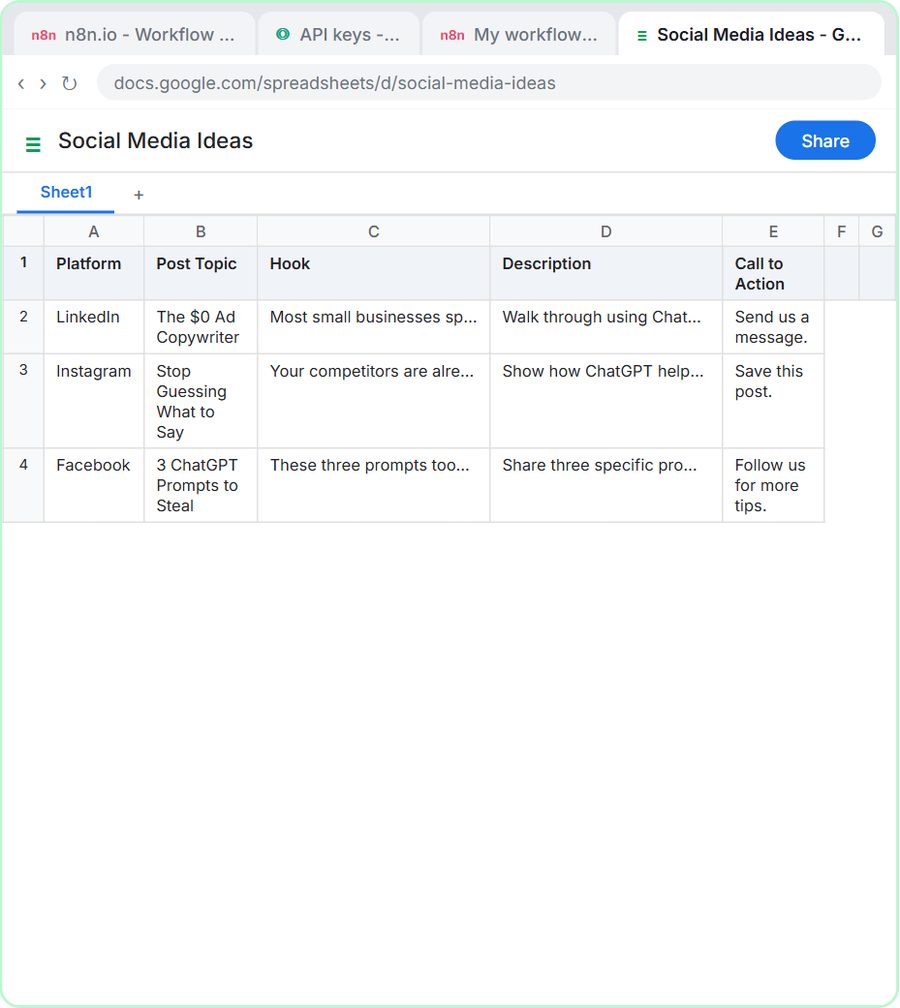
- A Google Sheets Tool set to append rows to a sheet called Social Media Ideas.
You ask for three post ideas about how small businesses can use ChatGPT for advertising. It returns them. Then you type "Yes, save those ideas to the sheet," and the agent decides to use the Sheets tool and writes each idea as a row.
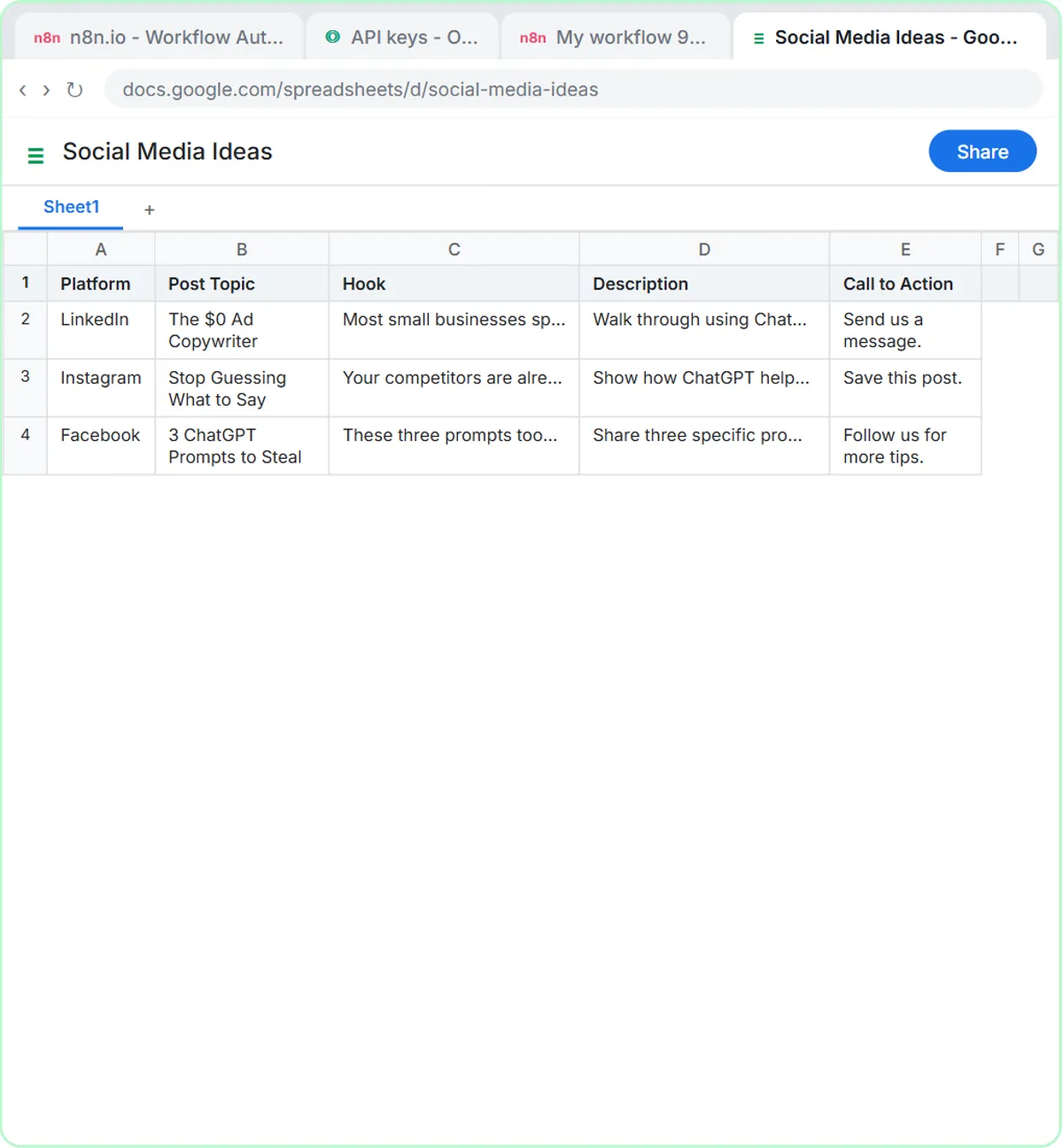
A chatbot talks. An AI agent can also act, using the tools you connect, and decides when to use them based on what you asked.
Pick an agent when: the input varies, the right action depends on reading it, and there's a tool the model can safely use to finish the job.
Try it free, step by step
n8n AI Agent Tutorial: Save Social Media Ideas to Google Sheets. Build an AI agent for BrightPath Marketing that generates social media post ideas and saves them to Google Sheets — chat trigger, AI Agent, system prompt, model, memory, and the Sheets tool. You do every step yourself in a practice copy of n8n, it checks your work as you go, and “Do it for me” finishes any step you get stuck on. Free, and nothing touches your real accounts.
Start the free lessonCan you combine automation, chatbots and agents?
Yes. Automation, chatbots and agents are building blocks, and useful setups often combine them.
The AI Email Responder lesson is a good example. A Gmail trigger checks the inbox every minute: that part is plain automation. Each new email goes to an AI agent that writes a reply using the company's real service areas and prices: that part is the agent. And its only tool can create drafts, not send them, so a person still reads every reply and clicks send: that's the human in the loop, the same way you'd use a chatbot. More on that setup in AI email replies without auto-sending.
A good rule of thumb: use plain automation for everything that can be a fixed rule, and add AI only for the step that genuinely needs reading or writing.
How much do automation, chatbots and AI agents cost?
Plain automation can run without any AI, ChatGPT has a free plan and paid plans, and an n8n agent also needs a pay-as-you-go model API.
- Automation in n8n: n8n Cloud is a paid service after a free trial, and n8n can also be self-hosted.
- ChatGPT: a free plan and paid plans.
- An agent in n8n: the agent needs a model. In the lesson that's an OpenAI API key, which is pay-as-you-go and billed separately from any ChatGPT plan. You add credit at platform.openai.com first, and the lesson suggests $10.
Control follows the same order. An automation only does what you built, and a chatbot only suggests. An agent acts, so limit an agent's tools to what it needs, like creating drafts instead of sending email.
Key takeaways
- Automation follows fixed steps you set up, like an n8n workflow that reads a Google Sheet and emails each tech their jobs at 7am, with no AI.
- A chatbot or AI assistant, like ChatGPT, answers what you ask, and you decide what to do with the answer.
- An AI agent is a model that decides what to do next and uses connected tools, like an n8n AI Agent that writes rows to Google Sheets.
- Many real setups mix all three, such as a Gmail trigger (automation) feeding an AI agent that can only create drafts a person reviews.
- The OpenAI API used by n8n agents is pay-as-you-go and billed separately from ChatGPT plans; n8n Cloud is paid after a free trial, or n8n can be self-hosted.
Frequently asked questions
- What is the difference between an AI agent and a chatbot?
A chatbot answers your question and you decide what to do with the answer. An AI agent can also take actions with tools you connect, like writing rows to a Google Sheet, and it decides when to use them.
- Is automation the same as AI?
No. Automation runs fixed steps you set up, like reading a sheet and sending an email every morning at 7. It can include AI, but it doesn't have to.
- Is ChatGPT an AI agent?
In the way it's used in these lessons, ChatGPT is an assistant: you ask, it answers, and you copy the result where it needs to go. The agent example is built in n8n, where the model is connected to tools like Google Sheets.
- Which one should a small business start with?
Start with whichever fits the job. Plain automation is often the simplest win for repeat tasks with clear rules, and a chatbot is the quickest way to get help with writing. Reach for an agent when a task needs judgment and an action.
- Do I need to know how to code?
No. The lessons build the automation and the agent in n8n's visual editor, and the chatbot example is plain ChatGPT. The practice copies need no accounts.