AI agent vs chatbot vs automation: which fits each office task?
Use plain automation when the steps never change, a chatbot such as ChatGPT when a person needs help thinking or writing and will act on the answer, and an AI agent when software must read messy input, decide what it means and take an action with tools. Most office tasks need the simplest of the three, and adding AI only where judgment is required keeps costs and risks down.
This page is for office managers, operations leads and team heads deciding what to build first. The table matches ten everyday office tasks to the simplest approach that works. For the ideas behind each term, read the companion post, AI agent vs chatbot vs automation.
How do they compare at a glance?
| Office task | Simplest fit | Why |
|---|---|---|
| Copy every new web form entry into a spreadsheet | Automation | Same steps every time; no judgment needed |
| Email each person their task list every morning | Automation | A schedule plus a filter; the content is already in the sheet |
| Summarize a meeting transcript into decisions and action items | Chatbot | A person pastes the transcript and checks the result |
| Reply to a tricky client email thread | Chatbot | Tone and promises need a person's judgment before sending |
| Turn rough notes into an SOP or checklist | Chatbot | One-off writing help |
| Draft a reply to every new customer email | AI agent | Reads each message, uses your facts and saves a draft with a tool |
| Read receipt photos and log date, vendor, amount and category | AI agent | Messy input, a judgment call on category, then a spreadsheet row |
| Rate each demo request hot, warm or nurture and email the next step | AI agent | Judgment on each lead, then actions in Sheets and Gmail |
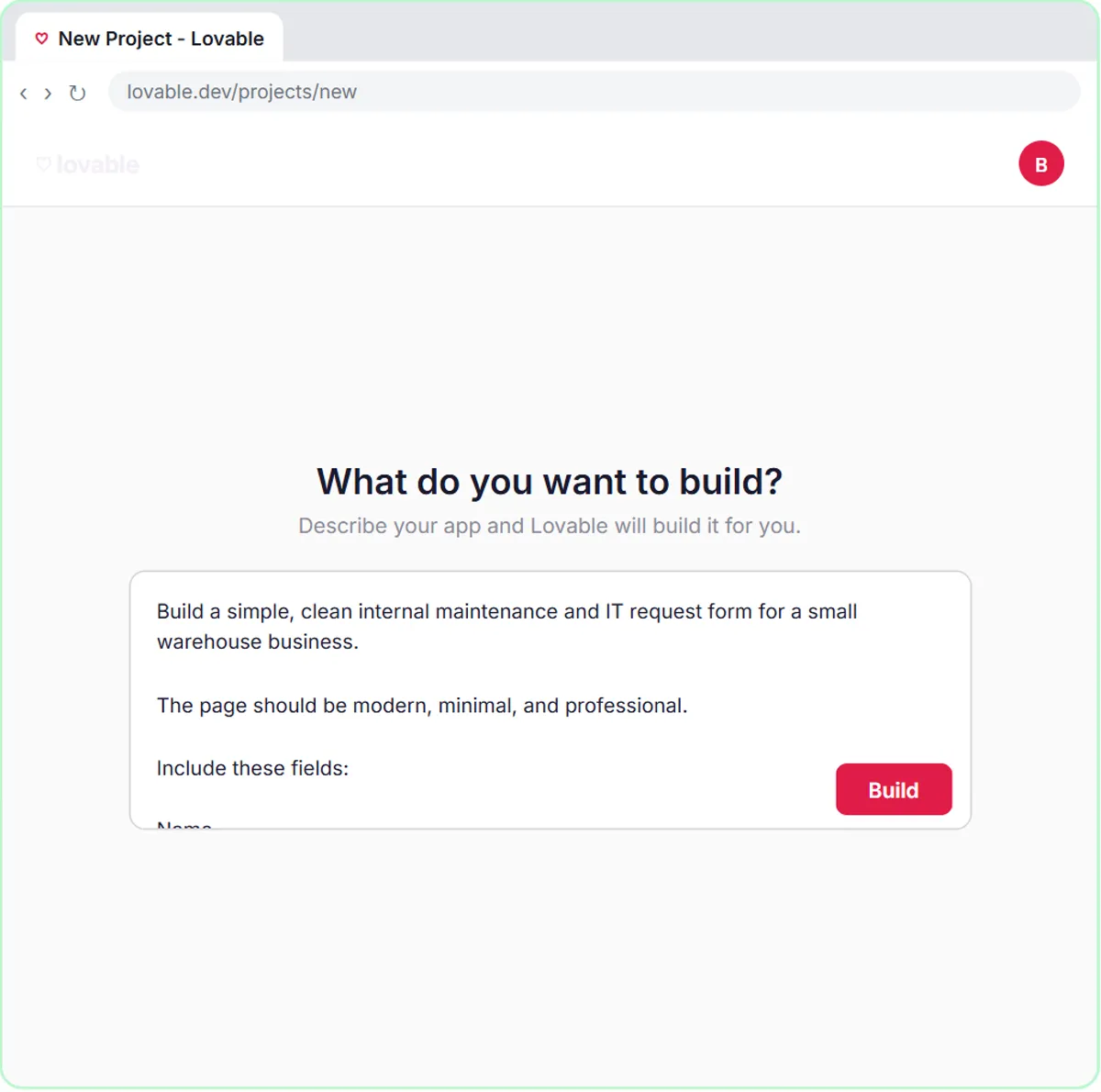
| Sort maintenance and IT requests by priority and team | AI agent | Judgment on urgency, then a logged row and a confirmation email |
| Approve payments or decide insurance coverage | A person | High stakes; AI can prepare the file, not make the call |
What is the difference between an AI agent, a chatbot and automation?
The difference is who decides each step. Automation follows steps you fixed in advance. A chatbot answers a person, and the person decides what to do. An agent decides its own next steps within the limits and tools you give it. Anthropic's guide "Building effective agents" draws a similar line: workflows are systems where models and tools follow "predefined code paths", while agents "dynamically direct their own processes and tool usage".
Why start with the simplest option?
Simpler systems are cheaper, faster and easier to check. Anthropic's guide recommends "finding the simplest solution possible, and only increasing complexity when needed", and notes that agentic systems often trade latency and cost for better task performance. In practice, a fixed automation can run with no AI bill at all, while every agent run calls a model you pay for per use.
So before you build an agent, ask whether the input is predictable. If every form has the same fields and the same next step, automation is enough. If each input needs reading and judging, like an email, a receipt photo or a free-text request, that is where an agent earns its cost.
What do the three approaches cost?
Costs come from two places: the tool that runs the steps and the AI model. A chatbot is a subscription or free tier, such as ChatGPT. Automations and agents run in a tool like n8n, Zapier or Make, each with its own plan. Agents add model usage on top; in the free Stepthrough agent lessons that is the OpenAI API, which is pay as you go and separate from ChatGPT plans. See Zapier vs Make vs n8n for how each automation tool charges.
How do I keep an AI agent safe at work?
Give it the narrowest tools that do the job, tell it the facts it may use, and keep a person in the loop on anything that reaches a client. The free lessons model this: the AI Email Responder saves drafts instead of sending, and the AI Maintenance & IT Request Form logs every request in a sheet and emails the person who reported it the priority and team it chose, so nothing is decided out of sight. The glossary entries on guardrails and human in the loop explain the idea.
Who is each one for?
Automation
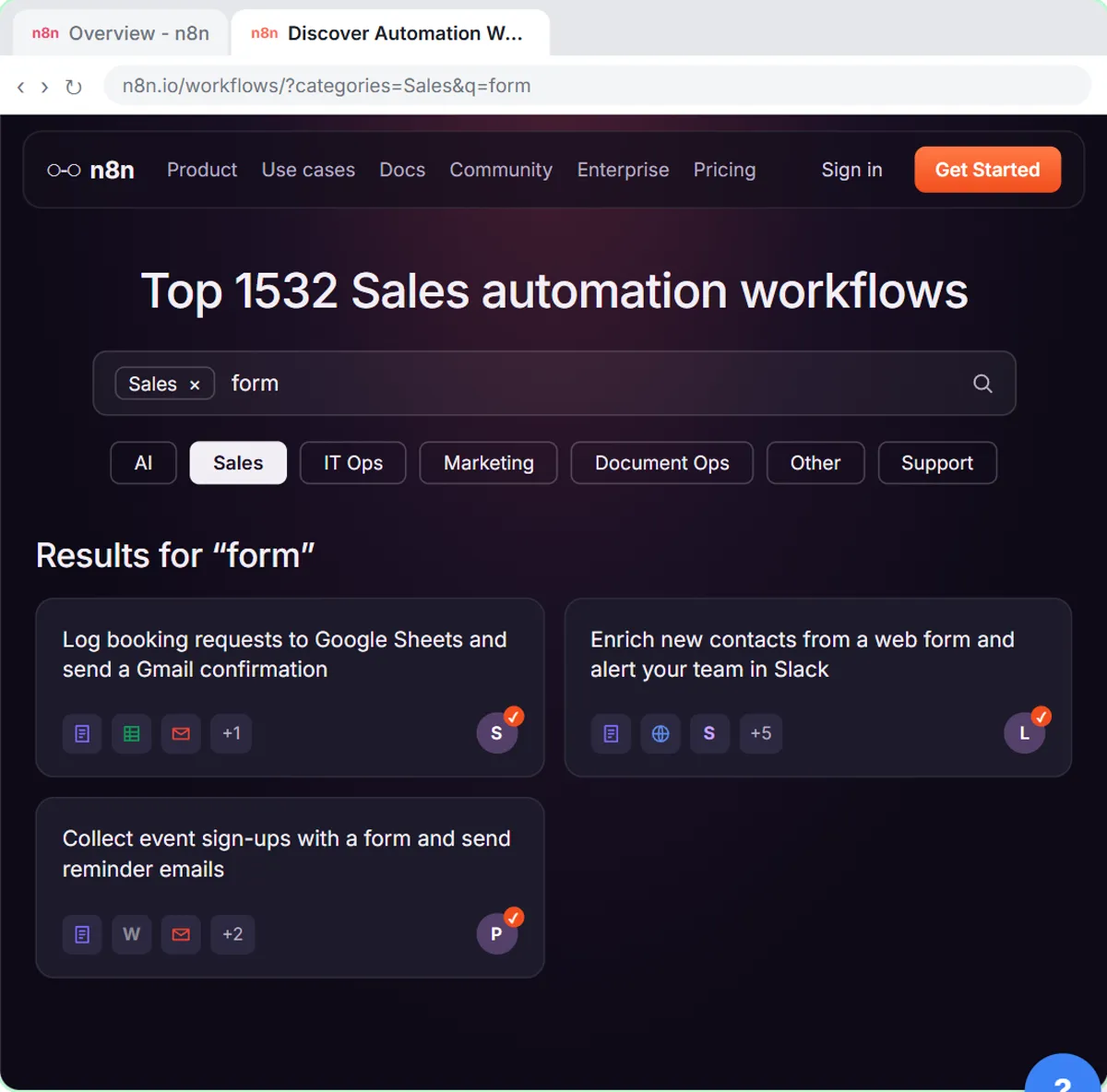
For repeatable office routines with fixed steps: copying entries, sending scheduled reminders, moving files. Start with a template in the free Find and Use n8n Templates lesson.
Chatbot (AI assistant)
For anyone who wants help with writing, summarizing and thinking, with a person deciding what happens next. Practice with Summarize a Meeting Transcript or Reply Faster: Customer Emails.
AI agent
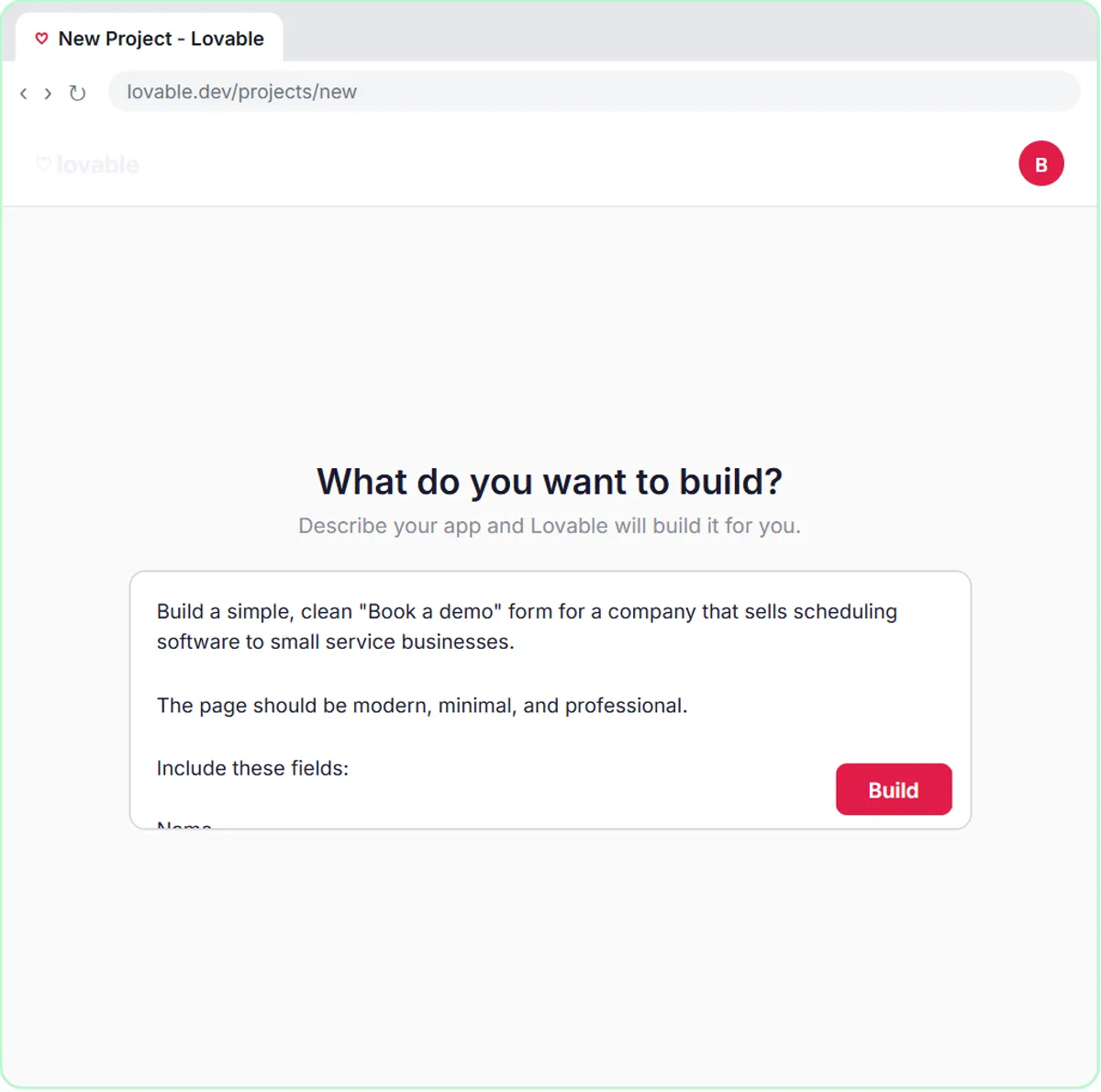
For high-volume tasks with messy input and a clear action at the end. Build one in the AI Social Media Idea Agent lesson, then try the AI Receipt Extractor or the AI Demo Request Form.
Which of these tools have a free Stepthrough lesson?
- Automation: free lesson: Find and Use n8n Templates
- Chatbot (AI assistant): free lesson: Summarize a Meeting Transcript with ChatGPT
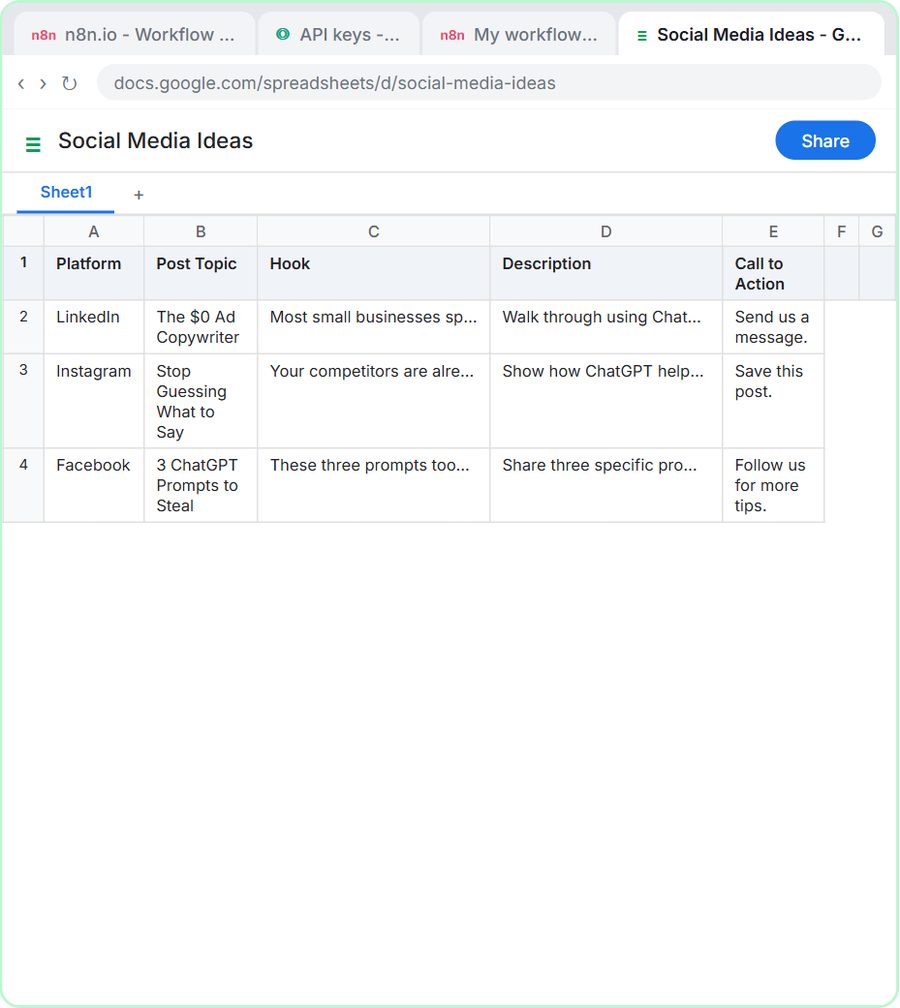
- AI agent: free lesson: n8n AI Agent Tutorial: Save Social Media Ideas to Google Sheets
Practice it free, step by step
n8n AI Agent Tutorial: Save Social Media Ideas to Google Sheets. Build an AI agent for BrightPath Marketing that generates social media post ideas and saves them to Google Sheets — chat trigger, AI Agent, system prompt, model, memory, and the Sheets tool. You do every step yourself in a practice copy of n8n, it checks your work as you go, and “Do it for me” finishes any step you get stuck on. Free, and nothing touches your real accounts.
Start the free lessonKey takeaways
- Automation follows fixed steps, a chatbot helps a person who then acts, and an AI agent decides its next steps and uses tools within limits you set.
- Most office tasks fit the simplest option; add an agent only where each input needs reading and judgment.
- Agents add a second bill, the AI model, on top of the automation tool's plan.
- Keep people in charge of high-stakes decisions such as payments and coverage, and have agents save drafts rather than send.
Frequently asked questions
Is ChatGPT an AI agent?
In everyday use, ChatGPT works as a chatbot: you ask, it answers, you act. An agent is software that takes actions with tools on its own, like the n8n agents in the free lessons that write rows to Google Sheets or save Gmail drafts.
Can one workflow mix automation and an AI agent?
Yes, and most real ones do. A fixed trigger and fixed steps handle the predictable parts, and an AI Agent node handles the one step that needs judgment, like rating a lead.
Which should a small office build first?
Start with one chatbot habit, like summarizing meetings, and one simple automation. Build an agent next, for the task where people spend the most time reading and sorting messy input.
Where do these prices and features come from?
Every price and feature on this page was checked against the vendor's own page, as of October 2026. No numbers here are estimates or third-party figures. The example businesses in the Stepthrough lessons are made up.