Zapier vs Make vs n8n: which automation tool to start with
Start with Zapier if you want the gentlest setup for simple two-step automations, Make if you want a visual builder with a low entry price, and n8n if you plan to build AI agents or longer workflows, because n8n charges per workflow run instead of per step. All three connect Gmail, Google Sheets and hundreds of other apps without code.
This guide is for office managers, operations staff and small-business owners choosing their first automation tool. Prices are as listed on each vendor's pricing page as of October 2026. Every free Stepthrough automation lesson today uses n8n, starting with the AI Social Media Idea Agent lesson.
How do they compare at a glance?
| Zapier | Make | n8n | |
|---|---|---|---|
| What one automation is called | A Zap | A scenario | A workflow |
| How usage is counted | Tasks: each action Zapier completes; triggers don't count | Credits: each module action counts as one credit | Executions: one run of the whole workflow, however many steps |
| Free plan | Free: 100 tasks a month, two-step Zaps only | Free: 1,000 credits a month, 2 active scenarios, 15-minute minimum interval | Free self-hosted Community Edition; cloud plans have a free trial |
| Entry paid plan | Professional: $19.99 a month billed annually ($29.99 monthly) for 750 tasks | Core: $12 a month for 10,000 credits | Starter (n8n Cloud): €20 a month billed annually for 2,500 executions |
| Next plan up | Team: $69 a month billed annually ($103.50 monthly) for 2,000 tasks, up to 25 users | Pro: $21 a month for 10,000 credits; Teams: $38 | Pro (n8n Cloud): €50 a month billed annually for 10,000 executions |
| Can run on your own server | No | No | Yes (Community Edition) |
| Free Stepthrough lesson | Coming | Coming | Yes, several |
What is the main difference between Zapier, Make and n8n?
The main difference is how each tool counts what you use, which decides what a busy workflow costs. Zapier counts tasks, meaning each action it completes. Make counts credits, one for each module action. n8n counts executions, one per run of the whole workflow no matter how many steps it has.
Here is a made-up example to show the math. Say a workflow is triggered by a new form entry and then does four things: an AI step, a Google Sheets row, an email and a Slack message. If it runs 500 times a month, Zapier counts roughly 2,000 tasks (four actions, 500 times, with the trigger free), Make counts roughly 2,000 to 2,500 credits depending on how the trigger module is counted, and n8n counts 500 executions. Higher-tier actions and AI features can count for more on Zapier and Make, so check each vendor's page for your case.
Which automation tool is easiest for a beginner?
Zapier is usually the easiest first step for a simple "when this happens, do that" automation, because its free plan is built around two-step Zaps. Make and n8n both use a visual canvas where you see every step as a box joined by lines, which takes a little longer to learn but makes longer workflows easier to follow.
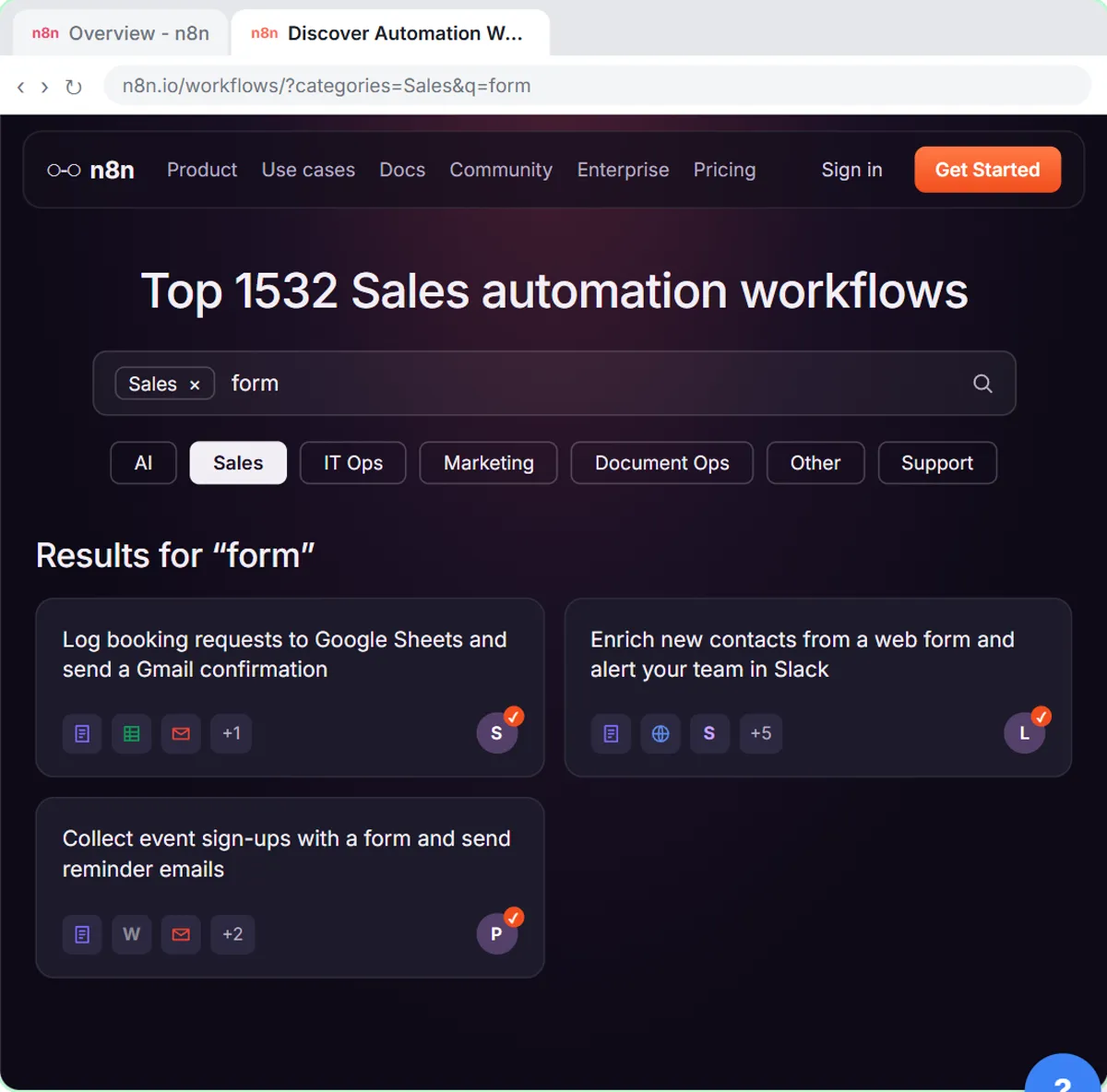
n8n has a reputation as the technical option because it can be self-hosted, but n8n Cloud runs in your browser like the others. The free Find and Use n8n Templates lesson shows how to start from a ready-made workflow instead of a blank canvas.
Which tool is best for AI agents?
All three now offer AI features, but n8n is the one Stepthrough teaches for agents, because its AI Agent node lets you add a chat model, memory and tools such as Google Sheets in one place, and its per-execution pricing doesn't climb with each extra step. n8n lists agents, MCP and AI nodes on its Starter plan.
Remember the second bill: the AI model. In the Stepthrough n8n lessons, the agent uses an OpenAI API key, which is billed separately from any ChatGPT plan, pay as you go. The AI Receipt Extractor lesson and the AI Email Responder lesson both use that setup.
Can I switch tools later?
Yes, but you rebuild the automations rather than export them, because Zaps, scenarios and n8n workflows use different formats. The good news is that the skills carry over: triggers, actions, mapping fields from one step to the next, and testing with sample data work the same way in all three. Learn the ideas once and the second tool is much faster.
Who is each one for?
Zapier
Best for a busy office manager who wants a few simple automations running this week, like copying form entries into a spreadsheet, and is happy to pay more per step once volume grows. A free Stepthrough lesson for Zapier is coming.
Make
Best for people who like seeing the whole flow on a canvas and want a low entry price with a generous credit allowance. A free Stepthrough lesson for Make is coming.
n8n
Best for teams that want AI agents, longer workflows, or the option to self-host later. It is the tool behind every free Stepthrough automation lesson today, including versions for sales, marketing, operations and finance.
Which of these tools have a free Stepthrough lesson?
- Zapier: a free Stepthrough lesson is coming.
- Make: a free Stepthrough lesson is coming.
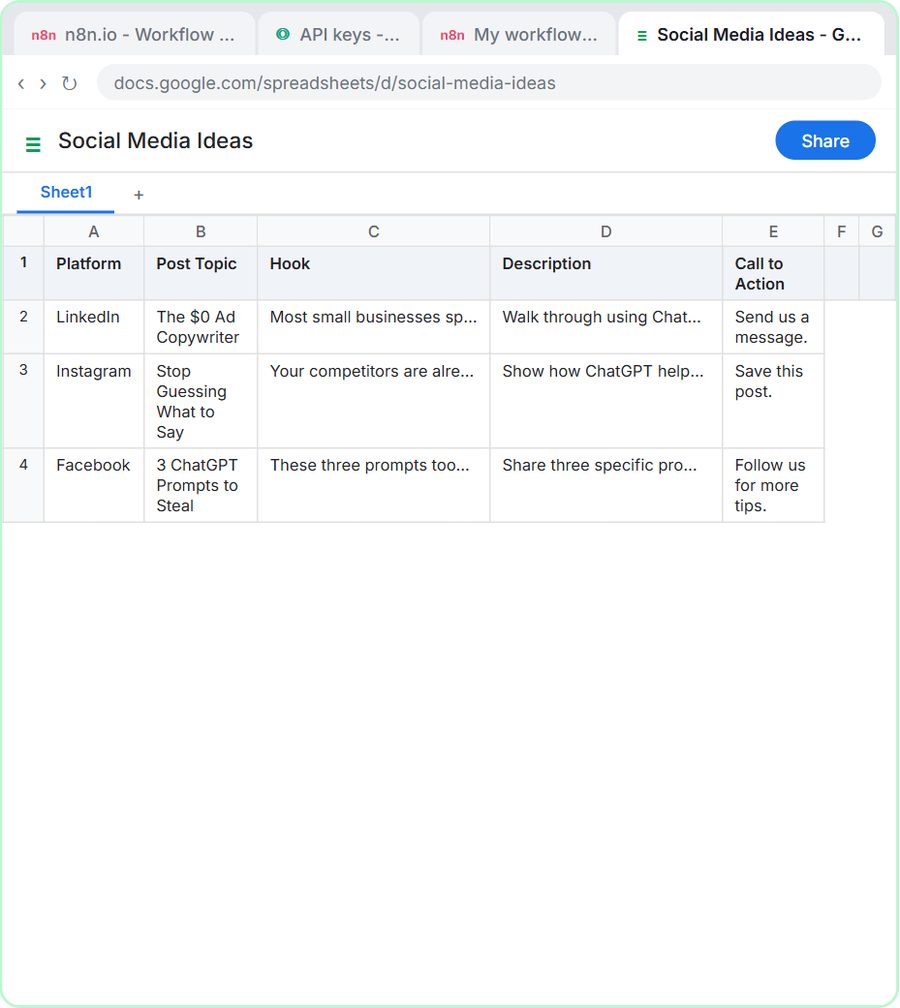
- n8n: free lesson: n8n AI Agent Tutorial: Save Social Media Ideas to Google Sheets
Practice it free, step by step
n8n AI Agent Tutorial: Save Social Media Ideas to Google Sheets. Build an AI agent for BrightPath Marketing that generates social media post ideas and saves them to Google Sheets — chat trigger, AI Agent, system prompt, model, memory, and the Sheets tool. You do every step yourself in a practice copy of n8n, it checks your work as you go, and “Do it for me” finishes any step you get stuck on. Free, and nothing touches your real accounts.
Start the free lessonKey takeaways
- Zapier counts tasks (each action), Make counts credits (each module action) and n8n counts executions (each full run), so long workflows cost the least on n8n.
- As of October 2026, Zapier's free plan includes 100 tasks a month with two-step Zaps, and Make's free plan includes 1,000 credits a month with 2 active scenarios.
- n8n Cloud Starter is listed at €20 a month billed annually for 2,500 executions, and the self-hosted Community Edition is free.
- AI steps need a model behind them, and the OpenAI API is billed separately from ChatGPT plans.
Frequently asked questions
Is n8n free?
The self-hosted Community Edition is free to download from GitHub, but you pay for the server and look after it yourself. n8n Cloud, which n8n hosts for you, is a paid plan with a free trial.
Is Zapier or Make cheaper?
It depends on how many steps your automations have and how often they run. Make's entry plan includes more units than Zapier's, but the two count usage differently, so price your own workflow on both pricing pages before you decide.
Do I need to know how to code to use n8n?
No. You build n8n workflows by adding and connecting nodes on a canvas, and every free Stepthrough n8n lesson is clicks and plain English. Code is optional for advanced steps.
Which tool should I learn first?
Pick the one you will actually use at work. If you have no preference, start with n8n, because the free Stepthrough lessons let you practice it step by step in a copy of the real tool before you build in your own account.
Where do these prices and features come from?
Every price and feature on this page was checked against the vendor's own page, as of October 2026. No numbers here are estimates or third-party figures. The example businesses in the Stepthrough lessons are made up.