AI email drafts: Gmail filters vs an n8n agent vs ChatGPT
Gmail filters sort incoming mail (label, archive, star, forward or delete) but they don't write replies. ChatGPT writes a reply when you paste in a thread and your facts, which is the fastest way to start. An n8n AI agent watches your inbox and saves a drafted reply in the same Gmail thread for every new email, so you only read, edit and send.
This comparison is for office managers, client service teams and anyone at an accounting, law or insurance office who answers the same kinds of email all day. You can practice the two AI options free: Reply Faster: Customer Emails in ChatGPT, and the AI Email Responder in n8n. Costs are as listed by the vendors as of October 2026.
How do they compare at a glance?
| Gmail filters | n8n AI agent | ChatGPT | |
|---|---|---|---|
| What it does | Sorts new mail: label, archive, delete, star or forward | Reads each new email and saves a reply as a Gmail draft in the same thread | Drafts a reply to the thread you paste in |
| Writes the reply | No | Yes, automatically, as a draft | Yes, when you ask |
| Who sends it | Not applicable | You, after reading the draft | You, after pasting it into Gmail |
| Setup | A few settings in Gmail | More steps: connect Gmail and an AI model; the free lesson takes about 12 minutes | None; the free lesson takes about 9 minutes |
| Cost | Included in Gmail | An n8n plan (n8n Cloud Starter is €20 a month billed annually) or self-hosting, plus OpenAI API usage, pay as you go | Free tier available; ChatGPT Plus is $20 a month |
| Best for | Routing and tidying | High volume of similar questions | Tricky one-off threads |
| Free Stepthrough lesson | Coming | Yes | Yes |
Can Gmail filters reply to emails with AI?
No. Google's help page describes filters as rules that send email to a label, or archive, delete, star or automatically forward it. That is still valuable: a filter that labels every message from your billing system or every "claim status" subject keeps the inbox readable before any AI is involved. Google Workspace plans also list a Gemini AI assistant in Gmail, which can help you write a reply while you are in the message; that is a separate feature from filters.
When is ChatGPT the better choice for email replies?
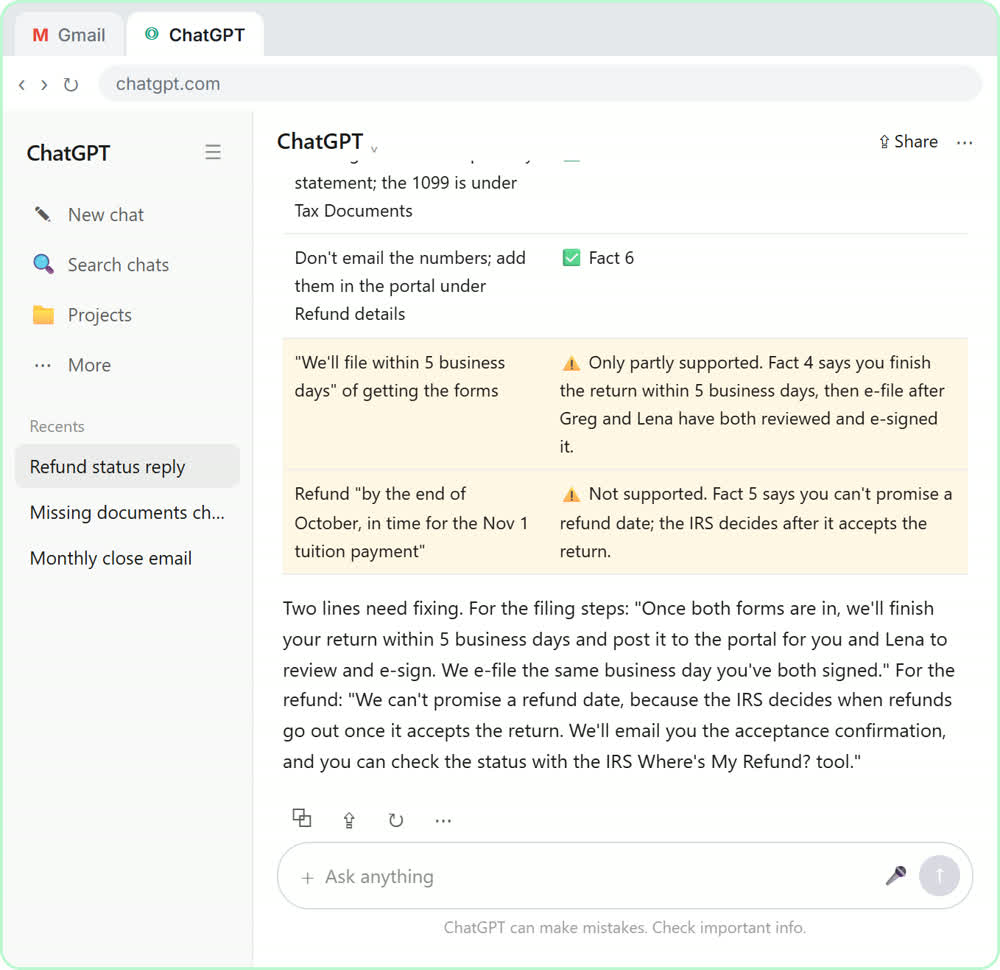
ChatGPT is the better choice for the messy one-off thread: a client who changed their request twice, a complaint with three questions in it, or a reply where tone matters. In the free Reply Faster lesson, you paste a made-up bakery's tangled customer thread with the facts you can actually promise, ask ChatGPT to check every promise against those facts, fix the one line that overpromises, and send the reply from Gmail. The firm versions practice the same routine for accounting, law and insurance.
When is an n8n agent worth setting up?
An n8n agent is worth it when many emails ask the same kinds of questions and the answers come from facts you can write down, like service areas, prices, hours or document checklists. In the free AI Email Responder lesson, the agent checks Gmail every minute, reads each new email, writes a reply using a made-up company's real service areas and prices, and saves it as a draft. It never sends, so a person stays in control.
The ongoing costs are an n8n plan, or a self-hosted server, plus the AI model. The lesson uses an OpenAI API key, which is billed per use and separately from any ChatGPT plan.
Is it safe to let AI draft client emails?
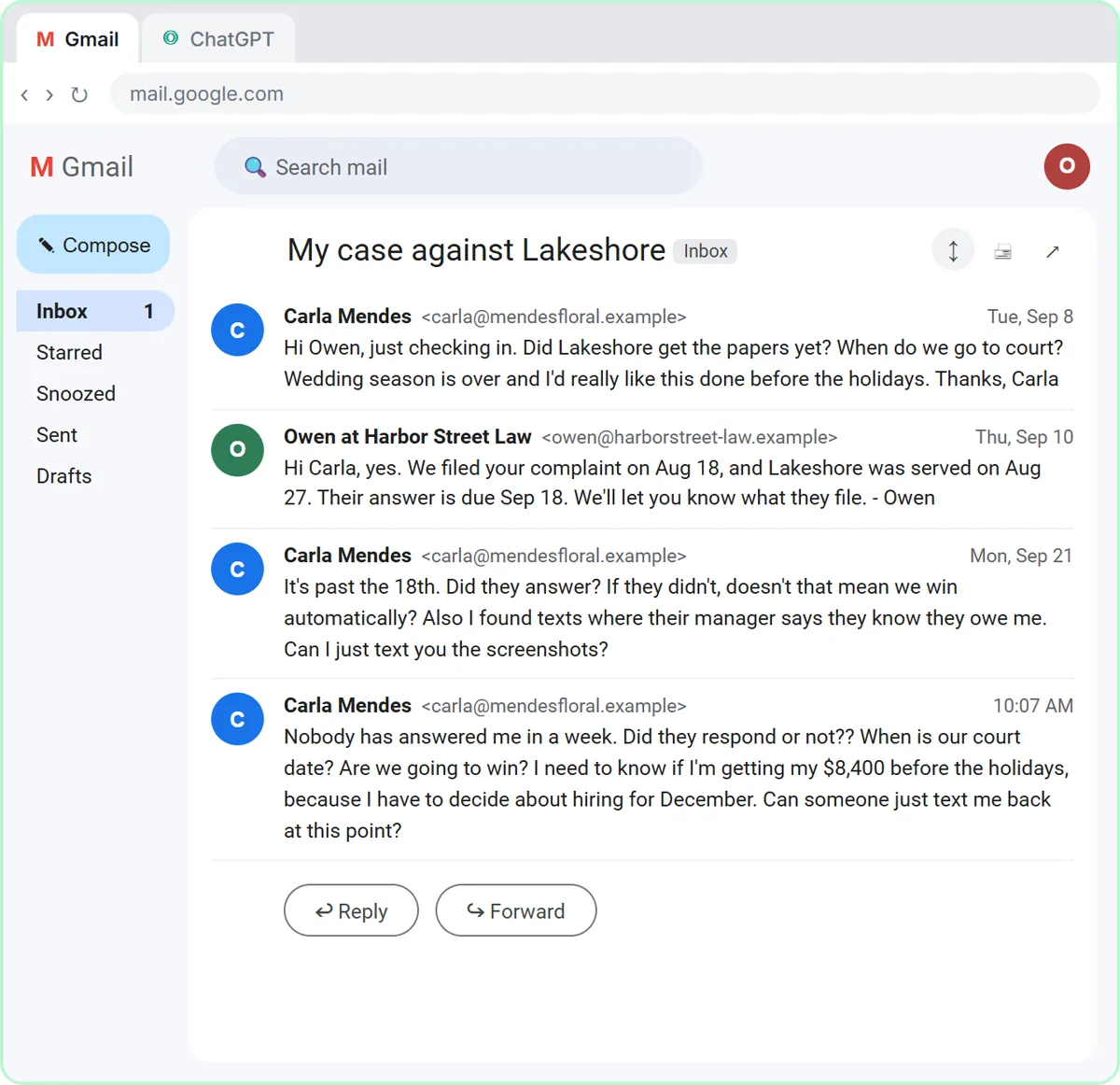
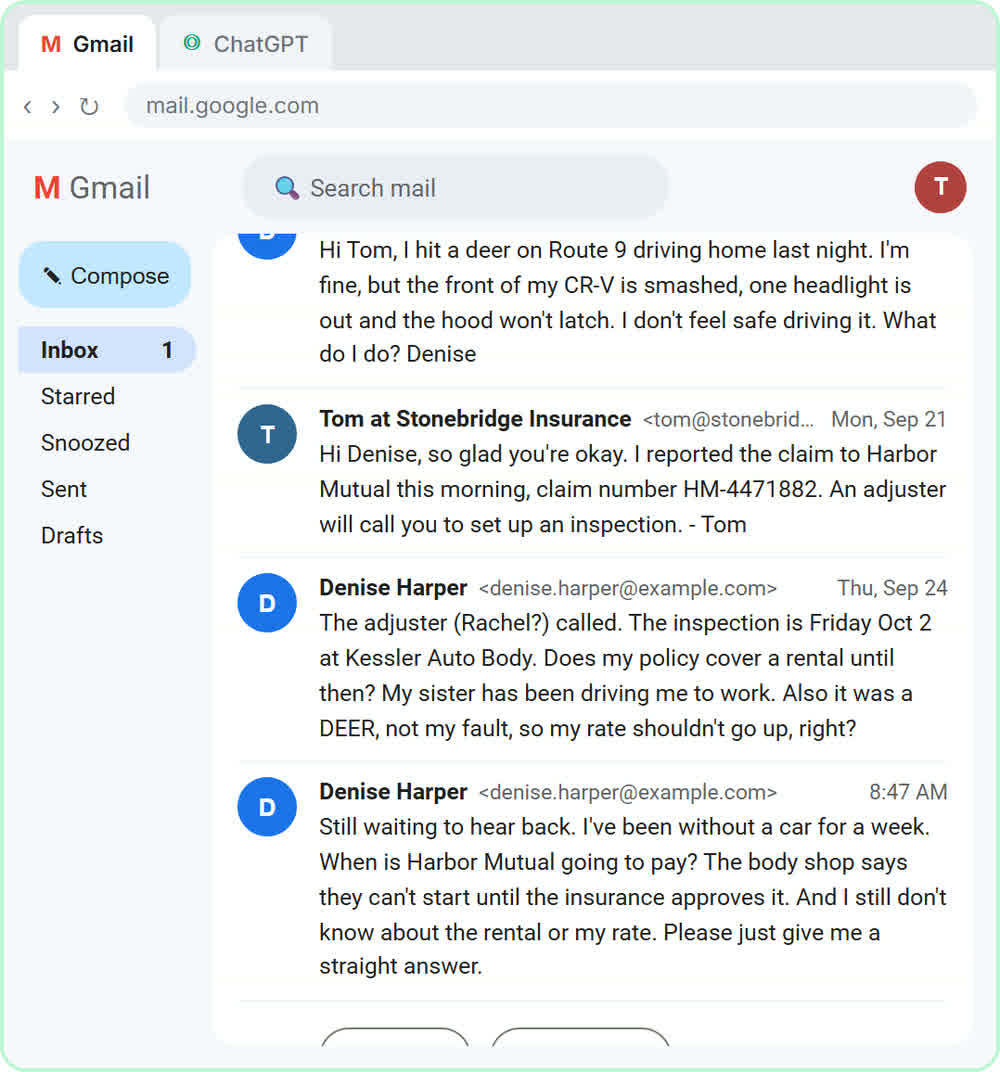
It can be, if a person reads every draft and the AI only knows the facts you gave it. Both lessons build in that safeguard: ChatGPT checks its own promises, and the n8n agent saves drafts rather than sending. Before you paste client emails into any AI tool, check your company's policy, remove account numbers and personal details the reply doesn't need, and never let AI promise outcomes on claims, cases or tax matters.
Who is each one for?
Gmail filters
For every inbox, as the first layer: route invoices, newsletters and system notices out of the way so people and AI only see mail that needs a reply. A free Stepthrough lesson on Gmail filters is coming.
n8n AI agent
For teams that answer a steady stream of similar questions, like a front desk, a client service inbox or a sales inbox, and want a drafted reply waiting on every one. Build it in the free AI Email Responder lesson.
ChatGPT
For anyone who wants help today with no setup, and for the hard threads an automation shouldn't handle alone. Start with the free Reply Faster lesson.
Which of these tools have a free Stepthrough lesson?
- Gmail filters: a free Stepthrough lesson is coming.
- n8n AI agent: free lesson: AI Email Responder: Draft Gmail Replies Automatically with n8n
- ChatGPT: free lesson: Reply Faster: Turn a Messy Customer Email Thread into a Clear, Friendly Reply
Practice it free, step by step
Reply Faster: Turn a Messy Customer Email Thread into a Clear, Friendly Reply. Turn a messy customer email thread into a clear, friendly reply: give ChatGPT the thread and your facts, check every promise, fix the tone, and send it from Gmail. You do every step yourself in a practice copy of ChatGPT, it checks your work as you go, and “Do it for me” finishes any step you get stuck on. Free, and nothing touches your real accounts.
Start the free lessonKey takeaways
- Gmail filters label, archive, delete, star or forward mail; they don't write replies.
- ChatGPT drafts a reply to a thread you paste in, and the best routine includes asking it to check every promise against your facts.
- An n8n AI agent can draft a reply for every new email and save it as a Gmail draft, so a person still reads and sends it.
- An n8n agent costs an n8n plan or a server plus OpenAI API usage, billed separately from ChatGPT.
Frequently asked questions
Can I use filters and an AI agent together?
Yes, and it works well. Use filters to label or archive mail that never needs a reply, so the agent only drafts replies for real customer and client messages.
Will an n8n agent send emails without me?
Not in the Stepthrough lesson. The Gmail tool is set to create drafts, so nothing reaches a customer until a person reads it and presses send.
Do I need ChatGPT Plus for the Reply Faster routine?
No. The routine works on ChatGPT's free tier; paid plans add higher limits. Check OpenAI's pricing page for current limits.
Where do these prices and features come from?
Every price and feature on this page was checked against the vendor's own page, as of October 2026. No numbers here are estimates or third-party figures. The example businesses in the Stepthrough lessons are made up.