AI Agent vs Automation vs Chatbot: One Job, Three Ways
A visual guide to the difference between a chatbot, an automation and an AI agent, shown by chasing six unpaid invoices three ways in one free lesson.
Slide 1 of 7 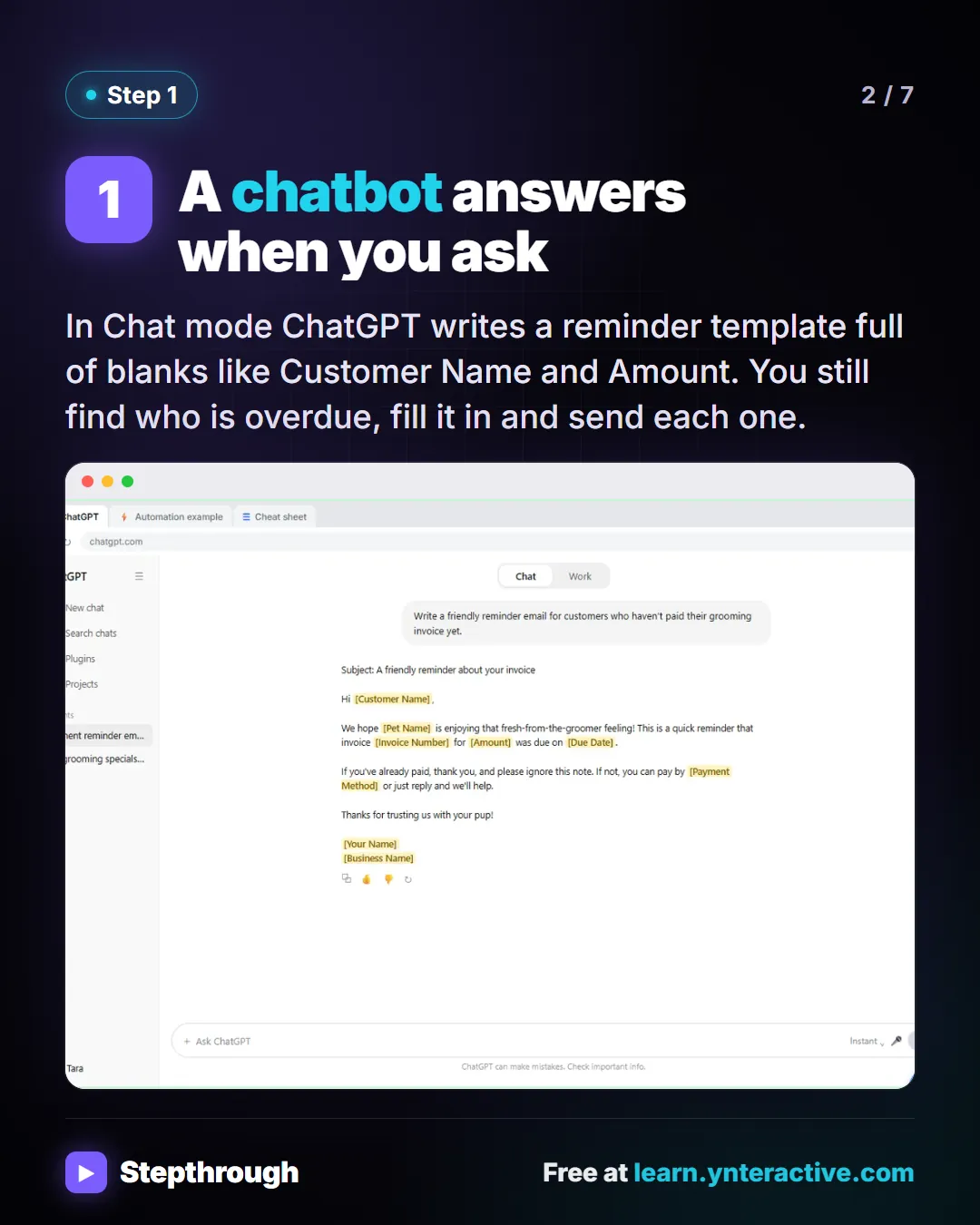
Slide 2 of 7 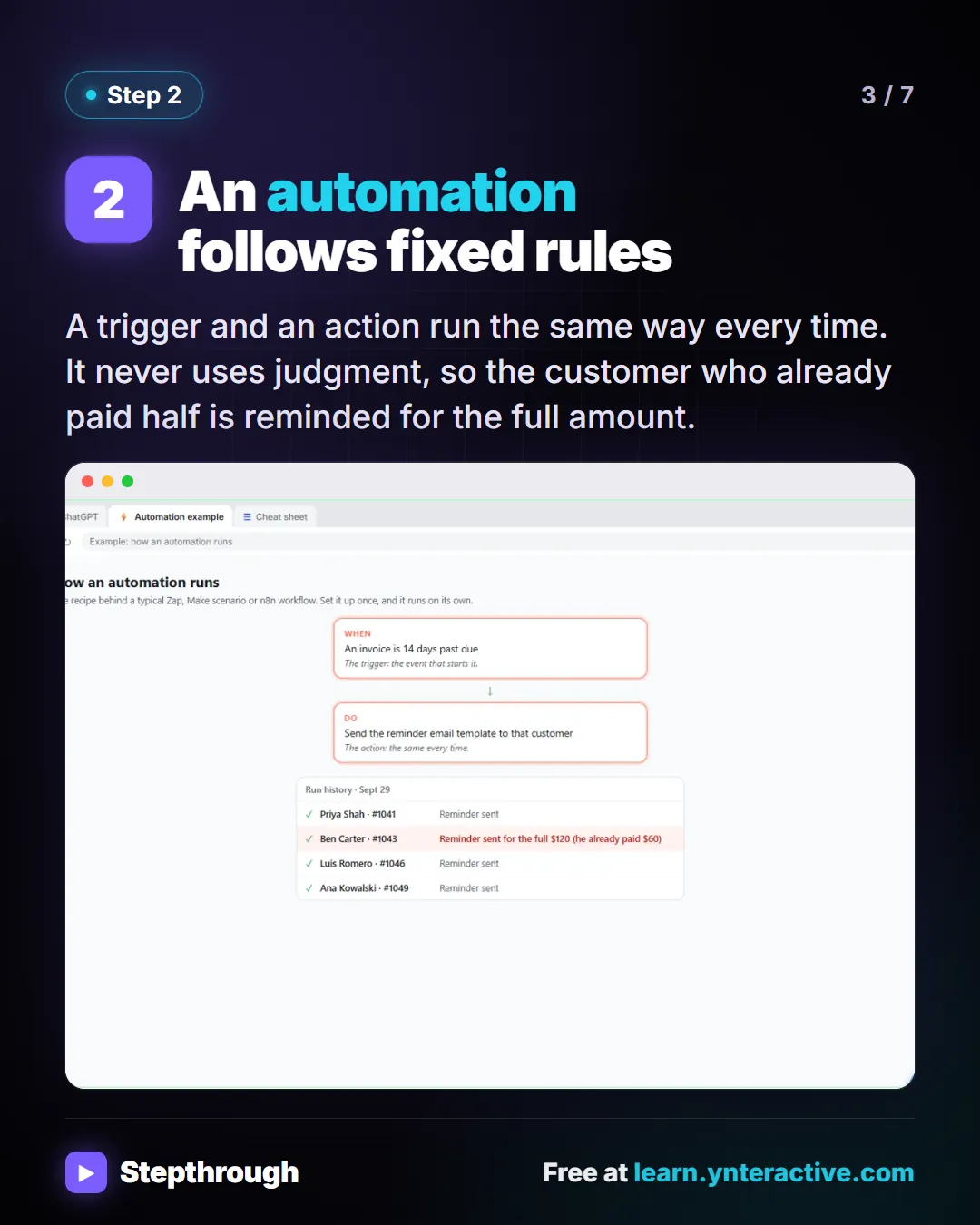
Slide 3 of 7 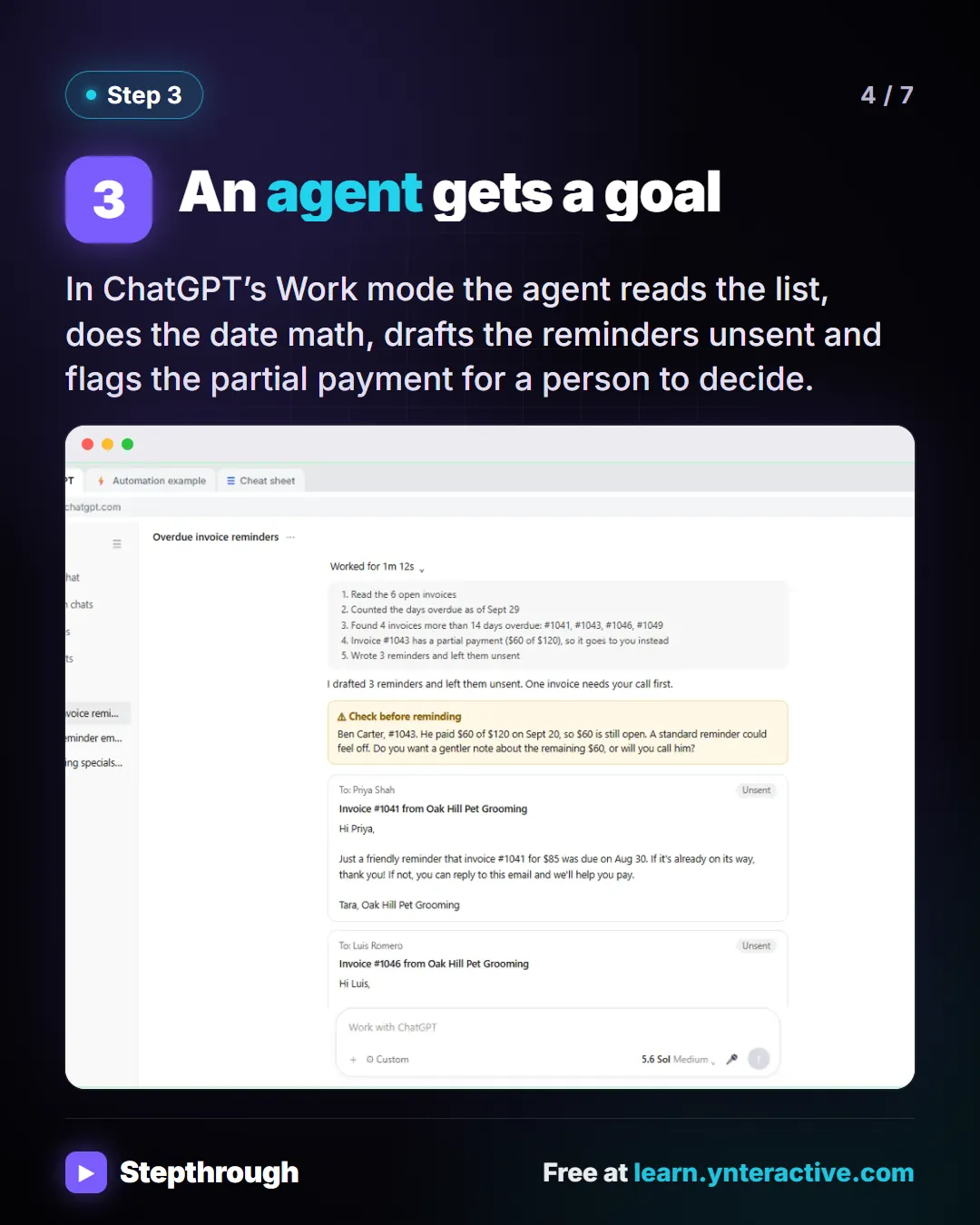
Slide 4 of 7 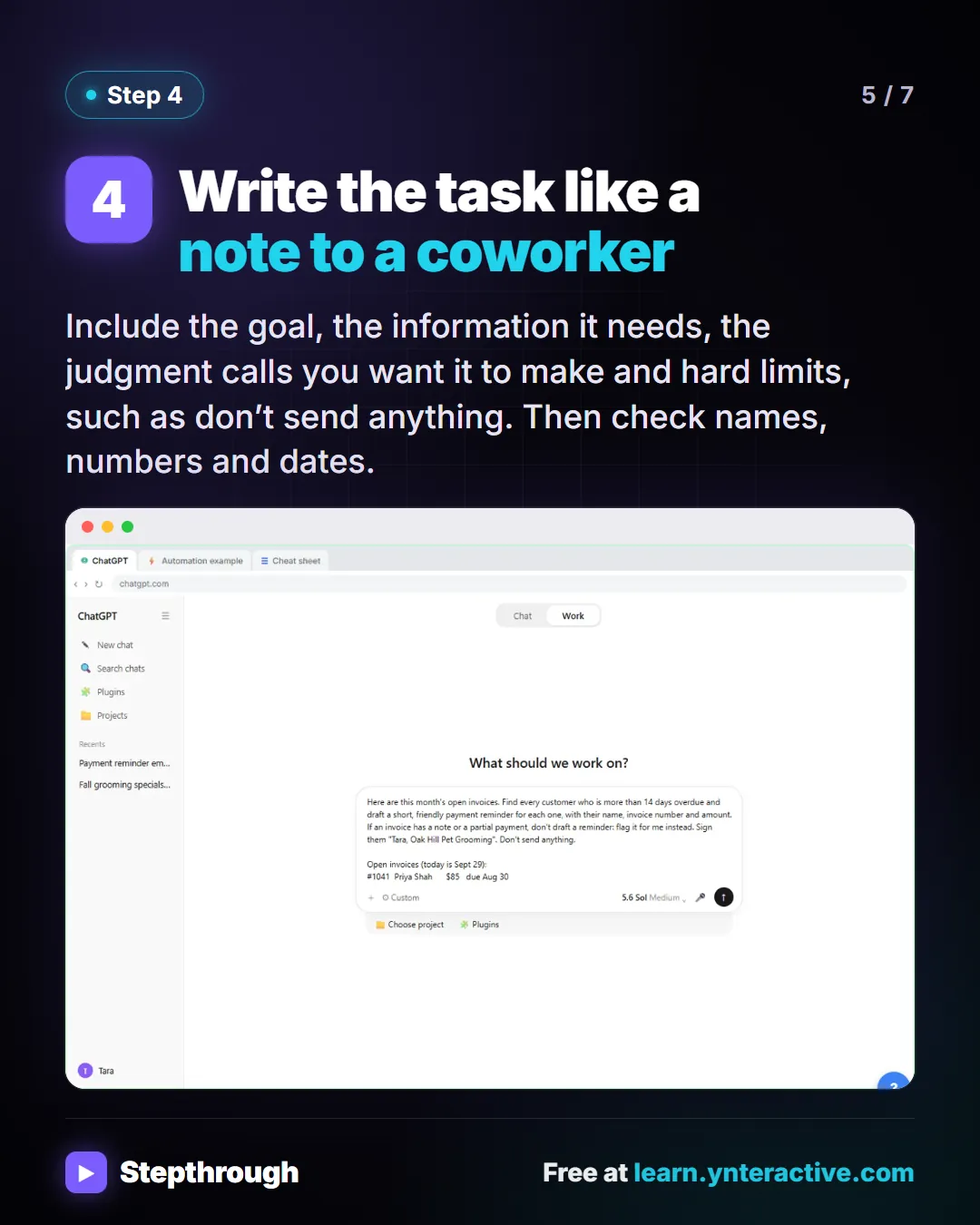
Slide 5 of 7 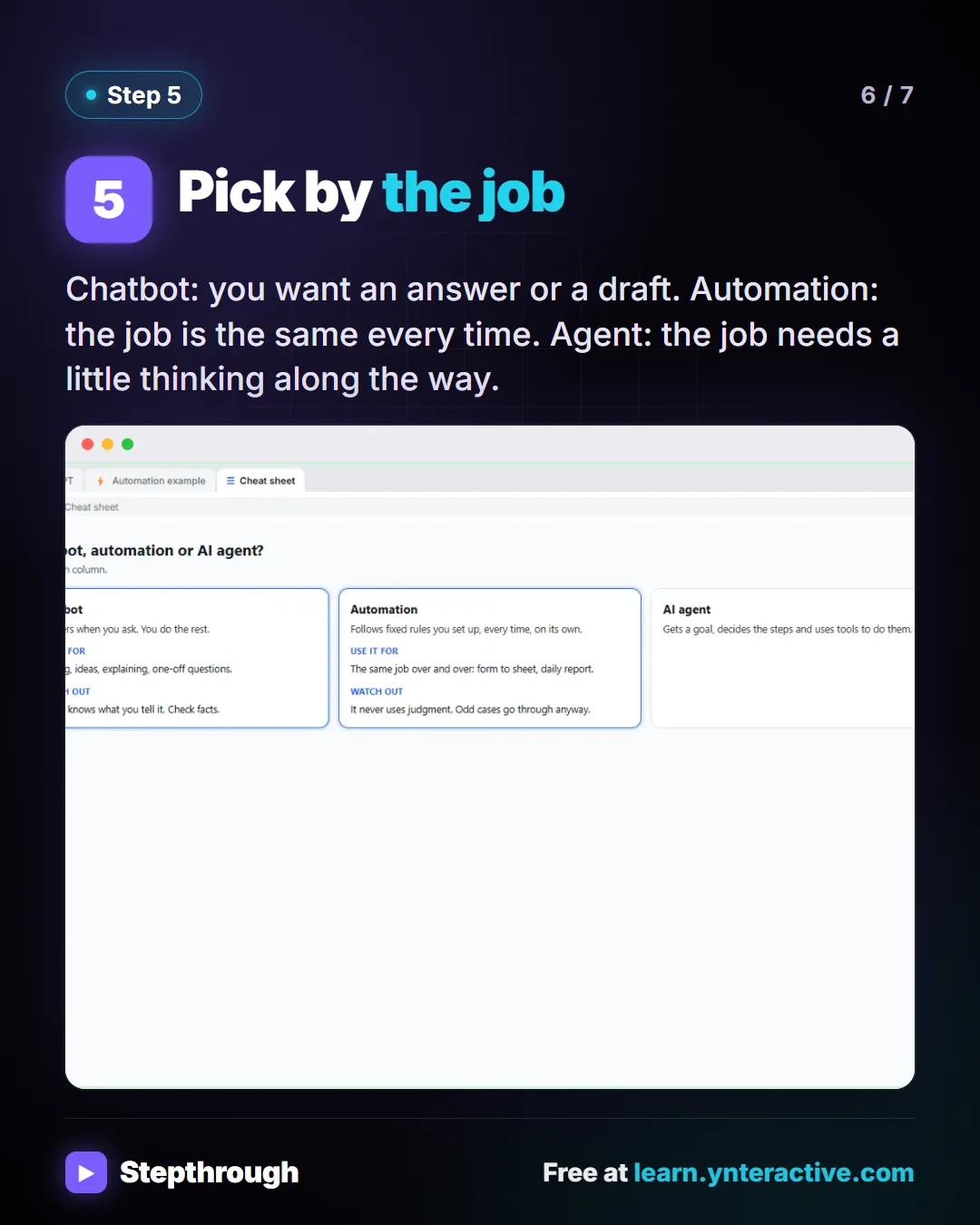
Slide 6 of 7 
Slide 7 of 7
The guide in text
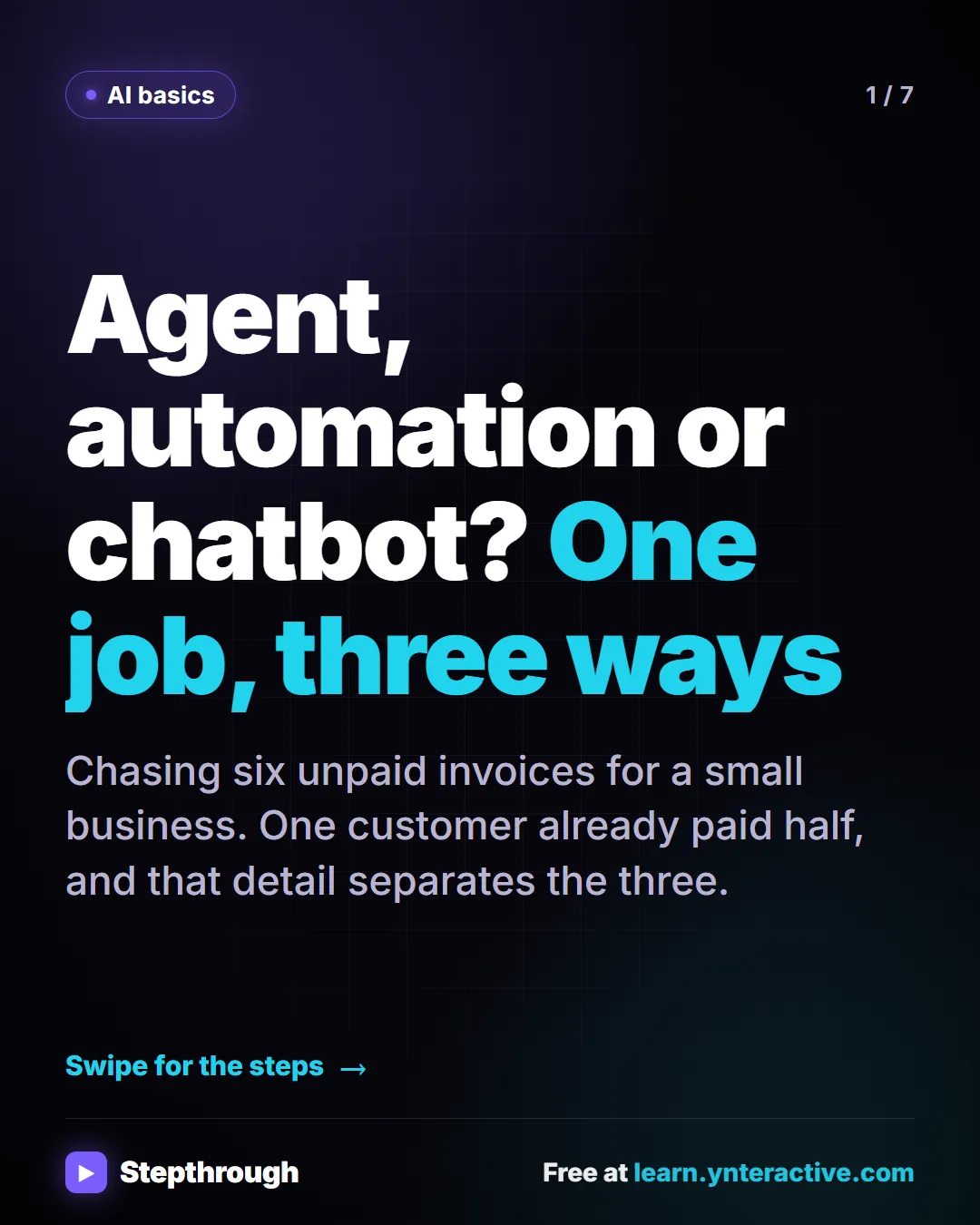
Chasing six unpaid invoices for a small business. One customer already paid half, and that detail separates the three.
Step by step
A chatbot answers when you ask
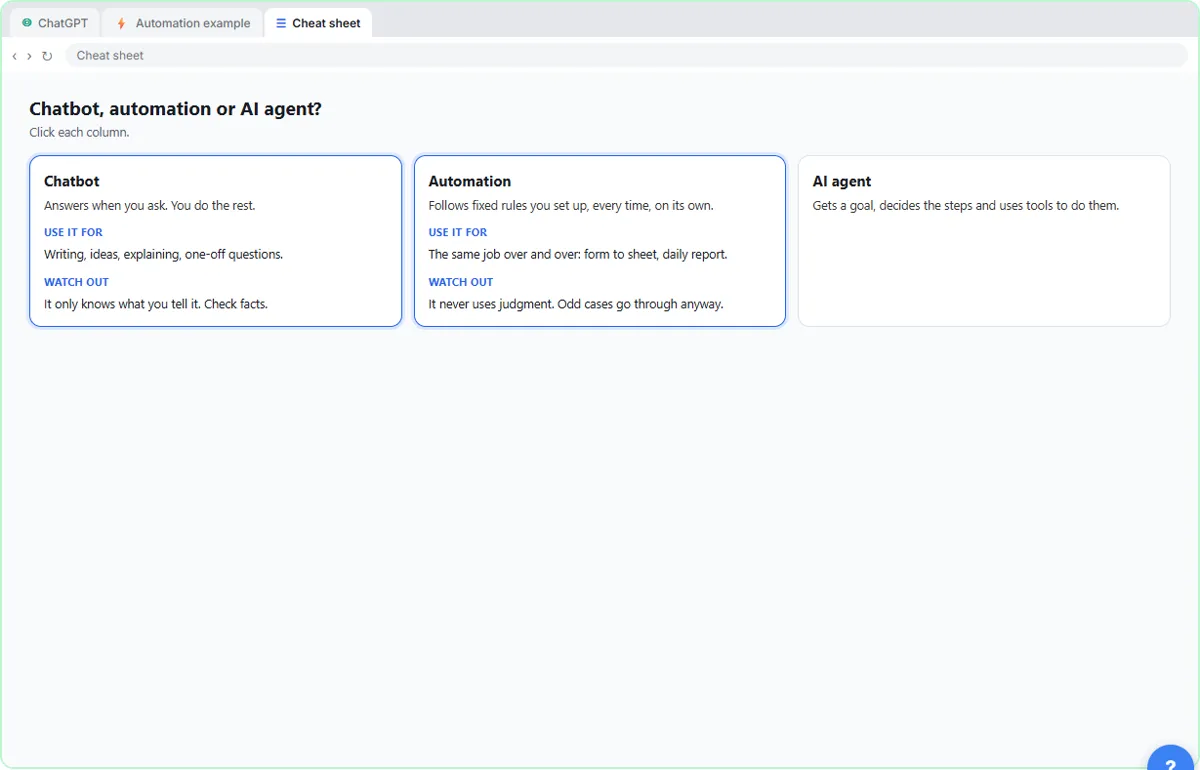
In Chat mode ChatGPT writes a reminder template full of blanks like Customer Name and Amount. You still find who is overdue, fill it in and send each one.
An automation follows fixed rules
A trigger and an action run the same way every time. It never uses judgment, so the customer who already paid half is reminded for the full amount.
An agent gets a goal
In ChatGPT’s Work mode the agent reads the list, does the date math, drafts the reminders unsent and flags the partial payment for a person to decide.
Write the task like a note to a coworker
Include the goal, the information it needs, the judgment calls you want it to make and hard limits, such as don’t send anything. Then check names, numbers and dates.
Pick by the job
Chatbot: you want an answer or a draft. Automation: the job is the same every time. Agent: the job needs a little thinking along the way.
Businesses and people in the examples are made up (Oak Hill Pet Grooming is a made-up business). The steps, screens and wording come from the free lesson and the Stepthrough glossary and prompt library.
Do it yourself, free
AI Agent vs Chatbot vs Automation: One Job Done Three Ways. Chase six unpaid invoices three ways: a chatbot writes a template, an automation follows a rule, and an AI agent works out the steps and flags the tricky one. You do every step yourself in a practice copy of ChatGPT, it checks your work as you go, and “Do it for me” finishes any step you get stuck on. Free, and nothing touches your real accounts.
Start the free lessonRelated terms
Plain-English definitions, each with an example from a free lesson.
From the blog
More visual guides
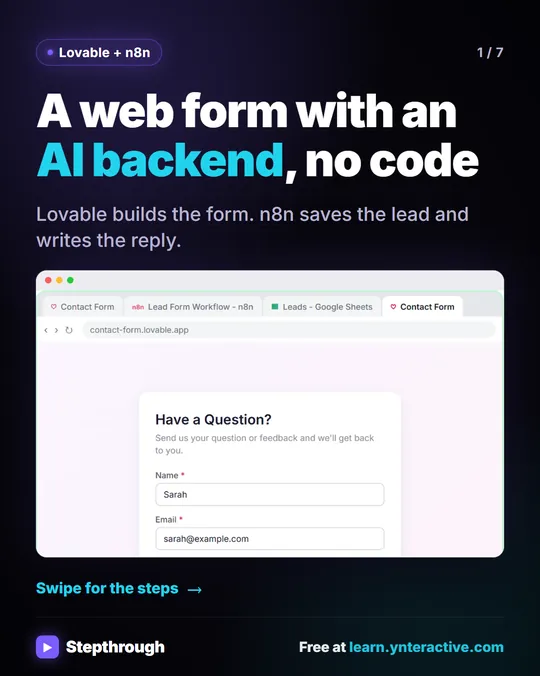 Build a web form with an AI backend, no code
Most website forms just land in an inbox and wait. This one does the work. You describe the form in Lovable, and it builds it.
Step-by-step guide 7 slides
 ChatGPT vs Claude vs Gemini vs Copilot: One Task, Compared
A visual guide to the same office task in ChatGPT, Claude, Gemini and Copilot: what each one added, what to check, and how to pick the one for work.
Step-by-step guide 8 slides
 Claude First Chat: Pick a Model, Attach a File, Prompt in 5 Steps
A visual guide to your first chat with Claude: check the model picker, attach an email with +, write a four-part prompt, follow up, then pin the chat.
Step-by-step guide 7 slides