This guide matches each kind of job to the free lesson that practices it, in a practice copy of the real tool.
Which AI assistant should you use at work?
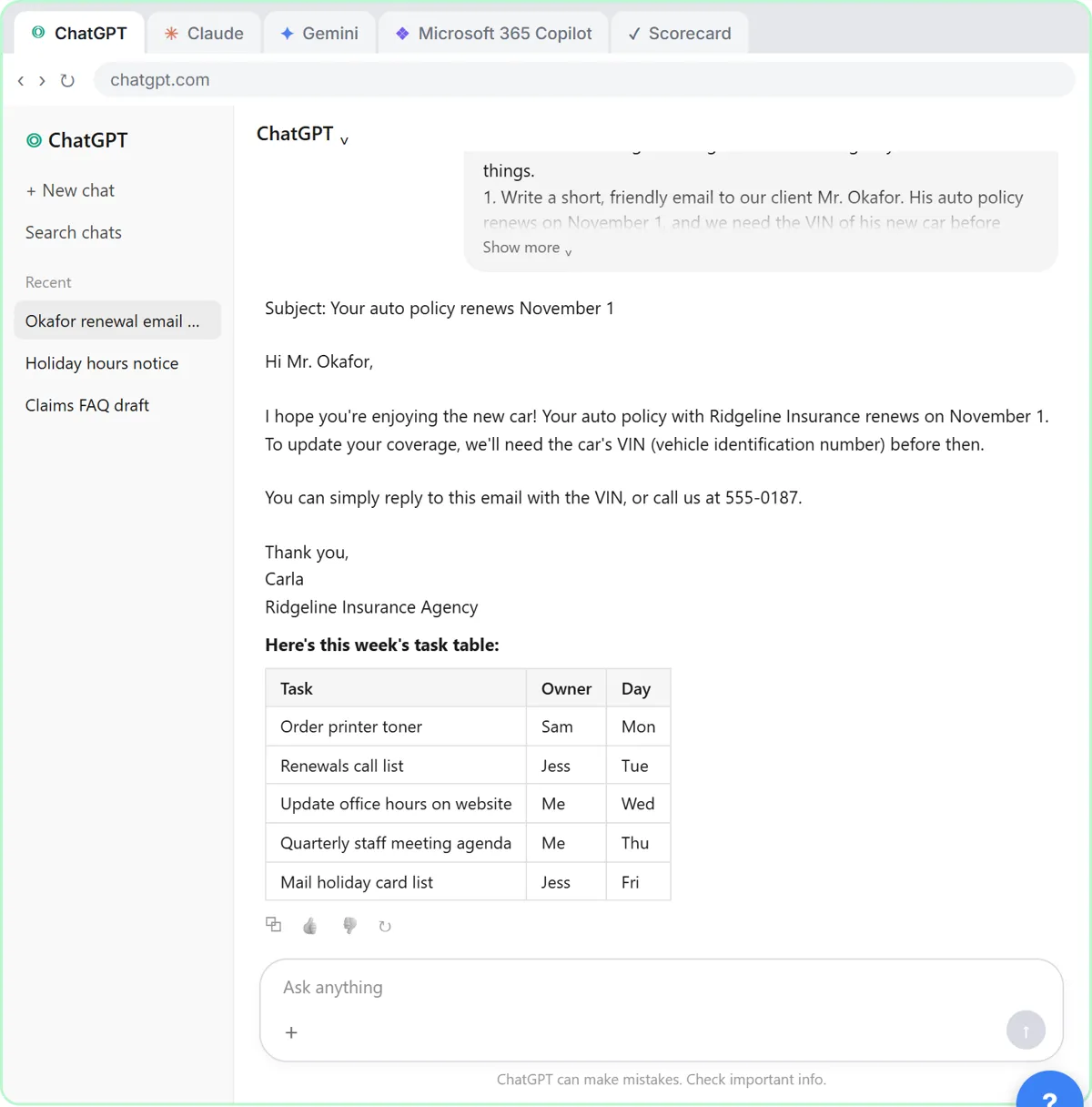
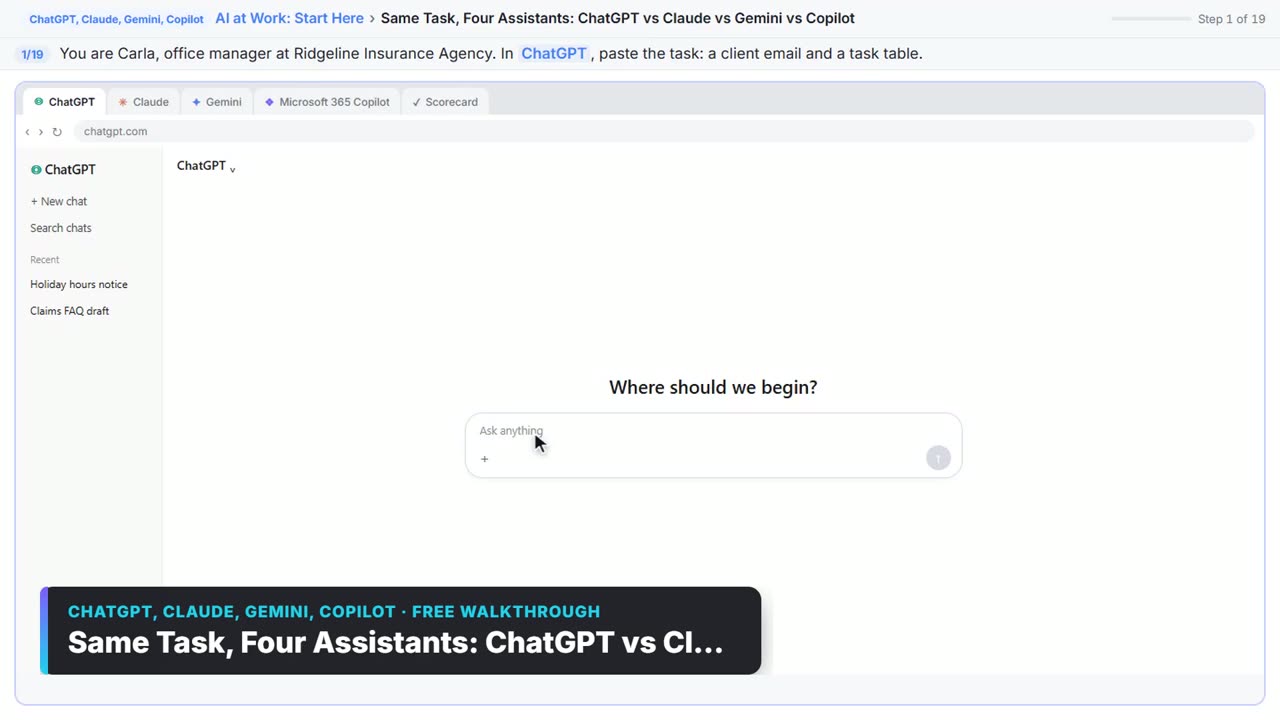
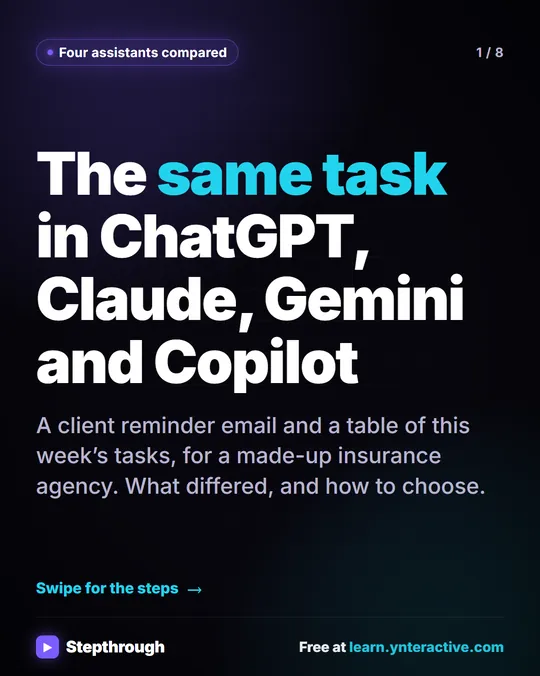
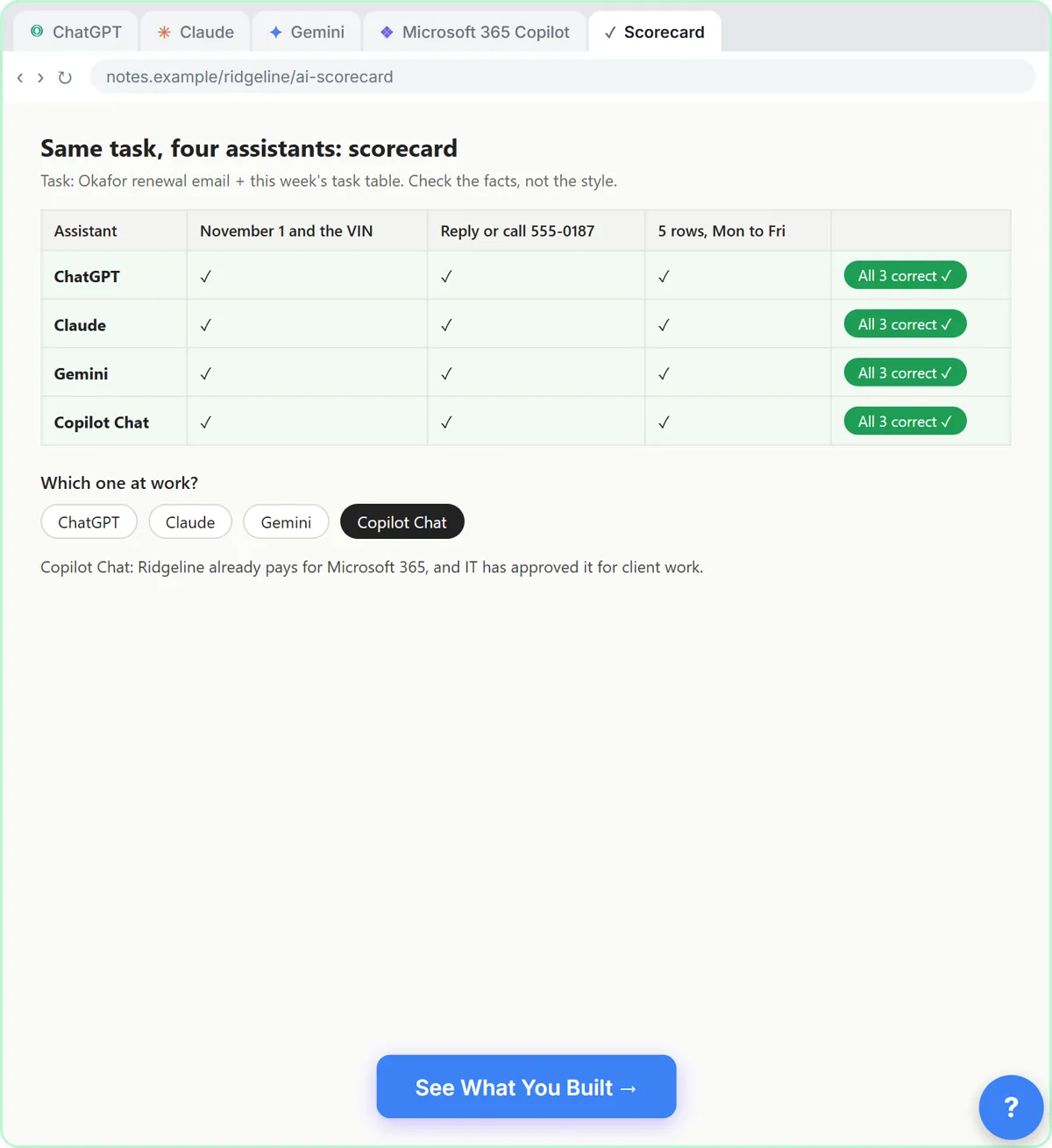
Use the one your company already pays for and allows. In the four-assistants lesson, you give one task to ChatGPT, Claude, Gemini and Microsoft Copilot: a client reminder email and a table of this week's tasks. All four get the date, the VIN request, the phone number and the five rows right. The differences are style, plus extras you didn't ask for, which you check.
The lesson's reasoning is that your company data stays under its rules in the assistant it provides. Ridgeline, the made-up agency in the lesson, runs on Microsoft 365, so it picks Copilot Chat; on Google Workspace the pick would be Gemini. At home, try the free plans and keep the one you like. The side-by-side version is ChatGPT vs Claude vs Gemini vs Copilot: One Task, Compared, and the full comparison checks prices.
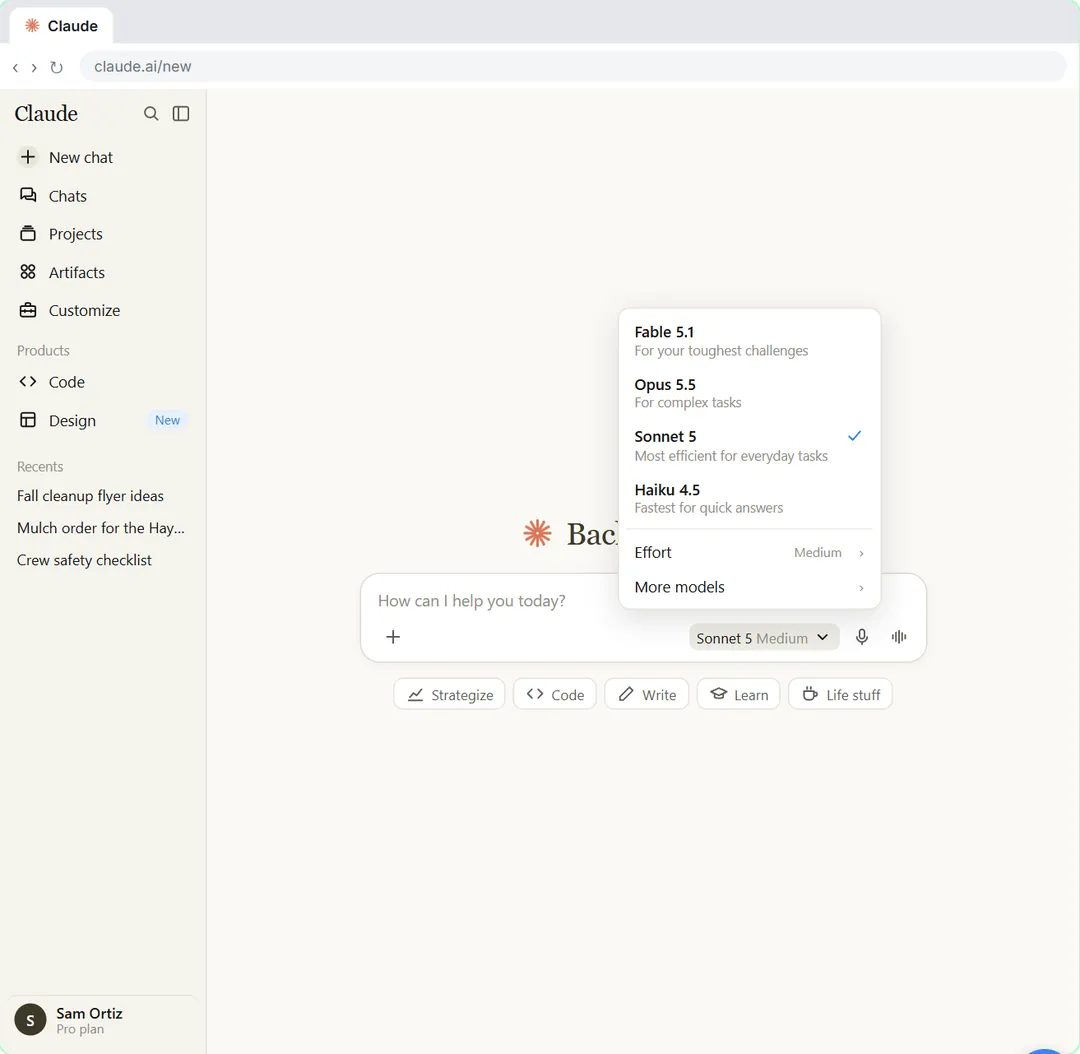
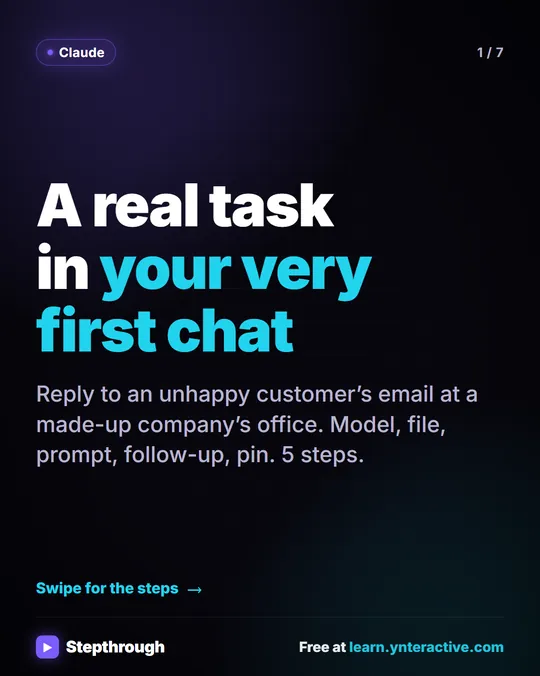
If you choose Claude, Your First Chat with Claude shows the model picker: Fable for your toughest challenges, Opus for complex and everyday work, Sonnet as the most efficient for simpler tasks and Haiku as the fastest. Names change with new versions and the Free plan shows fewer.
Which tool collects details from clients?
A form builder with AI built in. In Jotform AI: Build a Client Intake Form, you describe a form in one sentence and Jotform AI builds it, then you refine it with Form Copilot and write a show/hide rule in plain words. To answer routine questions instead of collecting details, Jotform AI Agents builds a chat agent that answers from what you teach it.
Jotform is a separate product with its own free and paid plans, and a new form is public by default.
Which tool makes a presentation?
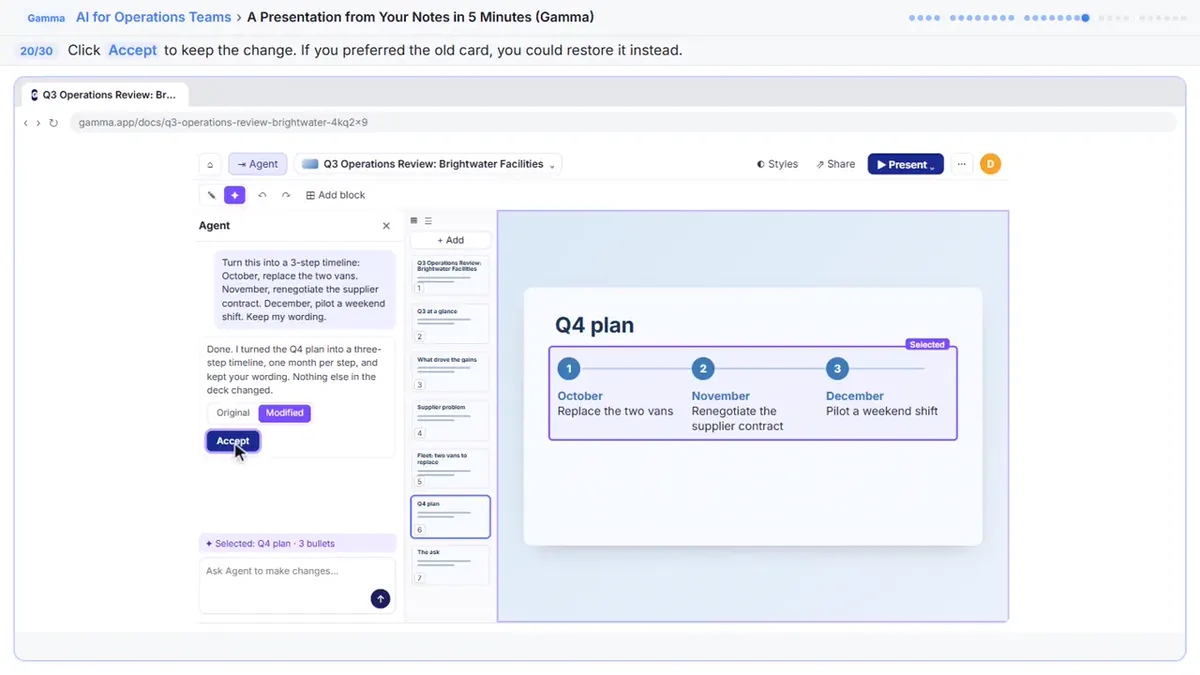
Gamma, when you start from rough notes. A Presentation from Your Notes in 5 Minutes pastes notes into Gamma, condenses them into a deck, changes a slide by chatting with Agent and exports to PowerPoint and PDF. The follow-on guide is Meeting Notes to Recap to Deck.
Which tool makes a short video?
It depends on whether you start from a script or a photo.
- From a script: Flova is an AI video agent. You paste the exact script, ask for the storyboard and the credit estimate before anything is made, then make one image and fix it. The video is the expensive part, so decide the plan and look first.
- From a product photo: DomoAI animates one still picture with Image to Video. You choose a model, 9:16 and 5 seconds, write a motion prompt and compare two versions.
Both are separate products with their own accounts, credits and plans, so check their pricing pages and terms for commercial use. Pictures of each routine: Flova: Plan a Promo Video Before You Spend a Credit and DomoAI: Product Photo to Short Clip in 5 Steps.
When should you use an automation or an agent instead?
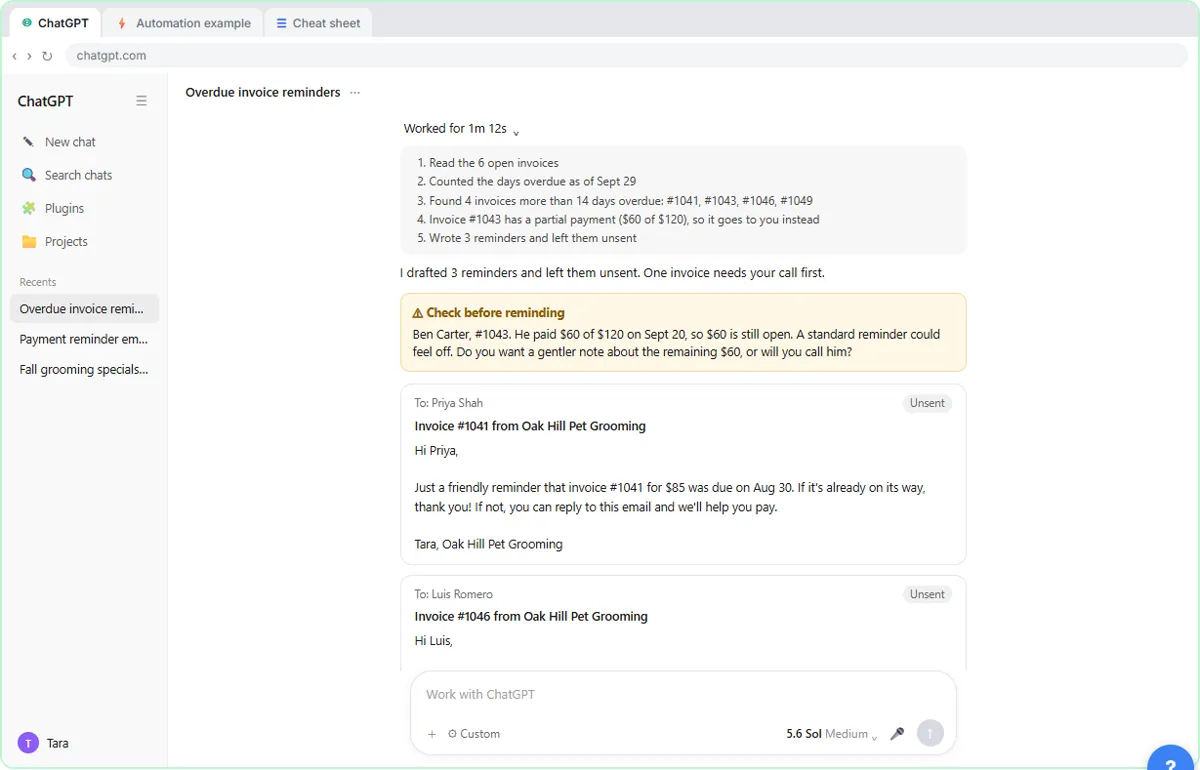
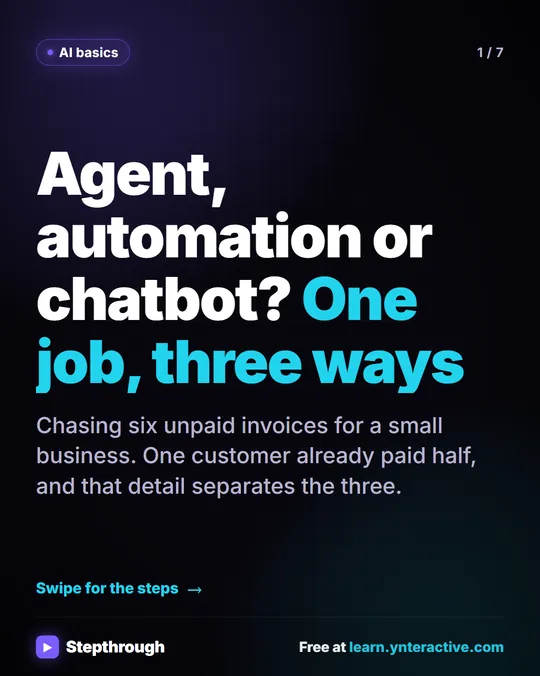
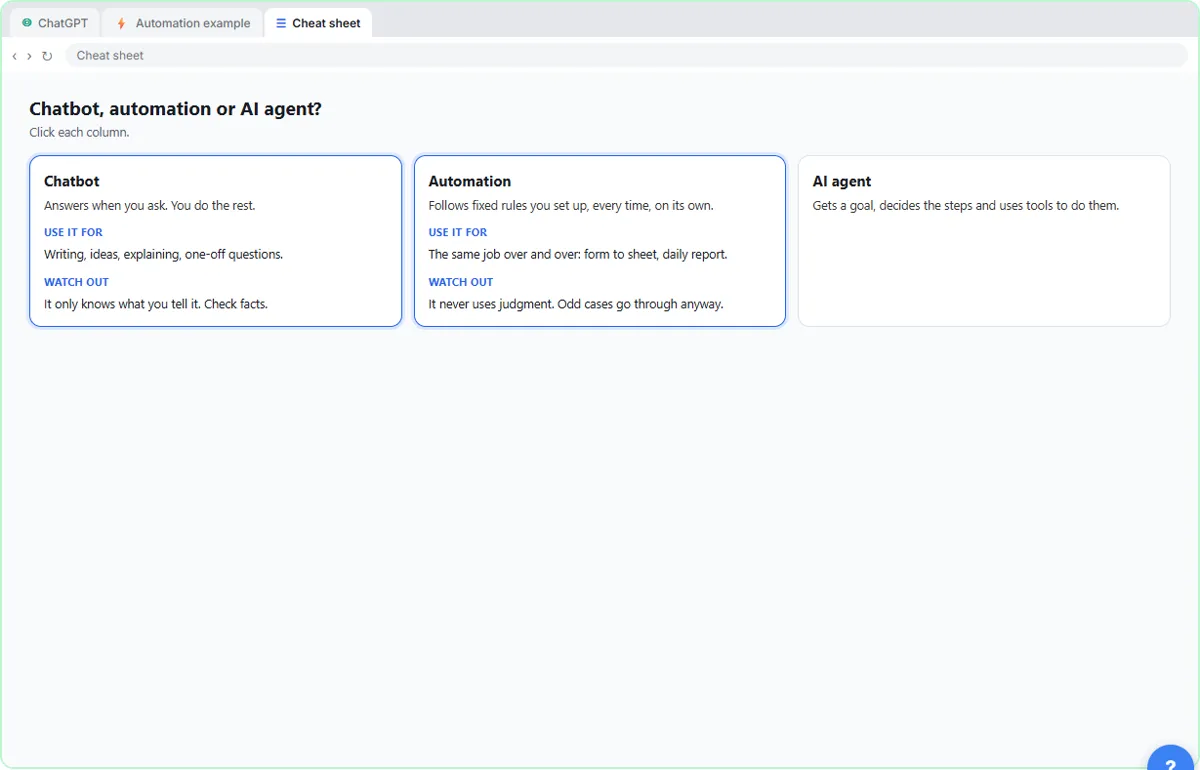
When the job repeats and the tool should run without you. AI Agent vs Chatbot vs Automation chases six unpaid invoices three ways. A chatbot writes a template with blanks and you finish the job. An automation follows fixed rules and reminds everyone, including a customer who already paid half. An agent gets a goal, drafts the right reminders unsent and flags the partial payment for a person.
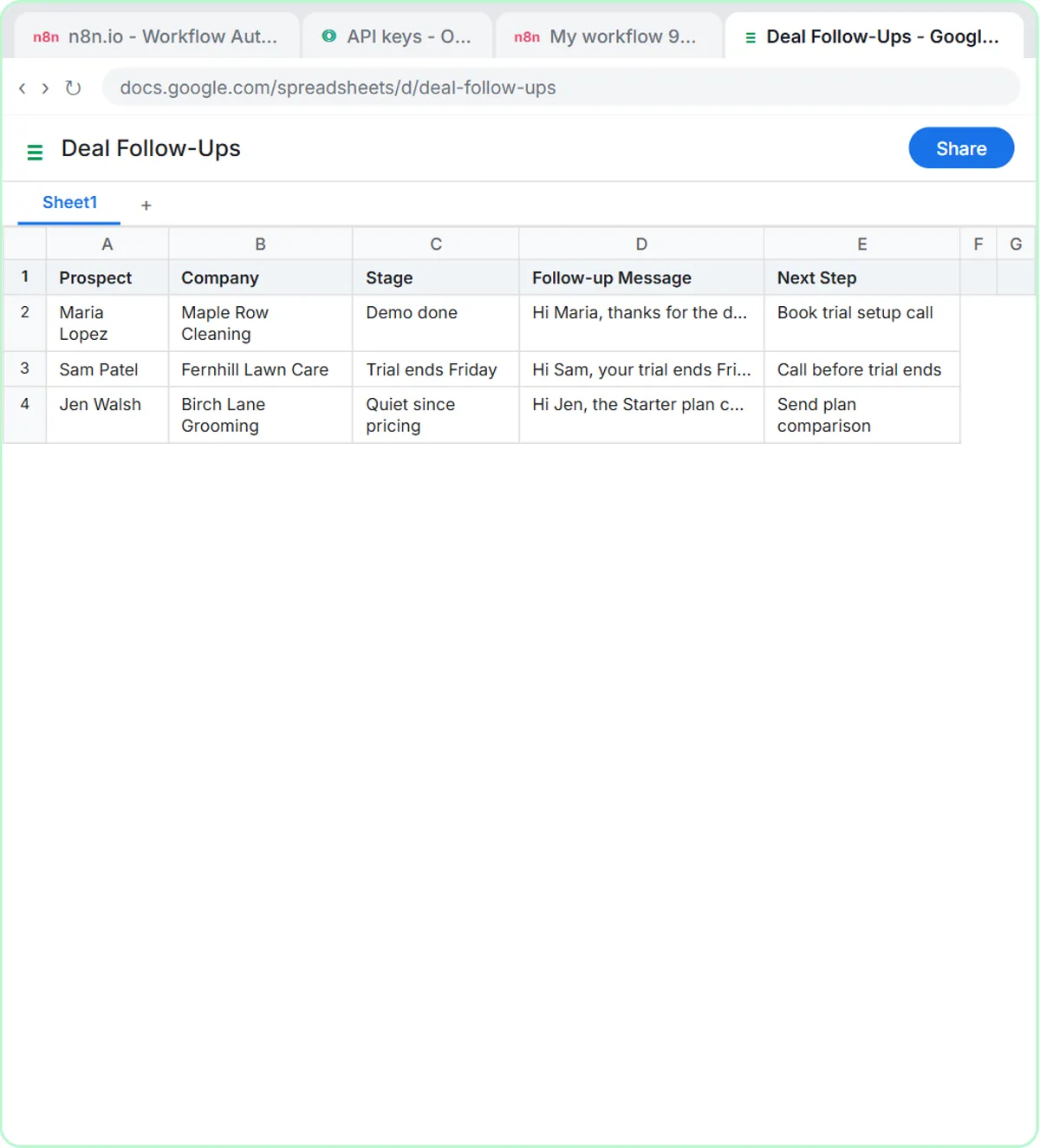
For building one in n8n, Talk to Your Google Sheets with ChatGPT connects a chat agent to a client roster, and IF and Switch routes work by rules. Both need care: check totals by hand, and name an owner for the first weeks.
What is a quick way to choose?
Use this table as a first pass, then take the lesson.
| The job | Start with | Free lesson |
|---|---|---|
| Draft or summarize something | An assistant your company allows | Same Task, Four Assistants |
| Collect client details | A form builder with AI | Jotform AI intake form |
| Answer the same questions all day | A chat agent trained on your answers | Jotform AI Agents |
| Make slides from notes | Gamma | Presentation from your notes |
| Make a short video | Flova (script) or DomoAI (photo) | Flova, DomoAI |
| Route or run work on its own | n8n | IF and Switch |
How do you avoid paying for tools you don't need?
Do one lesson for the job in front of you and use it on real work for a week. The lessons all run in practice copies, so you can see how a tool behaves before you open an account. Before anything goes on a company card, check each vendor's pricing page and get approval. The AI Apps Worth Knowing path groups the third-party apps in one list.
Key takeaways
- Start with the job, then pick the tool: assistants for drafts, forms for details, Gamma for decks, Flova or DomoAI for video, n8n for rules.
- For everyday work the big four assistants are close; use the one your company already pays for and allows.
- A chatbot gives an answer, an automation repeats a fixed rule, and an agent works toward a goal.
- Video tools spend credits, so plan first and check the output against the real product.
- Each tool is a separate product with its own plans: check pricing before you buy.
Frequently asked questions
- Do I have to pick just one AI tool?
No. Many offices use an assistant for writing, a form builder for intake and an automation tool for repeat jobs. Start with one and add another when a real job needs it.
- Is Claude or ChatGPT better for office work?
In the four-assistants lesson all four did the job on a normal office task, and the differences were mostly style. Which one you can use at work matters more.
- Which lesson should I take first?
Same Task, Four Assistants takes about 8 minutes and needs no account.
- Where can I see the apps in one place?
The AI Apps Worth Knowing learning path lists the third-party app lessons together.