AI is fast and usually close. The mistakes it makes are small and confident, which is exactly why a short routine beats trusting your gut.
Why does AI need checking if it usually gets things right?
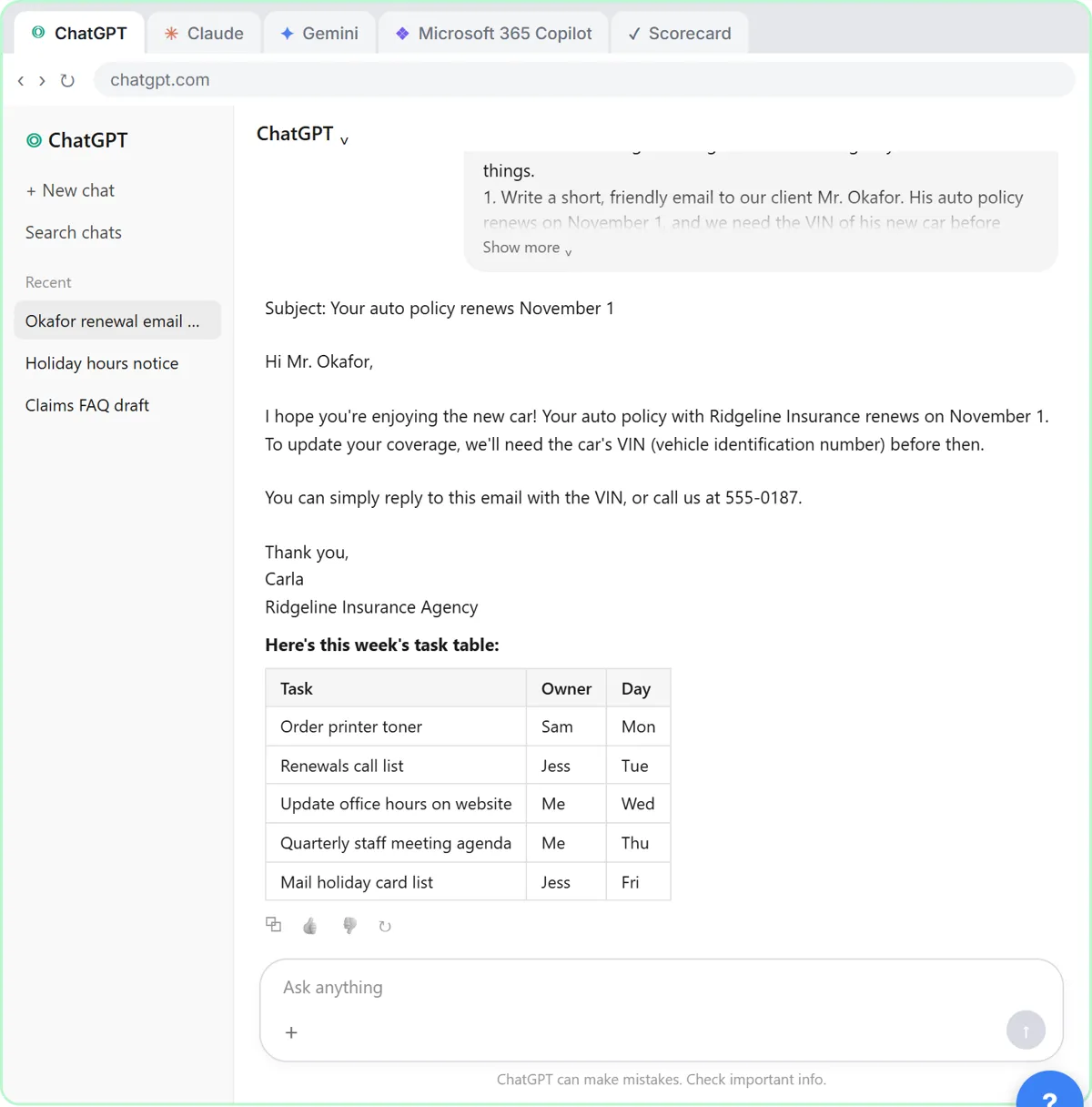
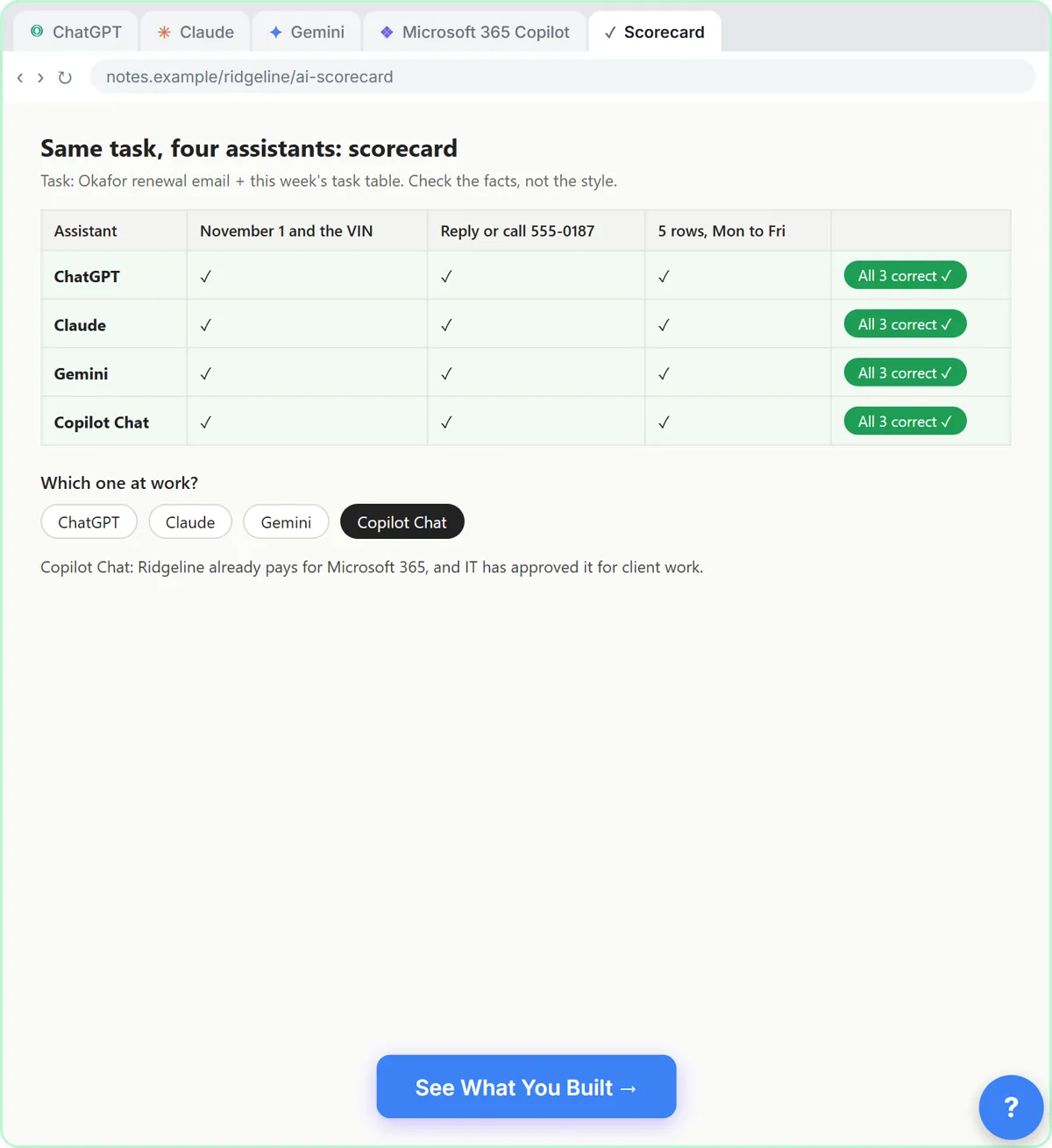
Because the cost of a small mistake lands on you, not on the AI. In Same Task, Four Assistants, ChatGPT, Claude, Gemini and Copilot all got the date, the VIN request, the phone number and the five task rows right. The differences were style, plus extra details nobody asked for. That is the typical picture: mostly right, with the occasional extra you must catch yourself.
The checks below take a minute each, and none needs special software.
How do you check a total or a count?
Add it up yourself. In the Talk to Your Google Sheets lesson, you ask the agent for the total monthly retainer for one account manager's Active clients. The correct sum is 2,500 + 1,800 + 1,900 = 6,200. In the lesson's first test the agent said 5,200: it found the right rows and added them wrong. Its answers vary from run to run, so yours may be right or wrong.
The lesson's takeaway is that models are good at finding rows and weaker at sums. Use the agent to find, and use a calculator or a spreadsheet formula to total.
How do you check a draft for promises?
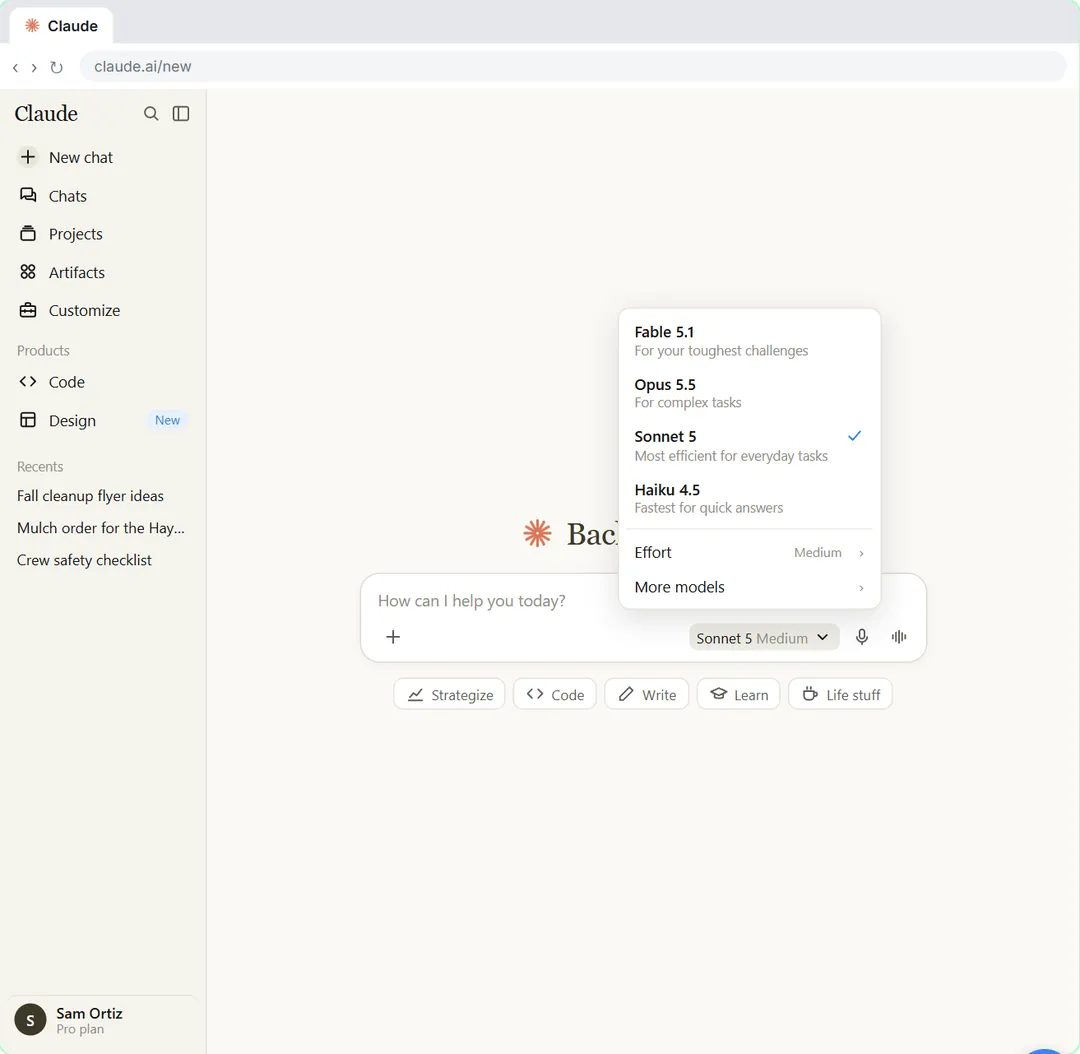
Read the draft as the customer would and ask what it commits you to. In Your First Chat with Claude, you attach an unhappy customer's email and write a four-part prompt. Claude drafts the reply and flags her refund request instead of promising one, and lists what to check before you send. Your follow-up then adds a specific 10% credit that you chose, rather than one the AI invented.
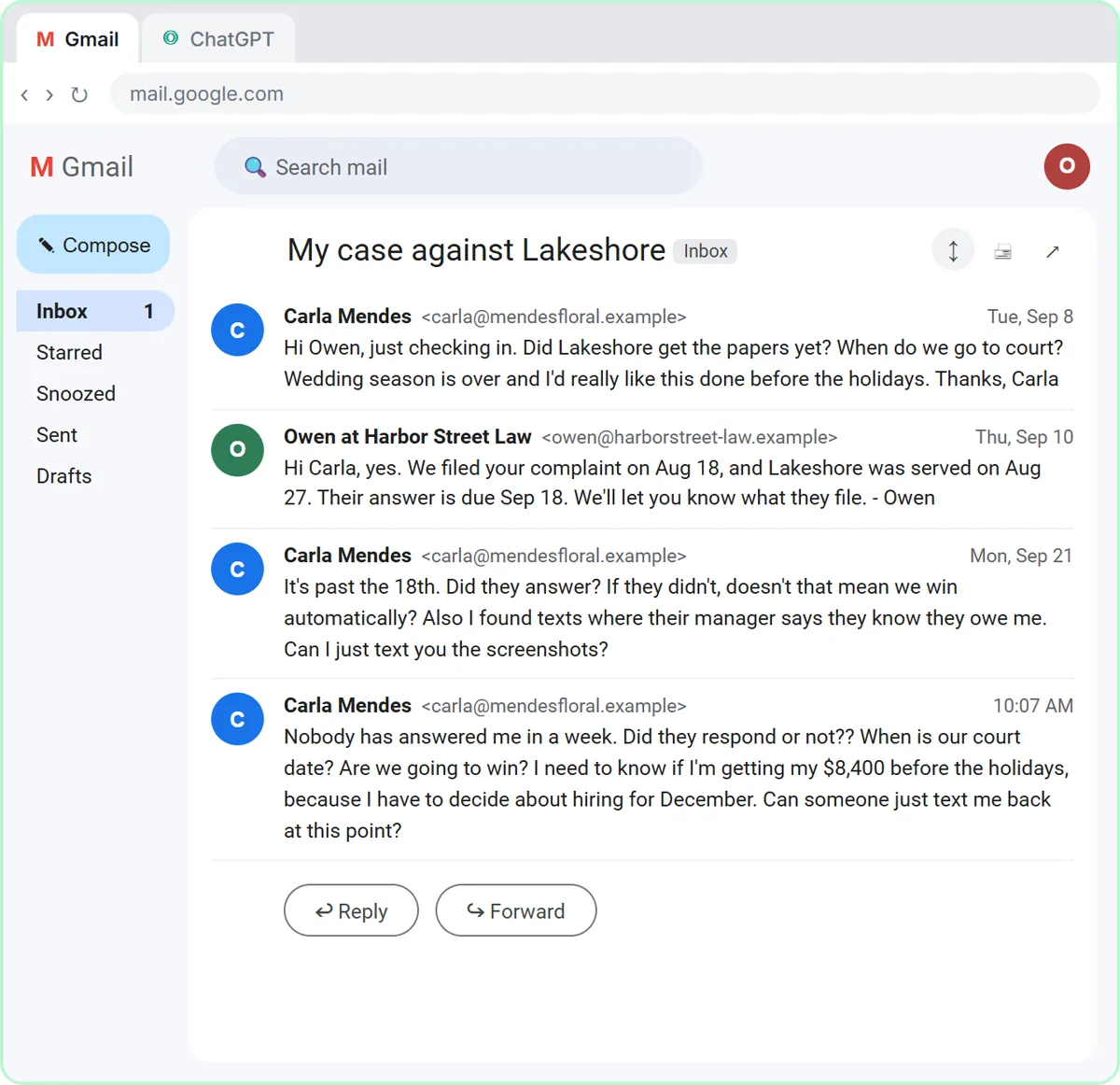
If a reply could create a second problem when it is wrong, make the AI show its work. The Check AI Email Drafts for Promises guide shows a table of every claim and the fact behind it.
How do you check rules an AI wrote for you?
Read them in plain words and compare them with what you asked for. In Jotform AI: Build a Client Intake Form, you describe a rule so that an extra field only shows to advisory clients. The AI writes two rules: if the service is Advisory, show the field; if it is not, hide it. That is what was asked for, and the lesson says to check it that way every time.
The same lesson adds a useful point: if the AI ever says it couldn't make a rule, believe it and ask again using an answer choice you can see.
How do you spot extras you didn't ask for?
Scan for details that weren't in your request. In the four-assistants lesson, Claude added a tip about where to find the VIN and Gemini put a job title and phone number under the signature. Helpful, maybe. But each is a new fact on a client email, so you confirm it or delete it.
How do you check numbers in a deck or a plan?
Compare each one with the source before it goes to anyone. In A Presentation from Your Notes in 5 Minutes (Gamma), Gamma condenses rough notes into a deck and writes its own version each time. The lesson has you click the last card, check the numbers, and reword the backlog line by hand to the exact figure. Then it has you open the exported PowerPoint once, because cards don't always map one to one onto slides.
Do the same for a video: in DomoAI, you watch the whole clip and check that the product, label and colors still match the real thing, with nothing odd added.
Why aren't green checks proof that a workflow worked?
Because a green check means a node ran, not that the output is right. In Execute Step, Execute Workflow and Publish, every node shows a green check and 1 item. The lesson sends you to the Google Sheet to check the real row, and it finds that the Service column is blank, because nothing sends it yet.
Whenever an automation reports success, open the place where the result should be: the sheet, the inbox, the form.
What is the last check before you send?
Read it once, top to bottom, as if someone else wrote it. This is the human-in-the-loop habit: AI drafts, a person decides. Put a name on it. If your team uses AI for client emails, decide who reads each draft before it goes out. Human in the Loop AI explains the idea, and the human in the loop glossary entry is short.
If you want a prompt that does part of this for you, try check reply promises.
Key takeaways
- Add up totals yourself: in one lesson test the agent found the right rows and still said 5,200 instead of 6,200.
- Read every promise, and make the AI list the facts behind each claim.
- Read every rule the AI wrote in plain words and compare it with your request.
- Treat extras you didn't ask for as unverified until you confirm them.
- Compare numbers in decks and clips with the source, and open the real result after a green check.
Frequently asked questions
- Do I need to check everything the AI writes?
Check what could cause a second problem if it were wrong: totals, dates, promises, names and anything a client will rely on. A casual internal brainstorm needs less.
- Why did the same lesson give different answers each time?
Models vary from run to run. The Talk to Your Google Sheets lesson says your answer may be right or wrong for that reason, which is why you check totals.
- Is it faster to skip AI and do it by hand?
Usually not. AI drafts quickly and the checks in this guide take a minute each, so you still come out ahead.
- Which lesson should I start with?
Start with Your First Chat with Claude for a prompt-and-read routine, or Same Task, Four Assistants to practice scoring answers on facts.